Type "18 AI free" into a search bar and you get a wall of apps that all promise the same three things: no filters, no cost, no waiting. Then you open one, send six messages, and a pop-up asks for a subscription. Sound familiar? This article sorts the marketing from the reality for adult-oriented AI chat and image apps, shows where the free limits actually sit, and points you to a route that stays fast, tasteful and genuinely usable without paying for every click.
Everything here is written for adults (18+) who want suggestive, glamorous, artistic results. We are not talking about explicit content, and we are not talking about real people who haven't agreed to appear in an image. That boundary matters more than any app feature, and it comes back later in the safety section.
What "18 AI Free" Really Means
The phrase is a bundle of three promises that rarely arrive together. 18 says the tool is for adults. AI says a model generates the output. Free says you won't pay. In practice, an app usually delivers two of the three and bills you for the third.
The Search Intent Behind It
People who search this phrase usually want one of four things:
- A chat companion that doesn't refuse romantic or mature roleplay
- An image generator that produces glamour, swimwear or boudoir-style portraits without constant blocking
- A way to try before paying, with no card on file
- A tool that doesn't log or judge what they type
Those are reasonable goals for an adult. The trouble is that "free" and "uncensored" are marketing words, not technical specs. Nobody audits them, so a lot of apps use the label as bait.
Uncensored vs Unfiltered vs Adult-Rated
These three terms get mixed up constantly:
| Term | What it usually means | What to expect |
|---|
| Uncensored | Fewer topic refusals in chat | Quality varies wildly, moderation is often hidden |
| Unfiltered | Image output isn't blurred or blocked by default | Often locked to paid credits |
| Adult-rated | The app is labelled 18+ in a store | Says nothing about how good or safe it is |
💡 Quick check: an app that calls itself "uncensored" but asks for your birth date, email and card on the first screen is collecting data first and delivering second. Treat that order of operations as a warning.
Free Uncensored Chat Apps

Chat apps are where the "free" label stretches the most, because text costs the provider real compute every time you press send.
How Most Chat Apps Make Money
The business model is almost always the same. The first few exchanges are generous, the bot is charming, and the memory seems great. Then the app starts to ration. You will typically meet one or more of these:
- Daily message caps that reset every 24 hours
- Short memory windows so the character forgets who you are after a few dozen turns
- Slow lanes, where free users wait behind paying users
- Locked personas, where the best characters sit behind a subscription
- Ads between replies, sometimes full-screen
None of this is shady in itself. Servers cost money. What bothers people is when the limits aren't shown up front.
Message Caps and Memory Limits
A cap of 20 to 50 messages per day is common on free tiers, and memory is usually the first feature to be trimmed. If you want a long, consistent story, check three numbers before you invest time: messages per day, context length (how much the bot remembers), and whether history is saved after you close the tab.
💡 Tip: write a short "character card" of four or five lines at the start of every session: name, personality, setting, tone. Pasting it again after a memory reset costs ten seconds and rescues the whole conversation.
LLMs You Can Try Today
Hosted chat models have their own safety rules, and none of the ones below is sold as an "uncensored" product. They are useful for creative writing, character drafting, prompt writing and flirty-but-tasteful dialogue, and they let you test how a model behaves before you commit to any app:
A practical trick: use one of these to draft a long, detailed image prompt, then paste it into an image model. A good prompt is half the result, and it costs nothing in image credits.
Free Image Apps and Their Real Limits
Image apps have the same problem as chat apps, with extra weight: pictures cost more to generate than text, so free tiers are tighter.
What Free Tiers Actually Give You
Reviews of the current crop of free 18+ image tools tend to land on the same finding: the free tier has improved, but the mature features and the speed still sit behind payment. Here is how a typical free tier compares with a paid one:
| Feature | Typical free tier | Typical paid tier |
|---|
| Daily generations | 3 to 10 images | Hundreds or "unlimited" |
| Resolution | 512 to 1024 px | 2K to 4K |
| Watermark | Large, in the corner | None |
| Queue | Minutes | Seconds |
| Mature-style output | Often blurred or blocked | Allowed |
| Commercial use | Usually not | Often yes |
Some sites say you can generate without even making an account. That sounds friendly, but it also hints at weak or non-existent age gating, which brings us to the limits nobody advertises.
Why Watermarks and Queues Exist
A watermark protects the provider from misuse and advertises the app at the same time. A queue protects their GPUs. Neither is a trick. But if you only ever see a watermarked 512 px result, you cannot judge what the model can really do. Before you decide an app is bad (or good), look at a paid-tier sample made by the app itself and compare it with what you got.
💡 Rule of thumb: if an app's free output looks noticeably worse than its homepage examples, the homepage shows paid-tier output.
Online Limits Nobody Tells You About
Beyond message caps and watermarks, there is a layer of rules that sits above the apps themselves.
Age Checks Are Getting Stricter
Apple and Google have been tightening age verification across their stores in response to new state laws in the United States, with several deadlines landing through 2026. Practically, that means:
- Apps rated 18+ can be hidden from accounts that haven't confirmed adulthood
- Some tools now request a selfie, an ID check or a card before showing mature content
- A few sites simply ask you to click "I am over 18", which is not verification, it's a checkbox
The ratings are inconsistent too. One "uncensored" image app can be listed as 16+ while another chat app is listed as 18+, even though they offer similar features. Don't treat a store rating as proof of anything.
App Store Removals
In early 2026, an investigation found more than a hundred "nudify" apps across the major stores, and both companies pulled a couple dozen after the report. If your favorite free app vanishes overnight, that is usually why. It also means that free apps built on thin, risky features are the least stable ones. Anything that depends on undressing photos of real people is both harmful and fragile, so skip it altogether.
Safety and Privacy Before You Sign Up

Adult content is personal. Treat it that way.
Data You Should Never Upload
Free apps pay for themselves somehow. If it isn't money, it's often data. Keep this short list in mind:
- Government ID photos, unless the verification comes from a clearly identified, well-known verification flow
- Photos of your own face or body that you wouldn't want leaked
- Real names, addresses and workplaces in chat
- Photos of other people, ever, without their clear permission
Use a separate email address, read the privacy page for one thing (does it say prompts and uploads may be used to train models or be shared?), and delete your history regularly.
Consent and Real People
This is the line that should never blur. Create fictional adults, stylized portraits and glamour concepts. Never generate sexualized images of a real person without consent, and never anything involving minors. It is illegal in many places, it hurts real people, and any platform worth using blocks it.
💡 Good habit: describe fictional characters from scratch (hair, outfit, mood, location) rather than uploading a photo of someone you know.
A Better Free Route on PicassoIA
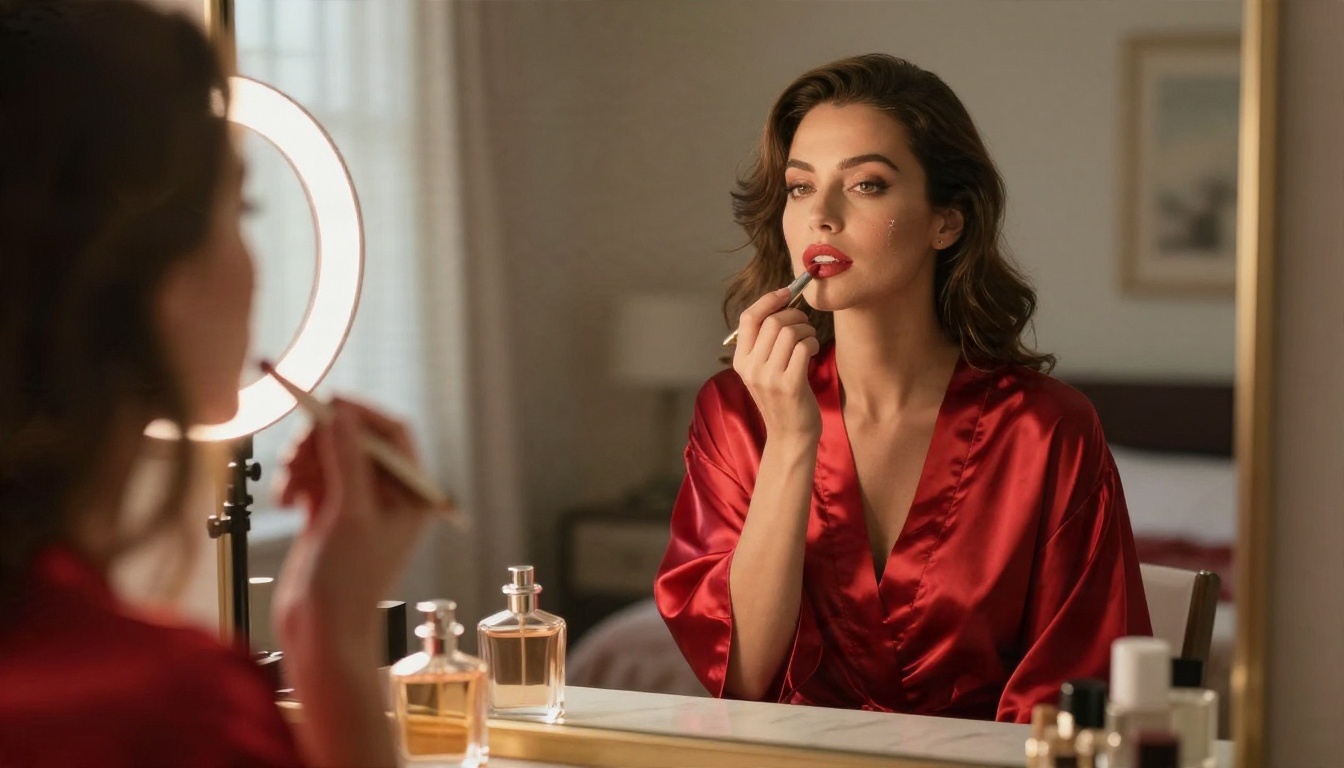
If what you want is suggestive, beautiful, magazine-style imagery (swimwear, boudoir light, evening glamour, artistic portraits) without the daily counters and blurred previews, PicassoIA is built for that. The focus is aesthetics, non-explicit and attractive, with a lot of models in one place so you aren't locked into a single filter.
Start With Seedream 4.5
Seedream 4.5 is the model to open first for adult-style glamour work. It makes sharp, 4K-class photographic portraits with believable skin texture, fabric sheen and natural light, which is exactly what suggestive editorial imagery depends on.
How to use it, step by step:
- Open the model page and choose a 16:9 ratio for scenes, or portrait ratios for single subjects.
- Write the prompt as: subject and pose, outfit, location, light direction, lens.
- Say "adult woman in her late twenties" or "adult man in his thirties" so ages are never ambiguous.
- Add photographic words: 85mm f/1.8, Kodak Portra 400, soft window light from the left.
- Generate two or three variations and keep the best one.
💡 Prompt example: "Adult woman in a red satin robe at a sunlit vanity mirror, golden afternoon light from the left, 85mm f/1.8, visible skin texture, film grain."
Edit With Image Editor Pro
Once you have an image you like, PicassoIA Image Editor Pro is where you polish it. It offers unlimited generations, so you can keep adjusting outfits, backgrounds, lighting and mood without watching a credit counter fall. That is the main difference compared with most free apps, where each retry burns something you can't get back.
Useful edits to try:
- Change the outfit color from black to emerald without touching the face
- Swap the background from a bedroom to a terrace
- Soften lighting from harsh to golden hour
- Fix small flaws such as hands or stray hair
Other Models Worth Testing
No single model is best at everything, so test a few with the same prompt:
Each model has its own rules about what it will render, so if one blocks a prompt, adjust the wording or try another model rather than hunting for loopholes.
Prompts That Give Better Glamour Results
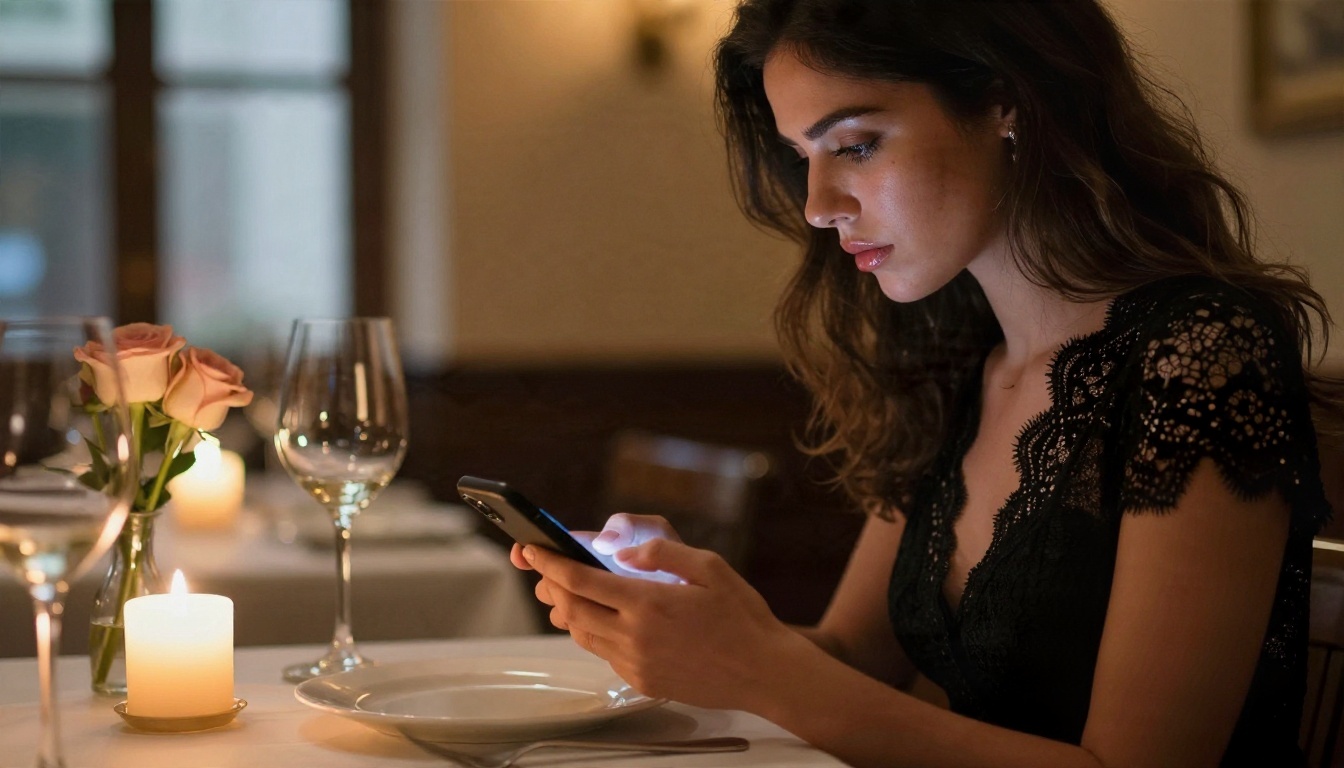
Whether you use a free app or a platform with more models, the prompt matters more than the logo on the website.
Build the Prompt in Layers
Write in the same order every time:
- Subject: "adult woman, late twenties, wavy chestnut hair"
- Wardrobe: "black silk camisole", "white linen wrap skirt", "lace-trimmed evening dress"
- Place: "velvet sofa in a loft", "Mediterranean terrace", "candle-lit restaurant"
- Light: "warm lamp from the left, cool dusk from the window"
- Camera: "85mm f/1.8, shallow depth of field, Kodak Portra 400"
- Texture: "visible pores, silk sheen, flyaway hairs"
Words That Help and Words That Hurt
| Helps | Hurts |
|---|
| natural skin texture | perfect flawless skin |
| soft window light | glowing, magical |
| film grain, Kodak Portra 400 | ultra HD digital art |
| candid pose | plastic doll face |
| 85mm lens, f/1.8 | extreme fisheye |
Photographic vocabulary pushes the model toward realism. Keywords like "digital art" or "3D render" push it away.
Fix Common Mistakes
- Odd hands: crop the hands out of the frame, or ask for the hands to hold an object such as a phone or glass
- Waxy skin: add "visible pores, natural imperfections" and lower the retouching language
- Too dark: name a light source and its direction instead of just "moody"
- Same face every time: change the age range, hairstyle or lighting setup between runs
Free vs Paid: The Honest Comparison
So what should you actually pick? Here is a plain summary, based on what matters for most adult users.
| What you want | Typical free app | Multi-model platform |
|---|
| Daily limit | Low and visible | Higher, or unlimited on select tools |
| Output quality | Often 512 to 1024 px | Up to 4K on top models |
| Watermark | Common | Not the default |
| Variety of looks | One house style | Many models to compare |
| Editing | Rarely included | Built-in editors |
| Privacy clarity | Often vague | Check the policy, same as anywhere |
The honest answer is that no tool is both fully free and fully unrestricted. The goal is to find the one whose limits you can live with. For chat, that means short sessions, a character card and a daily cap you can plan around. For images, it means a platform where retries don't punish you and where you can compare several models.
💡 Budget tip: draft prompts with a free chat model, generate your first pass on one image model, and only then move to editing. You will use about a third of the attempts.
Try It Yourself Tonight
You now have a clear picture: free adult AI apps are real, but each one rations something, whether that is messages, memory, resolution or speed. The smart move is to test with a plan. Write one detailed prompt, run it through two or three models, and compare the results side by side.
Start with Seedream 4.5 for the first render, polish it in PicassoIA Image Editor Pro, and use a chat model such as Gemini 3.5 Flash to write sharper prompts. When you want even more choice, browse every model at picassoia.com/en/all-models and build your own glamour, swimwear or evening-portrait set. Open a model, paste your prompt, and see what you can create in the next ten minutes.


