The demand for +18 AI video generators has exploded in the past year. Creators, adult content producers, and curious individuals are all asking the same question: can you actually create adult AI videos for free, without a subscription or watermark? The short answer is yes, but with real nuances about what "free" actually means across different platforms and models.
This breakdown covers exactly how the best free +18 AI video generators work, which models produce the most realistic NSFW results, and how to write prompts that get the best output while staying within platform guidelines.
What +18 AI Video Generators Actually Do
Text to Video vs. Image to Video
Modern +18 AI video generators operate in two distinct modes, and knowing the difference saves a lot of frustration.
Text-to-video models take a written prompt and generate video from scratch. You describe a scene, a person, a mood, and the AI renders it into motion. Models like Kling v3 and WAN 2.6 T2V are optimized for this workflow, producing 5-10 second clips with surprisingly coherent motion physics.
Image-to-video models take a static image you provide and animate it. You upload a photo of a person or an AI-generated portrait, and the model adds motion: breath, hair movement, environmental animation, subtle weight shifts. WAN 2.6 I2V and Hailuo 2.3 are among the strongest options for this use case.
For adult content specifically, image-to-video tends to produce more consistent results because you control exactly how the subject looks before the animation begins.
How Free Tiers Work
Nothing in AI is truly free, but many platforms offer credit systems that effectively give you free generations every day or month.
The way it typically works:
- Daily credits: A set number of tokens or credits reset each day. Use them, they are gone, come back tomorrow.
- Trial credits: One-time allocation for new users, enough to test quality before committing.
- Watermarked output: Some free tiers add a subtle watermark to videos. Paid tiers remove it.
- Resolution limits: Free generations often cap at 480p or 720p. 1080p requires credits or a paid plan.
The platforms that offer the best free access for adult content generation combine open-weight models or minimal content filtering on NSFW prompts with daily credit resets.
Top Free +18 AI Video Models Right Now
Not all AI video models are equal when it comes to adult content. Some have aggressive safety filters that block anything remotely suggestive. Others are more permissive. Here are the ones that actually deliver results for +18 content.
Kling v3 for Realistic Human Motion
Kling v3 by Kwai is currently one of the most capable +18 AI video generators available. What separates it from the competition is how it handles human anatomy and natural body physics. When you generate a dancing figure, a woman walking in lingerie, or an intimate scene, Kling v3 renders the motion in a way that feels physically plausible.
What it does best for adult content:
- Natural skin texture and body movement
- Consistent face across all frames (a major advantage for adult creators)
- Strong prompt adherence for clothing, pose, and environment
- 5-second generations with the option to extend
Free tier: Kling offers limited free daily generations. Results are watermark-free on standard quality.
WAN 2.6 for Cinematic NSFW Scenes
WAN 2.6 T2V from the Wan Video team is an open-weight model that handles suggestive prompts without the heavy-handed filtering of some commercial models.
The image-to-video variant, WAN 2.6 I2V, is particularly useful when you start with a high-quality AI image and want to animate it. Upload your portrait, describe the motion, and WAN 2.6 delivers cinematic results.
💡 Tip: WAN 2.6 responds well to cinematic descriptors. Phrases like "soft focus," "shallow depth of field," and "golden hour lighting" dramatically improve the visual quality of your adult video outputs.
PixVerse v5.6 for Stylized Adult Content
PixVerse v5.6 leans more stylized than strictly photorealistic, but it has notably lenient content policies compared to Western competitors. If you want adult AI videos with a polished, cinematic look rather than raw realism, PixVerse consistently delivers impressive output.
It handles long, detailed prompts well, and its motion consistency across a 5-second clip is excellent. Characters stay stable, environments hold their structure, and the overall production value of its outputs feels higher than its free-tier position suggests.
Hailuo 2.3 for Speed and Volume
Hailuo 2.3 by MiniMax is the go-to when you need volume. If you are testing multiple concepts, iterating on prompts, or building a content pipeline, Hailuo 2.3 generates fast without sacrificing quality. Pair it with Hailuo 2.3 Fast for even quicker turnaround during the prototyping phase.
Free generations come with modest daily limits, but for rapid iteration before committing to a higher-quality render, it is hard to beat.
How to Use Kling v3 on PicassoIA
Since Kling v3 is the strongest free option for realistic human motion in +18 content, here is exactly how to use it step by step.
Step 1: Generate Your Base Image
Kling v3 works in both text-to-video and image-to-video mode. For adult content, the image-to-video path produces better results. Generate your base image first using a text-to-image model, get the character looking exactly how you want, then upload it to Kling for animation.
Step 2: Write Your Motion Prompt
Your prompt should focus on motion, not description. Kling already sees what is in the image. Tell it what should move and how:
"She slowly turns toward camera, hair falling across her shoulder, soft smile forming, candlelight flickering in the background."
Not: "Beautiful woman in lingerie sitting on a chaise lounge."
Step 3: Set Your Parameters
| Parameter | Recommended Setting |
|---|
| Duration | 5 seconds |
| Mode | Standard (free tier) |
| Camera | Static or slow push-in |
| Style | Cinematic |
| Negative prompt | cartoon, 3D, illustration, CGI, animation |
Step 4: Generate and Review
Check the first generation before spending more credits. If the motion feels unnatural or the character drifts from the source image, adjust the motion prompt to be more specific. Less ambiguity produces better adherence.
Step 5: Extend the Clip
Kling allows you to extend generated clips. A solid 5-second base becomes 10 seconds by asking it to continue the motion naturally. This is extremely useful for adult content where longer scenes feel more engaging overall.
Images First, Videos Second
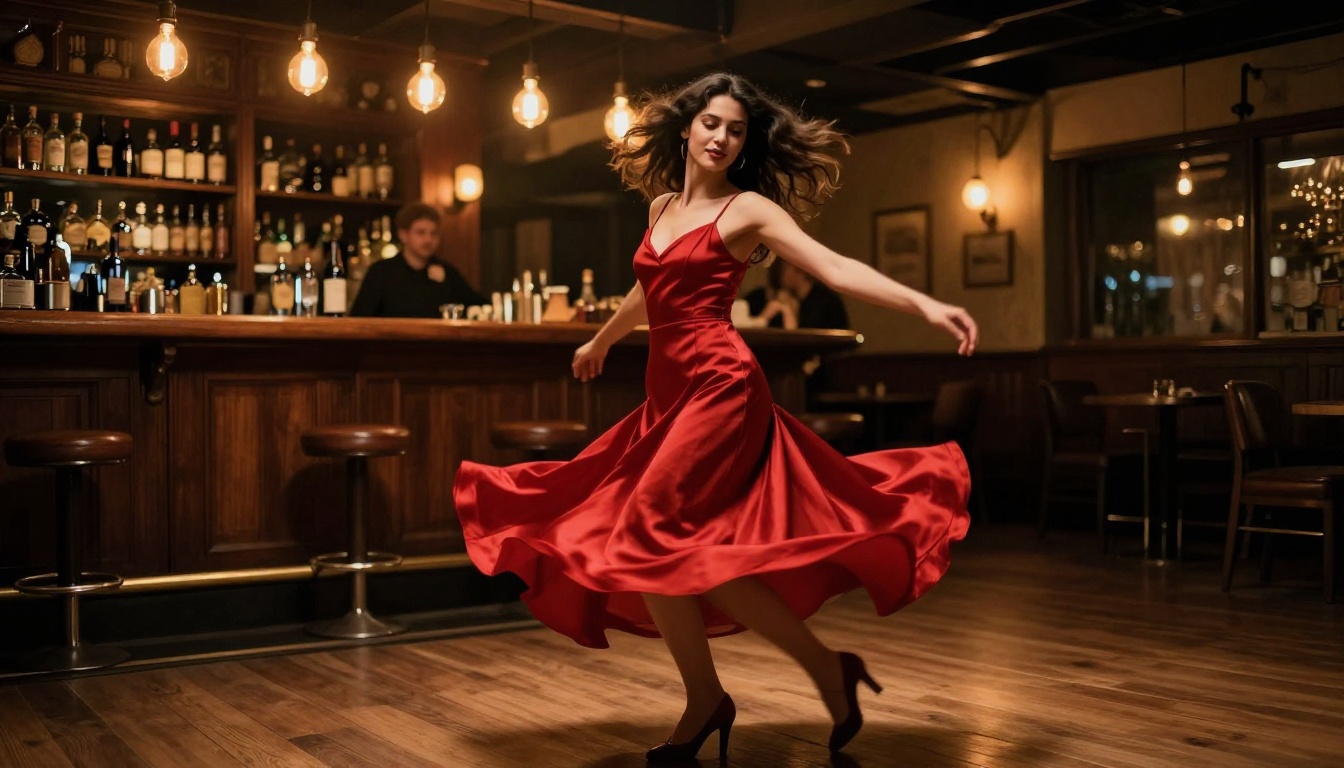
One of the biggest mistakes new adult AI video creators make is jumping straight to video generation without a clear visual concept first. The smarter workflow starts with still images.
Starting with AI Images
Text-to-image models are faster, cheaper, and far more controllable than video models. Use them to nail down exactly how your subject looks: skin tone, hair, body type, clothing, environment, lighting. Once you have an image you love, animate it with an image-to-video model.
This workflow means you spend fewer video credits on "wrong" outputs. You perfect the look in image generation, which is fast and cheap, then spend your video credits only on animation.
💡 Pro tip: Generate 3-5 variations of your base image, pick the best one, then send it to WAN 2.6 I2V or Kling v3 for animation. Your success rate for high-quality adult video output will be significantly higher than going text-to-video cold.
When to Go Directly to Video
Direct text-to-video makes sense when:
- You want a specific camera move that a still image cannot capture
- The scene involves environmental motion like waves, fire, or rain rather than a person
- You are testing new models and want to see how they handle a prompt style
For models like Seedance 1 Pro and LTX 2.3 Pro, text-to-video with strong environmental prompts yields impressive results even without a base image.
Prompting for +18 AI Content
The difference between a mediocre adult AI video and a genuinely impressive one almost always comes down to the prompt. Here is what separates working prompts from ones that get blocked or produce poor results.
What Works in Your Prompts
Be cinematic, not clinical. Instead of describing body parts directly, describe the scene, the lighting, the emotion, the movement. Think like a film director.
"Slow motion hair falling across bare shoulders, candlelight casting long shadows, low-angle camera, shallow focus on her face as she looks directly into the lens."
Use fashion and artistic language. Words like lingerie, bikini, boudoir, intimate portrait, and editorial photography signal to the model what register to operate in without triggering hard content filters.
Describe the environment richly. A bed in a luxury hotel room, a pool at sunset, a boudoir with velvet drapes, a jazz bar at midnight. Strong environments make adult content feel intentional and produced rather than random.
What Gets Filtered Out
Most major platforms filter:
- Explicit nudity (visible genitalia or sexual acts)
- Any suggestive content involving minors (absolute zero tolerance, rightfully)
- Non-consensual scenarios described directly in prompts
- Graphic violence combined with sexual content
The models in this article, including Kling v3, WAN 2.6, and PixVerse v5.6, allow suggestive and non-explicit NSFW content while blocking hardcore explicit material. This is the realistic ceiling for free, cloud-based +18 AI video generation.
Free vs. Paid: The Real Difference
Here is an honest comparison of what you get for free versus what requires payment:
| Feature | Free Tier | Paid Tier |
|---|
| Daily generations | 3-10 clips | Unlimited (credits-based) |
| Video resolution | 480p to 720p | Up to 1080p |
| Watermark | Sometimes present | Removed |
| Queue priority | Standard | Fast or priority |
| Clip length | 5 seconds | Up to 10+ seconds |
| Model access | Core models | All models including newest |
| Content policy | Standard NSFW | Same (not more explicit) |
The honest reality: free tiers are enough to create genuinely impressive adult AI video content. The limitations are volume and resolution, not quality ceiling. A free Kling v3 generation at 720p still produces dramatically better results than what cost hundreds of dollars on early AI video platforms two years ago.
Paid tiers make sense when you are building a content business that requires consistent daily volume at scale. For personal use or occasional creation, free access is completely viable.
Other Models Worth Knowing
Beyond the main four, several other models in the text-to-video space deserve attention for specific +18 use cases.
P-Video by PrunaAI handles audio-to-video generation, meaning you can sync adult video output to audio tracks, music, or voice. This is useful for creators building content with audio components and narrative storytelling.
WAN 2.5 T2V is the predecessor to 2.6 but still performs excellently and sometimes handles specific prompt styles better than the newer version. Worth testing when 2.6 gives inconsistent results.
Kling v2.6 is the slightly older version of Kling v3. Its free tier is often more generous in daily credits, and output quality is still very high. A reliable fallback when v3 free credits run out for the day.
Seedance 1 Pro by ByteDance produces some of the most temporally consistent outputs available, meaning characters stay stable across the entire clip without the face-drift problem that affects many video models. For adult content where subject consistency is critical, Seedance is underrated.
LTX 2.3 Pro from Lightricks handles complex scene descriptions with multiple elements well, which makes it strong for +18 scenarios involving specific environments, moods, and layered visual storytelling.
Start Creating Your Own +18 AI Videos Now
The tools to create free adult AI videos are available right now. The models covered here, Kling v3, WAN 2.6, PixVerse v5.6, Hailuo 2.3, and Seedance 1 Pro, are all accessible without a credit card, each with enough free daily capacity to produce real results.
The biggest variable is not the platform. It is the quality of your prompt and the workflow you use. Start with a strong base image. Write motion-focused, cinematic prompts. Iterate fast using the quicker models, then commit your credits to the final render on Kling v3 or Seedance 1 Pro.
If you want a single platform that gives you access to all of these models in one place, plus text-to-image generation for your base characters, PicassoIA puts over 87 video generation models side by side, all accessible from the same interface without switching between different tools.
Pick a concept. Generate a still. Animate it. The barrier between imagination and free +18 AI video has never been lower.


