Most people who search for an 18+ character creator want the same thing: a believable adult character with a face, a personality and a look that stays the same from one picture to the next. They also want it without a paywall on the first click. The good news is that this is now easy to do in a browser, in a few minutes, with nothing more than a well-written prompt. The bad news is that half the tools out there bury the useful features behind credits, and most prompts you find online produce the same plastic, over-smoothed face.
This article fixes both problems. You will see how free online creators actually work, which prompt structure gives photorealistic results, three full AI girlfriend examples you can copy, and an honest comparison of app options. Everything here is about adult, non-explicit, glamour-style characters: think beachwear, evening dresses, cozy sweaters and flattering light, not pornography.
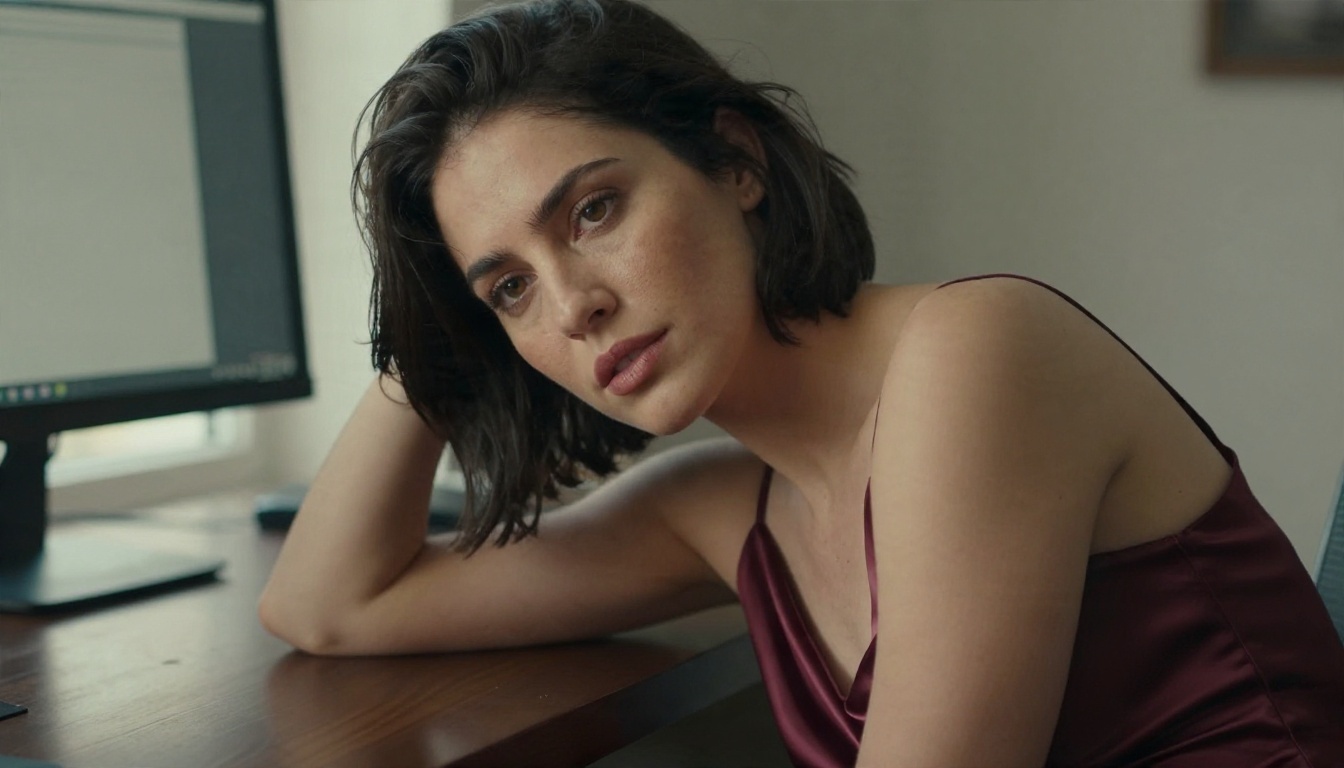
What an 18+ Character Creator Does
An 18+ character creator is a tool that turns a written description into a consistent adult persona. Depending on the tool, that persona can be a still image, a set of images, a chat companion, or all three together. The "18" matters for two reasons: the characters are clearly adults, and the platforms that host them are meant for adult users.
Image creators versus chat companions
There are two families of tools, and mixing them up wastes time.
- Image creators generate pictures from a prompt. You control the face, hair, outfit, lighting and setting. Nothing talks back.
- Chat companions (the "AI girlfriend" apps) give you a text conversation with a personality, usually with a few preset avatars.
- Hybrid setups combine both: you write the personality with a language model, then build the visuals with an image model so the character looks exactly how you imagined.
If you care about how a character looks, an image model gives you far more control than any preset avatar slider. If you care about conversation only, a companion app is the shortcut. Most people end up wanting both, which is why the hybrid route is worth a closer look.
Why adult characters need clear rules
Every character in this article is an adult, and every example prompt says so explicitly (for instance "adult woman in her late twenties"). That is a good habit for any creator. State the age range in the prompt, never base a character on a real person without their consent, and keep the content within the rules of the platform you use. It protects you, and it also happens to give better results, because models respond well to specific age cues.
How Free Online Creators Really Work
Under the hood, almost every free creator does the same three things: it takes your text, sends it to an image model, and returns a picture. The differences are in the model quality, the number of free generations and how much control you get.

What "free" usually means
Free tiers tend to fall into four patterns:
| Pattern | What you get | The catch |
|---|
| Daily credits | A few images per day | Resets are slow, quality may be capped |
| One-time trial | A bundle of credits on sign-up | Runs out in one session |
| Watermarked output | Unlimited, but marked | Not usable for sharing or portfolios |
| Truly open generation | Large or unlimited volume | Rarer, so check the model quality |
The most useful pattern for character building is the last one, because a good character takes 10 to 30 attempts before the face feels right. If you only get three images a day, you will never reach consistency.
Why the model matters more than the app
Two apps can look identical and still produce very different faces, because they run different models. A strong photorealistic model gives you natural skin texture, believable hands and sensible lighting. A weak one gives you waxy skin and odd fingers. Before you pick a creator, look at which model sits under it.
💡 Tip: Generate the same prompt in two tools and compare the skin, not the pose. Pores, fine hair and uneven color are the quickest sign of a photorealistic model.
The Prompt Structure That Works
Good character prompts read like a photographer's brief. They name the subject, the setting, the light, the lens and the film look. Vague prompts such as "beautiful girl, 8k, masterpiece" give generic results because the model has nothing specific to commit to.
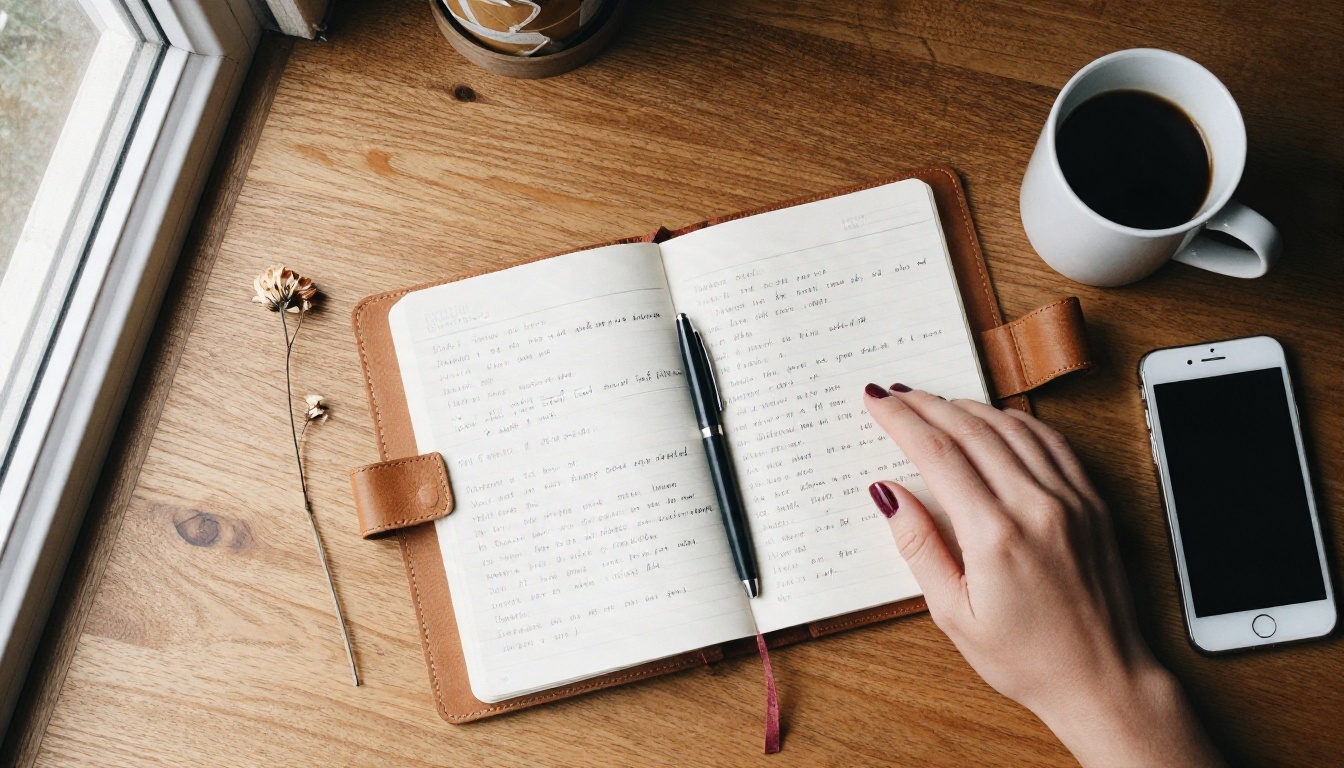
The five-part formula
Write your prompt in this order:
- Subject: age range, hair, eyes, skin details, expression.
- Outfit: fabric and cut, such as "black silk camisole" or "coral bikini top and denim shorts".
- Setting: a real place with specific objects, not "nice background".
- Light: direction and time of day, for example "golden hour backlight from the right".
- Camera: lens and film look, for example "85mm f/1.8, Kodak Portra 400, light film grain".
A finished prompt looks like this:
Adult woman in her late twenties with long wavy chestnut hair and light freckles, black silk camisole, sitting on a cream linen sofa in a sunlit loft, golden morning light from the left, visible skin pores, shot on 85mm f/1.8, Kodak Portra 400 film grain, RAW photograph.
Words that improve realism
- Skin cues: "visible pores", "fine peach fuzz", "natural freckles", "subtle sheen".
- Fabric cues: "satin sheen", "coarse linen weave", "chunky wool knit".
- Camera cues: "85mm portrait lens", "shallow depth of field", "slight film grain".
- Light cues: "window light from the left", "warm tungsten lamp", "overcast soft box".
Words that hurt realism
Avoid stacking quality tags such as "ultra HD, masterpiece, trending, perfect, flawless". Models often read "perfect" as "airbrushed", and that is the opposite of what you want. Ask for natural imperfections instead.
Three AI Girlfriend Examples to Copy
The best way to see what a character creator can do is to look at personas that feel different from each other. Here are three examples, each with the prompt idea behind it. Swap the details to suit your own character.
Example 1: The sporty beach girl
This persona is energetic, tanned and always outdoors. The look works because the light does most of the storytelling: low sun, sea spray and warm backlight.
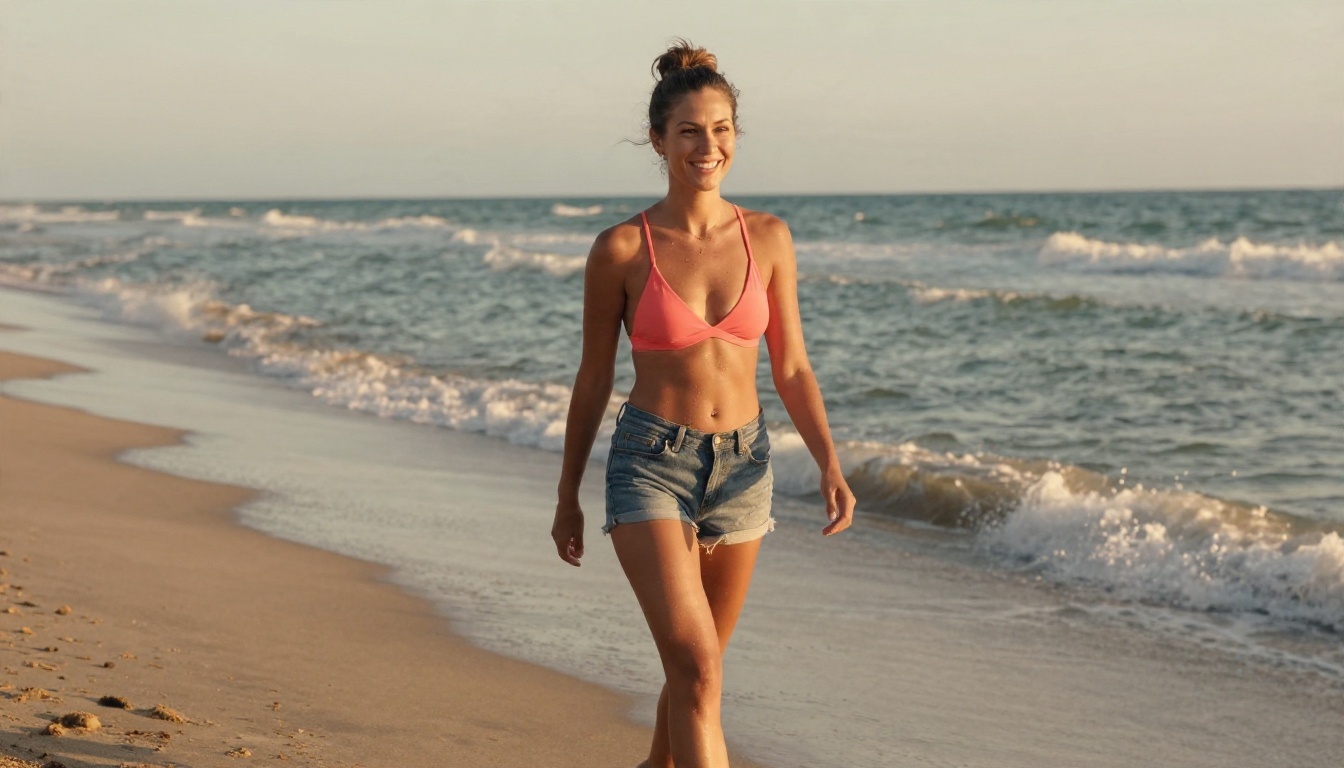
Prompt idea: Athletic adult woman in her late twenties, high ponytail, tanned skin, coral bikini top and denim shorts, laughing while walking on a sandy beach at golden hour, sea spray in warm backlight, low-angle shot, 35mm f/1.8, Kodak Portra 400 grain.
Personality seed for the chat side: upbeat, teasing, loves surfing and early mornings, sends short messages with lots of energy.
Example 2: The bookish homebody
Soft, warm and quiet. This character is the opposite of the beach persona, and the contrast shows why a good prompt controls mood and not only appearance.
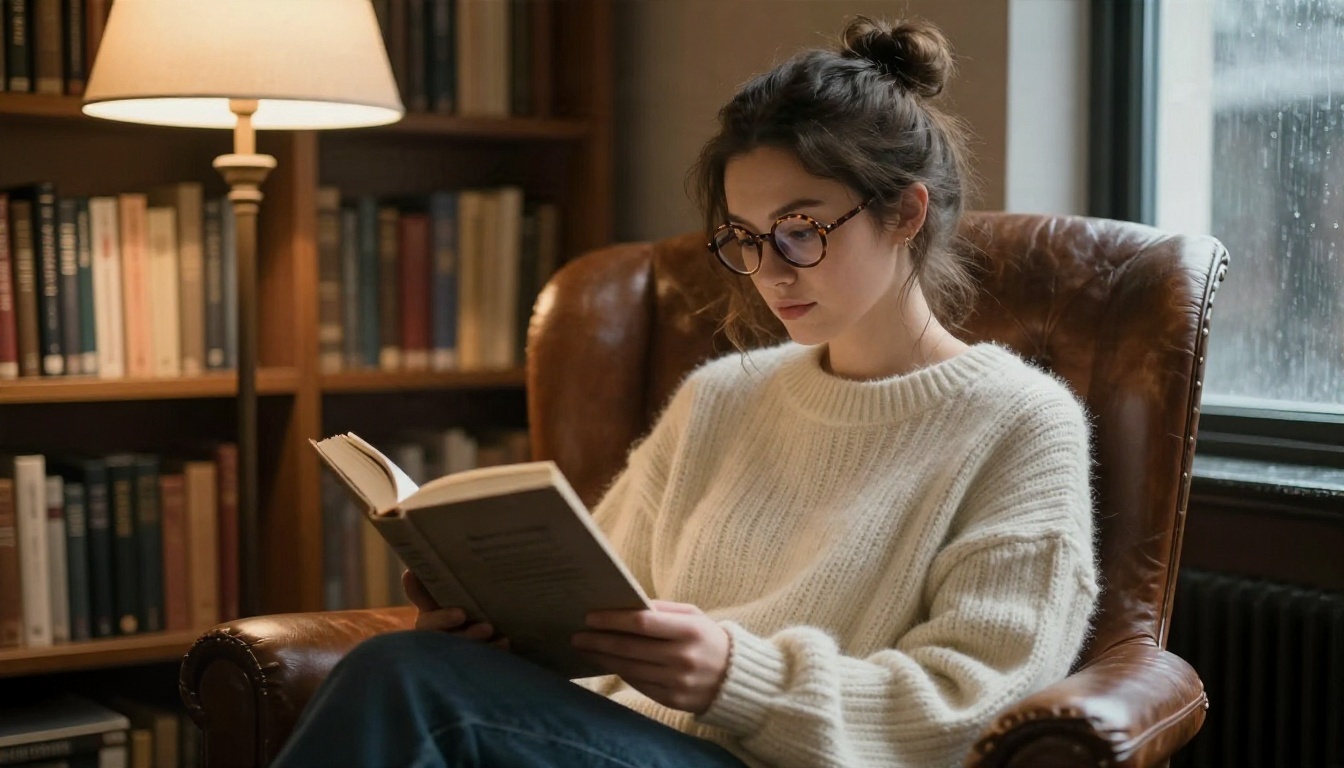
Prompt idea: Adult woman in her late twenties, round tortoiseshell glasses, loose bun, oversized cream knit sweater off one shoulder, curled in a leather armchair in a cozy library, warm lamp light from the left, rainy window light from the right, 50mm f/1.8, Kodak Portra 400.
Personality seed: thoughtful, dry humor, recommends books and old films, writes longer messages in the evening.
Example 3: The evening glamour muse
This is the polished, magazine-style persona. The prompt leans on contrasting light (warm indoor, cool twilight) and a satin fabric that catches highlights.
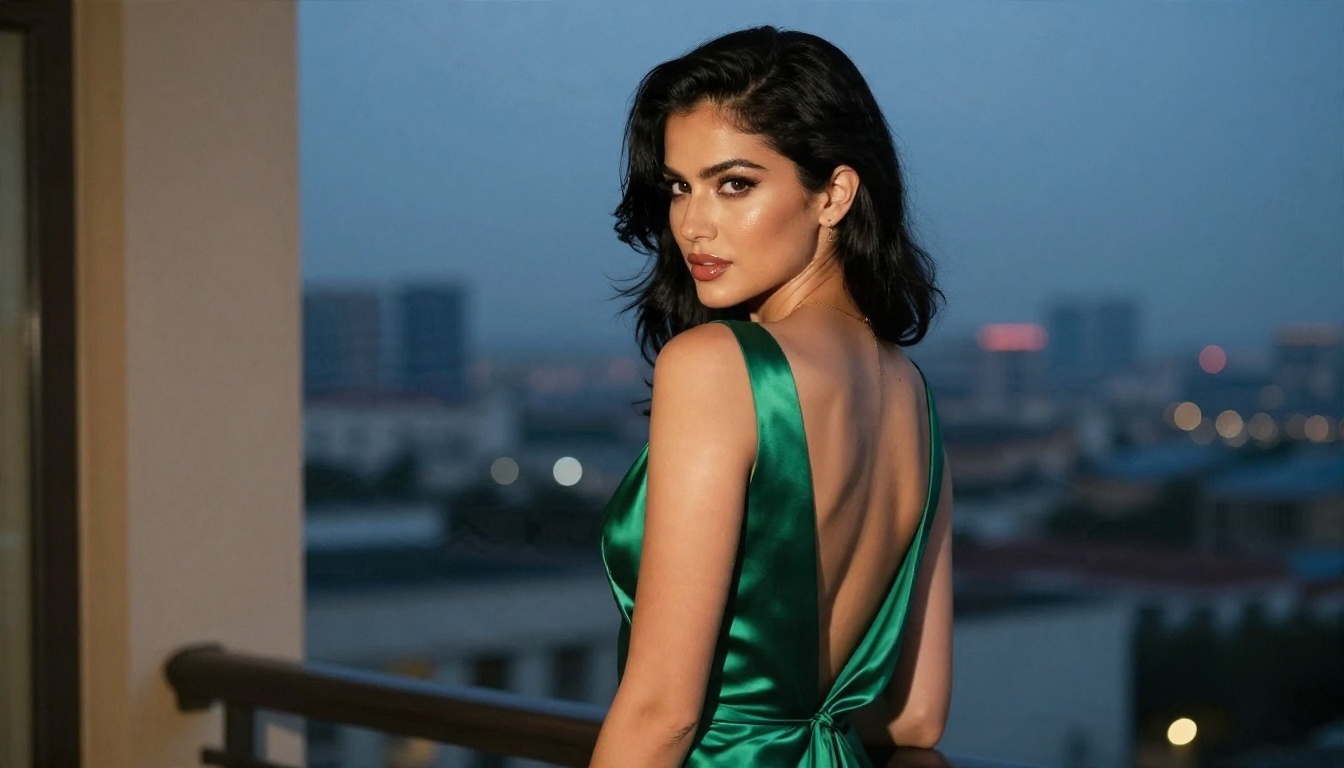
Prompt idea: Adult woman in her thirties, glossy black hair swept to one side, emerald green satin evening gown, standing on a hotel balcony at dusk, warm tungsten light from inside and cool blue twilight outside, 85mm f/1.4, three-quarter angle, Kodak Portra 400 grain.
Personality seed: confident, a little mysterious, loves travel and fine dining, speaks in short, polished sentences.
Best Models for Photorealistic Characters
For adult, glamour-style character work, the model decides everything. These are the ones worth trying, in the order I would use them.
Seedream 4.5 for the first pass
Seedream 4.5 is the model to start with. It handles suggestive, glamour-style prompts (beachwear, satin, evening wear) naturally, keeps skin looking like skin, and returns sharp results fast, so you can run many attempts in a row. For a character you plan to iterate on, speed matters as much as quality.
PicassoIA Image Editor Pro for unlimited iterations
PicassoIA Image Editor Pro is built for the part that comes after the first image: changing the outfit, swapping the background, adjusting the expression. Because it offers unlimited generations, you can keep refining the same character without watching a credit counter. That is the practical difference between a free trial and a free workflow.
Other strong options
💡 Tip: Draft fast, finish slow. Use Z Image Turbo to test five prompt variations in a minute, then move the winner into Seedream 4.5 for the final render.
How to Build Your Character Step by Step
Here is the full workflow on PicassoIA, from blank page to a character you can reuse.
Step 1: Write the persona first
Before you generate a single image, write four lines: name, age range (adult), job or hobby, and three personality traits. A language model is useful here. Claude Sonnet 5, Gemini 3.5 Flash and GPT 5.6 Luna can all turn a rough idea into a tidy character sheet with backstory, speech style and favorite places. Ask for a non-explicit profile, then pull the visual details out of it for your image prompt.
Step 2: Generate the base portrait
- Open Seedream 4.5 on PicassoIA.
- Paste your five-part prompt (subject, outfit, setting, light, camera).
- Set the aspect ratio to 16:9 for scenes or a portrait ratio for profile pictures.
- Generate four to six variations and pick the face you like most.
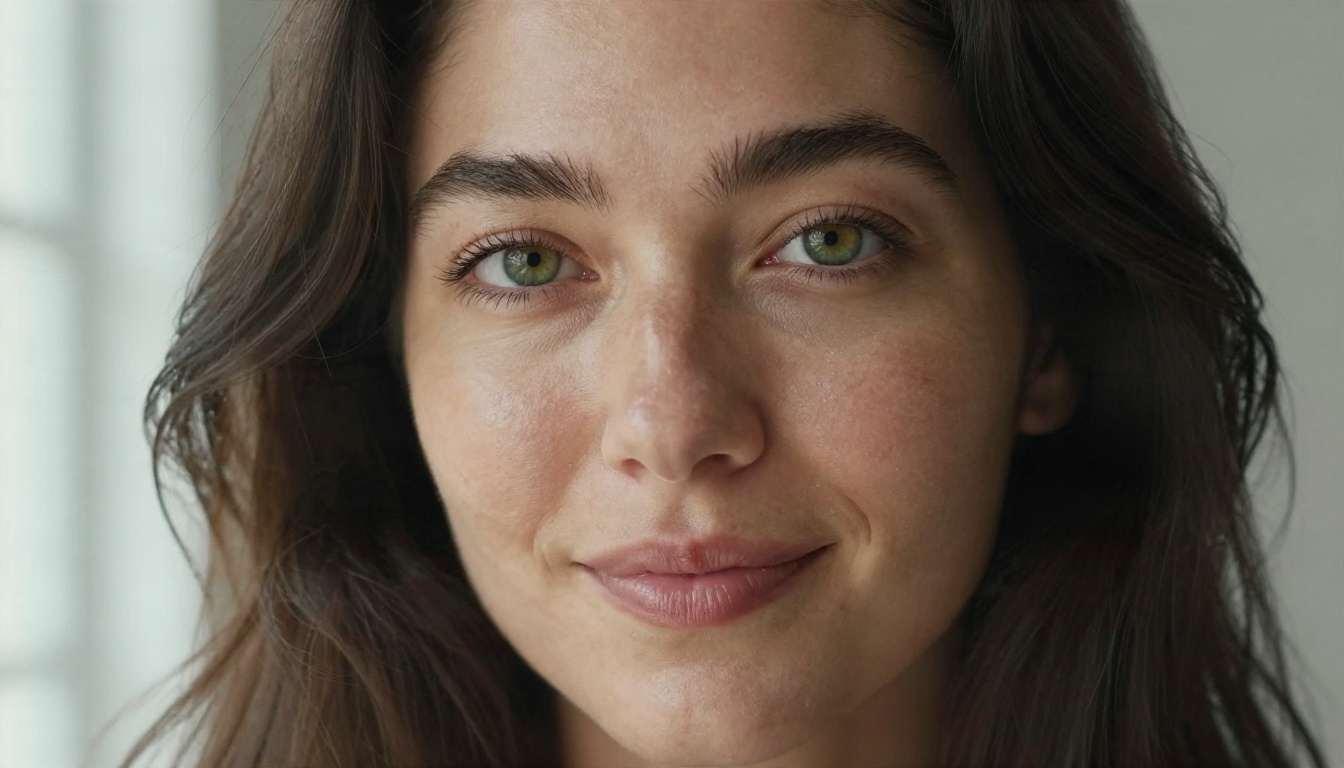
Step 3: Lock the face
Consistency is the hardest part of character work. Once you have a face you like, keep the face description identical in every later prompt: same eye color, same hair length, same freckle pattern. Then use an editing model such as PicassoIA Image Editor Pro or Nano Banana Pro to change the outfit or setting while the face stays put.
Step 4: Build a small scene library
Make five to eight images of the same character: a close-up, a full-body shot, a home scene, an outdoor scene and an evening look. That set gives you a recognizable identity, and it is exactly what chat apps lack when they only offer one avatar.
Parameter tips
- Seed: reuse the seed when you want a similar composition and change only one detail at a time.
- Aspect ratio: 16:9 for scenes, 3:4 or 2:3 for portraits and profile pictures.
- Prompt length: 50 to 80 words is the sweet spot. Shorter is vague, longer starts to contradict itself.
- One change per edit: if you change outfit, hair and background together, the face drifts.
Apps and Companion Options Compared
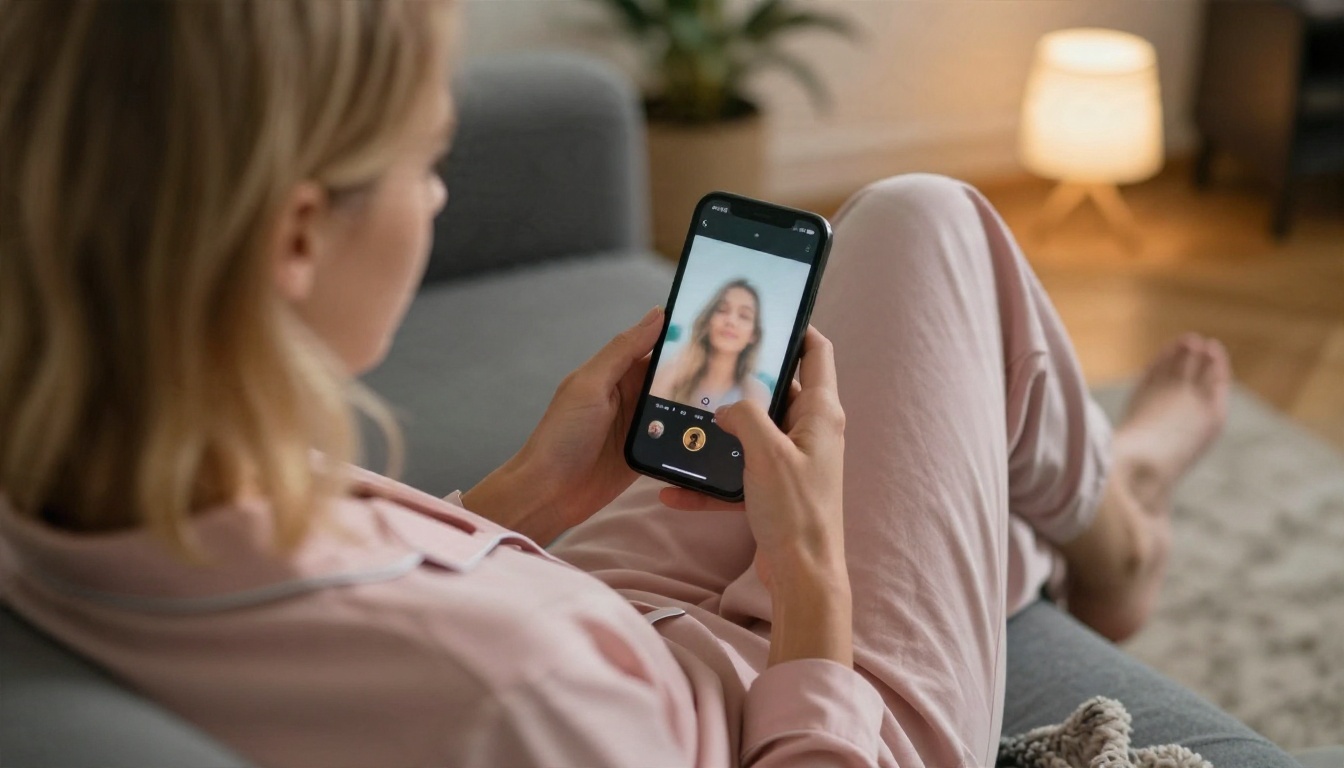
If you prefer ready-made companions, there are many apps to try. Pricing and content rules change often, so check each current plan before you pay.
Companion apps worth knowing
- Replika: one of the earliest companion chat apps, focused on conversation and emotional support style chat.
- Character.AI: a huge library of user-made characters, strong on roleplay, with tighter content filters.
- Nomi and Kindroid: companion apps that let you customize personality and appearance in more detail.
- Candy AI, DreamGF and CrushOn AI: adult-oriented companion platforms that mix chat with generated images.
These apps are convenient, but they share three limits: the image model is fixed, the appearance controls are limited to presets, and your character lives inside the app.
Image-first platforms
An image-first workflow flips that. You choose the model, write the exact look, and keep every file. On PicassoIA you can combine an image model, an editing model and a language model in one place, which is closer to a studio than a single companion app.
| Need | Companion app | Image-first workflow |
|---|
| Instant chat | Yes | Needs a language model step |
| Exact face and outfit control | Limited | Full |
| Keep and reuse your images | Often locked to the app | Yes |
| Photorealism | Depends on app | Choose the best model |
| Cost for many attempts | Credits drain fast | Unlimited editing available |
💡 Tip: If you want both, write the personality with a language model, generate the visuals with Seedream 4.5, and paste the persona into any companion app that allows custom characters.
Mistakes That Ruin Characters
Most bad results come from the same handful of mistakes.
- Changing the face description between prompts. The model treats every new description as a new person.
- Over-polishing. Words like "flawless" and "perfect" produce plastic skin.
- Ignoring the light. A flat, front-lit face looks fake. Always name a light direction.
- Cramming five outfits into one prompt. Pick one outfit and one setting.
- Skipping the age cue. Always state an adult age range in the prompt.
Privacy and safety basics
Treat any companion or generator account like a normal online account. Use a strong password, do not share personal details with a chat character, and read the content policy before you upload any photos. Never upload someone else's photo to build a character without their clear consent.
Quality checklist before you publish
- Do the hands look natural, with five fingers and sensible proportions?
- Is the skin textured, not smooth like plastic?
- Does the light match the setting, with the shadows going the right way?
- Is the character clearly an adult in styling, age cues and setting?
- Is the content tasteful and within the platform rules?
Make Your First Character Today
You now have everything needed to build a believable 18+ character: a persona written by a language model, a five-part prompt that produces photographic results, a way to lock the face, and a clear idea of when a companion app is worth it and when an image-first workflow is better.
The fastest way to see the difference is to try it. Open Seedream 4.5, paste one of the three example prompts above, and change just one detail: the hair color, the outfit or the light. Then move your favorite result into PicassoIA Image Editor Pro and keep refining without counting credits. After ten minutes you will have a character that feels like yours.
Want more options? Browse the full catalog of image, editing and language models at picassoia.com/en/all-models and pick the combination that fits your style.


