Generate imagesVisual EffectsLarge Language Models
1980s AI Photo Prompt: ChatGPT and Gemini Prompts for the Viral Trend
The viral 1980s AI photo trend turns an ordinary selfie into a retro portrait with feathered hair, denim, flash lighting and film grain. This article shares paste-ready prompts for ChatGPT and Gemini, a checklist for keeping your face recognizable, four scene variations, and a way to repeat the look on PicassoIA.
Scroll through Instagram or X lately and the same faces keep showing up in a different decade: feathered hair, an acid-wash jacket, a flash that flattens the forehead, and a grain that looks like it came out of a drugstore photo envelope. The 1980s AI photo trend asks for one small thing. You upload a selfie, paste a prompt into ChatGPT or Gemini, and get back a portrait that looks like it was shot in 1986. News reports put searches for the exact phrase "1980s AI photo prompt ChatGPT" above 500,000 in India alone, with growth reported near 1,000%, and celebrities and athletes have joined in. This article gives you wording you can paste right now, explains why each line matters, and shows how to repeat the result on PicassoIA when you want more control.
Why the 1980s Photo Trend Took Off
What the Trend Actually Is
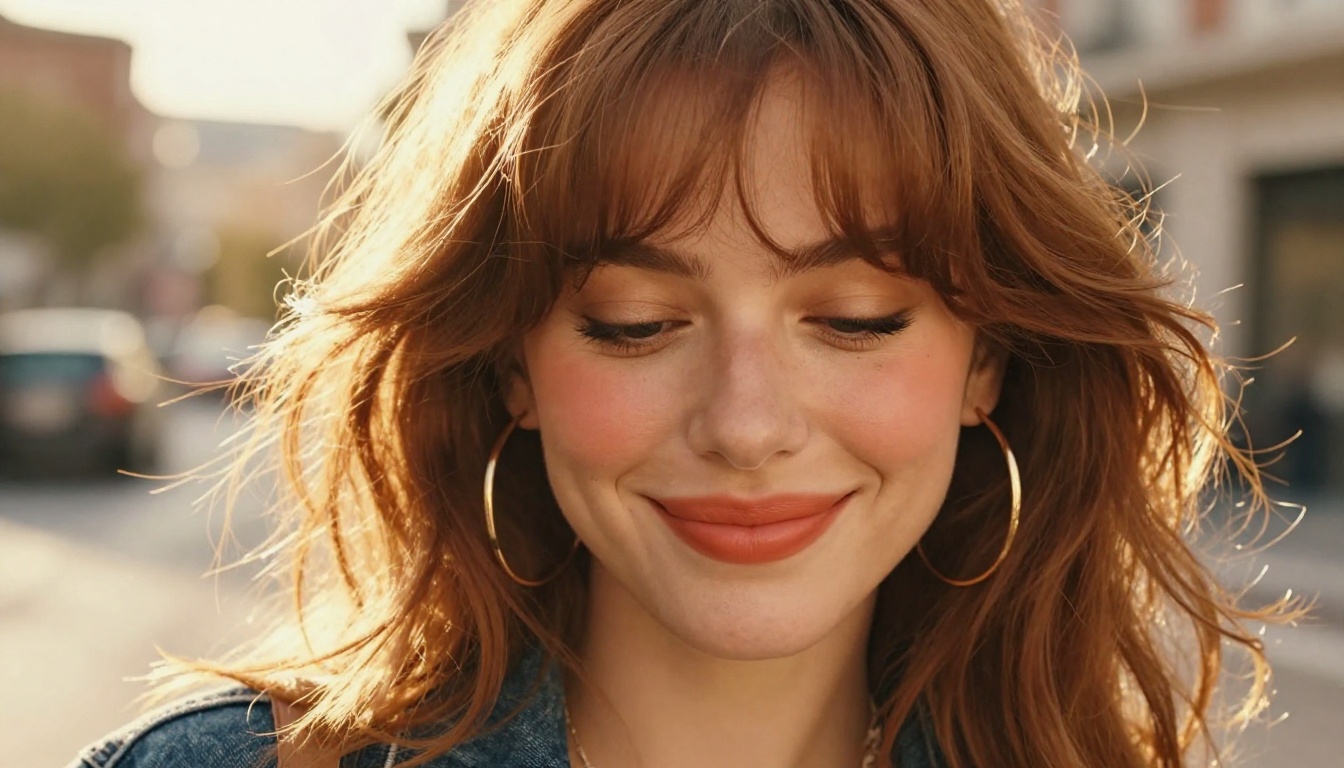
The recipe is simple. You start with a clear, well lit photo of your face. You tell the AI to keep your facial features exactly as they are, then you change everything around them: the hair, the clothes, the room, the lighting and the camera that supposedly took the picture. Prompts that went viral usually ask for voluminous hair, a vintage denim jacket, statement accessories, a retro setting, warm light, faded colors and a grainy film finish.
The appeal is emotional more than technical. A 1980s photo feels like a family album page, and seeing yourself inside one is oddly personal. Plenty of people share the results with parents who actually lived through that decade, and their reactions are half the fun.
Why the Look Is Easy to Spot
Every decade has a photographic fingerprint, and the 1980s one is loud. When your prompt names these elements, the AI has something concrete to build from:
Hair: feathered, permed or teased, with lots of volume and side-swept bangs
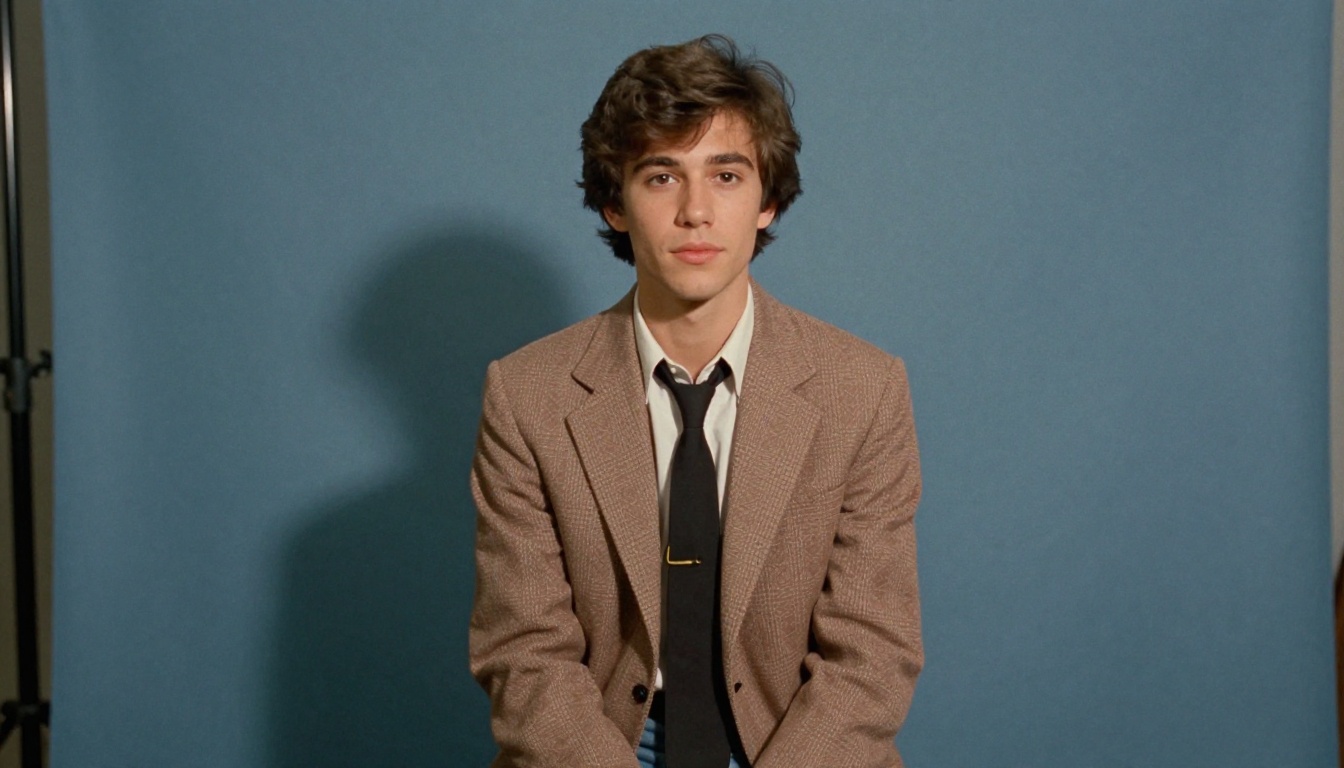
Backdrops: mottled blue studio paper, wood paneling, floral sofas, boxy sedans
💡 Tip: vague requests like "make it retro" produce vague results. Name the camera, the film and the room, and the output gets sharper right away.
There is real photography behind the look. Most 1980s snapshots came from compact 35mm cameras with a built-in flash, were developed at one-hour labs and printed on glossy paper with a slight color cast. The flash flattened faces and threw a hard shadow onto the wall, and cheap lenses softened the corners. That is why the AI responds so well when you mention a consumer camera instead of a professional one: those words already travel with the right imperfections.
The Base Prompt You Can Paste Today
Upload your photo first, then paste one of the prompts below in the same message. Both follow the same logic: protect the face, describe the decade, name the camera.
Prompt for ChatGPT
Use the attached photo as the reference. Keep my face, skin tone, age and facial proportions exactly the same, so I am instantly recognizable. Restyle everything else as a genuine photograph taken in 1986. Give me voluminous feathered hair with side-swept bangs, a vintage acid-wash denim jacket over a pastel knit sweater, gold hoop earrings and a scrunchie. Place me in a warm living room with wood-paneled walls and a floral sofa. Shoot it like a Canon AE-1 with a 50mm lens on Kodak film: direct flash, visible grain, faded warm colors, slightly soft focus, a gentle vignette. Natural skin texture, no airbrushing, no text, no watermark. Output a vertical 4:5 image.
Prompt for Gemini
Edit the uploaded photo. Preserve my exact face and expression, do not change my identity. Change the hair, clothing, background and photo style so it looks like a snapshot from 1985: big feathered hair, a pastel blazer or denim jacket, a mottled blue studio backdrop, hard on-camera flash with a small shadow behind me. Add 35mm film grain, faded colors, lifted blacks and slight softness like an old consumer lens. Realistic photograph only, not an illustration, not a cartoon. No text, no logos.
What Each Line Does
Prompt line
What it controls
Why it matters
Keep my face and proportions exactly the same
Likeness
Stops the AI from inventing a new person
Genuine photograph taken in 1986
Era
One clear year beats the word "retro"
Hair, jacket, accessories
Wardrobe
Gives the AI concrete shapes to draw
Wood-paneled room, floral sofa
Setting
Sets the mood and the color palette
Canon AE-1, 50mm, Kodak film
Camera look
Pulls grain, softness and color from real film habits
Direct flash, vignette
Lighting
Creates the flat, slightly harsh family album feel
No text, no watermark
Cleanup
Keeps stray lettering out of the frame
Keeping Your Face Intact
The number one complaint about this trend is a result that looks like a cousin of you instead of you. Most of the time that is a source photo problem or a wording problem, and both are fixable.
Pick the Right Source Photo
Use a front-facing or three-quarter view with the whole face visible
Choose even daylight, because hard shadows get baked into the result
Remove sunglasses, heavy filters and beauty modes, which blur real features
Keep the photo sharp, at least a few hundred pixels wide across the face
Pick one person per photo for the first attempt, and add groups later
Wording That Protects Likeness
Say it twice, in two different ways. One sentence at the start ("keep my face exactly the same") and one near the end ("do not change my facial structure, eye shape or skin tone") works better than a single line. Name the age too. If you are 34, write "age 34", because the decade change can nudge a face younger or older.
💡 Tip: if the first result drifts, do not start over. Reply in the same thread with "Same photo, but closer to my original face, keep the hairstyle and outfit" and the AI will correct course without throwing away the good parts.
Style Variations Worth Trying
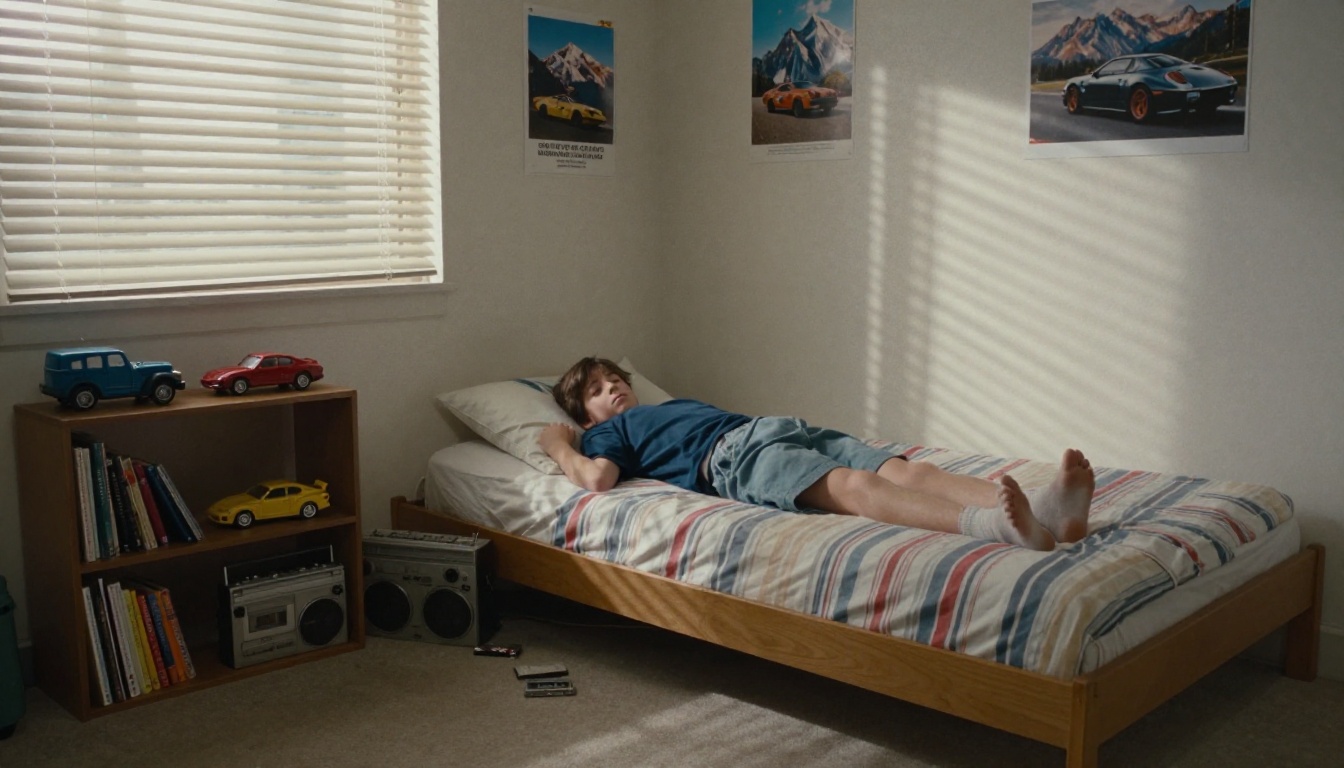
Once the base prompt works, swap the scene. The face line stays the same, and only the setting, outfit and light change. A teenage bedroom with a boombox and cassette tapes on the floor is a good place to start, because the small objects tell the story without any text. Ask for one or two props at most, such as a boombox or a stack of cassette tapes, and let the lighting do the rest. A crowded room makes the AI forget about your face.
Mall Portrait Studio
The classic. Add this to your base prompt: seated sideways on a stool, pastel blazer with rolled sleeves, mottled blue-gray backdrop, direct flash, soft side part, 85mm lens. The shadow on the backdrop is what sells it.
Roller Rink Snapshot
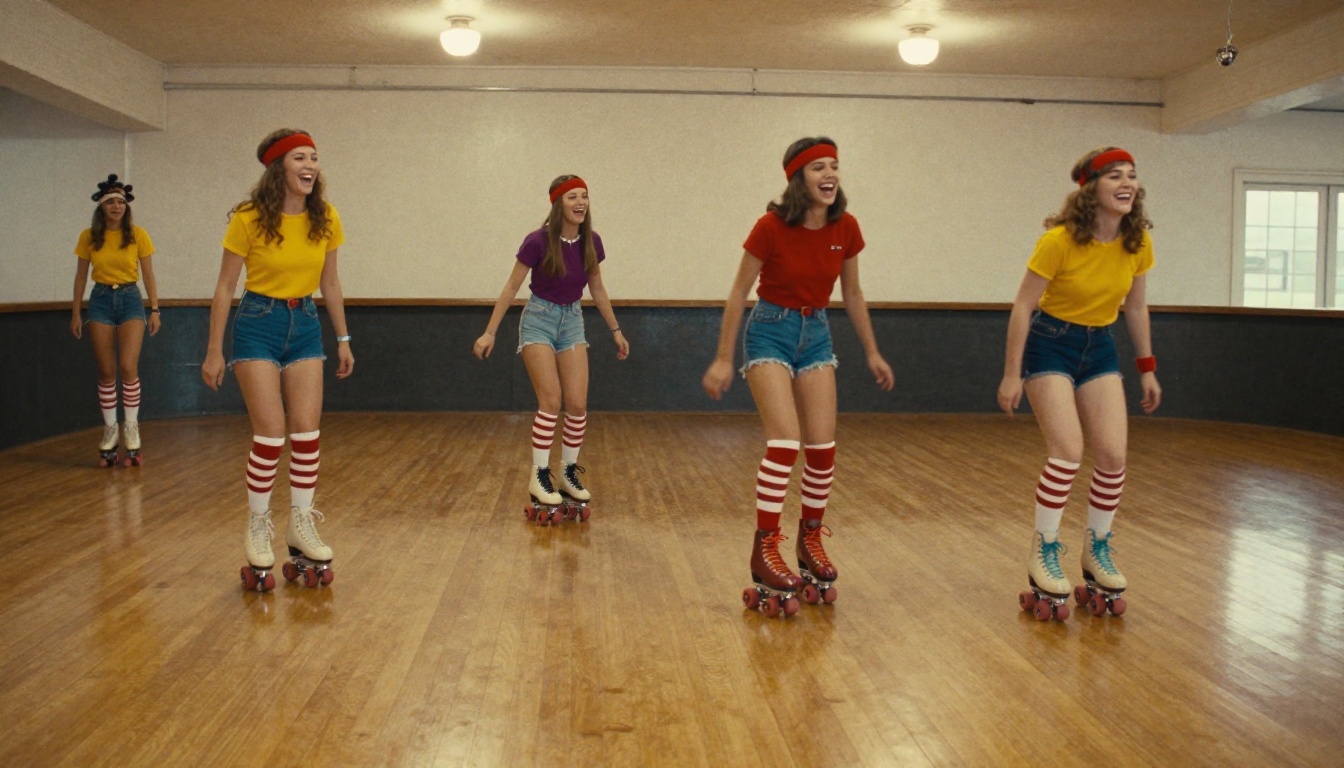
For energy and friends. Add: wooden rink floor, quad roller skates, striped tube socks, sweatbands, low angle, 28mm lens, mild motion blur in the feet, warm overhead bulbs. Group versions need a clear photo of each person.
Family Sofa Photo
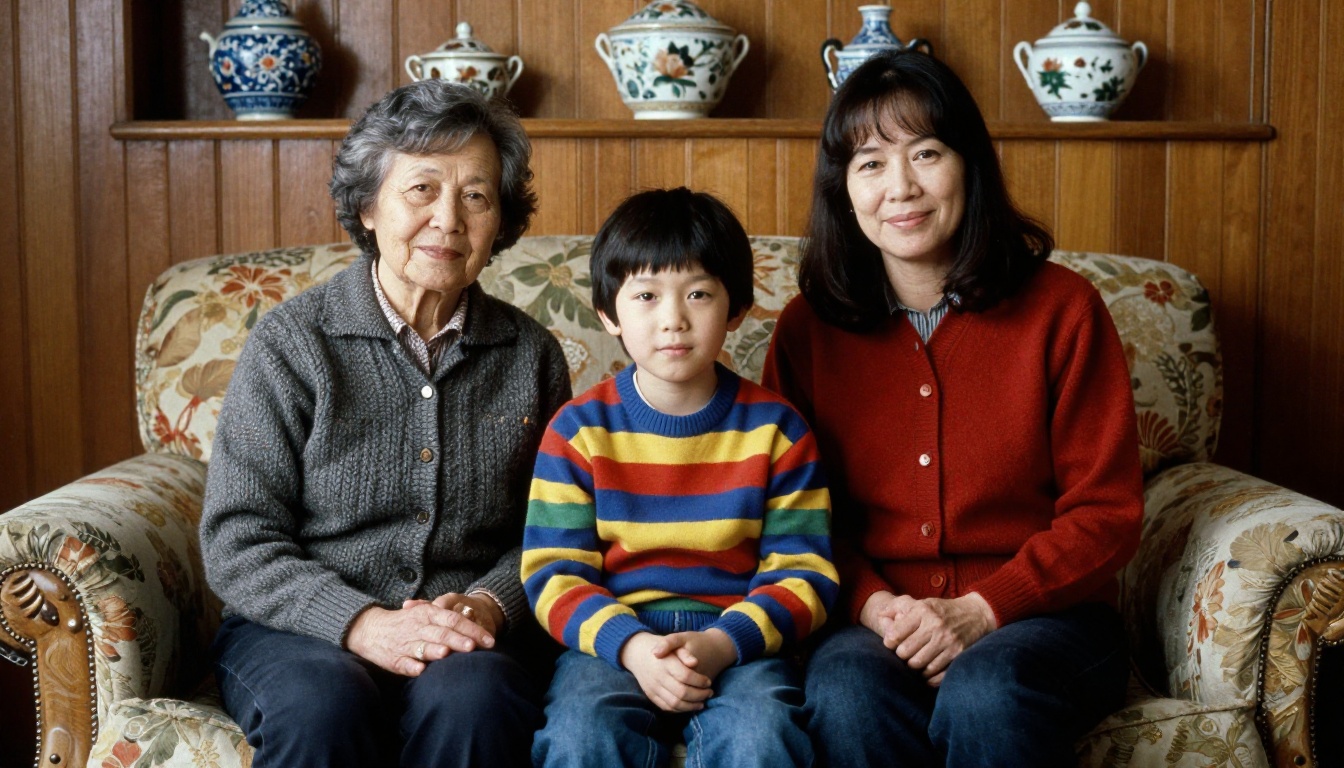
This one is perfect for grandparents and kids. Add: floral sofa, wood paneling, knitted cardigans, ceramic ornaments on a shelf, flat on-camera flash, centered symmetrical composition. The slightly stiff pose is part of the charm.
Golden Hour Car Hood Shot
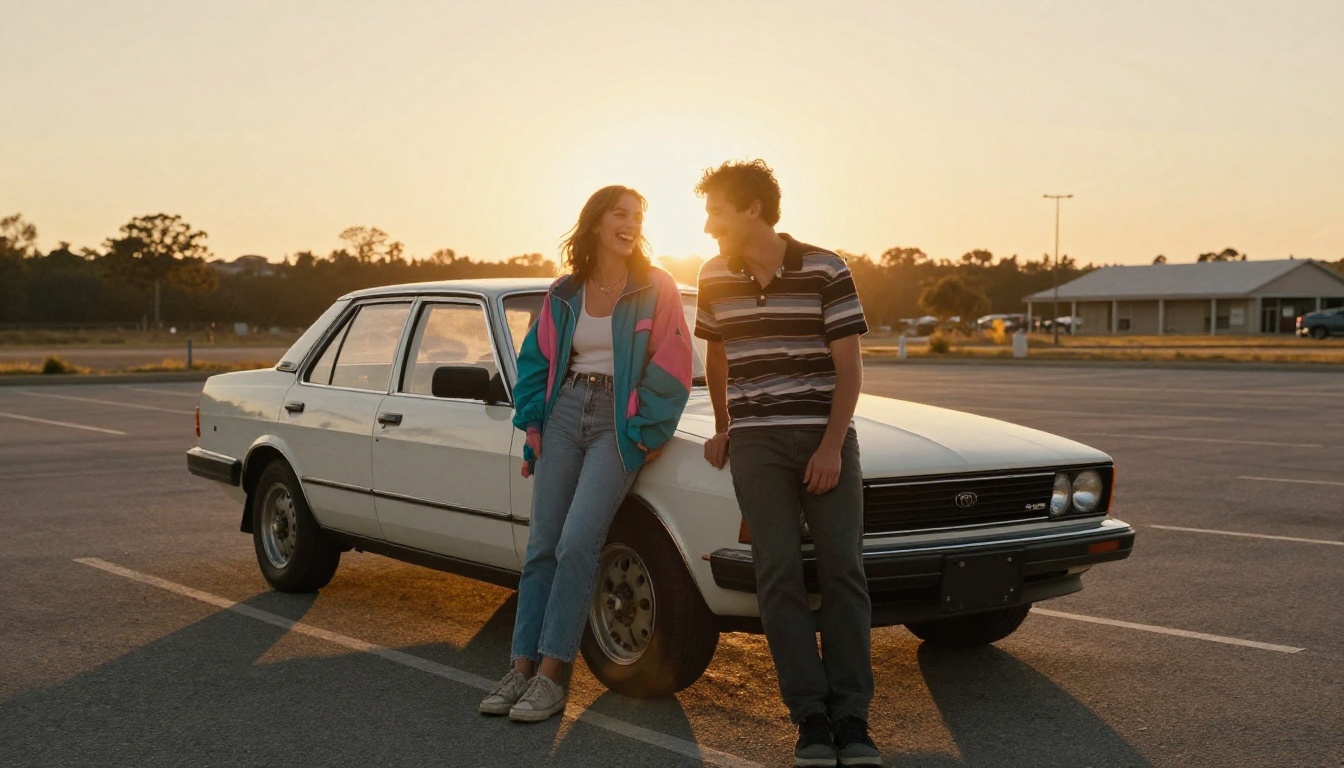
For couples. Add: boxy sedan in an empty parking lot, high-waist jeans, windbreaker, striped polo, sunset backlight, long shadows, Kodak Gold 200 grain, 35mm lens. This variation looks best at a wide crop.
ChatGPT vs Gemini Side by Side
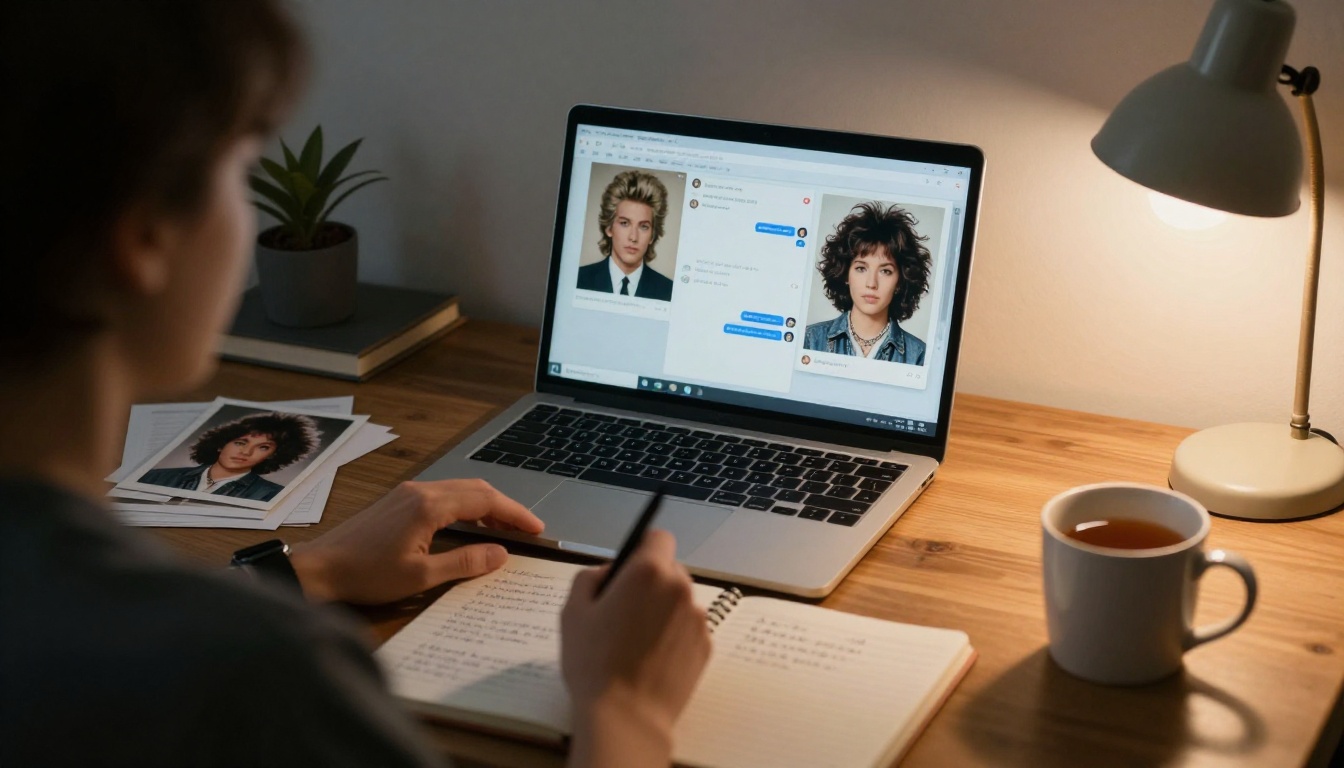
Both tools accept a photo and a text instruction in the same message, and both let you keep refining in the same conversation. ChatGPT's built-in image tool comes from OpenAI's GPT Image line, available on PicassoIA as GPT Image 2. Gemini's image tool belongs to the Nano Banana family, which you can also run on PicassoIA. Results vary with your account, the model version and your photo, so treat the table as a starting point.
Question
ChatGPT
Gemini
How do I start?
Attach the photo and paste the prompt in one message
Attach the photo and ask it to edit the image
Best prompt style
A numbered or comma-separated list of details
A short, direct edit instruction with the era named
How do I fix a drifting face?
Reply with a likeness reminder in the same chat
Re-attach the original photo and repeat the face line
Good for
Long, detailed scene descriptions
Quick edits and fast retries
Watch out for
Stray text or logos in the frame
Over-smoothed skin if you skip the texture line
Pick whichever one you already use. The prompt does more of the work than the app does.
Fixing Common Mistakes
What goes wrong
Why it happens
Fix
Face looks like someone else
Likeness line too weak or photo too dark
Repeat the face line and use a brighter, sharper photo
Skin looks plastic
The AI smooths grain away
Add "natural skin texture, visible pores, no airbrushing"
Looks modern with a filter
Era is vague
Name one year, one camera and one film stock
Clothes look like a costume
Too many props in one prompt
Keep to three wardrobe items and one accessory
Random text appears
Posters or signs in the scene
Add "no text, no logos, no signs"
Colors too saturated
The AI leans bright by default
Ask for faded, lifted blacks and muted tones
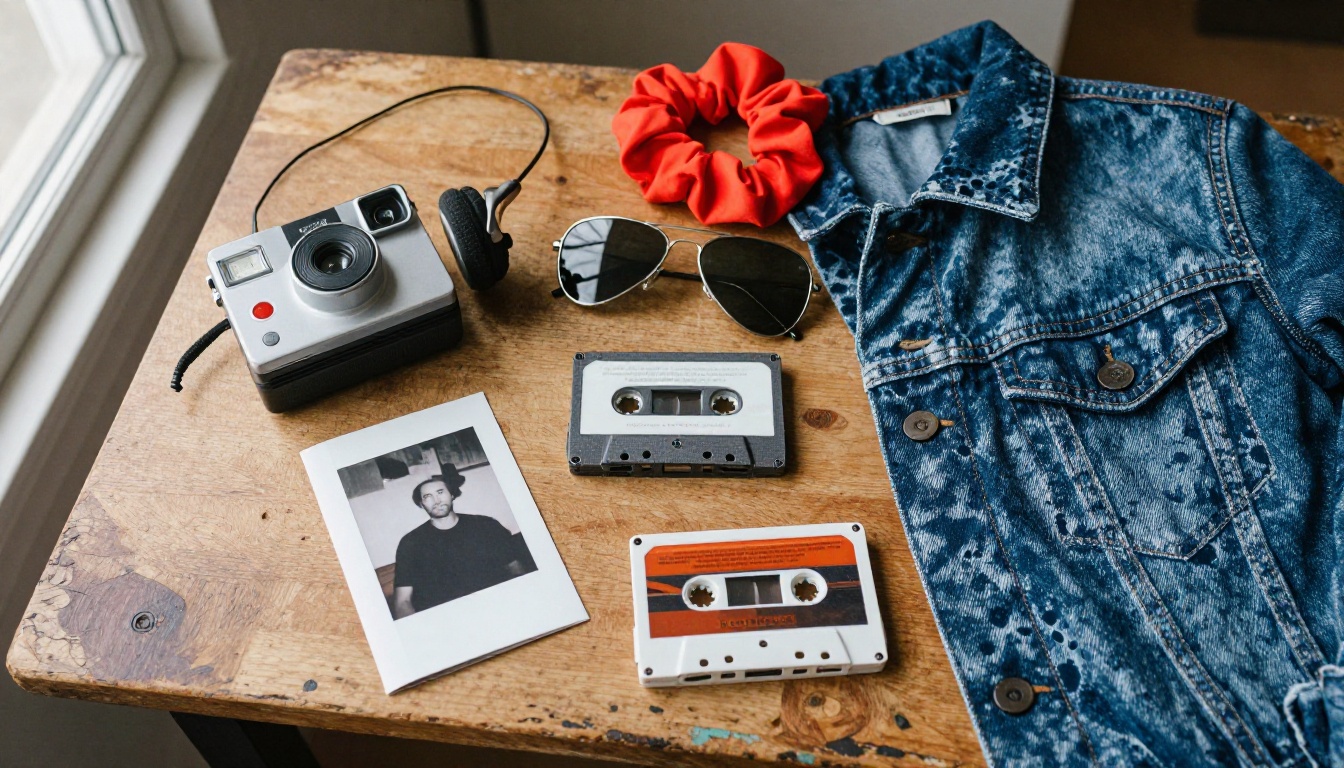
Props deserve a second look too. Anachronisms are the fastest way to break the spell, so check the frame for phones, flat screens and modern sneakers before you post. A flat lay of period objects is a useful reference when you write the scene: instant camera, cassette tapes, portable tape player, aviator sunglasses, scrunchie, denim.
Then zoom in on the details the AI tends to fumble: fingers, earrings, teeth and the edges of glasses. If one of them looks off, reply with a short fix such as "same image, correct the left hand" instead of rerunning the whole prompt. Crop to 4:5 so the portrait fills a phone screen, and keep the grain. Sharpening a retro photo too much undoes the whole effect.
How to Run It on PicassoIA
If you want to choose the exact model, control the aspect ratio and generate several tries in a row, PicassoIA gives you that. Two models fit this trend well because both accept your selfie as a reference image.
Upload your selfie in the image input. The model accepts up to 14 reference images, so you can add a second photo from a different angle to help it hold your likeness.
Paste the ChatGPT or Gemini prompt from earlier into the prompt box.
Set the aspect ratio. Use 4:5 or 3:4 for a portrait, 3:2 for the roller rink or car shots.
Choose 2K resolution for social posts, or 4K if you plan to print.
Pick JPG for sharing or PNG for editing, then generate.
Compare the face with your original. If it drifts, add a second face line and run it again.
💡 Tip: change one variable per run. If you alter the hair, the outfit and the room at the same time, you will never know which change helped.
GPT Image 2 as a Second Opinion
GPT Image 2 also takes input images, follows long instructions closely and can render a short word if you need one, such as a name on a yearbook page. It lets you pick quality (low, medium, high) and request up to 10 variations in one run, which is handy when you are hunting for the best expression. For this trend, start with medium quality and move to high once you like the composition.
Let an LLM Tighten Your Prompt
When your prompt grows past a paragraph, ask a language model to trim it. Paste your draft into Gemini 3.1 Pro or GPT 5.4 with a request like: "Rewrite this as a photo prompt under 120 words, keep every era detail, and put the face-preservation line first." Shorter prompts make it easier to see which words matter.
You already have everything you need: a clear selfie, one of the prompts above and a decade's worth of hairspray to imagine. Head to Picasso IA, open Nano Banana Pro or GPT Image 2, upload your photo and run the mall studio version first. Then try the rink, the sofa and the car hood. Send the best one to someone who actually lived through the 1980s and watch what happens. Experiment with the prompts, change one detail at a time, and build your own album of the decade you never got to photograph.