The debate is real, and it matters more than ever. As AI image generation reaches a quality level where the average person can't tell the difference between AI-made and human-made art, the question shifts from "can AI make anime?" to "which anime AI style actually works for what I need?"
2.5D and full 3D are not interchangeable. They solve different problems, appeal to different audiences, and produce wildly different results in an AI pipeline. Picking the wrong one for your project isn't just an aesthetic misstep; it can cost you hours of iteration and a final result nobody asked for.
This article runs both styles through a rigorous real-world comparison: visual quality, production speed, AI generation compatibility, use cases, and what PicassoIA models produce the best outputs for each.
What Makes 2.5D Different
The Cel-Shading Foundation
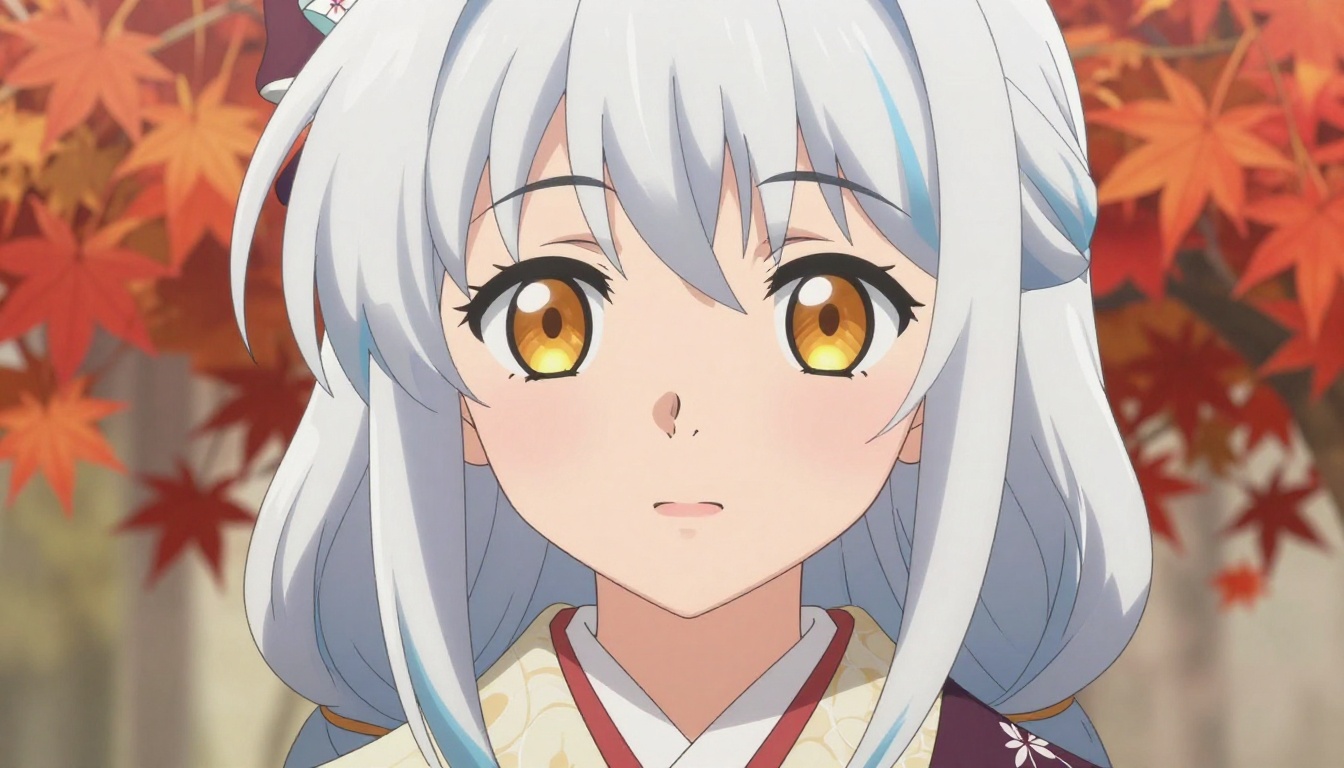
2.5D isn't a gimmick. It's a deliberate artistic philosophy built on cel-shading, the rendering technique that flattens lighting into distinct tonal zones rather than gradients. Instead of a smooth transition from highlight to shadow, cel-shading creates hard edges between light and dark, mimicking the look of hand-inked anime cels.
The result is a visual language that reads instantly as "anime." Bold outlines trace every silhouette. Skin tones sit in flat planes of color with a single shadow pass. Hair groups into stylized chunks rather than individual strands. The illusion is 2D, but the spatial depth is 3D, hence the "2.5" in the name.
This is what most people picture when they hear "anime AI art":
- Clean, confident line work
- Flat or minimally gradated fills
- Highly saturated, vibrant color palettes
- Simplified facial features with oversized expressive eyes
- Limited texture complexity on surfaces
Why It Feels "Authentically Anime"
There's a neurological reason 2.5D anime art connects so deeply with fans. Decades of hand-drawn animation have trained viewers to associate these exact visual cues with the emotional weight of anime storytelling. When you see flat cel-shading and bold lines, your brain fires the same pattern-recognition pathways built by thousands of hours of watching classic series.
💡 The paradox: 2.5D looks "flat" but carries more emotional resonance for anime fans than a hyper-realistic 3D render of the same character.
AI models that specialize in 2.5D anime capture this by training on vast datasets of hand-drawn anime frames, doujin art, and light novel illustrations. The output inherits the proportions, coloring conventions, and line quality that define the medium.
Full 3D Anime: Realism Meets Japanese Style
Subsurface Scattering and PBR
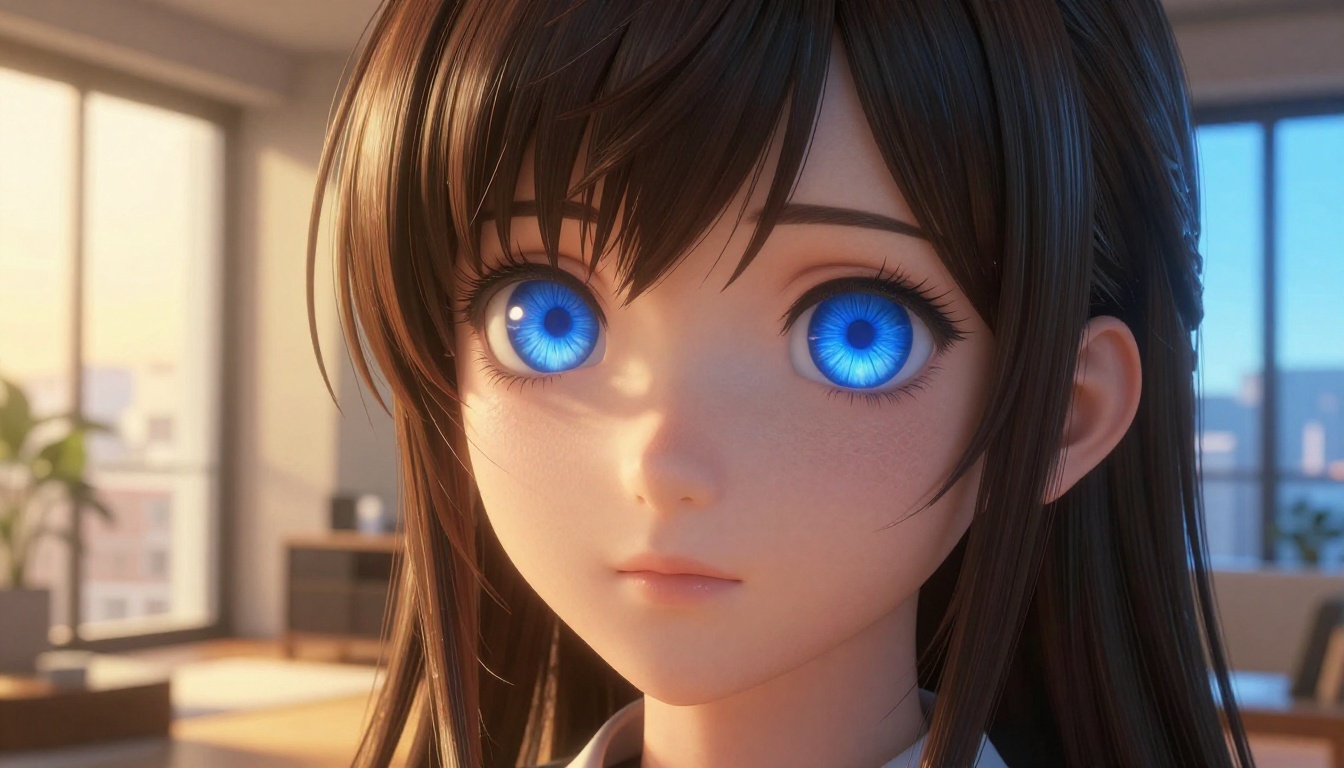
Full 3D anime takes the opposite approach. Rather than flattening light into zones, it simulates how light actually interacts with surfaces. Subsurface scattering makes skin appear translucent, with light penetrating the surface and bouncing back in warm tones the way real human skin behaves. Physically-based rendering (PBR) assigns real-world material properties to surfaces: roughness, metalness, specular response.
The hair is no longer stylized chunks. It's thousands of individual strands with their own thickness, curl, and light response. Cloth drapes with weight. Water surfaces reflect the sky. Shadows respect the geometry of the scene.
The technical result is stunning to look at. But there's a trade-off: it no longer looks like traditional anime. It looks like anime-inspired 3D, which is a different category entirely.
The Genshin Impact Effect
Genshin Impact changed everything. Its characters use toon shading applied to full 3D geometry, a hybrid approach that preserves some cel-shaded flatness while gaining the spatial depth, motion flexibility, and environmental integration of 3D. This "Genshin style" has become the reference benchmark for full 3D anime aesthetics.
The defining features:
- Volumetric hair with stylized highlights baked in
- Face normals custom-sculpted for flattering shading at every angle
- Outline passes rendered as separate geometry layers via the inverted hull method
- Custom ramp textures controlling how diffuse light falls on skin
- High-resolution texture maps with hand-painted detail passes
💡 When someone says "I want full 3D anime," nine times out of ten they mean "I want the Genshin Impact look."
Side by Side: How They Actually Look
Character Portraits
| Feature | 2.5D Cel-Shaded | Full 3D Anime |
|---|
| Skin rendering | Flat tonal zones, minimal gradient | Subsurface scattering, pore detail |
| Hair | Stylized chunks, bold highlights | Strand simulation, volumetric light |
| Eyes | Oversized, flat-colored irises | Realistic depth, specular highlights |
| Outlines | Bold, consistent black linework | Geometry-based, variable thickness |
| Expressions | Simplified, exaggerated | Subtle, anatomically realistic |
| Emotional resonance | Instantly "anime" | Cinematic, slightly detached |
For portrait work, 2.5D wins the emotional connection test every time. The oversized eyes and simplified features are expressiveness shortcuts that 3D struggles to replicate without looking uncanny.
Action Sequences
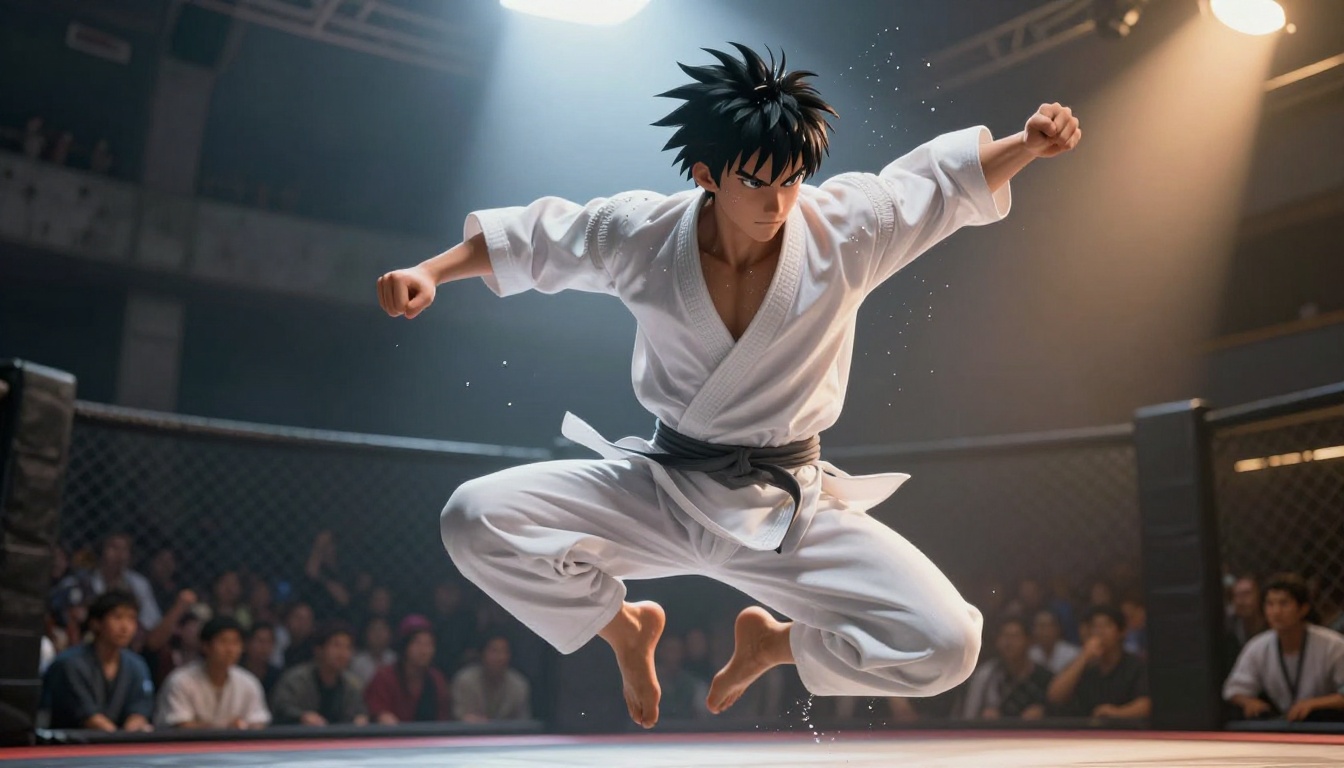
This is where the gap closes fast. Full 3D anime has a massive advantage in motion:
- Cloth physics simulate realistic movement
- Hair dynamics respond to velocity
- Camera can orbit freely in 3D space
- Motion blur is physically accurate
- Environmental interaction behaves naturally
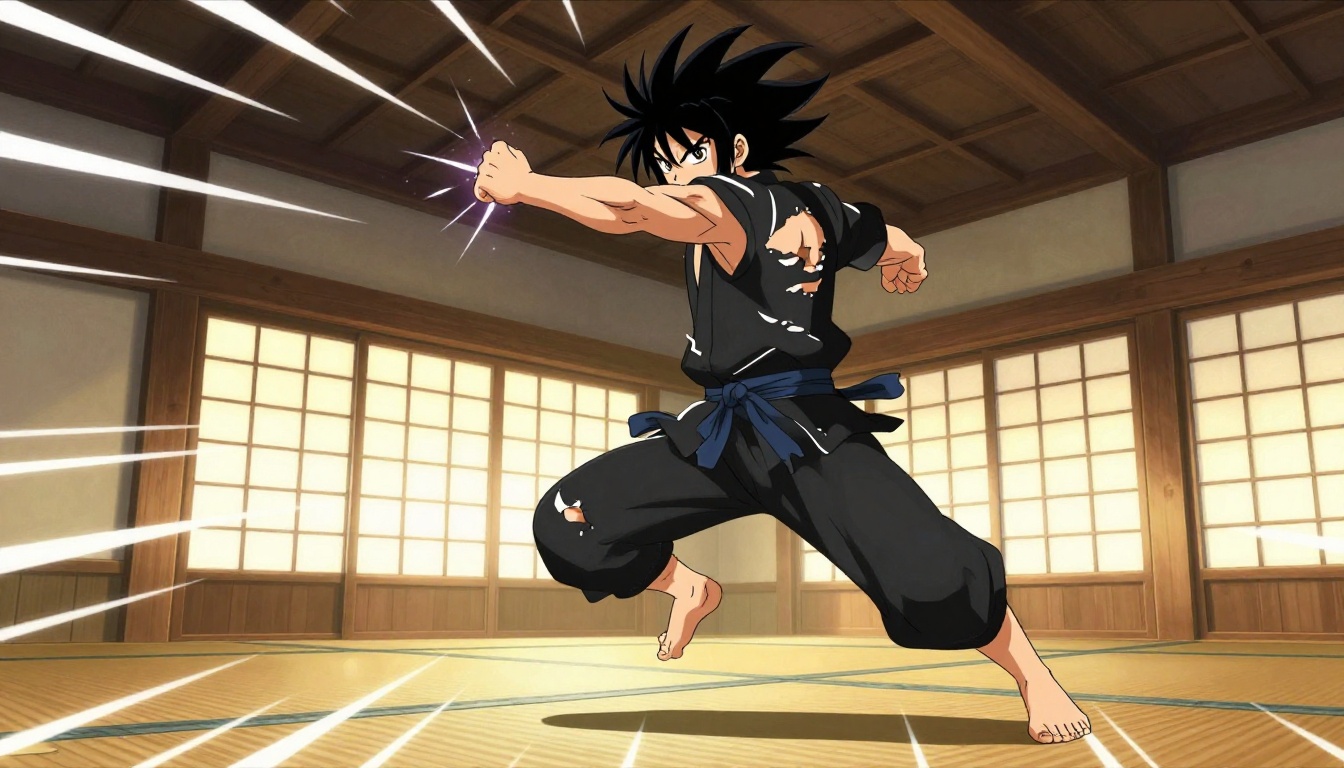
Static image captures of action sequences tell a different story, however. 2.5D anime action art relies on implied motion: speed lines, impact halos, frozen dynamic poses, and directional blur applied as stylized overlays. These conventions are so well-established that a single still frame communicates kinetic energy more effectively than a full 3D scene freeze.
Environmental Scenes
Environments reveal the production philosophy behind each style most clearly.
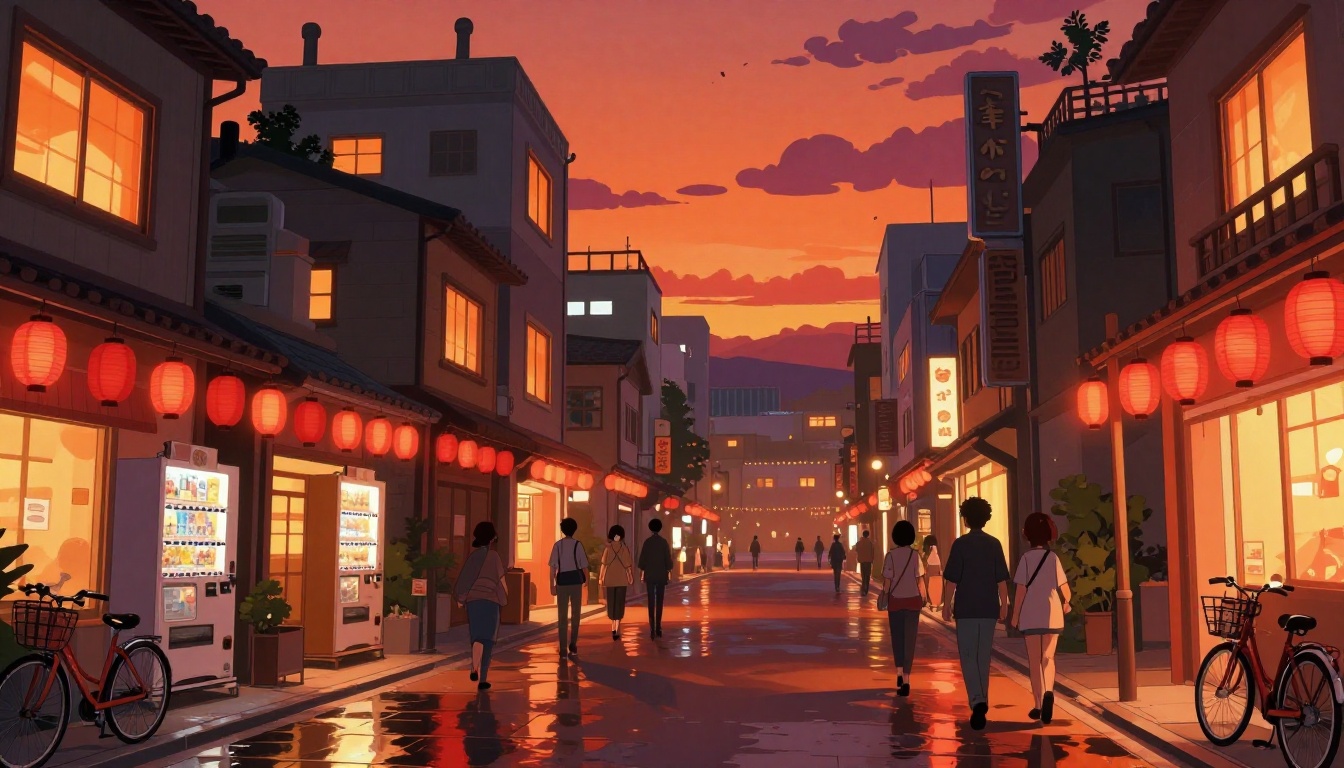
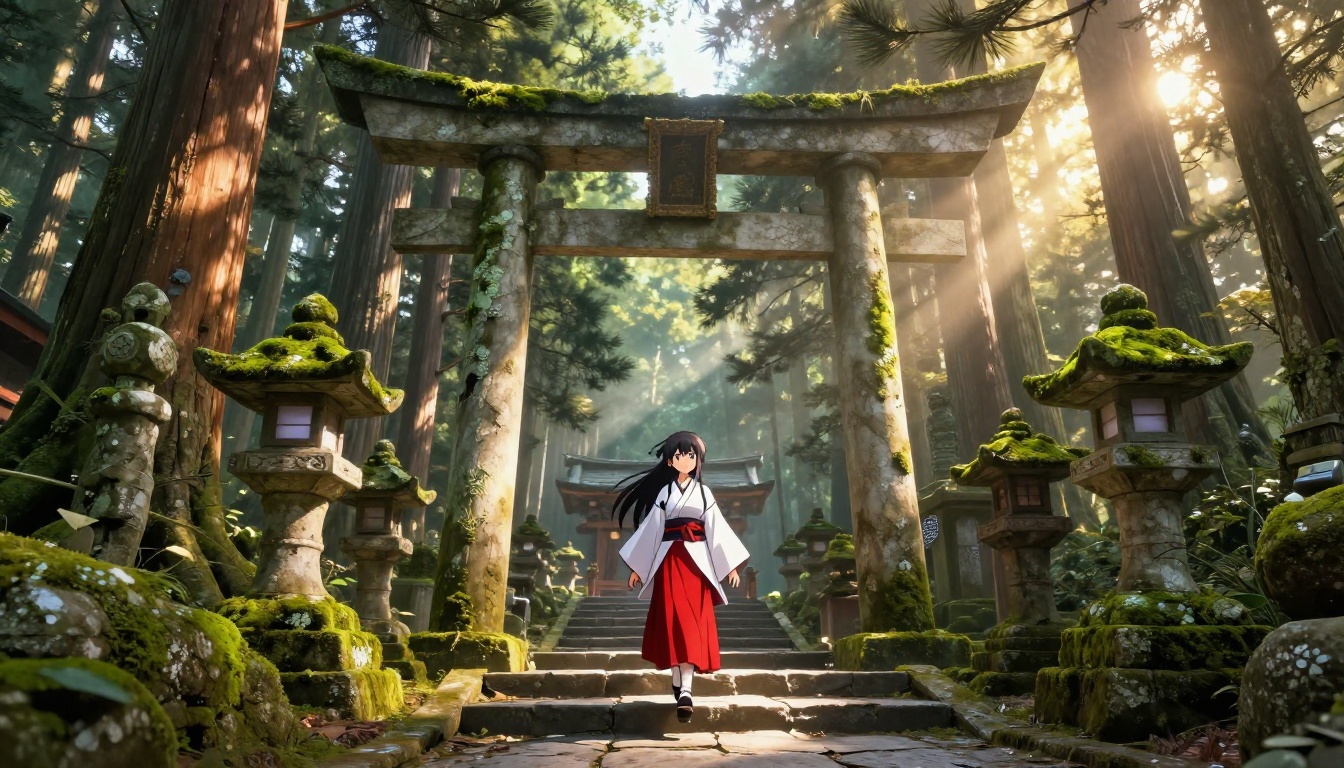
2.5D environments use layered parallax: foreground, midground, and background on separate planes, each with its own art pass. Colors are saturated, shapes are stylized, and every element is designed to read clearly at a distance. The result is visually rich without requiring photorealistic texture resolution.
Full 3D environments commit to physical accuracy. Moss on stone follows the geometry of the rock. Water reflects the sky in real time. Shadows respect every leaf in the canopy. The payoff is breathtaking depth. The cost is exponentially higher asset production time.
When 2.5D Wins
Games and Mobile Apps
2.5D dominates mobile and indie gaming for concrete reasons, not just aesthetics:
- Performance: Flat cel-shaded assets render at a fraction of the GPU cost of PBR 3D assets
- Readability: Bold outlines and saturated colors remain readable on small screens
- Production speed: A 2.5D sprite sheet takes hours; a full 3D character rig takes weeks
- Art direction consistency: Cel-shading hides inconsistencies between assets from different artists
- Instant brand identity: Players identify with the "anime" aesthetic immediately
Games like Blue Archive, Arknights, and Uma Musume built massive audiences on 2.5D aesthetics without ever rendering a single physically-based material.
Speed and Production Cost
In an AI generation workflow, 2.5D is unambiguously faster. Models trained on anime datasets generate coherent characters in a single prompt pass. The flat color areas are forgiving: minor generation artifacts disappear under the stylized coloring. Inpainting and touch-ups take minutes rather than hours.
Full 3D anime AI generation is notoriously harder to control. Getting the Genshin-level look requires careful prompt engineering, the right model, and often post-processing passes to add the hand-painted ramp texture feel that makes 3D anime actually look like anime rather than a video game cutscene from 2015.
When Full 3D Wins
Cinematic Projects
Full 3D anime owns the cinematic space. Films like RADIANT and Land of the Lustrous demonstrate that full 3D can achieve extraordinary visual results when budget allows. For AI-generated static images used in cinematic contexts: film posters, promotional art, visual identity for streaming projects, full 3D anime delivers depth and drama that flat 2.5D simply cannot match.
The volumetric lighting, the way specular highlights roll across a character's cheekbone, the weight and texture in the environment: these details read as premium, high-production-value work.
VR and Interactive Content
Full 3D anime is non-negotiable for VR and spatial computing applications. You cannot fake depth in a virtual reality headset. The parallax of the viewer's head movement instantly breaks the 2.5D illusion. Every asset must exist as genuine 3D geometry with physically accurate materials.
For WebGL experiences, interactive media installations, or game cinematics, full 3D anime delivers the spatial coherence that 2.5D architecturally cannot provide.
AI Models That Generate Both Styles
The right AI model matters as much as the right style choice. Not every text-to-image model handles anime art equally, and almost none of them default to the specific visual dialect you're targeting.
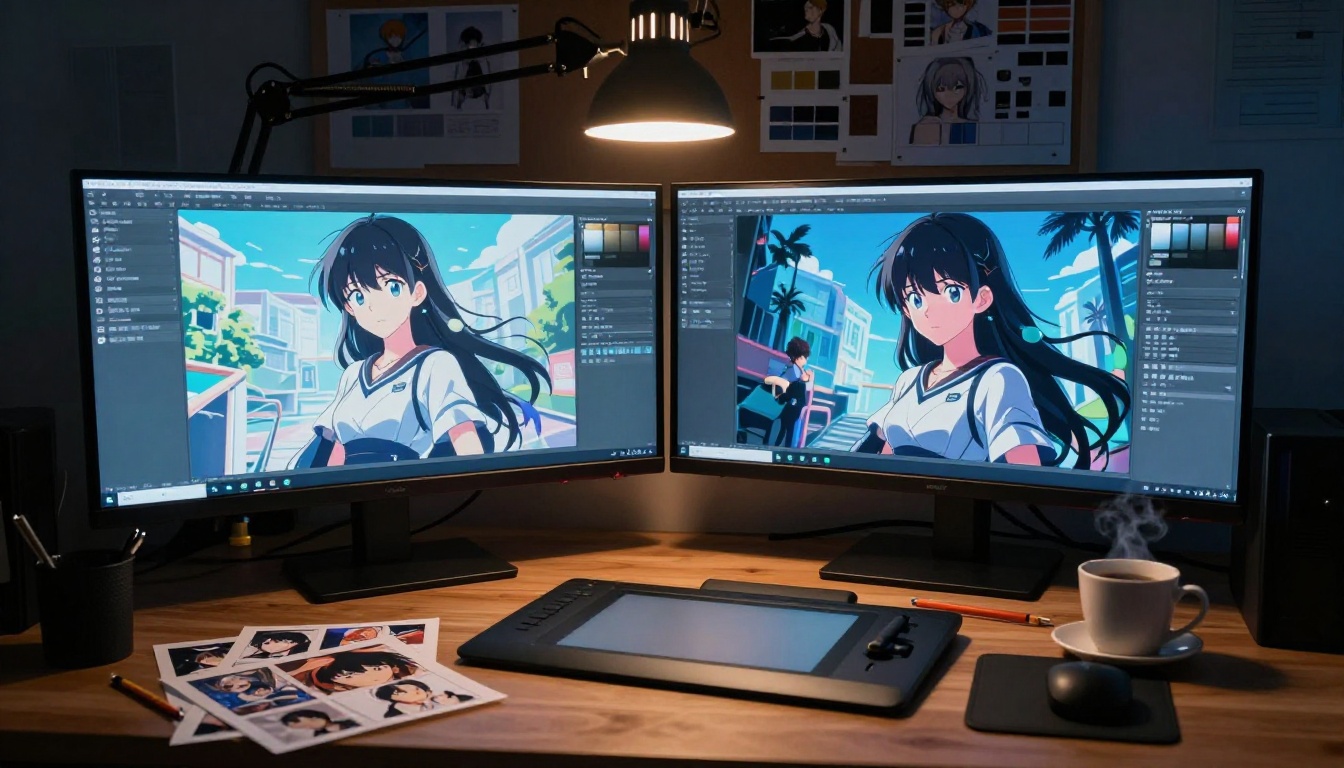
On PicassoIA, the model selection covers both ends of the anime AI spectrum:
For 2.5D cel-shaded anime:
- Krea 2 Medium: Specifically built for anime and painterly art styles. It produces clean cel-shading with bold outlines and vibrant color palettes that feel authentically hand-drawn. This is the primary recommendation for 2.5D anime work.
- Seedream 5 Pro: High-detail image generation with strong anime comprehension. Excellent for character portraits where you need precise facial feature control.
- Reve 2.1: Fast generation with solid anime stylization, ideal when you need rapid iteration across multiple character concepts.
For full 3D anime:
- GPT Image 2: Handles complex lighting scenarios and volumetric rendering descriptions with strong spatial coherence, making it well-suited for 3D anime cinematics.
- PicassoIA Image Editor Pro: Use this for refining and inpainting 3D anime renders, adding the hand-painted ramp shading detail that elevates a generic 3D character into genuine anime aesthetic territory.
How to Use Krea 2 on PicassoIA
For 2.5D anime specifically, Krea 2 Medium delivers consistent results with the right prompt structure. Here is the workflow:
Step 1: Set up your base prompt
Start with character description in anime terms, not photography terms. Use vocabulary like: "cel-shaded anime character," "bold black outlines," "flat color fills," "vibrant saturated palette."
Example: anime girl, cel-shaded, flat colors, bold outlines, blue hair, large amber eyes, school uniform, cherry blossom background
Step 2: Add negative prompts
Exclude everything that pushes toward 3D realism: realistic skin, subsurface scattering, photorealistic, 3D render, CGI, blender render, octane render
Step 3: Control face quality
Add detailed face, high quality face, perfect anime eyes to enforce the expressive proportions that define 2.5D anime.
Step 4: Specify lighting style
Use flat lighting, soft diffuse lighting, overcast rather than directional or dramatic lighting, which tends to introduce PBR-like gradient shading.
Step 5: Iterate with ControlNet
After your base generation, use ControlNet pose references to lock character positioning while regenerating with style variants. This gives you consistency across a character set without writing new prompts for each variation.
💡 Pro tip: Save your best Krea 2 seed number. Slight prompt edits with the same seed preserve character likeness across multiple outfit or expression variants.
The Verdict: Which Style Fits Your Project
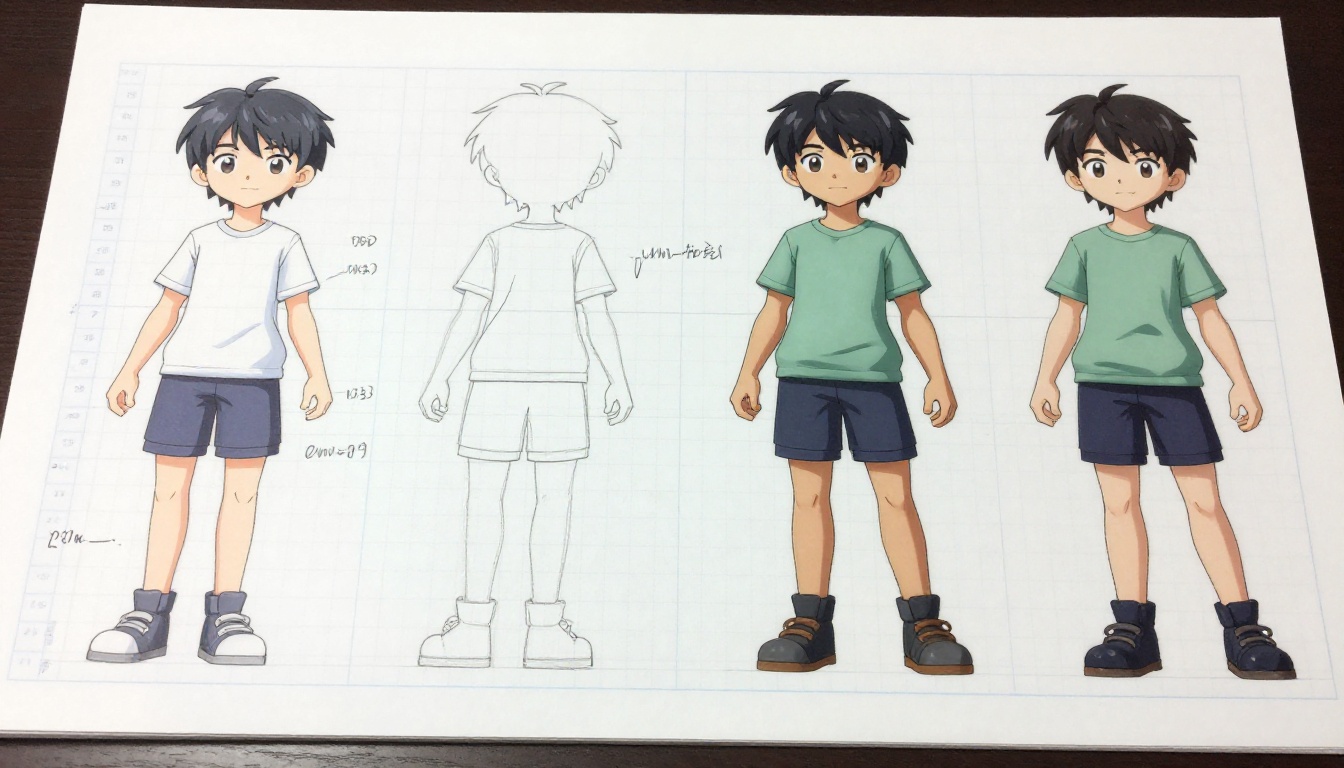
The answer isn't about which style is "better." It's about matching the output to the creative and technical requirements of your specific use case.
| Use Case | Recommended Style | Why |
|---|
| Mobile game character art | 2.5D cel-shaded | Performance, readability, fast iteration |
| Anime series concept art | 2.5D cel-shaded | Authentic anime language, fast production |
| Film promotional art | Full 3D anime | Depth, drama, premium visual weight |
| VR and spatial experiences | Full 3D anime | Geometric depth required |
| Social media character posts | 2.5D cel-shaded | Immediate recognition, high shareability |
| Game cinematics | Full 3D anime | Camera flexibility, motion quality |
| Light novel illustrations | 2.5D cel-shaded | Matches reader expectations for the format |
| Brand mascot design | 2.5D cel-shaded | Versatile across 2D and 3D media |
The single most common mistake in AI anime projects: defaulting to whichever style the first successful generation happened to produce. Run both intentionally, with prompts specifically engineered for each, before committing.
💡 A 2.5D anime character generated with Krea 2 Medium takes about 90 seconds. A full 3D anime character that actually looks like 3D anime (not just a 3D character) requires 4 to 6 carefully engineered prompt iterations minimum.
The time investment is real, but so is the quality difference between a style chosen deliberately versus one adopted by accident.
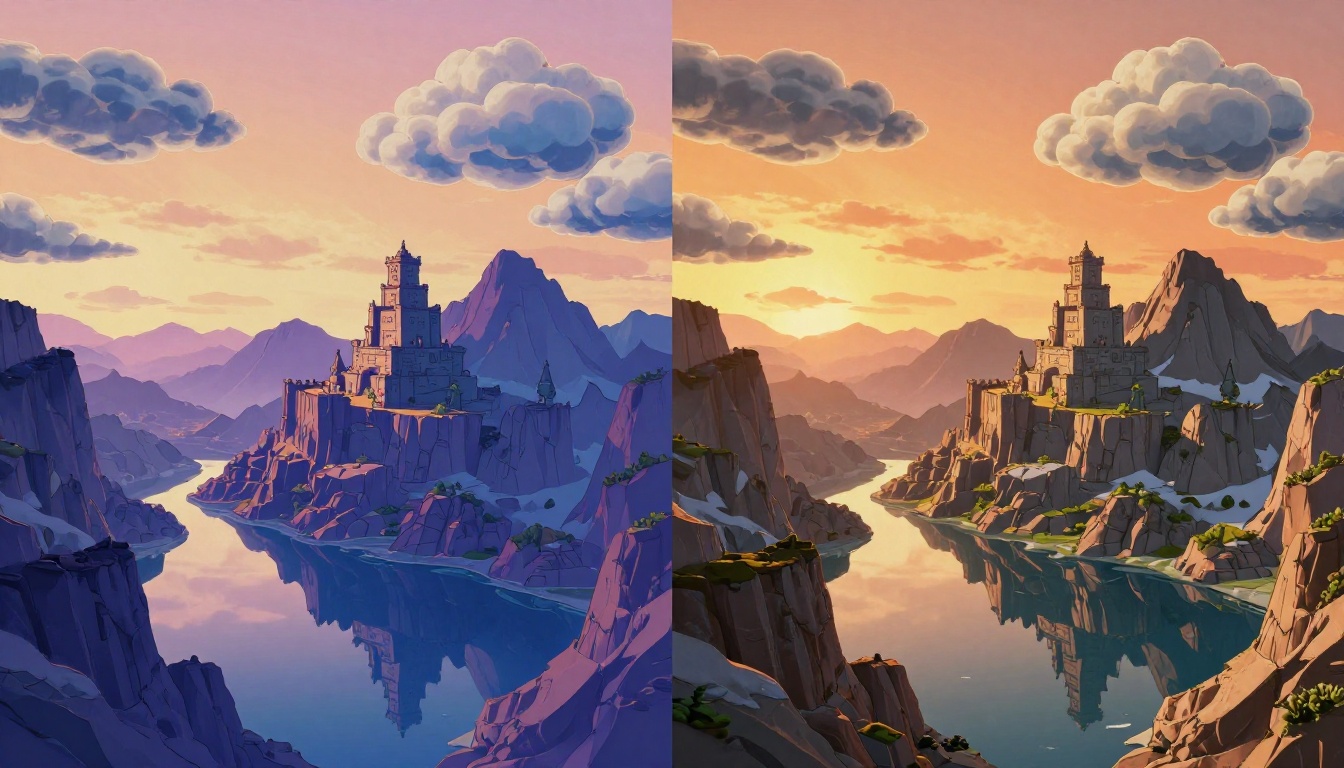
Start Generating Your Own Anime AI Art
The fastest way to settle this debate for your own project is to generate the same character in both styles and place them next to each other. Theory only goes so far; your eye tells you what works for your creative vision faster than any comparison article.
PicassoIA has 91 text-to-image models available right now, covering the full spectrum from flat cel-shaded anime to volumetric 3D rendering. Start with Krea 2 Medium for your 2.5D run and GPT Image 2 for the 3D pass. Use identical subject descriptions and change only the style modifiers.
The side-by-side result tells you immediately which direction your project needs. The models are ready. The only question is which style your project actually calls for.


