Most people treating Wan 2.7 like any other open-weight video model get tripped up the moment they try generating anything remotely suggestive. The filter kicks in, the video gets blocked, and they assume the model is simply "locked down." That assumption is wrong on three separate levels. The reality of how Wan 2.7's NSFW filter actually works is more interesting, and more navigable, than most tutorials let on. Each of the three surprises below changes the way you should approach the model, and by the end you'll have a clear picture of what's actually happening every time the system rejects your output.
Surprise #1: The Filter Reaches Farther Than Explicit Content
What Wan 2.7 Actually Flags
Here's what nobody tells you when you first run Wan 2.7: the NSFW classifier was not trained exclusively on explicit pornographic content. It was trained on a much broader category of content labeled "potentially sensitive," which includes things most creators would never expect to trip a safety filter.
The model's safety layer flags:
- Swimwear and lingerie in certain compositions, particularly close-up or low-angle shots
- Physical contact between adults, even fully clothed, when framed in ways that imply intimacy
- Horror and gore, classified separately from NSFW but using the same filter stack and threshold logic
- Implied nudity, including artistic contexts like figure drawing references or classical painting styles where no actual nudity is visible
- Romantic or intimate settings, particularly bedroom environments with atmospheric low lighting
- Certain skin-to-camera ratios, where exposed skin occupies too large a portion of the frame regardless of what that skin is
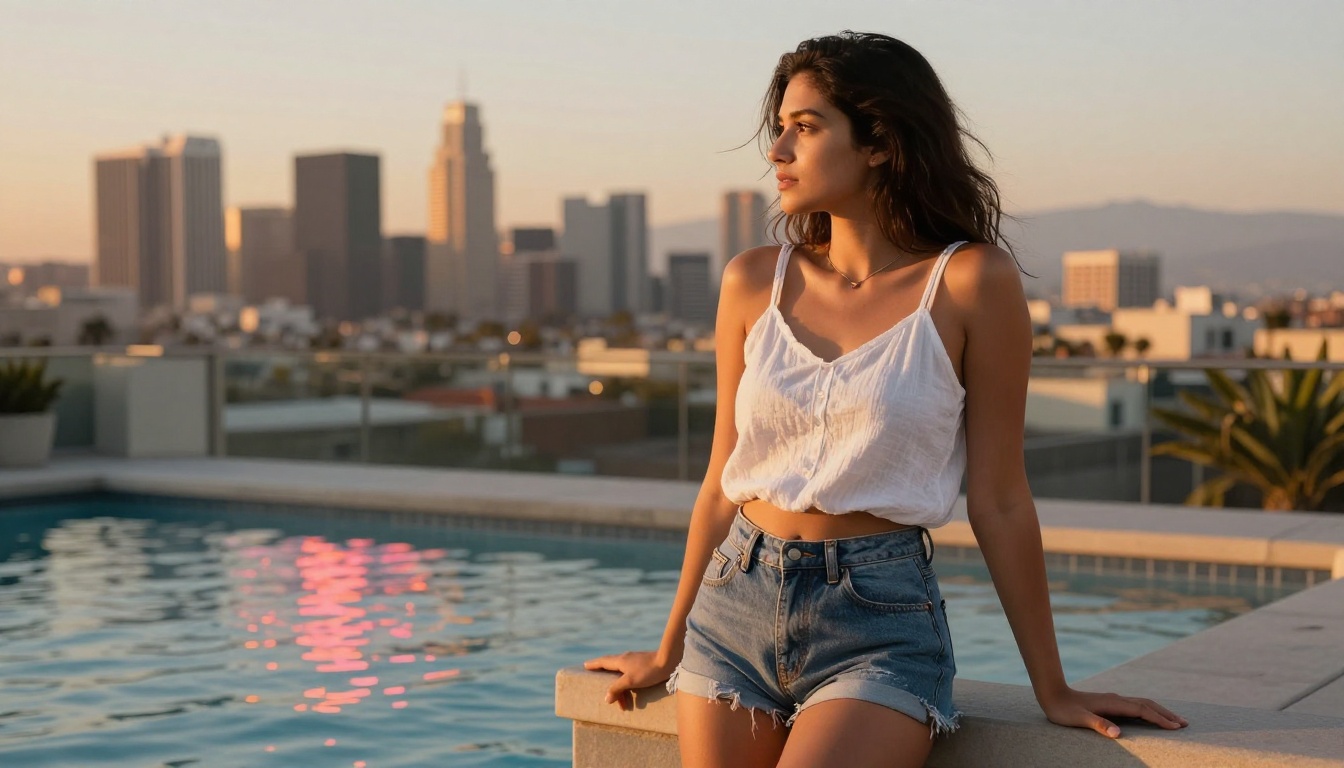
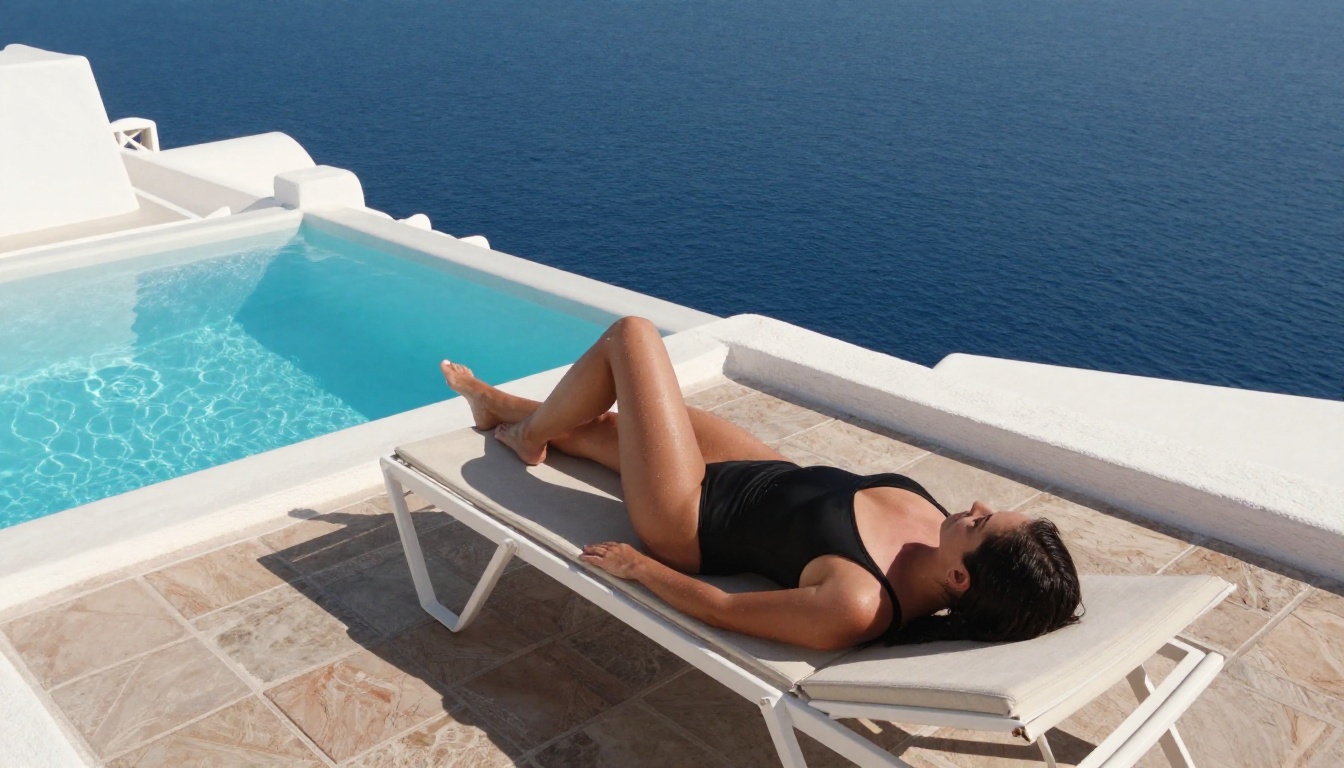
This is why creators consistently report getting blocked even when their prompt contains nothing sexually explicit. A woman in a swimsuit beside a pool can trigger the filter depending entirely on how the model frames the shot. A couple embracing in dim lighting triggers it more often than the same couple embracing in bright outdoor conditions. The model is not reading the intent of your prompt. It is running output through a post-generation classifier that looks at the final video frames as still images and makes a pass/fail decision.
💡 The important distinction: Wan 2.7's NSFW filter analyzes what the model generates, not what you ask for. This means even technically "clean" prompts can produce flagged outputs if the model interprets ambiguous language in a particular direction, or if the scene composition it generates happens to match the classifier's training data for sensitive content.

How It Differs From Earlier Wan Versions
If you used Wan 2.5 T2V or Wan 2.6 T2V in production, you probably noticed a noticeably looser threshold. Wan 2.1 and 2.5 used a simpler keyword-and-caption-based filter. If your text prompt passed the word-level check, output generation typically proceeded without issue. Wan 2.6 introduced frame-by-frame output analysis, but it was tuned conservatively, with fewer false positives and a focus on clearly explicit content rather than the much broader "sensitive" category.
Wan 2.7 ships with a significantly more aggressive version of that output classifier. The training data for the safety model was expanded, sensitivity thresholds were increased, and the definition of "potentially sensitive" was broadened considerably. The tradeoff is fewer instances of clearly explicit content appearing in outputs, but also a notable increase in false positive blocks on content that most creators would consider entirely reasonable for platforms targeting adults.
| Model | Filter Type | Typical Threshold |
|---|
| Wan 2.1 | Text prompt filter | Permissive |
| Wan 2.5 | Text + basic output scan | Moderate |
| Wan 2.6 | Frame-level output classifier | Moderate-strict |
| Wan 2.7 | Advanced multi-frame classifier | Strict |
The progression from version to version reflects a general industry trend toward more conservative default safety settings at the model level, with the expectation that platforms and operators configure access for their specific user bases. This brings us to Surprise #3, but first: what is the filter actually doing?
Surprise #2: The Diffusion Model Itself Has No Opinion
The Safety Classifier Layer
This is where things get technically interesting. Wan 2.7's video diffusion model, the actual neural network doing the frame generation, has no built-in concept of "appropriate" or "inappropriate." It is a generative system that maps noise to video frames given a prompt embedding. It does not evaluate what it produces, and it was not specifically trained to avoid adult content. The generative capability is fully intact in the weights.
The NSFW filtering happens in a completely separate module. After frames are generated, a safety classifier, functionally similar to a content moderation API, analyzes the output frames and returns a pass or fail flag. If the flag trips, the output is suppressed before it ever reaches you. In most deployments this happens server-side, meaning you don't see the output at all. You just see a rejection message, often without a specific explanation of which frames triggered the flag or why.
This architecture means several things that most documentation never makes explicit:
- The diffusion model is not "lobotomized" by safety training the way some fine-tuned open-source models are. The generative capability is fully intact in the weights.
- The classifier is the actual bottleneck, and classifiers can be configured, replaced, or adjusted at the infrastructure level depending entirely on who is deploying the model.
- Your prompt engineering affects what the model generates, not what the classifier does. Softer language and euphemistic phrasing in your prompt do not reliably change the output enough to avoid classifier detection because the classifier is looking at the visual result, not the words you typed.
Why Prompts Matter Less Than You Think
A common mistake is treating prompt engineering as the primary way to navigate the filter. Creators spend hours tweaking language, adding negative prompts like "safe for work" or "fully clothed," or using clinical terminology in place of anything that sounds evocative. Most of this effort is misdirected.
Because the classifier looks at visual output rather than the text prompt, the only way prompt engineering actually helps is if it causes the model to generate a visually different result that the classifier does not flag. There is no word or phrase you can type that tells the classifier "this is art, not pornography." The classifier is looking at pixels, not intention.
What does work at the prompt level is controlling composition, framing, and context in ways that steer the model away from generating frames that land in the classifier's trigger zones. Specific lighting conditions, camera angles, scene elements, and distance from the subject can all systematically shift outputs. This is craft, not trickery, and it produces consistently better creative results regardless of any filtering considerations.
💡 Pro tip: Rather than using vague terms like "sensual" or "intimate," describe precise visual details: the quality and direction of light, the exact camera angle, the texture of clothing and environment, the distance from the subject. This reduces the model's interpretive latitude, which means fewer surprises in both the output and the filter response.
Surprise #3: Where You Run the Model Changes What It Does
Why Platform-Level Access Matters
This is the surprise that most Wan 2.7 documentation fails to mention entirely. The same underlying model, running on different platforms, behaves differently. Not because the model weights have been altered, but because the classifier configuration, sensitivity thresholds, and which safety checks are applied are entirely determined by the platform operator deploying the model.
When you run Wan 2.7 locally with default settings, you get Wan's default safety configuration. When you access Wan 2.7 through a cloud platform, you get that platform's configuration, which may be more restrictive, less restrictive, or entirely different from the default depending on what that platform was built to do.
Some platforms apply additional restrictions on top of the default, making the model even harder to work with for anything suggestive. Others, built specifically for adult creative work, configure the classifier with wider thresholds or apply it only to clearly explicit rather than merely suggestive content. Same model, same weights, dramatically different practical experience.
What PicassoIA Allows That Others Don't
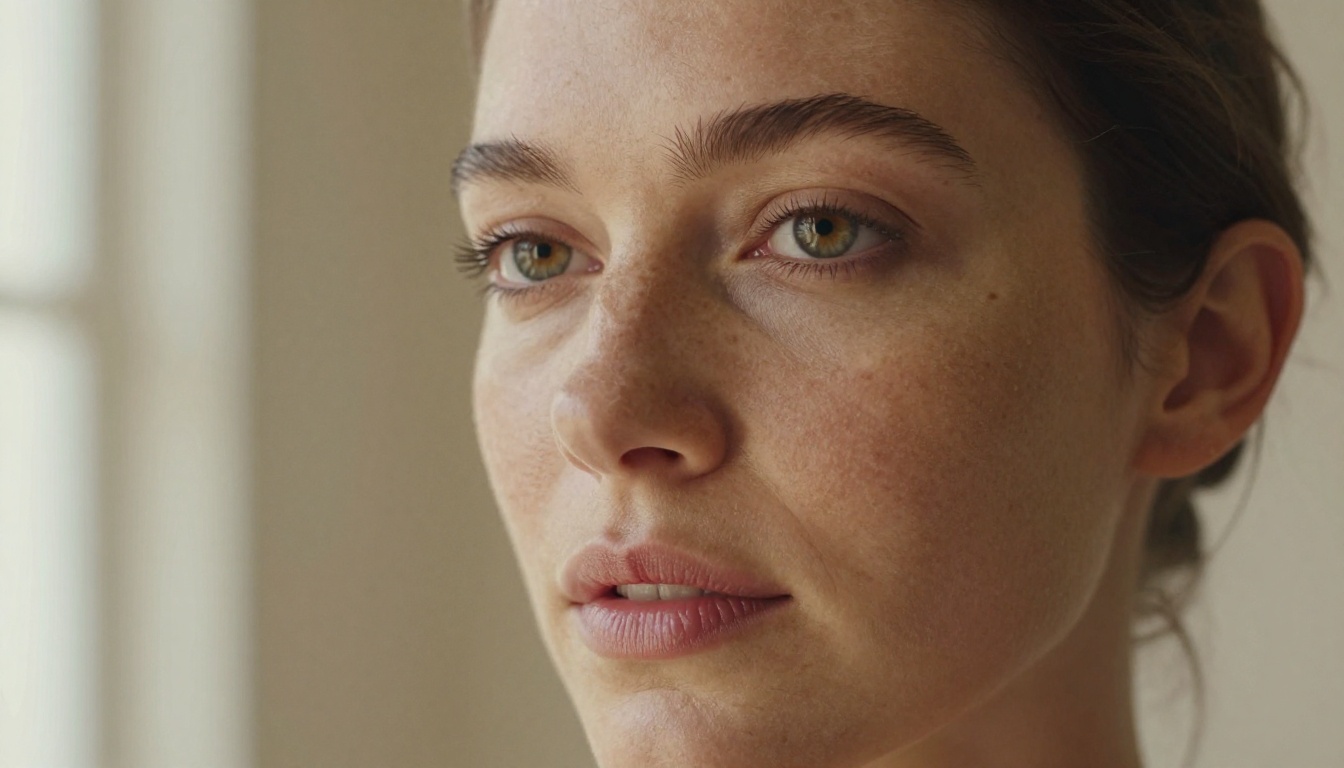
PicassoIA makes all three Wan 2.7 variants available with configurations suited to adult creative work within the platform's content policy. No explicit or pornographic output, but full support for swimwear, glamour, romance, implied intimacy, and suggestive artistic work.
The platform gives you three distinct Wan 2.7 tools:
-
Wan 2.7 T2V: Text-to-1080p video. Best for building video entirely from written descriptions. Supports longer, more narrative prompts that capture scene mood, character detail, and atmospheric specifics.
-
Wan 2.7 I2V: Image-to-video. Animates a still image you provide as input. Ideal when you have an exact reference frame, whether generated by a separate image model or uploaded from your own assets, and want it brought to life with motion.
-
Wan 2.7 R2V: Reference-to-video. Uses a subject reference image to animate a character across scenes, maintaining consistent facial and body identity across video frames. This is the most recent addition to the Wan 2.7 lineup and the most powerful tool for multi-scene character work.
How to Use Wan 2.7 on PicassoIA
Setting Up Wan 2.7 T2V
The Wan 2.7 T2V model handles text-to-1080p video generation. For the best results with suggestive or adult-adjacent content, apply these principles from the start:
- Open the model page and write your prompt in the text field before touching any other settings.
- Describe the scene, not just the subject: Instead of "a woman in lingerie," write "a woman in black lace fabric standing near a curtained window, amber evening light from the left casting soft shadows on the wall, shallow depth of field with soft cotton bedding visible in the background."
- Specify camera angle and lens focal length: "Shot from a low angle with a 50mm lens at f/1.8" gives the model precise compositional direction and significantly reduces ambiguous interpretation.
- Include atmosphere details: Lighting quality (volumetric, diffuse, golden hour, soft window light), room textures, and material descriptions all steer the model toward more controlled, specific outputs.
- Select 1080p resolution in the settings panel before submitting. Default settings on some interfaces may default to a lower resolution.
Typical generation time is 2 to 4 minutes. The output is a 5-second MP4 that downloads directly or can be used within the PicassoIA platform for further editing.

Wan 2.7 I2V for Image Animation
Wan 2.7 I2V is the most reliable path when you need consistent character appearance across every video frame. Generate your reference image first using a text-to-image model, then upload it to Wan 2.7 I2V alongside a motion prompt.
The motion prompt for I2V should describe movement, not appearance. Since appearance comes from the reference image, your prompt should focus entirely on what moves and how:
- "The subject breathes slowly, chest rising and falling, subtle hair movement from a light breeze, camera holds completely steady"
- "Slow camera dolly backward revealing more of the room, subject maintains pose, soft afternoon light shifts slightly as sheer curtains drift inward"
- "Subject turns head slightly to the right, lips part, eyes blink naturally, handheld camera micro-shake gives a documentary feel"
The I2V approach consistently produces better results than pure text-to-video for character-focused content because the model doesn't have to invent appearance details from scratch.
Wan 2.7 R2V for Multi-Scene Work
Wan 2.7 R2V takes a reference image of your subject and generates video placing that subject in a new scene or pose while maintaining consistent identity. This is the tool for:
- Creating multiple distinct scenes featuring the same character
- Placing a subject in different environments without reshooting or regenerating from scratch
- Building short video sequences that feel coherent and consistent across multiple clips
Best Models When Wan 2.7 Blocks You
Even with PicassoIA's configuration, there are situations where a different model fits better: faster generation times, a different visual aesthetic, or a pipeline that avoids the I2V step entirely.
Video Alternatives Worth Using
| Model | Best For | Output |
|---|
| Seedance 2.5 | Fast high-quality text-to-video, up to 10 seconds | 1080p |
| Kling v3 Video | Cinematic motion, stylized character work | 1080p |
| Pixverse v5.6 | Creative visual effects and stylization | 1080p |
| Wan 2.6 I2V | Slightly more permissive threshold than 2.7 | HD |
| LTX 2.3 Pro | 4K resolution output at fast generation speed | 4K |
💡 For still images with adult-themed content: Seedream 4.5 is the top recommendation on PicassoIA. It produces uncensored, photorealistic portraits and glamour photography at speed, with unlimited generations available through PicassoIA Image Editor Pro. Do not use Seedream 5 Lite for this purpose as it applies stricter content filtering that will block adult-adjacent work.
The Two-Step Pipeline Worth Adopting
The most reliable workflow for adult-themed AI video on PicassoIA combines image and video generation in sequence:
- Generate the source image using Seedream 4.5 to nail the exact subject appearance, lighting, composition, and skin detail you want before any video generation begins.
- Animate that image using Wan 2.7 I2V or Wan 2.7 R2V to add motion while preserving what you built in step one.
This two-step process separates appearance design from motion design. Because appearance is fixed at the image step, the video model has far less interpretive latitude, which means fewer unexpected outputs and fewer classifier triggers. The results are consistently more on-target than relying on text-to-video alone.
What This Means for Your Work
Knowing how Wan 2.7's NSFW filter really works changes how you approach it. The filter is not baked into the generative model. It is a separate, platform-configurable safety classifier that looks at pixels, not intent. The same model on the right platform generates results that a restricted deployment refuses to produce, and that is not a loophole, that is the intended architecture.
PicassoIA gives you direct access to all three Wan 2.7 variants, configured for creative adult work within the platform's terms. You also have access to over 80 text-to-video models, 90+ text-to-image models, and every tool needed to run image-to-video pipelines that consistently produce what you're actually after.
Start with Wan 2.7 T2V if you want to build from a written prompt, or Wan 2.7 I2V if you have a reference image ready to animate. Pair either one with Seedream 4.5 for image generation and you have a complete pipeline. Browse the full model catalog at picassoia.com/en/all-models to find the specific combination that fits your creative process.


