You have two roads for putting a face on your brand, your game or your channel. One road runs through meshes, rigs and textures: a 3D modeled avatar you build, pose and animate like a digital puppet. The other starts with a prompt or a single photo and ends with a photorealistic AI avatar that looks like a person filmed on a real camera. Both are called "avatars." They behave very differently once you try to ship something with them.
This article breaks down the real differences between 3D modeled avatars and photorealistic AI avatars, shows where each one is used today, and points to free tools you can try without a studio budget. If you only have a minute: pick 3D when you need an interactive, controllable character, and pick photorealistic AI when you need a believable human face on screen fast.
What Each Avatar Type Really Is
Before comparing, it helps to be precise. People mix these two categories up all the time, and that leads to bad tool choices.
3D Modeled Avatars
A 3D modeled avatar is a real object in a 3D scene. It has geometry (a mesh made of polygons), a skeleton for movement (a rig), materials, textures and often blend shapes for facial expressions. You can rotate it, light it, place it in a game engine and drive it with a controller, motion capture or a webcam.
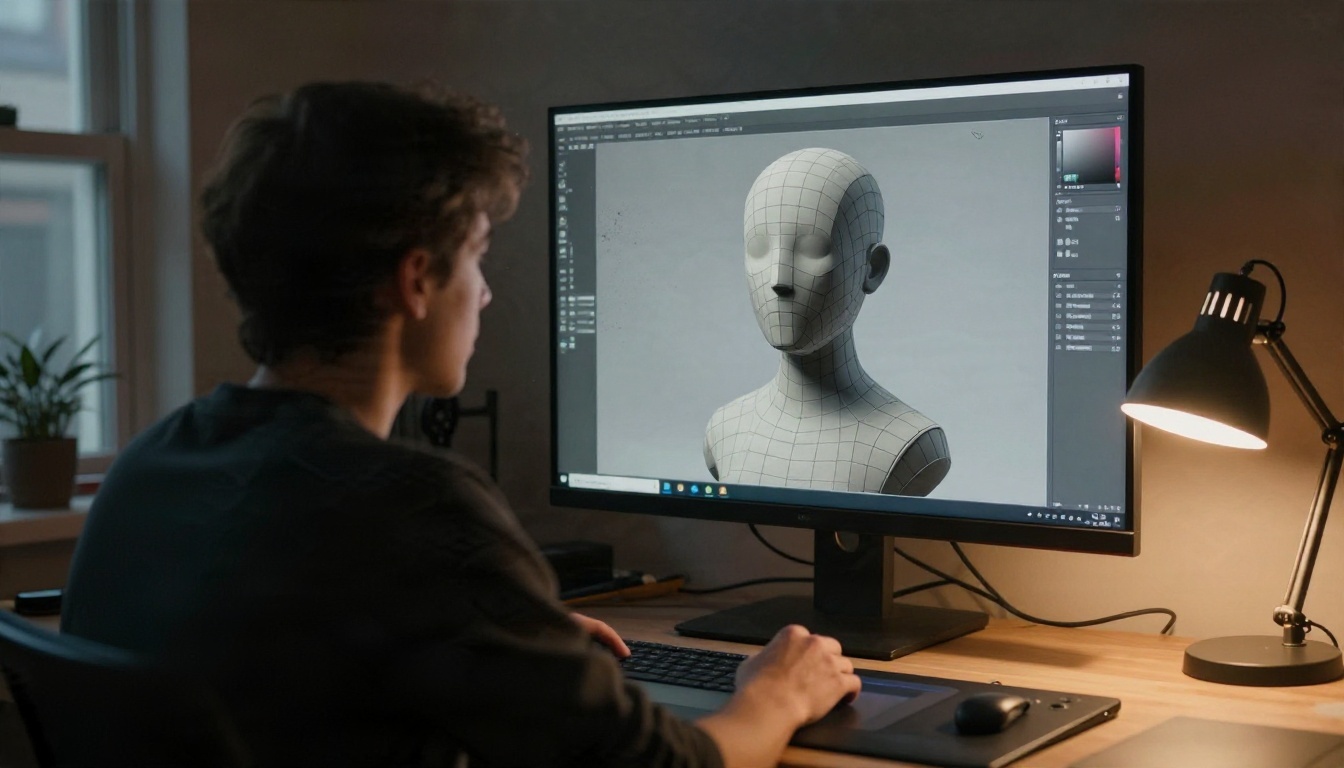
The strengths come from the fact that the character exists as data. The same avatar can appear from any angle, in any lighting setup, doing any action you can animate. The tradeoff is that someone has to build and rig it, or you have to generate it and clean it up. Style can range from a cartoon fox to a stylized human, and even highly detailed digital humans still tend to read as "digital" at close range.
Photorealistic AI Avatars
A photorealistic AI avatar is not an object. It is a stream of generated pixels that imitates a real person. A diffusion or video model produces the face, skin, hair and lighting directly, usually from text, a reference photo or a short recording. There is no mesh underneath and no rig to adjust.
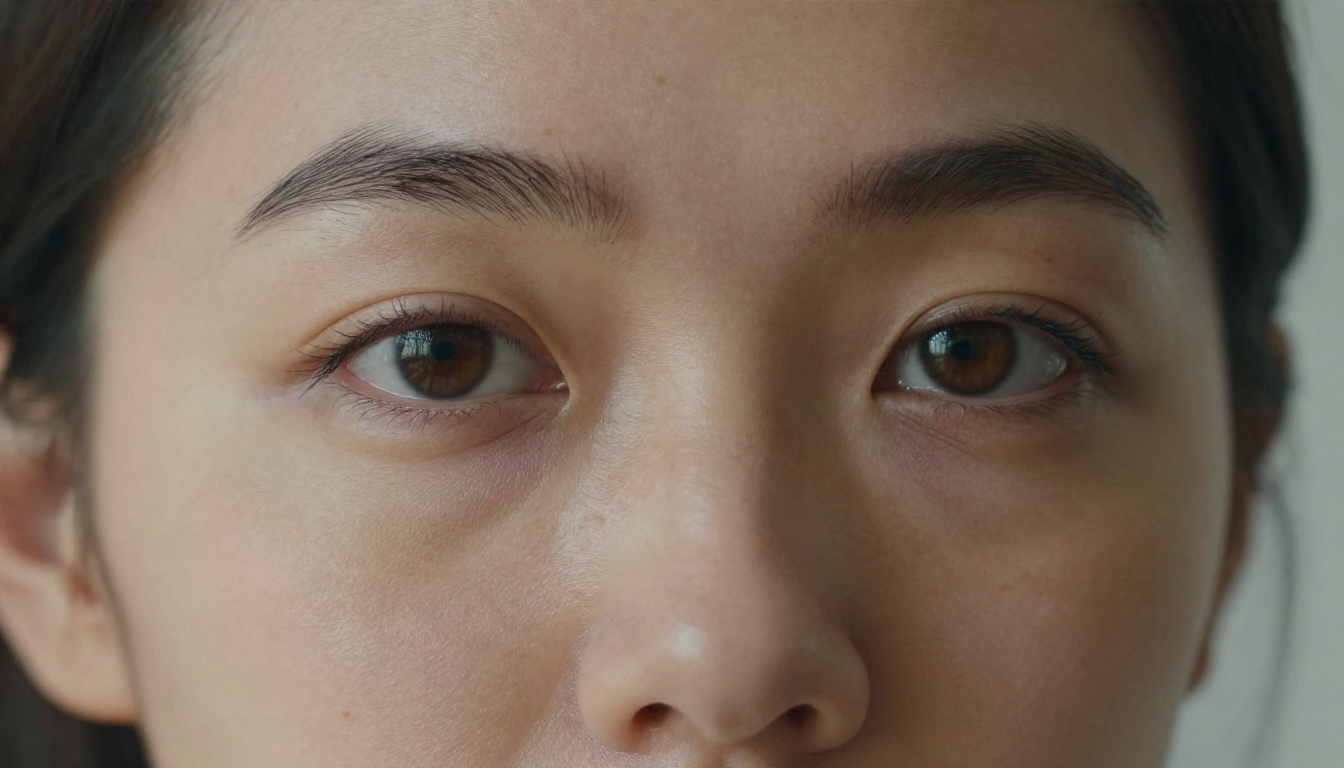
That is why the output can look so convincing. Pores, stray hairs, moist eyes and soft shadows come from patterns the model has absorbed from millions of photographs. The cost of that realism is control: you steer with prompts and reference images instead of sliders and bones, so consistency across many shots takes effort.
💡 Quick test: if you can orbit a camera around it and it still holds up, it is a 3D avatar. If it only works from the angle it was generated at, it is a photorealistic AI avatar.
Side by Side Differences
Here is the overview. Details follow below the table.
| Factor | 3D Modeled Avatar | Photorealistic AI Avatar |
|---|
| Core format | Mesh, rig, textures | Generated images or video |
| Typical look | Stylized to semi realistic | Camera realistic |
| Viewing angles | Unlimited, full 360 | Limited to what the model renders |
| Real time use | Excellent (games, VR, streaming) | Weak, mostly pre rendered |
| Consistency | Perfect, same asset every time | Needs reference images and care |
| Time to first result | Hours to days | Seconds to minutes |
| Skill required | Modeling, rigging, shaders | Prompting and curation |
| Editing a detail | Move a vertex or swap a texture | Re prompt or inpaint |
| Best for | Games, VTubing, AR, product demos | Ads, explainers, portraits, social video |
Look and Feel
The biggest gap is how people react to the face. A stylized 3D avatar gets forgiven for being artificial because nobody expects it to be real. A photorealistic AI avatar is judged like a photograph, so a slightly off eyelid or an odd tooth stands out immediately. When it works, viewers do not register it as an avatar at all. When it misses, it feels unsettling.
3D avatars are also immune to the "AI look," that over smooth, over lit finish some generated faces have. The flip side is that a modest 3D budget usually produces plasticky skin that reads as a game character, not a person.
Speed and Cost
A solid custom 3D character can take a professional days, and a hero quality digital human can take much longer. Generation tools shortened that a lot: you can turn a photo into a textured mesh in a few minutes with an image to 3D model. You still usually need cleanup to get animation friendly topology.
Photorealistic generation is nearly instant by comparison. You can produce dozens of candidate portraits in the time it takes to rig one 3D mesh. If your deadline is this afternoon, that speed is the deciding factor.
Control and Consistency
This is where 3D pulls ahead. Once the asset exists, it is identical in every frame. You can change the outfit, tweak the nose, retarget a dance and render from a drone angle without the face drifting.
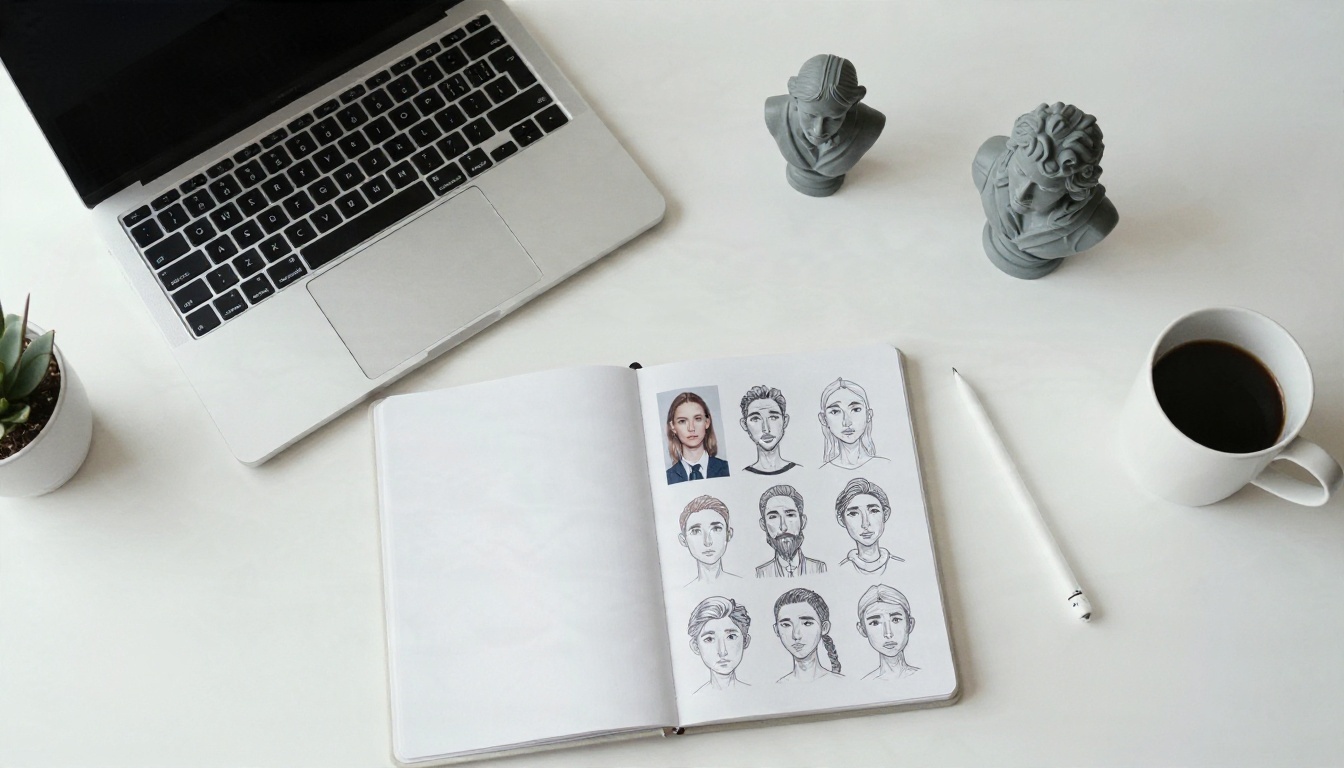
With photorealistic AI, identity drift is the classic problem. The person in shot one is similar to the person in shot two, but not guaranteed to be the same. Strong reference conditioning, fixed seeds and image editing models narrow the gap, but you are managing probability, not data.
Real Examples in the Wild
Differences on paper matter less than what people actually ship. Here are the three places where the split shows up most clearly.
Streamers and VTubers
Live streaming is the natural home of 3D avatars. A streamer wears a rigged character, and a webcam or phone tracks their face, so the avatar blinks, grins and tilts in real time. Latency matters here, and photorealistic generation cannot reliably meet real time demands on consumer hardware.
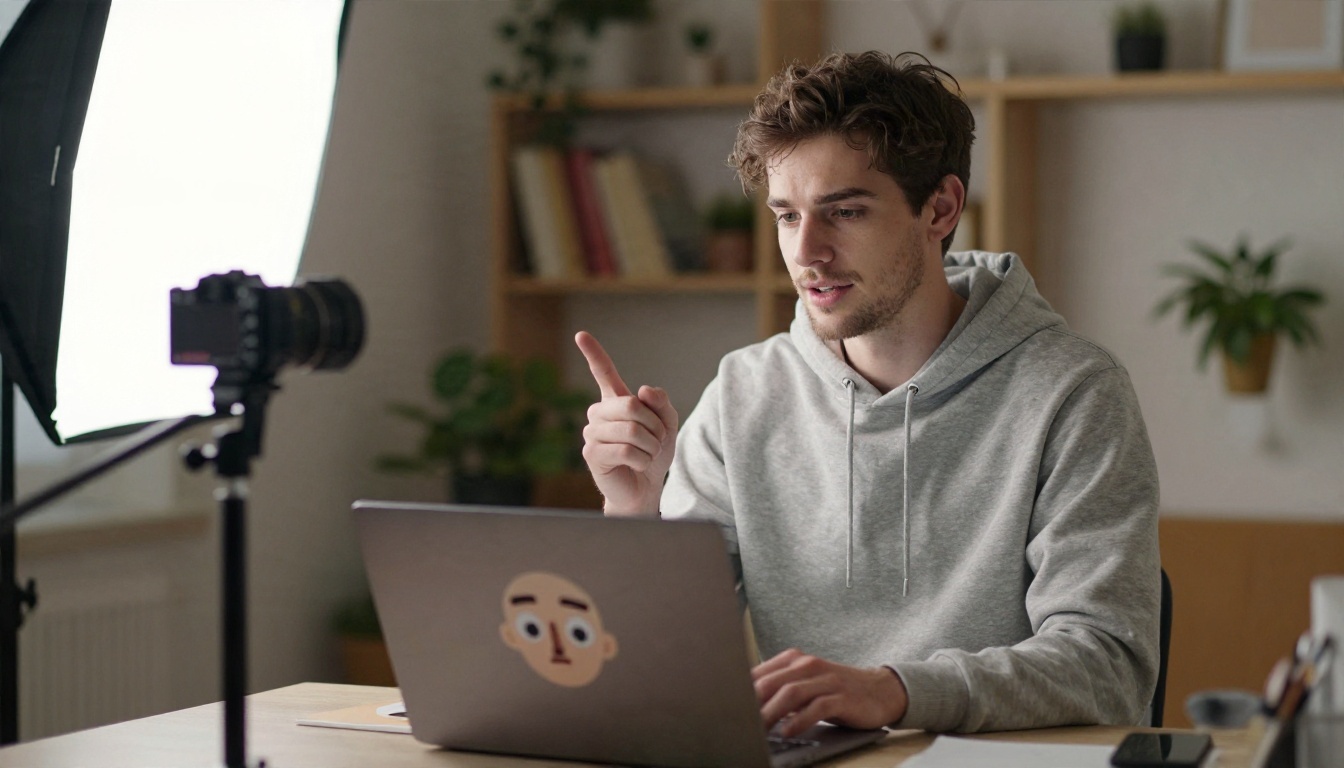
The stylized look is also a feature. It gives creators privacy and a recognizable brand character that can outlast any one person on the team. Many popular virtual creators have kept the same avatar for years, which would be difficult with a generated face that shifts from video to video.
Games and Interactive Apps
Games and virtual worlds need characters that respond to input. A player moves, jumps and emotes, and the engine has to render the avatar from any camera angle at 60 frames per second. That requires a real mesh and a rig, full stop.
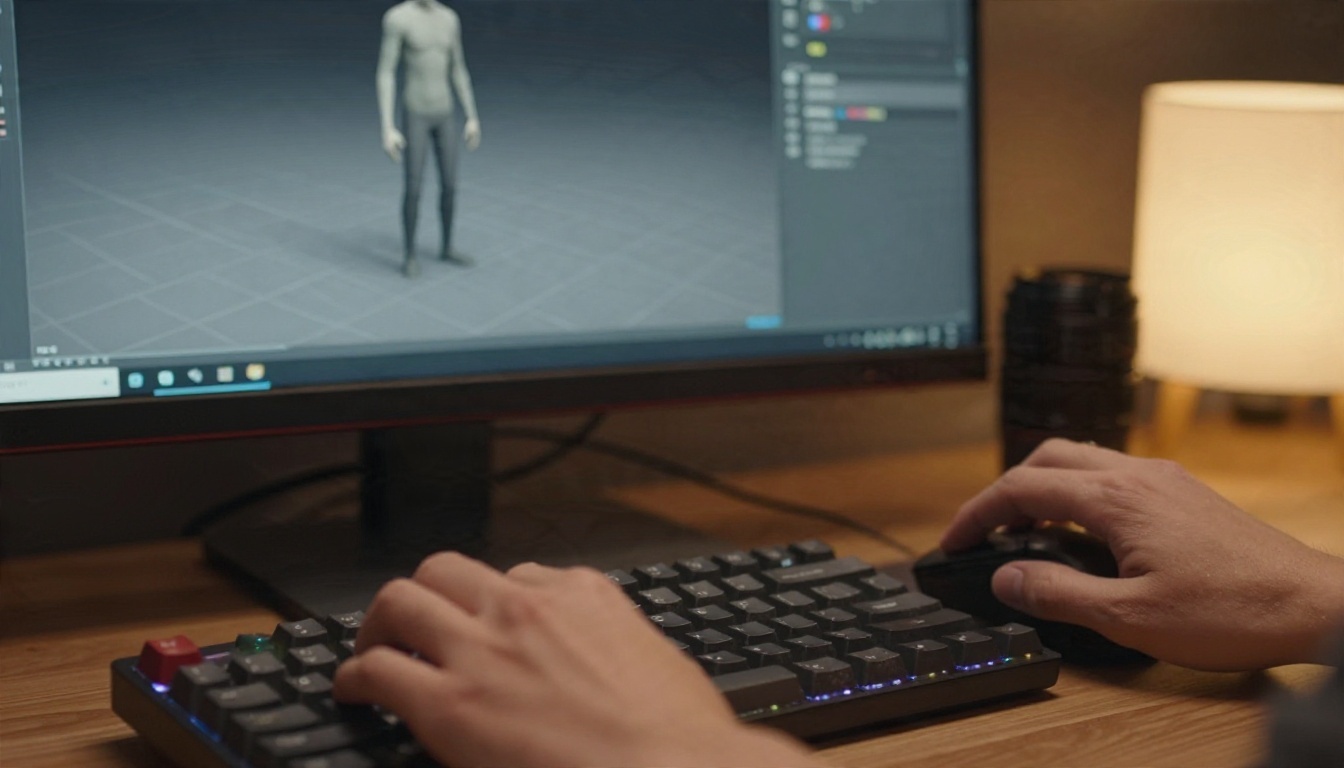
Photorealistic AI still plays a supporting role in this pipeline. Teams use image models to create concept art, reference portraits and texture ideas, then hand the final character to a 3D artist. The AI shortens the exploration phase without replacing the asset.
Marketing and Training Videos
This is the territory where photorealistic AI avatars won the most ground. A company needs a presenter explaining a product in five languages, with new scripts every month. Filming a human each time is slow and expensive. A generated presenter that speaks the script with natural lip movement is far cheaper to update.

Training and onboarding content follows the same logic. Viewers respond better to a human face than to a cartoon mascot reading compliance rules, and the production cycle is short enough to update a video whenever a policy changes.
💡 Rule of thumb: interactive and real time work leans 3D. Linear, pre rendered video leans photorealistic AI.
You do not need to buy a software suite to test either approach. Here is a practical set, with PicassoIA models linked so you can try them directly.
Free 3D Avatar Tools
For building 3D characters, Blender is the free standard for modeling, sculpting and rigging, and VRoid Studio is a free option for anime style characters. Epic's MetaHuman tools target realistic digital humans inside Unreal Engine. These are mentioned in plain text because they live outside PicassoIA.
Inside PicassoIA, several models cover the generation side of a 3D pipeline:
- Hunyuan 3D 3.1 turns a reference image into a 3D model, which gives you a base mesh to refine instead of starting from a blank viewport.
- Rodin generates 3D models from photos and is useful when you want a second take on the same character.
- Create Character v1 auto-rigs 3D characters, which removes one of the most tedious steps in the process.
- Text To Motion Diffusion v2 and Text To Motion VQVAE v1 create animation from a text description, so a rigged character can walk, wave or dance without motion capture.
Free Photorealistic AI Avatar Tools
For lifelike faces, the image generators do the heavy lifting. These are the ones worth testing first:
- Seedream 4.5 produces sharp, high resolution portraits with convincing skin and lighting.
- Nano Banana Pro handles detailed 4K portraits and strong prompt following.
- Nano Banana is especially useful for editing, such as changing an outfit or background while keeping the same person.
- Flux 2 Klein 9B Base LoRA is a good fit when you want a consistent styled look across many generations.
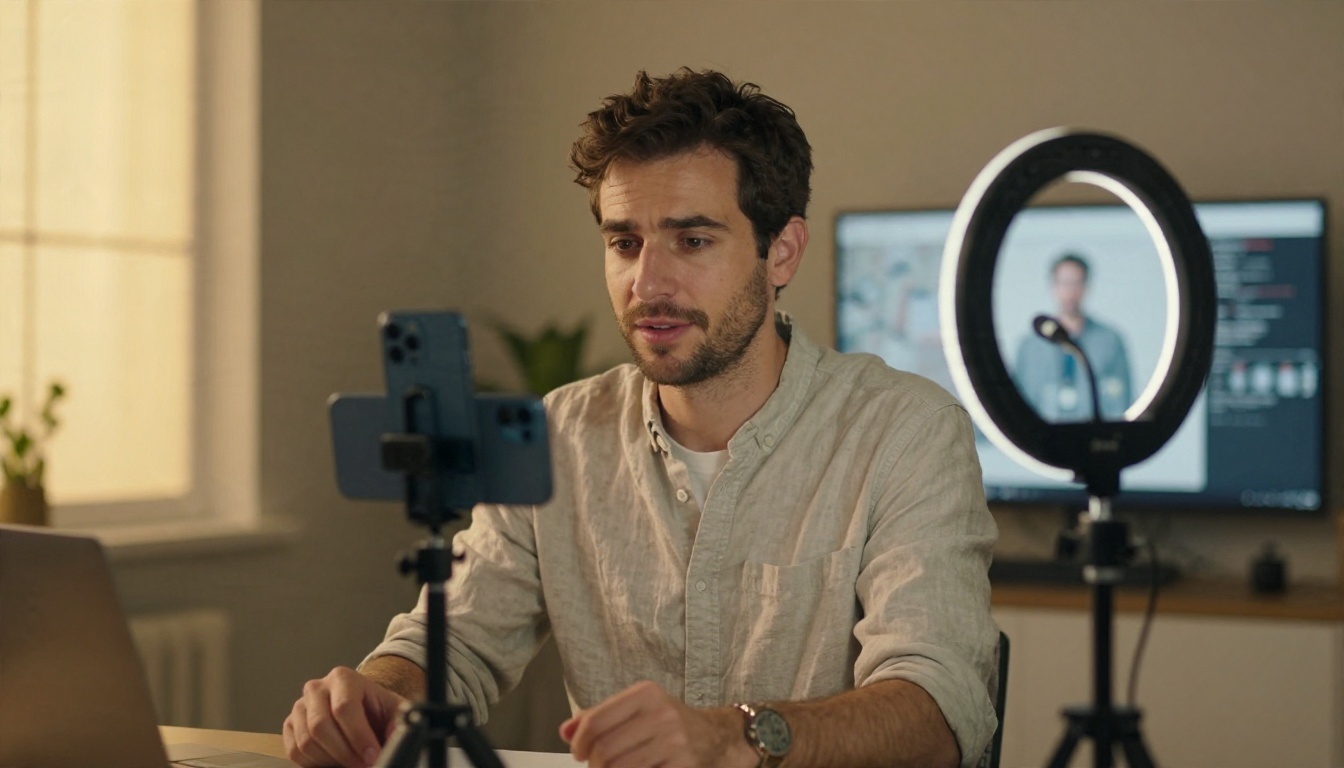
A reliable prompt formula for a photoreal avatar portrait:
- Subject: age range, expression and pose.
- Skin and hair detail: mention pores, stray hairs and natural texture.
- Lighting: window light from the left, soft overcast, golden hour.
- Lens: 85mm at f/1.8 gives that flattering portrait compression.
- Mood and film stock: a Kodak Portra 400 look keeps tones natural.
Talking Avatars on PicassoIA
A still portrait is only half of an avatar. For speech, PicassoIA has dedicated talking avatar models:
- Avatar IV and Avatar V create talking avatar videos from a photo and a script.
- P Video Avatar is a fast option for talking avatar clips.
- Omni Human animates a still photo into a speaking video with natural body and facial motion.

A Simple Workflow for Both
You do not have to pick one side forever. The strongest pipelines use each approach where it is strongest.
Build a Hybrid Pipeline
Here is a workflow that many small teams settle on:
- Concept with photoreal images. Generate a dozen portraits with an image model until you land on a face and outfit you like.
- Lock a reference sheet. Pick the best front and side views and use an editing model to keep identity consistent across them.
- Branch by use case. For interactive work, feed the reference into an image to 3D model, then rig and animate. For linear video, feed the portrait into a talking avatar model with your script.
- Polish. Fix mesh problems in Blender, or touch up frames with inpainting and upscaling.
This approach gives you one character identity that works as a real time 3D avatar and as a lifelike presenter in a video. The reference portrait becomes the single source of truth.
💡 Tip: keep a written "character bible" with the exact prompt, seed, lens and lighting words you used. It saves hours when you need a new shot six weeks later.
Mistakes That Waste Time
Most avatar projects stall for the same few reasons. Avoid these and you are ahead of most people.
Falling Into the Uncanny Valley
A 3D avatar that is almost human and a photoreal face that is almost right both trigger discomfort. Eyes are the usual culprit: wrong blink timing, dead stares or mismatched gaze. If your budget cannot reach full realism, commit to a clear style instead. A confident stylized character beats an uncertain realistic one every time.
Ignoring Consent and Likeness
Building an avatar from a real person's photo needs that person's permission, and a talking avatar that speaks words they never said needs even more care. Get written consent, label synthetic content where audiences could be misled, and never clone someone else's face for a deceptive purpose. Many platforms and jurisdictions now expect disclosure on AI generated people.
Starting With the Wrong Tool
Choosing a heavy 3D pipeline for a single explainer video wastes weeks. Choosing a photoreal generator for a game character you need to animate from every angle wastes the same amount of time. Match the format to the final delivery, not to what looks coolest in a demo.
How to Choose the Right One
Use this short decision list:
- You need real time interaction, VR or AR: 3D modeled avatar.
- You need a presenter in video, fast, in several languages: photorealistic AI avatar.
- You need one character in many scenes and angles with perfect consistency: 3D modeled avatar.
- You need a believable portrait for a profile, ad or campaign: photorealistic AI avatar.
- You need both: hybrid pipeline, starting from a photoreal reference.
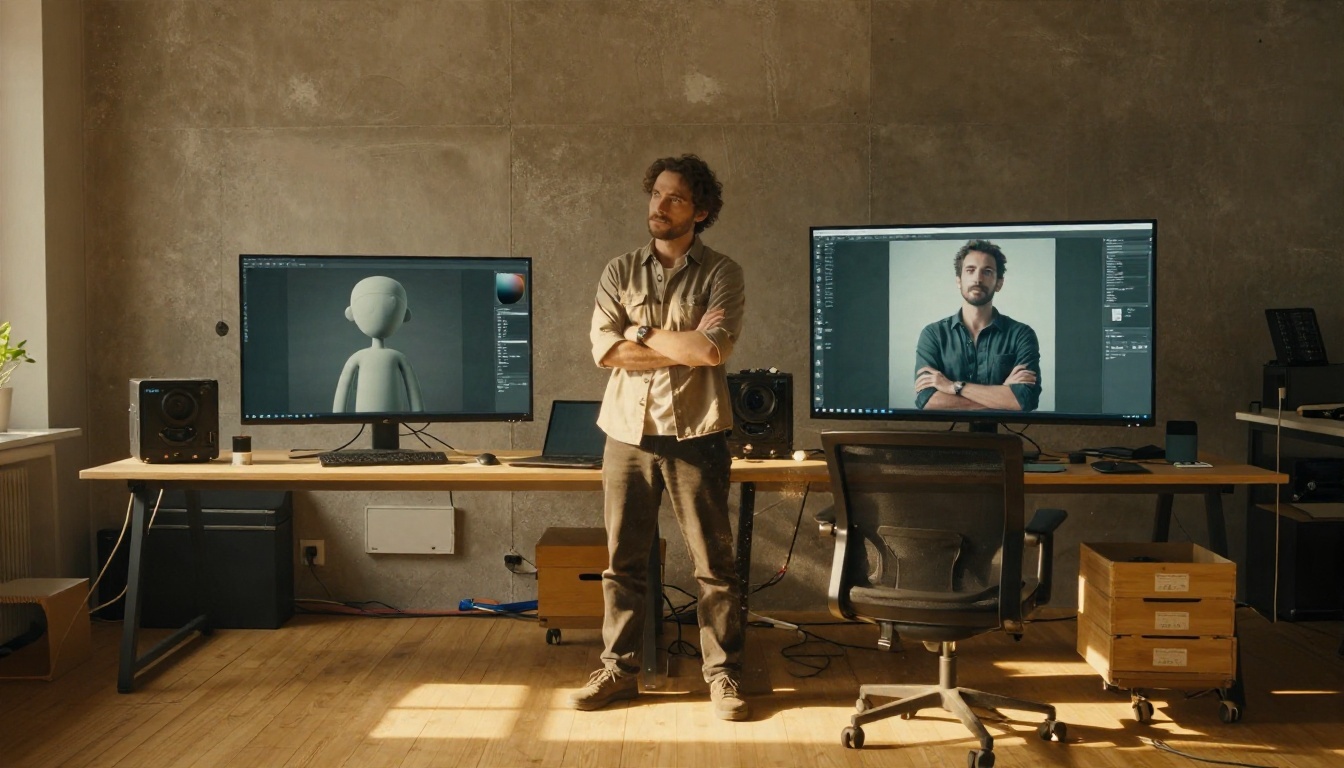
If you are still undecided, run a small test. Generate five portraits with a photoreal model, turn your favorite into a 3D mesh, and compare what each one lets you do. An hour of testing will tell you more than a week of reading comparisons.
Make Your Own Avatar Today
The fastest way to feel the difference is to make both. Open Seedream 4.5 and write a portrait prompt using the formula above, then send your favorite result to Hunyuan 3D 3.1 to see it as a 3D model. Add a voice and a script with Avatar IV if you want it to speak.
Every model on PicassoIA is a few clicks away, so you can mix image generation, 3D creation and talking avatars in one place. Browse the full catalog at picassoia.com/en/all-models, pick a face, and start building your own avatar this afternoon.


