AI waifu generators have evolved far beyond static chatbots with preset avatars. The best platforms in 2027 combine custom image generation, real-time voice synthesis, and conversational AI that holds context across sessions. If you want a companion that looks exactly as you imagined and responds in a voice you actually chose, knowing which tools genuinely deliver on all three fronts is worth your time.
What Makes a Waifu Generator Worth Your Attention
Not every AI companion app delivers what it promises. Some have impressive image outputs but flat, text-only responses. Others offer fluid conversation but lock you into generic, uncustomizable visuals. The platforms that stand out give you control over every layer: appearance, voice, and personality.
Voice Chat Changes the Experience
Text responses are table stakes now. What actually creates immersion is hearing your companion respond in a voice that fits who she is. The gap between reading "Good morning" and hearing it with natural warmth and pacing is significant. Voice chat turns a chatbot into something that feels genuinely present.
The quality of the text-to-speech model underneath matters more than most people realize. Latency, naturalness of prosody, and the ability to handle longer sentences without robotic artifacts separate professional-grade synthesis from cheap alternatives.
Image Realism vs. Personality Depth

Here is a quick framework for evaluating any platform you consider:
| Factor | Why It Matters |
|---|
| Image realism | Photorealistic output beats generic preset sliders |
| Voice naturalness | Prosody and pacing create emotional presence |
| Conversation memory | Without it, every session starts cold |
| Customization depth | Control over appearance, voice, and personality |
| Content limits | Censored platforms restrict character expression |
1. PicassoIA: Build Her From Scratch
PicassoIA is not a packaged companion app. It is a full AI platform that puts image models, voice models, and LLMs directly in your hands. You build the character, you pick the voice, you choose the conversational brain. No black box limiting what you can create, and no tier wall blocking your best prompts.
For anyone serious about building a custom AI companion with real visual fidelity and actual voice capability, this is where to start.
Seedream 4.5: The Image Model That Delivers
Seedream 4.5 is the top pick for creating detailed, photorealistic waifu characters. It handles soft skin textures, flowing hair, natural lighting, and expressive faces with a level of fidelity that purpose-built companion apps simply cannot match because they limit you to preset appearance sliders.
For suggestive or artistic content, Seedream 4.5 operates without the heavy restrictions found in most consumer tools. If you need creative freedom in how you portray your character, this is your starting model.
💡 Prompt tip: Add specific lighting direction, lens type, and texture details to every prompt. "Warm afternoon light from the left, 85mm f/1.4 lens, silk texture on the dress" consistently produces better results than vague descriptions.
For even sharper output, Seedream 5 Pro pushes to sharp 2K with stronger face consistency across multiple generations. If you want a free starting option, Seedream 4 and Seedream 3 both deliver solid realism at no cost.

PicassoIA Image Editor Pro: Refine Without Limits
Once you have a base character image, PicassoIA Image Editor Pro handles inpainting, object replacement, and fine adjustments with unlimited generations. This is where you polish the details that make a character feel truly yours: fixing expressions, swapping outfits, adding environment elements, or correcting areas that did not generate cleanly on the first pass.
Voice Models for Your Companion
PicassoIA has one of the strongest text-to-speech collections available for building character voices:
- ElevenLabs V3: The benchmark for natural voice output. Emotional range is exceptional, and extended dialogue sounds genuinely human rather than synthesized.
- Minimax Speech 2.8 HD: Studio-quality output with fast generation, great for characters that need warmth and expressiveness in their tone.
- Chatterbox Pro: Clone or design custom voices with emotion control. Ideal for building a character-specific voice that stays consistent across every session.
- Inworld Realtime TTS 2: Sub-200ms latency, purpose-built for real-time voice interaction. The one to use if responsiveness matters most.
- Gemini 3.1 Flash TTS: 30 voices across 70+ languages, fast delivery for multi-language character setups.
- Qwen3 TTS: Voice cloning and custom voice design in one tool, with strong multilingual support.
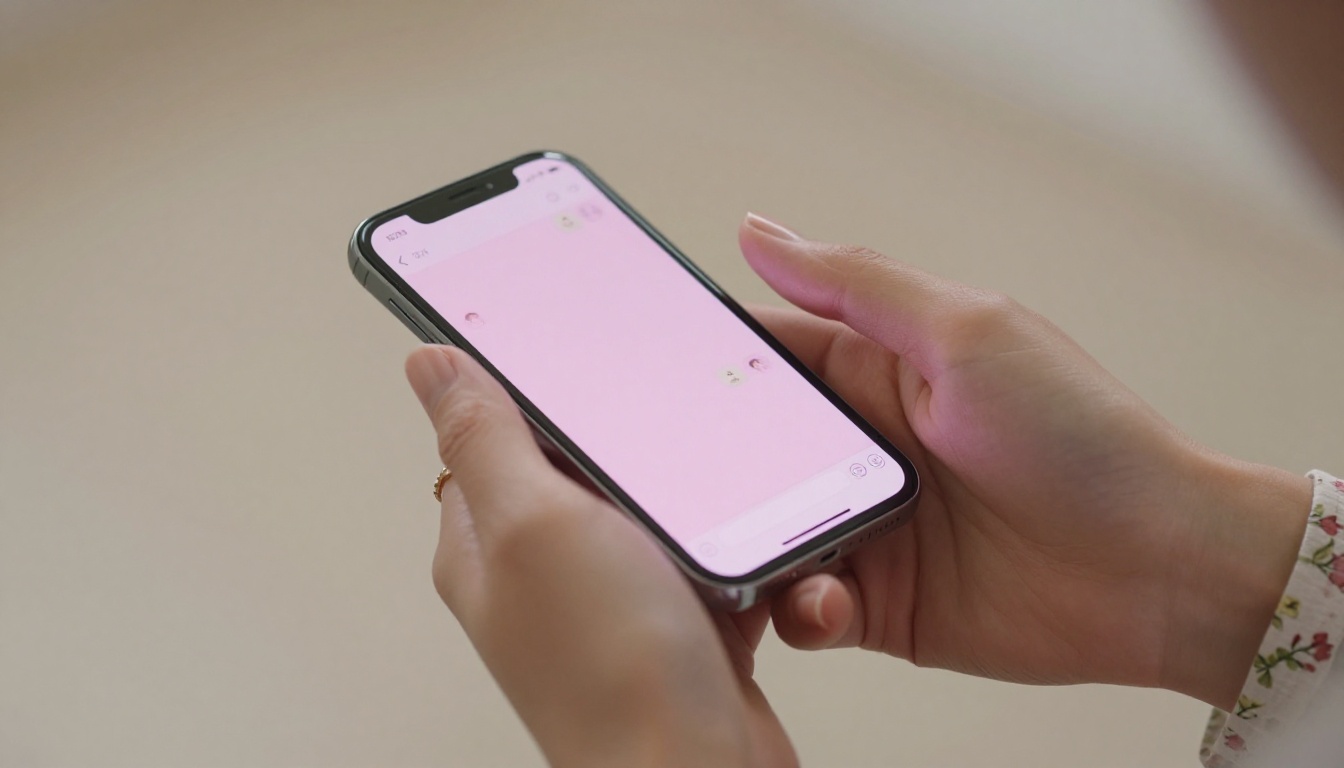
LLMs for Waifu Conversation on PicassoIA
The conversational layer is where a waifu stops being a pretty image and starts feeling like a presence. PicassoIA hosts 75+ LLMs, but for companion roleplay a few stand out clearly:
- GPT-5: Strong context handling, natural dialogue flow, and good at maintaining a persona across long sessions without drifting out of character.
- Claude Opus 4.7: Exceptional for nuanced emotional tone and extended narrative roleplay. Handles long system prompts cleanly and stays in character reliably.
- Gemini 3.1 Pro: Multimodal, so it can reference your character's actual images and incorporate visual context into its responses.
- DeepSeek R1: Free, strong reasoning, useful when your character needs to give thoughtful or complex responses rather than surface-level replies.
2. Character.AI: Personality First
Character.AI is the most widely used AI companion platform, and its conversation quality is the reason. The community aspect means you can access thousands of pre-built character personas, and the bot memory across sessions gives conversations genuine continuity.
What It Does Well
Character.AI excels at personality and conversational depth. Characters feel like they have consistent traits, speaking styles, and emotional patterns. The platform is also approachable for people who do not want to build a character setup from scratch.
Voice chat is available via the app, with decent naturalness for a consumer product. Tone varies by character but the overall voice experience is smooth enough for casual conversation.
Where It Falls Short
Appearance options are limited. You are mostly using community-made character cards or generated anime-style portraits that feel static compared to what dedicated image AI can produce. There is no raw prompt-based image generation giving you full control.
Content restrictions are significant. Explicit or strongly suggestive themes are not allowed on the default platform, which limits how freely certain personalities can be expressed.
💡 If you want Character.AI's conversation quality but better visuals, generate your character's image on PicassoIA with Seedream 4.5 and use it as your avatar reference.

3. Kindroid: Photorealistic and Voice-Ready
Kindroid positions itself specifically as a companion app with photorealistic AI-generated images and voice chat built into the native interface. Image quality is noticeably better than generic companion apps, and the voice interaction works without needing third-party tools.
Image Generation Integration
Kindroid uses AI image generation internally and gives you more appearance control than most companion apps. Hair color, eye shape, body type, clothing style, and scene context are all configurable through a structured flow rather than raw text prompts.
The limitation is that you are still working within a preset system. The image quality ceiling is lower than what open model access provides, and the NSFW content tier requires a paid subscription with gated access.
Voice Chat Experience
Voice responses on Kindroid are smooth for basic conversation. Synthesis is natural at normal sentence lengths, and latency is acceptable for casual use. For users wanting to step up voice quality, dedicated models like Chatterbox Pro on PicassoIA produce noticeably more expressive output with full custom voice design.

4. Replika: The Emotional Connection App
Replika is one of the oldest AI companion platforms still active, and its emotional intelligence is its biggest asset. The conversational AI is tuned specifically for supportive, empathetic interaction rather than fantasy roleplay, which makes it genuinely good at companionship over time.
What Replika Does Best
Long-term memory is Replika's strongest feature. Your companion remembers past conversations, learns your preferences, and references shared experiences in future sessions. For users who want continuity above visual quality, this creates a sense of actual relationship development over weeks and months.
The voice feature on the mobile app works well and is integrated naturally into the experience. Tone is warmer than most TTS systems because Replika tuned specifically for emotional dialogue in casual contexts.
Visual Limitations
Replika's avatar system is fully 3D but limited in realism. You customize facial features, hairstyle, and outfits from a fixed library. There is no text-prompt-based image generation, which means you cannot generate the exact look you have in mind. For anyone who cares about visual precision, it simply cannot compete with open image generation tools.

5. Candy AI: Suggestive and Conversational
Candy AI is built specifically for the AI companion and waifu use case, with explicit content tiers available and a focus on both appearance customization and voice-enabled responses. It sits at the intersection of image realism and accessible conversation in a dedicated app format.
Appearance Customization
Candy AI offers more granular appearance controls than most companion apps. Hair color, eye shape, body type, and outfit category are all customizable through a structured flow. The images it generates are consistently attractive, and style options range from photorealistic to anime depending on your preference.
Voice Chat Realism
The built-in voice responses on Candy AI are serviceable. Naturalness is good for short sentences, though longer responses can occasionally drift into flatter delivery. For comparison, dedicated TTS models like ElevenLabs V3 or Minimax Speech 2.8 HD on PicassoIA produce noticeably warmer and more expressive output.
Content restrictions are lighter than Character.AI or Replika, though explicit tiers remain behind paid subscription walls.

Which LLM Powers the Best Waifu Conversations
The conversational AI layer matters as much as the image and voice. An LLM that handles roleplay poorly breaks immersion fast, regardless of how good the character looks or sounds. Here is how the top models on PicassoIA compare for companion conversation:
Claude Opus 4.7 is particularly strong for nuanced emotional roleplay and extended narrative sessions. It handles persona maintenance across long conversations better than most alternatives and responds to emotional cues naturally.
GPT-5 is the more versatile choice for varied conversation styles and adapts tone to match a character's personality on the fly without needing constant direction.
Keeping Character Consistent
One practical tip: write a detailed system prompt describing your character's personality, speaking style, emotional tendencies, and backstory. Feed this to the LLM at the start of every session. Models like Claude Opus 4.7 and GPT-5 handle long system prompts well and will stay in character across hundreds of messages without drifting.
How to Create a Full Waifu Setup on PicassoIA
Here is a practical four-step workflow for building an AI waifu with both image and voice:
Step 1: Generate the character image. Start with Seedream 4.5. Write a detailed prompt describing appearance, lighting, camera angle, and texture specifics. Generate several variations and select the strongest result.
Step 2: Refine with Image Editor Pro. Use PicassoIA Image Editor Pro to adjust specific details. Inpainting lets you fix the face, expression, or clothing elements that did not render perfectly. Unlimited generations mean you can iterate until the result is exactly right.
Step 3: Choose a voice. Pick a TTS model based on what voice fits your character best. Chatterbox Pro for full custom voice design with emotion control. Inworld Realtime TTS 2 for the lowest latency in real-time voice interaction. ElevenLabs V3 for the most natural, expressive output in extended dialogue.
Step 4: Set up the conversation layer. Choose your LLM and write a system prompt for your character. Include her name, personality traits, how she speaks, what she knows about you, and what emotional role she plays. This context shapes every response she gives.

| Platform | Image Quality | Voice Chat | Content Limits | Customization |
|---|
| PicassoIA | ★★★★★ | ★★★★★ | Minimal | Full model access |
| Character.AI | ★★★☆☆ | ★★★☆☆ | High | Limited |
| Kindroid | ★★★★☆ | ★★★☆☆ | Moderate (paid) | Structured |
| Replika | ★★☆☆☆ | ★★★★☆ | High | Avatar presets |
| Candy AI | ★★★★☆ | ★★★☆☆ | Low (paid) | Structured |
The pattern is consistent. Purpose-built companion apps trade customization depth and model quality for convenience. PicassoIA gives you access to best-in-class models at every layer, without the limitations that come with a closed ecosystem.
Start Building the Waifu You Actually Want
If you have been settling for preset sliders and built-in voice options that sound synthetic, now is the time to see what a proper AI model stack can do. Start your character image with Seedream 4.5, refine it with Image Editor Pro, pair it with a voice from the TTS collection, and set up an LLM that stays in character across every session.

The full collection of image, voice, and language models is available at picassoia.com/en/all-models. Every tool you need to build a custom AI companion is in one place, with no artificial restrictions on what you can create.


