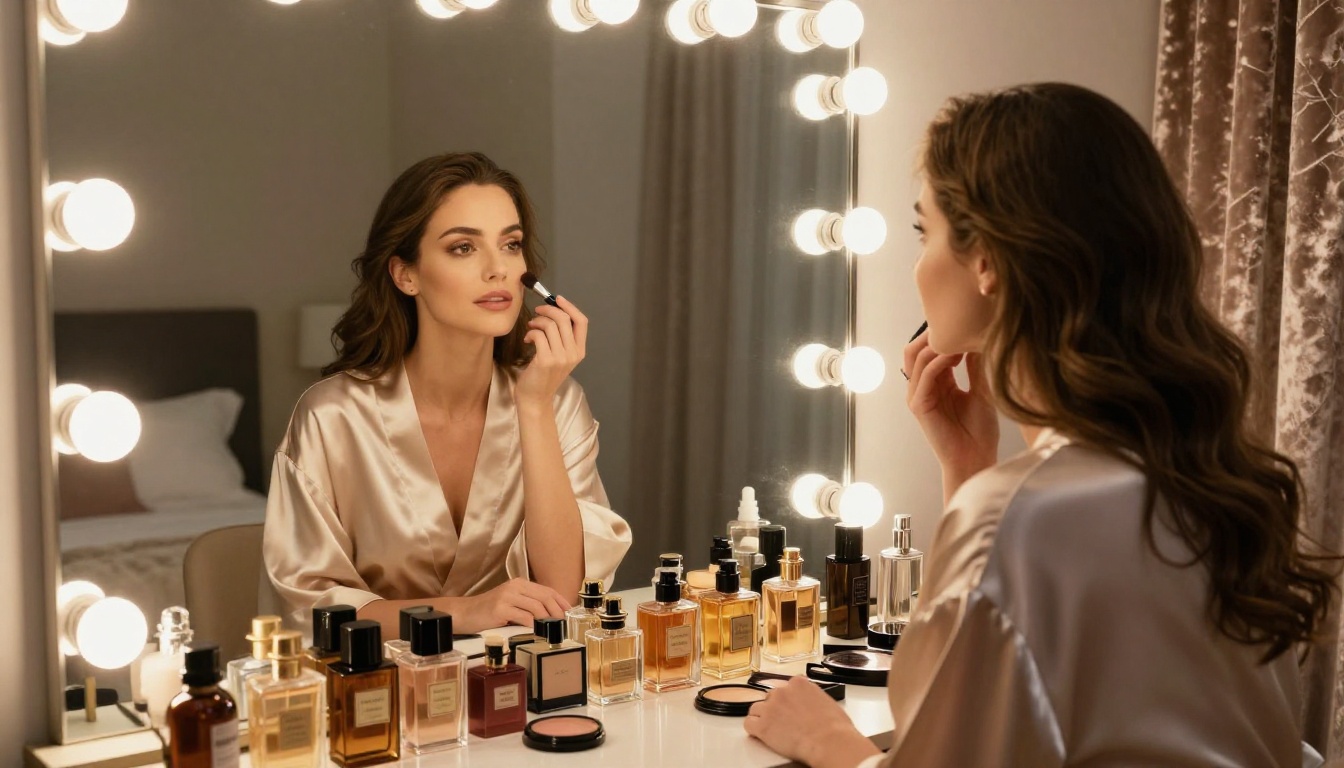
People aren't shy about it anymore. The demand for NSFW AI tools has exploded, and the reasons aren't difficult to see: creative freedom, personal expression, and the simple reality that human attraction is a massive driver of technology adoption. Whether you're an artist pushing aesthetic limits, a content creator building an audience, or just someone curious about what AI can actually produce, these five features sit at the top of every wish list.
This is not a surface-level rundown. Below, we break down exactly what each feature does, which models deliver the goods, and what real-world output looks like when everything is dialed in correctly.
What Makes NSFW AI Different
Most mainstream image generators play it safe. They reject prompts, water down outputs, and wrap everything in content filters that feel more like corporate liability protection than genuine quality control. NSFW AI takes a different approach: it respects the creator's intent and delivers results that actually match the prompt.
The Demand Is Real
Searches for phrases like "NSFW AI image generator," "AI bikini generator," and "realistic AI portrait tool" have grown faster than almost any other AI-related category over the past 18 months. This isn't niche interest. It's mainstream demand that platforms are only now beginning to serve properly. The number of dedicated NSFW AI platforms has doubled year-over-year, with millions of daily active users generating suggestive, glamorous, and artistically daring imagery every single day.
The demographics are broader than most people assume. Artists, photographers, writers illustrating fiction, and individuals building personal creative projects all use these tools regularly. The assumption that NSFW AI is a narrow, fringe use case no longer holds up against the data.
Why Most Platforms Fall Short
The problem with most tools isn't capability, it's policy. Models like GPT Image 1 and GPT Image 2 are extraordinarily powerful for photorealistic generation, but their content filters are aggressive by default. Platforms that aggregate multiple models with adjustable parameters and curated model selection offer significantly more creative freedom while still maintaining reasonable safety boundaries.
💡 The sweet spot is suggestive, glamorous, artistically daring output that never crosses into explicit territory. That balance is exactly what the best NSFW AI tools have learned to walk.
Feature 1 – Photorealistic Suggestive Image Generation
This is the one that started everything. The ability to type a text description and receive a photorealistic image of a person, in whatever pose, outfit, or setting you imagine, is still the core demand driving NSFW AI adoption. And the quality has reached a level that genuinely surprises new users.
What You Actually Get
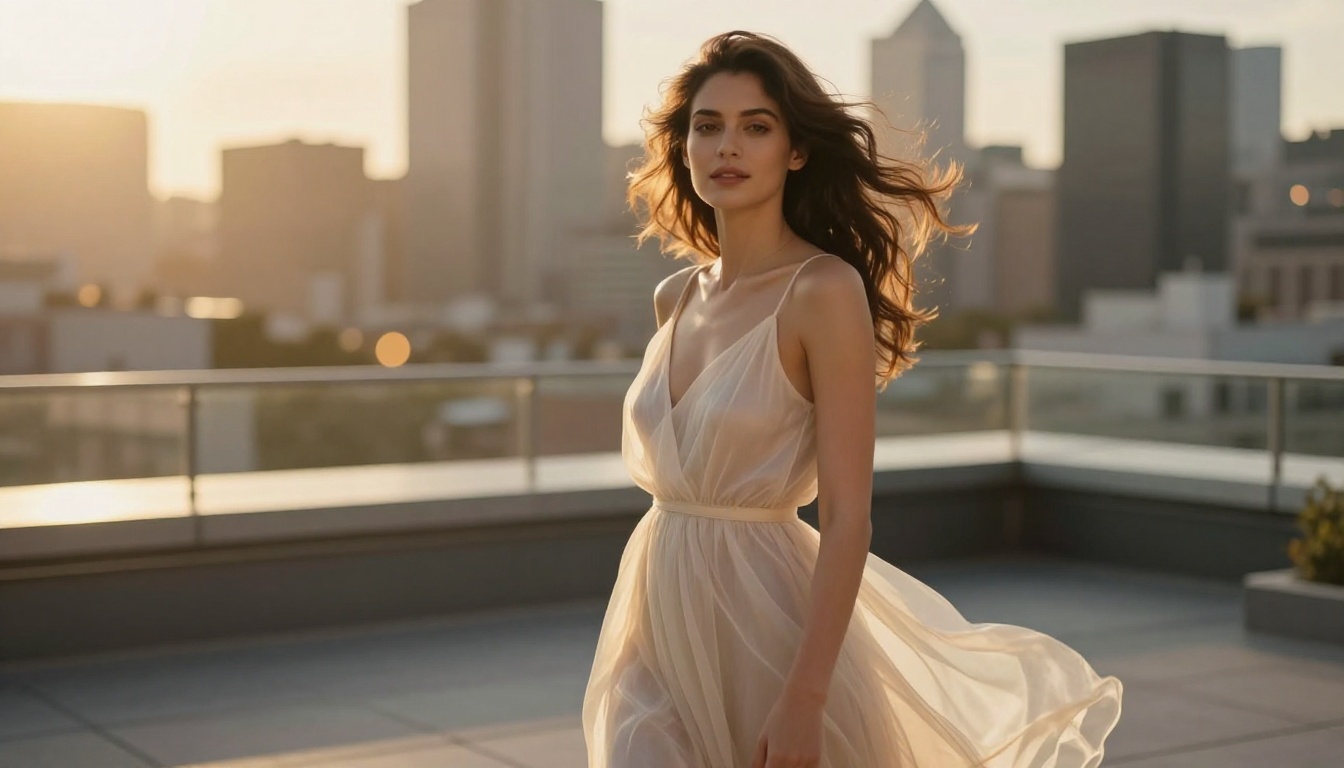
The best models today don't just generate "a woman in a bikini." They produce images with accurate skin texture, proper lighting physics, realistic fabric drape, correct anatomical proportions, and cinematic depth of field. The gap between what was possible two years ago and what ships today is enormous.
| Model | Strength | Output Quality |
|---|
| GPT Image 2 | Photorealism, lighting accuracy | 8K-level detail |
| Seedream 4.5 | 4K portrait rendering | Stunning skin tone accuracy |
| Dreamina 3.1 | Cinematic 4MP photography | Film-quality atmosphere |
| Wan 2.7 Image Pro | Sharp 4K full-body shots | Professional composition |
| Flux Fast | Speed with free access | Rapid iteration workflow |
The Models Worth Using
For glamour and suggestive photography, models built on diffusion architectures with high-resolution training sets consistently outperform chatbot-style generators. Dreamina 3.1 from ByteDance is particularly impressive for cinematic female portraiture. Seedream 4.5 handles close-up skin texture and natural expressions better than most alternatives available today.
The prompt structure matters enormously. Vague prompts produce mediocre results. Detailed prompts specifying lighting direction, lens focal length, clothing fabric, body posture, and scene atmosphere are what separate professional-quality output from generic AI imagery. Describing "volumetric morning light from the left, 85mm f/1.4 lens, shallow depth of field, Kodak Portra 400 grain" will give you a fundamentally different image than "beautiful woman, good lighting."
For those who want to start immediately without spending credits, Flux Fast is the most accessible entry point. It generates in seconds and handles suggestive prompts with better compliance than most free alternatives.
Feature 2 – AI Face Swap
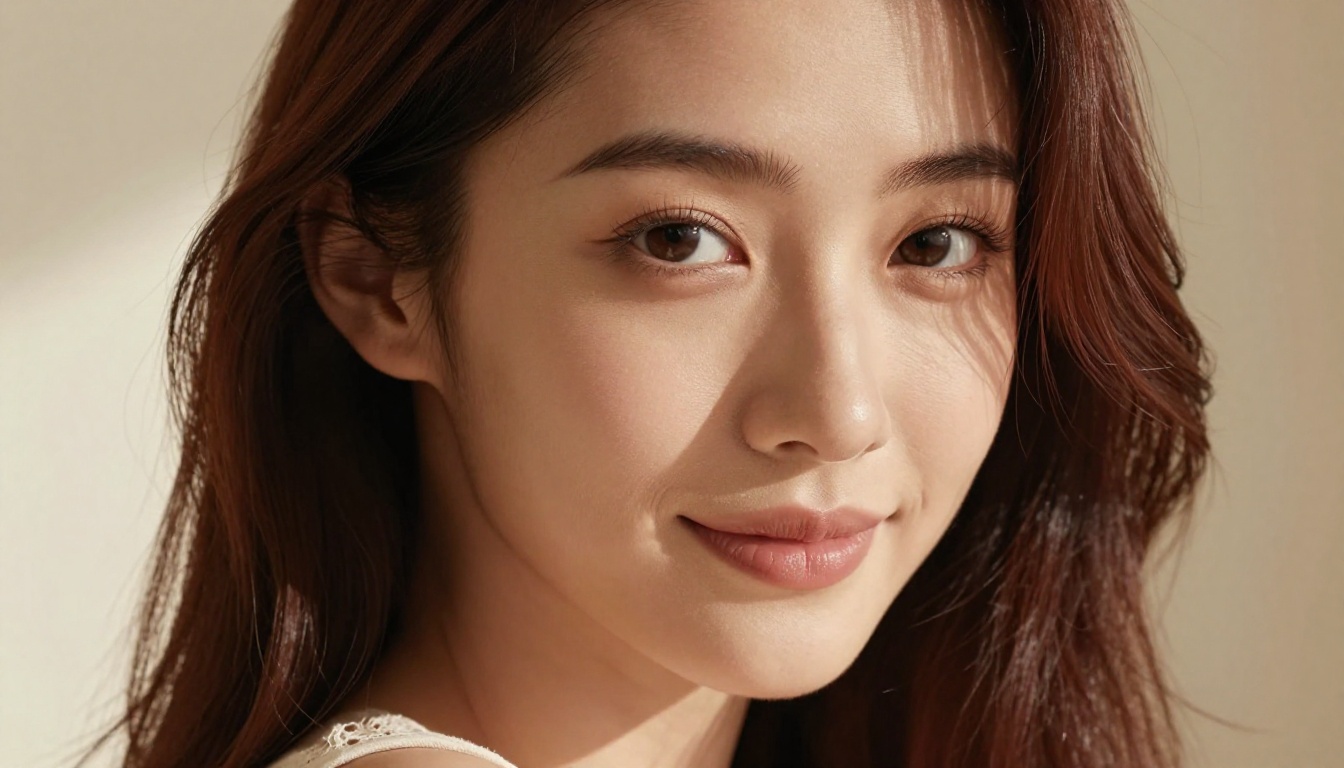
Face swap technology has matured from a party trick into a genuinely powerful creative tool. The ability to transplant one person's face onto a photorealistic AI-generated body, with consistent lighting, skin tone blending, and natural expression preservation, is one of the most requested NSFW AI features by a wide margin.
Why People Want This
The use cases range from personalized artistic portraits to fantasy character creation to seeing what a specific real-world reference looks like in a particular setting or outfit. The appeal is obvious, and the technology has become surprisingly good at hiding its own seams when given quality input material.
💡 Pro tip: The best face swap results come from a high-resolution source image with the face clearly lit and facing forward. Side angles and heavy shadows increase visible artifacts at the blend edges significantly. Use a clean, well-lit frontal photo as your source for maximum realism.
How Realistic It Really Is
Modern face swap AI doesn't just paste a face over a body. It maps facial landmarks, adjusts skin undertones to match the body image's color grading, matches the environmental lighting conditions, and subtly blends hairline edges. When done well, the result is nearly indistinguishable from a real photograph at a casual viewing distance.
The Face Swap AI capability on PicassoIA handles this workflow as a single-tool operation. No external software required, no complex steps. Upload the face reference, upload or generate the body image, and the model handles the compositing automatically.
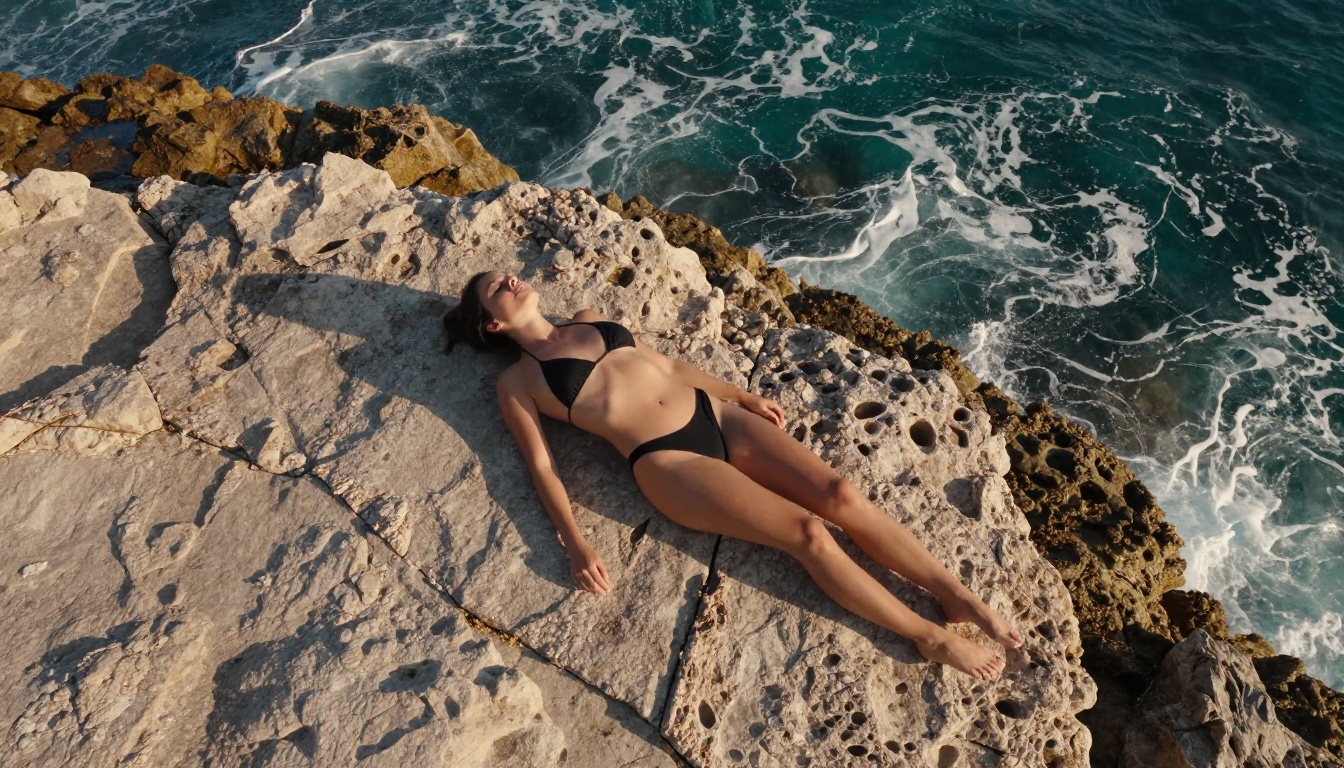
The consistency of face swap output has improved most in two specific areas: neck-shoulder transitions and lighting congruence. Earlier models would blend the face but leave obvious brightness mismatches where the face met the neck. Current models correct for this automatically by analyzing the ambient light direction of the target image and adjusting the face accordingly.
Feature 3 – Inpainting and Smart Image Editing
Inpainting is probably the most underappreciated tool in the NSFW AI toolkit. The concept is simple: you take an existing image, draw a mask over the region you want to change, write a text prompt describing what should fill that area, and the AI regenerates that specific region while leaving everything else intact.
Fill in the Gaps
In practice, this means you can:
- Swap clothing on a generated person without regenerating the entire image
- Replace backgrounds while keeping the subject perfectly intact
- Add or remove elements from specific areas of a composition
- Fix generation artifacts in a targeted body region without redoing the whole image
- Adjust skin tone, lighting, or texture in a precise location
Qwen Image Edit is particularly strong for this type of targeted modification. Its instruction-following is precise enough that you can describe subtle changes and see them applied accurately without unintended alterations to surrounding regions.
For more aggressive edits, Fibo Edit handles large masked areas better than most alternatives, maintaining coherent structure even when the replacement prompt describes something significantly different from the original content.
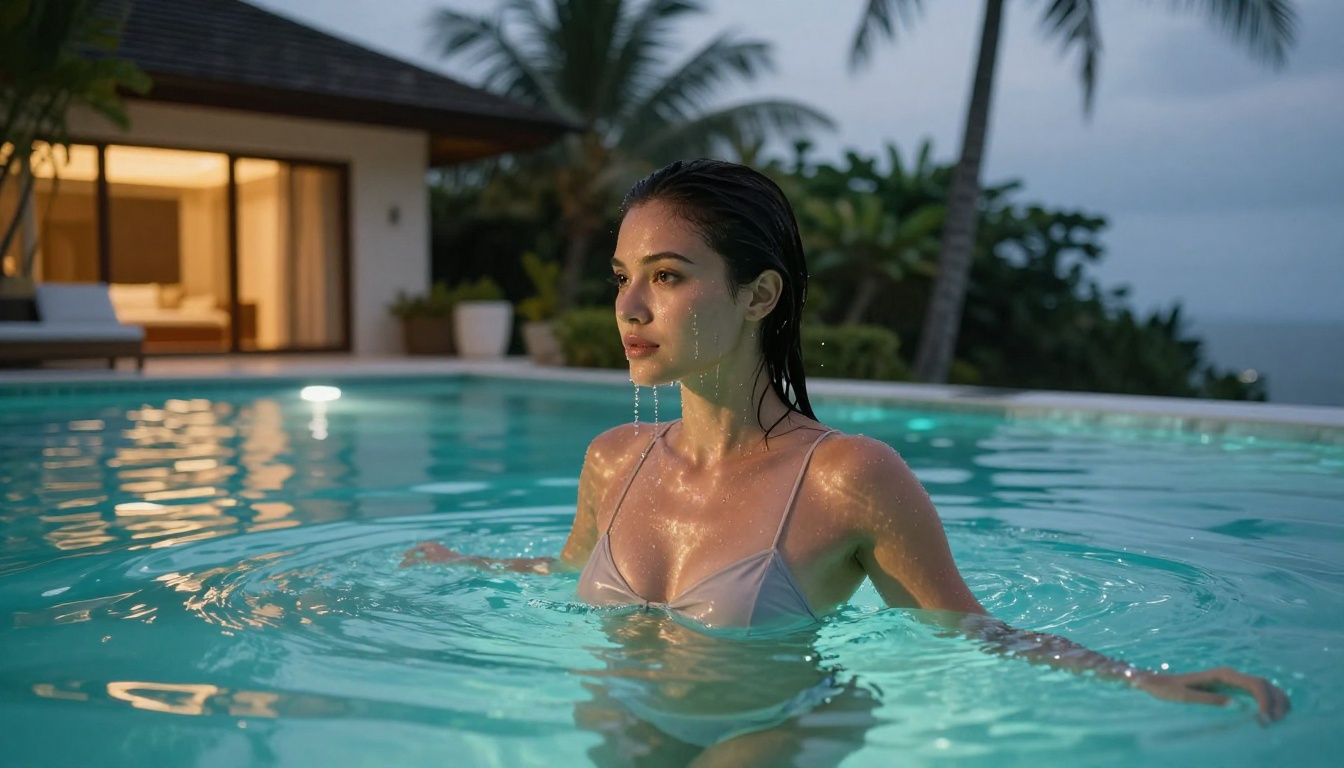
When to Use Outpainting
Outpainting is the inverse operation: instead of editing inside an existing image, you extend its canvas beyond the original borders. This is useful when a generated image crops a body awkwardly, cuts off a scene prematurely, or when you want to include more of the setting. Flux Kontext Dev LoRA handles canvas extension particularly well, maintaining consistent style, color grading, and lighting as it fills the new frame area.
💡 Workflow tip: Generate your base image first at a standard crop, then use outpainting to extend the scene. This produces far more natural results than trying to fit a complex wide composition into a single prompt from scratch.
The real power of inpainting for NSFW workflows is iteration speed. Rather than regenerating from scratch every time something is slightly off, targeted inpainting lets you fix the problem area in isolation. A single session might involve three or four inpainting passes, each correcting a different region, until the final image matches exactly what was envisioned.
Feature 4 – LoRA Fine-Tuning and Custom Models
LoRA (Low-Rank Adaptation) fine-tuning is what separates casual NSFW AI use from truly customized, repeatable creative output. A LoRA is a small adapter model trained on a curated set of reference images to consistently reproduce a specific style, body type, aesthetic, or character across multiple separate generations.
What LoRA Does Differently
Standard base models generate broadly across their entire training distribution. LoRA models generate specifically within a narrow, defined aesthetic territory. Train a LoRA on 30 to 50 reference images of a particular visual style, and the model learns to reproduce that aesthetic reliably across different poses, settings, and outfits. This is how professional NSFW content creators produce consistent character imagery at scale.
The practical applications include:
- Character consistency: The same fictional character rendered across multiple distinct scenes with preserved identity
- Style consistency: A specific photographic aesthetic applied uniformly to every generated image
- Body type control: Preference-specific proportions that standard base models don't prioritize in their default outputs
- Wardrobe persistence: A particular clothing style applied accurately regardless of the scene context
- Photographer simulation: The look of a specific photographer or cinematographer's work as a consistent filter
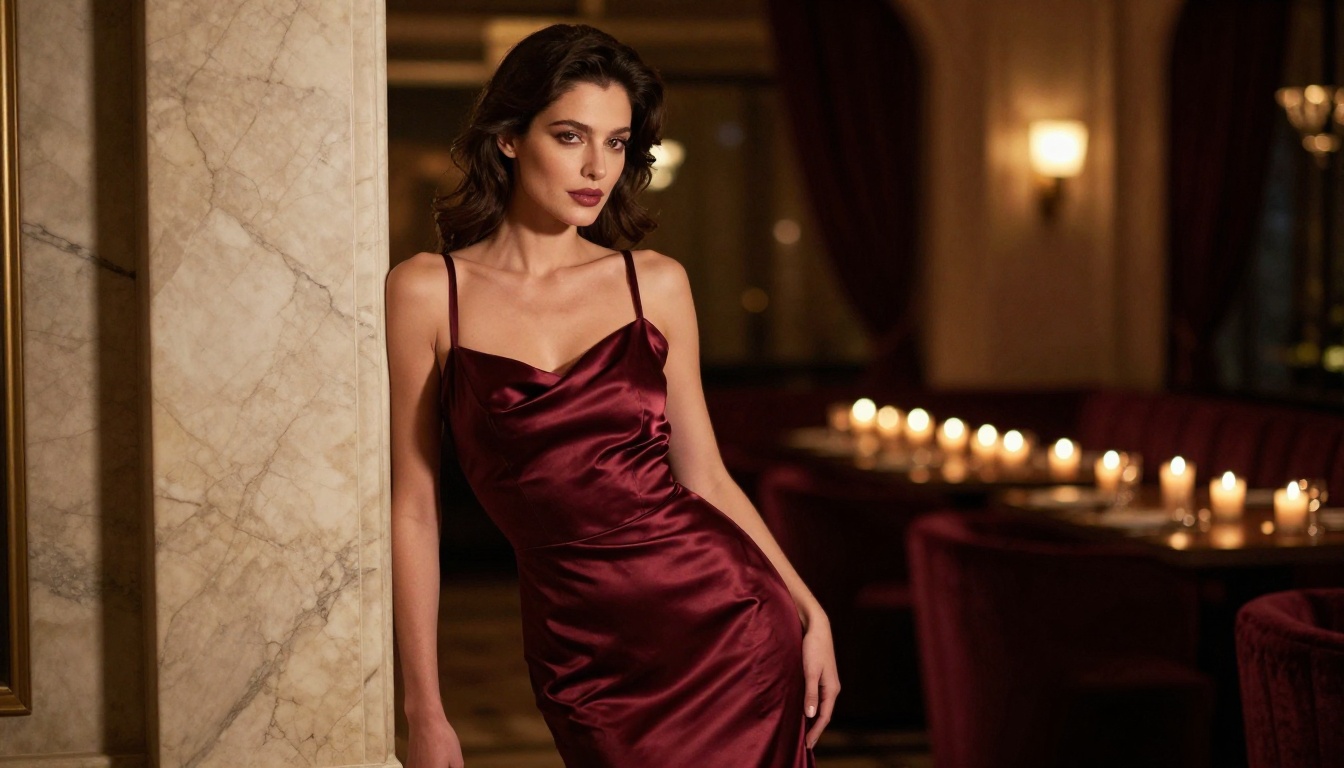
Best LoRA Models Right Now
Flux Pro Finetuned is currently one of the strongest options for applying custom LoRA adapters to NSFW-adjacent portrait work. The underlying Flux architecture handles photorealistic skin rendering far better than older pipeline alternatives.
Flux Schnell LoRA offers a faster alternative for rapid iteration, trading a small amount of detail quality for dramatically reduced generation time. For prompt testing and composition refinement, it's the smarter choice. For final delivery-quality output, Flux Pro Finetuned justifies the extra generation time.
Feature 5 – AI Super Resolution
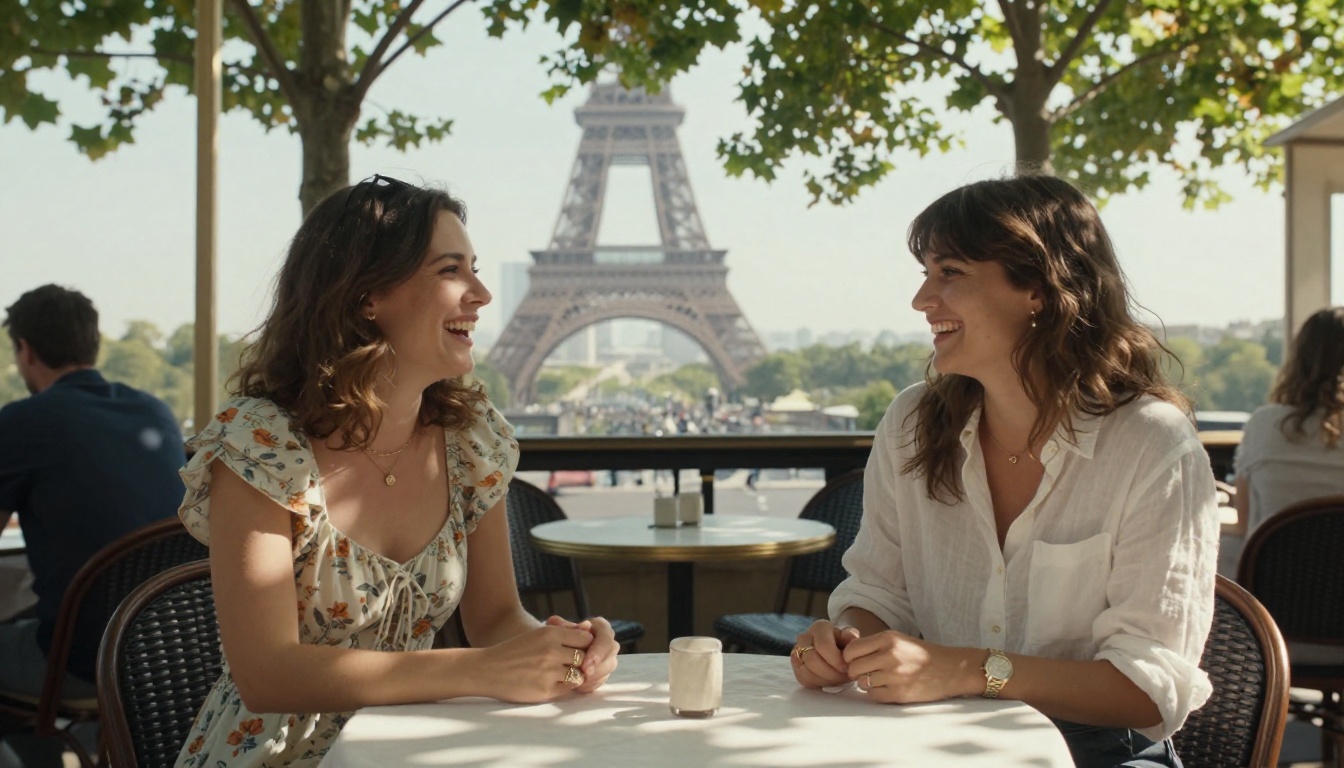
Generated images have gotten dramatically better in recent years, but even the best models occasionally produce output that needs a resolution boost for use in print, large-format display, or detailed close-up examination. AI super resolution takes a lower-resolution image and upscales it intelligently, 2x, 4x, or higher, by filling in realistic detail rather than simply stretching pixels.
Why Resolution Matters Here
In NSFW AI specifically, resolution defines the believability of skin texture, fabric weave, individual hair strands, and the subtle imperfections that make an image feel like a real photograph rather than a render. A 512x512 base image upscaled to 2048x2048 with a quality AI upscaler produces genuinely different perceptual quality compared to standard interpolation. The difference is most visible at 100% zoom: base upscaling creates blurry smearing, AI upscaling creates sharp pore-level detail.
Upscaling at 8K Quality
P Image Upscale is one of the most efficient options available, delivering sharp, artifact-free results in under a second. For more controlled upscaling where simultaneous adjustments to skin clarity, lighting balance, or detail rendering are needed, Qwen Image Edit Plus LoRA Upscale allows text-prompted refinements to happen at the same time as the resolution increase.
💡 When to upscale: Always upscale after all editing is complete. Running inpainting or face swap on an already-upscaled image wastes processing time and can introduce artifacts at region boundaries. Do all corrections at the base resolution, then upscale once as the final step.
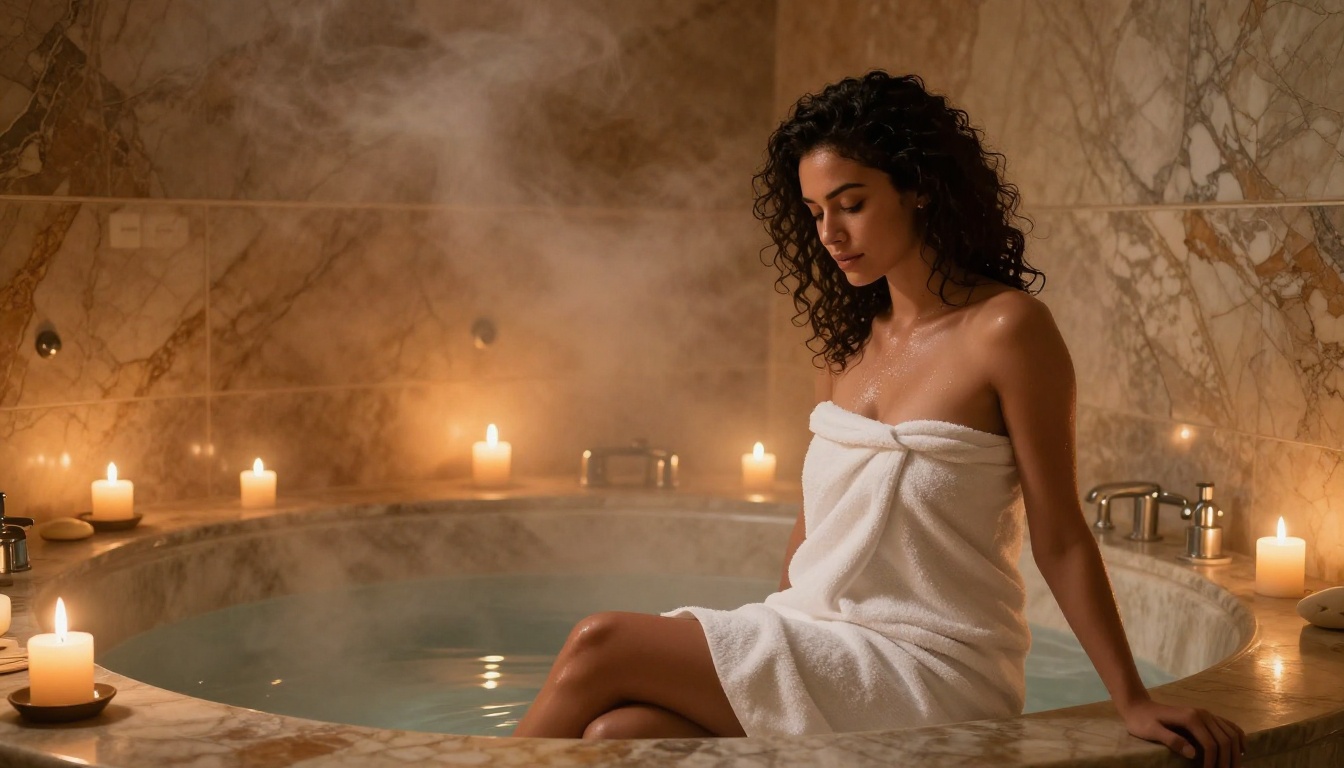
How These 5 Features Work Together
The real power isn't in using any one of these features in isolation. It's in chaining them. A professional NSFW AI creative workflow in 2027 looks like this in practice:
Step 1 — Generate the base image: Use GPT Image 2 or Seedream 4.5 with a detailed, scene-setting prompt that specifies lighting, pose, clothing, and environment.
Step 2 — Fix problem areas: Use inpainting via Qwen Image Edit to correct any areas that didn't generate as intended, whether that's clothing, background, hands, or facial expression.
Step 3 — Apply style or character consistency: Run Flux Pro Finetuned with your LoRA adapter if the output needs to match a specific aesthetic profile or character identity.
Step 4 — Integrate a face reference: Apply face swap if the final image needs to feature a specific person, using a clean frontal reference photo for best results.
Step 5 — Hit final resolution: Run the completed image through P Image Upscale for the full-resolution final output.
The entire pipeline takes under 10 minutes for anyone who has run it a few times. The output quality is something that simply wasn't achievable with consumer tools two years ago.
Where Output Quality Stands in 2027
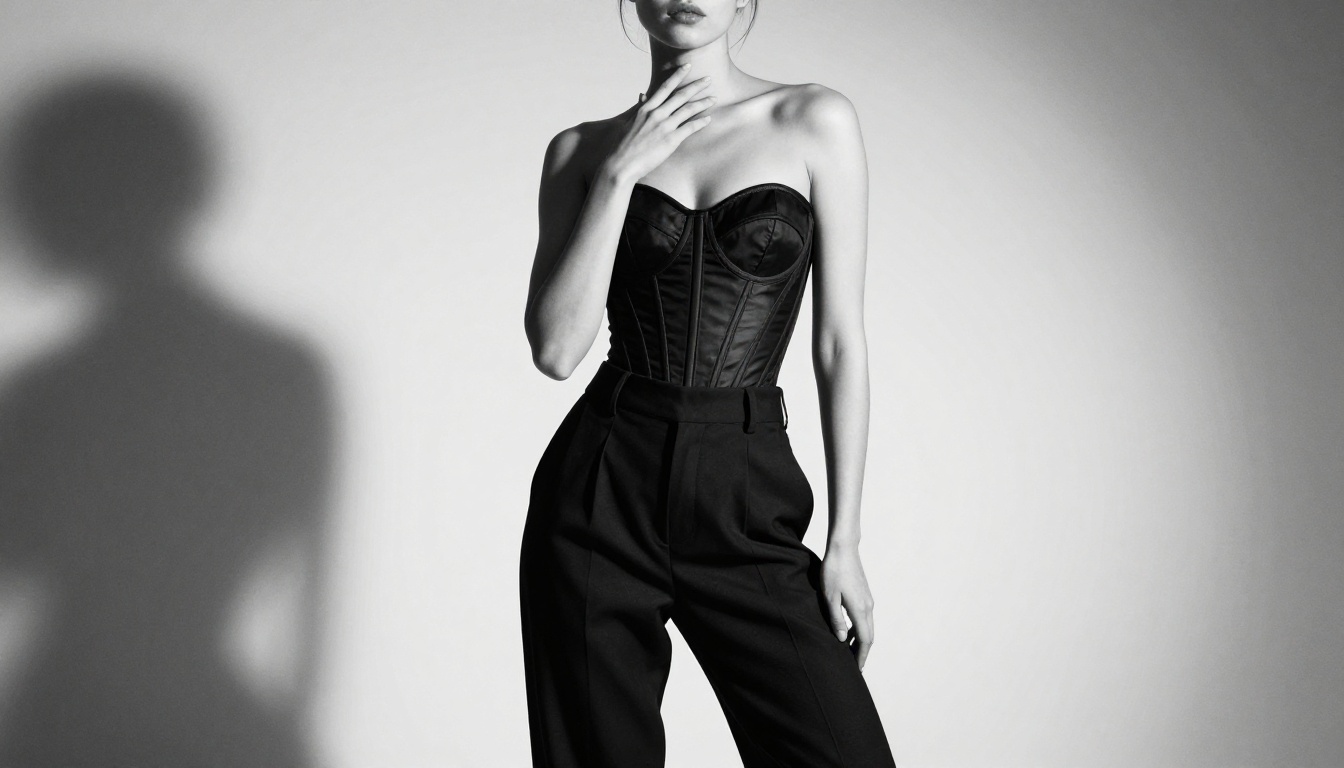
It's worth being direct about the current state. NSFW AI image quality in 2027 is good enough to be genuinely surprising, even to people who follow this space closely. The specific improvements that matter most for this type of work:
- Skin rendering: Pores, texture variation, natural color gradients, and subsurface light scattering all read as real
- Fabric physics: Silk, lace, sheer material, and swimwear all drape and reflect light with physical accuracy
- Lighting consistency: A face lit from the left has natural shadows on the right, and that logic holds across the entire image
- Proportional accuracy: Torso, leg, and facial proportions have improved dramatically, though hands still occasionally require an inpainting correction pass
The models responsible for these improvements are available right now. Hunyuan Image 3 from Tencent and Phoenix 1.0 from Leonardo AI both produce output that regularly passes the casual "is this a real photo" test. Wan 2.7 Image Pro is particularly strong for full-body compositional work where accurate anatomy over the entire frame matters.
Try It for Yourself
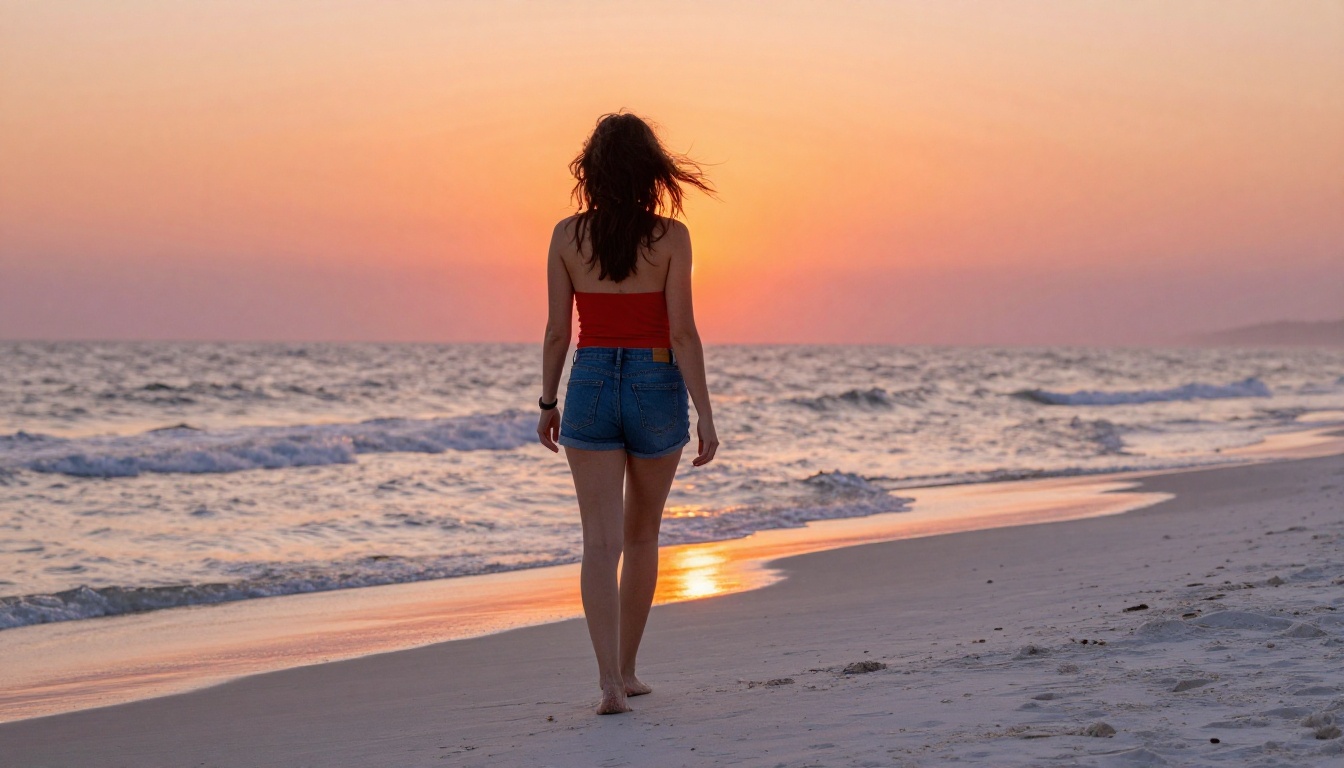
The five features above aren't hypothetical capabilities or beta features locked behind a waitlist. They're live, they work, and the results speak directly for themselves. What matters is having access to all of them in one place, without juggling five different tools, five different APIs, and five different interfaces.
PicassoIA has 91 text-to-image models, face swap, inpainting, outpainting, super resolution, and LoRA fine-tuning all accessible from a single platform. No local GPU required. No software to install. Open a browser, pick a model, write a prompt, and get photorealistic output in seconds.
The Portrait Series tool is one of the most practical starting points for NSFW-adjacent creative work. It takes a single reference photo and generates a full series of consistent portraits across different scenes, outfits, and lighting conditions, maintaining character identity across every shot.
For maximum realism with minimal setup, start with Wan 2.7 Image Pro. Its 4K output is exceptional for full-body shots. Pair it with P Image Upscale as a two-step workflow and you have professional-quality imagery without any technical friction.
The era of getting a refusal message every time a prompt mentions a bikini is behind us. These tools are ready. So is the output quality. The only thing left is to start creating.