Most tutorials on Kling v3 for NSFW video generation skip over the parts that actually determine your results. They show polished output clips, mention the model name, and leave you to figure out why your generations look completely different. After working through the actual friction points in Kling v3 NSFW workflows, these five things are almost certainly what nobody told you, and each one has a concrete impact on output quality.
#1 The Content Filter Is Not a Hard Wall
The most pervasive myth about Kling v3 is that its content moderation is binary. People assume there is a list of blocked words, and if they hit the list, they get blocked. If they avoid the list, they get through. This is wrong in a way that causes most beginners to approach prompting incorrectly.
How Kling v3 Evaluates Your Prompts
Kling v3's moderation system evaluates semantic intent across the entire prompt, not individual terms. What gets flagged or softened depends on the combination of text and visual context together. A prompt with explicitly suggestive vocabulary submitted alongside a neutral source image will often produce a more conservative result than expected. A carefully framed cinematic description paired with a suggestive source image often produces detailed results without issue.
The model prioritizes visual coherence with its source material over literal prompt interpretation. This is the core insight most creators miss: your source image carries more weight than your words in determining how the model handles adult-adjacent content.
Building Character Consistency Before NSFW
Experienced Kling v3 creators do not jump straight into NSFW generation. They build character consistency first. This means generating 3 to 5 photorealistic reference frames of the same character in neutral poses, fully clothed, with consistent lighting and environment. The model builds a visual baseline from these references that it carries into subsequent generations.
When you then shift toward suggestive scenarios, the model has a coherent visual identity to work from rather than constructing anatomy from scratch. Character drift, where the subject's proportions or face change between clips, decreases substantially when the model has been primed with consistent reference material.
💡 Tip: Generate your reference frames using Seedream 4.5 before feeding into Kling v3. The photorealistic accuracy of Seedream 4.5's output makes it the ideal source for character anchoring in NSFW workflows.
This approach is particularly effective with Kling v3 Video running in image-to-video mode on platforms that support character reference uploads.
#2 Resolution Does More Than Add Pixels
Most people frame the 720p versus 480p choice as a file size or loading speed consideration. This framing is wrong and leads creators to use 480p where they should not. Resolution in Kling v3 directly affects how the model allocates its computational attention across the frame, which has direct consequences for texture and physics rendering.
What 720p Actually Changes for NSFW Content
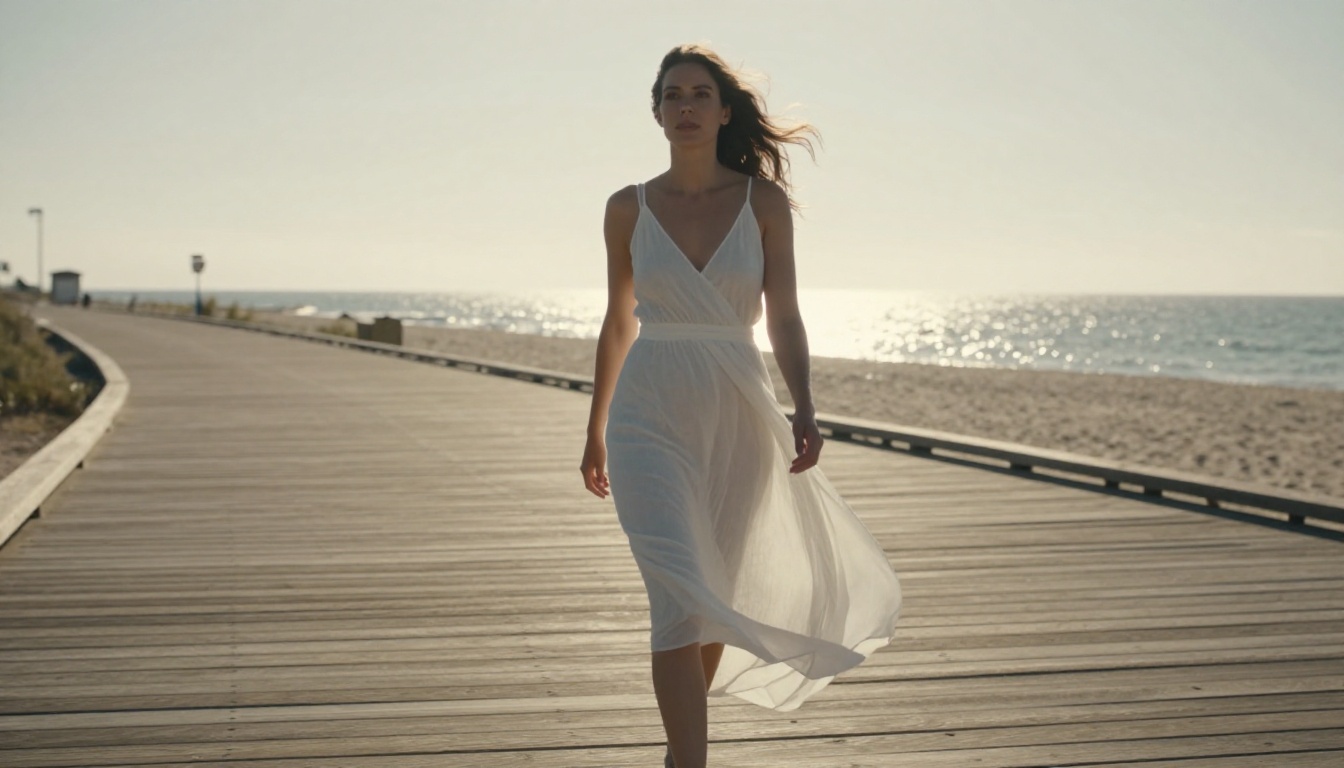
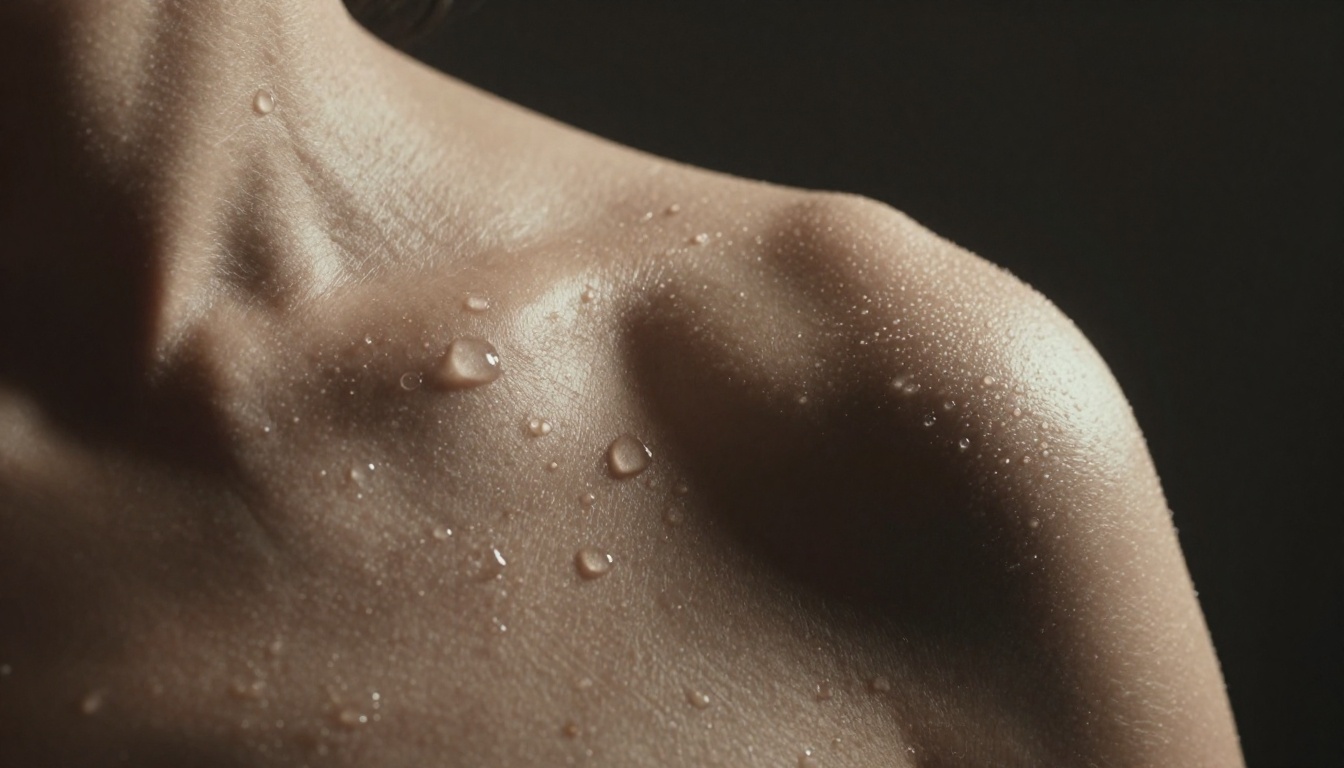
At 480p, the model's attention budget is spread across a smaller pixel grid. For general motion content, this is acceptable. For NSFW content where the believability of skin, fabric physics, and body movement is the entire point, 480p is where you lose realism. The model smooths over micro-detail that, at 720p, would resolve as pores, fine hair, moisture, and fabric interaction with skin.
In close-up sequences, the most common format for NSFW content, the difference is not subtle. At 480p, skin reads as a surface. At 720p, it reads as tissue. The psychological believability of the output is directly tied to this difference.
The Model Upgrade Mistake
Many creators obsess over moving from Kling v2.6 to Kling v3 Video expecting a dramatic quality leap. The improvement from running the same prompt at 720p instead of 480p on the same model is often larger than the improvement from upgrading model versions while staying at the lower resolution.
| Setting | Skin Texture Quality | Fabric Physics | NSFW Realism |
|---|
| 480p | Smoothed surface | Approximate | Low |
| 720p | Pore-level detail | Natural cloth interaction | High |
Always set resolution to 720p for NSFW video generation. The computational cost is higher, but the realism difference in close-up skin sequences is not a minor improvement.
#3 Motion Prompting Requires Physics Logic
The most common error in NSFW video prompting is writing motion descriptions that contradict how bodies actually move. Kling v3's motion generation system was trained on real human movement data. It produces more believable output when the prompt describes biomechanically plausible movement rather than abstract or poetic language.
Abstract Prompts vs Physical Descriptions
Compare these two approaches to describing the same motion:
What most people write: "graceful sensual movement, body flowing, artistic and beautiful"
What actually produces results: "subject shifts weight slowly from left foot to right, hips rotate 12 degrees, left arm rises to shoulder height over 3 seconds, gaze tracks slightly right, subtle forward lean"
The first version gives the physics engine nothing concrete to simulate. The second describes biomechanical events the model can approximate. Vague motion language produces averaged, low-realism results because the model fills in gaps with statistical averages from its training data.
Camera Movement Should Be Described Separately
One approach that consistently produces high-quality output in Kling v3 is explicitly separating camera motion from subject motion in your prompt. Describing them as two separate events prevents the model from blending them into a single ambiguous instruction.
A slow dolly-in over 5 seconds while the subject makes a specific small movement is a clear instruction. "Camera dollies in slowly while subject turns slightly toward camera" works well. "Cinematic sensual camera movement with the subject flowing" does not.
Kling v3 Motion Control goes further by allowing direct specification of motion curves. For NSFW content where pacing and timing are critical, this level of control makes a meaningful difference. Kling v3 Omni Video also handles complex multi-element motion prompts more cleanly than standard Kling v3.
#4 Image-to-Video Is the NSFW Sweet Spot
Text-to-video mode requires Kling v3 to invent everything from scratch: the character's face, anatomy, proportions, clothing physics, lighting, and environment. Each of those variables is a potential failure point. For NSFW content where anatomical accuracy matters, that is a lot to trust to the model simultaneously.
Image-to-video eliminates most of those failure points. You provide the visual ground truth. The model only needs to animate it.
Why Anchoring Matters for NSFW Output
When you supply a high-quality photorealistic source image, the model inherits its decisions about anatomy, skin tone, clothing fit, and lighting direction. It does not need to invent them. For NSFW content, this dramatically reduces anatomical errors, proportion drift between frames, and the uncanny valley artifacts most visible in skin rendering.
Kling v3 Omni Video is particularly strong in image-to-video mode because of its improved frame-to-frame character consistency. Where earlier versions like Kling v2.1 Master sometimes drifted from the source character's proportions mid-clip, v3 Omni maintains the original body geometry across all 5 seconds with substantially less drift.
Getting Source Images That Work
The quality of your source image sets the ceiling for your video output. What works well:
- Photorealistic 8K stills from a dedicated image model with accurate anatomy
- Natural, non-dramatic starting poses that give the physics engine a neutral state to animate from
- Lighting that matches your motion prompt's environment so the model avoids lighting discontinuities
- Single centered subject with minimal busy background distractions
💡 Tip: Seedream 4.5 on PicassoIA is the benchmark for photorealistic NSFW source images. Its anatomy accuracy and skin texture depth are what Kling v3's physics engine needs to produce believable animation. Do not skip this step and go straight to text-to-video mode.
Not all Kling v3 deployments produce identical results. The model weights may be the same, but the infrastructure surrounding them differs substantially, and those differences show up in your output.
Queue Management and Memory Allocation
Platforms running multiple concurrent generations on shared VRAM pools sometimes reduce per-job memory during high-traffic periods. This can make your outputs look different at 7pm on a Friday compared to 3am on a Tuesday, with no change to your prompt. Quality inconsistency is often a platform resource issue, not a prompt issue. If your results suddenly degrade without any change on your end, check whether the platform is under high load.
Additionally, some platforms apply their own content moderation layer on top of Kling v3's built-in processing. This means you may be working against two separate filter systems simultaneously. The platform's front-end filter may be more aggressive than the model itself, softening outputs that the model would otherwise generate cleanly.
Rate Limiting as a Quality Feature
There is a 30-second minimum interval between video submissions on quality-focused platforms. This prevents VRAM contention and queue saturation. Creators who spam-submit jobs to work around this end up with worse outputs, not better. The model needs its allocated slot in the queue to run cleanly.
Platforms that enforce this properly produce consistently better outputs than those that allow unrestricted concurrent submissions. The constraint is a quality mechanism. When you see this rate limit enforced on a platform, it signals that the infrastructure is managed with output quality in mind.
💡 Tip: If output quality drops suddenly, wait 30 to 60 minutes before resubmitting. Infrastructure load explains more quality variance in NSFW video generation than most creators account for.

How to Use Kling v3 on PicassoIA
PicassoIA hosts Kling v3 Video, Kling v3 Omni Video, and Kling v3 Motion Control alongside the image models needed for a complete workflow.
Step-by-Step Workflow
- Start with a source image: Use Seedream 4.5 to generate a photorealistic 16:9 source frame. Write a detailed RAW photography prompt specifying lens (85mm f/1.4), lighting direction, and character pose. Iterate until you have a strong starting frame with accurate anatomy.
- Open Kling v3 Omni Video on PicassoIA. Select image-to-video mode.
- Upload your source image as the first frame reference.
- Write your motion prompt using biomechanical specificity. Describe which body parts move, by how much, and over what duration. Describe camera motion separately from subject motion.
- Set resolution to 720p. Never use 480p for NSFW content.
- Submit and respect the rate limit. Do not resubmit within 30 seconds.
- Evaluate and iterate: If physics feel wrong, increase verb specificity in your motion description. If output is softened, build more character context through additional reference generations first.
Parameter Tips for NSFW Output
- Duration: 5 seconds is the sweet spot. Longer clips multiply physics drift and character inconsistency risk.
- Aspect ratio: Leave it as
match_input_image so the video inherits the framing from your source.
- Negative prompts: Add "no airbrushing, no digital smoothing, natural pores, film grain, no plastic skin" to suppress overprocessed rendering.
- Seed: Note the seed value when you find a result that works. You can reproduce close variations by reusing it with subtle prompt adjustments.

The Best NSFW Image Stack on PicassoIA
Before animating anything with Kling v3, you need source images strong enough to anchor the video. This is where most people underinvest, and where the quality gap between mediocre and excellent NSFW video output originates.
Seedream 4.5: The NSFW Image Benchmark
Seedream 4.5 is the current standard for photorealistic NSFW image generation on PicassoIA. It produces 8K-detail stills with accurate anatomy, natural skin texture, and believable clothing physics without the plastic smoothness that makes many image model outputs unconvincing.
For NSFW work specifically, Seedream 4.5 handles partial clothing and figure composition with far less anatomical drift than alternatives. The model responds well to structured RAW photography prompts: specify lens type (85mm f/1.4 or 100mm f/2.8), lighting direction (volumetric morning light from the left), and surface detail (visible pores, natural skin texture, Kodak Portra 400 grain). The more you describe it as a photograph rather than AI art, the more it renders like one.
One important note worth repeating: do not use Seedream 5 Lite for NSFW content. It applies aggressive content filtering at the model level that is not configurable. Seedream 4.5 is the correct choice for this type of generation, produces uncensored results, and runs with significantly faster generation speed.
PicassoIA Image Editor Pro for Volume Work
When you need 10 to 30 source image iterations to nail the exact pose and lighting combination for a character reference, paying per-generation adds up quickly. The PicassoIA Image Editor Pro tier offers unlimited generations without per-image cost limits. For NSFW workflows where iteration volume is high, this makes a real financial difference.
The tier also includes inpainting and outpainting tools. These let you fix specific problem areas in an otherwise solid source image, correcting anatomical errors or adjusting clothing placement, rather than regenerating from scratch. For building character reference sheets across multiple angles and scenarios, this workflow is substantially more efficient than full regeneration cycles.
You can browse all available image and video models organized by category at picassoia.com/en/all-models.

Start Generating on PicassoIA
The five things described here are not theoretical observations. They are the actual failure points that show up consistently in Kling v3 NSFW workflows: the probabilistic content filter, resolution's direct effect on skin texture rendering, motion physics specificity, image-to-video's advantage over text-to-video, and platform infrastructure variance.
The fastest way to internalize each point is to test them against each other. Start with a strong Seedream 4.5 source image. Feed it into Kling v3 Omni Video at 720p with a biomechanically specific motion prompt. Then run the same content in text-to-video mode at 480p and compare directly. The difference across both axes makes every point above immediately concrete.
PicassoIA puts the complete workflow in one place, from source image generation through video animation, with Kling v3 Video, Kling v3 Omni Video, Kling v3 Motion Control, and Seedream 4.5 all accessible without juggling multiple platform accounts. Start at picassoia.com/en/all-models.