If you've spent time generating NSFW AI images, you've probably hit the same wall: blurry outputs, plastic-looking skin, off anatomy, or worse, a content filter that blocks your prompt entirely. Getting genuinely realistic adult AI content takes more than typing a few words and hoping for the best. It takes the right model, the right prompt structure, and a few tricks most people skip entirely.
The 5 methods below consistently produce sharper, more believable results regardless of subject matter. Each one builds on the last, and together they form a workflow that closes the gap between what you imagine and what the model actually generates.
What Separates Great NSFW AI Images from Bad Ones
Realism Is the Only Standard That Matters
The gap between a mediocre NSFW AI image and a convincing one almost always comes down to realism. Flat lighting, uniform skin texture, and vague compositions kill the effect immediately. The best AI-generated adult content looks like it was shot by a professional photographer on location, not assembled by an algorithm filling in gaps.
That means photographic specificity in every prompt: lighting direction, lens choice, skin texture, and fabric behavior all described with precision. Generic prompts produce generic results. The model is only as good as the information you give it.
Why Most Platforms Fall Short
Most mainstream AI image generators either watermark adult content, block prompts outright, or produce results that look artificially softened even when they technically pass through the filter. The real advantage of platforms like PicassoIA is access to uncensored models that don't flinch at adult content, combined with fast generation speeds and no artificial blurring of outputs.
When a model has no content restrictions and generates in under 3 seconds, your iteration speed changes completely. You can test 10 prompt variations in the time it takes other platforms to process one filtered result.
Trick 1 - Write Prompts That Actually Describe What You Want

Most NSFW AI image prompts fail before generation even starts. Vague descriptions like "beautiful woman, sexy pose" give the model almost nothing to work with. The model fills in all the blanks itself, and the result reflects exactly that ambiguity: an average-looking image with no particular character, lighting, or sense of place.
The Anatomy of a Strong NSFW Prompt
A strong NSFW prompt has six components working together:
- Subject and pose — exactly what the person is doing, their position, and what they're wearing
- Environment — the specific room, location, or background with textures and architectural details
- Lighting — source, direction, color temperature, and how it interacts with the subject
- Camera lens and angle — 85mm portrait, 35mm wide, 105mm macro, low angle, aerial, eye level
- Film stock or color profile — Kodak Portra 400, Fujifilm Provia, analog grain, natural color grading
- Skin and fabric texture — pore-level skin detail, fabric weave, wet skin, tan lines, silk sheen
Structure it as a flowing description rather than a keyword dump. Commas between descriptors work, but sentences and descriptive phrases produce more coherent, spatially consistent outputs.
Words That Push Realism Higher
💡 Add these terms to almost any NSFW prompt to push toward photographic realism: photorealistic, pore-level skin texture, natural skin tones, Kodak Portra 400, 8K RAW photography, 85mm f/1.4 portrait lens, shallow depth of field, film grain, natural light, volumetric lighting
Avoid terms like digital art, 3D render, anime style, illustration, or hyperrealistic CGI — these steer models toward non-photographic outputs even if photorealism is your actual goal.
| Weak Prompt Element | Strong Replacement |
|---|
| "sexy pose" | "leaning against a marble wall, one shoulder dropped, weight shifted to right hip" |
| "beautiful woman" | "woman with olive skin, dark wavy hair, natural minimal makeup, visible pore detail" |
| "good lighting" | "single-source window light from the left, warm afternoon sun, long soft shadows" |
| "nice background" | "exposed brick wall, aged hardwood floor, dust particles drifting in the light beam" |
| "wearing lingerie" | "wearing ivory lace lingerie with visible fabric weave texture and natural drape" |
The difference between those pairs is the difference between a forgettable output and something that reads as an actual photograph.
Trick 2 - Pick the Right Model for NSFW Content
The model matters more than the prompt in most scenarios. A well-crafted prompt on a restricted or low-quality model still produces a mediocre image. Choosing models that support NSFW content without restrictions is the first and most important filter to apply.
Seedream 4.5 Is the Starting Point
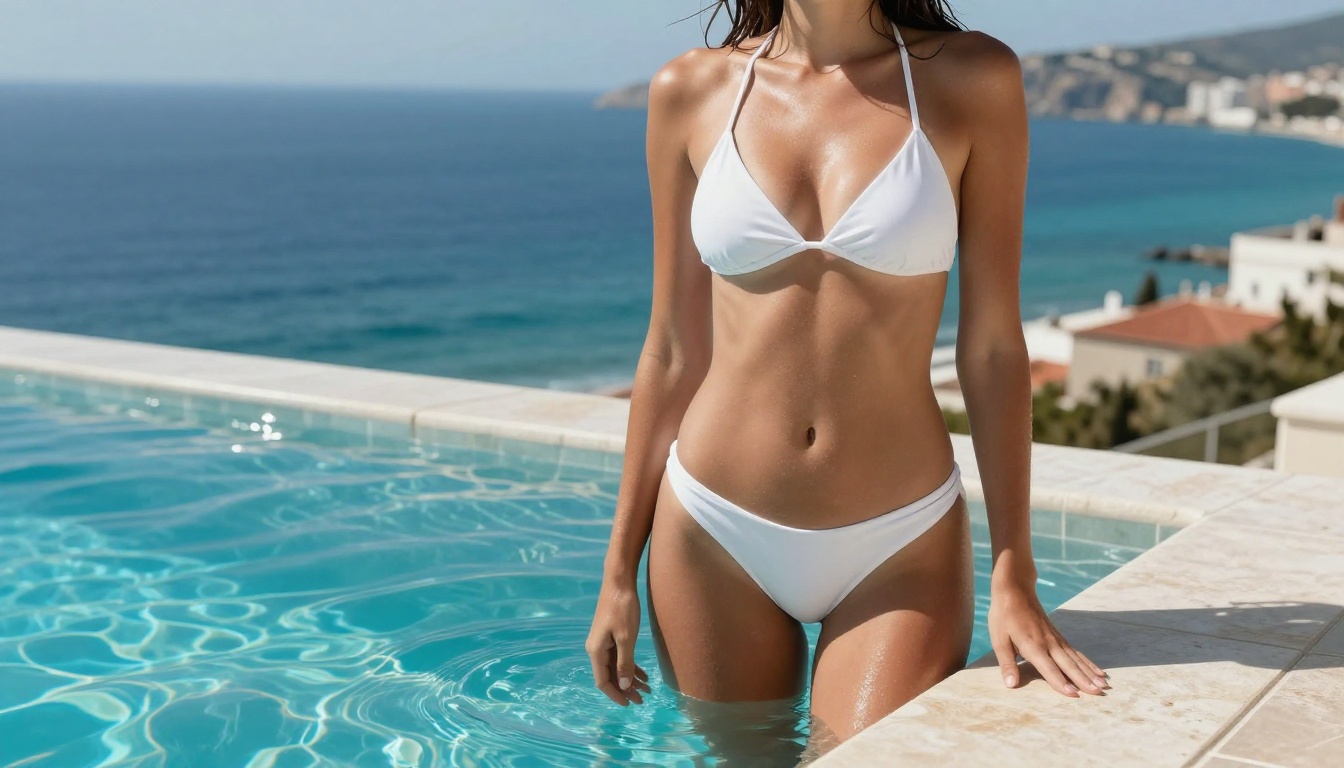
Seedream 4.5 is the top recommendation for NSFW AI image generation. It accepts adult content, supports image editing workflows for post-generation refinement, and generates results in under 3 seconds. The realism it produces with detailed skin textures and accurate anatomical proportions consistently outperforms other text-to-image options in this category.
One critical note: the newer Seedream 5 Lite does not support NSFW content at all. If you switch model versions and suddenly get blocked or softened outputs, check which Seedream version is active. Always use 4.5 for adult content.
Other Models Worth Using
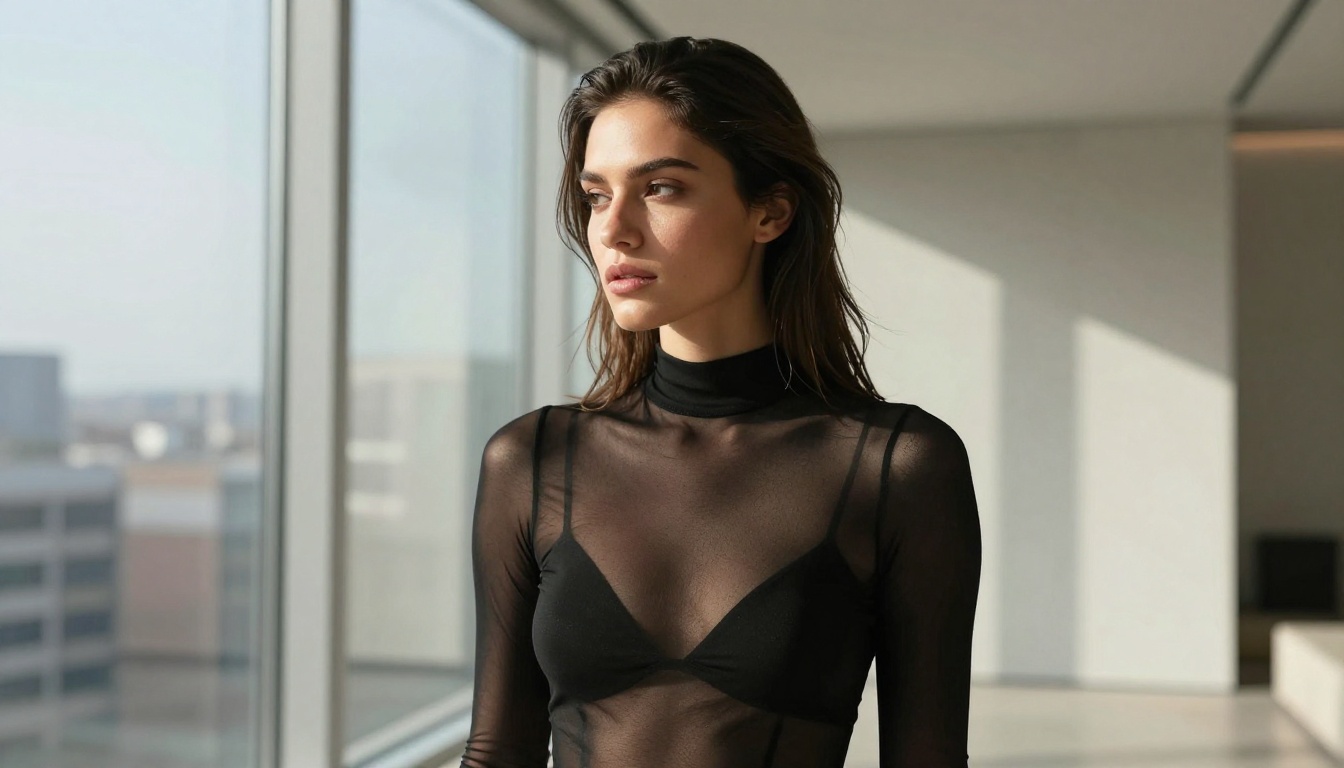
After Seedream 4.5, these cover different use cases and workflow stages:
-
PicassoIA Image Editor Pro — Image-to-image editing with unlimited generations on Elite and Infinite plans. Need to refine an existing image, change clothing, or adjust a pose? This is the fastest path. Results land in under 1 second, NSFW content accepted, and a 3-generation free trial requires no credit card.
-
Qwen Image 2 — Open-source model that edits or creates any image in seconds with very detailed realism and no content restrictions.
-
Grok Imagine Image — Particularly effective at converting reference images into realistic bikini-style outputs while preserving the subject's likeness.
-
Recraft V4 — Text-to-image only, but delivers exceptionally realistic outputs with fine detail rendering.
-
P-Image — NSFW text-to-image that generates in under 1 second. When you need fast iteration across many prompt variations, this is the tool.
Trick 3 - Control the Lighting in Your Prompt
Lighting is what separates a photo-real image from one that immediately reads as AI-generated. Flat, uniform, directionless lighting is the single biggest tell. Every real photograph has a defined light source with a specific angle, temperature, and behavior as it interacts with different surfaces.
Natural Light Beats Studio Every Time
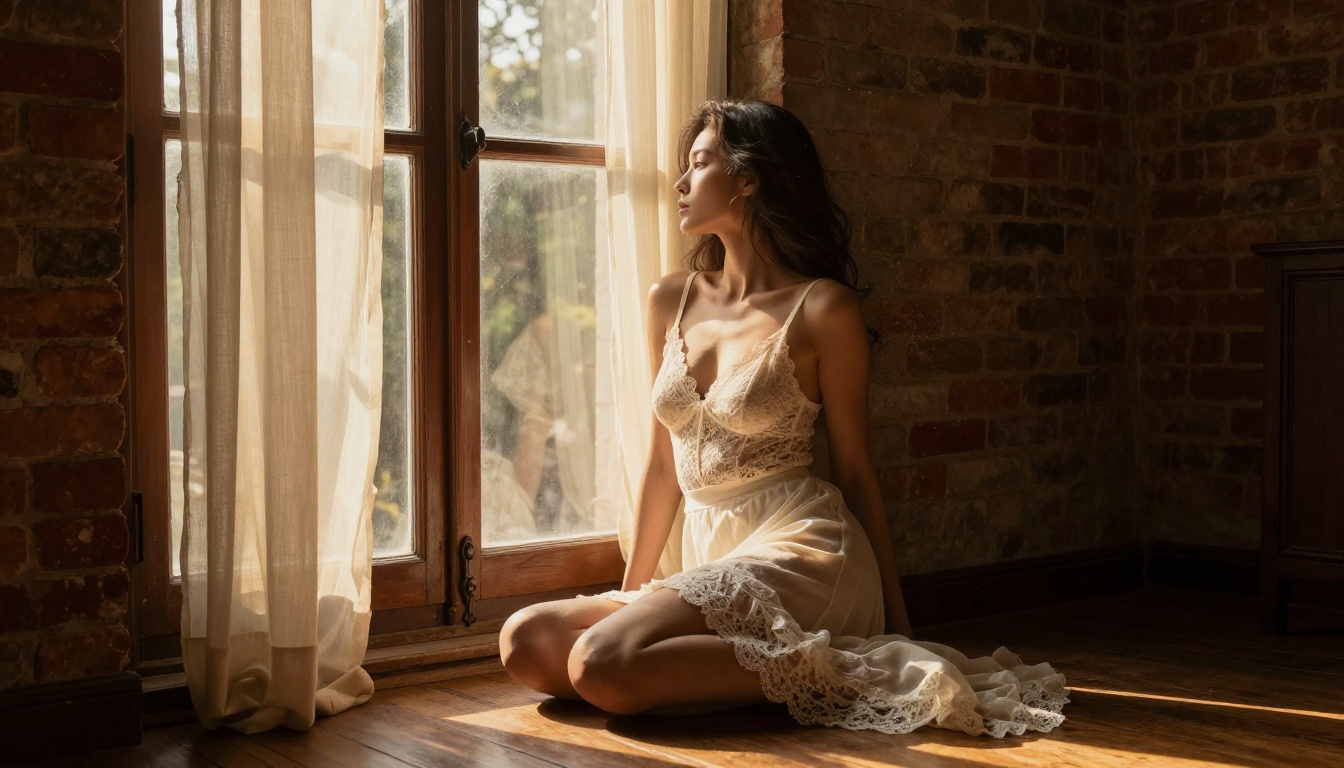
For NSFW content, natural light is almost always more convincing than described studio lighting setups. Natural light has imperfections that make it believable: it bounces off walls, creates warm-colored shadows, catches differently in hair versus skin versus fabric, and varies in intensity across a scene. Describing these interactions gives the model enough visual information to produce something that feels captured rather than constructed.
Golden hour (late afternoon sun) is the most forgiving natural light for skin tones, producing warm amber casts and long dramatic shadows that add depth. Window light (single-source diffused through glass) produces the dramatic shadow contrast that editorial photography relies on for intimacy. Overcast diffused light is flat but consistent for full-body shots where even exposure across the entire frame matters more than drama.
How to Describe Light in Your Prompt
Specify these four elements for every shot:
- Source — window, direct sun, desk lamp, overhead skylight, reflected ambient
- Direction — from the left, from above, behind the subject, at a 45-degree angle from the right
- Temperature — warm amber, cool blue-white, neutral daylight 5500K, golden, tungsten orange
- Effect on the subject — catching in hair, casting long shadow across torso, highlighting collarbone, creating rim light on shoulder
💡 Example lighting description: "single-source diffused window light entering from the left, warm amber late-afternoon sun, long shadow stretching across the hardwood floor, catching in the subject's hair and highlighting her right shoulder and collarbone" — this single description is worth significant visual quality improvement on its own.
One descriptive lighting sentence consistently outperforms three generic quality modifiers. The model processes spatial and directional information into visual output more effectively than abstract quality terms like "cinematic" or "professional."
Trick 4 - Use Image Editing to Fix and Refine
Even with precise prompts and the right model, NSFW AI images sometimes need targeted correction. Anatomy can be slightly off. A background element distracts from the subject. Clothing doesn't sit or drape naturally. Regenerating the entire image from scratch to fix a small detail is inefficient and often introduces new problems elsewhere.
PicassoIA Image Editor Pro for Iterative Refinement
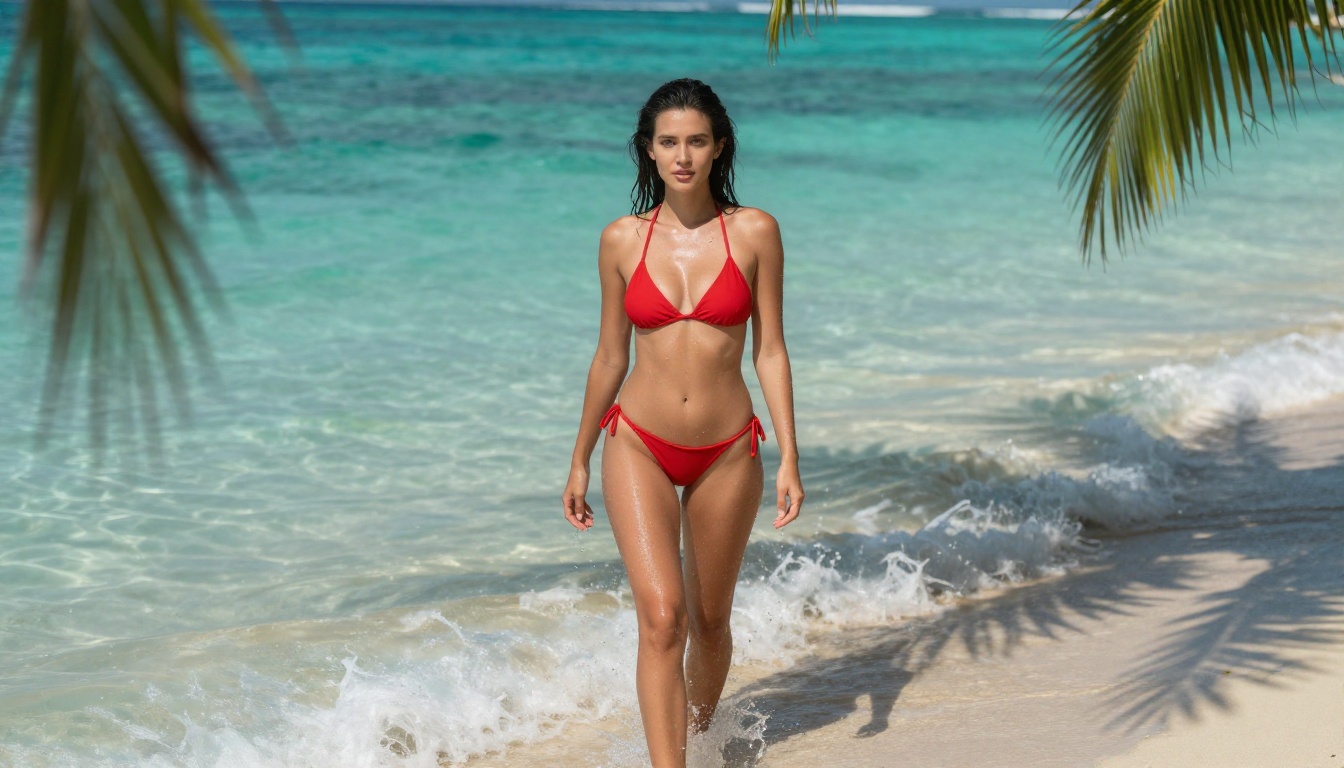
PicassoIA Image Editor Pro is an image-to-image model built for exactly this kind of targeted refinement. You upload an existing generated image and describe what you want changed or improved. The model returns a modified version in under a second.
The unlimited-generation model available to Elite and Infinite plan subscribers changes how NSFW content refinement works in practice. Generating 1,000 refinement iterations at no extra cost versus models that charge per output (where that same volume would run around $100 on models like Nano Banana 2) means you can iterate until the result is exactly right rather than settling for close enough.
When Inpainting Solves the Problem
Inpainting lets you select a specific region of an image and redraw only that area while keeping everything else intact. This is the targeted fix for:
- Off anatomy — hands, fingers, and feet that look distorted or have extra joints
- Clothing issues — fabric that clips through the body or fails to drape with realistic physics
- Background distractions — unwanted objects or inconsistencies that appear behind the subject
- Face inconsistencies — expressions that don't match the intended mood or small symmetry issues
💡 For face-specific corrections, always target only the face region with inpainting. Regenerating the full image to fix a small facial detail wastes time and almost always introduces new issues elsewhere in the frame.
The result is a surgically corrected version of the original image with all other elements preserved exactly as generated.
Trick 5 - Upscale for the Detail That Actually Matters
Most text-to-image models output at resolutions ranging from 512x512 to 1024x1024 pixels. That's sufficient for previewing compositions and checking prompt accuracy, but insufficient for NSFW content where skin texture, fabric behavior, and facial features are scrutinized closely. Upscaling closes this gap.
Why Resolution Changes the Perception of Quality
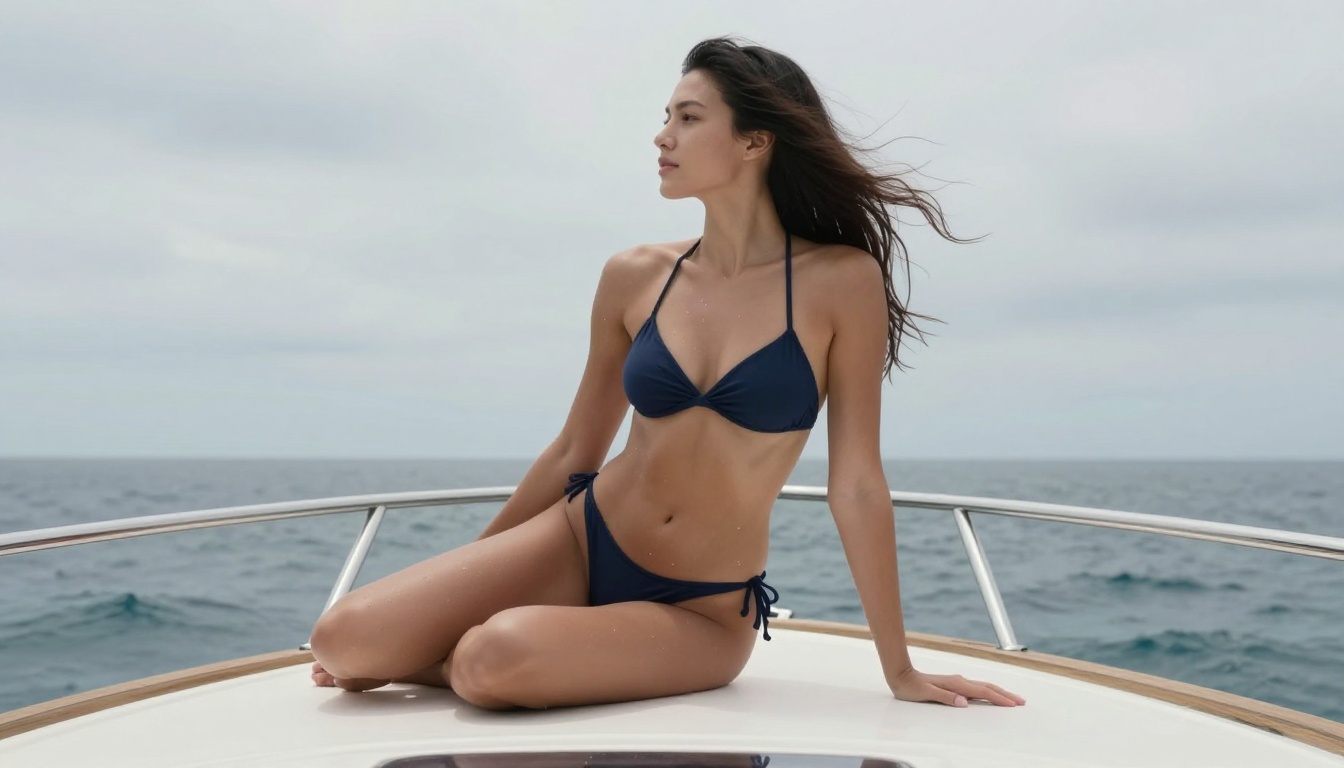
A 2x or 4x super-resolution upscale doesn't just enlarge the image. AI super-resolution models add plausible detail during the upscaling process. Pores that were suggested at low resolution become clearly defined. Fabric textures sharpen from approximate patterns to specific weaves. Hair strands separate instead of blending. Eyelashes and brow hairs become individually distinct.
The difference between a 512px output and a 2048px AI-upscaled version of the same image is not subtle. For NSFW content specifically, where the distance between "looks generated" and "looks like a photograph" often comes down to fine skin and material detail, this step carries significant weight.
Super-Resolution Options on PicassoIA
PicassoIA's super-resolution category provides 2x and 4x upscaling that adds realistic detail during the enlargement process rather than simply scaling pixels. For NSFW content, the improvement to skin texture realism, fabric sharpness, and facial feature clarity at final resolution is immediately noticeable.
Run your best outputs through super-resolution before treating them as finals. The processing time is short and the improvement in perceived photographic quality consistently justifies the step.
Best NSFW Models on PicassoIA Right Now
The full ranking of models that support adult content on PicassoIA, ordered by performance and practical value:
| Rank | Model | Speed | Best For |
|---|
| 1 | Seedream 4.5 | Under 3s | Primary NSFW text-to-image generation and editing |
| 2 | Image Editor Pro | Under 1s | Unlimited img2img refinement and correction |
| 3 | Qwen Image 2 | Fast | Open-source detailed realism and editing |
| 4 | Grok Imagine Image | Fast | Reference image to bikini/swimwear conversion |
| 5 | Recraft V4 | Moderate | High-realism text-to-image with fine detail |
| 6 | P-Image | Under 1s | Rapid iteration across prompt variations |
For turning NSFW images into video clips, PicassoIA Video offers unlimited generation at up to 720p, and P-Video supports text, image, or audio input at up to 1080p with the safety filter disabled by default.
The complete catalog of models without content restrictions is at picassoia.com/en/all-models.
Start Creating Your Own Images Today
The 5 tricks above stack on top of each other in a natural workflow. A detailed prompt on the right uncensored model, with precise lighting descriptions built in, refined through image editing for any issues, and upscaled to final resolution produces results that are genuinely indistinguishable from professional photography in the right subject matter.
None of this requires technical experience or deep knowledge of how these models work. It requires knowing what to ask for and using a platform that doesn't artificially restrict what you can create.
PicassoIA gives you access to every model in this article, fast generation with no content filters blocking your direction, and iteration speeds that make the process practical rather than frustrating. Start with Seedream 4.5, apply these 5 tricks to your next prompt, and compare the results to what you were getting before applying any of them.
The difference shows up in the first image.


