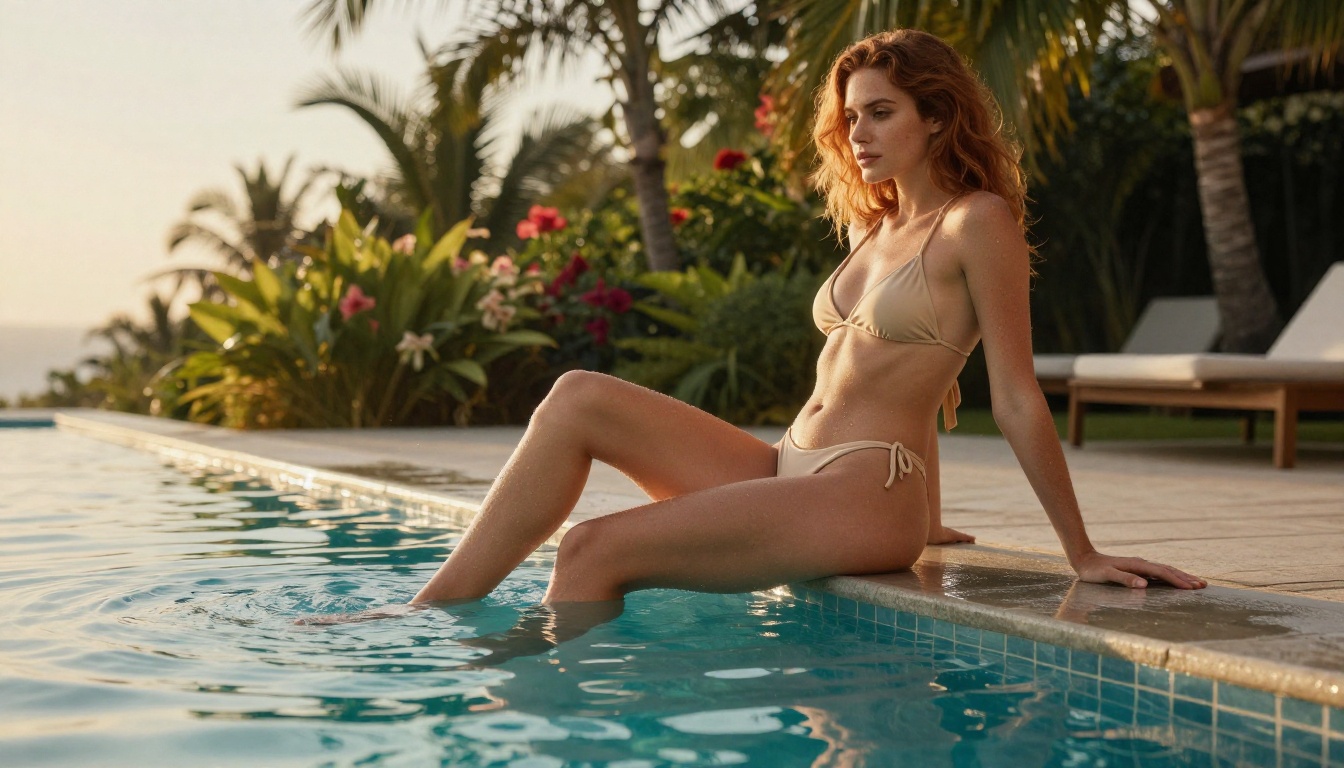
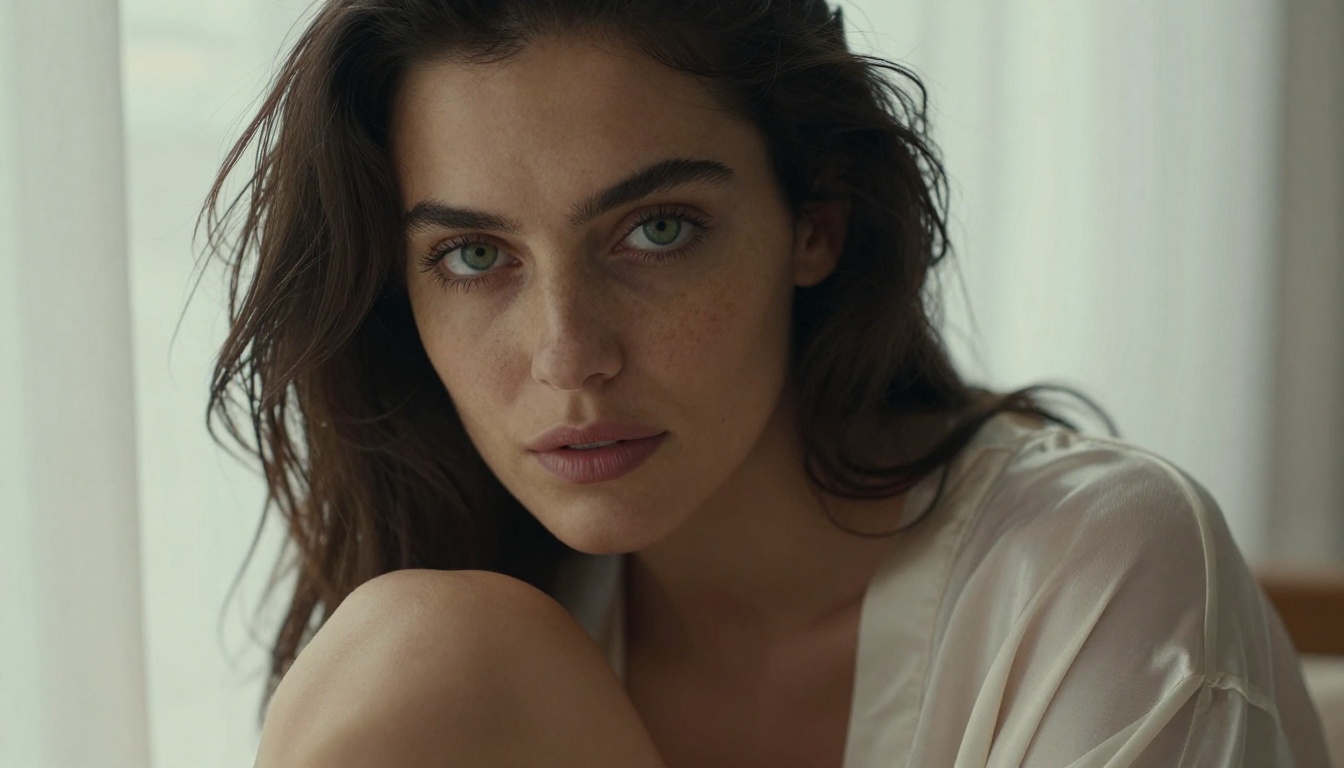
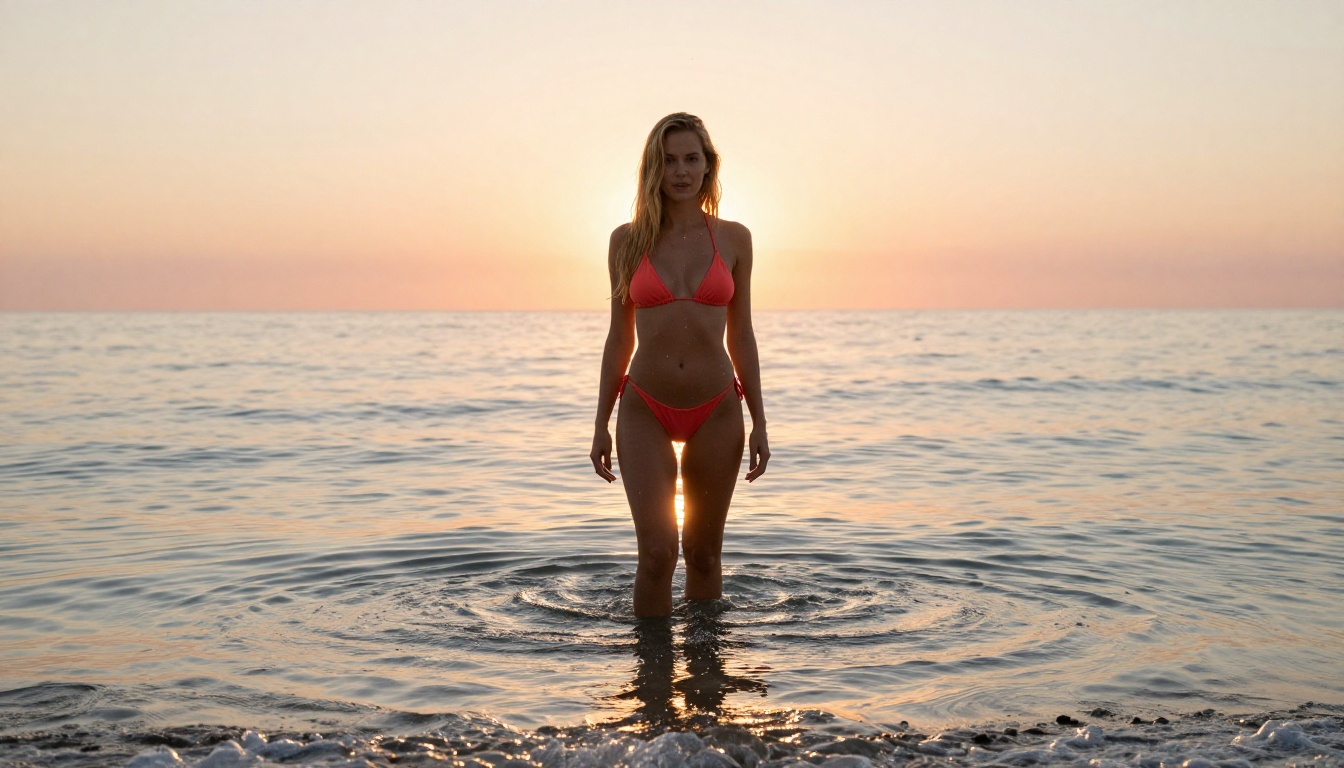
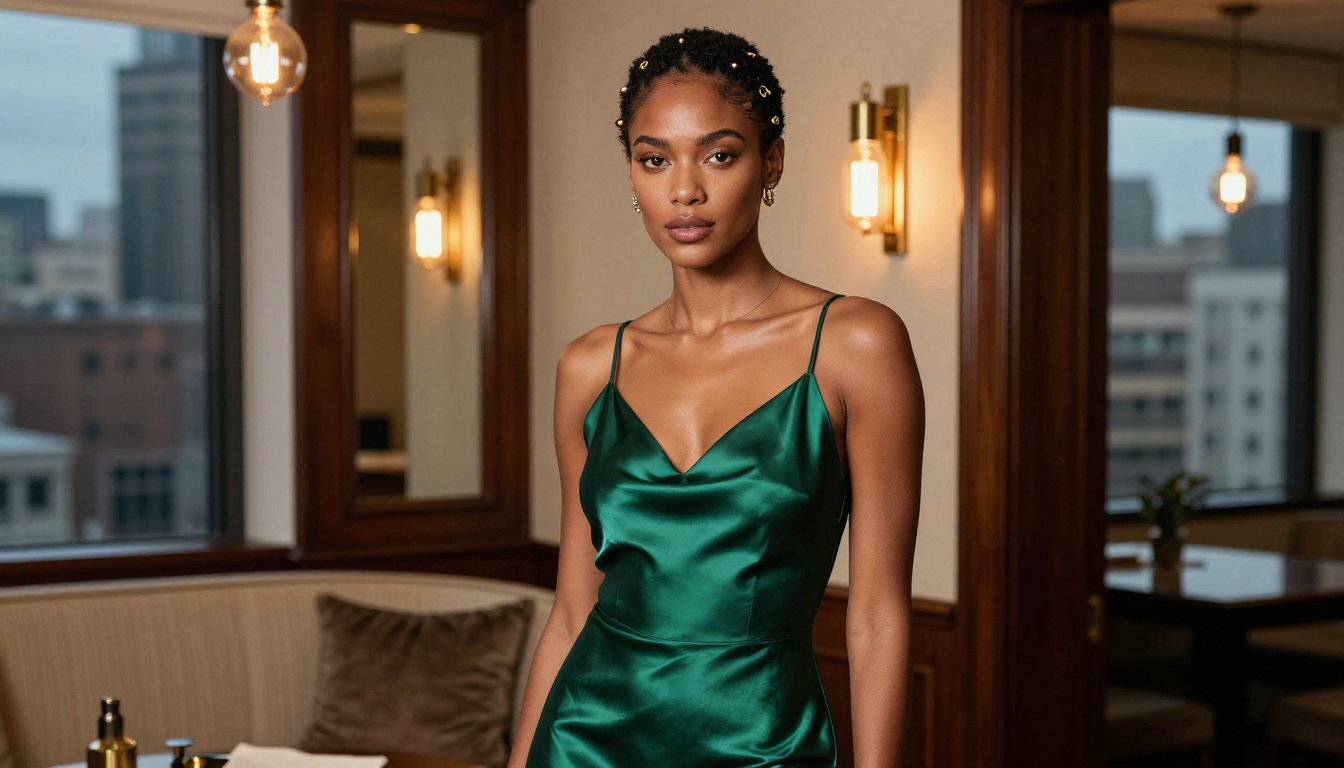
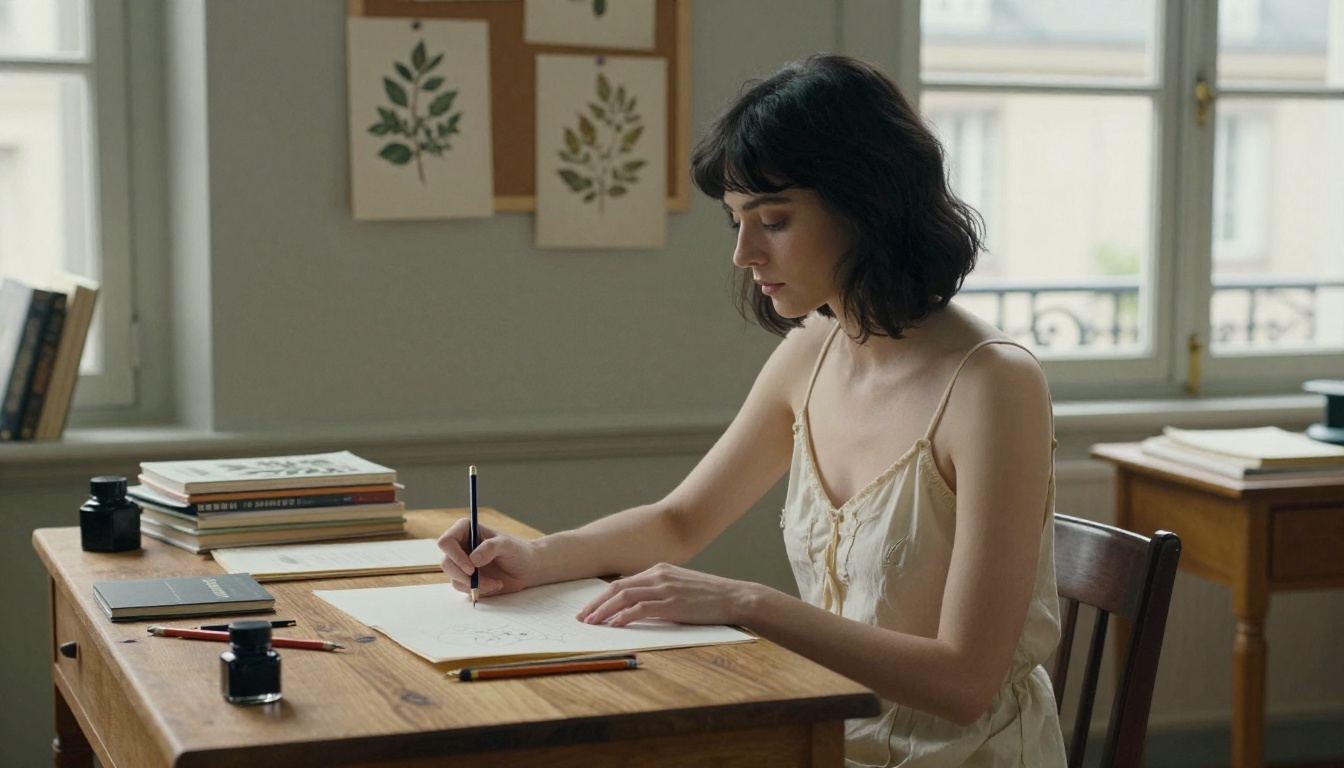
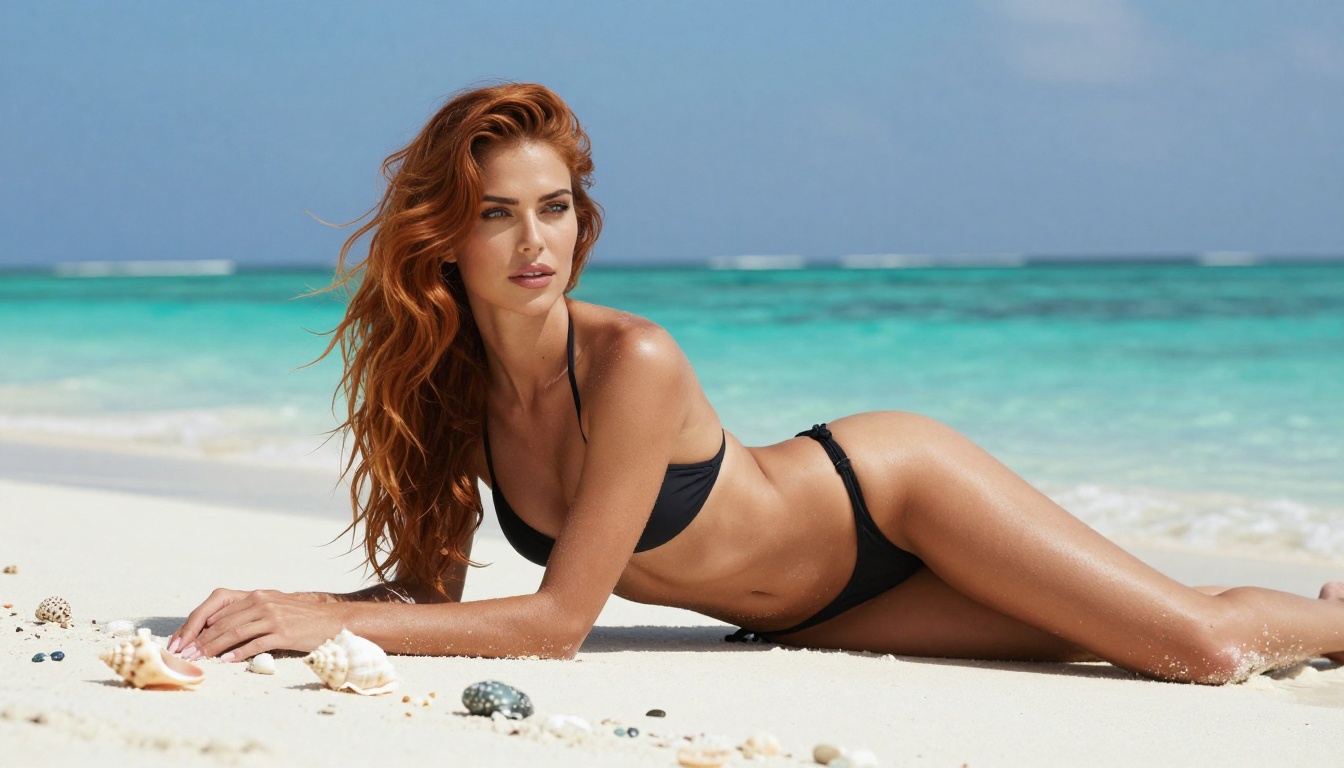
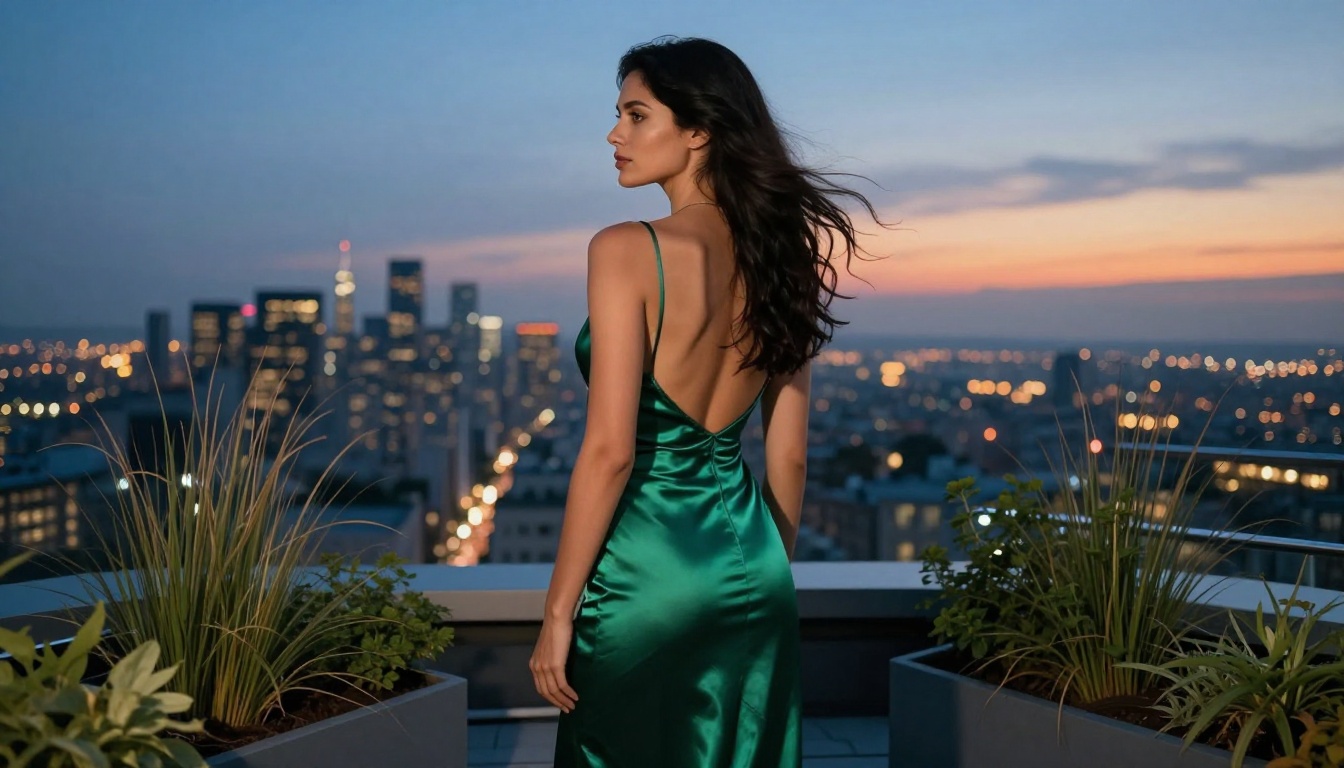
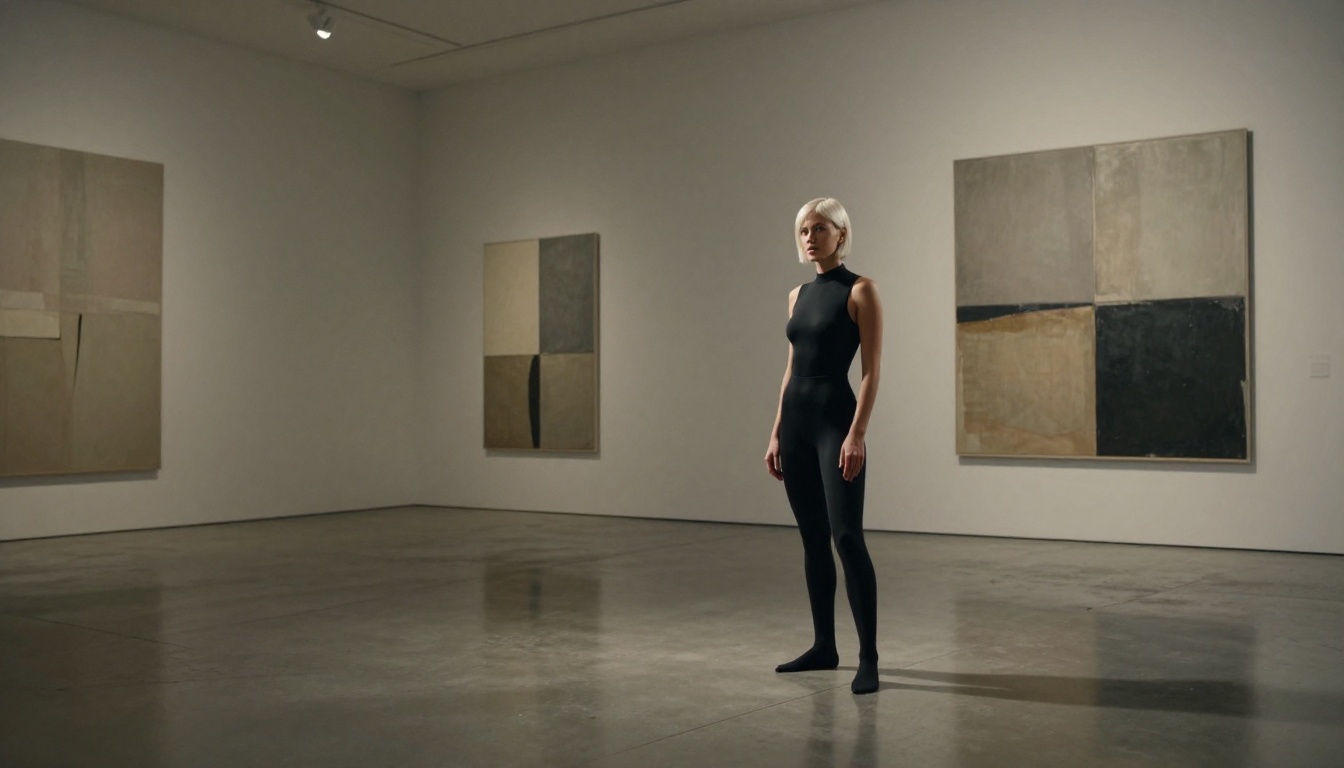
Looking for the best NSFW AI image generators available right now? This breakdown covers 6 top models tested for realism, prompt accuracy, skin texture, and output quality so you can pick the right tool for your creative vision without wasting time on tools that fall short.
The search for a NSFW AI image generator that actually delivers is a minefield. Most tools hit you with censorship walls, muddy outputs, or that telltale "AI look" that ruins any sense of realism. But a handful of models have pulled ahead in 2027, producing images genuinely difficult to distinguish from professional photography. Below, we break down the 6 best options available right now, what makes each one stand out, and exactly how to use them.
What Actually Matters
Before diving into the list, it helps to know what separates a great NSFW generator from a mediocre one. The differences are real and measurable.
The three things that count most
Skin texture realism: Does the model reproduce fine skin detail, pores, and natural imperfections? Or does it produce that waxy, over-smoothed look?
Prompt adherence: Will the model follow precise instructions about pose, clothing, setting, and lighting? Or will it hallucinate details you did not ask for?
Censorship tolerance: Does the platform support adult content generation without constant rejections for perfectly reasonable prompts?
💡 Pro tip: The best results always come from long, detailed prompts. Include lighting direction, camera lens, clothing fabric, and environment. Vague prompts produce vague results.
What we tested
Each model below was evaluated on photorealism, skin accuracy, prompt fidelity, generation speed, and how well it handles suggestive and glamour-focused content. All of them are accessible on PicassoIA so you can run them immediately.
1. Flux 1.1 Pro Ultra
Flux 1.1 Pro Ultra sits at the top of the list for one reason: it produces 4-megapixel outputs with a level of photographic realism that no other open-access model matches right now. Built by Black Forest Labs, this is the model that has made a lot of previously top-tier generators feel outdated overnight.
Why it leads the pack
4MP native resolution: Sharper, more detailed outputs without needing to upscale post-generation
Natural skin rendering: Pores, fine hair, subtle asymmetry. It renders the human body the way a camera would, not the way a painting would
Exceptional lighting response: Describe volumetric morning light, backlit silhouettes, or studio setups and Flux 1.1 Pro Ultra actually obeys
Minimal hallucination: It stays on-prompt far better than older SDXL-based models
💡 For Flux 1.1 Pro Ultra, always describe the camera lens and aperture in your prompt. Adding "85mm f/1.4 shallow depth of field" to a portrait prompt noticeably improves the realism of bokeh and subject isolation.
2. Stable Diffusion 3.5 Large
Stable Diffusion 3.5 Large is the model for users who want maximum control and variety. SD 3.5 Large runs on a completely rearchitected diffusion transformer backbone that handles complex, multi-element scenes far better than its predecessors.
Where it shines
The standout quality of SD 3.5 Large is its composition intelligence. You can describe a scene with multiple figures, distinct foreground and background elements, and specific spatial relationships, and the model will actually follow those instructions. For NSFW work, this means you can build elaborate scene settings rather than isolated figure shots.
Multiple character scenes with correct anatomy
Strong performance on interior settings: bedrooms, studios, hotel rooms
Handles implied nudity and artistic content with more flexibility than many competitors
Excellent at fashion and glamour photography prompts
Weak points
Speed is not its strength. SD 3.5 Large takes longer to generate than Flux Schnell or Dreamshaper XL Turbo. But for complex scenes where accuracy matters more than iteration speed, the wait is worth it.
Feature
Rating
Skin Realism
★★★★☆
Prompt Adherence
★★★★★
Speed
★★★☆☆
Scene Complexity
★★★★★
3. Realistic Vision v5.1
Realistic Vision v5.1 was built with one goal: make AI images look like real photographs. It succeeds at this better than almost anything else, especially for skin, hair, and portrait work.
What makes it special
This model was specifically fine-tuned on high-resolution photographic data, which shows immediately in how it renders faces. The eyes have proper catchlights, the lips have realistic moisture, the hair has individual strand variation. For glamour and portrait NSFW work, it delivers results that feel genuinely photographed rather than generated.
Prompt style that works best
Realistic Vision v5.1 responds exceptionally well to photography-style prompts. Structure yours like this:
RAW photo, 8k, photorealistic, film grain, Kodak Portra 400,
natural skin texture, highly detailed skin, a woman in [description],
[location and lighting description], 85mm portrait lens
Negative prompts dramatically improve output quality with this model. Use: deformed, disfigured, bad anatomy, artificial skin, plastic look, digital art, illustration
Feature
Rating
Face and Skin Detail
★★★★★
Hair Realism
★★★★★
Scene Variety
★★★☆☆
Speed
★★★★☆
4. SDXL
SDXL from Stability AI remains one of the most versatile and widely used models in the space. While newer models have pushed past it in raw photorealism, SDXL has a major advantage: the LoRA ecosystem around it is enormous.
The LoRA advantage
LoRA (Low-Rank Adaptation) files let you fine-tune SDXL's output for specific aesthetics, styles, or subject types. On PicassoIA, you can use SDXL Multi Controlnet LoRA to stack multiple LoRAs for layered control over your outputs. This means:
Combine a photorealism LoRA with a specific aesthetic style
Use ControlNet pose references for precise body positioning
Mix lighting style LoRAs with character-specific fine-tunes
For NSFW work, the SDXL ecosystem gives you granular control that pure text-to-image generation cannot match.
When to pick SDXL over others
You want a specific aesthetic that requires a trained LoRA
You need pose control via ControlNet
You are iterating quickly and want fast generation at decent quality
Feature
Rating
Base Photorealism
★★★★☆
LoRA Ecosystem
★★★★★
Pose Control
★★★★★
Speed
★★★★☆
5. Dreamshaper XL Turbo
Dreamshaper XL Turbo occupies a specific and valuable niche: speed without sacrificing style. Where most turbo models look noticeably worse than their full-quality counterparts, Dreamshaper XL Turbo maintains high aesthetic quality even at accelerated generation.
Speed as a feature
When you are iterating on prompts to get a scene exactly right, generation speed matters enormously. Flux Schnell is faster but lacks Dreamshaper's stylistic refinement. Dreamshaper XL Turbo hits a sweet spot between the two.
Generates in 4 to 6 steps rather than 20 to 30
Maintains cinematic lighting and composition quality
Handles both photorealistic and semi-stylized prompts
Strong on glamour, editorial, and atmospheric NSFW content
Practical use case
Use Dreamshaper XL Turbo to find your shot fast. Run 10 to 15 quick iterations to identify the composition and lighting that works, then switch to Flux 1.1 Pro Ultra or Stable Diffusion 3.5 Large for the final high-resolution render.
Feature
Rating
Speed
★★★★★
Style Retention
★★★★☆
Photorealism
★★★★☆
Iteration Efficiency
★★★★★
6. RealVisXL v3.0 Turbo
RealVisXL v3.0 Turbo is the model that punches above its weight class. It combines SDXL-based architecture with photographic fine-tuning that produces results genuinely competitive with Flux 1.1 Pro Ultra in specific scenarios, particularly portraits and close-up body shots.
Where RealVisXL stands out
The model was trained specifically to avoid the common artifacts that plague other photorealistic generators: blurry teeth, distorted hands, oversmoothed skin. For NSFW portrait work, these are exactly the failure modes that ruin otherwise strong outputs.
Hand accuracy: Better than most alternatives at this scale
Facial symmetry: Consistent, believable face geometry
Clothing physics: Fabric drape, wrinkles, and texture render convincingly
Turbo speed: Faster than standard RealVisXL with minimal quality loss
Pairing with Multi-ControlNet
For precise work, combine RealVisXL v3 Multi Controlnet LoRA to control pose, depth, and lighting reference simultaneously. This is the setup for professional-quality outputs with repeatable results across sessions.
Feature
Rating
Portrait Quality
★★★★★
Hand Accuracy
★★★★☆
Speed
★★★★★
Artifact Avoidance
★★★★★
Side-by-Side Comparison
Here is the complete view of all 6 models across the metrics that matter most for NSFW content generation:
All 6 models are available directly on PicassoIA with no local setup required. Here is the fastest workflow to get quality outputs:
Step 1: Pick your model
Navigate to the text-to-image collection and select the model that fits your use case. If you are new, start with Flux 1.1 Pro Ultra for the highest quality baseline.
Step 2: Build a strong prompt
The single biggest factor in output quality is your prompt. Structure it this way:
Subject: Who, what pose, what clothing or state of dress
Environment: Where, what time of day, what is in the background
Lighting: Direction, quality (soft or hard), color temperature
After generating, use the Super Resolution tool on PicassoIA to push the output to 2x or 4x. This is especially valuable with Realistic Vision and SDXL results.
💡 Quick win: For any portrait, append "shot on Fujifilm X-T4, 85mm f/1.8, RAW, Kodak Portra 400 film emulation, natural window light" to your prompt. It consistently improves skin realism across all 6 models.
The Models Are Ready. Your Prompt Is All That Is Left.
Every one of these runs on PicassoIA right now. Pick the model that matches your vision, write a detailed prompt, and start generating. The quality difference between a thoughtful prompt and a lazy one is enormous with all of these models. Invest time in your prompt and the output will reflect it immediately.
Try any of the 6 models above on PicassoIA. You do not need to install anything, configure local hardware, or navigate opaque setup processes. Open the model, write your prompt, and generate. The only thing standing between you and photorealistic AI imagery is the quality of the description you type.