Everyone selling an "AI OFM course" shows the same screenshot: a payout dashboard with six figures and a smiling face that never existed. Some of those numbers are real. Most are marketing. What is true is that a believable, consistent, fictional adult creator can be produced in an afternoon, and that the quality of the photos is the first thing that decides whether anyone subscribes. This article breaks down the models, the free tools, the prompts and the photo examples behind that business, and it stays honest about the money. Everything here is suggestive glamour, never explicit, and every character shown is a fictional adult.
What OFM Actually Means
OFM stands for OnlyFans management. Traditionally it meant an agency that runs a real creator's account: scheduling posts, writing captions, handling fan chat and growing traffic from social media. The AI version swaps the real person for a fictional virtual model that you design, photograph digitally and manage like a brand.
OFM in plain terms
An AI OFM operator does four jobs:
- Creates a character with a fixed face, body type, style and backstory.
- Produces content such as swimwear, boudoir, fitness and lifestyle photo sets.
- Drives traffic from Instagram, X, Reddit and short video platforms to a paid subscription page on Fanvue, OnlyFans or a similar site.
- Runs the chat and pricing, either personally or with hired chatters.
Related searches you will see around this topic include AI influencer, virtual model, AI girlfriend content, NSFW image generator, consistent character, LoRA training and uncensored image models. They all point to the same workflow.
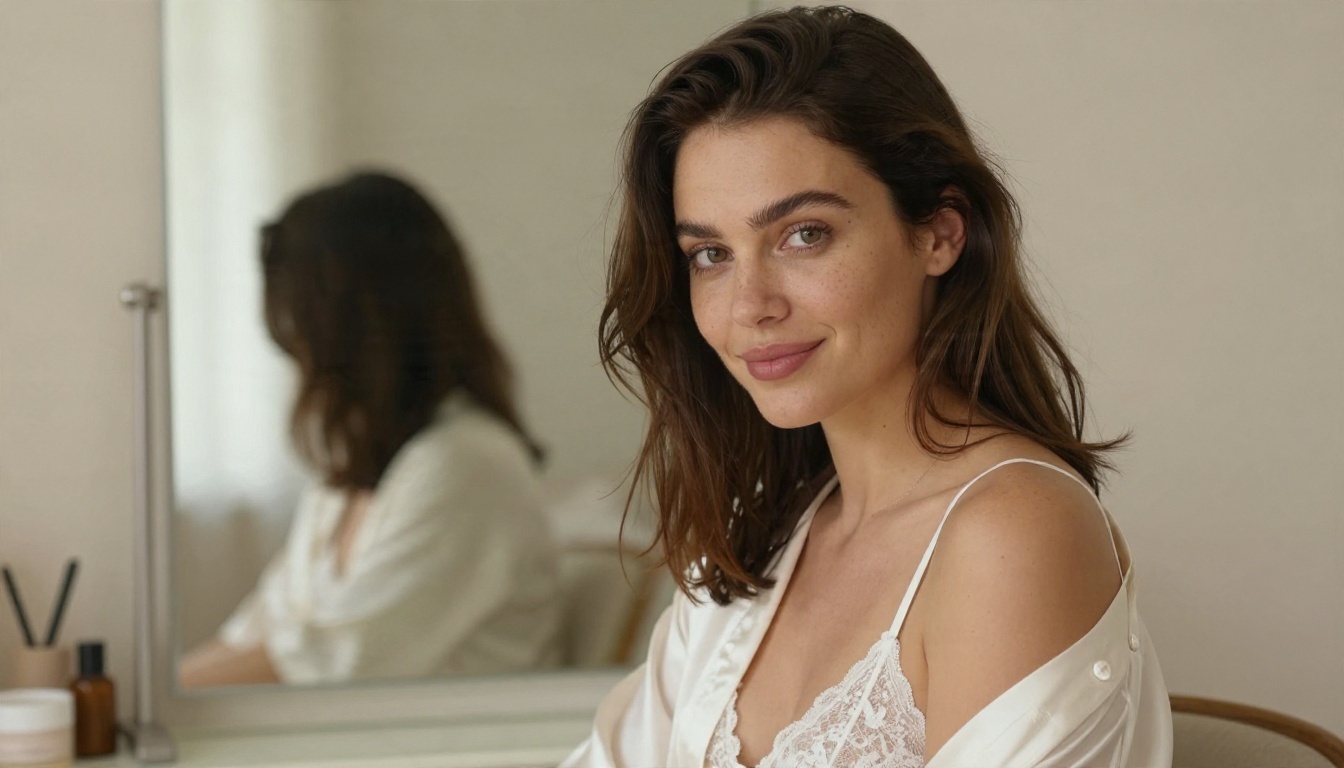
Where six figures really comes from
Let's be blunt. Most vendor pages quote monthly earnings between a few thousand and tens of thousands of dollars, and almost none show verifiable data. Platform wide averages are far lower, with typical creators earning only a small fraction of those headline claims. A six figure result is possible, but it usually belongs to a small group of operators who combine good visuals with strong traffic, smart pricing and active chat.
💡 Reality check: treat any income screenshot as a sales tool. Plan around your own funnel numbers: visitors, free follows, paid conversions and renewals.
A rough model shows why scale matters:
| Lever | Conservative | Strong |
|---|
| Monthly profile visitors | 20,000 | 150,000 |
| Visitor to subscriber rate | 1% | 2% |
| New subscribers per month | 200 | 3,000 |
| Subscription price | $9.99 | $12.99 |
| Extra spend per subscriber (tips, locked posts) | $6 | $15 |
| Rough monthly gross | $3,200 | $84,000 |
Notice that reaching six figures needs traffic in the six figure range too. That is why visual quality matters so much: a scroll stopping photo is the cheapest traffic you can buy.
The AI Model Stack That Works
The best setups use two or three image models for different jobs rather than one tool for everything. The table below shows a practical lineup, all with pages on PicassoIA.
Seedream 4.5 for the base set
Seedream 4.5 is the model to start with. It follows long prompts well, keeps skin looking like skin instead of plastic, and produces high resolution frames that survive cropping for social posts. For suggestive swimwear, boudoir and fashion photography it gives believable fabric, light and anatomy without extra tricks. Its main benefit for an OFM workflow is speed: you can generate a full set of 20 photos in the time it takes to brew coffee.
Image Editor Pro for unlimited edits
PicassoIA Image Editor Pro is where the volume work happens. Because generations are unlimited, you can change an outfit, swap a location or fix a hand twenty times without watching a credit counter. That matters for OFM, where one good base photo turns into a dozen variations: same character, new setting, new mood. It is also the fastest way to patch small flaws before posting.
Other models worth a slot
Z Image Turbo works for rapid drafting. When a concept looks promising, you re-run it in Seedream 4.5 for the final quality. Flux 2 Klein 9B Base LoRA is useful if you want a distinct, repeatable photographic style. Finish important images with Clarity Pro Upscaler or P Image Upscale when you need extra resolution.
Free is a strong starting point, but every free tool has a ceiling. Here is what to expect:
- Free daily credits: fine for testing a character, not enough for a weekly content calendar.
- Strict filters: many mainstream generators block anything suggestive, so prompts that mention swimwear or lingerie return blank or refused results.
- Watermarks and low resolution: unusable for a paid page where subscribers expect crisp photos.
- Slow queues: a problem when you need 30 images for a launch week.
Tools with permissive handling of adult glamour, fast generation and no cap are far more useful. That is the reason Image Editor Pro and Seedream 4.5 lead this list: they let you iterate without friction.
💡 Tip: keep prompts suggestive rather than explicit. Fashion language such as "satin slip dress", "bikini", "silk robe" and "boudoir lighting" gives better, more believable photos and keeps the work inside platform rules.
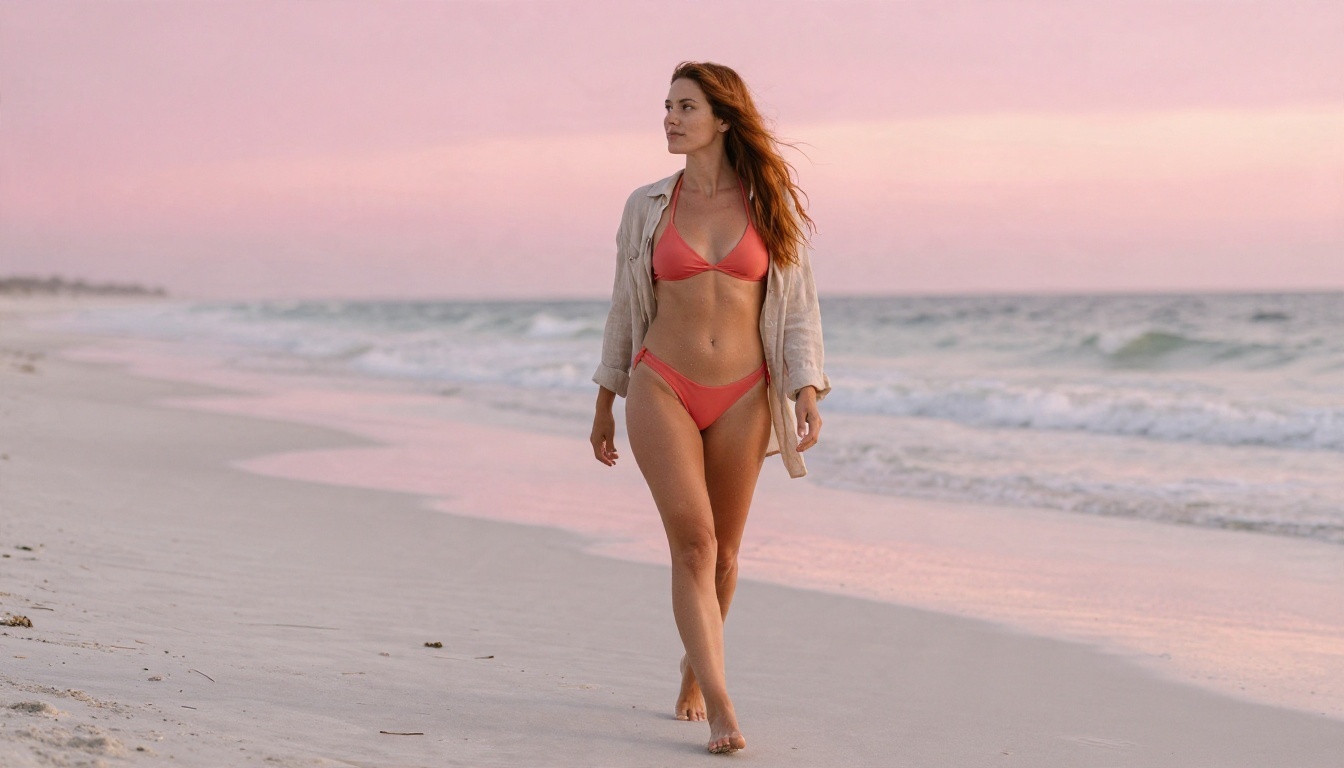
Build a Consistent Character
Consistency is what separates a brand from a random pile of pretty images. Subscribers pay for a person they recognize, so the face, hair and body type must repeat across every set.
Lock the face
Write a character sheet once and paste it at the start of every prompt. Include age range, face shape, eye color, hair color and length, skin tone, freckles or moles and any signature detail. For example:
Adult woman in her late twenties, oval face, hazel eyes, long wavy auburn hair, light freckles across the nose, warm tan skin, small mole above the left lip.
Generate a reference portrait in Seedream 4.5, then feed it back into Image Editor Pro when you want the same person in a new outfit or location.
Lock the body and style
Decide on build, height impression, wardrobe palette and photo style, and stick to them. A signature palette such as cream, coral and emerald makes a feed recognizable at a glance. If you want deeper consistency, train a LoRA with P Image Trainer on 15 to 30 reference images of your fictional character.
Keep the character fictional
Never build a character from a real person's photos. Use an invented face only, and stay with adult characters. This protects you legally and keeps your brand safe on every platform.
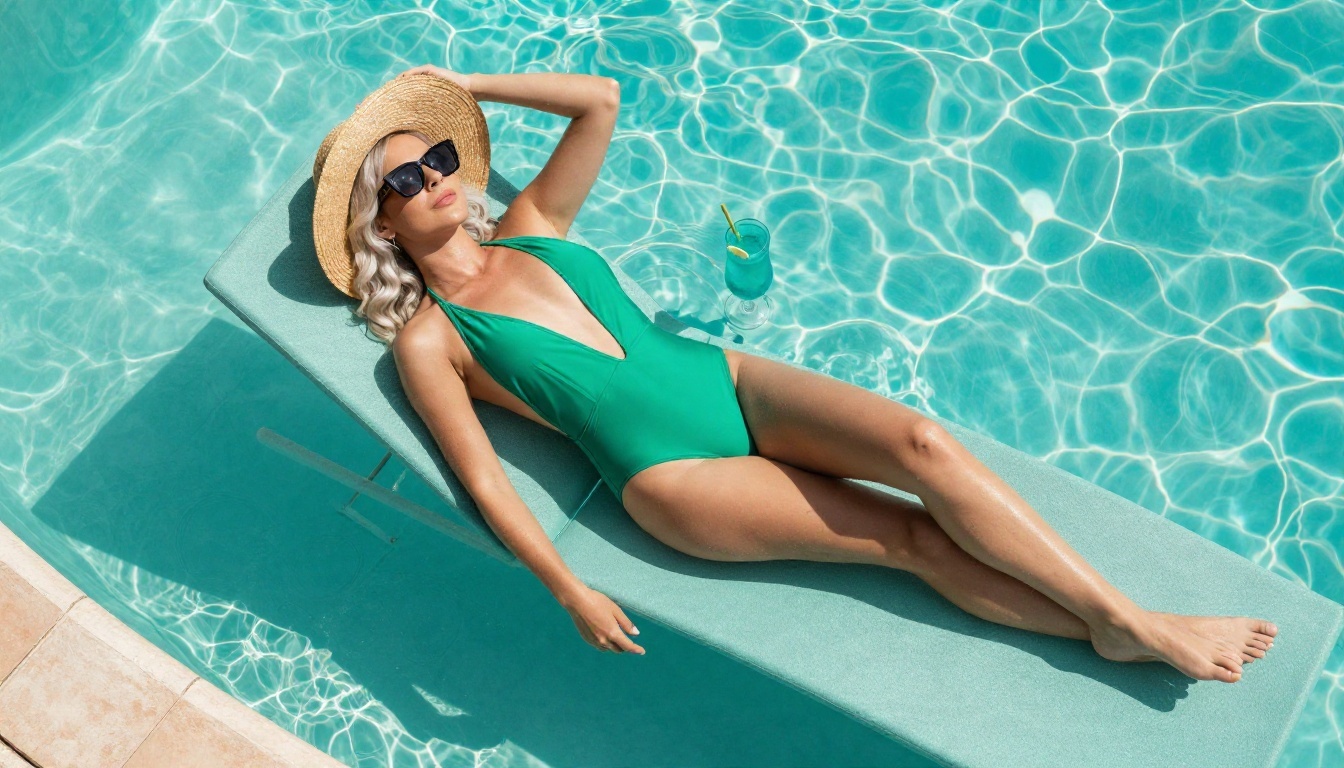
Prompts You Can Copy
A reliable prompt follows one structure: subject and pose, setting, lighting, camera and lens, texture details. Below are templates tested for suggestive, non explicit photography. Replace the bracketed part with your character sheet.
Beach swimwear set
[Character sheet], walking barefoot along a quiet white sand beach at sunrise, wearing a coral two piece bikini with an open linen shirt, wet sand reflecting a pink sky, warm backlight, 35mm f/2 lens, water droplets on tanned skin, Kodak Portra 400 film grain, raw photograph.
Why it works: the sunrise gives you natural rim light, and the open shirt adds a relaxed editorial feel rather than a staged look.
Boudoir morning series
[Character sheet], lying on her side on a white pillow, wearing a champagne silk camisole, one hand near her cheek, sleepy smile, soft early window light from the side, 100mm lens at f/2, visible skin pores, silk sheen, Kodak Portra 400 grain, raw photograph.
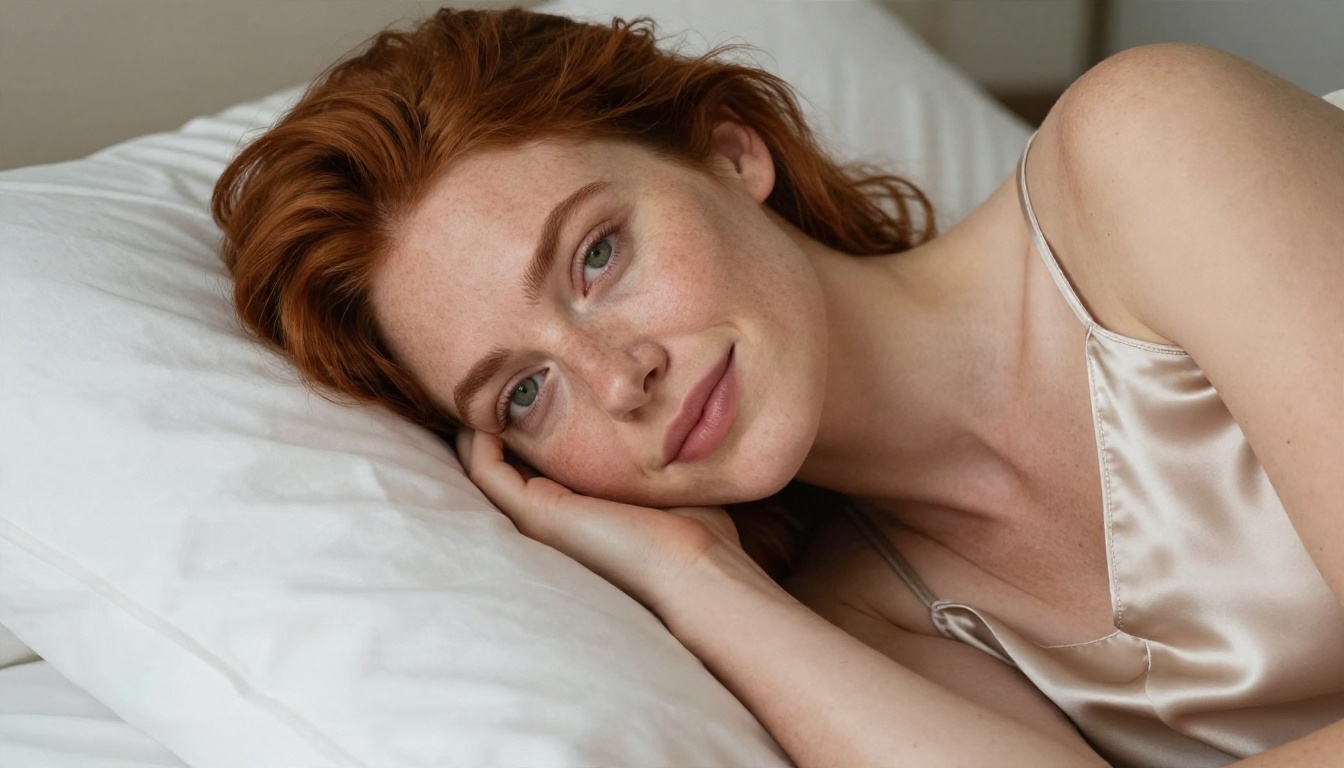
Close crops like this build the intimate feeling subscribers expect, without anything explicit.
Fitness and lifestyle
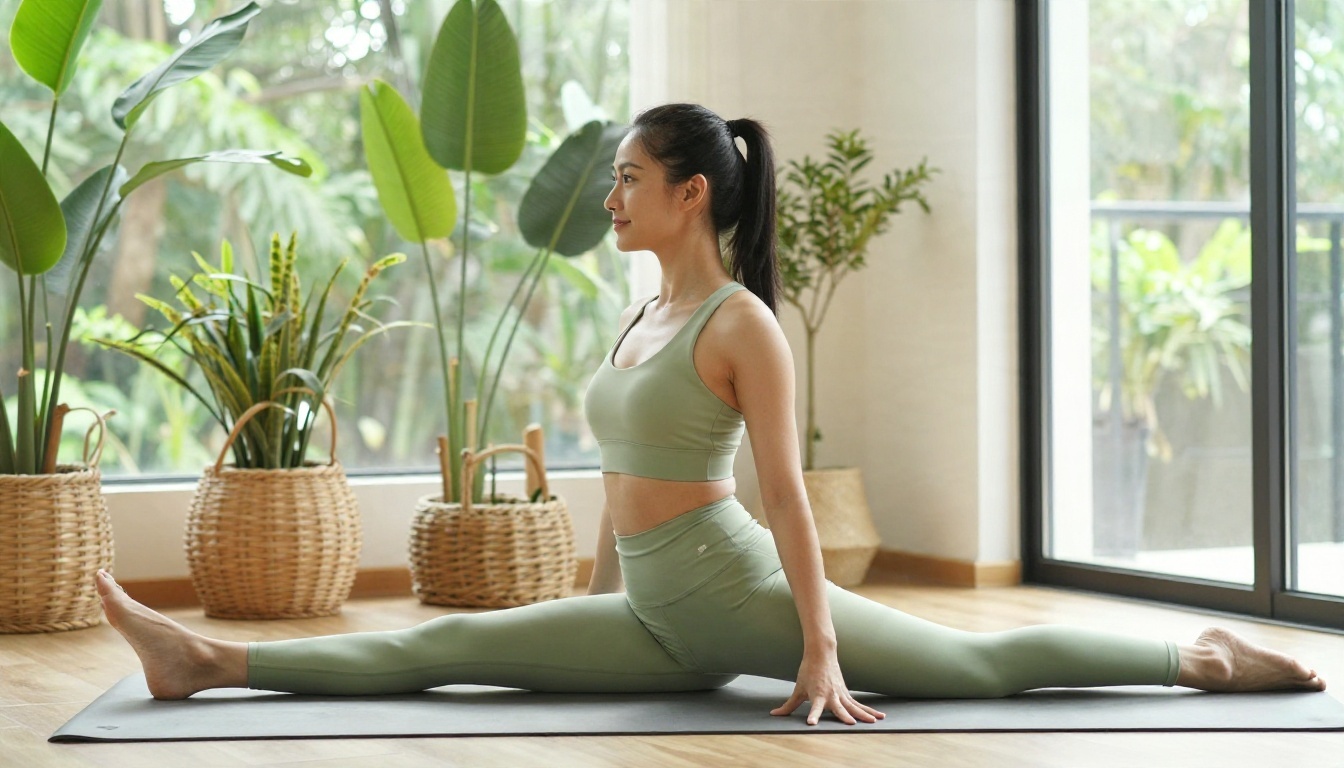
[Character sheet], stretching on a yoga mat in a bright sunroom, fitted sage green sports bra and high waisted leggings, plants and rattan furniture, diffused daylight from the right, 35mm f/2.8 lens, realistic fabric weave and skin sheen, film grain, raw photograph.
Lifestyle sets perform well as free teaser posts because they pass the rules of mainstream social platforms.
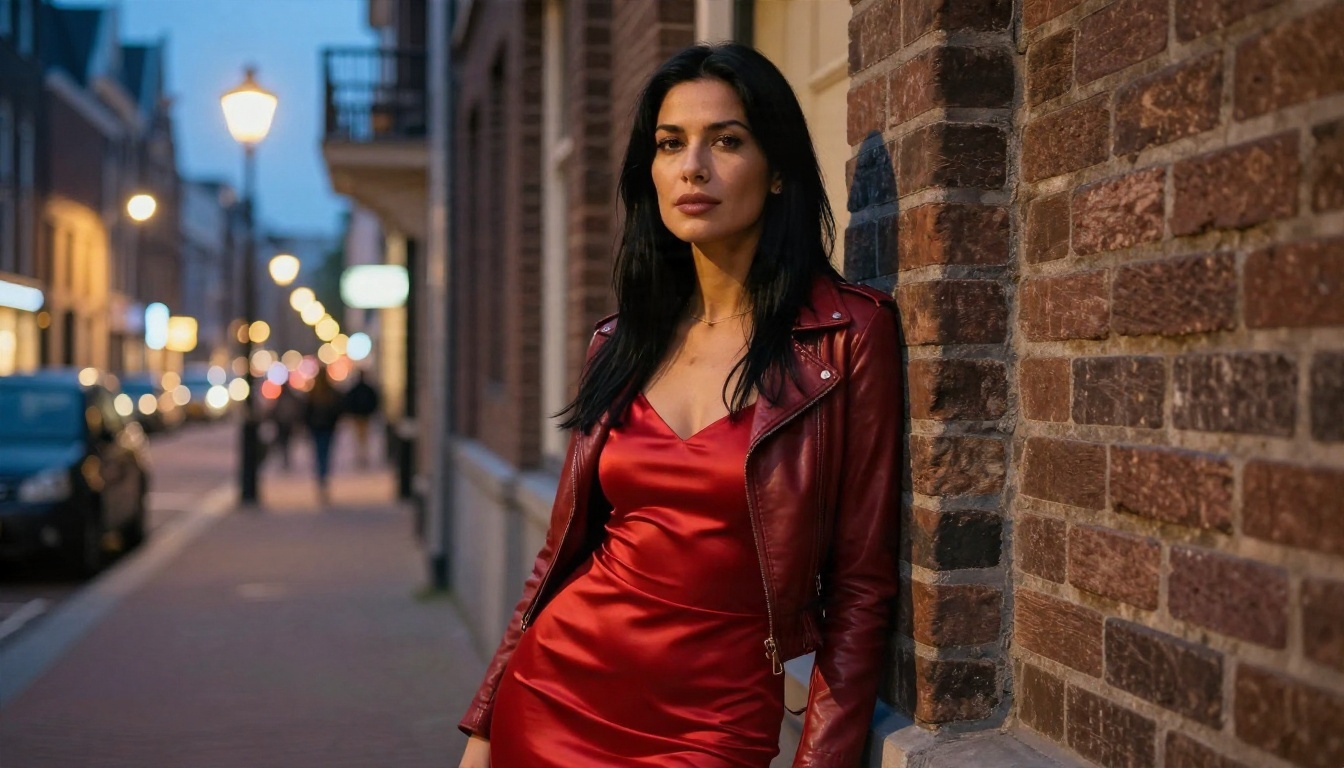
Night out photoset
[Character sheet], leaning on a brick wall on a quiet European street at blue hour, fitted red satin mini dress with a leather jacket over the shoulders, warm cafe lights behind, 50mm f/1.4 lens, bokeh highlights, natural fabric texture, film grain, raw photograph.
How to Use Seedream 4.5 on PicassoIA
Here is the exact workflow for a first photo set with Seedream 4.5:
- Open the model page and choose a 16:9 or 4:5 ratio depending on whether the photo is for a feed or a banner.
- Paste your character sheet at the start of the prompt, then add pose, setting, lighting and lens.
- Write natural fashion terms: "silk robe", "bikini", "satin slip dress". Avoid vague words such as "sexy" and "hot" on their own, since they push the model toward generic results.
- Add realism cues: "visible skin pores", "film grain", "Kodak Portra 400", "85mm f/1.8".
- Generate four variations and pick the best one as your reference image.
- Reuse the reference in Image Editor Pro to change outfit, location or mood while keeping the same face.
- Upscale the finals with Clarity Pro Upscaler before posting.
Parameter tips:
- Keep prompts between 50 and 120 words. Shorter prompts give generic faces, longer ones start to contradict themselves.
- Change only one variable at a time (outfit, location or light) when you build a series. It keeps the character stable.
- Use a fixed seed when the tool allows it for tiny edits, and a new seed for a new look.
💡 Speed tip: build a folder of five reusable scene templates (beach, bedroom, city, gym, bathroom). A week of content becomes a matter of swapping the outfit line.
Lighting and Realism Examples
Most AI photos look fake for the same three reasons: flat light, plastic skin and impossible hands. Fix each one on purpose.
| Problem | Fix in the prompt |
|---|
| Flat, even lighting | Name one light source and its direction: "window light from the left" |
| Plastic skin | Add "visible pores", "fine peach fuzz", "natural freckles" |
| Odd hands | Give the hands a simple task, such as resting on a knee or holding a phone |
| Stock photo feeling | Add imperfections: rumpled sheets, a half drunk coffee, a messy bun |
| Oversharpened look | Add "Kodak Portra 400", "subtle film grain", "soft highlights" |
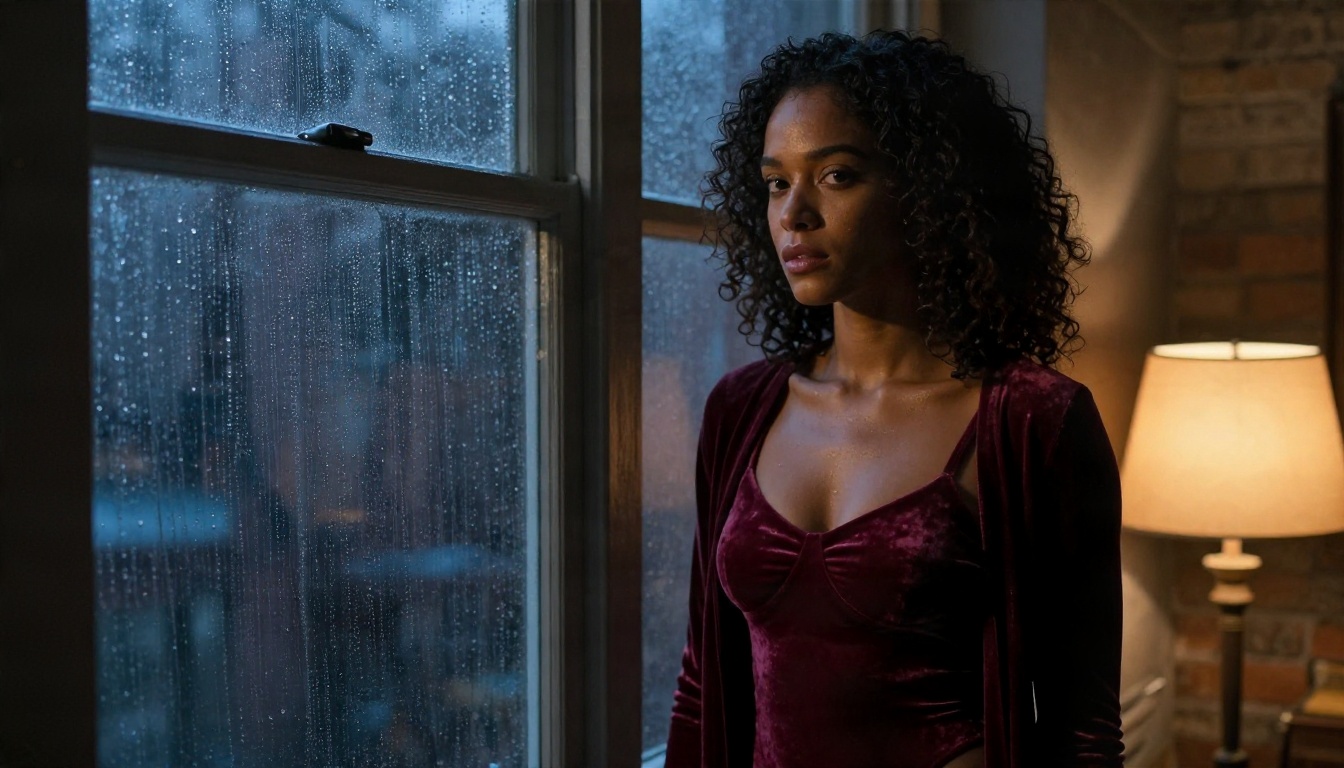
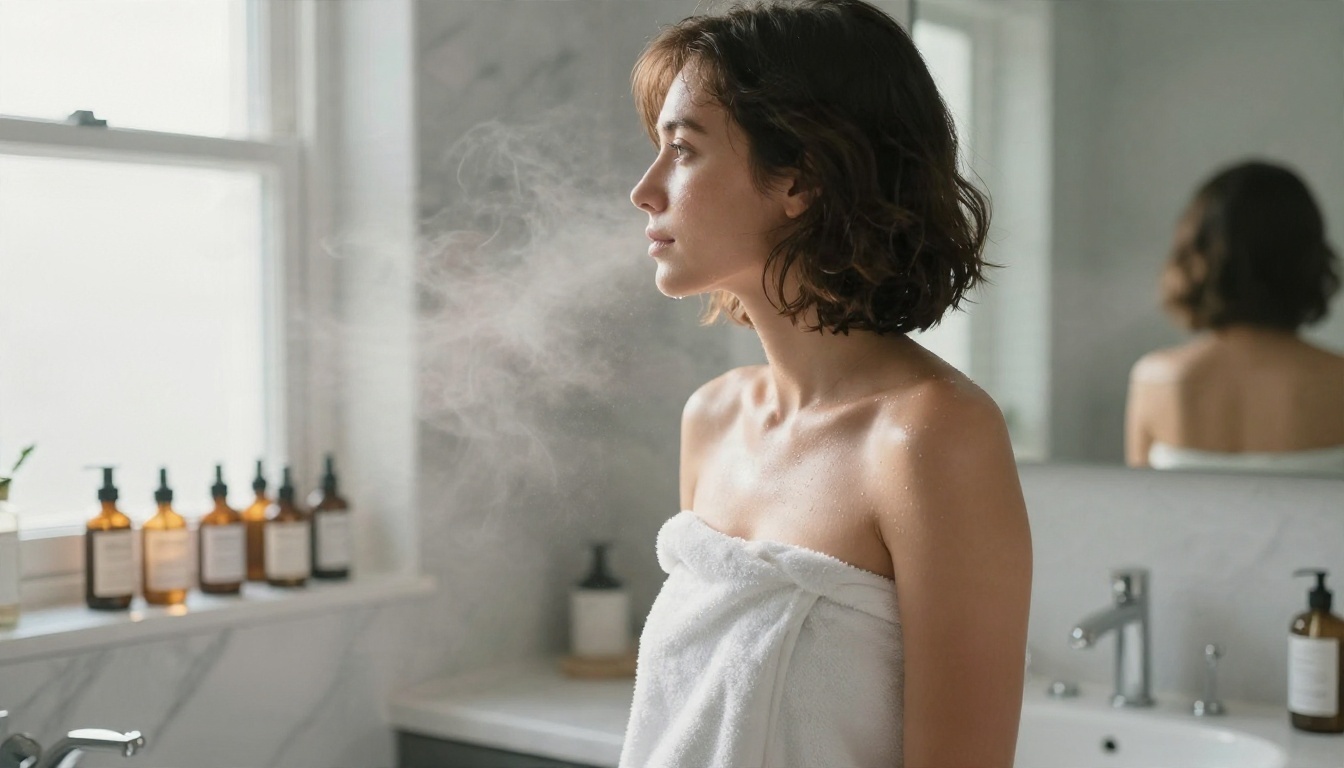
The image above mixes warm tungsten light from one side with cool dusk light from the other. That color contrast gives depth and keeps the skin tone rich, which is why moody loft scenes convert well on paid pages.
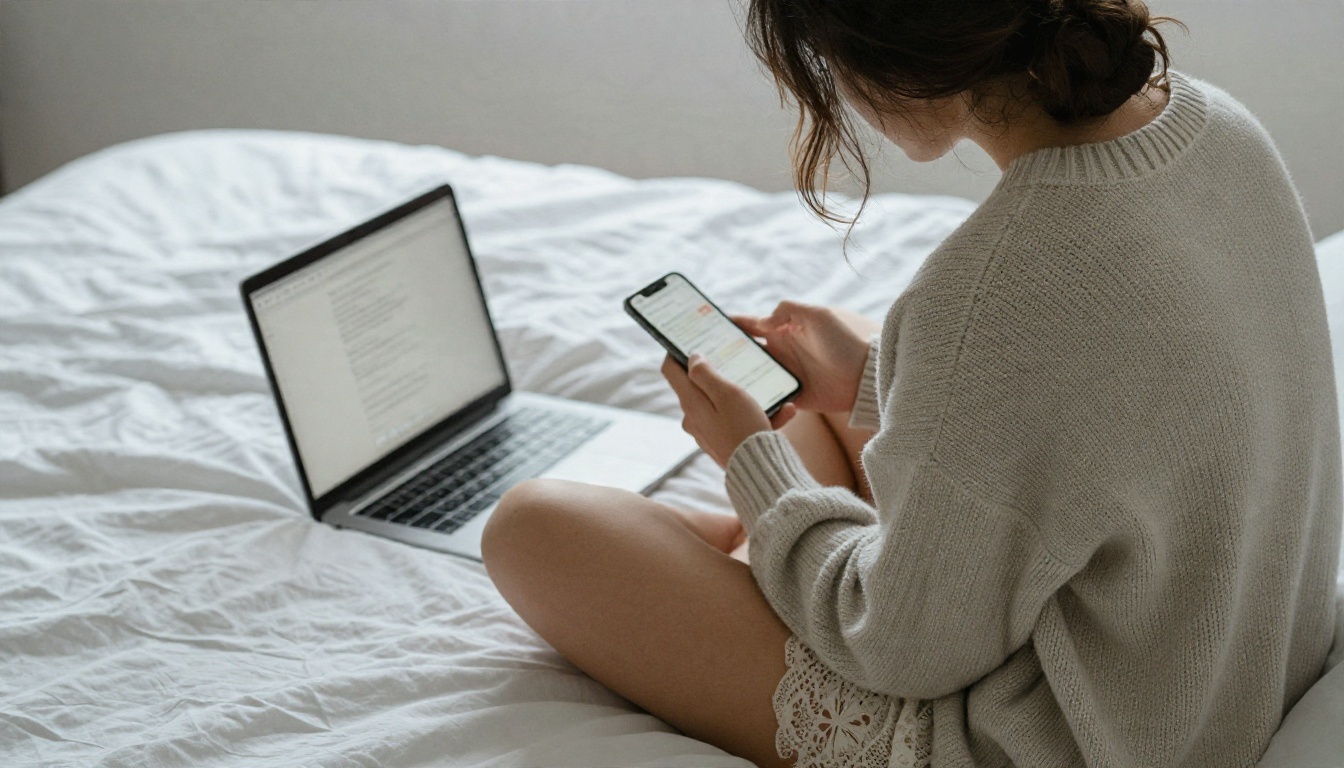
A second trick is context props. A laptop, a smartphone or a coffee cup suggests a real life and a real routine, which is what fans want when they follow a creator.
Pretty photos are only the product. The business is traffic, pricing and retention.
Funnel and pricing basics
A common structure looks like this:
- Top of funnel: safe, glamorous lifestyle posts on Instagram, X and short video platforms.
- Middle: a link page with a free or low cost trial offer.
- Bottom: a paid page with a monthly subscription, plus extra priced posts and custom requests.
- Retention: a steady posting schedule, themed weekly series and personal replies.
Most operators start with a subscription between $7 and $15, then raise the price as the following grows. Posting three to five new sets per week keeps subscribers from cancelling.
Rules, disclosure and adults only
This part decides whether your account survives.
- Read each platform's terms on AI generated content before you publish. Some require a label, some restrict certain content, and policies change.
- Use adult characters only, always.
- Never copy a real person's face or body. No celebrity looks, no photos of people who did not consent.
- Be honest with fans. Do not claim a real person runs the account when it does not.
- Keep the images non explicit if you want social media traffic, because explicit content is removed quickly on mainstream networks.
💡 Safety tip: keep a document with your character sheet, your prompts and the date each image was generated. If a platform ever asks how a photo was made, you have the answer.
Timeline for a realistic first month
| Week | Focus |
|---|
| 1 | Design the character, generate 40 reference images, choose the best look |
| 2 | Build five scene templates and produce a 30 photo library |
| 3 | Open social accounts, post daily, set up the paid page |
| 4 | Study which sets get saves and clicks, repeat the winners |
Make Your First Set
The gap between "AI OFM" as a buzzword and a working page is a good character and a steady supply of believable photos. Both are cheap to test. Start with Seedream 4.5 for your base portraits, move to PicassoIA Image Editor Pro for unlimited outfit and location variations, and sharpen the best ones with Clarity Pro Upscaler.
Pick one scene from the prompt section, paste your character sheet in front of it and generate four versions. Then change just the outfit and run it again. In twenty minutes you will see whether your character holds together. When you are ready to try other options, browse every available model at picassoia.com/en/all-models and find the look that fits your brand. Create your own set on PicassoIA today.


