The demand for NSFW AI tools has reached a point no one predicted two years ago. Search volumes have tripled. New platforms launch every month. And the technology itself has improved so dramatically that results which would have been impossible in 2023 are now routine.
But with that growth comes noise. Half the "trending" tools you find online are either severely restricted, unreliable, or simply not as capable as their marketing suggests. This breakdown cuts through that.
Here are the 6 NSFW AI tools genuinely trending right now, assessed by what they actually produce.

Why 2025 Changed the NSFW AI Space
The jump in quality between 2023 and 2025 AI image generation is substantial. Models like Flux Dev now produce skin texture and natural lighting that genuinely rivals professional photography. The technology is no longer a novelty.
That shift is why NSFW AI tools are trending so hard right now. Creators and curious users alike are realizing the results are actually impressive, not just "impressive for AI."
What separates the top 6 from the rest comes down to three things:
- Model quality: The underlying AI engine matters more than any feature list
- Accessibility: Local installs and long queues kill creative momentum
- Flexibility: Single-style platforms get limiting fast
PicassoIA sits at the top of this list for one simple reason: it runs more high-quality models than any other browser-based platform. More than 90 text-to-image models, from Flux Schnell to GPT Image 1.5 to Imagen 4, all accessible without installing anything.

The Model Range Makes the Difference
Most platforms force you to pick a lane. PicassoIA does not. You can go from Flux Dev for hyper-realistic portraits to Ideogram V3 for styled compositions without switching platforms or losing your workflow.
NSFW Output Quality
For photorealistic human subjects, Flux Dev is the current benchmark. The model handles anatomy accurately, renders fabric textures convincingly, and responds well to lighting direction in prompts. The NSFW output is consistently among the best available without requiring any local hardware.
💡 Prompt tip: Add "Kodak Portra 400 film grain, photorealistic, RAW 8K" to your prompt. It consistently pulls results toward authentic photographic quality rather than that telltale AI-polished look.
Stable Diffusion is the open-source foundation that most of the AI image world is built on. Running it locally means no filters, no restrictions, and no platform policies standing between you and your output.

Maximum Creative Control
Local Stable Diffusion gives you capabilities that no hosted platform can fully replicate:
- Unrestricted LoRA stacking for precise character aesthetics
- ControlNet for exact pose matching and structural control
- Inpainting to fix specific regions without regenerating the whole image
- Batch processing for large-scale generation projects
- Full parameter control over every aspect of the diffusion process
The tradeoff is real. You need a GPU with at least 8GB VRAM, and setting up AUTOMATIC1111 or ComfyUI takes time and patience. For many users, that barrier is too high.
SD 3.5 on PicassoIA
If you want Stable Diffusion quality without the local setup, Stable Diffusion 3.5 Large runs directly on PicassoIA. The Turbo variant cuts generation time significantly for rapid iterations. Both handle complex scene compositions and natural skin rendering well within a browser tab.
NovelAI built its reputation entirely in one specific lane and owns it completely. The platform produces anime and illustrated character art at a quality level that no other hosted service matches.

Custom Models Built for This
NovelAI does not run publicly available models. Their custom-trained engines are specifically optimized for illustrated human figures, expressive character faces, and clean stylized linework. The attention to character anatomy in the illustrated style is exceptional.
The platform also includes text generation for creative writing, making it a dual-purpose creative tool for anyone who wants both story and visuals in one place.
Where It Falls Short
NovelAI does not compete in photorealism. The subscription pricing runs higher than most broader platforms. And unlike PicassoIA, you cannot switch between radically different model styles within the same session.
💡 Use NovelAI for anime and illustrated character art. Use Flux Dev on PicassoIA for photorealistic human photography.
Tensor.art turned community sharing into a full generation platform. Users upload models, LoRA fine-tunes, and prompt templates. Other users can run them directly in the browser without any local setup.
The Community Model Advantage
The selection on Tensor.art is enormous precisely because it is community-sourced. If someone has trained a fine-tuned model for a specific body type, aesthetic, or character style, it tends to end up here. You can browse thousands of these specialized models and apply them without touching a command line.
This makes Tensor.art particularly strong for:
- Finding niche aesthetic models not available on mainstream platforms
- Testing LoRA combinations before committing to local setups
- Accessing community prompt recipes with documented, repeatable results
Performance Trade-offs
Generation times on the free tier are inconsistent. During peak hours, queues can stretch long enough to interrupt creative flow. The platform performs best for discovery and experimentation rather than sustained high-volume generation.
For consistent NSFW output at reliable speeds, dedicated platforms outperform it. But for finding model combinations worth moving to a faster pipeline, Tensor.art is genuinely valuable.
Civitai is the largest repository of AI image models on the internet. It started as a model-sharing hub and evolved into a generation platform when it added its own inference engine.
The Discovery Side
The real value of Civitai is browsing. Every model upload includes example images, prompt templates, and parameter settings from the creator. You can see exactly what a model produces before running it yourself.
NSFW content on Civitai spans the full spectrum. There are more specialized fine-tuned models here than anywhere else. The low barrier to upload and share means the variety is unmatched by any curated platform.
The Generation Experience
Civitai's browser-based generator runs on credits. The free allocation is modest. Queue times fluctuate, and the interface is notably less polished than platforms designed specifically for generation rather than model hosting.
💡 Best workflow: Use Civitai to find models and prompts that produce results you want. Then run those base models on PicassoIA for faster, more reliable generation. Flux Pro and Recraft V4 are available there directly.
Seduced.ai is a purpose-built adult AI platform. Everything about its design is oriented toward one outcome: producing explicit content with minimal friction.
Built for One Thing
Seduced.ai removes every barrier between the user and explicit content. There are no content filters, no ambiguous policy language that might suddenly restrict what you are generating, and no configuration required before you start.
The platform also includes video generation at a level of integration that most competitors do not offer. Short animated clips from still images are available within the same workflow.
The Quality Ceiling
The honest limitation is model quality. Seduced.ai uses proprietary models with no transparency about the underlying architecture. Results are variable, and photorealistic human anatomy is not handled at the level of Flux Dev.
For users who prioritize simplicity above all else, Seduced.ai works. For users who care about output quality, the gap between this platform and PicassoIA running Flux Pro is noticeable.
How to Use Flux Dev on PicassoIA
Flux Dev produces the best photorealistic NSFW results available on any browser-based platform right now. Here is exactly how to get the most out of it.
Step 1: Open the model
Go to Flux Dev on PicassoIA. No account required for initial testing.
Step 2: Write a structured prompt
Flux Dev responds to specificity and detail. Structure your prompt as: [Subject description] + [Clothing or state of dress] + [Environment and lighting] + [Camera angle and lens] + [Mood and atmosphere]
Example prompt:
"A woman in her late twenties with auburn hair, wearing a satin slip dress, sitting by a rain-streaked window at night, warm lamp light from the left, 85mm f/1.4 lens, intimate and cinematic atmosphere, Kodak Portra 400 film grain, photorealistic RAW 8K"
Step 3: Set your parameters
- Aspect ratio: 16:9 for wide scenes, 9:16 for portrait orientation
- Guidance scale: 3.5 to 4.5 for photorealism (lower values allow more creative interpretation)
- Steps: 28 to 35 for high quality output
Step 4: Iterate on results
Your first output is a reference point. Adjust lighting descriptions, try different angles, and refine the subject detail until you hit what you are after. Flux Dev is fast enough that iteration does not feel like a chore.
Step 5: Scale up with Super Resolution
For final outputs worth keeping, run them through Super Resolution to scale up to 4K without losing the fine detail the model produced.
The answer depends on your priorities. But there is a clear leader for photorealistic output.
| Use Case | Best Tool |
|---|
| Photorealistic human portraits | PicassoIA, Flux Dev |
| Anime and illustrated style | NovelAI |
| Maximum local control, no restrictions | Stable Diffusion (local) |
| Model discovery and research | Civitai |
| Community LoRAs and niche models | Tensor.art |
| Simplest dedicated adult platform | Seduced.ai |
For photorealistic NSFW content in a browser without technical setup, PicassoIA running Flux Dev or Flux Pro is the current best option. The ability to switch to Stable Diffusion 3.5, Imagen 4, or Ideogram V3 in the same session adds flexibility no single-model platform can match.
Now It's Your Turn
NSFW AI generation has crossed a real threshold. The results from Flux Dev are not impressive because they are AI-generated. They are impressive, full stop.
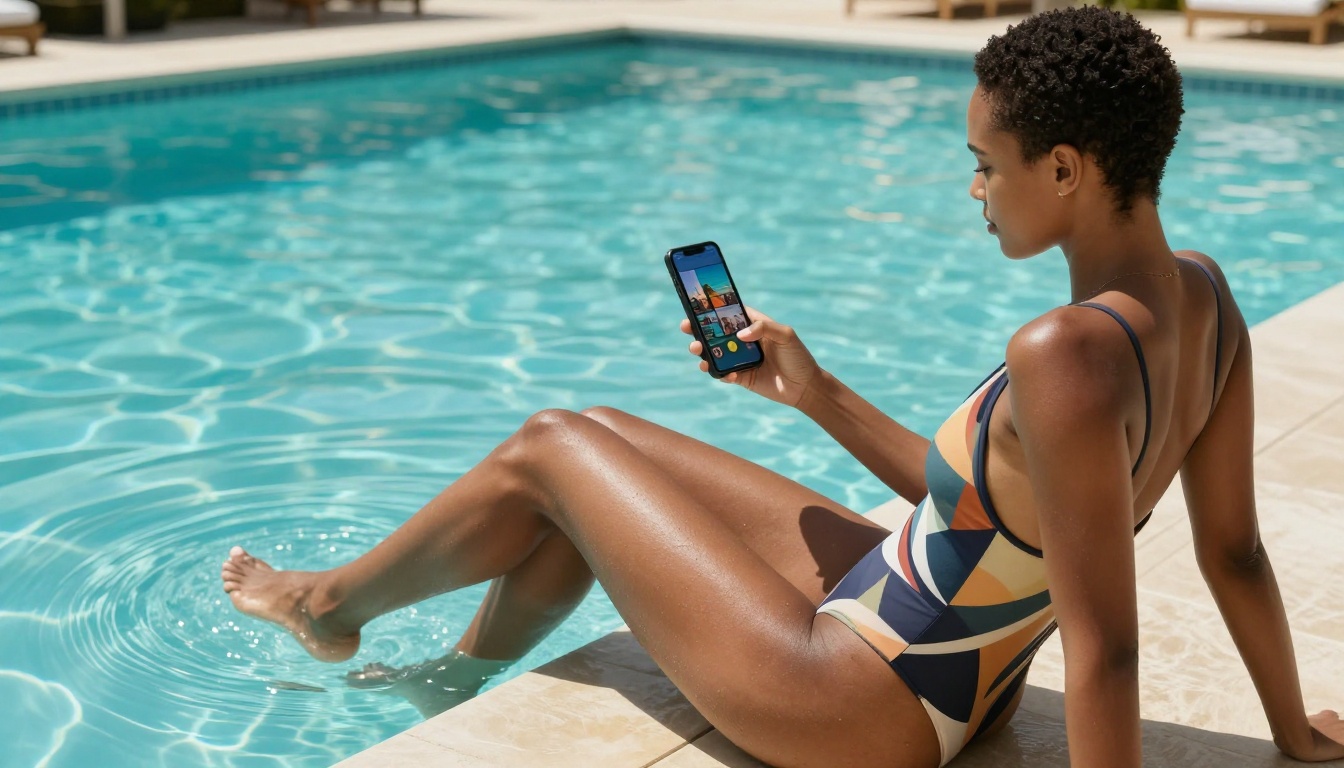
If you have not tested what these models produce, the gap between expectations and reality is probably larger than you think. PicassoIA gives you access to more than 90 models in one place, with no installs, no long queues, and no configuration that takes longer than writing your first prompt.
Pick a model. Write a detailed prompt. See what comes back. Then push it further.
The creative ceiling here is higher than most people expect, and Flux Dev is the right place to find out exactly how high.
Start with Flux Dev on PicassoIA and see why this is the model everyone in the NSFW AI space keeps coming back to.


