Generate imagesLarge Language ModelsVisual Effects
6 Prompt Words That Improve Adult AI Art
Six specific prompt words that photographers and AI artists swear by for creating adult AI-generated images that look genuinely photorealistic, cinematic, and visually compelling. Works with any uncensored text-to-image model, from Seedream 4.5 to Flux 2 Pro, and produces dramatic improvements in skin texture, lighting depth, and overall image quality.
Most people generating adult AI art are writing prompts wrong. Not because their ideas are bad, but because they skip six specific words that photographers, cinematographers, and professional image editors use to signal quality to the model. These aren't obscure tricks. They're borrowed directly from real photography terminology, and when you drop them into a text-to-image prompt, the model stops producing generic-looking output and starts creating images with actual depth, texture, and visual weight.
This article breaks down exactly which 6 prompt words produce the biggest improvement in adult AI art quality, why each one works at a technical level, and how to combine them for maximum effect.
Why Most Adult AI Art Looks Flat
The problem is in the signal
Text-to-image models are trained on billions of photographs, paintings, and digital renders. When you write a basic prompt like "woman in lingerie bedroom," the model doesn't know whether you want a professional editorial shot or a blurry stock image. It averages across everything in its training data and delivers something mediocre.
The six words below act as quality signals. They tell the model to pull from its high-end training data instead of its average pool. Think of them as frequency filters that tune the output toward photographic excellence rather than generic illustration.
What separates average from stunning
Professional fashion and boudoir photographers don't just point a camera and shoot. They think about light direction, film stock, lens choice, and depth of field before pressing the shutter. When you encode that same thinking into your prompt, the model responds with images that look like they were actually taken on set, not generated by software.
💡 Tip: Quality words aren't decorating your prompt. They're targeting a specific tier of your model's training data. The model has seen thousands of professional editorial photographs labeled with exactly these terms.
The gap between a mediocre adult AI image and a genuinely photorealistic one almost always comes down to how specifically you communicate visual intent. Vague prompts produce vague results. Precise photographic language produces precise photographic results.
Word 1: "Photorealistic"
It does more than you think
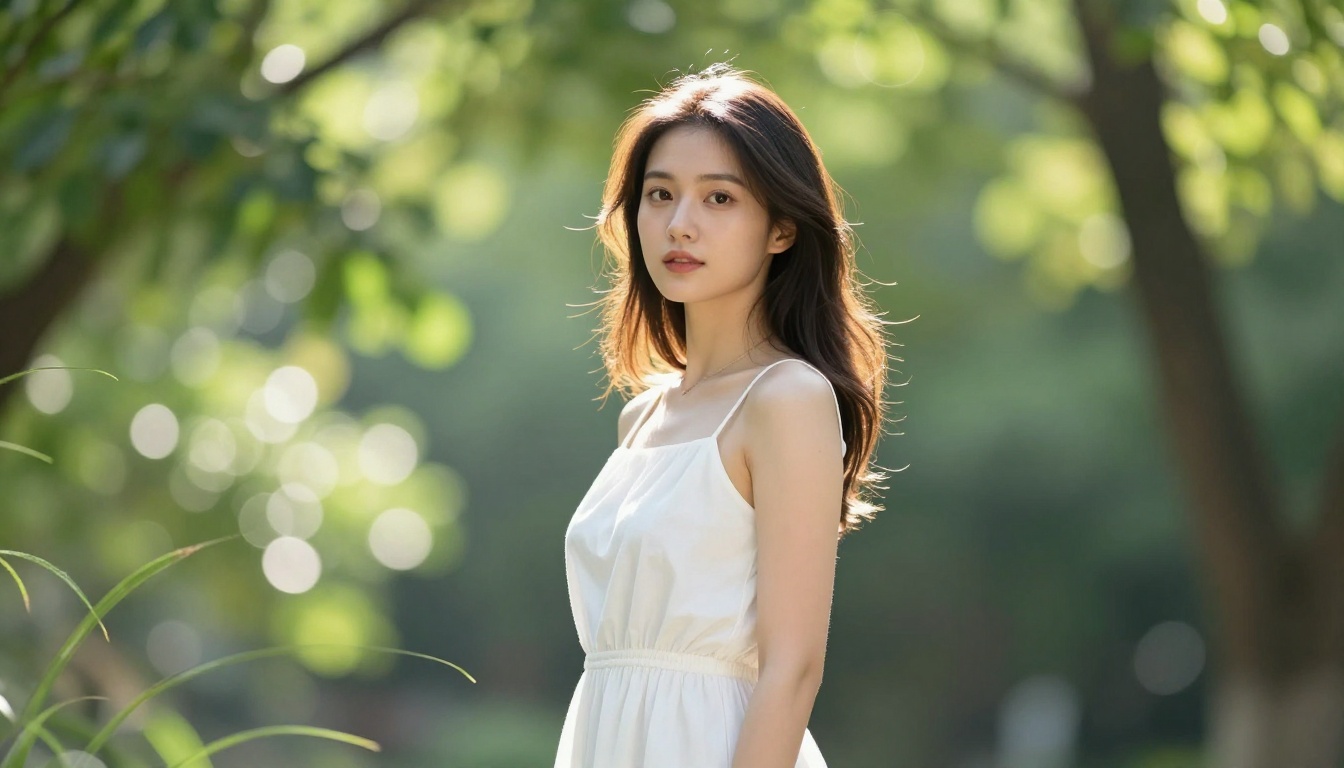
"Photorealistic" isn't just a style tag. It's a strong anchor word that tells the model to prioritize photographs over digital renders, paintings, or illustrated styles. Without it, many models will default to blending photographic and illustrative elements, giving you skin that looks slightly plastic or hair that appears painted rather than natural.
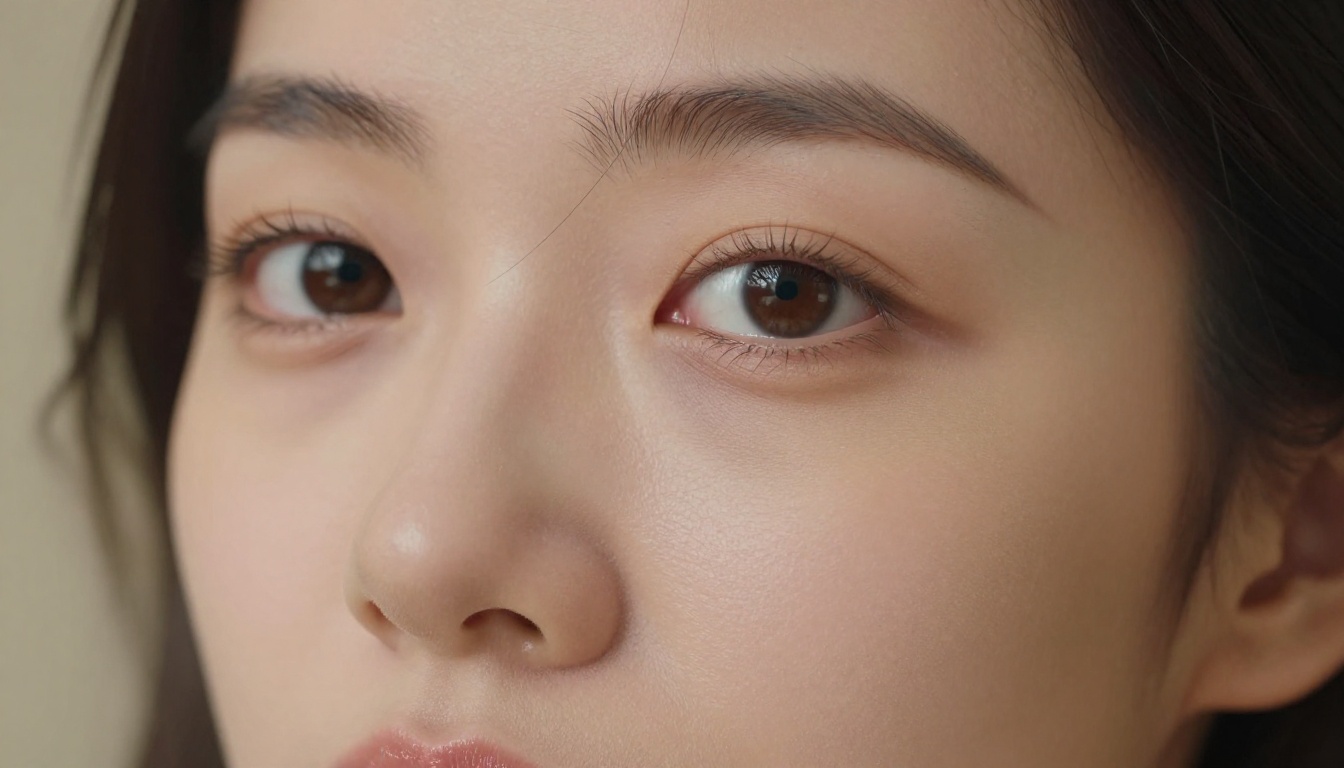
Adding photorealistic at the start or end of your adult AI art prompt immediately shifts the model toward its training data from actual high-resolution photography. The effect on skin texture is immediate: pores become visible, hair strands separate, and lips pick up realistic moisture and micro-texture.
Where to place it: Either as the first descriptor or as the final modifier before your technical specifications.
Example usage:
Before: woman in silk robe, soft lighting
After: woman in silk robe, soft lighting, photorealistic, 8K
💡 Tip: Pair "photorealistic" with a specific camera model for even stronger results. "Canon EOS R5 photorealistic" or "Sony A7RV photorealistic" pushes the model to associate the output with real camera photography rather than digital art.
The model recognizes camera brand names from its training data and associates them with specific visual characteristics: Canon tends toward warm, slightly saturated outputs; Sony toward cooler, sharper renditions. Pairing the brand with "photorealistic" creates a compound signal that most models respond to reliably.
Word 2: "Cinematic Lighting"
Light is everything
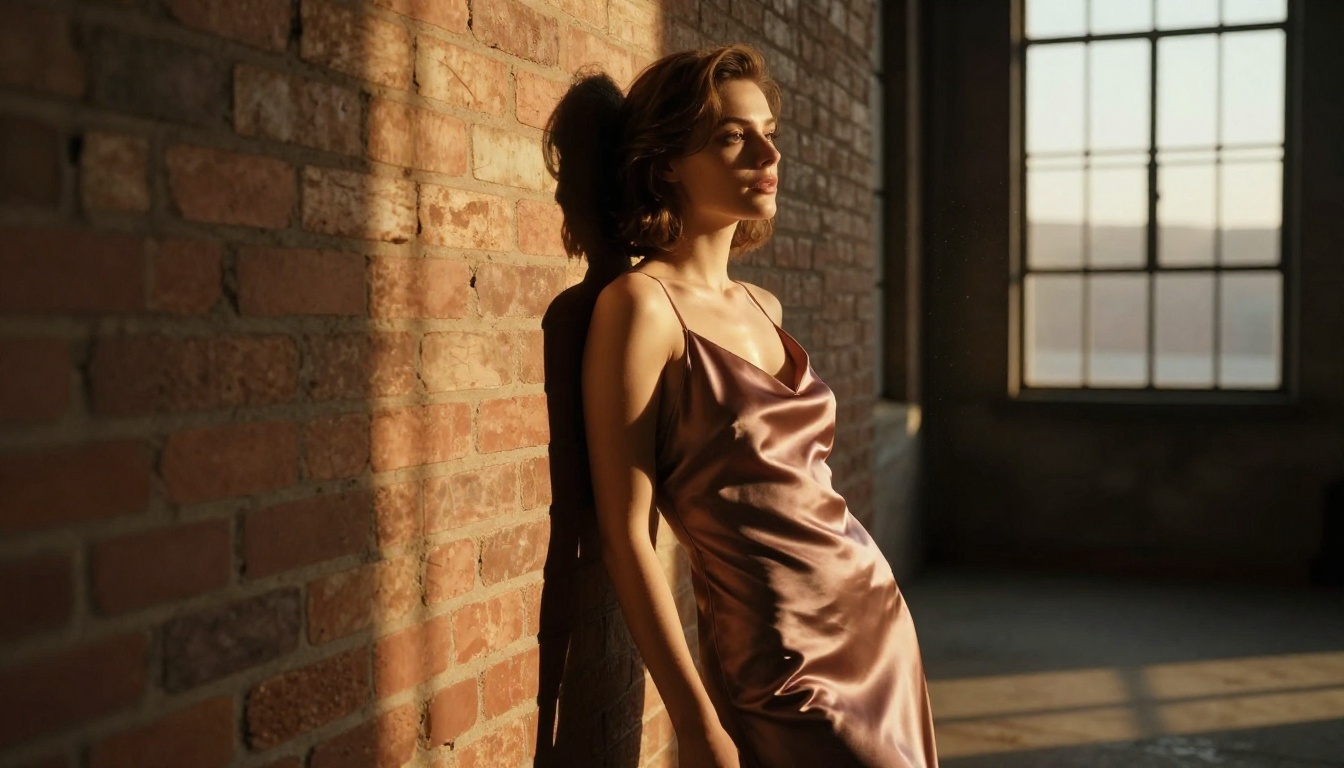
If there's one thing that separates professional photography from amateur snapshots, it's lighting. "Cinematic lighting" tells the model to apply directional light with strong shadows and highlights, the way a Hollywood film set or editorial photographer would arrange it. In adult AI art, this word alone can transform a flat, evenly lit image into something with real drama, mood, and visual interest.
It forces the model to pick a clear light source direction, create shadow falloff across the subject, and add specular highlights on skin and fabric surfaces.
The difference it makes
Without cinematic lighting
With cinematic lighting
Flat, even illumination
Directional light with deep shadow contrast
Skin looks washed out
Skin has warmth and dimensional depth
Background equally bright as subject
Background falls naturally into shadow
No emotional atmosphere
Strong mood and visual tension
Generic studio lighting
Intentional, artistic light placement
Specific lighting variations to try:
cinematic side lighting — Rembrandt-style from 45 degrees, creating strong cheekbone shadow
cinematic backlighting — golden rim light defining silhouette against a dark background
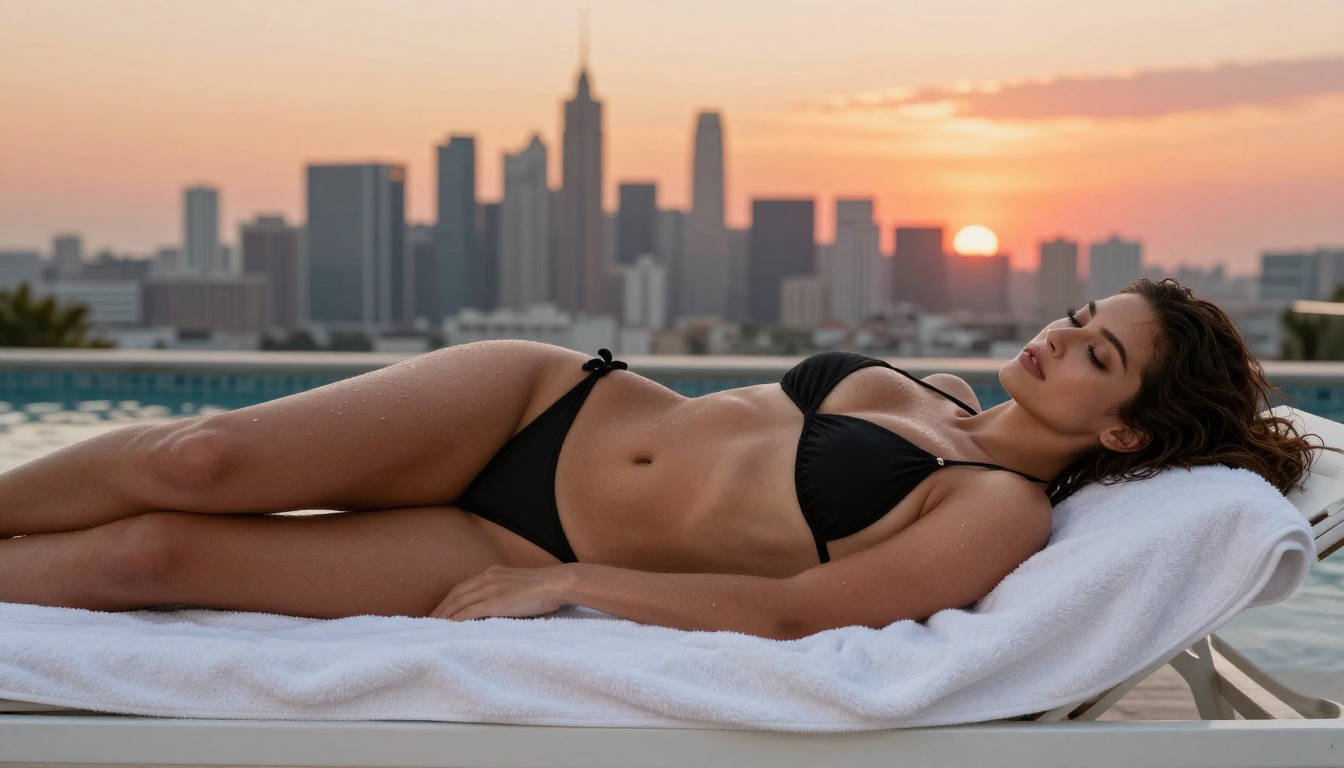
golden hour cinematic lighting — warm amber tones with long horizontal shadows
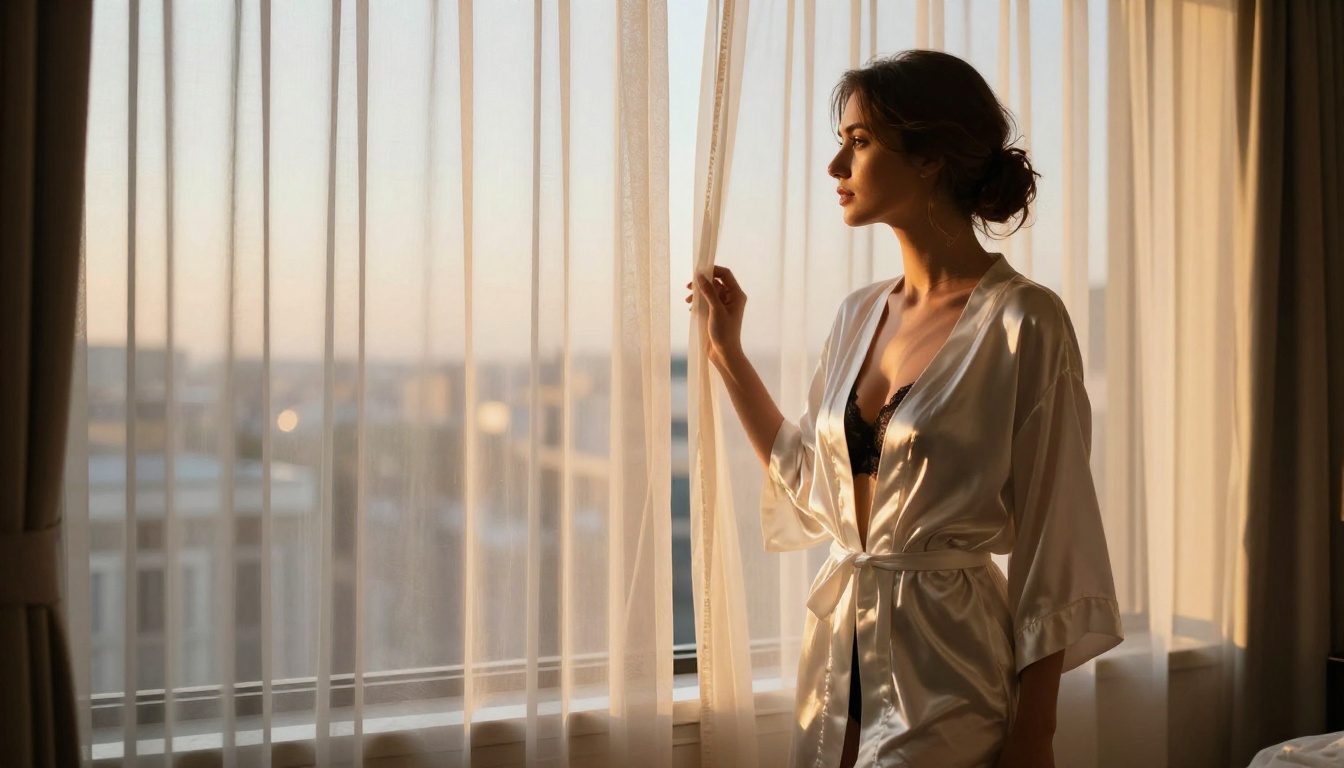
For boudoir and intimate adult AI art, window-sourced cinematic lighting produces the most elegant results because it mimics real indoor photography conditions that the model has seen thousands of times in training data.
Word 3: "Film Grain"
Grain makes images feel real
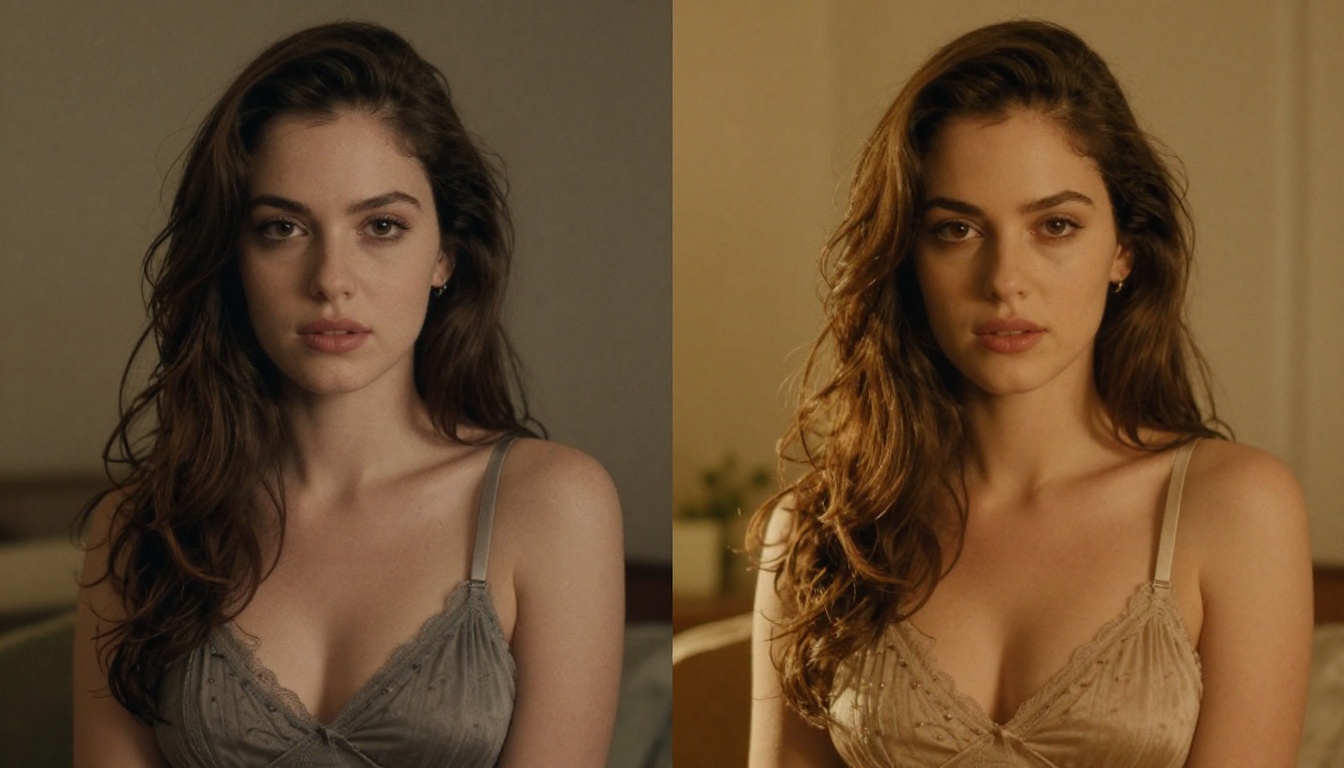
This is the most underused word in adult AI art prompts, and it is one of the most powerful. Digital AI-generated images often look too clean, too smooth, almost like CGI rather than photography. Real film photographs have organic grain in the shadows and midtones, and that imperfection is precisely what makes them feel authentic.
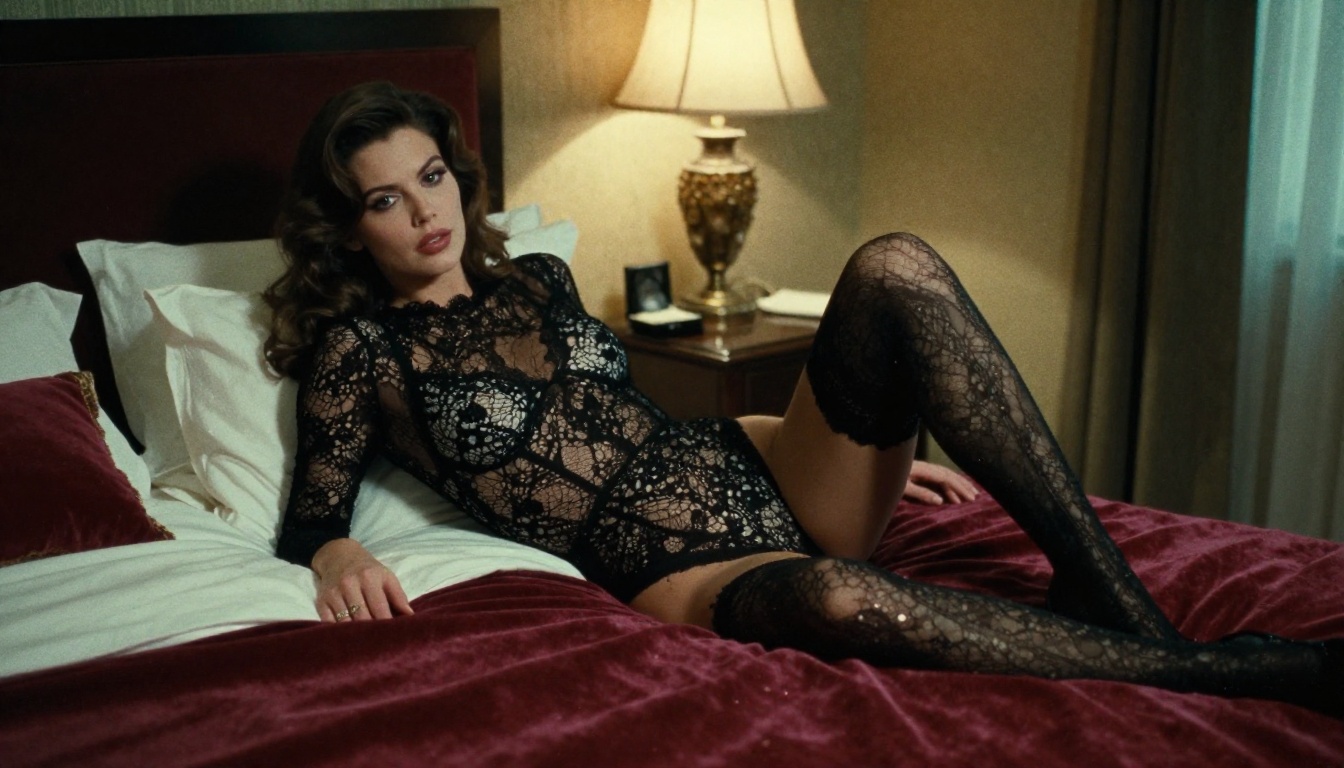
Adding film grain instructs the model to apply a texture layer across the image that mimics analog film photography. The result is an image that reads as photographed rather than rendered. It removes the uncanny valley quality that plagues AI-generated adult art and makes the output feel genuinely captured.
💡 Pro move: Specify a film stock for even more precision. "Kodak Portra 400 film grain" is the most effective for skin tones, producing warm, slightly saturated grain with a fine texture that flatters the subject. "Kodak Tri-X 400" gives a stronger, moodier texture that works well for high-contrast editorial looks.
Film grain prompt variations:
Kodak Portra 400 film grain — warm, fine, natural skin tones (best for boudoir)
Fujifilm Superia grain — cooler tones, slightly green shadows
heavy analog grain — strong vintage aesthetic, 1970s editorial feel
subtle film grain — just enough to remove the synthetic CGI look
For boudoir-style adult AI art, Kodak Portra 400 is the gold standard. It's warm, flattering on skin tones, and produces a timeless editorial quality that makes AI-generated images feel expensive.
Why grain adds credibility
Human perception is wired to associate grain with authenticity. Perfectly smooth, noiseless images register subconsciously as rendered rather than photographed. Film grain triggers the opposite association. Even light grain across shadow areas and skin midtones tells the viewer's brain "this was captured, not created," which dramatically increases the perceived realism of the image.
Word 4: "Boudoir Photography"
Context sets the rules
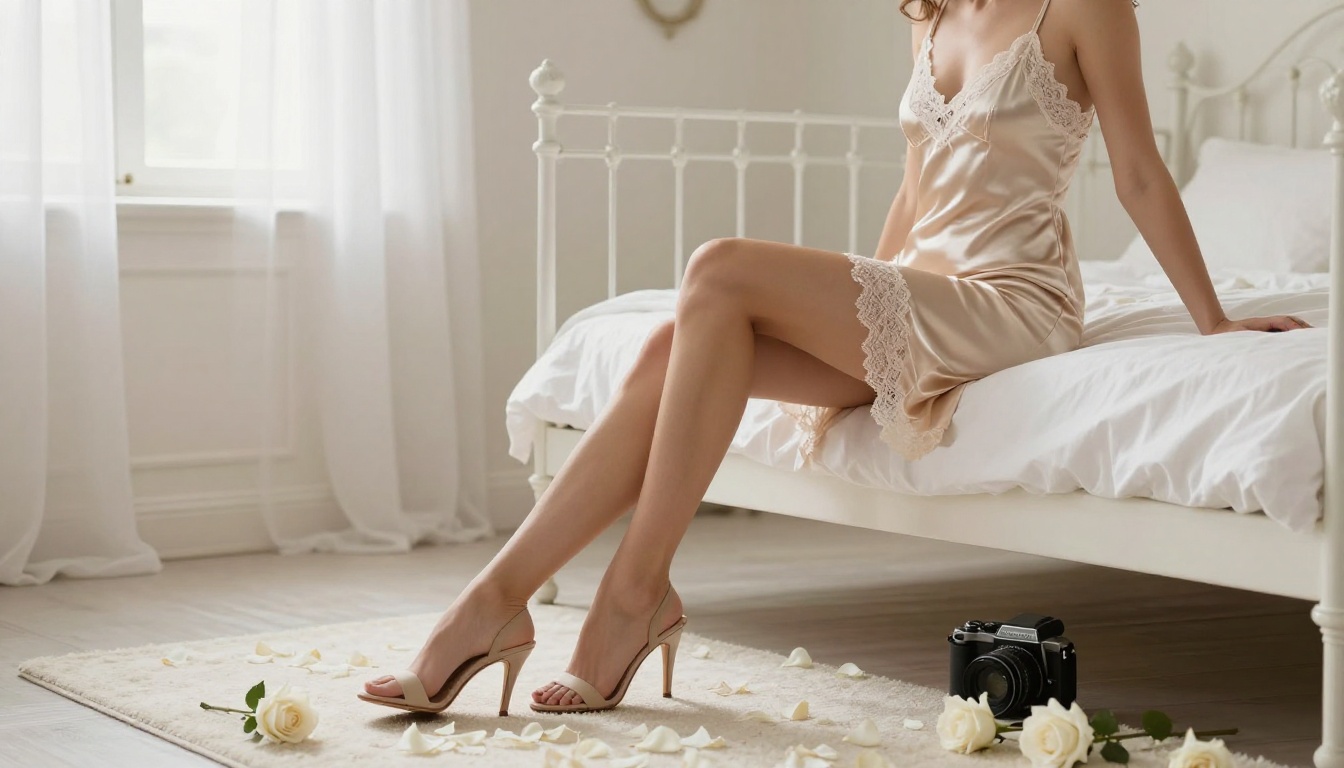
"Boudoir photography" is a category signal, not just a style word. When you add it to a prompt, the model doesn't just think about aesthetics. It thinks about the entire visual language of the genre: intimate indoor settings, soft directional light, elegant posing, tasteful expression of sensuality, and high-end fashion-adjacent framing.
This single word carries enough contextual weight to replace ten separate descriptors about mood, posing style, lighting approach, and setting choice.
What it actually encodes
The word "boudoir" comes from French and originally referred to a woman's private dressing room. As a photography genre, it has decades of visual reference built into AI training data: Helmut Newton, Ellen von Unwerth, countless luxury fashion editorials. When you invoke the genre name, you're activating all of that visual context simultaneously.
What "boudoir photography" implies automatically:
Indoor, intimate setting (bedroom, hotel suite, private space)
Soft directional light, often natural window light
Tasteful, elegant posing with attention to feminine form
High-quality wardrobe: silk, lace, satin, chiffon
Professional, artistic framing with intentional composition
Instead of writing "woman on bed in nice room with good lighting wearing lingerie in a tasteful way," you write boudoir photography and let the model fill in the complete aesthetic framework it has learned from thousands of real images in that genre.
Combine it with modifiers:
professional boudoir photography (clinical quality marker)
vintage boudoir photography (1970s film era aesthetic)
Word 5: "Shallow Depth of Field"
Bokeh separates subject from background
In real photography, depth of field is determined by lens aperture, focal length, and subject distance. Wide-open apertures like f/1.2 and f/1.4 create beautiful background blur called bokeh, which visually isolates the subject and signals to the viewer that this image was taken with expensive professional glass.
Shallow depth of field is the phrase that triggers this effect in AI models. It instructs the model to render the subject in sharp focus while dissolving the background into abstract circles of diffused light.
Why it matters for adult AI art
In intimate or boudoir-style adult AI images, background detail can destroy the mood. A bedroom with sharp furniture, visible sockets, and distracting details behind the subject reads as cheap and careless. Shallow depth of field removes all of that visual noise and places total attention on the subject.
It also adds a layer of photographic legitimacy. Images with natural-looking bokeh register as having been taken by a real photographer with real equipment, not generated by software.
💡 Tip: Specify the aperture value for even stronger results. "f/1.4 shallow depth of field" or "f/1.2 bokeh" intensify the blur. Adding a focal length like "85mm lens" reinforces the portrait photography aesthetic that produces the most flattering subject compression and the creamiest background separation.
Related terms that work together:
creamy bokeh background
85mm f/1.4 prime lens
foreground elements out of focus
subject in sharp focus, background dissolved into light
Word 6: "RAW 8K"
Resolution signals quality
"RAW 8K" does two things simultaneously. "RAW" tells the model this image is unprocessed photographic data captured at a camera's native quality, not a cropped, compressed, or filtered image. "8K" specifies extreme resolution, which the model interprets as an instruction to render maximum detail throughout the image.
Together, they push the model to generate hyperdetail in skin texture, fabric, hair strands, and environmental elements that lower-resolution prompts simply don't produce.
What changes at 8K
Individual skin pores become visible and naturally distributed
Hair strands separate rather than clumping into painted-looking masses
Fabric texture in lace, silk, and velvet shows individual fiber structure
Jewelry detail, eyelashes, and nail texture become photographically crisp
Background elements that fall within the depth of field gain photographic clarity
Important clarification: "RAW 8K" doesn't make your output file literally 8K resolution. The pixel dimensions are set by the platform and model you're using. What it does is shift the model toward its high-detail training data, images that were labeled with high-resolution indicators, producing output with significantly more textural richness at whatever resolution the platform generates.
Strongest combination: photorealistic, 8K RAW photography, hyperdetailed skin texture
Putting All 6 Words Together
A sample prompt breakdown
Here's how these six words combine in practice. Compare a basic prompt against a fully optimized version:
Basic prompt:
beautiful woman, lingerie, bedroom, soft light
Optimized prompt:
beautiful woman in silk lingerie, bedroom with morning window light,
photorealistic, cinematic lighting, film grain Kodak Portra 400,
boudoir photography, shallow depth of field 85mm f/1.4, RAW 8K
The second prompt activates all six quality signals at once. The model now has a clear genre context (boudoir photography), a lighting style (cinematic morning window light), a film aesthetic (Kodak Portra 400), a lens specification (85mm f/1.4), a quality anchor (photorealistic), and a resolution target (RAW 8K).
Additional modifiers that work alongside the six
Once you have the core six in place, these additions push quality even further:
Modifier
Effect
Canon EOS R5 or Leica M11
Anchors output to real camera photography aesthetics
volumetric light
Adds light ray scattering through air for scene depth
hyperdetailed skin texture
Pushes micro-detail rendering of pores and texture
professional editorial photography
Elevates the overall aesthetic tier of the output
natural subsurface scattering
Makes skin appear to glow from within realistically
Hasselblad medium format
Adds large-format camera quality and tonal richness
Negative prompt additions (for platforms that support them): Adding CGI, 3D render, cartoon, illustration, digital art, painting, anime to your negative prompt reinforces the photorealistic direction and prevents the model from drifting toward illustrated styles.
The Best Models for Adult AI Art
Not every text-to-image model handles adult content equally. Some apply heavy content filters. Others restrict certain subject matter regardless of prompt phrasing. For genuinely unrestricted adult AI art generation, model selection matters as much as prompt quality.
Start with Seedream 4.5
Seedream 4.5 is the strongest starting point for adult AI art on PicassoIA. It generates natively at 4K resolution, applies the six quality words with high fidelity, handles skin texture and directional lighting with photographic accuracy, and does not apply the aggressive filters that block adult content on many other models.
Cinematic lighting prompts are particularly effective with Seedream 4.5. The model reproduces shadow gradients and specular highlights on skin and fabric with a level of accuracy that closely mirrors real boudoir photography reference images.
PicassoIA Image Editor Pro for unlimited output
For volume generation and iterative prompt testing, PicassoIA Image Editor Pro offers unlimited generations. This matters when you're experimenting with prompt variations, testing different lighting word combinations, or running multiple seeds to find the best output from a single optimized prompt.
💡 Unlimited generation mode is ideal during the experimentation phase, where finding the right combination of the six words requires running 10 to 20 variations before landing on the best result.
Other strong options on PicassoIA
Seedream 5 Pro: Sharper 2K output with improved prompt adherence. Excellent when RAW 8K prompts need maximum detail response.
Seedream 4: Slightly older architecture but still highly capable for boudoir-style adult AI photography with warm, natural color rendering.
Flux 2 Pro: Exceptional prompt adherence across all six quality words. When your prompt is highly specific about posing, environment, and lighting, Flux 2 Pro follows instructions more literally than most models.
Flux 2 Max: Strong cinematic lighting response with high overall output quality for boudoir and intimate photography prompts.
Important: Do not use Seedream 5 Lite for adult content. It applies content restrictions that block NSFW subject matter regardless of prompt phrasing or quality words used.
How the Six Words Perform Across Models
These six prompt words are not model-specific. They work because they reference real photography terminology that appears across training data for all major text-to-image architectures. However, different models respond with different strengths to specific words:
The six-word stack works across all of these models. The differences are in degree and emphasis, not in whether the words produce improvement. RAW 8K is the most universally effective, consistently raising detail output across every model tested.
Prompt length and word order
One detail that affects results: place quality signal words at the end of your prompt, after the subject description and scene details. Models read prompts left to right with decreasing weight, so leading with the subject and scene, then closing with your six quality words, ensures the model establishes what to generate before focusing on how to render it.
Optimal structure:
[Subject] + [Clothing/wardrobe] + [Setting/environment] + [Light source] +
[Pose/action] + photorealistic + cinematic lighting + film grain Kodak Portra 400 +
boudoir photography + shallow depth of field 85mm f/1.4 + RAW 8K
This ordering has consistently produced stronger results than shuffling quality words to the front of the prompt.
Generate Your Best Adult AI Art Now
The six words covered in this article, photorealistic, cinematic lighting, film grain, boudoir photography, shallow depth of field, and RAW 8K, are not arbitrary tags. They work because they're drawn directly from real photography language that text-to-image models have trained on millions of times. Each word targets a specific quality dimension: authenticity, light structure, analog texture, genre context, spatial depth, and resolution signal.
The fastest way to see their impact is to run two parallel generations from the same base prompt: one without the six words, one with all six added as a closing stack. The difference in skin texture quality, lighting depth, compositional sophistication, and overall photographic credibility is immediate.
Start generating on PicassoIA now. Begin with Seedream 4.5 for adult content without restrictions, or use PicassoIA Image Editor Pro for unlimited generation runs while you dial in your prompt. With 90+ text-to-image models available in one place and no installation required, it's the fastest way to go from basic prompts to genuinely cinematic adult AI art.