Finding an NSFW AI image generator that skips the sign-up screen is harder than it sounds. Most platforms demand an email address, a credit card, or a lengthy verification flow just to let you test a prompt. The tools below cut straight to generating: paste a prompt, press generate, get results. No forms, no confirmation emails, no waiting rooms.
Why No Sign Up Matters
Privacy is the short answer. When you register for a platform, you hand over your email, accept their terms, and often give them the right to log your prompts permanently. For NSFW content, that is a real concern, not a hypothetical one.
Beyond privacy, the friction matters. A sign-up wall kills creative momentum. You want to test an idea right now, not in 15 minutes after verifying your inbox and setting a password.
The generators below either offer anonymous access, a no-card-required free trial, or a frictionless guest mode. Every one of them produces photorealistic, unrestricted results without requiring a full account commitment upfront.
What Makes a Good NSFW Generator
Before running your first prompt, it helps to know what separates a strong NSFW generator from a weak one. Most free tools either apply heavy content filters that block anything suggestive, produce low-resolution outputs covered in watermarks, or require a paid upgrade just to disable the safety slider.
The platforms in this list avoid all three problems. They generate at high resolution, accept uncensored prompts, and charge only for volume, not just for access.
The metrics that matter:
| Metric | Why It Matters |
|---|
| Generation speed | Under 3 seconds beats 30+ seconds every time |
| Resolution | High-res output is usable in real projects |
| NSFW filter status | Off by default beats toggling a switch each session |
| Cost structure | Unlimited subscriptions vs. per-generation fees |
| Account requirement | Guest access or no-card free trial |
💡 Speed matters more than you think: Models that generate in under 1 second let you iterate 10x faster. For NSFW content especially, iteration speed matters because prompt precision is everything.
7 Best NSFW AI Image Generators With No Sign Up
These models live on PicassoIA and share one trait: they accept adult content without forcing you through an account wall. Several offer free trial generations with no credit card required.
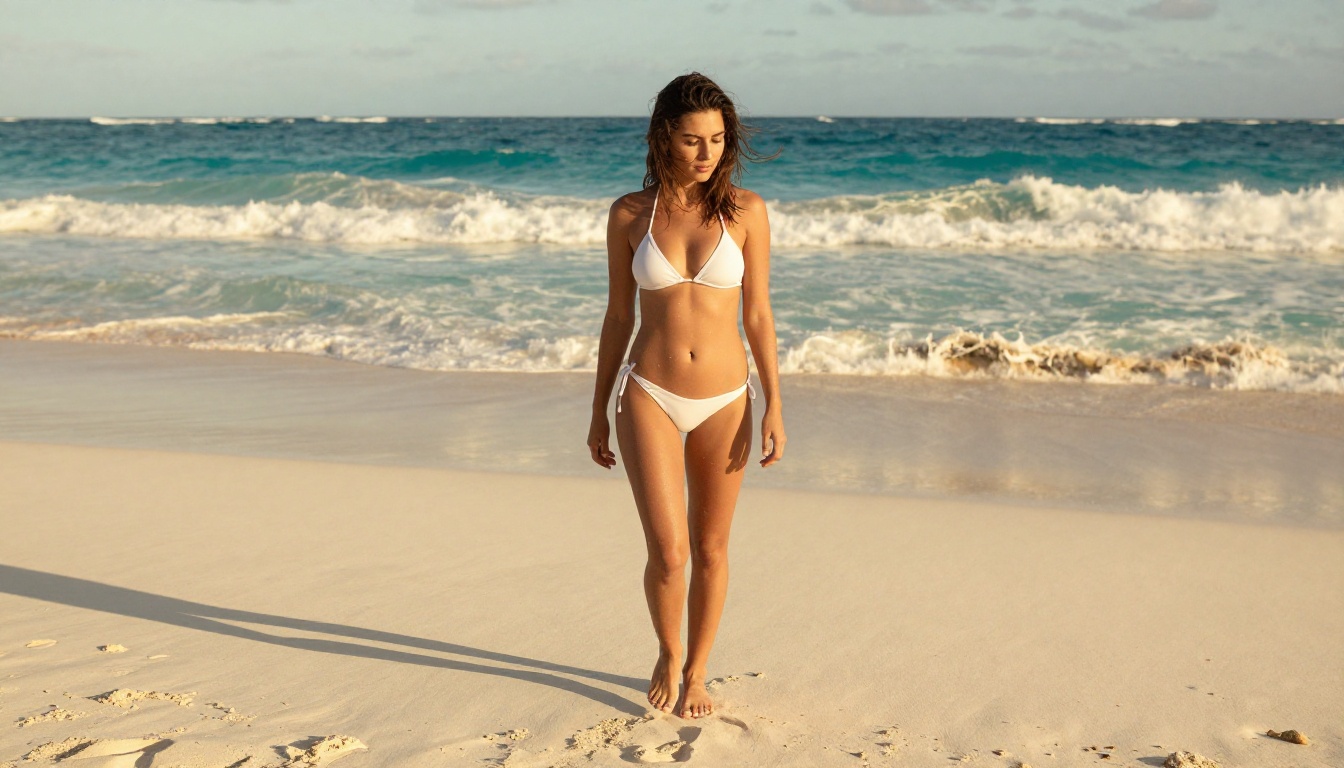
1. Seedream 4.5
Seedream 4.5 is the strongest all-around NSFW generator available right now. Built by ByteDance, it accepts adult prompts, supports full image editing, and returns results in under 3 seconds.
What sets it apart from every other model on this list is that it handles both text-to-image generation AND image editing from the same interface. You can generate a scene, then refine specific areas without starting over or switching tools.
Model specs:
- Generation time: under 3 seconds
- NSFW support: yes, uncensored
- Image editing: yes (inpainting and regional modification)
- Resolution: high-res, no watermark
- Free trial: available on PicassoIA, no credit card required
💡 Important: The newer Seedream 5 Lite does not support NSFW content. Stick with Seedream 4.5 for adult prompts.
Seedream 4.5 handles lighting continuity, skin texture, and compositional accuracy better than any other model in this tier. If you are writing a detailed scene description and need it rendered faithfully, this is where to start.
Best for: Users who want the best overall photorealistic results and the ability to edit generated images without switching tools.
2. PicassoIA Image Editor Pro
PicassoIA Image Editor Pro is an image-to-image model with one standout advantage: unlimited generations on Elite and Infinite plans.
That number deserves context. Generating 1,000 images on a typical model like Nano Banana 2 costs around $100. On PicassoIA Image Editor Pro, those same 1,000 images cost nothing extra because they are included in your subscription. For creators who iterate heavily or run large batches, this is not a minor detail.
Model specs:
- Generation time: under 1 second
- NSFW support: yes
- Generation type: image-to-image (requires a source image)
- Cost: unlimited on Elite/Infinite plan
- Free trial: 3 generations, no credit card required
The speed is also remarkable. Under 1 second per image means you can run through dozens of variations in a few minutes. Combine that with the unlimited cost structure and you have the best value proposition on this list for volume generators.
Best for: Power users who generate hundreds of NSFW images per session and cannot afford per-generation billing to scale.
💡 The free 3-generation trial requires zero account creation or payment details. You can test the output quality before making any commitment.
3. Qwen Image 2
Qwen Image 2 is an open-source model from Alibaba that handles both image creation and editing. Being open source means no corporate content filter sitting between your prompt and the output.
The results are impressive for an open-source model: detailed skin texture, accurate proportions, and natural lighting behavior across different scene types. It also accepts editing prompts on uploaded images, making it a solid secondary tool for refining images you already like.
Model specs:
- Generation type: text-to-image and image editing
- NSFW support: yes
- Restriction level: none, no corporate content filter
- Speed: fast, a few seconds per image
- Cost: low, accessible on PicassoIA free tier
Best for: Creators who want open-source flexibility and detailed realistic outputs without heavy restrictions.
4. Grok Imagine Image
Grok Imagine Image from xAI specializes in realistic image-to-image conversion. Its most-used feature: converting any portrait or clothed photo into a bikini version with photorealistic accuracy.
The model handles lighting continuity, skin tone matching, and body proportions better than most conversion tools, which typically produce obvious artifacts around edited areas. If the original photo has warm afternoon lighting, the output maintains the same warmth and shadow placement.
Model specs:
- Generation type: image-to-image
- NSFW support: yes
- Specialty: realistic style and clothing conversion
- Output: high resolution, no watermark
- Accuracy: strong lighting and skin tone continuity
Best for: Transforming existing source images into more revealing formats without sacrificing photorealism.
5. Recraft V4
Recraft V4 is a pure text-to-image model built for photorealistic precision. It does not support image editing, but for straight text-to-image generation, the output quality is among the best on this list.
The results are sharp, well-composed, and handle complex scene descriptions accurately. If you write detailed prompts that include lighting direction, camera lens specifications, and environment details, Recraft V4 follows them faithfully. It does not produce generic compositions; it reads your prompt literally.
Model specs:
- Generation type: text-to-image only
- NSFW support: yes
- Output quality: very high, editorial-level realism
- Prompt adherence: excellent, reads detailed descriptions precisely
💡 Recraft V4 performs best with long, detailed prompts. Short generic prompts produce average results. The more specific your scene description, the better the output.
Best for: Creators who write precise, detailed prompts and want consistent photorealistic results that follow their descriptions faithfully.
6. P-Image by PrunaAI
P-Image by PrunaAI is the speed champion on this list. It generates NSFW text-to-image content in under 1 second. For rapid iteration through many prompt variations, nothing comes close.
PrunaAI specializes in distilled, optimized models. P-Image is a fine-tuned, speed-optimized variant that trades a small amount of maximum resolution for extraordinary throughput. If you are testing 50 prompt variations in one session to nail the right composition, lighting, and subject, this is the model for that stage.
Model specs:
- Generation time: under 1 second
- NSFW support: yes
- Generation type: text-to-image
- Specialty: speed and rapid iteration
A common workflow among volume creators: use P-Image to iterate through many variations quickly, identify the prompt structure that produces the desired result, then re-run that final polished prompt on Seedream 4.5 or Recraft V4 for maximum quality output.
Best for: Prompt experimentation, high-volume generation, and anyone who values iteration speed above everything else.
7. Wan 2.2 Image by PrunaAI
Wan 2.2 Image by PrunaAI is a highly realistic text-to-image model without content filters. It produces detailed, anatomically accurate results from descriptive prompts with natural lighting and texture rendering.
Where Wan 2.2 Image stands out is in complex environments. It handles detailed backgrounds, multiple lighting sources, and atmospheric effects like fog, haze, and golden hour glow with accuracy. For NSFW content set in specific locations, whether a beach, a luxury hotel room, or an outdoor setting, Wan 2.2 Image renders the environment more accurately than portrait-only models.
Model specs:
- Generation type: text-to-image
- NSFW support: yes, no content filter
- Specialty: environmental and scene realism
- Output quality: high resolution
Best for: Scene-heavy NSFW prompts where the environment is as important as the subject.
How to Pick the Right One
The right choice depends on what you are generating and how you prefer to work.
Use Seedream 4.5 if you want the best overall results and plan to edit images after generating. It is the safest starting point for new users who want reliable photorealism with editing capability.
Use PicassoIA Image Editor Pro if you generate in high volume. The unlimited generations value on an Elite subscription is significant for power users who batch large amounts of content.
Use Qwen Image 2 if you want open-source reliability with no content filter and solid editing capabilities alongside text-to-image generation.
Use Grok Imagine Image if you are working with existing photos and want realistic style conversions that preserve original lighting and skin tones.
Use Recraft V4 if you write long, detailed prompts and want precise photorealistic outputs that follow your description without creative drift.
Use P-Image if speed is your top priority, you are iterating through many prompt variations, and you need results in under one second.
Use Wan 2.2 Image if your prompts are heavy on environmental details and you want accurate scene rendering beyond just the subject.
💡 Workflow tip: Many creators use P-Image for fast prompt development, then switch to Seedream 4.5 for the final high-quality render. Two tools, two purposes, better results.
Full Comparison Table
Tips for Better NSFW Prompts
The difference between a generic output and a stunning one is almost entirely in the prompt. These are the elements that consistently matter most:
1. Specify lighting direction
"Warm natural light from camera left at 45 degrees" produces a dramatically different result than just "good lighting." Lighting direction defines mood, shadow placement, and skin texture rendering. Always describe it.
2. Name the camera lens and aperture
"85mm f/1.8 shallow depth of field" tells the model to compress the background, create bokeh, and use portrait-appropriate perspective. Wide-angle lenses (24mm) create environmental scenes; telephoto lenses (135mm) produce intimate portraits with natural compression.
3. Include film grain references
"Kodak Portra 400 film grain" shifts output from digital-clean to organic-realistic. It adds noise, subtle color shifts, and texture that makes AI images look photographed rather than rendered by software.
4. Describe skin texture explicitly
Phrases like "visible pores, natural skin tone, slight moisture on skin" activate the model's photorealism capabilities. Generic prompts produce smooth, plastic-looking skin. Specific texture descriptions produce human-looking results.
5. Avoid style words that break realism
Words like "digital art," "illustration," "3D render," or "stylized" immediately pull outputs away from photorealism. Stick to photography vocabulary: "RAW photograph," "DSLR capture," "editorial photography."
💡 Prompt structure that works: [Subject + pose or outfit] + [Environment details] + [Lighting direction + color temperature] + [Camera lens + aperture] + [Film grain reference] --ar 16:9 --style raw
The Privacy Advantage of PicassoIA
Every model on this list is accessible through PicassoIA with minimal sign-up friction. Several offer free trial generations that let you evaluate output quality before committing to any plan.
This matters for NSFW content specifically. When you access models under a no-card free trial, your prompt history is not attached to a persistent profile linked to your email and payment details. You maintain creative privacy by default.
PicassoIA's approach is to give creators access to uncensored, high-performance models without the restrictive content filters that mainstream AI platforms apply. The result is a faster creative process with fewer obstacles between your idea and the final image.
The platform hosts over 90 text-to-image models, including all seven on this list, alongside video generation, image editing, background removal, and super-resolution tools. It is a full creative suite, not a single-model generator.
How to Use Seedream 4.5 on PicassoIA
Since Seedream 4.5 is the top recommendation, here is the exact process to start generating:
- Go to picassoia.com/en/collection/text-to-image/bytedance-seedream-45
- Click the Try for free button (no account required for the trial)
- Enter your prompt in the text field. Be specific: subject, clothing or pose, environment, lighting direction, and camera lens
- Set your preferred aspect ratio. Use 16:9 for horizontal images or 9:16 for vertical portrait format
- Click Generate and wait under 3 seconds for results
- To edit the generated image, click Edit and describe the specific area you want to modify
For image-to-image editing: upload a source image using the drag-and-drop area, write an edit prompt describing the specific change you want (for example, "change outfit to red bikini, maintain lighting and background"), and generate. Seedream 4.5 applies the modification while preserving the original scene's lighting and composition.
Three prompt elements that always improve results on Seedream 4.5:
- Add "film grain, Kodak Portra 400" for organic texture
- Add "85mm f/1.8" for portrait-appropriate depth of field
- Add "volumetric morning light from left" for directional, dramatic lighting
Start Generating on PicassoIA
The seven models above cover every major NSFW generation use case: speed iteration, unlimited volume, open-source flexibility, realistic conversion, precise text-to-image, and complex scene rendering. Seedream 4.5 is the best starting point for most creators. PicassoIA Image Editor Pro is the right move for volume generators on a subscription plan. And P-Image is the tool when iteration speed matters above everything else.
All seven are accessible today without lengthy registration.
Visit picassoia.com/en/all-models to see the complete catalog of uncensored, high-performance AI models. Try Seedream 4.5 for free today and see what photorealistic, unrestricted AI generation looks like when the filters are off.