If you have ever typed a prompt into an AI image generator and watched it get blocked, blurred, or softened beyond recognition, you already know the problem. Most mainstream platforms run aggressive content filters that reject anything remotely suggestive, let alone mature. The result: watered-down images that have nothing to do with what you actually wanted to create.
That is where uncensored AI image generators change everything.
These platforms remove the restriction layers and give creators direct access to what the models are actually capable of: photorealistic portraits, glamour photography, artistic nudity, and adult content that conventional tools refuse to touch. Whether you are a professional creative, a content studio, or an individual who simply wants full control over your output, the right uncensored generator matters enormously.
Below are the 7 best uncensored AI image generators available right now, ranked by performance, speed, flexibility, and value.
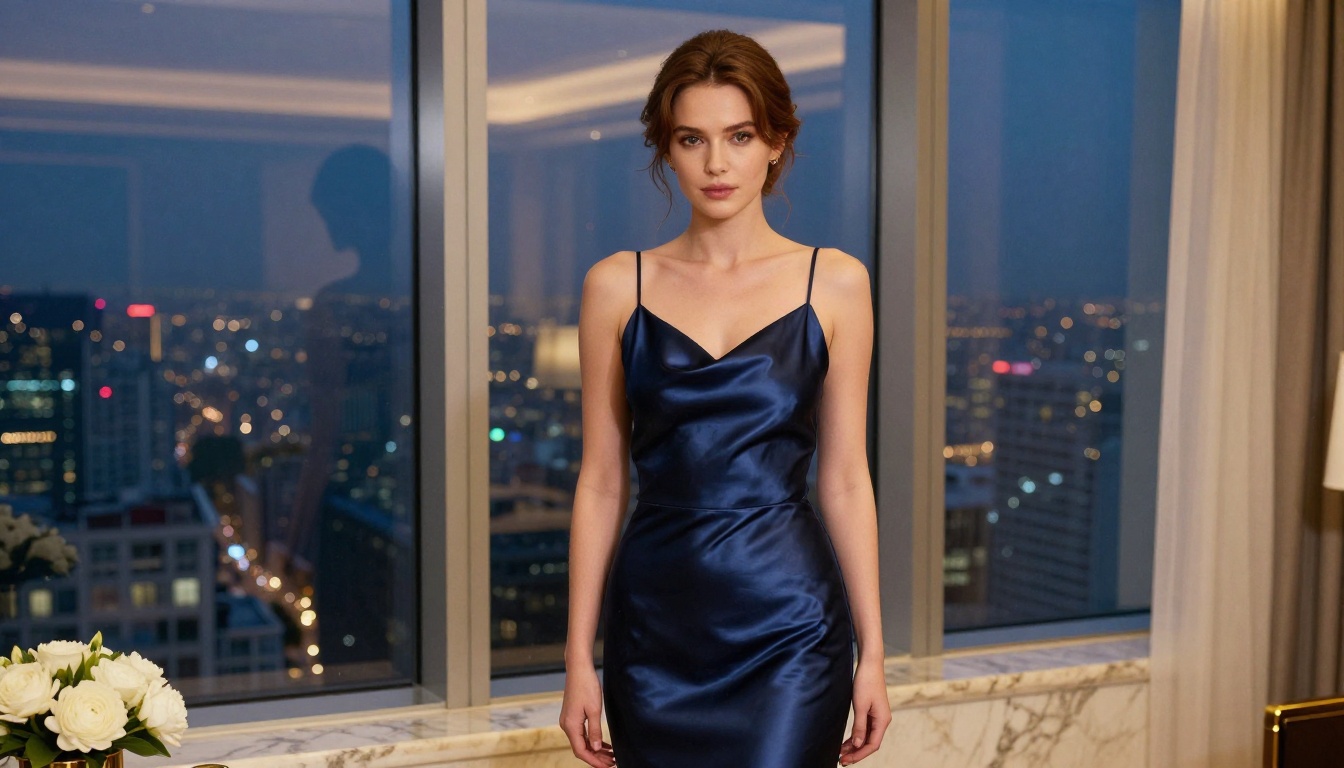
What "Uncensored" Actually Means
Before the rankings, let us be precise about the term. "Uncensored" in AI image generation does not mean anything goes without any standards. It means the platform does not apply automatic content filters that block adult, suggestive, or mature content before the model ever processes your prompt.
Most mainstream generators use a pre-processing safety filter that scans your prompt for flagged keywords and either rejects it outright or silently alters your prompt to produce a "safe" version. The result is often frustrating: a swimwear prompt produces someone fully clothed, a glamour portrait gets desaturated and conservatively cropped.
Uncensored generators skip that pre-filter layer. They pass your prompt directly to the model and let the model produce what you actually requested.
💡 Important: "Uncensored" does not mean illegal content is permitted. Platforms still enforce legal boundaries around minors, non-consensual scenarios, and illegal material. The difference is between artistic freedom and legal compliance, not between "anything goes" and total restriction.
What changes with uncensored access:
- Glamour and bikini content generates properly
- Artistic nudity is treated as fine art, not flagged
- Suggestive poses and outfits appear as prompted
- Photorealistic skin and body rendering is not auto-blurred
- Creative freedom stays with the creator, not the algorithm
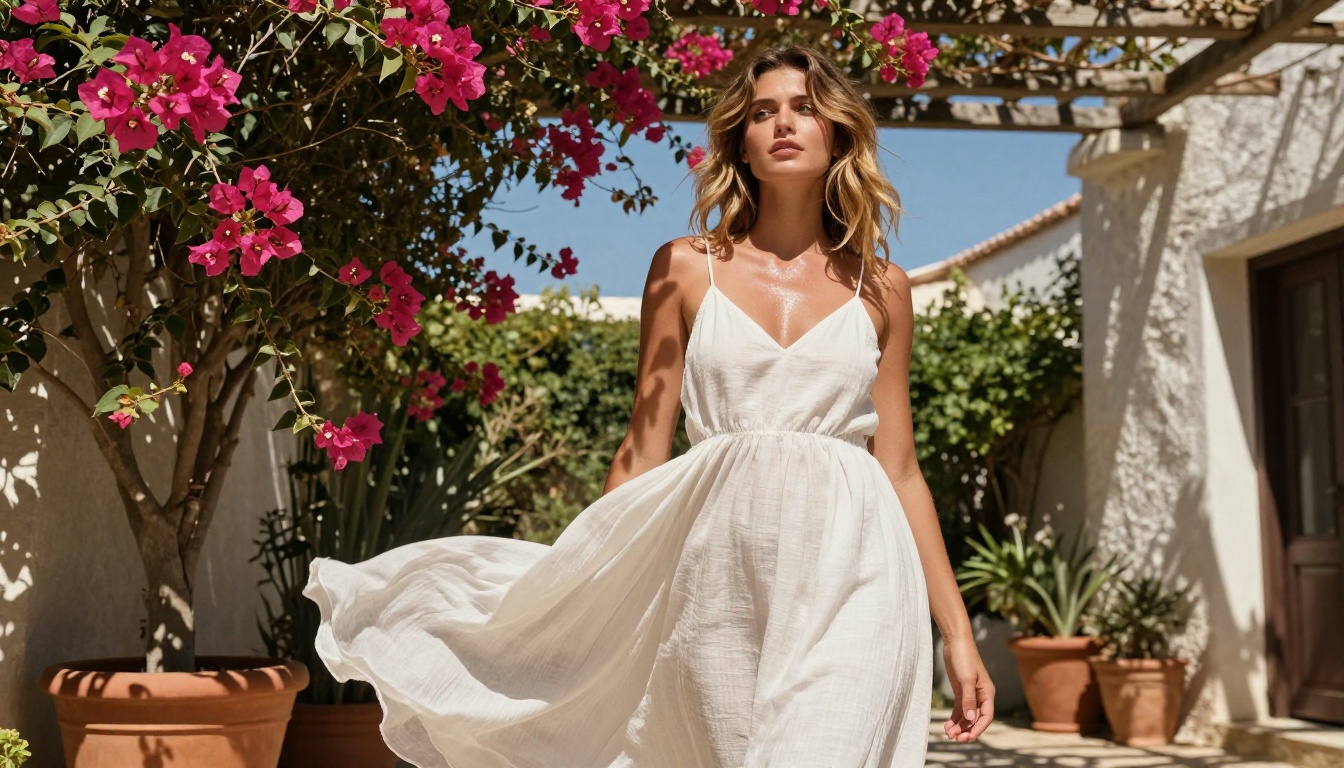
The 7 Best Uncensored AI Image Generators
1. Seedream 4.5 (The Top Pick)
Seedream 4.5 is the strongest all-around uncensored image generator available right now. Built by ByteDance, it accepts NSFW content natively and produces results in under 3 seconds, which is genuinely fast for a model at this quality level.
What separates Seedream 4.5 from most competitors is that it supports both text-to-image and image editing in a single model. You can generate a portrait from scratch, then use the same model to adjust lighting, change clothing, or refine specific areas of the image. That dual capability is rare in uncensored tools.
Specs:
- Generation speed: under 3 seconds
- Input: text-to-image + image editing
- NSFW support: yes, native
- Output quality: photorealistic, 8K-equivalent
💡 Note on Seedream 5 Lite: The newer Seedream 5 Lite does not support NSFW content. If you need uncensored generation, stay with Seedream 4.5. The older model outperforms the newer one in this specific use case.
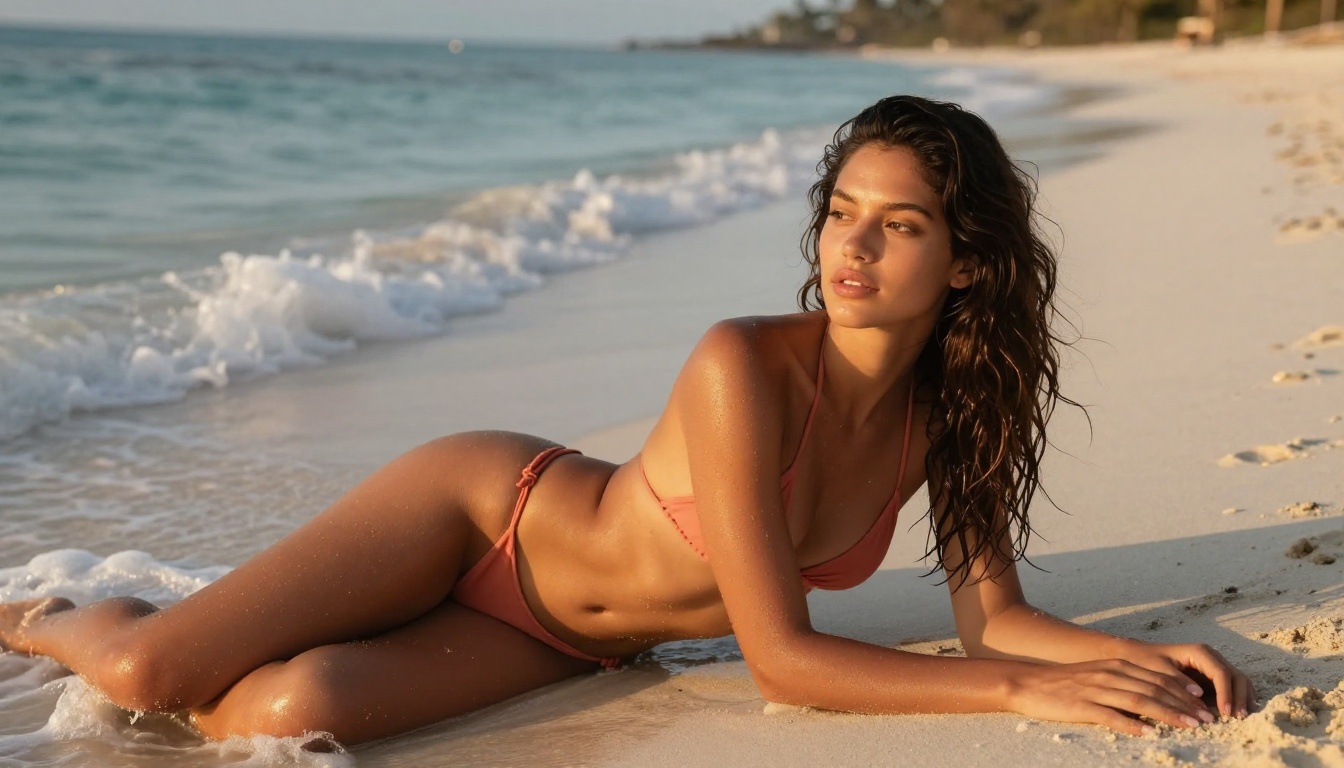
2. PicassoIA Image Editor Pro (Best for Volume)
PicassoIA Image Editor Pro operates as an image-to-image model and has one very specific advantage that no other tool on this list can match: unlimited generations on Elite and Infinite subscription plans.
What does unlimited actually mean in practice? If you need 1,000 images for a project, that is 1,000 images at zero additional cost. Compare that to models like Nano Banana 2, where generating 1,000 images would cost approximately $100. With PicassoIA Image Editor Pro, that entire volume is included in your subscription.
The model is also fast. Results arrive in under 1 second in most cases. It accepts NSFW content and offers a free trial of 3 generations with no credit card required, which means you can test the output quality before committing.
Why creators choose it:
- Truly unlimited generations on compatible plans
- Under 1-second generation speed
- img2img: refine existing images or use reference photos
- Free trial available, no payment information needed
- NSFW accepted
💡 Tip: Use PicassoIA Image Editor Pro for high-volume projects where cost-per-image matters. For a one-time precision portrait, Seedream 4.5 may produce marginally sharper detail from text alone.
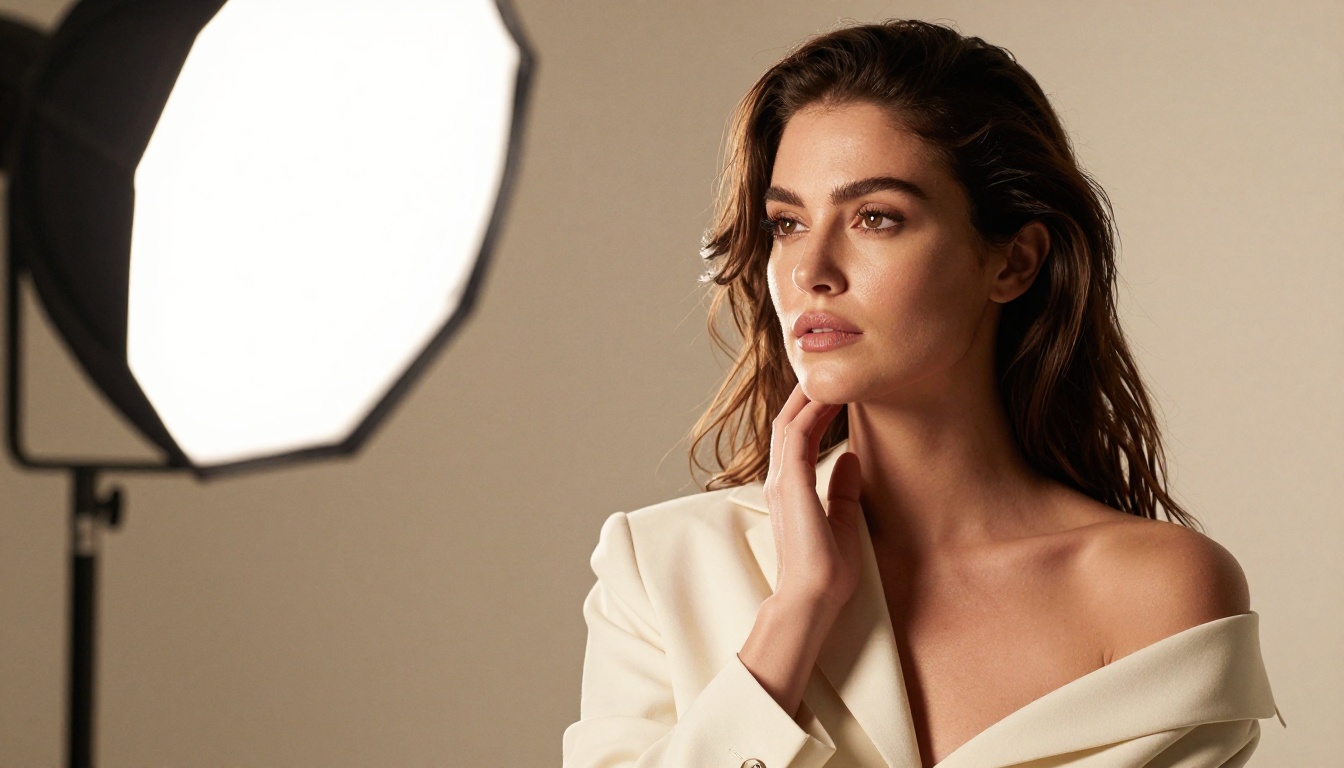
3. Qwen Image 2 (Open-Source Freedom)
Qwen Image 2 is an open-source model that brings a different philosophy to uncensored generation. Because the underlying model weights are public, the platform has no proprietary content restriction layer built on top of the original architecture.
The practical result: it edits and creates images in seconds with very detailed realism. Open-source models in this category tend to handle complex compositional prompts better than closed models, because the community has pressure-tested them extensively across unusual and edge-case prompts.
Best use cases for Qwen Image 2:
- Detailed character portraits with specific clothing
- Scene composition with multiple figures
- Image editing with natural integration of changes
- Experimental or non-conventional subject matter
4. Grok Imagine Image (Best Conversion Tool)
Grok Imagine Image by xAI does something specific extremely well: it converts reference photos. Feed it an existing portrait and it realistically converts the clothing, style, or setting. The bikini conversion use case is particularly strong, producing results that look photographically real rather than artificially overlaid.
This is primarily an image-to-image model, which means it works from a reference rather than purely from text. The advantage is consistency: the facial features, body proportions, and skin tone of your reference photograph are preserved while the conversion applies around them.
When Grok Imagine Image wins:
- You have a reference photo and want a different outfit or setting
- Consistency with a specific subject's appearance matters
- Conversion quality must be photorealistic, not stylized
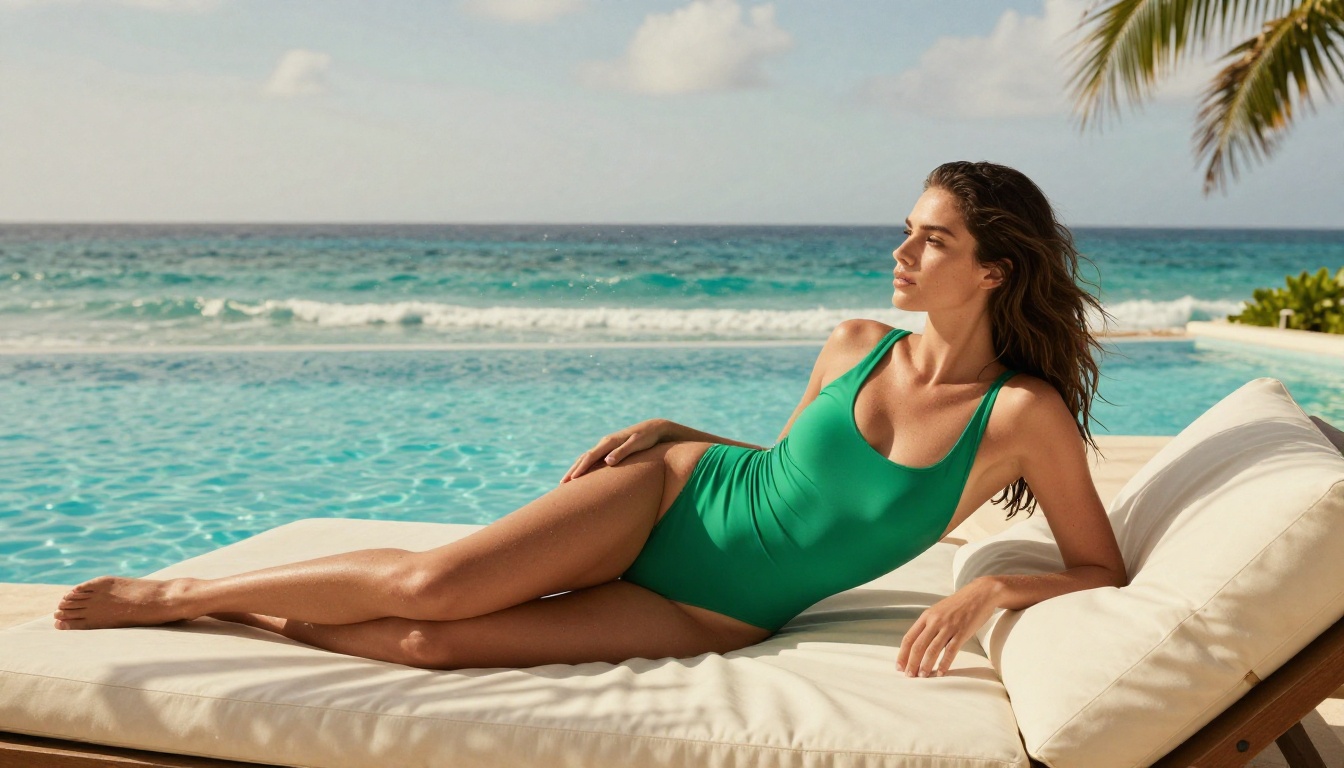
5. Recraft V4 (Photorealistic Text-to-Image)
Recraft V4 is a text-to-image-only model with a narrow but excellent focus: producing very realistic results from written prompts. It does not support image editing or reference-based generation, but within its lane it delivers sharp, photographic output with strong NSFW acceptance.
If your workflow is purely prompt-based and you do not need the img2img capability, Recraft V4 offers a clean, straightforward generation experience without the complexity of multi-mode tools.
Recraft V4 profile:
- Input: text only
- NSFW support: yes
- Output style: highly photorealistic
- Best for: portrait prompts, fashion shots, staged scene generation
6. P-Image by PrunaAI (Speed Specialist)
P-Image by PrunaAI is the fastest NSFW text-to-image generator on this list, producing results in under 1 second. For high-volume workflows where speed is the primary constraint, it is unmatched.
The tradeoff is that P-Image prioritizes speed over maximum detail. Results are photorealistic and entirely usable, but for a project requiring the absolute highest resolution at the expense of generation time, Seedream 4.5 or Recraft V4 may produce marginally more detail.
Choose P-Image when:
- Speed is the number one priority
- You are generating many variations quickly for selection
- Prompt testing and iteration speed matters more than final resolution
- You need NSFW content in a production pipeline with high throughput
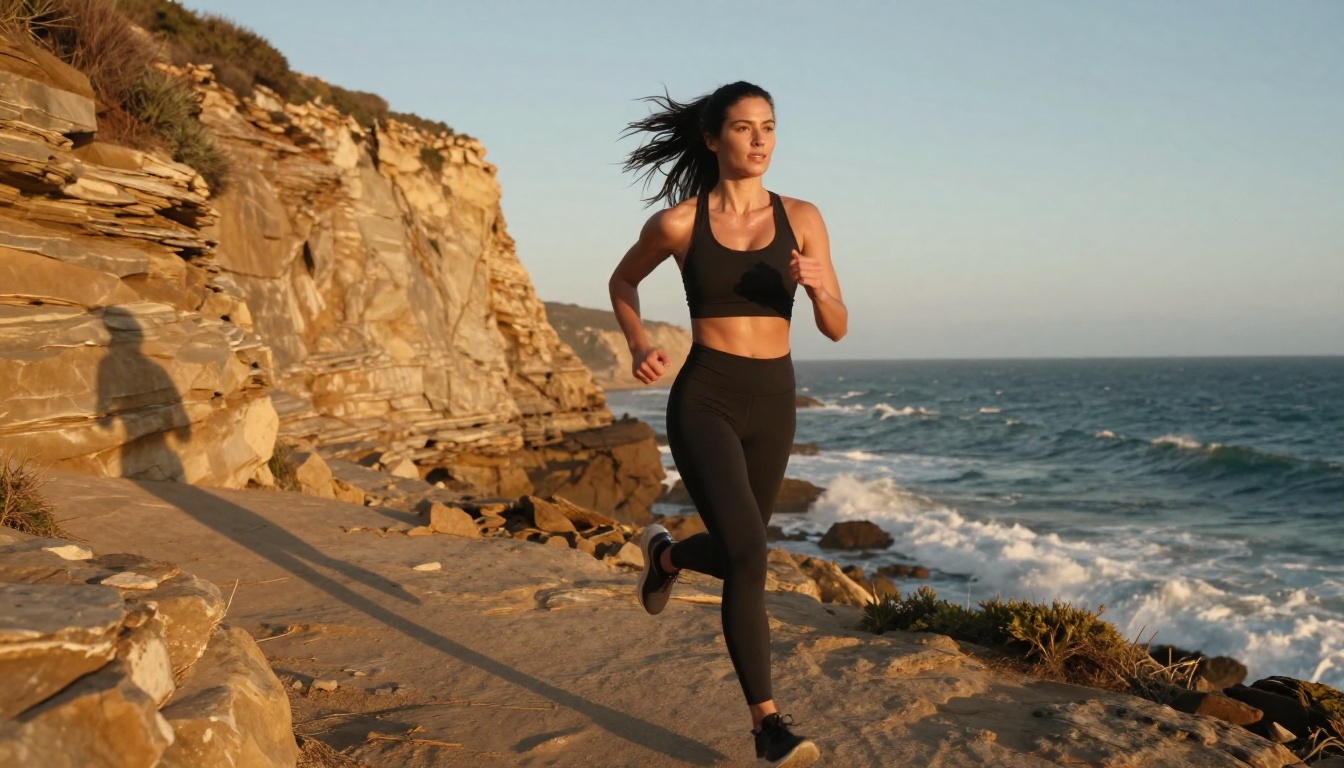
7. Wan 2.2 Image by PrunaAI (Hyper-Realistic Detail)
Wan 2.2 Image specializes in generating highly realistic images from text descriptions without content filters. Where it distinguishes itself is in rendering complex textures: fabric, skin, hair, and environmental surfaces appear with genuine photographic weight.
This model handles scenes with multiple texture types particularly well. A prompt describing a person against a textured stone wall with natural light will render both the skin and the stone with equal fidelity, whereas some models prioritize the subject and flatten the background texture.
Wan 2.2 Image excels at:
- Multi-texture scenes (skin, fabric, surfaces, environments together)
- Natural outdoor settings with complex lighting
- Portraits where the environment is as important as the subject
Side-by-Side Comparison
All seven generators above are available through PicassoIA, which means you access them from a single dashboard without juggling multiple subscriptions or API keys.
How to Use Seedream 4.5 on PicassoIA
Since Seedream 4.5 is the top recommendation, here is a quick practical walkthrough.
Step 1: Open the Model Page
Go to the Seedream 4.5 page on PicassoIA. You do not need an account to preview the interface, but you will need one to generate.
Step 2: Write a Precise Prompt
Seedream 4.5 responds well to specific, structured prompts. Include:
- Subject description: appearance, clothing, pose
- Setting: location, time of day, lighting source
- Camera specs: lens focal length, aperture, angle
- Film style: Kodak Portra 400, Fujifilm Pro, etc.
- Quality tags: photorealistic, 8K, film grain
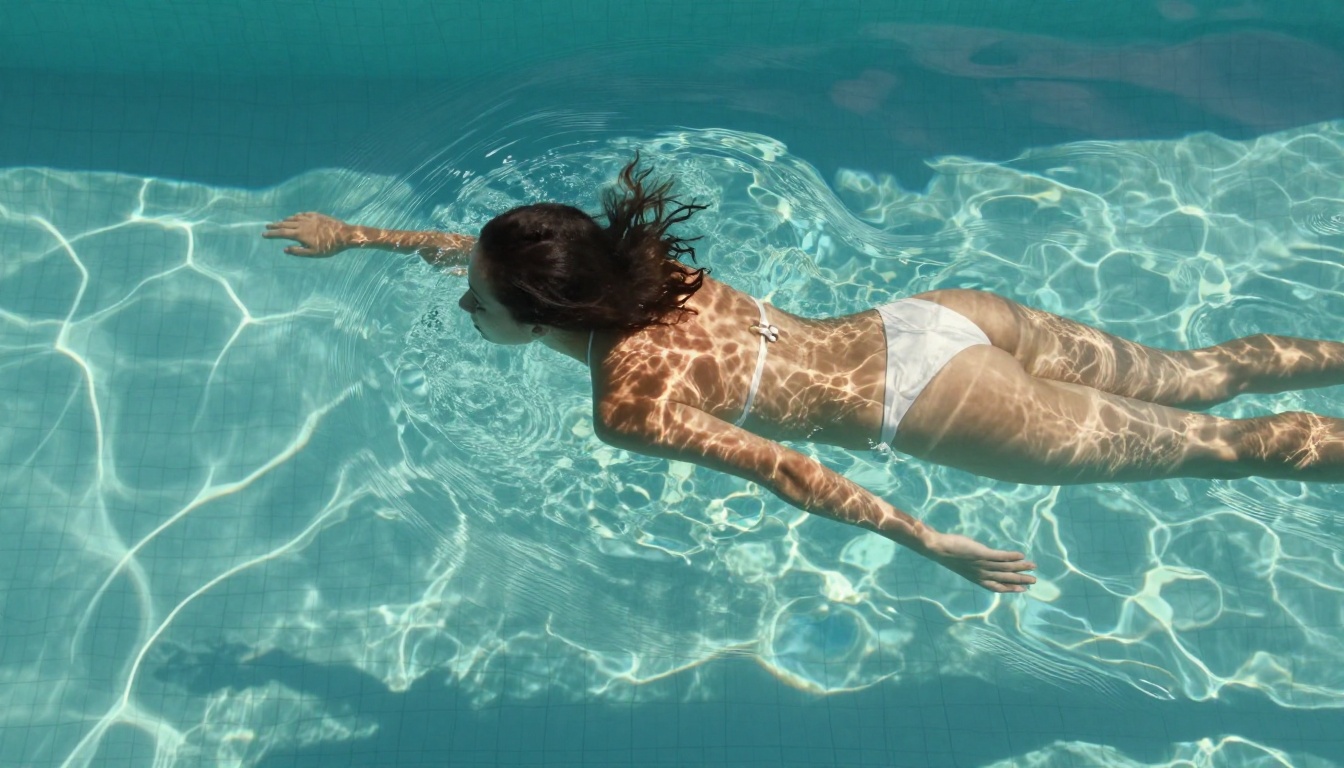
Example prompt: "Photorealistic portrait of a woman in her late twenties wearing a white bikini on a white sand beach at golden hour, shot with an 85mm f/1.4 lens, Kodak Portra 400 film grain, warm sunset light from the left, 8K detail"
Step 3: Generate and Refine
Click generate. With Seedream 4.5, results arrive in under 3 seconds. If the first result does not match your vision, adjust one variable at a time: lighting first, then clothing, then pose. Small targeted changes produce better results than rewriting the entire prompt.
Prompt tips for NSFW content on Seedream 4.5:
- Be specific about clothing rather than vague about absence of clothing
- Describe the lighting and setting in detail; this anchors the image aesthetically
- Use photographic vocabulary (lens type, film stock, aperture) to push toward realism rather than illustration
Which Generator Is Right for You?
The right choice depends on what you are optimizing for:
Volume creators who need hundreds or thousands of images should start with PicassoIA Image Editor Pro. The unlimited generation model on Elite and Infinite plans eliminates per-image cost entirely.
Quality-first creators who want the best possible single output should use Seedream 4.5. The combination of speed and photorealistic fidelity at this quality level remains unmatched.
Conversion workflows that start from reference photographs should reach for Grok Imagine Image. It handles reference photo editing better than any text-only model.
Speed-first pipelines generating large batches for selection should use P-Image. Under 1 second per image means you can generate 100 variations in the time other models produce 10.
Complex scenes with rich environmental detail benefit from Wan 2.2 Image, which handles multi-texture rendering better than models optimized purely for speed.
💡 All seven generators are available from a single PicassoIA account. You do not need to choose one permanently. Start with Seedream 4.5, test the others, and settle into the one that fits your workflow.
Create Without Limits
Every generator on this list is available through PicassoIA right now. No waiting list, no hidden approval process, no prompt throttling based on content type.
If you have never used an uncensored generator before, the difference in creative freedom is immediate and significant. Prompts that would fail silently on mainstream platforms produce exactly what you described. The model is doing what it was designed to do, with your creative intent intact.
Start with Seedream 4.5 for your first generation. Three seconds later, you will understand why it leads this list.
Browse the full catalog at picassoia.com/en/all-models to see all available models, including video generation, upscaling, background removal, and more.


