Most people are stuck using the same three AI tools everyone already knows. Meanwhile, the real breakthroughs are sitting quietly at the edge of the conversation, free, capable, and almost completely ignored.
This is not a list of ChatGPT alternatives. These are 7 free AI tools that most people have never touched, each solving a real problem in a way that feels almost unfair once you actually try it. Music generation, lipsync, voice cloning, photo upscaling, transcription, background removal, and reasoning models that give paid services a serious run for their money.

The biggest mistake most people make with AI is assuming that the good stuff costs money. It doesn't. Most serious platforms have generous free tiers, and a growing number of the best models are completely free to use. The barrier isn't access or pricing. It's awareness.
Every tool on this list is accessible right now. Most of them at no cost. What they share is a combination of genuinely impressive capability and an almost total absence of mainstream attention.
Here's what you've been missing.
1. AI Music Generation Nobody's Talking About
Music licensing is expensive. Stock tracks sound generic and lifeless. But free AI music generation has quietly reached a level where it produces results that would have cost thousands of dollars just two years ago, and almost nobody in the creator space is using it.

Minimax Music 2.6 generates full songs with actual vocals, instrumentation, and structure from a simple text prompt. You describe the mood, genre, tempo, and vocal style, and you get back a complete track in seconds. The output is not background noise. It's structured music with verses, choruses, and production that sounds intentional.
Google's Lyria 3 produces studio-ready compositions that sit comfortably alongside commercial music. Describe the emotional arc of a scene and Lyria responds with something that fits it. For short films, podcast intros, social media reels, or YouTube intros, this changes the economics entirely.
ElevenLabs Music is worth using specifically for its prompt-to-composition workflow. It handles unusual genre combinations well and produces cleaner separations between instruments than most alternatives.
What you can do with this right now
- Background music for YouTube videos and Instagram reels with zero licensing fees
- Custom podcast intros and outros that match your brand tone
- Demo tracks for pitching concepts to clients or collaborators
- Original music for short films and commercial work
💡 Prompt specificity matters here: "Melancholic acoustic guitar with soft piano and light brushed drums at 90 BPM, slow tempo, minor key" produces far better results than "sad music." Name instruments, not just genres.
Other music models worth knowing
Lyria 3 Pro handles longer compositions with more complex arrangements. Stable Audio 2.5 by Stability AI gives you more control over sound design and works well for electronic and ambient styles. Both are available without paying anything.
2. Photo Upscaling That Actually Works
You have an old family photograph from 2003. It's 480 x 320 pixels. Blurry. Noisy. Heavy with JPEG compression. You want to print it, but it falls apart the moment you zoom in past its original size.
AI super resolution has solved this problem. Not "made it slightly better." Actually solved it.
Real ESRGAN takes that photograph and upscales it 4x while adding sharp detail that wasn't in the original. The model hallucinates plausible textures, sharpens edges, and removes compression artifacts. The results are shocking if you haven't seen them before. An old birthday photo that was borderline unusable becomes something you can frame.
For portraits, Crystal Upscaler is worth trying specifically. It's tuned for faces and produces natural-looking skin texture at high resolution without the plastic smoothing that ruins most upscaled photos. Hair, pores, and eye detail all come through cleanly.
Google Upscaler is the cleanest general-purpose option for sharp content with clean lines. Product shots, architectural photography, and technical images with hard edges respond particularly well to its approach.
If you need the highest possible quality ceiling, Topaz Image Upscale pushes to 6x. It handles everything from old photographs to product shots with consistent quality across subject types.
💡 For images where you want more than sharpness added, Recraft Creative Upscale adds depth and texture during upscaling, producing results with more visual richness than a standard sharpen-and-scale approach.
3. Make Any Photo Talk with Lipsync AI
This one surprises people when they see it for the first time.
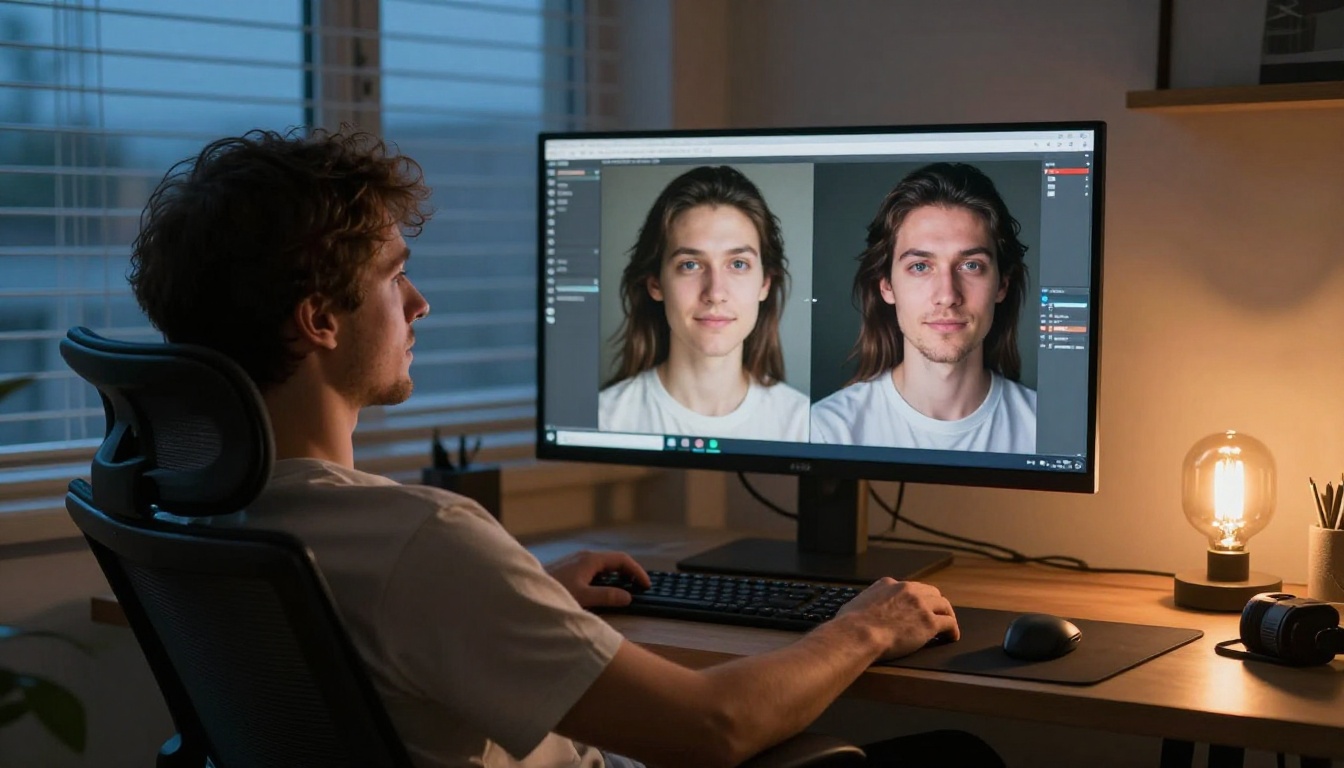
Take a single photograph of a person. Add any audio file. The AI animates the face in the photograph to match the speech, producing a video where the person appears to be talking. Mouth movements, micro-expressions, and subtle head motion all look real.
Omni Human 1.5 by ByteDance is the most convincing version of this technology available right now. It handles teeth visibility, lighting consistency across frames, and the small involuntary facial movements that make the result look natural rather than mechanical. Earlier versions of lipsync AI had a rigid, uncanny quality. Omni Human 1.5 doesn't.
HeyGen Lipsync Precision prioritizes exact mouth articulation, making it the better choice for professional dubbing or content where accuracy matters more than speed. Every phoneme maps correctly to the mouth shape.
Real applications people are missing
Content creators are using this to produce multilingual versions of the same video without re-recording. Upload the original video, add a dubbed audio track in another language, and the AI resyncs the mouth movements. HeyGen Video Translate handles this for 150+ languages. One video, dozens of markets, no studio.
Beyond translation, the use cases extend to: bringing historical photographs to life, animating profile photos for presentations, and producing talking-head content from still images without any video recording at all.
💡 Lipsync 2 Pro by Sync and Kling Lip Sync are solid alternatives when you need to process existing video footage rather than starting from a photograph.
4. Voice Cloning Without the Price Tag
Voice cloning used to require expensive software, hours of audio samples, and technical knowledge that most creators don't have. That era ended quietly, and most people haven't noticed.
Chatterbox by Resemble AI clones a voice from a short audio sample and reproduces it with emotion control built in. You can adjust how the generated speech sounds, from calm and measured to genuinely excited, without recording anything new. The emotional modulation is subtle but real.
ElevenLabs v2 Multilingual handles 30+ languages with natural intonation. A cloned English voice can speak Spanish, French, German, or Japanese while maintaining the same vocal identity. The accent shifts appropriately for each language rather than applying an English accent to foreign words.
Minimax Voice Cloning goes further by letting you build entirely custom voices from scratch rather than just copying existing ones. For businesses that want a consistent branded voice across all content, or content channels looking for a recognizable audio identity, this opens up something that previously required a professional voice actor and recording studio.
Real use cases people are missing
- Narrating long-form articles in your own voice without recording a single word
- Creating audiobook versions of written content at scale
- Translating video voiceovers while keeping the original vocal character
- Building consistent AI assistants with a voice that stays recognizable across sessions
💡 When speed matters more than maximum quality, ElevenLabs Flash v2.5 generates voiceovers in near real-time. It's ideal for iterating quickly on scripts, where you need to hear how something sounds before you commit to final production.
5. AI Transcription That Handles Accents
Meeting transcription tools exist in abundance. But most of them fail predictably on accents, overlapping speakers, technical vocabulary, and any audio quality that isn't perfect. The mainstream options are also expensive for what they deliver.
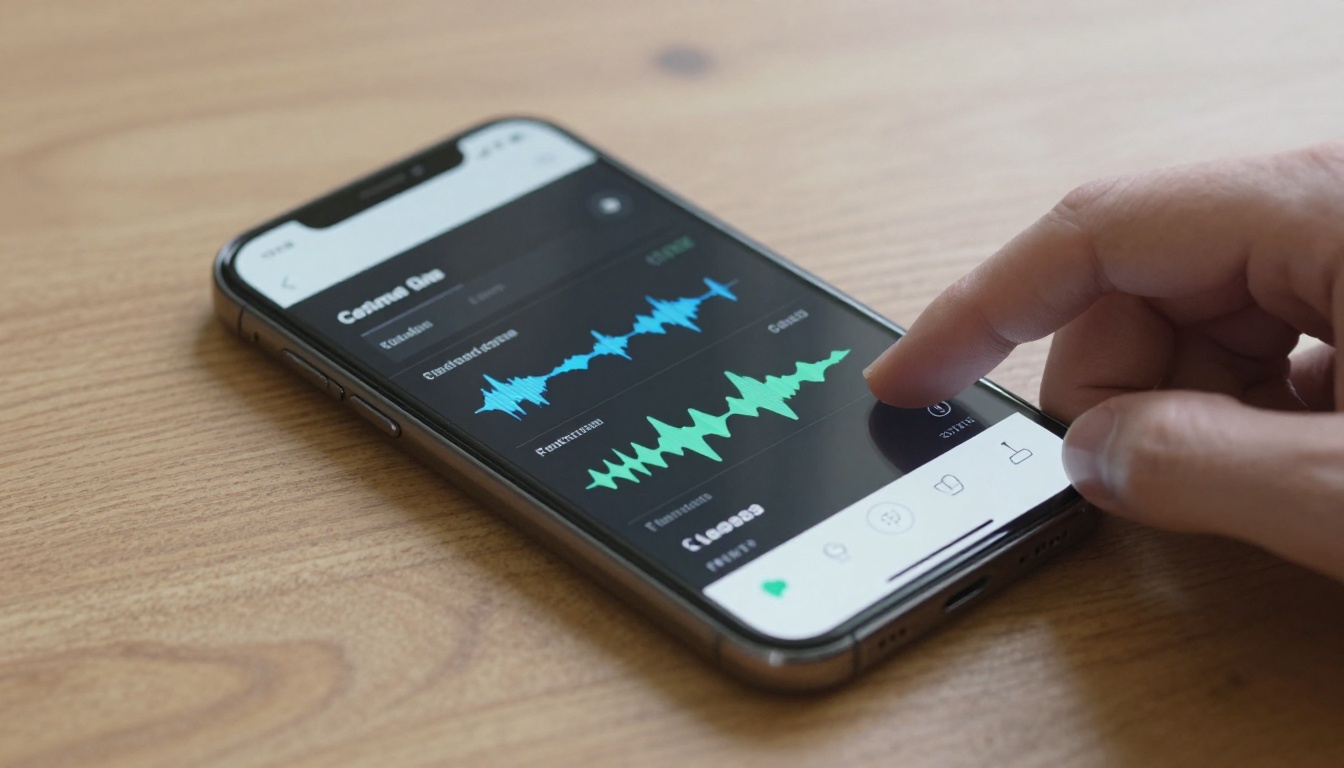
GPT-4o Transcribe handles these edge cases consistently. It understands context well enough to correctly transcribe technical terms it hasn't been explicitly trained on, works across a wide range of accents without degradation, and maintains accuracy even in difficult audio conditions with background noise.
GPT-4o Mini Transcribe processes shorter clips extremely fast and costs nothing on the free tier. For transcribing short interviews, voice memos, or meeting clips under 10 minutes, the speed difference is noticeable and the accuracy holds up.
Google Gemini 3 Pro for speech-to-text is the strongest option for audio with multiple speakers. It handles speaker identification and accurate timestamping better than most alternatives, which makes it useful for any content where you need to attribute speech to specific people.
Where this saves time each week
- Converting full podcast recordings into written transcripts automatically
- Transcribing client calls and discovery sessions without manual note-taking
- Creating accurate subtitles and closed captions for video content
- Making recorded meetings searchable by topic after the fact
6. Background Removal That Gets the Edges Right
Every image editing workflow eventually hits the same wall: a subject with complex edges. Hair strands. Fur. Transparent fabrics. Fine detail against cluttered backgrounds. Most tools either crop too aggressively and lose detail, or leave a rough halo that makes the compositing obvious.

Bria Remove Background handles these cases reliably. It traces individual strands of hair, handles semi-transparent materials, and produces clean PNG outputs with accurate alpha channels ready for compositing into any background.
This matters more than it might seem at first. For product photography, social media content, presentation slides, and e-commerce listings, the quality of a background removal directly affects how professional the finished result looks. A roughly extracted subject placed on a new background reads as cut-and-paste. A properly extracted subject looks intentional, like it was shot against that background.
Practical workflow
- Upload the original photo to Bria Remove Background
- Download the clean PNG with transparent background
- Place it over any background in your design software or presentation tool
- Pair with Real ESRGAN to upscale first if the source image resolution is low
💡 For best edge quality, upload images with reasonable background contrast. A subject shot against a plain wall or outdoor space gives the model more information to work with than a photo taken in a cluttered environment where foreground and background blend together.
7. The Free Reasoning Models Nobody Switched To
Most people paying for premium AI subscriptions are doing so because they tried a free alternative years ago, found it lacking, and never went back to check. The performance gap that justified that decision has closed considerably since then.
DeepSeek R1 is a reasoning model that matches GPT-4o class performance across most benchmarks. It shows its full reasoning chain before delivering an answer, which makes it unusually good for tasks where you want to audit how the AI arrived at a conclusion. Math, logic, structured analysis, code debugging. It's free.
Kimi K2 Instruct by Moonshot AI handles long context windows that most free models struggle with. For developers working with large codebases, writers processing long documents, or researchers working with extensive source material, the context length advantage is real and practically significant.
Meta Llama 4 Maverick Instruct is Meta's openly available model handling both text and images. It processes visual inputs with solid accuracy and is faster than most premium alternatives for everyday writing tasks.
Gemini 3 Flash from Google handles fast multimodal tasks: reading charts, analyzing images, processing screenshots, and answering questions about visual content at speeds that feel instant.
💡 For reasoning tasks specifically, DeepSeek R1 outperforms many paid models on math, structured logic, and step-by-step analysis. The visible reasoning chain is also useful for understanding where an AI's output went wrong when results are unexpected.
Why These Stay Under the Radar

The tools that dominate the conversation are the ones with the largest marketing budgets. The names that appear in tech coverage and social media feeds reflect spending on distribution and PR, not quality of output.
The actual landscape of free AI capabilities goes far beyond what mainstream coverage suggests. Tools built on open research, smaller companies competing against incumbents, and platforms aggregating the best models from multiple providers have quietly closed the gap on paid alternatives.
There's also a platform problem. Most people find AI tools through the same narrow set of channels: tech newsletters, social media, YouTube recommendations. The tools covered in those spaces are the ones with dedicated PR operations, not necessarily the ones that work best for real workflows.
The fastest way to close this gap is using a platform that brings tools across different categories together, so you can compare them directly and actually run them without signing up for five separate services and managing five separate billing relationships.
What the free tier actually gives you across these categories:
- AI music generation with full songs and vocals
- Photo upscaling up to 6x with detail recovery
- Lipsync animation from still photographs
- Voice cloning with emotion control
- Audio transcription with accent handling
- Background removal with clean edge detection
- Reasoning models matching paid service performance
None of these require a subscription to start using.
Try It Yourself on PicassoIA

Everything in this article is accessible in one place on PicassoIA. That means no seven separate accounts, no seven separate free trial expirations, and no juggling between platforms to compare results. The AI music generators, upscalers, lipsync tools, voice cloning, transcription, background removal, and reasoning models are all accessible from the same interface.
If you want a starting point, Minimax Music 2.6 is worth trying first just to see how far music generation has actually come. Describe a specific mood, genre, and tempo in plain language. The first result is usually enough to change your working assumptions about what free AI can do.
For image work, take an old photograph you care about, run it through Real ESRGAN, and compare the before and after. The quality difference in a single pass is worth experiencing before you read another word about what AI upscaling can theoretically do.
For anyone building content workflows, the combination of voice cloning with Chatterbox, transcription with GPT-4o Transcribe, and lipsync with Omni Human 1.5 creates a production pipeline that was simply not accessible without a real budget two years ago.
The 7 free AI tools in this article represent categories that have matured significantly without attracting proportional attention. The quality is there. The access is there. The only thing missing has been knowing where to look.
PicassoIA puts all of it in one place. Whether you want to generate images with over 90 available text-to-image models, produce music, clone voices, or run powerful language models for writing and reasoning tasks, the tools are waiting. Start with whichever category matches what you want to create right now and see what's actually possible at zero cost.


