Most AI video platforms block adult content before generation even starts. They run keyword filters, content classifiers, and sometimes manual review just to catch anything that remotely suggests NSFW output. For creators producing glamour photography videos, adult artistic content, or anything that doesn't fit inside a strict content policy, this creates a real problem: the output you need simply never renders.
That's not a niche issue. Thousands of creators, photographers, and studios use AI video tools to produce suggestive, artistic, or outright adult content, and they're constantly running into walls. This article covers the 7 NSFW AI video generators for adult content that actually deliver, comparing what each tool allows, how good the output looks, and where to find them without hitting a paywall or a censorship block on the first try.
The pattern is consistent across mainstream AI tools: type anything remotely suggestive, and the generation fails silently, returns a bland placeholder, or throws a policy violation error. Platforms like Midjourney, DALL-E, and many consumer-facing video tools default to aggressive filtering because they serve a broad audience and can't afford brand risk.
The problem is that adult content creation is a legitimate industry. Creators producing content for adult platforms, artistic photographers, and filmmakers working in mature genres all have real, professional needs that these filtered tools simply can't meet.
💡 The solution isn't workarounds or jailbreaks. It's choosing platforms built to handle adult content from the start, with models that have their safety filters disabled by default or configurable to OFF.
What to look for in a real NSFW AI video tool:
- Safety filter that can be turned off (or is off by default)
- No watermarks on output
- High resolution output (720p or better)
- Consistent character appearance across frames
- Reasonable generation speed (under 60 seconds per clip)
- Support for image-to-video to use your own base images
The 7 NSFW AI Video Generators Ranked
These seven tools are ranked by a combination of output quality, content permissiveness, resolution, and accessibility. All are available through PicassoIA, which aggregates them in one platform without requiring you to manage separate subscriptions.
1. PicassoIA Video
PicassoIA Video is the highest-value option for volume creators. The big advantage is unlimited video generation: no credit limits, no per-clip fees, just unlimited output at up to 720p, 5 seconds per clip for subscribers on the Elite or Infinite plan.
For NSFW content specifically, this matters enormously. If you're iterating through dozens of variations to find the right shot, paying per generation adds up fast. Here, you can run as many clips as you need without watching a credits counter drain.
What it supports:
- Text-to-video and image-to-video input
- Up to 720p resolution
- Adult content without restrictions
- 5-second clips with natural motion
💡 Best for: Creators who need high volume output and want a single subscription that covers unlimited NSFW clips without per-generation costs.
2. P-Video by PrunaAI
P-Video by PrunaAI is the most flexible option in this list. It accepts text prompts, image inputs, or audio files and outputs clips up to 1080p at 24 or 48 fps. Duration is adjustable from 1 to 10 seconds, and it supports seven different aspect ratios.
The standout feature: the safety filter is disabled by default. You don't have to toggle a setting or submit a request. Prompts go in unfiltered, and results come back uncensored. Add draft mode for instant low-resolution previews before committing to a full render.
| Spec | Value |
|---|
| Max resolution | 1080p |
| Frame rate | 24 or 48 fps |
| Duration | 1-10 seconds |
| Safety filter | OFF by default |
| Input types | Text, Image, Audio |
| Aspect ratios | 7 options |
💡 Best for: Creators who want the highest resolution output and need the safety filter reliably disabled without any configuration step.
3. Grok Imagine Video
Grok Imagine Video from xAI covers a range of use cases in one tool. It generates clips up to 15 seconds from text prompts, reference images, or existing video you want to re-edit (clips up to 8.7 seconds). Output at 720p or 480p, across eight aspect ratios, and crucially: no watermarks on any output.
The image-to-video mode automatically matches the source photo's proportions, which means if you generate a portrait-format base image, the video output will match it without manual aspect ratio adjustments.
Its companion image model, Grok Imagine Image, is already one of the top-ranked NSFW image tools, making the two a natural pairing: generate your base frame with Grok Imagine Image, then animate it with Grok Imagine Video.
Standout specs:
- Clips up to 15 seconds (longest in this list)
- No watermarks on any output
- Re-edit existing video up to 8.7 seconds
- 720p or 480p output
💡 Best for: Creators who need longer clips or want to edit and restyle existing footage without adding a watermark.
4. LTX 2.3 Pro
LTX 2.3 Pro by Lightricks is the professional-tier option. It exports up to 4K at 50 fps, which puts it in a different category from the others on this list. If you're producing content for sale, for a platform that demands high-fidelity video, or for clients who will notice compression artifacts, this is where quality peaks.
Five generation modes are available from a single interface: text-to-video, image-to-video, audio-to-video, retake (replace a short segment without re-rendering the whole clip), and extend (append footage to the start or end). Camera-motion presets include dolly, jib, and focus-shift, with first and last-frame interpolation for precise control over entry and exit frames.
Five modes in one tool:
- Text-to-video
- Image-to-video
- Audio-to-video
- Retake (segment replacement without full re-render)
- Extend (append footage to start or end)
💡 Best for: Professional creators who need 4K output and precise editing control, especially for content sold on premium adult platforms.
5. Wan 2.2 I2V Fast
Wan 2.2 I2V Fast is the speed-focused image-to-video option. It takes a static image and converts it into a dynamic video with smooth, natural animations. If you've already generated your base images using one of the NSFW image models and want to animate them quickly, this is the tool.
The "fast" variant prioritizes speed over maximum resolution, making it ideal for rapid iteration: generate multiple animated versions of the same base image, pick the best result, then optionally upscale with a super-resolution model if needed.
Why it fits an NSFW workflow:
- Takes any image input, including NSFW-generated images from Seedream 4.5 or P-Image
- Smooth motion without unnatural artifacts
- Fast generation suitable for batch workflows
- No separate content filter gating the image-to-video conversion
💡 Best for: Animating already-generated NSFW images quickly, especially when working with base images from Seedream 4.5 or Grok Imagine Image.
6. Seedance 2.5
Seedance 2.5 by ByteDance delivers clips up to 30 seconds with native built-in audio. That duration puts it alongside Grok Imagine Video as one of the longer-form generators on this list, and the native audio integration means you don't need a separate step to add sound.
For NSFW content, Seedance 2.5 maintains strong motion coherence across longer clips, which matters when you need character consistency over a longer duration. Short clips are easier for AI to keep coherent; at 30 seconds, maintaining consistent character appearance is a harder technical problem, and Seedance 2.5 handles it better than most alternatives.
Key specs:
- Up to 30 seconds per clip
- Built-in native audio with no extra step
- Text-to-video and image-to-video input
- Strong motion coherence across longer durations
💡 Best for: Creating longer NSFW clips with audio, especially for platform uploads that require more than 5-10 seconds of content.
7. Kling v2.1
Kling v2.1 by Kuaishou rounds out this list with reliable 720p image-to-video generation. It's a solid all-around option when you don't need the volume unlimited tier of PicassoIA Video, the filter-off default of P-Video, or the 4K ceiling of LTX 2.3 Pro, but still want clean, usable output with good motion quality.
Kling v2.1 handles character movement well and produces output that holds up to scrutiny at 720p. It's also available at a lower credit cost per generation than the premium options, making it a practical choice for moderate-volume workflows.
What it delivers:
- 720p resolution output
- Clean character motion throughout the clip
- Image-to-video input support
- Lower per-generation cost compared to premium models
💡 Best for: Moderate-volume creators who want reliable 720p output without committing to premium-tier costs.
Best NSFW Image Models on PicassoIA
Every video generator in this list produces better results when you start with a high-quality base image. For NSFW content, that means using image models that accept adult prompts without filtering. PicassoIA has several, ranked here in order of recommendation.
Seedream 4.5 — The Top Pick
Seedream 4.5 is the top recommendation for NSFW image generation. It accepts adult content, supports image editing, and generates ultra-realistic results in under 3 seconds. The speed matters: you can iterate through dozens of variations quickly, find the exact base frame you want, then feed it into any of the video generators above.
Note: The newer Seedream 5 Lite does not support NSFW content. Stick with Seedream 4.5 for adult content workflows.
PicassoIA Image Editor Pro — Unlimited Generations
PicassoIA Image Editor Pro is the unlimited-generation option. On Elite or Infinite plans, you can generate as many images as you want at no extra cost per image. Compare that to metered models where generating 1,000 images could cost around $100; here those 1,000 images are included in your plan. Results land in under 1 second, and it includes a free trial of 3 generations without requiring a credit card.
More Models That Accept Adult Content
| Model | Type | Speed | Advantage |
|---|
| Qwen Image 2 | Text-to-Image + Edit | Fast | Open source, very detailed realism |
| Grok Imagine Image | Image-to-Image | Fast | Realistically converts any image to bikini format |
| Recraft V4 | Text-to-Image | Fast | Very realistic text-to-image only |
| P-Image | Text-to-Image | Under 1 second | NSFW support with fastest generation |
Unlike many mainstream AI platforms, PicassoIA gives creators full creative freedom with uncensored, high-performance models. The image-to-video workflow starts here: get your base frame right with one of these models, then animate it with any of the 7 video generators above.
Start With Images, Not Videos
The most common mistake in NSFW AI video production is going straight to video prompts before establishing a solid base image. Video generation is probabilistic: even the best model will produce variation across generations, and that variation compounds over a longer clip.
The correct workflow:
- Generate your base frame using Seedream 4.5 or PicassoIA Image Editor Pro until you have exactly the right composition, lighting, and character
- Save that image locally
- Feed it into an image-to-video model: Wan 2.2 I2V Fast, Grok Imagine Video, or LTX 2.3 Pro
- Specify only the motion you want, not the full character appearance (the model inherits that from your image)
- If the motion isn't right, re-run the video step only, not the image step
This approach reduces wasted generations significantly. You only need to get the image right once; then you can run multiple video variations from that same locked base frame.
Comparison: Speed, Resolution, and Limits
What to Look for Before You Commit
Three factors determine whether an NSFW AI video generator will work for your specific use case:
1. Content permissiveness by default, not by exception
Some platforms technically allow adult content but require you to file a request, get your account verified, or apply for an "unrestricted" tier. That adds friction and latency to your workflow. Tools like P-Video, which have the safety filter off by default, are preferable for creators who don't want to manage account-level status flags.
2. Resolution that matches your platform
If your content is going to a platform that plays at 1080p, generating at 720p will be visually noticeable. If you're producing at volume and don't need 1080p, there's no reason to pay the extra compute cost. Match the output resolution to the actual display destination, not to a theoretical maximum.
3. Duration vs. quality tradeoff
Longer clips introduce more opportunity for motion artifacts, character inconsistency, and visual degradation. A 5-second clip from P-Video at 1080p will generally look better than a 30-second clip from the same model, simply because there's less time for the model to drift. For long-form content, Seedance 2.5's motion coherence handling makes it the best choice for maintaining quality across a longer duration.
Try PicassoIA Right Now
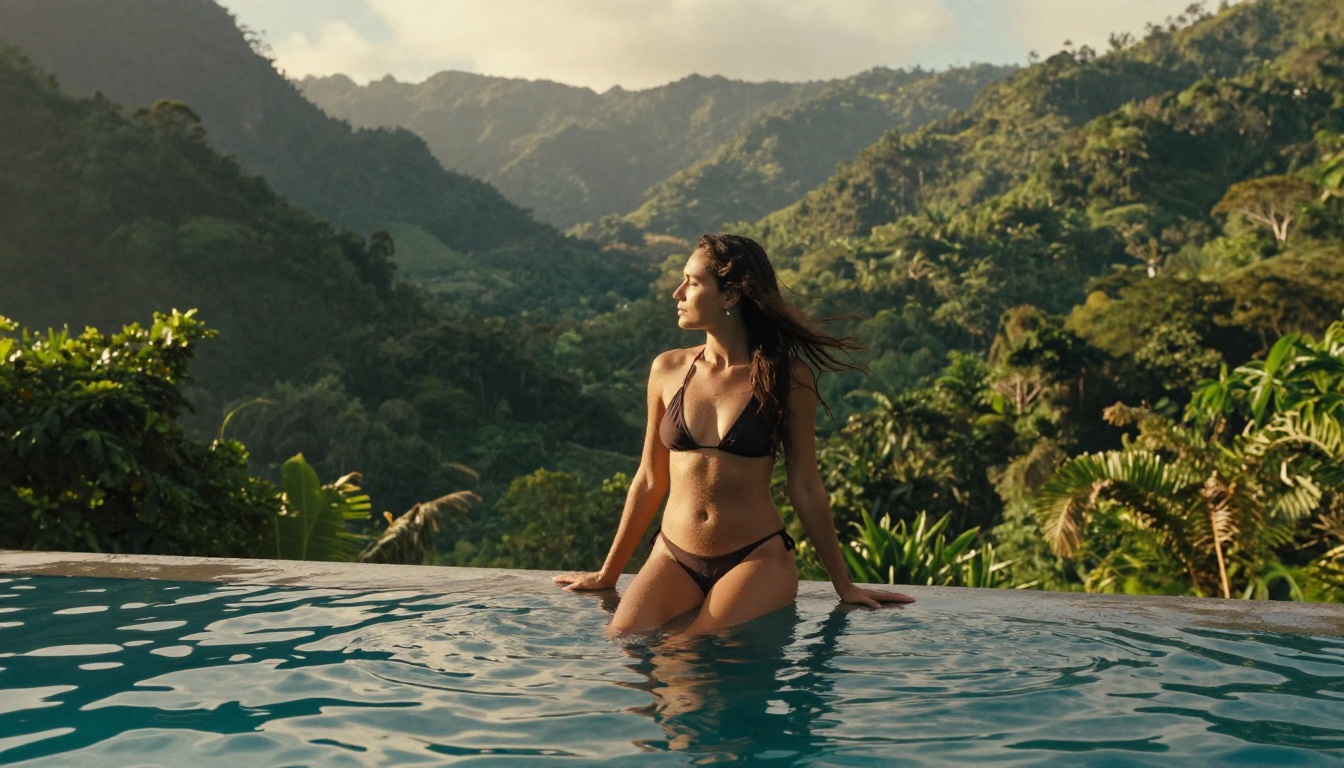
Every model in this article is available on PicassoIA, no separate account registrations or scattered API keys required. You can start with Seedream 4.5 to generate your base image in under 3 seconds, then immediately hand it off to P-Video or Wan 2.2 I2V Fast to animate it, all without switching platforms.
If you're not sure where to start, use PicassoIA Image Editor Pro for a free 3-generation trial with no credit card required, get your base image locked in, and then pick the video generator that matches your resolution and duration needs from the comparison table above.
The full catalog of NSFW-capable models, including all the video generators and image tools mentioned here, is at picassoia.com/en/all-models.


