Anime AI art has evolved from novelty to something genuinely powerful, and the biggest gap between "cool demo" and "real creative tool" comes down to one thing: content restrictions. The tools that censor every suggestive pose, block stylized anatomy, or refuse keywords like "bikini" or "waifu" are frustrating for anyone serious about anime-style art. These 7 uncensored anime AI tools skip those frustrations entirely, and they are all accessible from a single platform built specifically for creators who do not want to fight with guardrails to do their work.
Not every "AI art generator" is worth your time when it comes to anime. The anime aesthetic has specific demands: stylized proportions, expressive eyes, clean line character designs, detailed fabric and hair physics, and the freedom to create mature content without hitting a wall at every other prompt.
Here is what separates the tools on this list from the rest:
- No content filters blocking adult anime styles (or a clear NSFW toggle that actually works)
- Speed: waiting 45 seconds per image kills creative flow completely
- Output quality: the difference between acceptable and impressive is immediately obvious in character anatomy and facial detail
- Cost efficiency: some platforms charge per generation, others give unlimited access under a flat subscription
- Anime-specific tuning: generic models rarely nail the expressive eye anatomy, stylized proportions, and clean rendering that define anime character art
💡 The most common complaint about anime AI tools is not quality, it is restrictions. A model that blocks "school uniform" or "swimsuit" in 2027 is not a serious creative tool.
The tools below are all available through PicassoIA, which means no account juggling across five different services. One login, one credit system, and access to every model on this list. PicassoIA does not censor adult anime content, which is the entire premise: a platform built for creators, not for liability minimization.
1. Seedream 4.5
Seedream 4.5 is the top pick for anyone creating uncensored anime content. It accepts adult content, supports image editing in the same interface, and generates in under 3 seconds. That speed is not a marketing claim: it genuinely changes how you work when you can iterate that fast.
The model handles anime aesthetics exceptionally well: expressive large eyes, stylized body proportions, detailed fabric textures on kimono, school uniforms, swimwear, or fantasy outfits. It also accepts NSFW prompts without the sanitized rewrites that some models quietly apply behind the scenes without telling you.
Why it leads this list:
- NSFW support without workarounds or prompt tricks
- Image editing built in alongside text-to-image generation
- Sub-3-second output even on complex character scenes
- Exceptional detail on anime character anatomy, hair physics, and clothing
- Handles both single character portraits and multi-character scenes
💡 Note: the newer Seedream 5 Lite does not support NSFW content. If you want unrestricted generation, stay with Seedream 4.5.
2. PicassoIA Image Editor Pro
PicassoIA Image Editor Pro takes a different angle: it is an img2img model built around unlimited generation. If you are on an Elite or Infinite plan, you can run 1,000 generations without paying a single extra credit. That changes everything when you are refining a character design and need to iterate 50+ times to nail the expression, outfit, or lighting.
For reference, generating that same volume on models like Nano Banana 2 would cost approximately $100. With Image Editor Pro, that cost is zero above your subscription.
What it offers:
- Under 1 second per generation (instant by any measure)
- Unlimited generations on Elite and Infinite plans
- Accepts NSFW content
- Free trial: 3 generations with no credit card required
- Img2img focus: refine, stylize, and rework existing images
This tool's value is clearest during character refinement work, where the creative process involves dozens of micro-adjustments, not a single perfect prompt. Generate the base character in Seedream 4.5, then use Image Editor Pro to iterate on outfit, expression, and background at unlimited scale.
3. Qwen Image 2
Qwen Image 2 is the open-source option on this list. Open source in the AI image space typically means two things: fewer restrictions, and a community that has already stress-tested every edge case you can imagine.
The model handles both text-to-image creation and image editing, delivers highly detailed realism, and accepts unrestricted prompts. The results lean toward realistic anime rather than flat 2D illustration style, which suits character portrait work, waifu art, and detailed scene composition particularly well.
Where it shines:
- Open-source foundation with no hardcoded content restrictions
- Very detailed realistic anime output with accurate anatomy
- Both creation and editing available in one tool
- Strong at detailed character features: expressive eyes, layered hair texture, clothing folds
💡 Open-source models accessed through PicassoIA run on the platform's infrastructure. No local setup, no GPU requirement, no VRAM management headaches. Just your browser.

4. Grok Imagine Image
Grok Imagine Image brings a specific strength to this list: it converts existing images into new anime styles with exceptional realism. The most cited use case is converting reference photos or character sketches into anime art with natural lighting and precise proportions.
The img2img capabilities here are notably precise: you maintain the pose, composition, and character identity from the source image while applying the anime aesthetic. This is invaluable for artists who work from photo references, life drawing, or existing character sheets that need to shift into a new visual style.
Best for:
- Image-to-image anime style conversion
- Preserving character identity across style changes
- Realistic swimwear and glamour anime art
- Working from photo reference material without losing composition
The output handles face and body proportions accurately, avoiding the anatomical errors that affect many anime AI models when given free rein.
5. Recraft V4
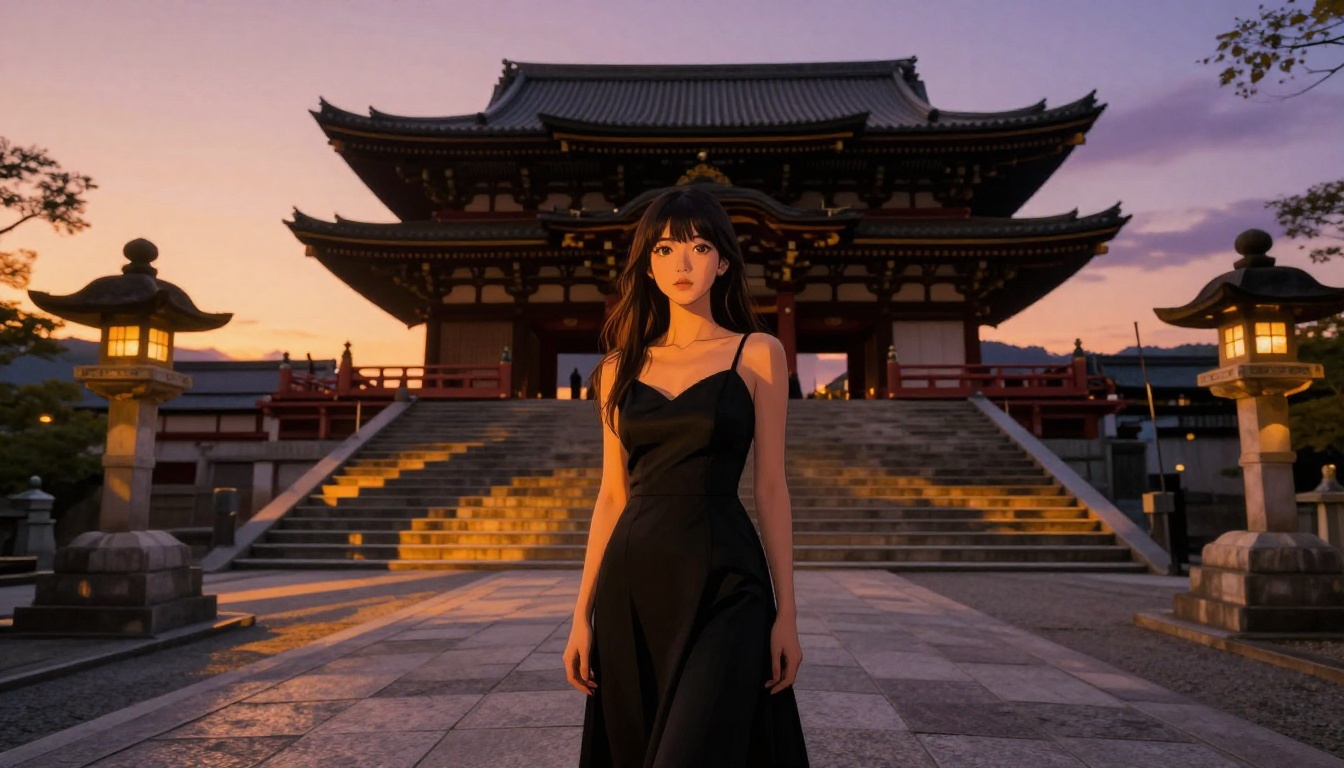
Recraft V4 is purely text-to-image, and it does that one function at an exceptionally high quality level. If you need realistic anime output from text descriptions without a reference image, Recraft V4 consistently delivers results that hold up at full resolution.
The limitation is clear: text-to-image only, no editing capabilities. But the output quality on detailed prompts is among the best available for realistic anime aesthetics, particularly for character portraits with complex clothing, accessories, or backgrounds.
When to use it:
- Pure text-to-image workflows with no reference image
- When prompt precision matters and you have a clear vision
- High-quality single-generation outputs for print or publication
- Detailed character descriptions: complex outfits, layered backgrounds, precise expressions
The model handles long, detailed prompts accurately, which matters for anime work where character design specifics require describing dozens of visual elements in a single generation.
6. P-Image by PrunaAI
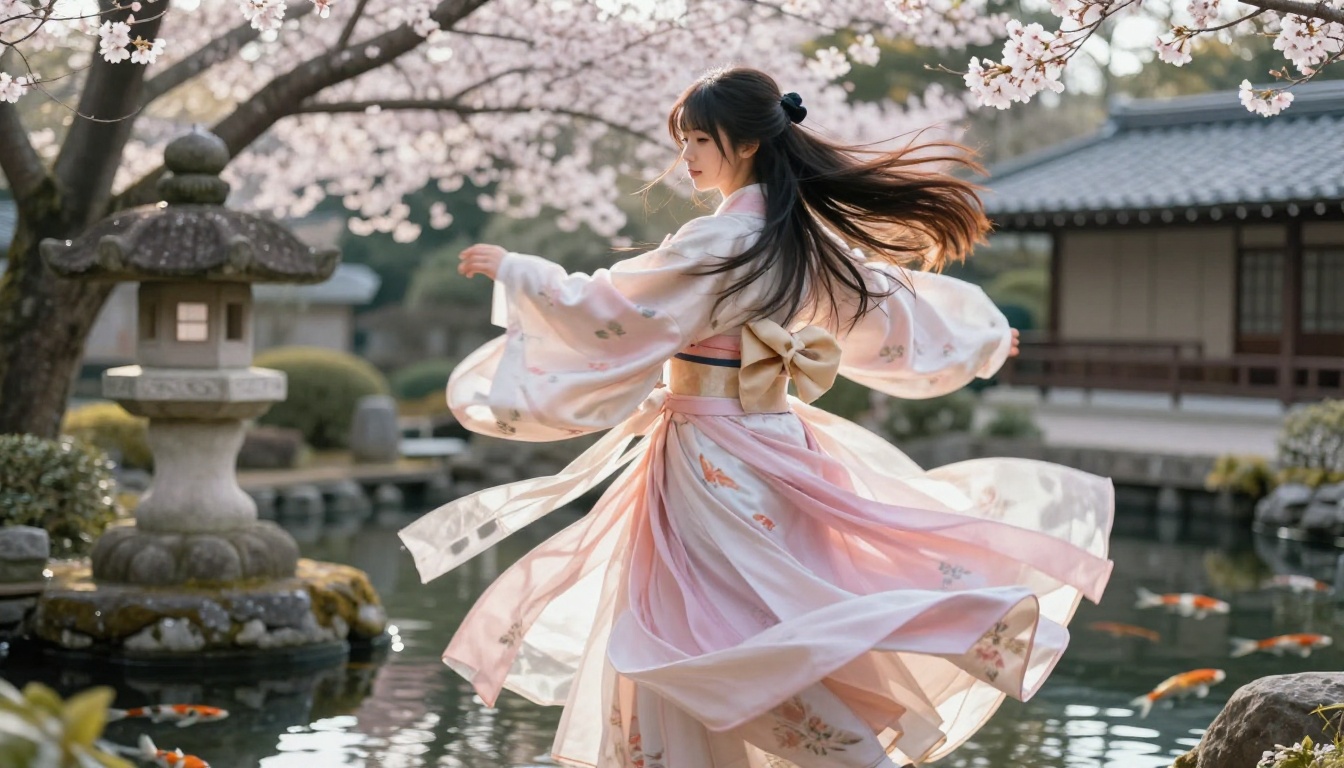
P-Image sits at the intersection of speed and unrestricted output. It generates images in under 1 second, handles NSFW content without filters, and delivers consistently solid anime-style results for both character portraits and scene compositions.
For rapid prototyping, storyboarding, or concept iteration, the sub-second generation speed is a genuine workflow change. You can test 20 prompt variations in the time it takes most models to produce three. That compression of the ideation cycle matters when you are trying to find the right version of a character before committing to high-fidelity rendering.
Strengths:
- Under 1 second per image, consistently
- NSFW text-to-image with no content filtering
- High throughput for iteration-heavy workflows
- Good consistency: similar prompts produce reliably similar outputs
💡 P-Image's speed makes it ideal for early-stage concepting. Run 20 variations in 20 seconds, pick the best three, then bring those into Seedream 4.5 for final high-fidelity output.
7. Wan 2.2 Image
Wan 2.2 Image rounds out the list with a focus on highly realistic image generation from text descriptions, without content filters limiting what you can describe. The model produces photorealistic interpretations of anime character prompts, occupying the creative niche between traditional anime illustration and hyperrealistic character photography.
This positioning is genuinely useful: when you want anime aesthetics at photography-level fidelity, this model handles that intersection better than most alternatives available today.
What makes it different:
- No content filters on text prompts
- Strong at bridging anime aesthetics with photorealistic rendering
- Handles complex multi-element scene compositions well
- Consistent character anatomy across multiple generations with similar seeds
This model is particularly strong when a prompt calls for a character in a detailed environment with specific lighting, where other models sacrifice spatial coherence for stylistic output.
Side-by-Side Comparison
| Tool | Type | Speed | NSFW | Unlimited | Best For |
|---|
| Seedream 4.5 | T2I + Edit | Under 3s | Yes | No | All-around best quality |
| Image Editor Pro | Img2Img | Under 1s | Yes | Yes | High-volume iteration |
| Qwen Image 2 | T2I + Edit | Fast | Yes | No | Open-source realism |
| Grok Imagine Image | Img2Img | Fast | Yes | No | Style conversion |
| Recraft V4 | T2I only | Moderate | Yes | No | Detailed text prompts |
| P-Image | T2I | Under 1s | Yes | No | Rapid prototyping |
| Wan 2.2 Image | T2I | Fast | Yes | No | Photorealistic anime |
How to Pick the Right One
The right tool depends entirely on your workflow, not on which model has the most impressive demo screenshots.
If you generate at high volume (50+ images per session), PicassoIA Image Editor Pro's unlimited generation model makes it the only economically sensible choice. No per-image cost, no credit anxiety, no throttling mid-session.
If you are starting from text prompts, Seedream 4.5 is the right default. It handles the widest range of anime styles and NSFW content without workarounds, and at sub-3-second speed you will not feel like you are waiting.
If you are working from reference images, Grok Imagine Image or Image Editor Pro are your starting points. Both excel at img2img workflows where you are stylizing or converting an existing image into anime aesthetics.
If pure speed matters most, P-Image's sub-second output is unmatched for rapid concept work.
After generation, use upscaling. PicassoIA's super-resolution tools let you upscale any generated anime image 2x or 4x without losing quality. This is the step most creators skip that would make their final output significantly better. Generate at standard resolution, iterate fast, then upscale the winner for final use.
💡 Most serious creators end up using two or three of these tools for different phases: a fast model for concepting, a higher-fidelity model for final output, and an img2img tool for refinement.
Speed vs. Output Quality
Speed and quality are not always in conflict, but there are tradeoffs worth noting.
Seedream 4.5 achieves both. Sub-3-second generations at high quality is genuinely unusual in this category, and it remains the benchmark for what fast and good looks like in anime AI generation.
P-Image's sub-1-second output trades some fine detail for throughput. The quality is sufficient for iteration and storyboarding, but for a final character illustration you will typically want to finish the piece in Seedream 4.5 or Recraft V4 for maximum fidelity.
Recraft V4 sits at the quality end of the spectrum: slower than P-Image but capable of highly detailed, precise outputs when your prompt is well-constructed and specific.
A practical three-step workflow many creators use:
- Rapid ideation with P-Image (under 1 second per image, 20+ variations in minutes)
- Refine the best concepts through Seedream 4.5 for high-fidelity output
- Polish and iterate final output with Image Editor Pro at unlimited scale
This approach lets you run 20 concept tests in under 30 seconds, then commit serious generation attention only to the ideas worth developing.

Start Generating Without Restrictions
All 7 tools on this list are available through PicassoIA, removing the platform-hopping that eats creative time. Instead of maintaining accounts across multiple services and keeping track of which one handles your specific use case, everything runs from one interface, one credit system, one login.
PicassoIA's Elite and Infinite plans include unlimited access to Image Editor Pro specifically, which changes the economics for creators who generate at scale. The free trial covers Image Editor Pro with 3 generations and no credit card, so you can see what unlimited feels like before committing.
Whether you are building a character library for a visual novel, iterating on fan art, creating waifu concept sheets, or producing NSFW anime content without the usual platform friction, these 7 tools represent what is actually working in 2027 without restriction.
💡 Start with Seedream 4.5 for your first session. It is fast, unrestricted, and handles the widest range of anime styles. From there you will quickly find which specialized tool your workflow needs next.
Browse the full catalog and start generating without limits at picassoia.com/en/all-models.


