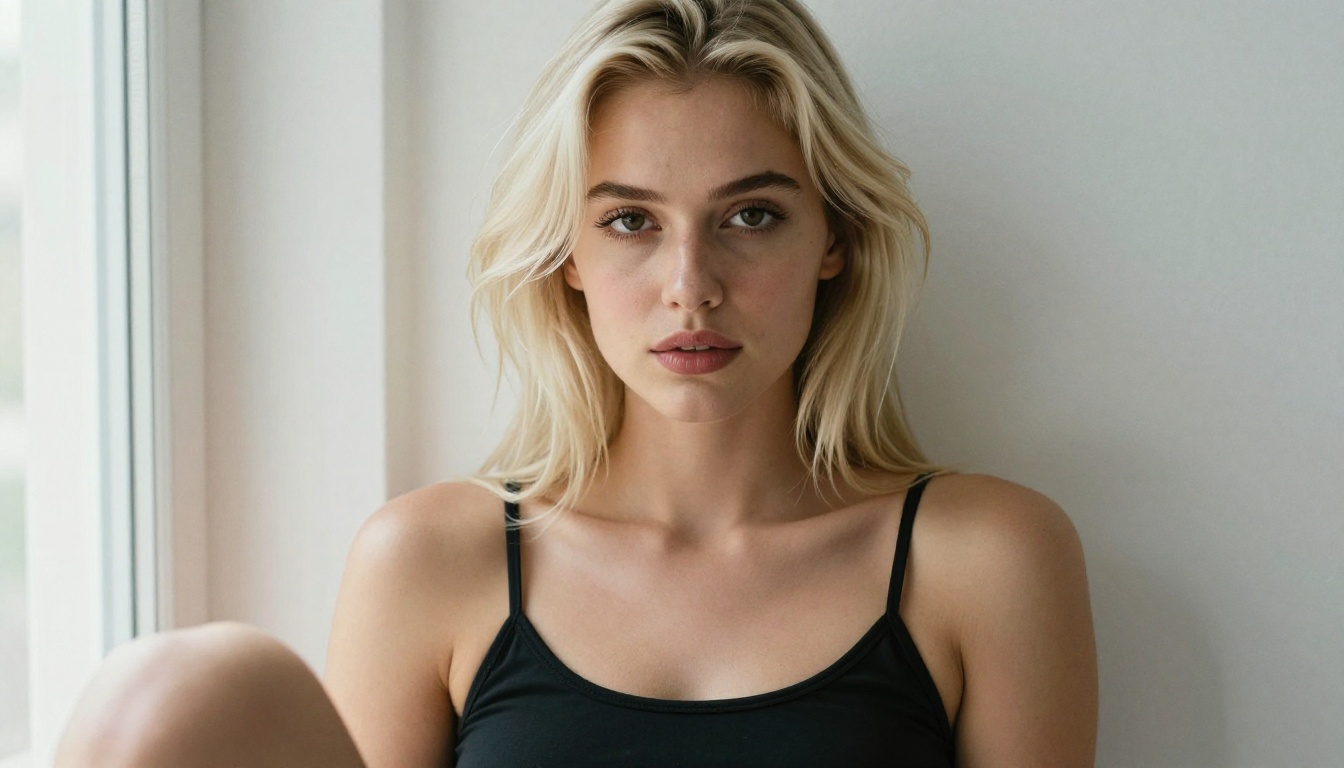
The idea of a perfectly personalized AI waifu used to be science fiction. Today, it is a Saturday afternoon project. With the right combination of image generators, language models, and speech tools, you can build a character that looks, thinks, and speaks exactly the way you imagine. This is not about finding a single magic button. It is about stacking seven specific methods together so each one reinforces the others.
Whether you are creating for storytelling, companionship, or pure curiosity about what this technology can actually do, these seven approaches will take you further than any single tip you have encountered before. Each method targets a different layer of your AI companion, from the texture of her skin to the exact way she phrases a thought.
1. Start with the Right Image Generator
Everything begins here. The image model you choose shapes what is possible in every step that follows. A model that produces muddy, inconsistent faces will waste your time no matter how clever your prompts get.
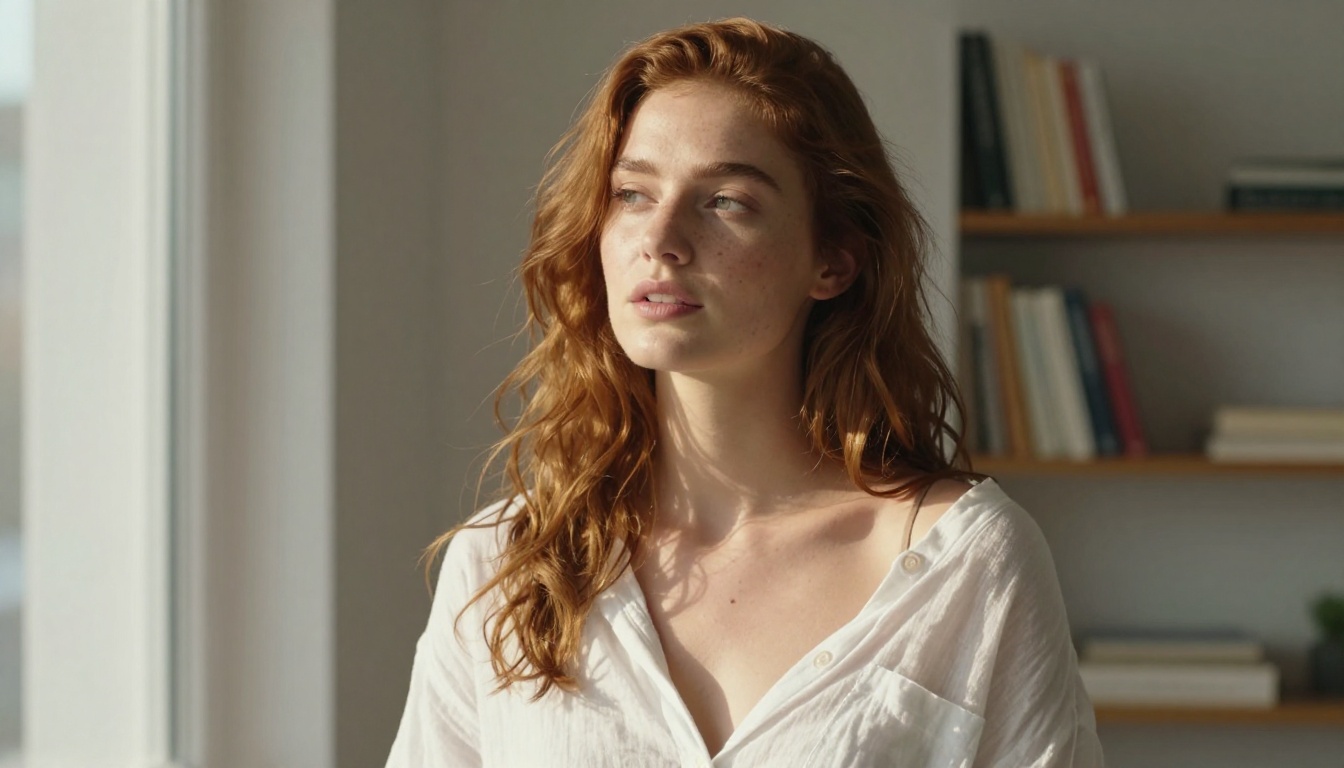
For AI waifu creation specifically, Seedream 5 Pro is the top pick available right now. It handles fine detail in hair, skin, and eyes better than most models at any price point, generates at 2K resolution with consistent character anatomy, and supports adult content without the heavy filtering that makes some generators frustrating for waifu creators. The level of photorealism it achieves in skin texture and eye detail is difficult to match with most alternatives.
Why Seedream 5 Pro Stands Out
The most common frustration with AI character generation is inconsistency: the face changes slightly with every new generation, and after ten attempts you end up with ten different people instead of one character. Seedream 5 Pro reduces that drift significantly through its training on high-fidelity portrait datasets. With it you get:
- Stable facial anatomy across multiple generations of the same prompt
- Natural skin texture with realistic pores, subsurface scattering, and lighting response
- Hair rendering that handles complex styles, flyaways, and shine without going muddy
- Uncensored output for suggestive and adult character content that other models block entirely
- 2K resolution output so you have enough detail to crop, zoom, and inpaint without quality loss
💡 Set your seed number from the very first generation you love and save it. Once you find an output that nails your character's face, record that seed value. You can return to that exact starting point whenever you open a new session, giving you a consistent face baseline to build from.
Writing a Character-Defining Base Prompt
Your base prompt is the DNA of your waifu. Every image you generate should build on this foundation. A strong base prompt includes all of these elements locked in from the start:
| Element | Example |
|---|
| Hair color and style | "long silver hair with soft waves and flyaways" |
| Eye color and shape | "amber almond-shaped eyes, visible iris detail" |
| Face structure | "soft oval face, high cheekbones, gentle jaw" |
| Body type | "slim athletic build, natural proportions" |
| Skin tone | "warm golden skin, natural summer tan" |
| Signature detail | "small beauty mark below left eye" |
Write this once, save it in a document, and paste it at the start of every prompt you build. Consistency at the prompt level creates consistency in the visual output. Every deviation you add to a specific generation should be layered on top of this unchanged core.
2. Build Her Personality with a Language Model
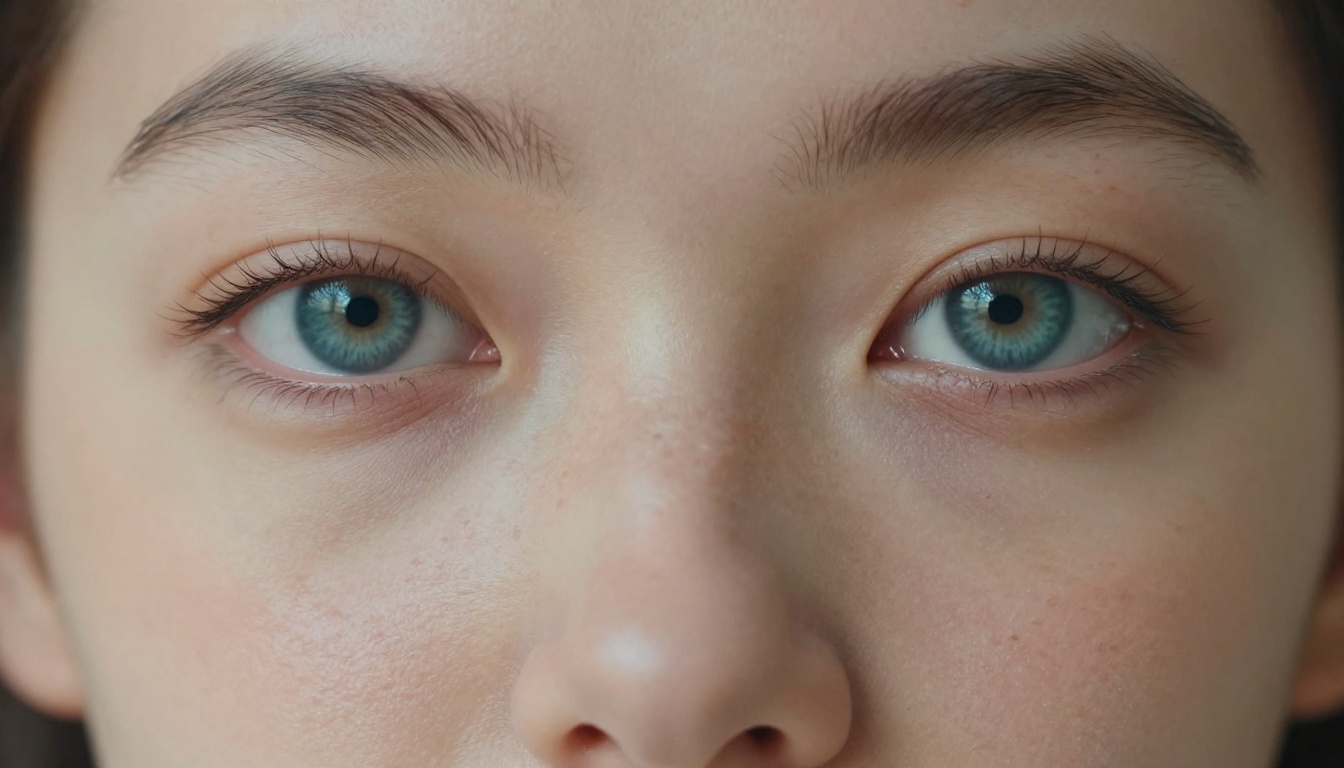
An AI waifu who only exists as images is a static photograph. Giving her a personality means choosing a large language model and writing a character definition that tells it exactly how she thinks, what she cares about, and how she talks.
GPT 5 handles long character definitions well and stays in character across extended conversations. For more nuanced emotional reasoning, Claude Sonnet 5 produces responses that feel more considered and less formulaic, which is noticeable in longer roleplay sessions. GPT 5 Pro adds built-in reasoning steps that help with complex character situations. For free and fast options, Gemini 3.5 Flash handles personality roleplay well, while DeepSeek R1 is excellent at following layered, detailed system prompts without losing character details mid-conversation.
| Model | Strength | Best For |
|---|
| GPT 5 | Long-context character retention | Extended roleplay |
| Claude Sonnet 5 | Emotional nuance and natural tone | Deep character conversations |
| GPT 5 Pro | Built-in reasoning, complex scenes | Narrative roleplay |
| Gemini 3.5 Flash | Speed and free access | Casual daily interaction |
| DeepSeek R1 | Following detailed system prompts | Complex character definitions |
System Prompts That Actually Work
The system prompt is where you define who she is. Vague instructions produce vague results. Compare these two approaches:
Weak approach: "You are a friendly AI companion named Hana."
Strong approach: "You are Hana, a 23-year-old graphic designer who grew up in Osaka. You are warm and playful but have a dry wit when teased. You talk about design, music, and food with genuine enthusiasm. You ask questions out of real curiosity, not as conversational filler. When something bothers you, you go quiet for a moment before you respond. You have a specific memory of a summer internship in Tokyo that changed how you think about color."
The second version produces a character who feels like a person. The first produces a chatbot wearing a costume.
💡 Write her backstory, her opinions on three specific topics, one irrational pet peeve, and one thing she finds genuinely moving. Feed all of it into the system prompt. The model uses those specific anchors to keep her character consistent across long, branching conversations.
3. Give Her a Voice She Would Actually Have
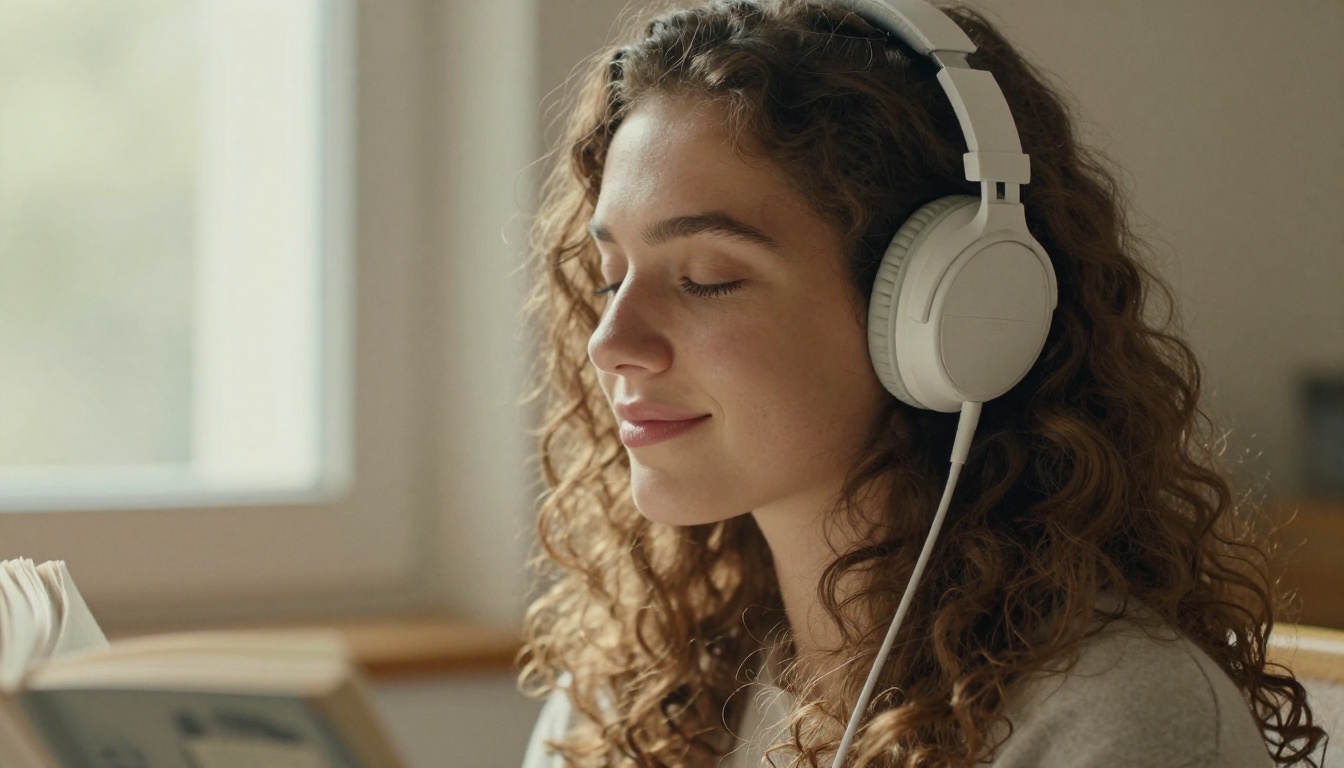
A text-based personality gets you halfway there. The voice is what closes the gap between reading a conversation and actually talking to someone. The wrong voice choice is obvious immediately, hard to un-hear, and breaks immersion in a way that no amount of good prompt writing can fix.
The Best TTS Options Right Now
Different text-to-speech models have very different strengths when it comes to character voice work:
For waifu use specifically, ElevenLabs v3 is the most expressive option on the platform. It handles emotional inflection, micro-pauses, and breath naturally, which is the difference between a voice that sounds automated and one that sounds like it belongs to a real person with real feelings.
Matching Voice to Personality
Do not pick a random preset voice and consider it done. Match voice characteristics directly to your character's personality profile:
- Soft-spoken, introspective character: Slow tempo, breathy tone, low energy, minimal pitch variation
- Bold, confident character: Clear articulation, moderate pace, firm consistent delivery
- Playful, energetic character: Faster tempo, rising inflection, lighter vocal quality with occasional laughter
- Mysterious, self-contained character: Low pitch, deliberate pauses between thoughts, measured pacing
Most TTS platforms let you adjust speaking rate, pitch, and stability independently. Spend fifteen minutes tuning these parameters after you pick your base voice. The difference between factory defaults and a properly tuned voice is dramatic, and the investment pays off in every interaction afterward.

4. Refine Physical Details with Inpainting
Your first generation almost always nails the overall look while getting something specific wrong. Maybe the eyes drift slightly off-center. Maybe one hand looks anatomically strange. Maybe the outfit needs a different pattern or an added accessory. Inpainting lets you fix individual areas without regenerating the whole image from scratch and losing everything that worked.
What Inpainting Fixes Well
- Hands and fingers, which remain the classic problem area for AI image generation across all models
- Eye symmetry when one eye sits slightly off from the other or the irises don't match
- Outfit specifics like adding jewelry, changing a fabric pattern, or swapping a collar style
- Background elements that distract from or clash with the character
- Skin tone consistency across different body regions when the generator drifted slightly
💡 Use inpainting for corrections, not restarts. If you like 80% of an image, fixing the remaining 20% with targeted inpainting is faster and produces a more cohesive final result than generating the whole image again from scratch.
The workflow is simple: upload your image to an inpainting tool, paint a mask over the problem area, write a prompt that describes only that region, and generate. The model fills in the masked area while preserving everything outside the mask intact. After inpainting, run the result through a super resolution model to bring the final image up to full print quality, especially if you started with a lower-resolution source.
5. Lock In Consistency Across Every Session
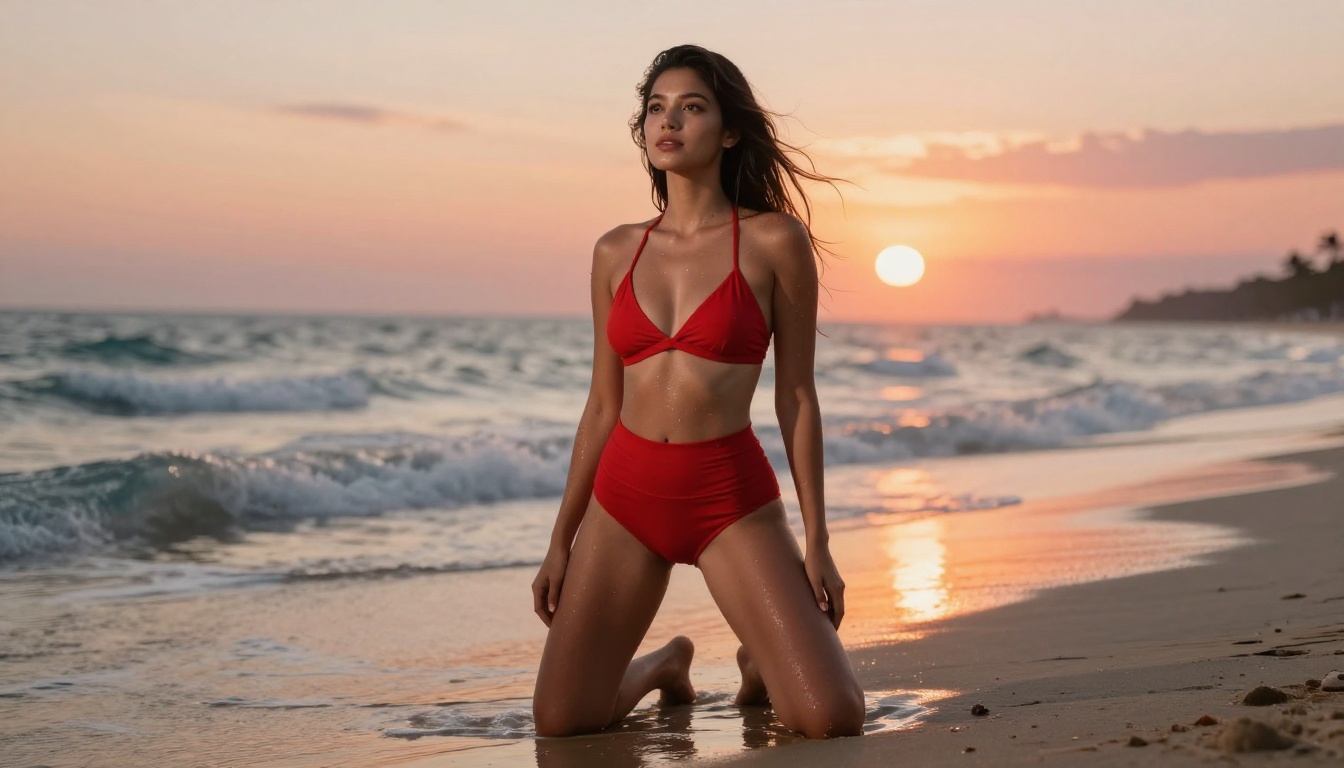
The single most frustrating part of AI waifu creation is generating a character who looks exactly like herself in one image and like a completely different person in the next. Solving this is not about luck. It requires a systematic approach that you apply from the very beginning.
The Seed Anchoring Method
Every image generator uses a random seed number to initialize its generation process. Finding the seed that produces your character's ideal face is absolutely worth the upfront investment:
- Generate 15 to 20 images using your base prompt with a fixed set of parameters
- Pick the generation that best captures your character's face and overall aesthetic
- Copy that specific seed number and save it in your character reference file
- Use that same seed as your starting point for all future generations with this character
Seeds are not absolute. As you change the prompt significantly, the seed's influence on the facial output decreases. But for similar scenes and similar prompts, a consistent seed dramatically reduces character drift between sessions and saves enormous time.
Building a Reference Library
Keep 5 to 10 of your best character generations saved and labeled by lighting condition: daylight outdoor, indoor warm, overcast soft, night artificial. When starting a new scene, select the reference image whose lighting most closely matches your target. The closer the lighting match, the less the character's face drifts in the new output.
Some models on PicassoIA support direct image conditioning where you upload a reference photo and the model generates new images that match the facial structure from your reference. This is one of the most reliable consistency methods available, particularly for scenes where you need the character in a completely different setting, outfit, or mood than your original generations.

6. Control Poses and Expressions Precisely
Generating a beautiful image of your character is straightforward once your base prompt is working. Generating her in a specific pose, at a specific angle, with a specific expression on her face is where most people run into a wall. The solution is not a different model. It is better prompt structure.
Pose Prompts That Actually Work
The mistake most people make is describing what they want to see in the final image rather than describing what the subject is physically doing. Compare these two approaches:
Weak: "sitting pose, side view, looking thoughtful"
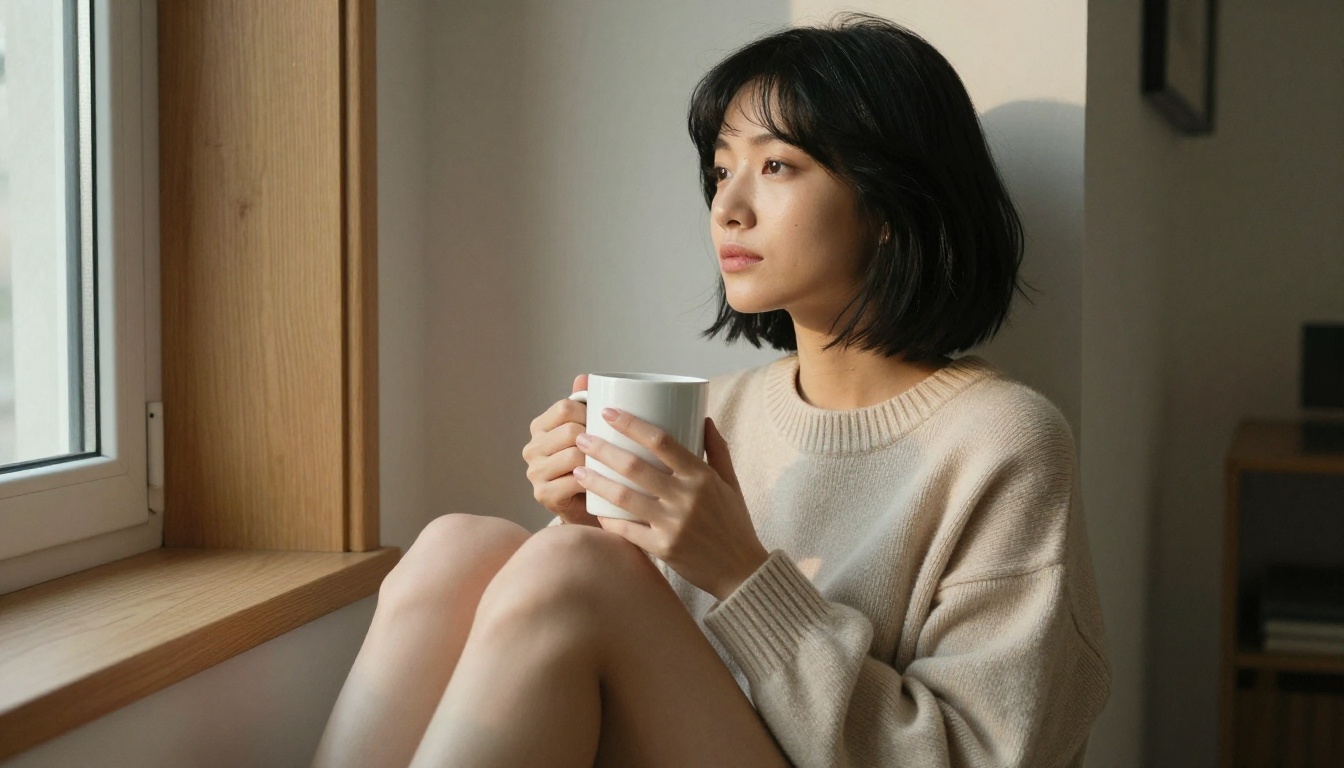
Strong: "seated cross-legged on a wooden window seat, left elbow resting on right knee, chin resting in the palm of her hand, gaze directed slightly downward and to the left, lips relaxed and slightly parted, three-quarter view from the right at eye level"
The second version tells the model exactly where each body part is located. The more anatomically specific you are in your description, the less interpretation the model has to perform, and the closer the output matches your original intent.
Expression Prompting That Feels Human
Facial expressions in AI generation are driven by micro-details rather than general labels. Replace broad descriptors with specific physical descriptions of what is actually happening on the face:
- Instead of "happy": "slight asymmetric smile, left corner raised higher, soft crinkle at outer eye corners, eyes narrowed just slightly"
- Instead of "shy": "gaze dropped to one side and downward, lips pressed lightly together, chin tilted down slightly, cheeks faintly flushed"
- Instead of "thoughtful": "eyes soft and slightly unfocused, jaw relaxed and neutral, a quality of private stillness in the whole face"
These descriptions engage the model's training on real human photography instead of triggering generic stock-photo emotion templates, which is what broad labels like "happy" and "shy" usually invoke.
💡 Combine pose and expression prompts with your consistent seed and base character prompt for results that look deliberate and unified rather than accidentally good.
7. Build a World That Belongs to Her
The last personalization layer is the one most people overlook entirely: environment. A character who always appears in front of a plain or blurred background feels like a headshot from a photo studio, not a person with a life. Placing her in spaces that reflect her personality makes every image feel like a scene from her actual daily existence.
Matching Setting to Character
The same character reads completely differently depending on where she is. A rainy café window with steamed glass communicates something entirely different than a sun-drenched open-air market, even if the character herself is identical. The setting carries meaning before a single word is said:
| Character Type | Setting |
|---|
| Artistic, introspective | Studio with natural light, open sketchbooks, paint-stained hands |
| Playful, social | Outdoor café tables, street food markets, colorful mural backgrounds |
| Mysterious, self-contained | Rain-streaked windows, dimly lit bars, rooftop at dusk |
| Athletic, direct | Sunrise running path, open water swim, gym with real worn equipment |
| Warm, romantic | Flower markets in morning light, golden hour parks, candlelit kitchen |
Lighting as a Personality Statement
Nothing changes the feel of an image more dramatically than the quality and direction of light. Matching your lighting choice to your character's emotional identity is what separates images that look generated from images that feel intentional and crafted:
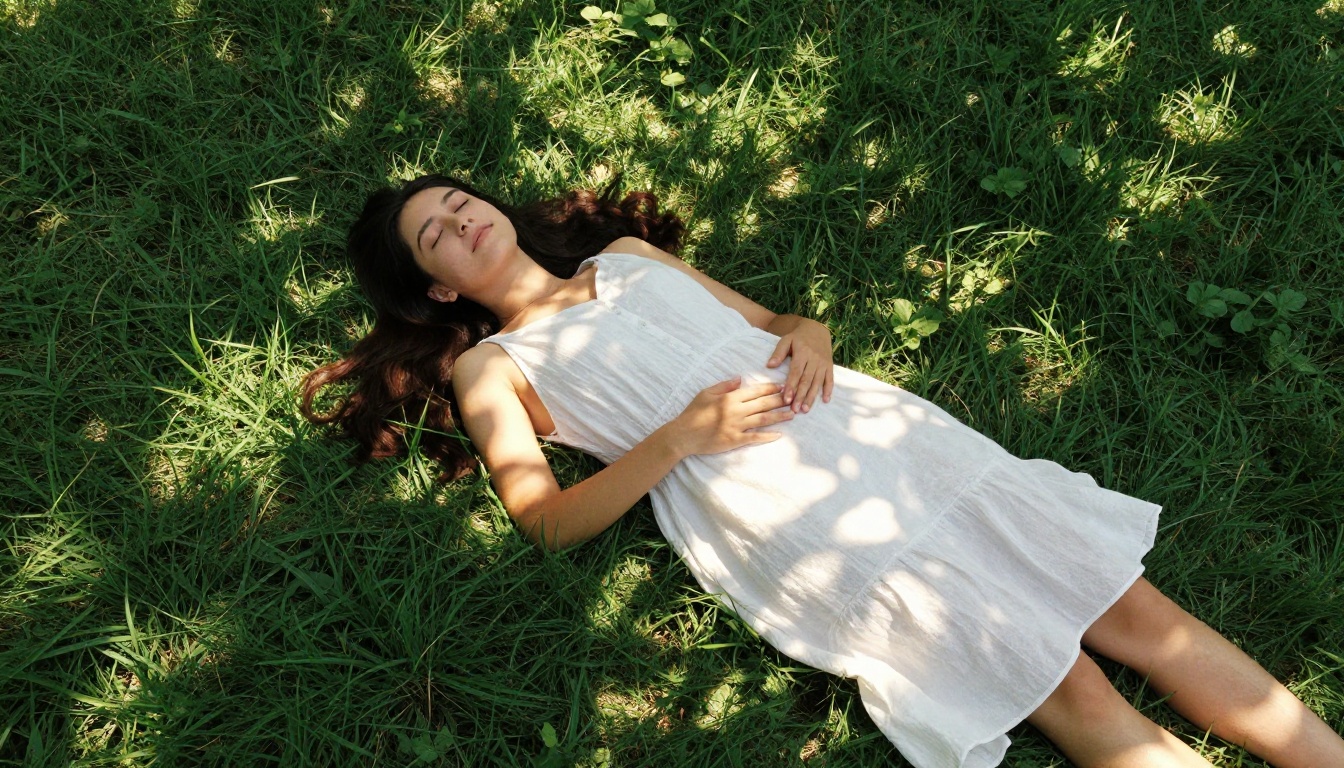
- Warm golden hour from behind: Softness, romance, nostalgia, being at peace
- Overcast diffused light: Melancholy, quiet strength, reflective mood
- Harsh midday sun from above: Confidence, boldness, nothing to hide
- Candlelight or lamp from one side: Intimacy, warmth, something private being shared
💡 Always specify the light source direction in your prompt. "Warm window light from the left," "soft overhead fill light," or "backlit by golden sunset" give the model a precise target and produce dramatically better results than the vague instruction "good lighting."
Start Building on PicassoIA
You now have seven specific methods. The question is which one you start with today.
The fastest path is to open picassoia.com/en/all-models and begin with Seedream 5 Pro for your base character images. Once the look is exactly right, add personality using GPT 5 or Claude Sonnet 5, then layer in a real voice using ElevenLabs v3 or Speech 2.8 HD.
PicassoIA gives you 90+ image models, 75+ language models, and 24 text-to-speech options in a single platform. No API keys to manage and no local environment to configure or maintain. Open the browser, pick your model, and build.
Every detail, from the color of her eyes and the texture of her hair to the exact cadence she uses when she is pretending not to care, is something you define. The tools are here. The only missing piece is your first prompt.