Watermarks are the price most platforms charge for a free account. You generate something you love, only to find the platform's logo stamped right across it, making the image unusable for any real purpose. And the irony is that watermarks rarely stop anyone from using the image anyway: they just ensure the image looks bad. The good news is that in 2027, a growing number of free AI image generators produce clean, high-quality output with absolutely zero watermarks, and several even include commercial use rights at no cost.
This article covers the 8 best free AI image generators with no watermark available right now. Every tool has been evaluated on image quality, daily generation limits, commercial rights, and the actual usability of the free tier. No paid plans required to get clean results.
What Watermark-Free Actually Means
Not all free tiers are equal, and "no watermark" does not always mean what you think. Some platforms call themselves free but only remove watermarks on a paid subscription. Others add subtle metadata stamps or attribution requirements instead of visible logos. Before trusting a tool with your workflow, it is worth understanding exactly what you are getting.
Clean Output vs. Ownership
A watermark-free image is one where the exported file contains only the pixels from your generated scene, with no overlay text, logo, badge, or attribution graphic embedded into the image itself. That is the baseline. But there is a second layer: who owns the image and what you can do with it.
Ownership rules vary significantly across platforms. Some tools grant full intellectual property rights over generated images on the free tier. Others allow personal use but prohibit selling or using the image in client projects without upgrading. Always check the terms before including AI-generated images in commercial work, even if the image itself is watermark-free.
Why Rights Matter More Than Daily Limits
Most people focus on how many images they can generate for free. That matters, but the commercial rights question matters more for anyone creating content professionally. A platform that gives 100 free generations per day but bans commercial use is actually less useful than one giving 10 generations with full ownership rights, if your work ends up in client deliverables, social media campaigns, or published articles.
The comparison table below captures both dimensions for every tool on this list.
Quick Comparison
| Tool | Free Daily Limit | No Watermark | Commercial Use (Free) | Standout Feature |
|---|
| PicassoIA | 50 credits/day | Yes | Yes | 90+ models, one platform |
| Adobe Firefly | 25 credits/month | Yes | Yes | Commercially trained dataset |
| Microsoft Designer | 15 Boosts/day | Yes | Personal | DALL-E 3 access for free |
| Leonardo AI | ~150 tokens/day | Yes | Yes | Fine-tuning on free tier |
| Ideogram | 10/day | Yes | Yes | Text rendering in images |
| Canva Magic Media | 50/month | Yes | Yes | Built into Canva editor |
| Playground AI | 100/day | Yes | Personal | Canvas editing + outpainting |
| NightCafe | 5 credits/day | Yes | Personal | Artistic style depth |
💡 Free tier limits change frequently. Always verify limits directly on each platform before planning a large project around them.
1. PicassoIA
PicassoIA is not a single AI model. It is a platform hosting over 90 text-to-image models behind a single free account, all producing output with no watermarks. That distinction matters because no single model excels at everything. A platform that lets you switch models freely, without managing multiple subscriptions, is a fundamentally different kind of tool from a single-model generator.
Models Worth Using for Free
The model library includes several standouts that compete directly with paid services:
- GPT Image 2 produces photorealistic images with excellent prompt accuracy. It handles portraits, architectural scenes, fashion photography, and lifestyle imagery with natural lighting and skin tones that hold up at full resolution.
- Flux Redux Dev generates image variations from a reference image, making it useful for maintaining visual consistency across a series: same character, same product, different scene.
- Seedream 4.5 specializes in 4K detail output with sharp textures and high contrast. When resolution is the priority, this is the model to reach for.
- Wan 2.7 Image Pro produces vivid, high-contrast images with excellent color saturation and detail clarity across a wide range of subjects.
What the Free Tier Actually Includes
Daily free credits give access to the full model library, not a limited subset. There are no artificial restrictions blocking specific models on the free plan. You can also use ControlNet for structure-based generation (guiding the composition with a pose or edge map), inpainting to fix specific regions of a generated image, and Qwen Image Edit Plus for direct AI-powered photo editing.
Beyond images, the platform includes background removal, super-resolution upscaling, face swap, text-to-video with 80+ models, and audio generation tools. For anyone who wants one free platform that handles the full range of AI content creation tasks without juggling multiple accounts, PicassoIA is the most practical option on this list.
2. Adobe Firefly
Adobe Firefly is built around one core promise: commercially safe image generation. The training dataset consists entirely of licensed Adobe Stock content and public domain material, which means outputs carry no copyright concerns that plague models trained on scraped internet data.
Where It Actually Shines
For professional designers and marketers producing content for clients, Firefly's clean commercial licensing is a genuine differentiator. Image quality is high, with particularly strong results for:
- Product photography mockups: clean, neutral backgrounds with accurate lighting simulation
- Fashion and lifestyle imagery: natural poses and realistic fabric rendering
- Stock-style scenes: the kind of image that fits naturally in a premium stock library
The interface is minimal and built for fast iteration. The generative fill feature, which replaces or extends parts of an existing photograph using AI, works seamlessly in both Photoshop and the standalone web app.
The Free Tier Problem
Twenty-five credits per month is very restrictive. A single project with multiple variations can exhaust that limit in one session. Once credits run out, generation stops until the next monthly reset, unless you hold an Adobe Creative Cloud subscription. For occasional use or testing, the free tier is adequate. For a regular workflow, the cap becomes a serious bottleneck quickly.
3. Microsoft Designer (DALL-E 3)
Microsoft Designer provides free access to DALL-E 3 via Boosts, Microsoft's credit system for AI-accelerated features. For anyone who wants OpenAI's image model without paying for ChatGPT Plus, this is the most direct route available.
Prompt Accuracy at No Cost
DALL-E 3 is one of the strongest models for interpreting complex text prompts accurately. If you describe a specific scene with multiple interacting elements, DALL-E 3 is more likely than most alternatives to produce an image that actually reflects what you described. It also renders text within images better than nearly every other free model, though still imperfectly.
Fifteen daily Boosts generate images at full speed. After the limit, generation continues in a slower queue. Outputs have no watermarks, and personal use is unrestricted.
Who It Is For
Microsoft Designer is the right pick for users who want DALL-E 3 quality without paying, and who do not need heavy daily volume. It works especially well for one-off social media graphics, presentation images, and blog illustrations where prompt accuracy matters more than generating dozens of variations.
4. Leonardo AI
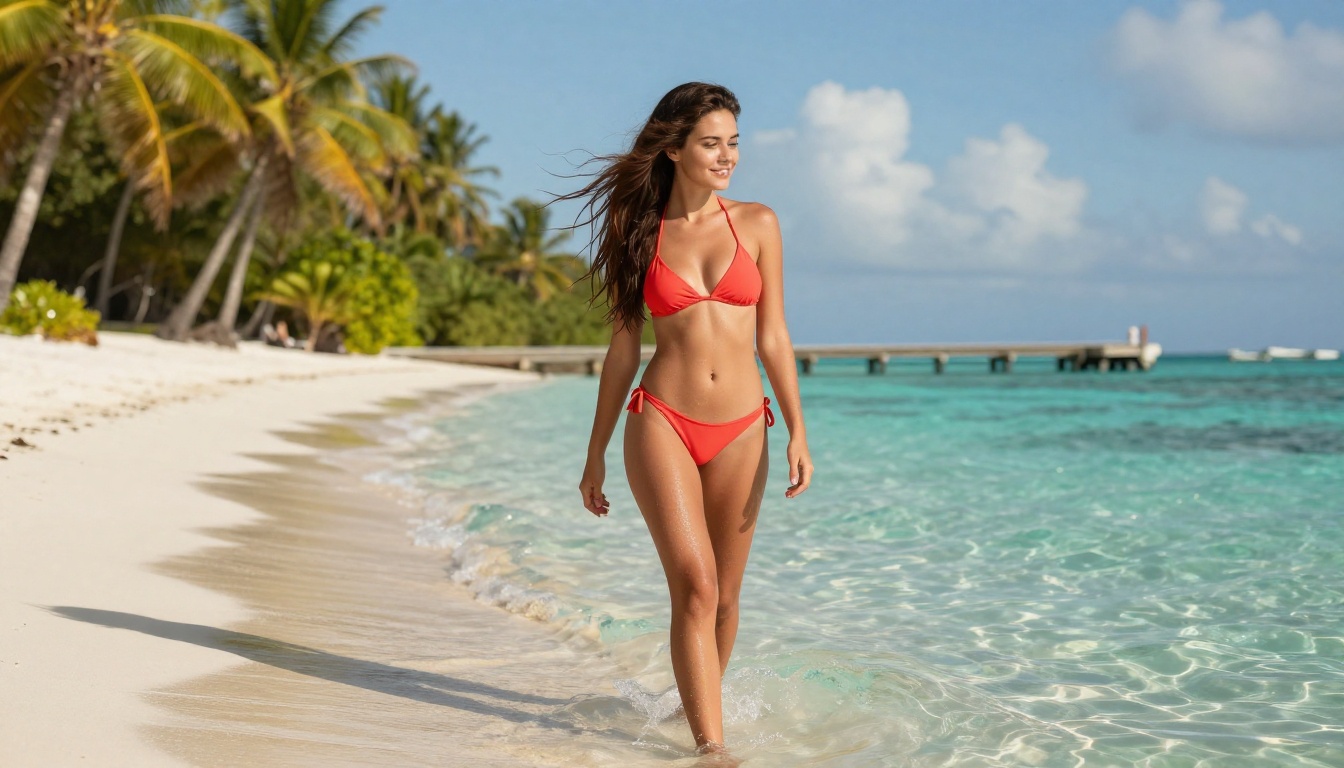
Leonardo AI offers one of the most generous free tiers in the category: approximately 150 tokens per day, supporting 20 to 40 high-quality image generations depending on resolution and settings. Outputs are watermark-free. Commercial use is permitted under Leonardo's standard free license.
Fine-Tuning on a Free Account
Most platforms reserve model fine-tuning for paid tiers. Leonardo offers it at no cost. You can upload a set of reference images, train a lightweight custom model on your art style or subject matter, and use that trained model for future generations, all without spending anything.
This matters for workflows that require consistency:
- Content creators maintaining a specific visual style across a content calendar
- Product photographers who want a custom model trained on a particular product line
- Character designers who need consistent features and proportions across multiple scenes
Realism That Competes With Paid Platforms
Leonardo's Phoenix model and its Flux-based variants produce photorealistic results at a quality level that genuinely competes with paid services. Skin tones are natural, fabric and surface textures hold up at high resolution, and lighting calculations produce believable shadows and highlights. For photorealistic output at scale, Leonardo's free tier is the strongest single-model option on this list.
5. Ideogram
Ideogram exists to solve a problem every other AI generator handles badly: putting readable text inside an image. Stable Diffusion, Flux, DALL-E, and most other models produce garbled, misspelled, or visually broken text when asked to render words inside a scene. Ideogram produces clean, properly rendered text in the vast majority of cases.
Where It Fits Best
Ten free generations per day with no watermark and commercial rights included. Ideogram is the strongest tool on this list for:
- YouTube thumbnails that need a title overlaid on a photographic or illustrated scene
- Social media graphics with integrated headlines or calls to action
- Event posters and promotional materials where text and image need to feel unified rather than composited
The output style leans more graphic and designed than strictly photorealistic. For a clean photograph of a person or landscape, other tools on this list serve better. For an image where the words are genuinely part of the visual composition, Ideogram is in its own category.
Output Variety
Beyond text-heavy images, Ideogram handles typography-free prompts well too. The style engine supports photorealistic, illustration, and anime modes, giving reasonable variety within a 10-generation daily free limit. The images download as clean PNG or JPEG files with no branding.
Canva's Magic Media brings AI image generation directly into the Canva design environment. The core advantage is not image quality: it is workflow integration.
No Exporting, No Re-Importing
When you generate an image inside Canva, it lands on your canvas instantly, sized and positioned for whatever template you are working in. For social media teams, small business owners, and content creators who work primarily inside Canva, this eliminates the round-trip of generating an image elsewhere, downloading it, uploading it, and resizing it.
The free plan includes 50 AI image generations per month, no watermark, and commercial rights under Canva's standard license. Output quality is adequate for social content, though it does not match the photorealistic ceiling of Leonardo or PicassoIA.
When to Use It
Magic Media makes the most sense if your creative workflow already lives inside Canva. For standalone image generation where output quality is the priority, the other tools on this list perform better. For teams that design social posts, presentations, and marketing materials directly in Canva every day, eliminating the export/import cycle has real time value.

7. Playground AI
Playground AI provides 100 free image generations per day, one of the highest daily free limits available. The platform runs Stable Diffusion-based models with a canvas editor that includes inpainting, outpainting, and mixed-image workflows, all on the free tier.
The Canvas Editor Difference
Most free generators give you a prompt box and an output image. Playground gives you a canvas where you can:
- Select any region of a generated image and regenerate just that area with a new prompt
- Extend the image beyond its original borders in any direction
- Blend an uploaded photograph with AI-generated elements seamlessly
This level of editing capability at zero cost is unusual. For experimental creative work, collage-style projects, and iterative image refinement, Playground offers more hands-on control than any other free tool on this list.
Volume and Limits
One hundred generations per day with no watermarks gives genuine creative volume. The output style is more stylized than strictly photorealistic, which makes it excellent for creative and artistic work rather than product photography or high-realism portraits. Commercial use requires a paid plan under current Playground terms, but personal and creative use is unrestricted.
8. NightCafe
NightCafe is one of the original AI art platforms, built around a community credit model. You receive 5 free credits per day, with bonus credits available by logging in daily, sharing generated images with the community, and participating in themed creation challenges.
Artistic Style Variety
NightCafe supports a wider range of artistic style algorithms than most free tools. Beyond photorealistic models, it includes style-transfer modes that produce oil painting, watercolor, pencil sketch, and mosaic effects. For projects where texture and painterly quality matter more than photographic accuracy, NightCafe provides stylistic options that other free generators simply do not offer.
Community and Credits
Five daily credits is a limited starting point. The gamified credit system rewards consistent engagement, meaning active community members can accumulate enough credits for meaningful daily use. Casual users will hit the ceiling quickly. Outputs are watermark-free. Commercial use of free credits depends on current platform terms, which should be confirmed before using outputs in paid work.
The platform is best suited for artists and hobbyists who value stylistic depth and community over raw generation volume. If photorealistic output at scale is the goal, the other tools on this list serve that need more directly.
Which One Fits Your Workflow?
| Your Primary Need | Best Tool |
|---|
| Maximum model variety, no watermark | PicassoIA |
| Commercial safety for client work | Adobe Firefly |
| DALL-E 3 quality without a paid account | Microsoft Designer |
| Photorealistic output with fine-tuning control | Leonardo AI |
| Text rendering inside images | Ideogram |
| Design workflow integration in Canva | Canva Magic Media |
| High daily volume with canvas editing tools | Playground AI |
| Painterly and artistic style depth | NightCafe |
💡 For most users starting out, PicassoIA offers the widest access without watermarks, and Leonardo AI is the strongest single option for photorealistic output with real creative control. Both work well together since they fill different niches.
Try It Yourself on PicassoIA
Every tool on this list removes the watermark problem. The remaining question is which combination of output quality, daily volume, model variety, and editing capability matches how you actually work.
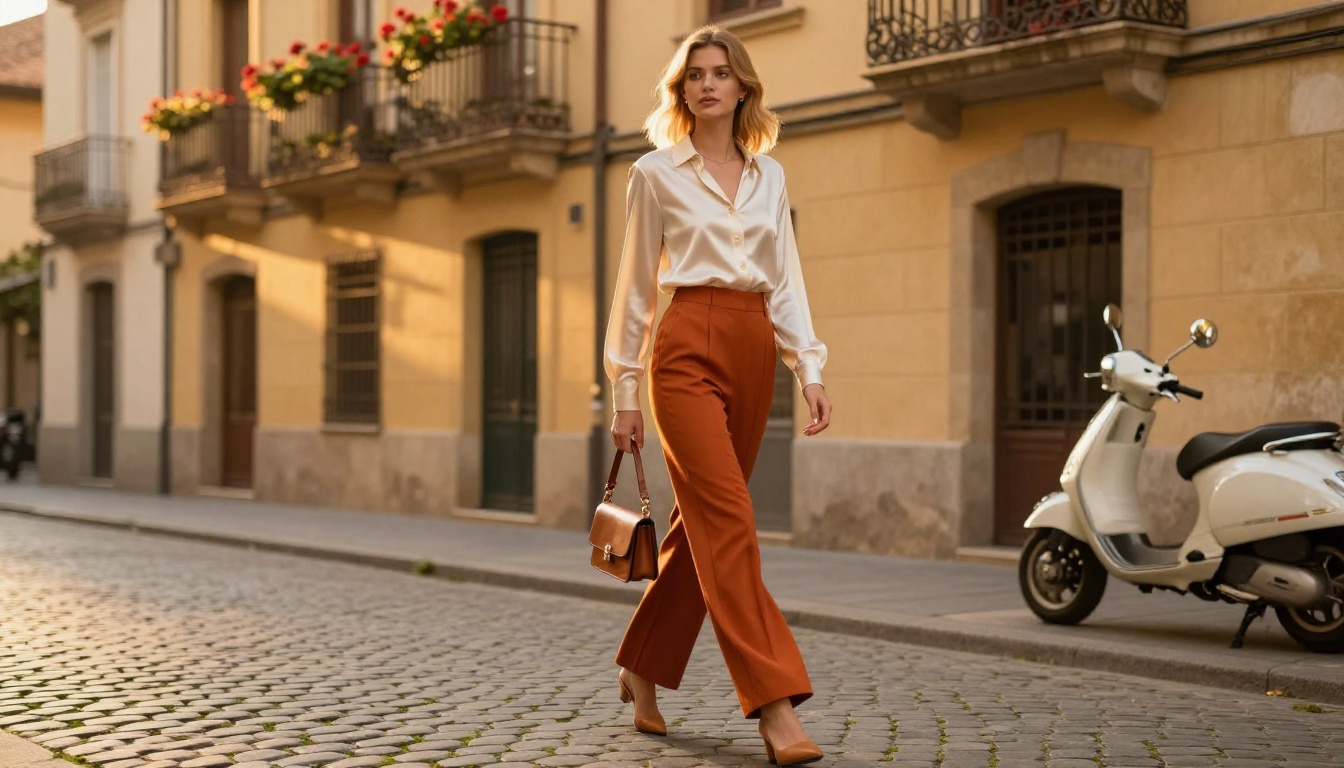
If you want to start with the broadest range of AI image models available for free anywhere, PicassoIA is the most practical entry point. You can generate photorealistic portraits with GPT Image 2, produce ultra-sharp 4K output with Seedream 4.5, create consistent image variations with Flux Redux Dev, or edit existing photos directly with Qwen Image Edit Plus, all from a single free account with no watermarks on any output.
Write a prompt, pick a model, and see what your idea looks like. The images are yours, clean and ready to use from the first generation.


