Most NSFW AI tools promise a lot. The vast majority deliver blurred outputs, quietly block your prompts after two tries, or add content flags that reject anything remotely suggestive. The handful that actually work are the ones creators bookmark and keep open in their browser tabs every single day.
This is not a theoretical roundup of experimental models sitting behind waitlists and API keys. These 8 tools are what real adult content creators use in active production workflows, from solo OnlyFans creators to professional glamour photographers who use AI to ideate and iterate without paying per-shot model fees. They were selected against three hard criteria: speed, realism, and no content filtering. Every tool here generates results quickly, produces output that holds up to scrutiny, and accepts adult content without the runaround.

The NSFW AI image generation market is flooded with models that look capable in screenshots and collapse the moment you test them with real adult prompts. What separates the 8 tools on this list comes down to three factors: output realism, content acceptance, and workflow economics.
Output Realism That Holds Up
The best models produce images that read as photography, not AI art. That means natural skin texture with visible pores and subtle color variation, convincing light falloff across the body, realistic hair strands that catch ambient light, and depth of field that matches how an actual camera lens behaves. When those details are missing, the output looks generated no matter how good the prompt is.
No Content Filtering
The majority of mainstream AI platforms run prompt checking before and after generation. Your request gets screened, flagged, or silently modified before the model even sees it. The tools in this list either have those filters disabled or never had them to begin with. You write what you mean, and the model generates what you described.
Economics at Scale
For creators generating 500 or 1,000 images per month, per-credit pricing accumulates fast. Some platforms on this list offer unlimited generation tiers that fundamentally change the cost structure. For high-volume workflows, the pricing model matters as much as the model quality.
💡 The unlimited tier changes everything: At 1,000 images per month, per-credit pricing on some platforms approaches $100. Several tools on this list cost nothing extra under a flat subscription.
1. Seedream 4.5 - Best Overall NSFW Generator
Seedream 4.5 is the strongest all-around option for adult content creators who need both quality and speed. It accepts NSFW prompts without filtering, operates as both a text-to-image and image editing model, and consistently delivers results in under three seconds.
What makes it the top pick is the combination of features that most models split across separate tools. Text-to-image mode lets you build from a written prompt. Image editing mode lets you modify an existing photo, changing clothing, adjusting lighting, or altering backgrounds while preserving the subject's features. Both modes accept adult content, and both modes are fast.
The output quality is where Seedream 4.5 consistently earns its position at the top. Faces render with natural asymmetry rather than the symmetrical uncanny-valley look that plagues lesser models. Skin tones grade realistically rather than smoothing uniformly. Complex lighting setups, a window backlight, a warm practical lamp, soft bounce from a colored wall, come through accurately from a text description alone.

Why Creators Pick It First
- Accepts adult content with no prompt filtering
- Generates in under 3 seconds
- Both text-to-image and image editing in one model
- Preserves facial features when editing an existing photo
- Hyper-realistic skin, lighting, and pose rendering
⚠️ Important: Seedream 5 Lite does not support NSFW content. If you're on PicassoIA and want adult content results, use Seedream 4.5 specifically. The Lite version will reject those prompts.
How to Use Seedream 4.5 on PicassoIA
- Navigate to Seedream 4.5 on the platform
- Write a detailed prompt: subject description, environment, clothing or lack of it, lighting direction, camera angle
- Select text-to-image or image editing mode based on your starting point
- Generate. Most results land in 2-3 seconds.
- Download at full resolution or iterate directly from the result
2. PicassoIA Image Editor Pro - Unlimited Generations
PicassoIA Image Editor Pro is an image-to-image model with a pricing structure that changes the math for high-volume creators. Under PicassoIA's Elite or Infinite subscription plans, generations are unlimited. No credits, no per-image fees, no cap.
To put that in concrete terms: generating 1,000 images on some per-credit models costs around $100. On PicassoIA Image Editor Pro with an Elite plan, those 1,000 images cost nothing beyond the monthly subscription. For creators who run large content volumes, that difference determines whether a workflow is economically viable.
Speed matches the pricing value. Results come back in under one second, making this the fastest image-to-image option on the list. It accepts NSFW content and processes a range of transformations from styling and wardrobe changes to lighting and background adjustments. New users get 3 free trial generations with no credit card required.
The Math on Unlimited Generations
| Volume | Per-Credit Cost (Est.) | Image Editor Pro |
|---|
| 100 images/month | ~$10 | Included in plan |
| 500 images/month | ~$50 | Included in plan |
| 1,000 images/month | ~$100 | Included in plan |
| 5,000 images/month | ~$500 | Included in plan |
Who This Is For
This model works best for creators who already have a photo library to work from. Image-to-image means you supply the starting frame and the model transforms it based on your prompt. That makes it powerful for wardrobe modifications, style adjustments, and lighting changes on existing content, not for building entirely from scratch.
| Creator Type | Why It Fits |
|---|
| High-volume content producers | Unlimited generations at flat monthly cost |
| Photographers editing existing shots | Image-to-image native workflow |
| Creators new to AI | Free 3-generation trial, no card required |
| Solo creators on a budget | No per-image fees on paid plans |
3. Qwen Image 2 - Open-Source Realism
Qwen Image 2 is an open-source model. That distinction matters because open-source model weights do not carry the corporate content policies that get baked into proprietary models at training time. What you describe is what you get.
The model handles both text-to-image creation and image editing within a single interface, making it flexible at different stages of a content pipeline. Realism is strong across skin, hair, and fabric textures. Complex scene compositions with multiple subjects or detailed environmental context come through accurately.
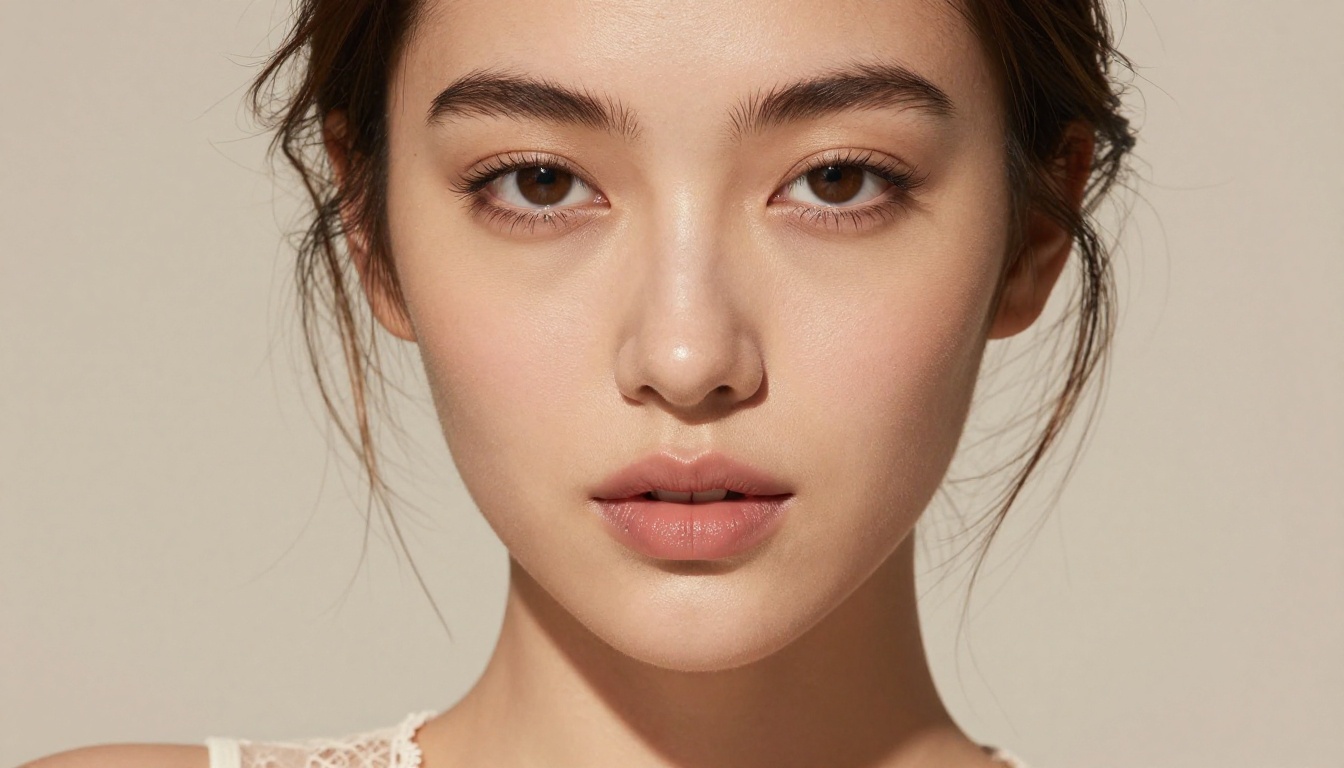
What open-source means for NSFW creators:
- No content policies embedded in the model weights
- No prompt screening before generation
- Community-tested with adult content workflows
- Available on PicassoIA without needing to self-host
The performance puts Qwen Image 2 in the same tier as closed models that cost significantly more per generation. For creators who want realism without a proprietary platform's content controls, it's the open-source answer.
4. Grok Imagine Image - Best for Wardrobe Conversion
Grok Imagine Image specializes in image-to-image transformation with a particular strength in realistic wardrobe conversion. Feed it a clothed reference photo, prompt it for a swimwear or bikini format, and it produces a believable transformation that preserves the subject's facial features, skin tone, and body proportions.
Most image-to-image models struggle here. Wardrobe removal or replacement tends to produce artifacts, proportion shifts, or a disconnected look between the edited and original parts of the image. Grok Imagine Image handles this better than almost any other model at this price point, which is why it appears specifically in glamour and swimwear creator workflows.
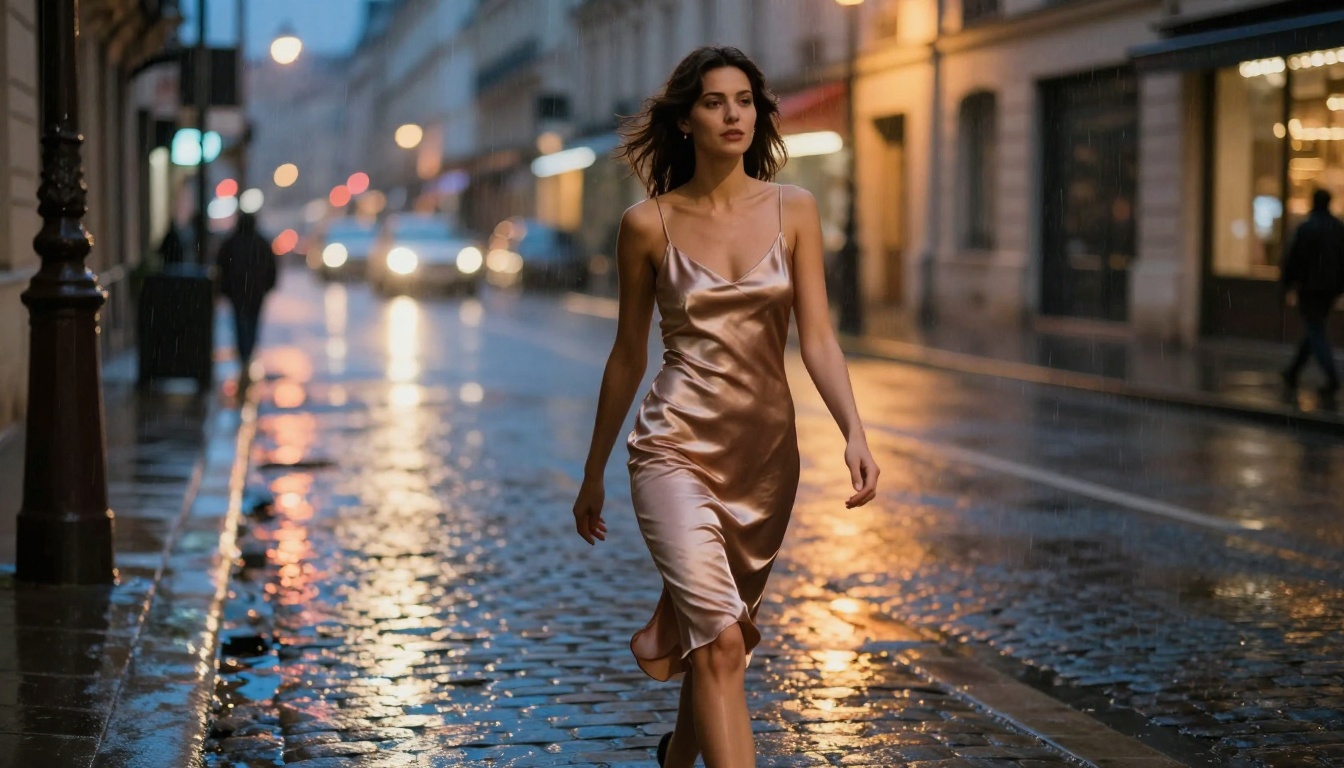
Best use cases:
- Converting clothed photos to swimwear format
- Realistic body-proportion-preserving transformations
- Fast wardrobe variation generation for a single subject
- Reference photo to NSFW conversion without facial distortion
5. Recraft V4 - Pure Text-to-Image Realism
Recraft V4 is a text-to-image-only model. No image editing, no input photo required. Write a prompt, get an image. That constraint makes it the most straightforward tool on this list, and its output quality justifies the focus.
The realism is high. Skin renders naturally with genuine texture rather than the airbrushed look that makes AI-generated images obvious. Poses read as natural rather than as something constructed. Environmental details in the background render consistently with the foreground subject. It accepts adult content prompts without filtering.
Where it differs from Seedream 4.5 is the absence of image editing capability. If your workflow is purely text-to-image, that's not a limitation. If you need to modify existing photos, Recraft V4 is not the tool for that step.

When Recraft V4 is the right choice:
- You're building from a text prompt with no source image
- You want high-realism output without added complexity
- You need reliable NSFW prompt acceptance
- You're iterating on prompt language to nail a specific look
6. P-Image by PrunaAI - Speed King
P-Image generates images in under one second. That's the primary feature, and it's genuinely that fast. For creators testing prompt variations at volume, building large batches of options, or prototyping before committing to a higher-fidelity model, that speed changes how you work.
At under one second per generation, you can run 60 prompt variations in a minute. That's not the right approach for producing polished final images, but it's a highly efficient way to figure out what prompt language, angle, lighting description, and subject description actually produces the look you want before you move to a slower, higher-cost model for the final render.
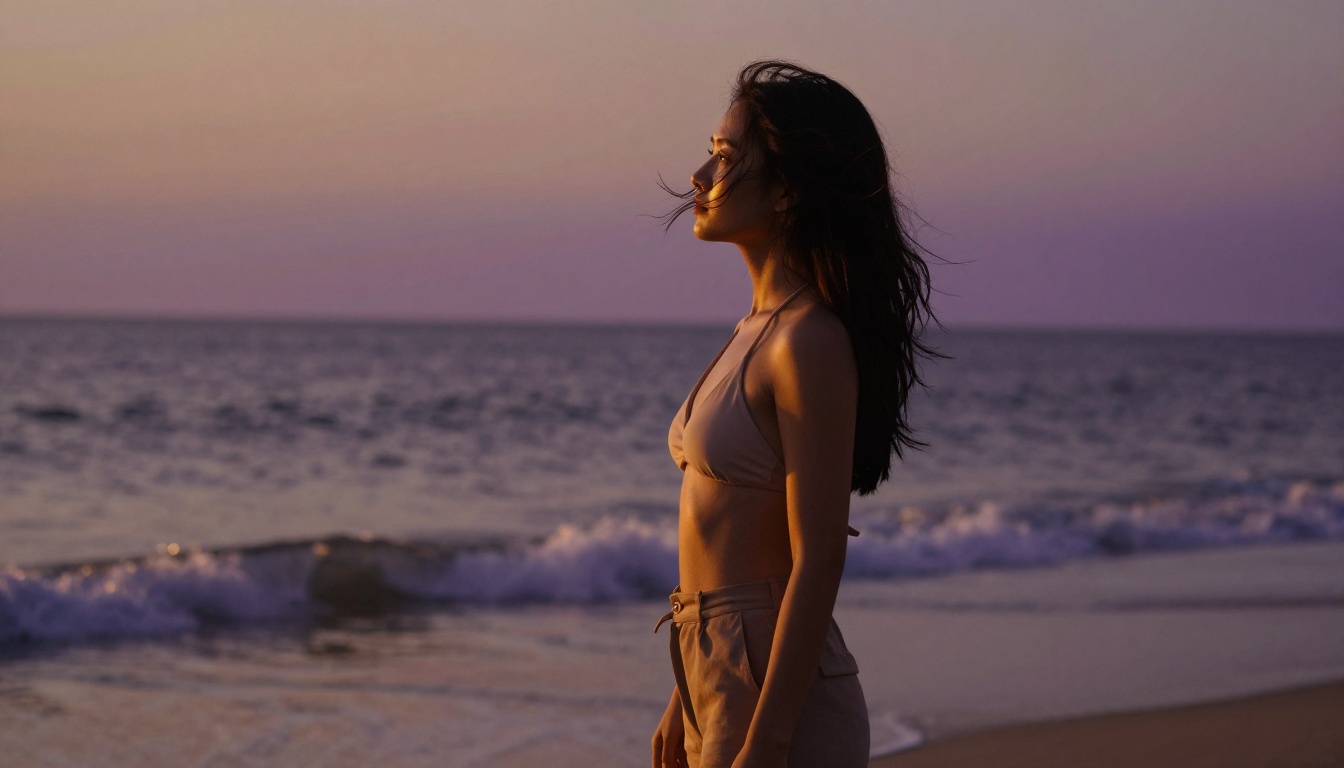
P-Image accepts NSFW content and handles a range of styles with consistent quality relative to its speed tier. Think of it as the prototyping stage of a two-step workflow: iterate fast on P-Image, then take your best-performing prompt to Seedream 4.5 or Recraft V4 for the final output.
| Metric | P-Image |
|---|
| Generation speed | Under 1 second |
| NSFW support | Yes |
| Best for | Fast iteration and prompt prototyping |
| Type | Text-to-image |
7. Wan 2.2 Image - No Filter, Full Realism
Wan 2.2 Image by PrunaAI sits in the middle of the quality-speed spectrum, between P-Image's sub-second prototyping speed and Seedream 4.5's production-quality output. It generates highly realistic images from text descriptions without content filters, making it a reliable option for adult content workflows that need more fidelity than a fast draft but don't require the full feature set of the top model.
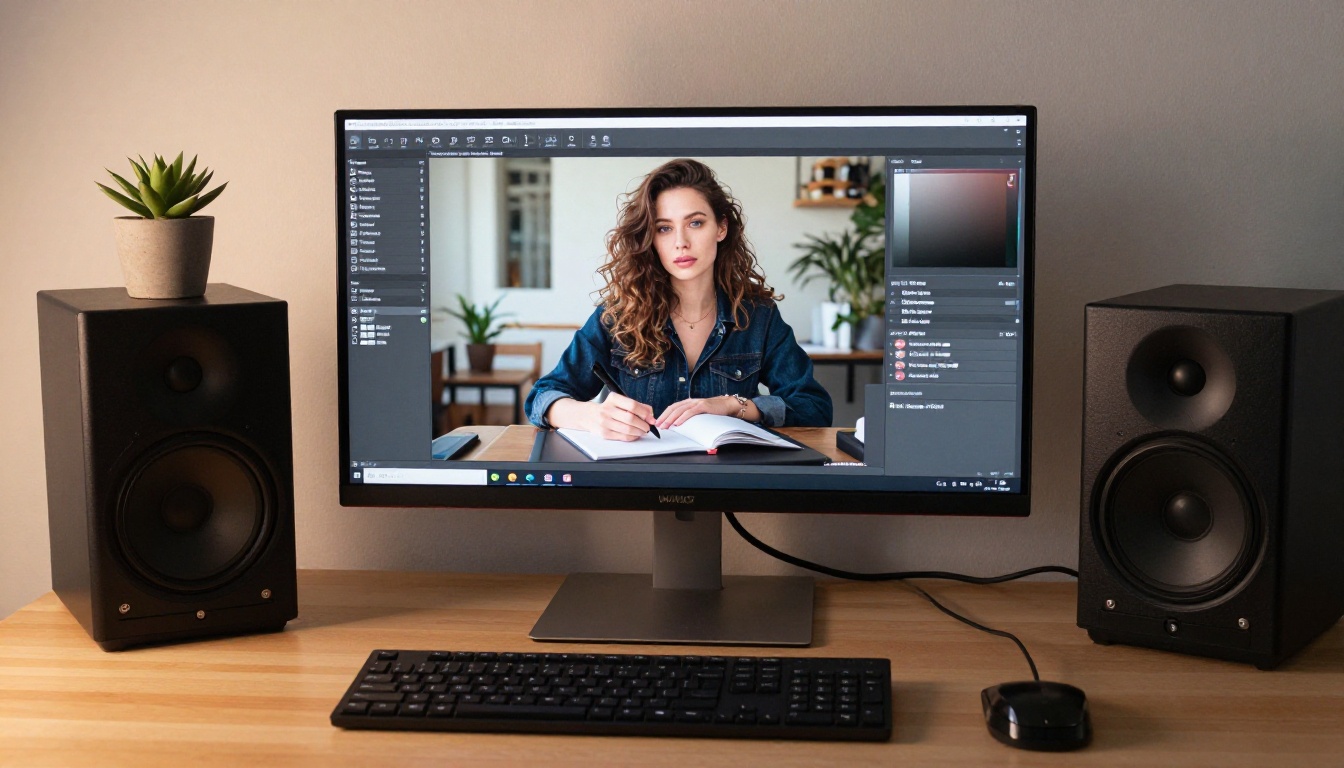
The key advantage over P-Image is detail quality. Wan 2.2 Image produces more resolved textures, more accurate lighting, and better handling of complex scenes. The advantage over Seedream 4.5 is that it's a focused text-to-image model without the editing overhead, which can simplify workflows that don't require image modification.
For creators who want no content filtering paired with solid realism in a text-to-image format, Wan 2.2 Image delivers that without requiring you to step up to the most resource-intensive model on the platform.
Wan 2.2 Image fits your workflow when:
- You want realism above prototype quality
- No content filters are a hard requirement
- You're generating from text descriptions, not reference photos
- You need reliable output across varied adult content prompt styles
8. PicassoIA Video - Unlimited NSFW Video
PicassoIA Video brings the unlimited generation model to video. With Elite and Infinite plans, you can generate as many 5-second video clips as you need at up to 720p resolution without per-clip fees. For adult content creators who produce video at scale, that changes the production economics completely.
Text-to-video means you write a prompt describing the scene, subject, motion, and atmosphere, and the model generates a short clip. The format, 5 seconds at up to 720p, suits social platform content lengths and preview clips well. It accepts NSFW content, which remains rare among video generation platforms.
The unlimited generation model is the defining feature. Other video generation platforms charge per second of output, which makes high-volume production expensive fast. PicassoIA Video removes that ceiling for subscribers on the right plan.
PicassoIA Video specs at a glance:
| Feature | Spec |
|---|
| Duration | 5 seconds per clip |
| Resolution | Up to 720p |
| Generation | Unlimited (Elite/Infinite plans) |
| Content acceptance | NSFW accepted |
| Type | Text-to-video |
💡 Workflow tip: Generate your images first with Seedream 4.5 or PicassoIA Image Editor Pro, select the strongest outputs, then use those as the visual reference for your video prompts. PicassoIA also offers P-Video and Grok Imagine Video for image-to-video conversion when you want your stills animated directly.
Start Generating Right Now
Every tool on this list runs through PicassoIA. You don't need eight separate accounts, eight separate billing systems, or eight different interfaces to access them. They're all in one platform, which matters when you're moving between tools at different stages of a content pipeline.
If you're new to the platform, start with Seedream 4.5. It's the most versatile option and demonstrates quickly what a content-filter-free generation environment actually feels like. Once you understand what good NSFW output looks like, you can add the other tools to your workflow where they fit.
For high-volume creators, PicassoIA Image Editor Pro and PicassoIA Video are the ones to prioritize. Both offer unlimited generation under Elite and Infinite plans, and both accept adult content without filtering.

PicassoIA brings all of these under one platform without redirecting you between tools, billing systems, and separate accounts. The full catalog, including over 90 text-to-image models and 80+ text-to-video options, is at picassoia.com/en/all-models.
If you've been working with platforms that block half your prompts or apply watermarks you did not ask for, it's worth testing what a content-filter-free environment actually delivers. Most of these models let you start for free, and the unlimited tiers make the economics work at production scale.


