Type "no restriction AI" into a search bar and you get a wall of promises: unlimited, uncensored, no sign-up, no filters, free forever. Spend an afternoon testing them and the picture changes fast. One tool blocks a harmless swimsuit prompt. Another hands you a watermark. A third asks for a card after two images. So is actual no restriction AI real, or is it just a good headline? The short answer: it exists in degrees, and the degree you get depends on the tool, the model and how you write your prompt. This article sorts the marketing from the reality, shows what free online tools allow, gives you prompt structures that work for glamour and swimwear photography, and lays out the limits you will run into.
What "No Restriction" Really Means
Before comparing tools, it helps to define the phrase. Most people typing it are not after something shady. They want an AI that does not refuse a bikini photo, a boudoir portrait, a moody fashion shoot or a stylized character without a lecture. That is a very different request from "anything at all."
The Honest Definition
A literal "no restriction" generator does not exist as a hosted product. Every browser service has terms of use, payment processors to satisfy and laws to follow. Some reviews published this year say the same thing in plain terms: an unlimited, no-account, unmoderated browser generator is not a realistic category. What you can find are tools with fewer false blocks, meaning they stop refusing normal adult-appealing, artistic and fashion content.
💡 Rule of thumb: treat "no restriction" as "no pointless refusals," not "no rules." That framing saves you from tools that overpromise.

Where Filters Actually Sit
Restrictions are not one switch. They live in several layers, and knowing which layer blocked you tells you how to fix it.
- Prompt filter: scans your words before anything is generated. It catches trigger words, even innocent ones.
- Model training: some models were simply never trained on certain content, so they produce clumsy results no matter what you type.
- Output filter: checks the finished picture and replaces it with a blur or a refusal.
- Platform policy: account bans, region limits and payment rules that sit above the model.
If a prompt fails instantly, it is usually the prompt filter. If it runs for ten seconds and then returns a gray box, you hit the output filter. If the result is just ugly, it is the model.
The search results for this topic are crowded with vendor blogs ranking themselves first. Looking across them, a few patterns repeat, and they matter more than any single brand name.
Free Always Costs Something
Every free tier pays its bills somewhere. Reviewers who tested a dozen generators keep landing on the same finding: you pay in resolution, queue time, privacy, setup work or features locked behind a plan. Nothing is free in every dimension at once.
| Trade-off | What you give up | Who it suits |
|---|
| No account needed | Low resolution, daily caps, slower queues | Quick one-off tests |
| Free credits on signup | Credits vanish after a handful of images | Trying a model before committing |
| Open weights run locally | Setup time and a strong GPU | People who want full control |
| Permissive hosted model | Fewer styles, occasional hidden moderation | Fashion and glamour creators |
| Unlimited plan | Monthly fee | Daily, high volume work |
The Local Option
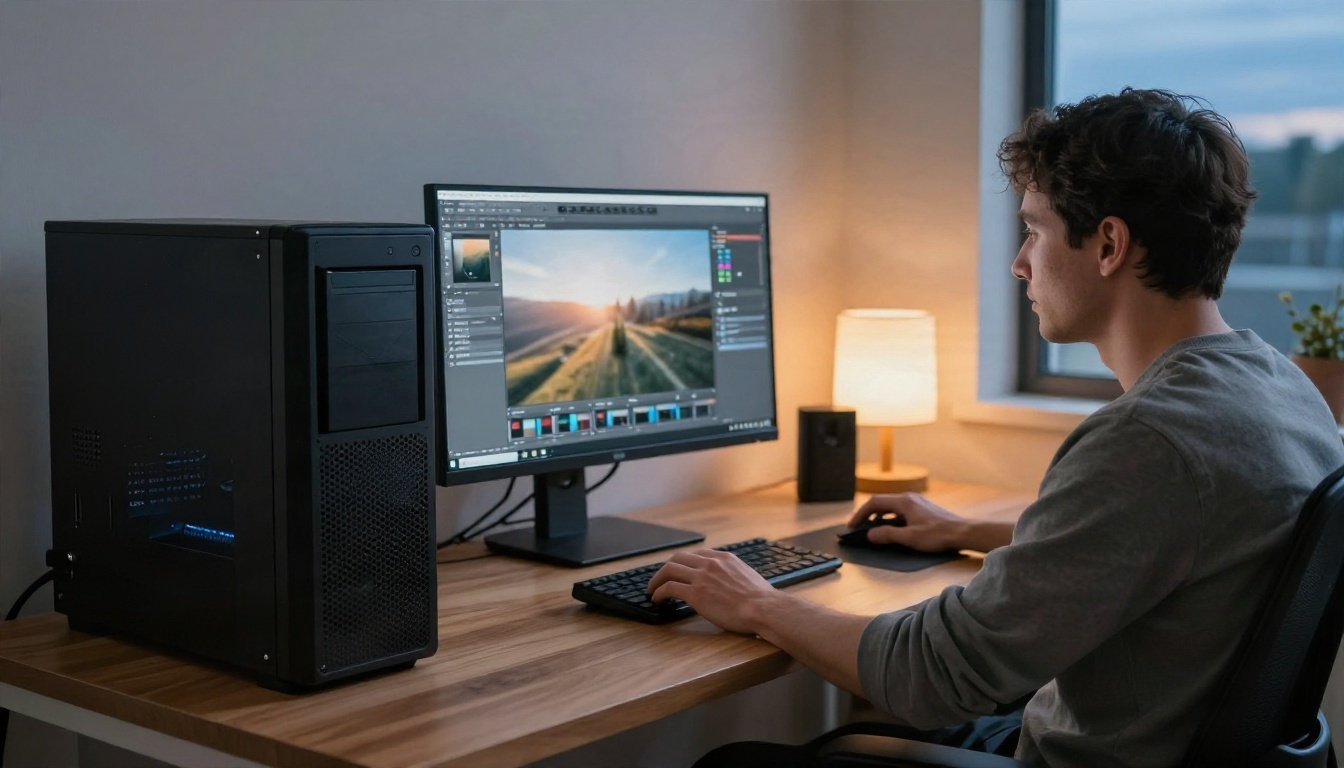
Running an open model on your own PC is the one path where nobody else decides what you can generate. It also means your prompts never touch a third-party server. The cost is hardware and patience: a standard SDXL checkpoint alone is around 6 GB, newer models want far more video memory, and you handle updates, drivers and broken installs yourself. For most people who just want a good swimwear portrait on a Tuesday evening, a hosted tool with sensible defaults is faster.
Be Careful With "Uncensored" Claims
Some sites market themselves as uncensored but still apply hidden moderation for celebrities, real people or anything that looks risky. Others are thin wrappers with no real policy page, no clear owner and no explanation of how your uploads are stored. A few quick checks before you sign up:
- Is there a readable terms page and a named company behind it?
- Does the site say what happens to your prompts and uploaded photos?
- Are limits shown before you generate, or only after you hit them?
- Does the free output carry a watermark you can't remove?
Prompts That Actually Work
Here is the part most listicles skip. Even on the most permissive tool, a vague prompt gives you a vague picture. And on a stricter tool, wording decides whether you get a result or a refusal.
A Simple Prompt Structure
Strong prompts for photo style results follow the same order every time:
- Subject and pose: who, doing what, wearing what.
- Setting: a specific room, street or beach.
- Light: direction, time of day, softness.
- Camera: angle, lens and depth of field.
- Texture: skin, fabric, surfaces, film grain.
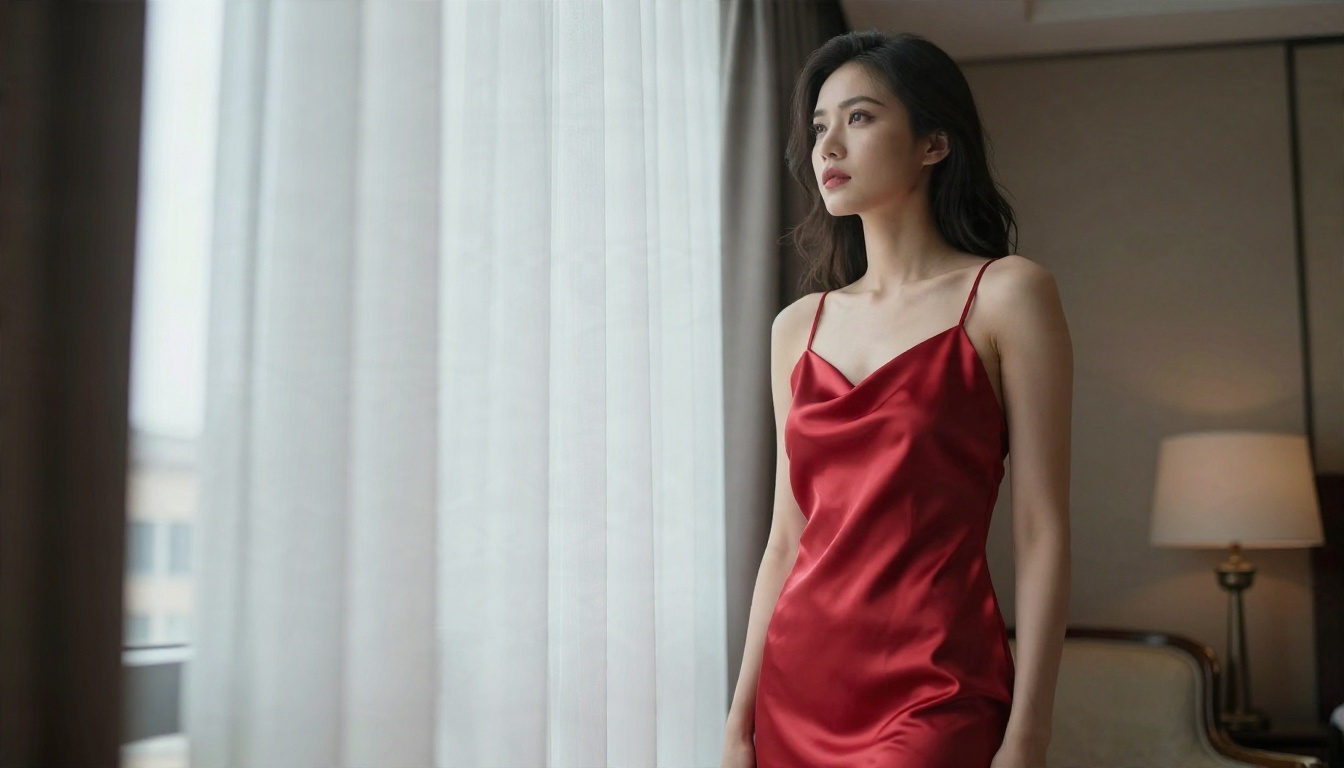
For example: "A woman in a red satin slip dress standing by a tall hotel window, soft morning light from the left, sheer curtains moving, 85mm f/1.8, natural skin texture, glossy satin highlights, subtle film grain." Every clause gives the model something to hold on to, and nothing in it reads as a trigger.
Lighting and Lens Do the Heavy Lifting
Moderation systems mostly react to subject matter, but quality comes from photographic detail. Naming a lens and a light source pushes results toward real photography instead of plastic skin and flat lighting. Some reliable choices:
- 85mm f/1.4 to f/1.8 for portraits with creamy background blur.
- 35mm f/2 for lifestyle scenes that feel candid.
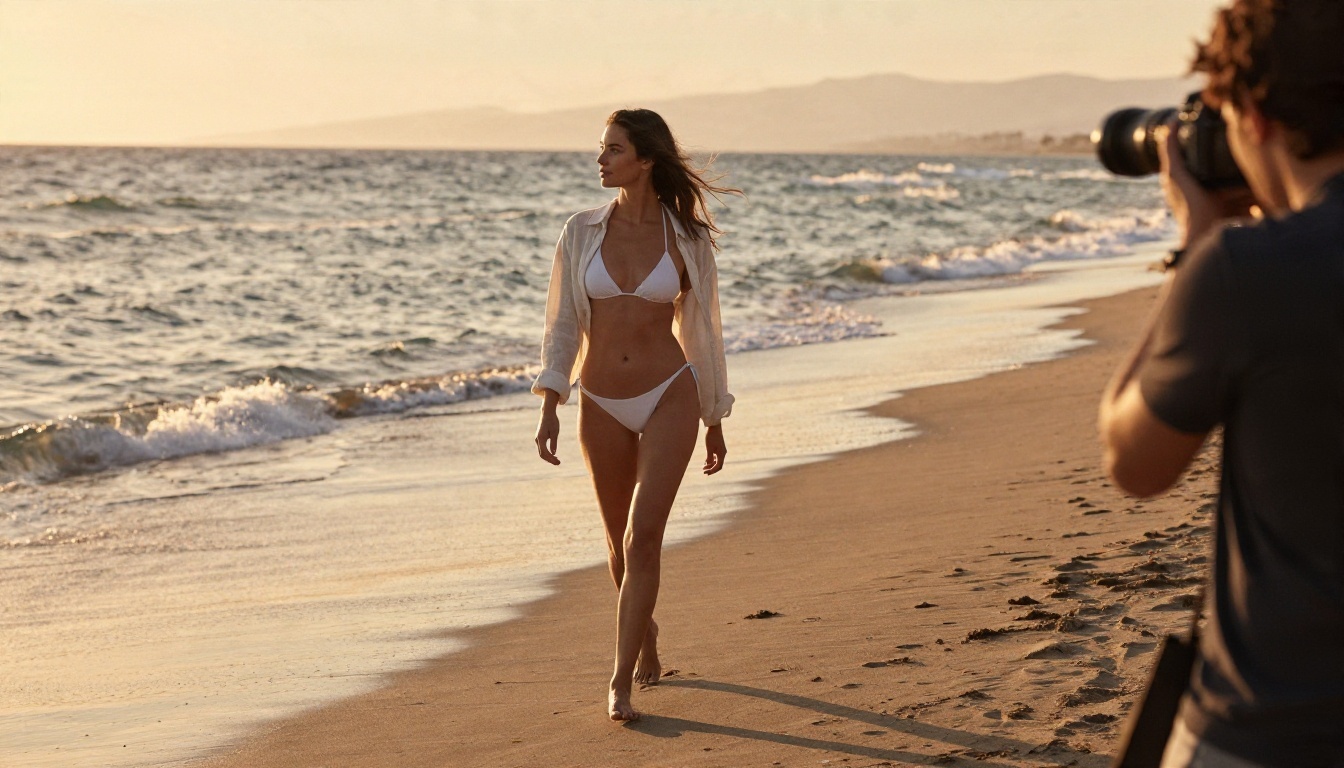
- Golden hour backlight for beach and swimwear shots.
- Window light from one side for boudoir and intimate portraits.
- Kodak Portra 400 and fine film grain for warm, natural skin tones.
Five Common Prompt Mistakes
- Stacking adjectives like "sexy hot beautiful stunning." Models read it as noise, and filters read it as a red flag.
- Skipping the setting. A person with no environment looks pasted in.
- Ignoring clothing detail. "Lace bodysuit under a tailored blazer" works better than "revealing outfit."
- Asking for impossible camera moves in a still image prompt.
- Rewriting the same blocked prompt over and over. If one phrasing fails, change the idea, not just a word.
💡 Tip: if you get blocked, swap the loaded word for a visual description. Describe the fabric, the light and the pose rather than the effect you want it to have.
The Real Limits You Will Hit
Even the friendliest tool has ceilings. Knowing them in advance keeps you from building a workflow on something that will not hold.
Credits, Queues and Resolution
Free tiers meter you in one of three ways: a daily image cap, a pool of credits that does not refill, or a speed penalty where free users wait behind paying ones. Resolution is the quiet one. A free image may be limited to a small size, which looks fine on a phone and falls apart when you try to print it. If you plan to post or sell the images, check output size first.
Privacy and Storage
When you use a free online generator, assume your prompts are stored on its servers. If you upload a photo to edit, ask where it goes and for how long. This matters more for adult-leaning and personal content than for a landscape. Use tools that state their data policy clearly, and never upload images of people who have not agreed to it.
Lines No Tool Should Cross
Some limits are not negotiable, and they should not be. Content involving minors is never acceptable anywhere. Realistic images of real people without their consent, including face swaps meant to embarrass or deceive, cause real harm and break the law in a growing number of places. A responsible no restriction tool still keeps these walls up, and any site that brags about removing them is one to avoid, both for your safety and your account.
The Best Picks on PicassoIA
For suggestive, glamour and swimwear work, the goal is a model that renders skin and fabric well and does not block normal fashion requests. Content stays non-explicit, which is what keeps results stable. Here are the models worth trying, in the order I would use them.
Seedream 4.5 First
Seedream 4.5 is where I would start. It handles skin texture, satin, lace and soft window light convincingly, outputs sharp images up to 4K, and follows long, detailed prompts closely, which is exactly what the structure above relies on. For bikini, lingerie style fashion and boudoir portraits, it is the most reliable first stop.
PicassoIA Image Editor Pro
Editing is where "restrictions" often bite hardest, because many tools refuse to touch a photo at all. PicassoIA Image Editor Pro offers unlimited generations, so you can iterate on outfits, backgrounds, lighting and details without watching a credit counter drop. That alone changes how you work: instead of one careful attempt, you try ten.
Fast and Flexible Alternatives
When speed or a different look matters, these are worth a test:

💡 Note: Seedream 5 Pro is a strong model for general work, but for glamour and swimwear start with Seedream 4.5 as listed above.
How to Run Seedream 4.5 Step by Step
You do not need an account tour or a settings maze. A clean first session takes a few minutes.
- Open the Seedream 4.5 page.
- Paste a prompt built from the five-part structure: subject, setting, light, camera, texture.
- Choose a wide 16:9 ratio for scenes and a vertical one for portraits.
- Generate, then look at skin, hands and fabric edges.
- Change one thing at a time: the light direction, the lens, the outfit. Compare results side by side.
- Move the best frame into PicassoIA Image Editor Pro for fine adjustments.
Parameter Tips
- Keep prompts between 50 and 120 words. Shorter is vague, longer starts contradicting itself.
- Put the subject first, because models weigh the start of a prompt most.
- Name one light source, not three.
- Use film grain and a real film stock to avoid the glossy "AI look."
From Stills to Motion
Once you have an image you like, motion is the natural next step. Image to video models take a still as the first frame and animate it: a slow camera push, hair moving in the wind, waves rolling in behind a swimwear shot. Wan 2.6 I2V animates a photo with natural movement, and Kling v3 Video delivers cinematic motion for more polished clips. The same rule applies as with stills: describe the movement in order, such as "slow dolly in, curtains drift, soft light shifts," rather than stacking adjectives.
Keep a Prompt Library
A habit that pays off quickly: save every prompt that worked, along with the model and the seed or settings. After a week you will have a small library of lighting setups and outfit descriptions you can mix and match. It beats starting from a blank box every time, and it protects you when a tool changes its behavior overnight.
Your Turn to Create
Actual no restriction AI is less a product than a way of working: pick a model that does not refuse normal artistic requests, write prompts with real photographic detail, and respect the few limits that protect everyone. Start with Seedream 4.5, refine in PicassoIA Image Editor Pro where generations are unlimited, then try Z Image Turbo when you want quick drafts. Write one prompt tonight using the structure above, change a single detail, and compare. For the full catalog of image and video models, browse picassoia.com/en/all-models and pick the one that fits your idea.


