Giving your AI companion a voice used to mean stitching together clunky APIs, waiting on waitlists, and settling for robotic output that pulled you out of the moment. That is no longer the situation. In 2026, the gap between typed text and natural spoken audio has collapsed. You can add a convincing, emotionally expressive voice to any AI character in a few minutes, and this article shows you exactly how.
Why a Voiceless Companion Feels Off
There is a specific discomfort in interacting with a character that can only communicate through text. Even when the writing is excellent, the one-sided nature of the exchange creates friction. Your brain expects reciprocity when you "talk" to something, and text on a screen does not provide it.
The Problem with Text-Only Interactions
When you read a message, your brain processes it primarily as information. When you hear a voice, something different happens: tone, pace, and timbre carry emotional meaning that words alone cannot. A companion that speaks to you triggers the same neural pathways as listening to another person. That is not a trick or a gimmick. It is how human cognition works, and it is why voice makes AI interactions feel qualitatively different.
What Voice Actually Adds
Adding speech synthesis to an AI companion changes the experience across three dimensions:
- Presence: A voiced character occupies the room differently. The audio signal anchors it spatially, particularly in headphone use.
- Personality: Pitch, pace, and breath patterns communicate character traits that no amount of careful writing can replicate.
- Retention: Users who interact with voiced companions spend significantly more time in session. The audio loop is more cognitively engaging than reading.
What You Need Before You Start
The barrier to entry here is low. You need three things, and two of them you likely already have.
A Character Image or Avatar
If you want lipsync, you need a face. This can be a photorealistic portrait, an illustrated avatar, or a stylized AI-generated character. The lipsync models available today handle all of these, though they perform best with faces that have clearly defined lip regions and neutral starting expressions.
Your Script or Text Input
Text-to-speech models take a written input and return audio. Your script can be anything: a greeting, a full monologue, a looping ambient narration. Shorter inputs (under 500 characters) produce results in under two seconds on most current models.
The Right Model for Your Use Case
This is where most people spend unnecessary time. The model choice depends on two variables: the emotional range you need, and whether you want to clone a specific voice or use a pre-built voice persona.
💡 Quick rule: Use a pre-built voice for speed. Use voice cloning when the character identity depends on a specific, recognizable sound.
Best Text-to-Speech Models for AI Companions
The current generation of speech models is remarkable. Here are the ones that consistently outperform in companion use cases.
MiniMax Speech 2.8 HD
Speech 2.8 HD is the studio-quality option from MiniMax. It produces output that is genuinely difficult to distinguish from a human voice actor at rest. The model handles pauses, emphasis, and breath naturally without requiring explicit markup. For any companion character that speaks extended passages, this is the starting point. The turbo variant, Speech 2.8 Turbo, delivers comparable quality at lower latency when response speed matters more than audio fidelity.
ElevenLabs V3
V3 from ElevenLabs brings the widest emotional range of any model currently on the platform. It interprets context cues in the text itself and adjusts delivery accordingly: a tense scene produces a tighter, more clipped voice; a warm greeting sounds genuinely warm. This matters enormously for AI companion use cases where the character needs to respond appropriately to different conversational moments. For multilingual companions, v2 Multilingual covers 30+ languages with natural accent fidelity.
Chatterbox Pro
Chatterbox Pro from Resemble AI offers explicit emotion control. Rather than relying purely on text interpretation, you can dial in emotional parameters directly. This is useful when you want consistent tonal character across long interactions. The lighter Chatterbox Turbo is the better pick for real-time or low-latency applications.
The Real-Time Option
If your companion needs to respond in conversational real-time, Inworld Realtime TTS 2 is built specifically for this scenario. It targets sub-120ms generation latency, which puts it inside the acceptable window for interactive conversation without noticeable delay. The TTS 1.5 Max variant extends coverage to 15 languages while keeping the same speed profile.
Voice Cloning: Make It Truly Yours
Pre-built voices are fast and capable, but cloning is what makes a character's voice genuinely unique. Voice cloning takes a reference audio sample, typically 30 seconds to a few minutes of clean speech, and builds a model that replicates the speaker's vocal characteristics.
How Voice Cloning Works in Practice
The process is simpler than it sounds. You record or upload your reference audio, the model extracts the vocal fingerprint, and every subsequent text-to-speech generation uses that fingerprint to synthesize new speech. The result is a voice that matches the speaker's pitch, cadence, and tonal coloring even when speaking text the original speaker never recorded.
MiniMax Voice Cloning handles this workflow cleanly. The accuracy on a 60-second reference sample is good enough for most companion applications. For highest fidelity, a 3-5 minute reference with varied sentence structures and emotional inflections produces noticeably better results.
Qwen3 TTS offers a different approach: it can both clone a provided voice or generate a synthetic voice from parameters you define. This makes it useful when you want to create an original character voice without a human reference. Play Dialog from PlayHT is another strong choice when your companion needs to generate realistic dialogue between two distinct characters in a single output.
💡 Cloning tip: Record reference audio in a quiet space without reverb. Even a small room echo will degrade clone quality more than most people expect.
Choosing Between Clone and Persona
| Scenario | Approach | Model |
|---|
| You have a specific character voice in mind | Voice cloning | MiniMax Voice Cloning |
| You want a synthetic original voice | Parameter-based generation | Qwen3 TTS |
| Two-character dialogue from one model | Dual-voice generation | Play Dialog |
| Fastest clone with good output | Standard cloning | Chatterbox |
Lipsync: From Audio to Moving Lips
Text-to-speech gives your companion a voice. Lipsync gives it a face that matches. When audio and mouth movement are synchronized, the brain's perception of the character shifts significantly. The face stops being a static image and starts reading as a presence.
How the Best Lipsync Models Work
Modern lipsync models take two inputs: a portrait or avatar image, and an audio file. They analyze the phoneme sequence in the audio and warp the mouth region of the face frame-by-frame to match each sound. The better models also handle subtle cheek, chin, and jaw movement, not just the lips. This is what separates convincing lipsync from robotic movement.
Omni Human 1.5: What Changes
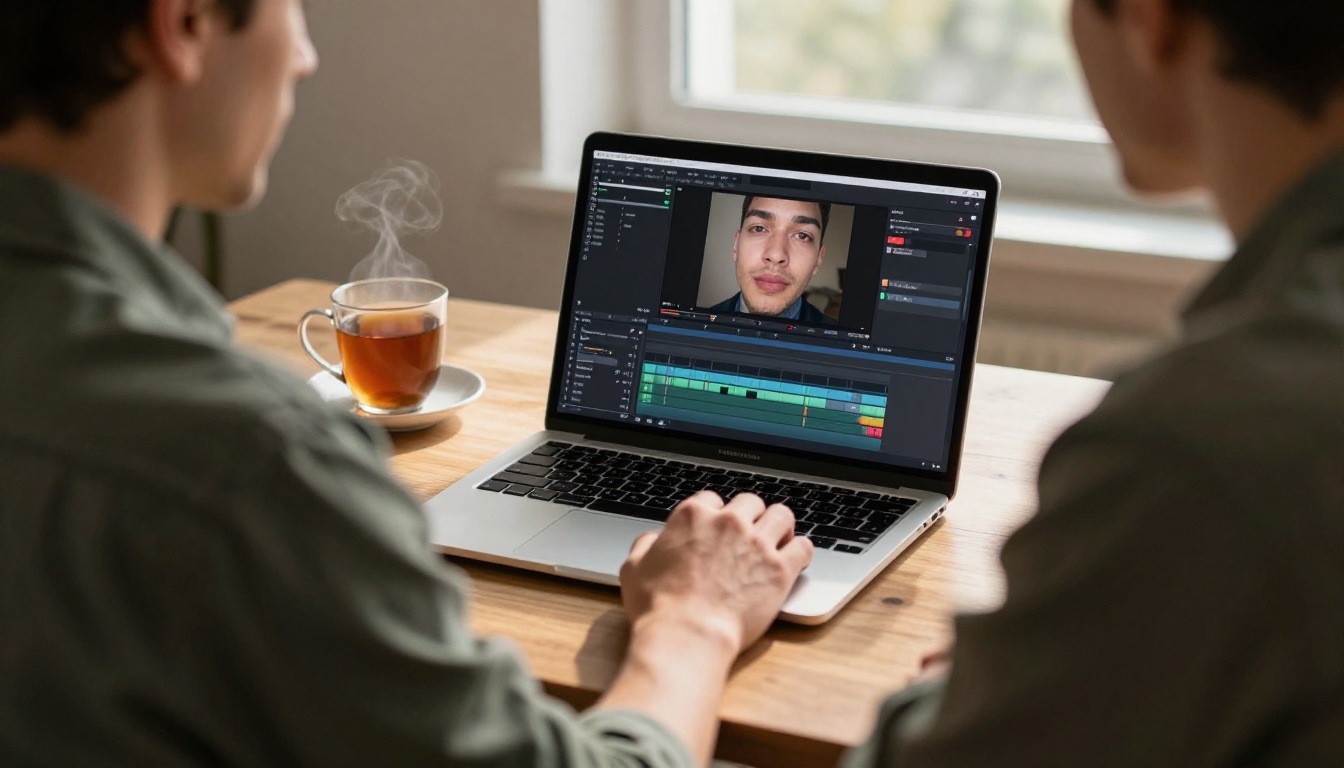
Omni Human 1.5 from ByteDance represents the current quality ceiling for single-image lipsync. Feed it a portrait and an audio clip and it generates a photorealistic video of the face speaking. The key differentiator is that it handles full head motion, not just lip movement: natural head nods, micro-expressions, and eye movement are included in the output. The result looks substantially more alive than models that process only the mouth region.
For video-based companions where you have existing footage and need to replace the audio track with new speech, Lipsync 2 Pro from Sync is the more appropriate tool. It achieves frame-accurate phoneme alignment on video inputs. React 1 from the same company adds realistic lipsync to any video with a focus on natural-looking results across a wide range of face types.
Other Strong Options
Fabric 1.0 from Veed is worth noting for users working with illustrated or non-photorealistic characters. It handles stylized inputs better than models optimized purely for photorealistic faces.
How to Use Speech 2.8 HD on PicassoIA
PicassoIA makes the full workflow available through its model collection. Here is the process from start to audio output using Speech 2.8 HD.
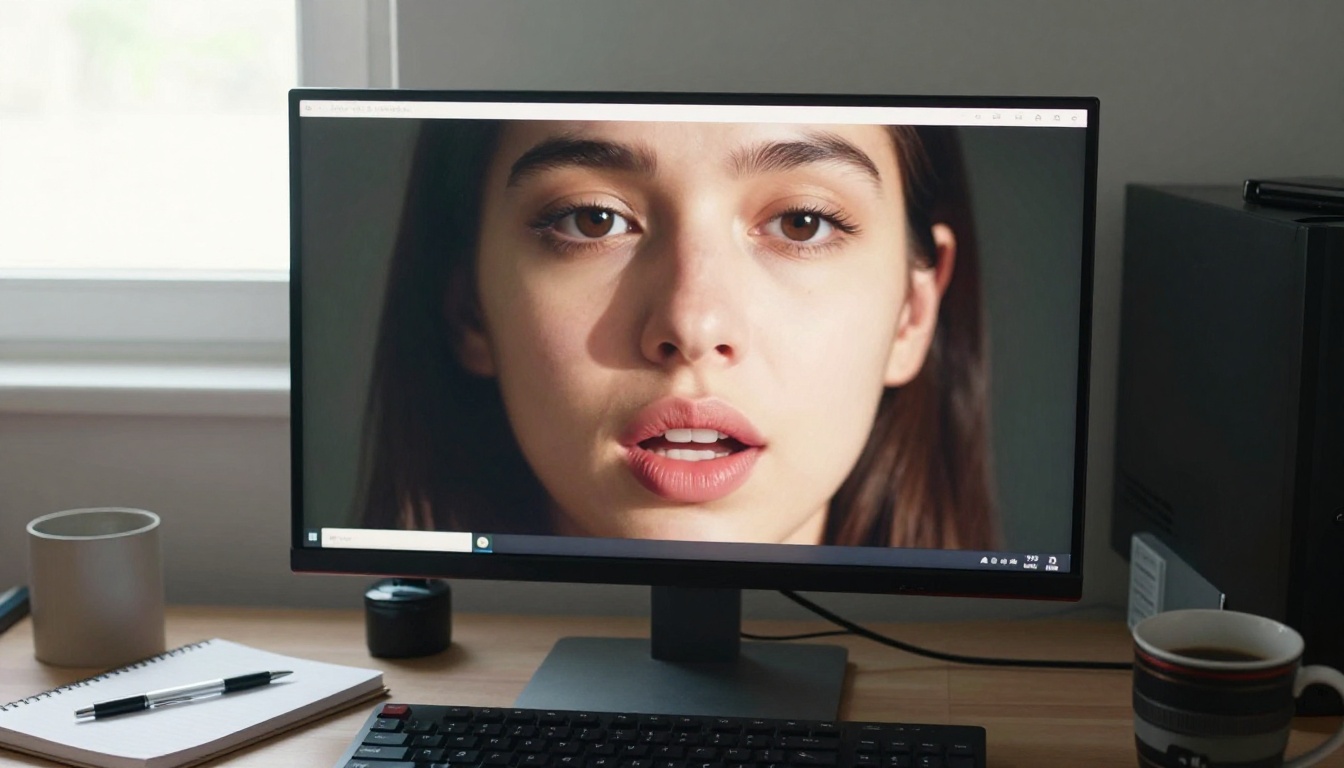
Step 1: Open the model page
Navigate to Speech 2.8 HD on PicassoIA. The model is in the text-to-speech collection.
Step 2: Enter your text
Paste your script into the text field. Punctuation matters: commas create natural pauses, periods signal sentence boundaries, and question marks shift the pitch upward at the end of a phrase.
Step 3: Select a voice
Speech 2.8 HD includes a library of pre-built voice personas. Audition several before committing. For an AI companion, voices with warmth and mid-range pitch tend to perform best in long interactions.
Step 4: Set speed and delivery
Most companions benefit from a slightly slower delivery than default. Aim for 0.9x speed on conversational content. This reads as thoughtful rather than fast and transactional.
Step 5: Generate and download
Click generate. Output is typically ready in 2-4 seconds. Download the audio file for use in your lipsync step, or use it directly as an audio response in your companion interface.
💡 Parameter tip: If the output sounds slightly flat on questions, try adding a light upward inflection marker in your text. Natural punctuation usually handles this, but a quick re-read of the generated audio will confirm.
Step 6: Pass the audio to Omni Human 1.5
Take the downloaded audio file and upload it to Omni Human 1.5. Add your companion's portrait as the source image. Generate the video. The full round-trip from text to a speaking face takes under two minutes.
Make Your Companion Talk in Another Language
Voice is one capability. Multilingual voice is another category entirely. If your companion interacts with users across language regions, you need models that handle accent and phoneme sets natively, not just translation.

The Multilingual Stack
Gemini 3.1 Flash TTS covers 70+ languages with 30 voice options. The model handles phoneme-level accuracy across language families, not just the major European languages. For Asian language users especially, Gemini 3.1 Flash TTS is meaningfully more natural than alternatives that treat non-Latin scripts as edge cases.
ElevenLabs v2 Multilingual is the Western-language equivalent: 30+ languages with strong accent authenticity per region. For the Grok ecosystem, Grok Text To Speech provides instant multilingual audio output directly integrated with xAI's infrastructure.
Dubbing for Lipsync Video
If your companion is video-based and you need the face to match a new language, HeyGen Lipsync Precision handles the full pipeline. It retimes the lip movements to match the target language phoneme sequence, not just the audio volume. The HeyGen Video Translate model extends this to 150+ languages if you need broader coverage. ElevenLabs Dubbing handles 90+ languages for full video dubbing workflows.
Speed vs. Quality: How to Pick
The right model is not always the best-performing one. Here is how to think about the tradeoff.

Pre-scripted companions: Use HD models. The extra generation time is irrelevant when audio is pre-generated and cached. Speech 2.8 HD or ElevenLabs V3 at full quality.
Real-time responsive companions: Use turbo or realtime-class models. Inworld Realtime TTS 2 or Flash v2.5 hit latency targets that keep conversation feeling live.
Prototyping and iteration: Use Chatterbox Turbo or Speech 2.8 Turbo. Fast output, good enough quality to evaluate character fit before committing to a final model.
| Use Case | Recommended Model | Why |
|---|
| Pre-scripted companion | Speech 2.8 HD or ElevenLabs V3 | Best output quality when time allows |
| Real-time dialogue | Inworld Realtime TTS 2 | Sub-120ms latency |
| Prototype or testing | Chatterbox Turbo | Fast iteration cycles |
| Multilingual deployment | Gemini 3.1 Flash TTS | 70+ language native support |
| Character voice cloning | MiniMax Voice Cloning | Accurate vocal fingerprint replication |
What Makes a Voice Actually Sound Real
Most generated voices fail on the same details. Getting these right is the difference between a companion that sounds processed and one that sounds present.
Breath and silence: Natural speech is not continuous. Humans breathe, pause mid-thought, and trail off. Models that insert synthetic breath sounds and variable-length pauses between sentences score significantly higher in listener tests.
Consonant sharpness: Sibilant sounds (s, sh, ch) are the most frequently degraded in synthesis. A model that handles these cleanly sounds dramatically more human even if everything else is similar.
Pitch variation on repeated phrases: If your companion says similar things in multiple sessions, a good model will vary the delivery slightly each time. Identical pitch patterns on repeated utterances are an immediate signal of synthesis.
Emotional coloring without prompting: The best current models pick up on sentiment in the text and shift delivery slightly. A sentence with negative content sounds slightly heavier. A question sounds genuinely curious. This happens without any explicit instruction, and it is one of the clearest quality markers separating today's top models from the rest.
💡 Testing tip: Run the same 3-sentence paragraph through three different models and listen for consonant sharpness and pitch variety first. Those two signals will tell you more about voice quality than any benchmark number.
Start Building Your Voice Today

The workflow to add voice to an AI companion is now short enough that a first version is achievable in a single afternoon. Pick a text-to-speech model that fits your latency and quality requirements, generate a sample with your character's core dialogue, and if you have a face to animate, run it through a lipsync model to close the loop.
The combination that produces the most convincing result with the least configuration: Speech 2.8 HD for voice, Omni Human 1.5 for lipsync. Two tools, one clear output, under five minutes from first generation to a speaking character.

Every model mentioned in this article is available on PicassoIA. The platform collects the full text-to-speech and lipsync catalog in one place, so you can audition models, compare outputs, and build your companion's voice without switching between providers. Browse the full collection, run your first generation, and see what your companion actually sounds like when it finally speaks.
Your companion already has a personality. Give it the voice to match.
The microphone is set up. The models are ready. All that is left is your text.