The moment a video hits wrong because the music doesn't fit is unmistakable. You've probably felt it: a beautiful cinematic clip paired with a track that clashes in tempo, tone, or energy. Adding Music That Matches Your AI Video Mood is not just an aesthetic choice — it's the difference between a video that resonates deeply and one that gets skipped after three seconds. With AI music generators now capable of producing full, original tracks from a single text prompt in under a minute, there's no reason to settle for mismatched audio ever again.

What makes this moment in AI video creation so interesting is the convergence happening right now. Text-to-video models produce footage with specific emotional textures, AI music generators respond to the same kind of descriptive language, and platforms like PicassoIA put both capabilities in one place. The result is a workflow where your mood-based music prompting can be as precise as your video prompting — and the two can be engineered to match before you even press play.
Why Mood Matters More Than Genre
Most people approach background music for video the wrong way. They think in genres — "I'll use jazz," or "maybe something electronic" — when what they should be thinking about is emotional atmosphere. Genre is a container. Mood is the substance inside it.
The Emotional Gap Nobody Talks About
A cinematic drone shot of a mountain range could work with orchestral strings, sparse piano, or ambient drone textures. What matters is not the genre label but the emotional signature: tempo, key, harmonic tension, dynamic range, and the presence or absence of rhythm. Two tracks in the same genre can evoke completely opposite feelings. Two tracks in different genres can sync perfectly to the same visual moment.
This is why traditional stock music libraries fail video creators. You search by genre, get back forty results, and spend twenty minutes auditioning tracks that sort of fit but never quite nail it. AI music generators solve this because they let you describe the emotional outcome directly.
💡 Pro tip: Instead of searching for "upbeat electronic," try prompting an AI music model with "bright, propulsive, 120 BPM with driving synth bass and uplifting chord progressions, no vocals." The specificity is what gets you a match, not the genre label.
When Music and Visuals Fight Each Other
The most common mistake in AI video production is treating music as an afterthought. The video gets generated, looks great, and then a track gets dropped on top that technically fits the genre but creates what editors call a mood collision: the visual tone and the audio tone are pulling the viewer in opposite directions.
A slow-paced, wide-shot landscape video paired with frenetic percussion creates anxiety instead of wonder. A high-energy action sequence paired with melancholic minor-key piano creates confusion instead of tension. Your viewers won't always articulate why a video feels off, but they'll click away. The emotional mismatch registers below conscious awareness and the brain reads it as something being wrong.
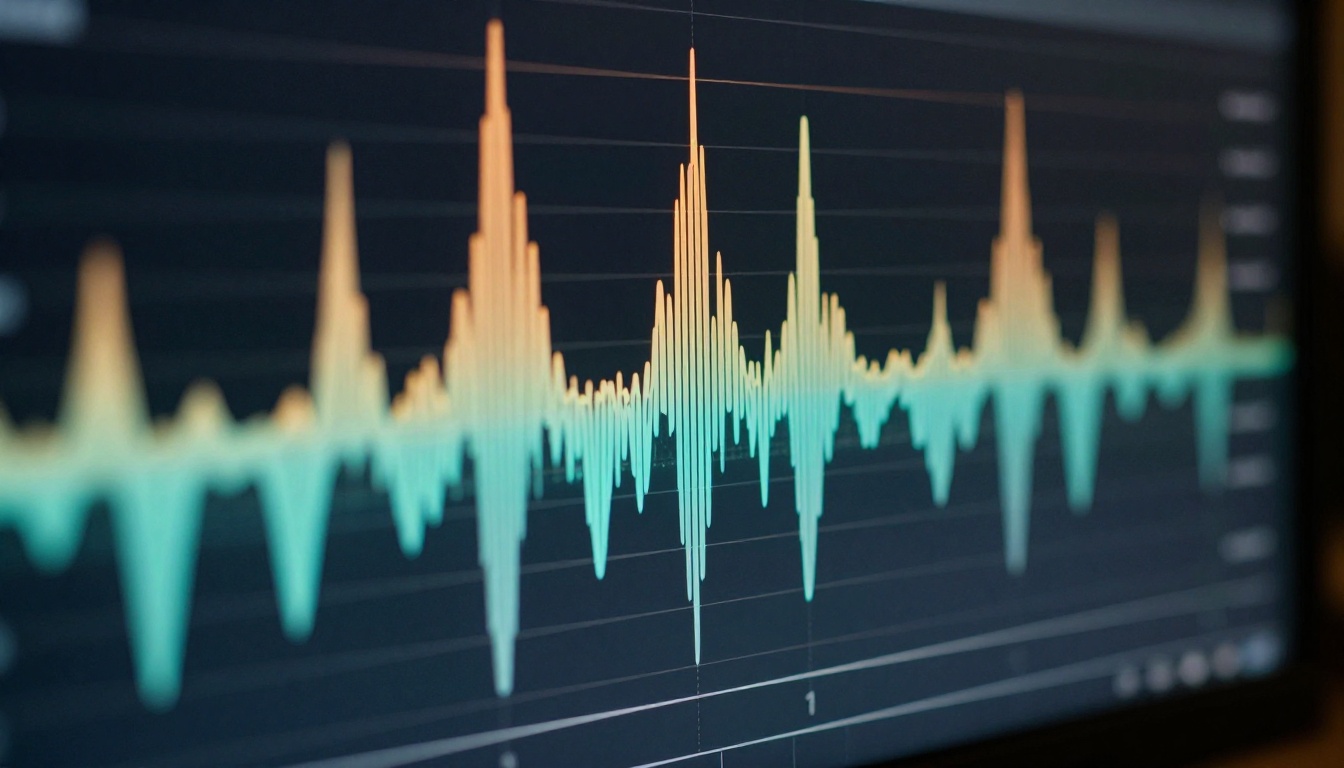
How AI Music Generators Work
Understanding the mechanics behind AI music generation helps you write better prompts and get outputs that actually match your video's emotional texture.
Text Prompts vs. Mood Prompts
Most AI music generators accept natural language descriptions and translate them into audio through learned associations between language and musical features. The quality of your output depends almost entirely on how precisely you describe what you want.
Weak prompt: "Cinematic music for a video"
Strong prompt: "Orchestral cinematic score, slow build from solo cello to full strings and brass, 70 BPM, minor key with a resolving major chord at the end, no percussion until the final 30 seconds, emotional and hopeful"
The strong version specifies tempo, instrumentation, key, dynamic arc, and emotional target. Every element you add removes ambiguity and brings the model closer to what will actually match your video.
The Models Worth Trying Right Now
PicassoIA gives you access to several high-quality AI music generation models, each with different strengths:
For pure mood matching to AI videos, Google Lyria 3 Pro and Stable Audio 2.5 are the strongest choices. Both excel at instrumental tracks where the emotional texture of the music is the primary variable, rather than lyrical content.
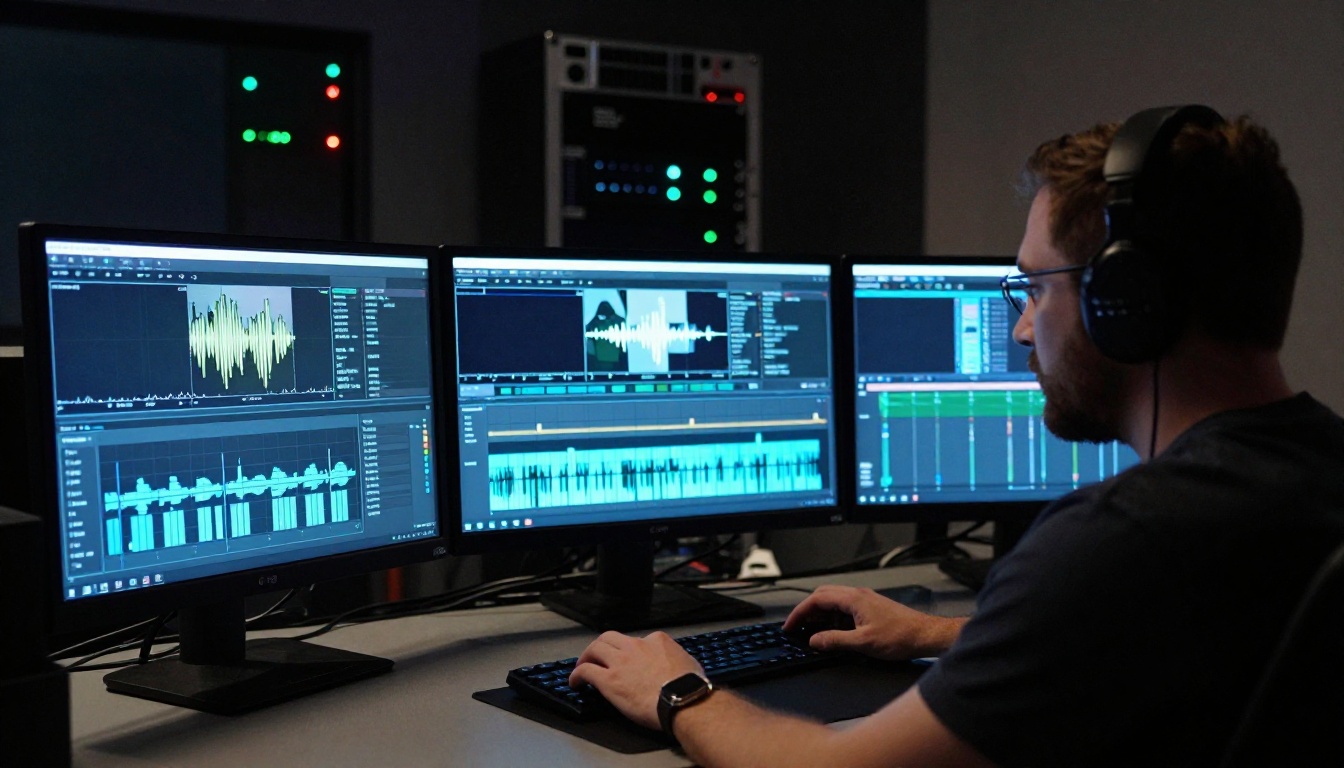
How to Use Minimax Music 2.6 on PicassoIA
Minimax Music 2.6 is one of the most capable AI music generation models available on PicassoIA right now. It handles both vocal and instrumental tracks, making it ideal for creators who want fully produced songs to pair with their AI videos.
Step 1: Open the model
Go to picassoia.com/en/collection/ai-music-generation/minimax-music-26 and click Generate.
Step 2: Describe your video's mood first
Before writing your music prompt, note three things about your video: the dominant emotion, the visual pace (slow, medium, fast cuts), and the setting (indoor, outdoor, abstract). These become the foundation of your music prompt.
Step 3: Write a detailed prompt
Structure your prompt like this: [Genre/style] + [Tempo/BPM] + [Instruments] + [Emotional quality] + [Vocal vs. instrumental]. For example: "Indie folk, 90 BPM, acoustic guitar and light percussion, warm and nostalgic, no vocals, builds gradually over 60 seconds."
Step 4: Generate and audition
Minimax Music 2.6 returns a full audio track quickly. Play it alongside your video (you can do this in any basic video editor or even in a browser tab). If the emotional fit isn't right, tweak one variable at a time.
Step 5: Iterate with precision
If the tempo is right but the tone feels off, specify emotional modifiers more explicitly. Words like "hopeful," "melancholic," "tense," "triumphant," or "introspective" carry significant weight in the model's output.
💡 Key insight: Minimax Music 2.6 responds well to emotional arc descriptions. Try: "starts quiet and contemplative, builds to a full orchestral swell at the 45-second mark, then resolves softly." This matches a dynamic video far better than a static description.

Matching Music to Specific AI Video Moods
Different video moods require completely different prompting strategies. Here's a breakdown of the four most common AI video emotional tones and exactly how to match music to each.
Dramatic and Cinematic
Cinematic AI videos often feature wide landscape shots, slow camera movements, and high visual contrast. The music needs to support the scale of what's on screen without competing with it.
What works: Orchestral arrangements with long note values, moderate tempo (60-80 BPM), minor or modal scales, dynamic builds, and minimal percussion until a climactic moment.
Sample prompt for Google Lyria 3 Pro: "Epic orchestral score, 65 BPM, strings and brass, Dorian mode, slow dynamic build from solo violin to full ensemble, no drum kit, deeply cinematic and emotional, 90 seconds"
Joyful and Upbeat
Bright, energetic AI videos with fast cuts, vibrant colors, or joyful subjects need music that matches the visual energy without tipping into chaos.
What works: Major key, 110-130 BPM, acoustic or light electronic instruments, clear melodic hooks, consistent rhythmic drive.
Sample prompt for ElevenLabs Music: "Upbeat indie pop, 118 BPM, acoustic guitar, clapping percussion and light drums, major key, bright and cheerful, no vocals, feels like a summer morning"

Dark and Tense
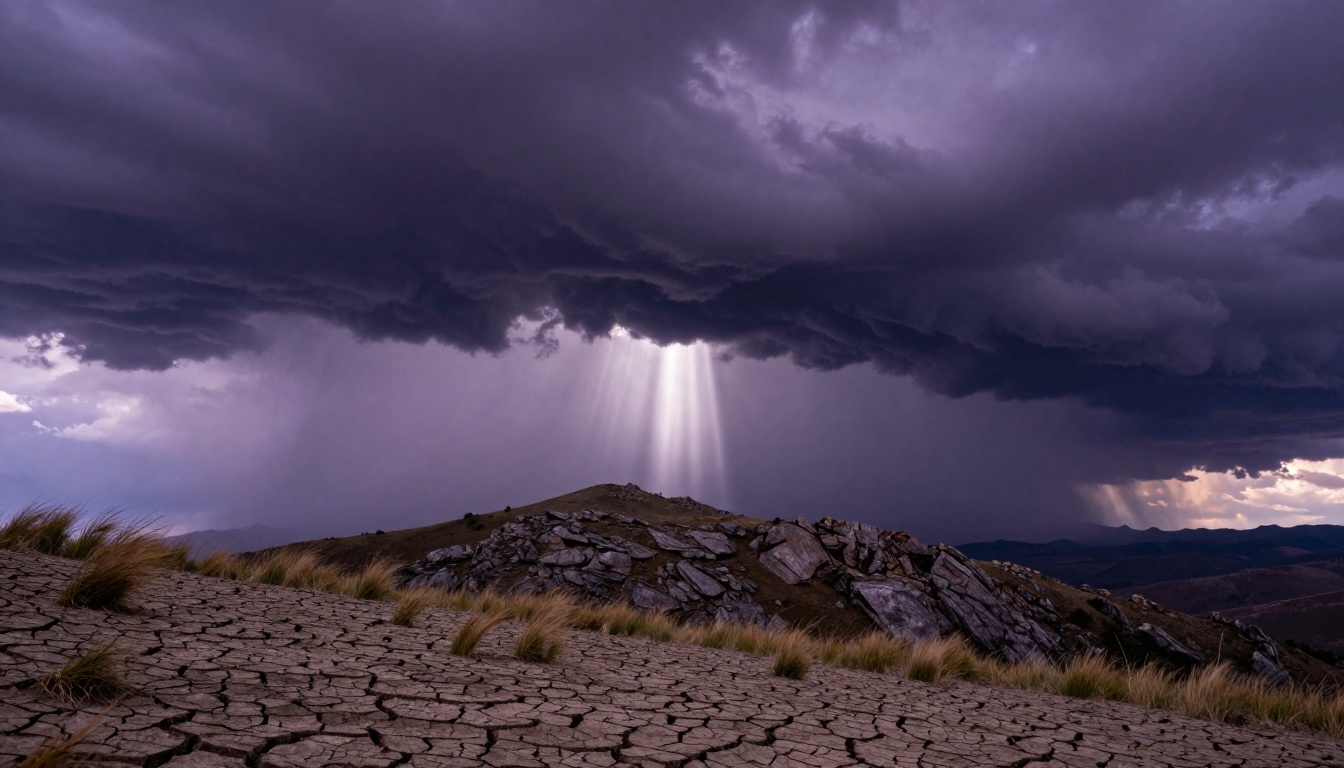
AI videos with dramatic weather, high-contrast shadows, or intense action require music that creates and sustains psychological tension. This is where many creators underestimate the power of restraint.
What works: Dissonant harmonies, irregular rhythms, low-frequency textures, minimal melody, slow tempo with sudden bursts of rhythmic energy.
Sample prompt for Stable Audio 2.5: "Dark ambient thriller, 55 BPM, deep bass drones, dissonant string textures, sparse metallic percussion, no melody, building tension without resolution, 2 minutes"
Calm and Ambient
Serene nature videos, meditative content, or slow-paced atmospheric AI footage needs music that doesn't interrupt the visual flow. The goal is sonic texture, not melody.
What works: Long pad tones, sparse piano or guitar, very slow tempo or no discernible beat, reverb-heavy, open harmonic space.
Sample prompt for Stable Audio 2.5: "Ambient meditation, no tempo, sustained synth pads, sparse piano notes, lots of reverb and space, warm and peaceful, no percussion, 3 minutes, fades in and out gently"

Audio To Video: Animate Images With Sound
One of the most powerful capabilities on PicassoIA for music-video synchronization is Audio To Video from Lightricks. Instead of generating a video and then finding music to match, this model works in reverse: you provide an image and an audio file, and it animates the image in response to the sound.
This flips the typical workflow entirely. You generate your AI music track first using a model like Google Lyria 3 or Minimax Music 2.6, then feed that audio and a source image into Audio To Video. The result is a video whose visual motion is inherently synchronized to the music because the animation is driven by the audio waveform.
💡 This approach eliminates the sync problem entirely. The video doesn't just play alongside the music — the motion is the music. Beat drops, tempo changes, and volume swells are reflected directly in the visual movement.
For creators focused on music-first storytelling or social content, this workflow produces results that are noticeably more cohesive than any manual sync attempt.
Building Your Full AI Video + Music Workflow
Whether you're using the audio-first approach or the video-first approach, having a clear workflow saves time and produces better results than improvising at each step.
Start With the Video
If you're generating video first, use models that produce a consistent emotional tone. Seedance 2.0 includes built-in audio, making it a useful reference point — you can use its native audio as a mood reference even if you plan to replace it. Veo 3 similarly generates video with synchronized audio, giving you a full sensory reference before you commit to a separate music track.
Before moving to the music stage, note down these five things about your completed video:
- Dominant emotion (hopeful, tense, joyful, melancholic, peaceful)
- Visual pace (cuts per minute, or slow continuous motion)
- Color palette (warm tones suggest different music than cool ones)
- Setting (natural landscape, urban, abstract)
- Dynamic arc (does the video build, peak, or stay flat?)
These five data points become your music brief.
Generate the Music
With your music brief ready, choose your model based on output type:
Generate two or three variations with different prompts. Changing one variable at a time (tempo, key, instrumentation) gives you a controlled set of options to audition against the video.
Sync and Export
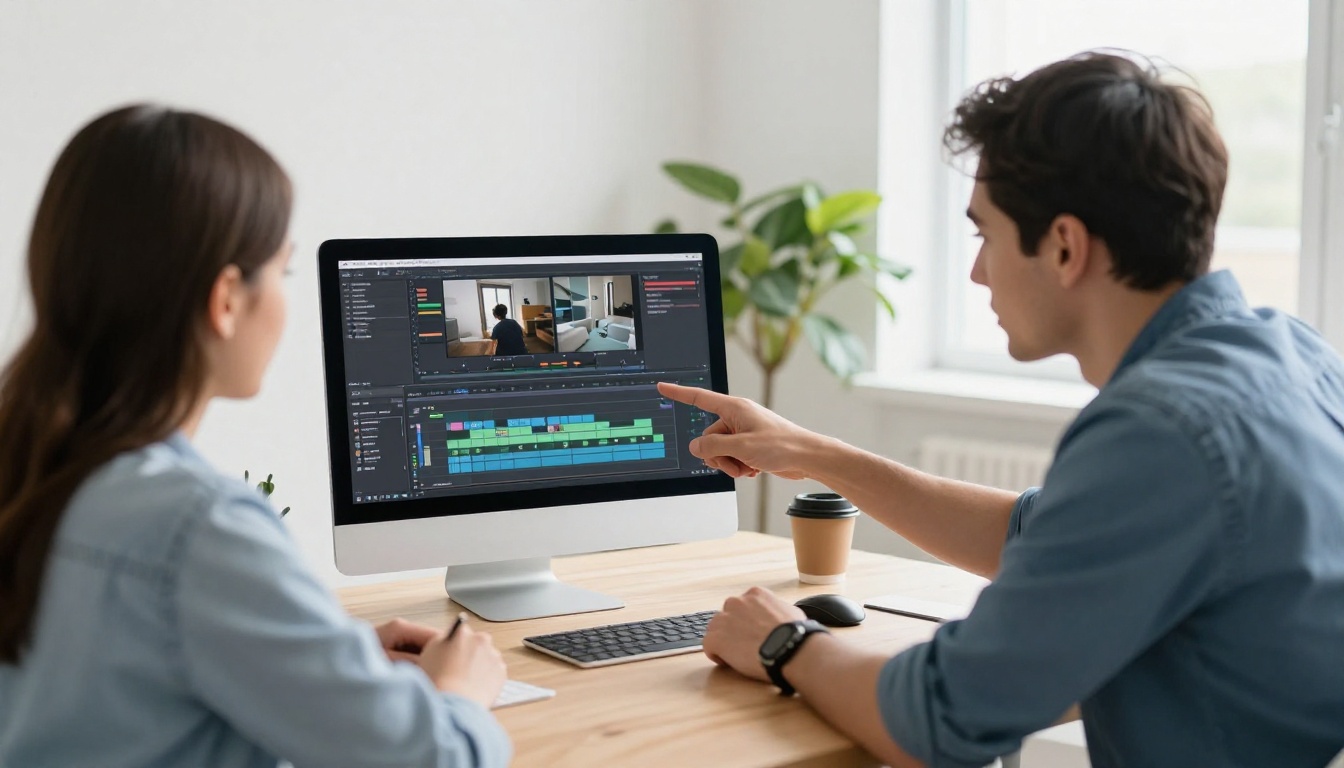
Manual sync in a video editor takes about five minutes if your music and video are already well-matched. Load both into any editor (even the free ones), trim the music to match the video length, and adjust the music's entry point so that significant audio moments (a swell, a beat drop, a resolution) align with visual moments (a scene change, a key visual).
If you're using Audio To Video, this step is unnecessary — the sync is baked in.
5 Prompting Mistakes That Kill the Mood
Even with the right model, most music-video sync failures come from predictable prompting errors. Here's what to avoid:
1. Being too vague about tempo
"Upbeat" means nothing to a model without a BPM reference. Always specify tempo in BPM or use relative descriptors with concrete examples: "moderate tempo, like a walking pace."
2. Ignoring dynamic arc
A two-minute music track that stays at the same energy level will mismatch any video that builds or changes. Describe the emotional journey: "starts at low energy, peaks at 1:15, fades out over the final 20 seconds."
3. Specifying genre without specifying feel
"Classical music" covers everything from a baroque harpsichord piece to a romantic symphony. Tell the model what role the music plays in the viewer's emotional experience.
4. Leaving out instrumentation
The specific instruments are the fastest way to establish atmosphere. "Sparse acoustic guitar, warm bass, and brushed snare" is a complete sonic picture. "Acoustic music" is not.
5. Forgetting the negative space
Silence and space in music are as important as notes. For ambient or contemplative videos, prompts like "lots of reverb, sparse notes, long silences between phrases" produce music that breathes with the visual rather than filling every second.
💡 Google Lyria 3 responds particularly well to emotional arc descriptions combined with specific instrumentation. Combining both in a single prompt consistently outperforms using either alone.
The Outdoor Stage at Golden Hour
An empty stage at golden hour sits silent before the crowd arrives. That image holds an emotional charge — anticipation, possibility, the moment before something begins. The right music transforms that charge into something the viewer feels rather than just sees.
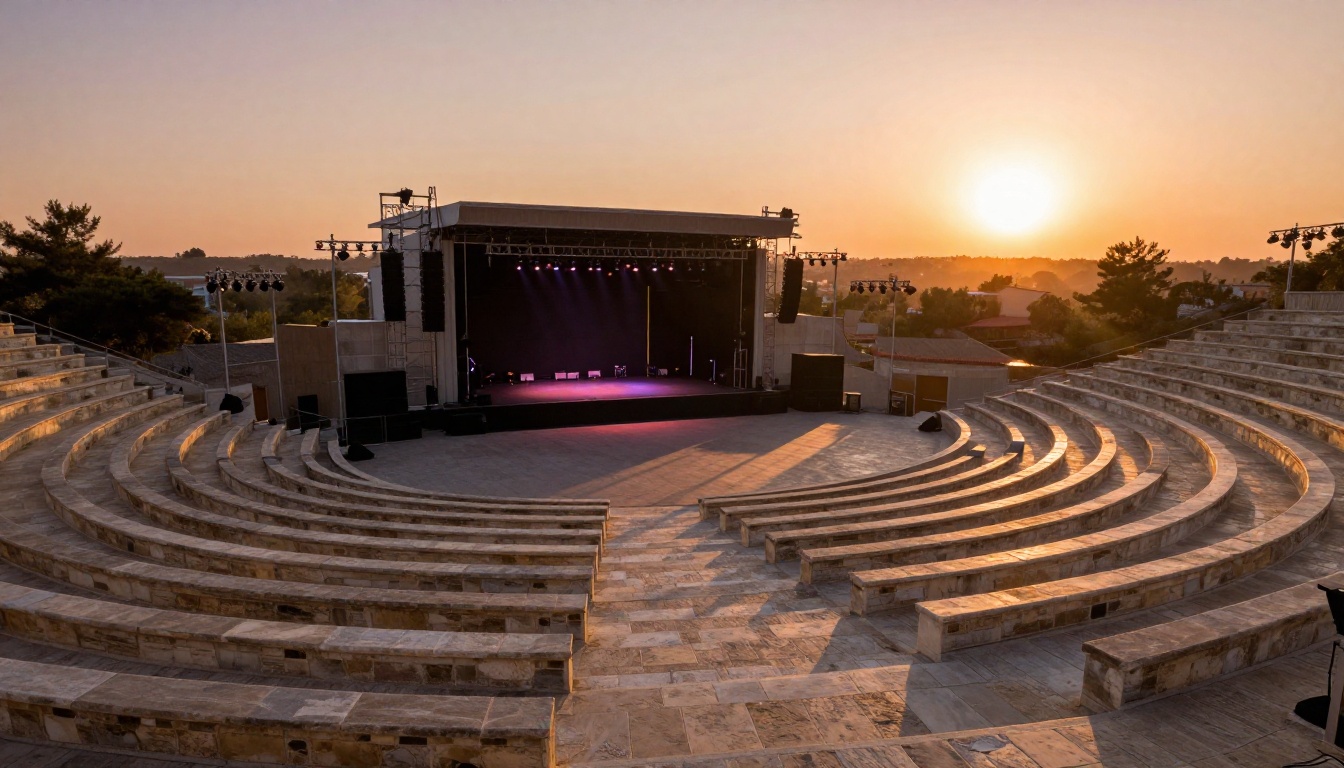
That's the whole point of adding music that matches your AI video mood. You're not filling silence. You're activating the emotional potential that's already in the visual. A well-matched track takes a great AI video and makes it unforgettable.
Create Your First Mood-Matched Track on PicassoIA
The full toolkit for adding music that matches your AI video mood is already live on PicassoIA. Start with Minimax Music 2.6 for a first-pass vocal or instrumental track, move to Google Lyria 3 Pro for high-fidelity cinematic scores, and use Stable Audio 2.5 when your video needs texture and atmosphere over melody.
If you want to skip the sync step entirely, Audio To Video is the most direct path to a video where the music and visuals are inseparable by design.
All of these models — plus 90+ video generation and editing tools, text-to-image, face swap, super resolution, and more — are available at picassoia.com/en/all-models. Pick a mood, write a prompt, and hear your AI video come to life.


