Type "adult AI app" into any app store and you will find a wall of near identical icons, aggressive subscription popups and screenshots that look nothing like the output. Most of those listings are either heavily filtered or built to push you into a weekly plan before you have made a single picture. If you are an adult who simply wants tasteful, glamour style, photorealistic images without fighting a content filter every thirty seconds, you need a clearer picture of what is out there.
This article sorts the noise into four things: what the free options really give you, which picks are worth your time, where the limits sit (legal, technical and practical), and which online alternatives work better than a phone app. The focus is on non explicit, attractive imagery: swimwear, boudoir style portraits, evening wear and editorial looks.
💡 Quick answer: The best results today come from browser based tools, not native apps. Start with Seedream 4.5, then use PicassoIA Image Editor Pro for unlimited edits and variations.
What an Adult AI App Really Is
The phrase "adult AI app" covers three very different things, and mixing them up is where most people lose time and money.
- AI image generators that produce glamour, swimwear and boudoir style pictures from a text prompt.
- AI companion chat apps that focus on conversation and roleplay, with images as an add on.
- Photo editors that change clothing, backgrounds or styling on pictures you already own.
This article is about the first and third. If you want a chat companion, the economics and the risks are different, and most of what follows does not apply.
App Store Reality
Apple and Google both enforce strict rules on sexual content. That means a native app that lists itself as "adult" in a store has usually been trimmed down to survive review. In practice you get one of two outcomes: a generator with a hard filter that rejects a bikini prompt, or a loosely moderated app that gets pulled and reappears under a new name a few weeks later.
Reviews in these stores also tend to be unreliable. Many are incentivised, and the screenshots are often marketing renders rather than real output. Treat any app that shows flawless images in its listing but hides pricing until after install with suspicion.
Browser Tools Fill the Gap
Because stores are restrictive, the serious tools live on the web. A browser based generator is not subject to store review, updates instantly when a better model ships, and works the same on a phone, tablet or laptop. You can even add it to your home screen and it behaves like an app.
That is the quiet truth behind the whole category: the "app" you want is probably a website.
Free Options: What You Actually Get
"Free" is the most abused word in this niche. Here is how it usually breaks down in practice.
| Free model | What you get | Typical catch |
|---|
| Daily credits | A handful of images per day | Credits shrink or vanish after a few weeks |
| One time trial | 10 to 50 images on signup | Needs a card or personal data upfront |
| Watermarked output | Unlimited low resolution images | Watermark and a small file size |
| Queue based free tier | Full quality, slow | Waits that stretch from seconds to hours |
| Open source locally | Truly free | Needs a strong GPU and hours of setup |
I could not verify current free tier numbers for specific competitors, and they change often, so always check the pricing page of any service before you commit. What does not change is the pattern above.
Credits, Queues and Watermarks
Credits sound generous until you realise a good picture takes four to eight attempts. A pack of 20 free credits is really three finished images. Watermarks are worse: they ruin the one picture you actually like, and removing them means upgrading.
Queues are the sneakiest limit. A free tier that is "full quality" but puts you behind hundreds of paid users is free in price and expensive in time.
Free Trial Traps
Watch for three red flags before you enter any payment detail:
- A trial that auto renews weekly at a price shown in tiny print.
- No visible cancel button inside the account page.
- Vague privacy terms that never say how long your prompts and images are stored.
⚠️ If an app asks for a card to "verify your age" and then charges you, close the tab. Legitimate age checks do not need a recurring payment.
Best Picks Right Now
For a niche where most tools fail on either quality or filtering, a short list is better than a long one. These are the models that deserve a place in your workflow, in the order I would try them.
Seedream 4.5 First
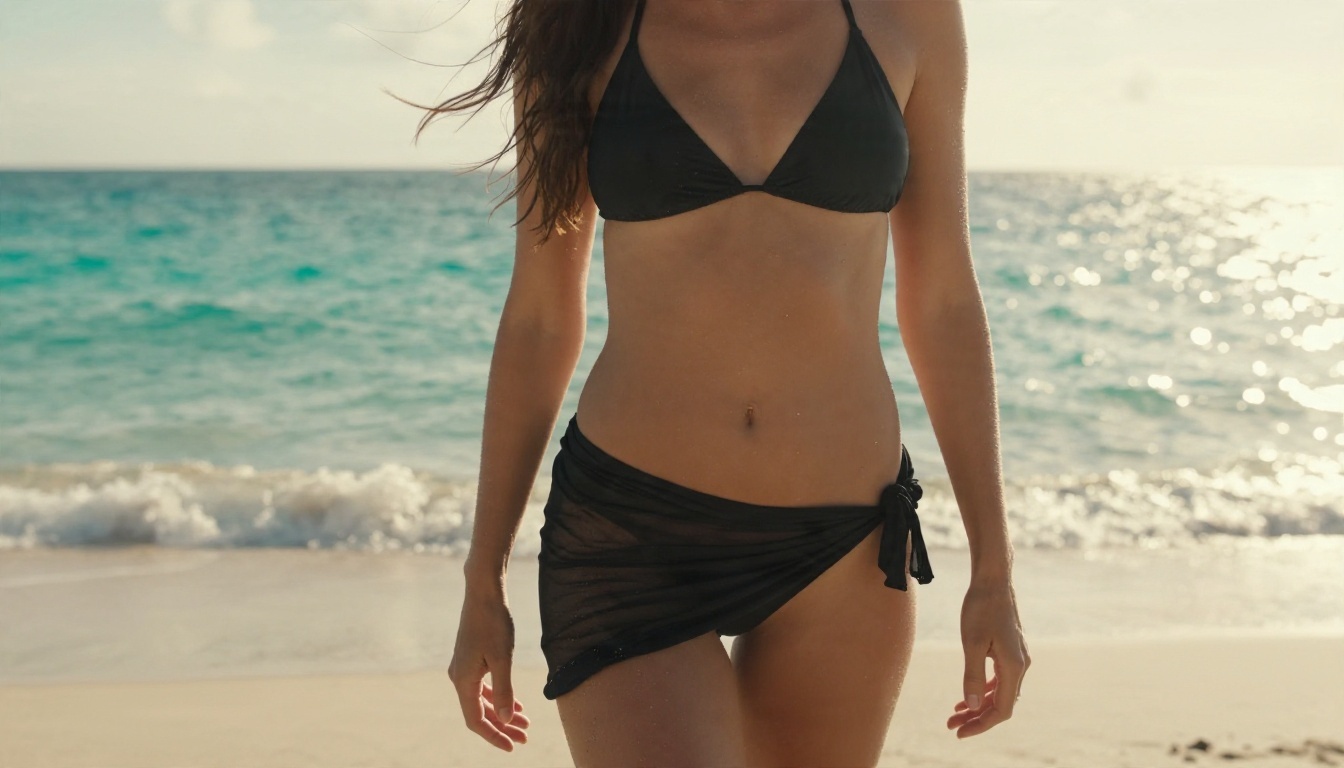
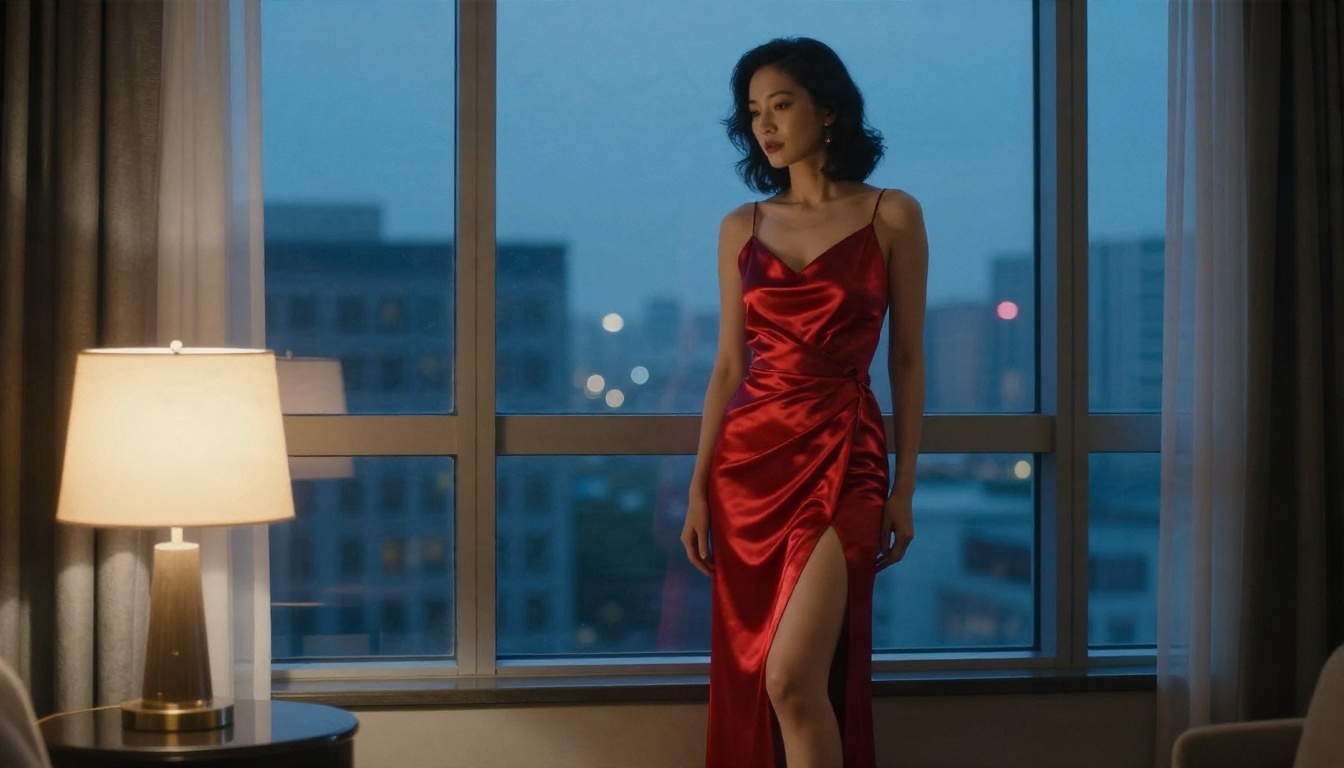
Seedream 4.5 is the pick to lead with. It handles skin texture, fabric and lighting with a realism that older models still struggle with, and it follows long, descriptive prompts closely. For swimwear, boudoir style portraits and evening wear, it gives you pictures that read as photographs rather than illustrations.
What stands out:
- Natural skin: visible pores, soft freckles and believable highlights instead of plastic smoothing.
- Fabric detail: satin, lace and knit all look like the real material.
- High resolution output: sharp enough for large screens and prints.
- Fewer wasted runs: it follows your prompt, so you spend less time retrying.
PicassoIA Image Editor Pro
PicassoIA Image Editor Pro is the one to use when you already have an image and want to push it further: change an outfit, adjust a setting, fix lighting, or generate variations of a look you like. The big draw is unlimited generations, which removes the credit anxiety that wrecks the free tier experience elsewhere. It is also fast, so you can iterate five or six times in the time a queue based service takes to start one.
💡 A good workflow: generate a base image with Seedream 4.5, then refine it in Image Editor Pro until the outfit, pose and light are exactly right.
More Models Worth Testing
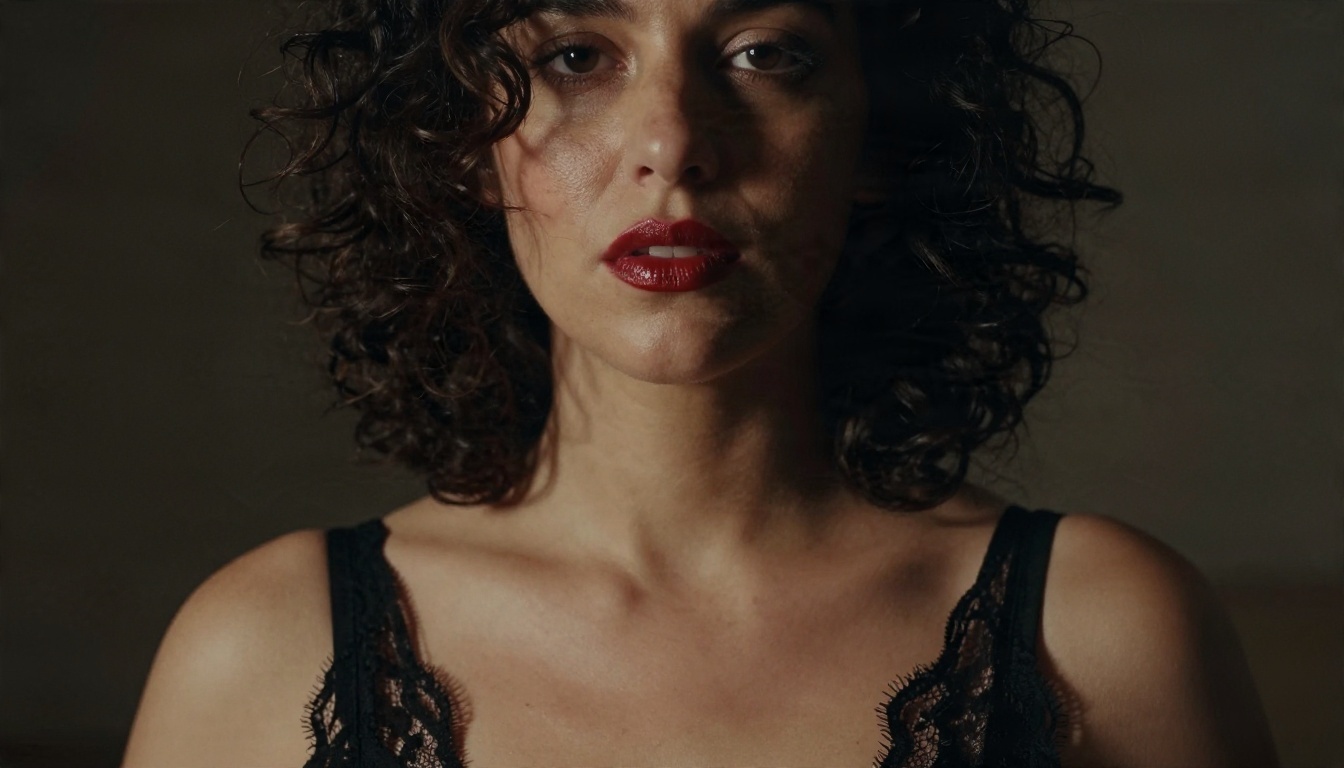
Once the first two are working for you, these add variety. Each has its own look, so run the same prompt through two or three and compare.
Content rules differ from model to model, so a prompt that works in one may be handled differently in another. Treat these as tools for experimenting, and keep your prompts within non explicit territory.
How to Use Seedream 4.5 on PicassoIA
This is the fastest way to get a first strong image. The whole process takes a couple of minutes.
Step by Step
- Open the Seedream 4.5 page on PicassoIA.
- Write your prompt in the text box. Describe the subject, outfit, setting, light and camera in that order.
- Choose 16:9 for wide scenes, or a portrait ratio for full body shots.
- Pick the highest resolution option offered for finished work, and a lower one for quick tests.
- Click generate, review the result, and change one detail at a time before you run it again.
- Send the best result into PicassoIA Image Editor Pro to refine outfit, pose or lighting without limits.
Prompt Tips That Work
A strong prompt reads like a photographer's brief. Here is a pattern that gives dependable results:
Adult woman in a champagne satin slip dress, lounging on a cream linen sofa in a sunlit hotel suite, golden morning light from the left through sheer curtains, 85mm lens at f/1.8, shallow depth of field, natural skin texture, Kodak Portra 400 film grain.
A few parameter and wording tips:
- Name the lens and aperture. "85mm f/1.8" nudges the model toward a believable portrait look.
- Say where the light comes from. "Window light from the left" beats "good lighting" every time.
- Describe textures. "Satin", "lace weave", "linen creases" add realism.
- Mention film stock. Kodak Portra 400 gives warm, natural tones.
- Avoid contradictions. Asking for "studio lighting" and "candid snapshot" in one prompt confuses the result.
The Limits Nobody Mentions
Every service has limits, and the honest ones are worth knowing before you invest time.
Hard Legal Lines
"Uncensored" never means "anything goes". These lines apply everywhere, whatever the marketing says:
- Adults only. Anything that depicts or hints at a minor is illegal and off limits, full stop.
- No real people without consent. Using a real person's face or likeness for sexual content without their permission is harmful, and in many places it is a crime.
- No deceptive use. Do not present generated images as real photos of a real individual.
Create fictional adult characters, or yourself, and you stay well within safe ground.
Privacy and Data
Many free cloud tools publish no clear policy on how long they keep your prompts and images, or whether they use them for training. Before uploading a personal photo, check the privacy page. If there is no clear retention statement, assume your uploads may be kept.
💡 Use fictional characters in your prompts and avoid uploading identifiable personal photos to tools with vague privacy terms.
Quality Ceilings
Even the best generators have habits you should expect: hands that occasionally go wrong, jewelry that melts, and text on clothing that turns into gibberish. Keep prompts free of readable text, and regenerate rather than trying to fix a flawed image through longer wording.
Speed is a limit too. A tool that takes two minutes per image will drain your patience long before it drains your credits. That is one reason a fast editor with unlimited runs changes how you work: you can afford to be picky.
Online Alternatives to Native Apps
If store apps are filtered and free tiers are stingy, what is the better route? A browser platform that bundles several models in one place.
Browser Platform vs Phone App
| Factor | Native phone app | Browser platform |
|---|
| Content rules | Trimmed to pass store review | Set by the platform itself |
| Model choice | Usually one | Many, switchable per image |
| Updates | Wait for app release | Instant |
| Storage | Installs on your phone | Nothing to install |
| Cost control | Often weekly subscriptions | Clearer plans, some unlimited tools |
| Works on | One device type | Phone, tablet and desktop |
The practical upside is flexibility. If one model gives you the wrong skin tone or an odd pose, you switch to another in a few clicks and keep the same prompt. That is hard to do in an app tied to a single engine.
PicassoIA works this way: image generation, editing and more are in one place, with the full model list available at picassoia.com/en/all-models.
3 Mistakes That Waste Credits
Most disappointing results trace back to the same three habits.
- Writing short prompts. "Sexy woman on beach" gives the model almost nothing. Add outfit, light, lens and mood.
- Changing five things at once. If you rewrite the whole prompt after each run, you never learn what helped. Change one element at a time.
- Skipping the edit step. A good base image plus two targeted edits beats ten blind regenerations. This is where an unlimited editor pays for itself.
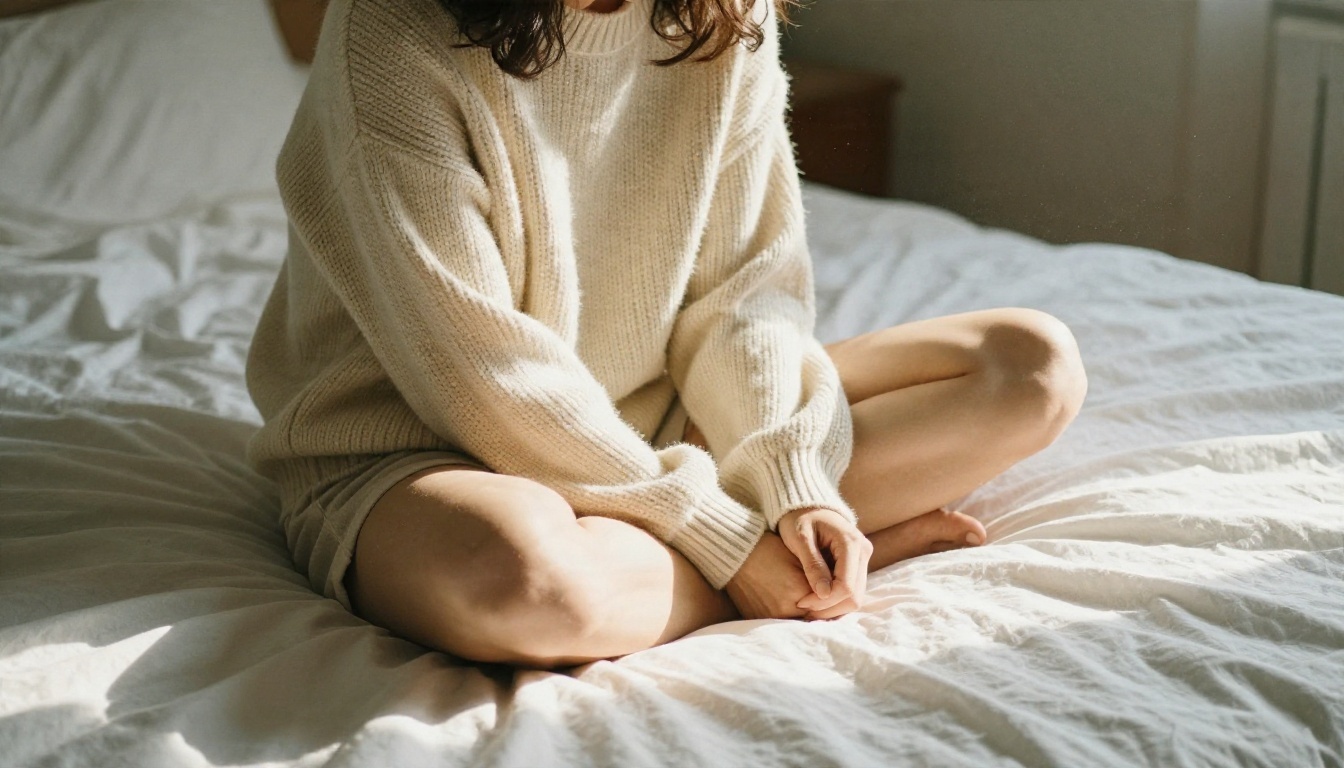
Try It Yourself on Picasso IA
You do not need to install anything or hand over a payment card to find out what these models can do. Open Seedream 4.5, paste in the sample prompt from this article, and see what comes back. Then take your favorite result into PicassoIA Image Editor Pro and push the outfit, light or setting until it matches what you pictured.
Keep your characters fictional, keep everything adult and consensual, and treat the first few runs as experiments. Within an evening you will have a personal prompt formula and a handful of images you actually like.
Ready for more variety? Browse the full catalog at picassoia.com/en/all-models and run the same prompt through a few different models. The differences are the fun part.


