Search for an adult AI app and you get a wall of near-identical roundups, each promising "unlimited free chat" and "zero filters." Then you sign up, send twelve messages, and a paywall appears. This article sorts the marketing from the reality: what free tiers actually give you, how AI companions work, where image makers draw the line, and what to do when you want tasteful, glamorous pictures without a message counter ticking in the corner.
I'm keeping everything here at the suggestive, magazine-glamour level: swimwear, lingerie-style fashion, boudoir lighting. Nothing explicit. That boundary matters, because it is also where most of the practical limits in this category come from.
What Counts as an Adult AI App
The phrase covers three very different products that get lumped together.
| Type | What it does | Typical business model |
|---|
| Companion chat | Persistent character you talk to, often with voice and memory | Free tier with message caps, paid subscription |
| Roleplay platforms | Thousands of user-made characters and scenarios | Queues, ads, premium speed and memory |
| Image makers | Generate or edit pictures of people, glamour, fashion | Credits, daily generations, or unlimited plans |
Most people start with the first type, get curious about the third, and end up frustrated with both for different reasons. Chat apps throttle you by messages. Image apps throttle you by refusals and credits. Keep that split in mind, because the fix for each is different.
💡 Quick filter: if an app asks for a credit card before your first message, it is usually a paid product wearing a free label. If it lets you chat first and gates features later, the free tier is at least real.
Free Options: What You Actually Get
Reports about specific apps disagree a lot, and plans change monthly, so treat everything below as a pattern rather than a price list. Check the current plan page before you rely on any number.
The common free-tier patterns
Across the apps people talk about most, the same restrictions keep appearing:
- Message caps. Some free tiers stop you after a small daily allowance. One companion app is reported to allow only around twenty messages before asking you to pay.
- Peak-hour queues. A few roleplay platforms keep chat unlimited but slow you down during busy hours.
- Ads in the middle of a conversation. Talkie-style apps tend to be generous with volume but show ads, with a monthly fee of roughly ten dollars removing them.
- Voice and image paywalls. Text is cheap for these companies to serve. Voice notes and generated selfies are not, so they are the first things locked away. Character.AI is a typical example of generous text with paid extras.
- Daily limits on "unfiltered" modes. CrushOn AI has been described as having a loose content filter on the free tier, but with daily message limits that cut sessions short.
Free does not mean permanent
Some products are paid from the start. Candy AI, for example, is usually listed as having no real free tier, and the price reported varies between roughly ten and fifteen dollars a month depending on the source. Replika sits in another category: its stance on mature content has shifted over the years, so a feature that existed last year may not exist today.
💡 Rule of thumb: a policy that changed once can change again. Don't build a routine, or pay for a year upfront, around a single app's content rules.
A quick reality table
| Claim on the landing page | What it usually means |
|---|
| "Unlimited free messages" | Unlimited, but queued at peak times, with ads |
| "No filters" | Looser filters, still some hard limits |
| "Free forever" | Free for text; voice, photos and memory cost money |
| "Free trial" | A few days or a fixed number of messages |
| "Your companion remembers you" | Short memory on free, longer memory on paid |
How AI Companions Really Work
Underneath the avatar and the soft voice, a companion app is a large language model wrapped in a character sheet. The sheet tells the model who it is, how it speaks, what it likes, and what it should remember. When you chat, the app sends your recent messages, the character sheet and a few saved facts to the model, then streams back a reply.
That explains most of the behaviour people complain about:
- Forgetfulness. The model only sees what fits in its context window. Older details drop out unless the app summarises them into saved memory, which is often a paid feature.
- Personality drift. Without a strong character sheet, replies slowly slide toward a generic, agreeable tone.
- Sudden refusals. Moderation sits on top of the model. Even loose apps keep hard stops, and a message can trip them without warning.
- Repetition. Smaller, cheaper models used on free tiers repeat phrases far more than the premium ones.

Writing your own character
If you like the idea of a persistent persona but dislike the paywalls, you can draft a character yourself with a general-purpose language model. Gemini 3.5 Flash is quick for brainstorming a personality, speaking style and backstory. Claude Sonnet 5 handles longer, more consistent character writing, and GPT 5.6 Luna is a light option for fast back-and-forth drafts. These are mainstream models with their own content policies, so use them for flirty, romantic, story-driven material rather than anything explicit. They will happily write a character's voice, a date scene or a set of image prompts for you.
A useful character sheet has four parts:
- Voice: how they talk, favourite phrases, sentence length.
- Backstory: two or three specific details, not a life story.
- Boundaries: what the character will and won't discuss.
- Visual identity: hair, eyes, clothing style, so images stay consistent later.
That last point links the two halves of this topic. Once your companion has a look, you can generate matching pictures.
Why Image Makers Refuse So Often
Chat is forgiving. Images are not. A text reply that drifts slightly mature gets a shrug, but a generated photo has to clear an image classifier, and those are blunt instruments. They flag skin tone ratios, swimwear, poses, and sometimes nothing at all.
Common reasons a mainstream tool refuses a glamour prompt:
- The word "bikini," "lingerie" or "sensual" appears in the prompt.
- The model detects a lot of exposed skin, even on a beach.
- The prompt asks for a realistic, named, or recognisable person.
- The tool applies one global filter for every user, regardless of age verification.
Three hard limits that apply everywhere
Whatever app you pick, some lines do not move, and they shouldn't:
- Nothing involving minors. Ever. Every serious platform blocks it.
- No real people without consent. Don't generate pictures of an actual person, a celebrity, a coworker or an ex. Face-swapping a real person into suggestive content is both harmful and, in many places, illegal.
- Nothing non-consensual. Deepfake-style content is the fastest way to get banned and the most damaging thing you can make.
Staying with invented adult characters keeps you on the right side of every one of those.
Making Glamour Images With No Caps
For swimwear, boudoir, lingerie-style fashion and cinematic glamour, a good image model matters more than any companion app. Here is the order I'd try them in.
Start with Seedream 4.5
Seedream 4.5 is the first model to try for adult-leaning, photorealistic glamour. It renders skin texture, fabric sheen and window light convincingly, and it follows long, detailed prompts well. It is also fast enough to iterate on, which is what you actually need: five or six small variations beat one perfect attempt.
Edit and refine in Image Editor Pro
PicassoIA Image Editor Pro is the one to open once you have a base picture. It gives you unlimited generations, so there is no counter pushing you to accept an image you don't like. Use it to change an outfit, adjust a background, soften the lighting or fix a hand.
Speed and style alternatives
| Model | Best for | Link |
|---|
| Seedream 4.5 | Photoreal glamour, skin and fabric detail | Open model |
| Image Editor Pro | Unlimited edits and variations | Open model |
| Z Image Turbo | Fast drafts in seconds | Open model |
| Flux 2 Klein 9B Base LoRA | Styled looks and consistent characters | Open model |
| Qwen Image 3 Pro | Natural, photographic realism | Open model |
Z Image Turbo is the sketching tool: generate a dozen quick drafts to find the pose and mood, then rebuild the best one in Seedream 4.5. Flux 2 Klein 9B Base LoRA is useful when you want a specific stylised look to repeat across a series. Qwen Image 3 Pro leans toward natural, documentary realism.
💡 Why unlimited matters: mainstream tools charge you per attempt and refuse often, so a good result might cost ten tries. A model with no counter and looser handling of swimwear and glamour makes experimentation cheap, and that is where the quality comes from.
A Simple Workflow for Glamour Images
You don't need a long prompt template. You need the right order of decisions.
Step by step
- Draft the character look. Ask a language model such as Gemini 3.5 Flash for a short visual description: hair, skin tone, clothing style, setting.
- Generate fast drafts. Run the description through Z Image Turbo and pick the strongest composition.
- Rebuild in Seedream 4.5. Paste the same prompt into Seedream 4.5 and add lighting and lens details.
- Refine in Image Editor Pro. Open the best result in Image Editor Pro to adjust clothing, background or mood.
- Keep a prompt library. Save the wording of every image you like. Reusing it is how you keep a character consistent.
Prompt ingredients that work
- Lighting with a direction: "warm window light from the left," "soft golden hour backlight."
- A real camera setup: "85mm f/1.8, shallow depth of field."
- Surface detail: "visible skin pores, satin sheen, linen weave."
- A film reference: "Kodak Portra 400 grain" pushes images toward a natural analog look.
- A mood, not just a pose: "relaxed, candid, quiet confidence."

💡 Avoid the plastic look: if skin looks airbrushed, add words like "natural pores," "faint freckles," "subtle sheen" and drop "perfect," "flawless" and "ultra smooth."
Safety, Privacy and Healthy Use
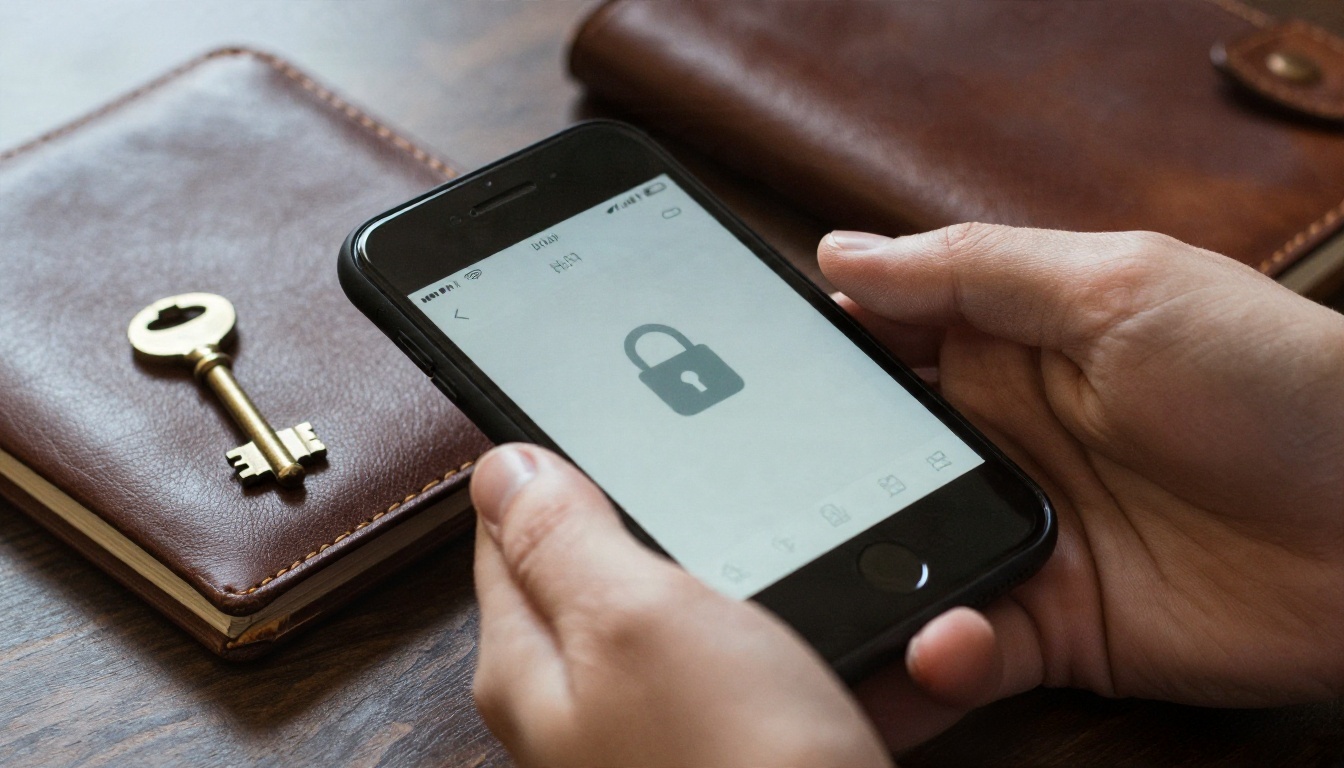
Adult AI apps are intimate by design, so the privacy side deserves more attention than it gets.
What happens to your chats
Companion apps store your conversations, and many use them to improve their models unless you opt out. A few questions to ask before you share anything personal:
- Can I delete my chat history, and does deleting it remove it from backups?
- Does the app train on my messages?
- Where is the company based, and which privacy rules apply?
- What happens to my data if I cancel?
Some reviewers have flagged data handling at certain overseas developers as a reason for caution. Whether or not that concern applies to a particular app, the sensible habit is the same: don't share your full name, address, workplace, or anything you'd regret seeing leaked.
Using them without losing balance
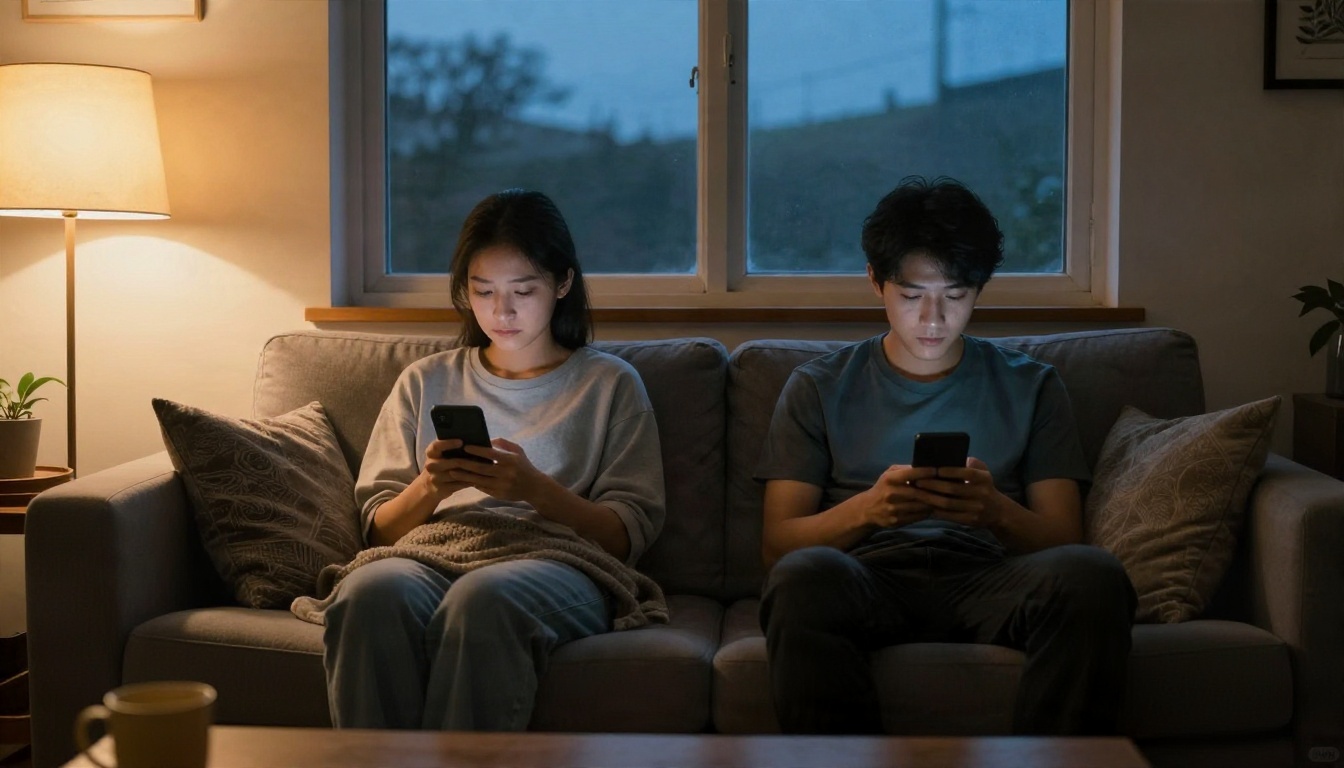
A companion can be pleasant, funny, even comforting. It is also built to keep you talking, and its replies are designed to agree with you. A few habits keep it healthy:
- Set a time limit. Decide how long a session lasts before you start.
- Keep real contact alive. If a chatbot slowly replaces friends or a partner, that is worth noticing.
- Don't treat it as a counsellor. It is a language model, not a therapist.
- Watch spending. In-app purchases for gifts, voice and photo packs add up quietly.
If you're in a relationship, tell your partner what you're using it for. Secrecy causes far more trouble than the app does.
Which Option Fits You
Different goals point to different tools.
| If you want... | Use this |
|---|
| A chat partner for conversation | A companion app with a real free tier |
| A custom character with your own rules | A language model plus a written character sheet |
| Glamour and swimwear photos | Seedream 4.5, then Image Editor Pro |
| Fast ideas and mood boards | Z Image Turbo |
| A consistent look across a series | Flux 2 Klein 9B Base LoRA |
| No caps, no counters | Image Editor Pro, with unlimited generations |
The honest summary of limits
- Free chat is real but throttled. Expect caps, queues or ads.
- Memory and voice cost money. Text is cheap, extras are not.
- Policies change. An app that allowed something last year may not today.
- Image filters are blunt. Swimwear and glamour trigger refusals on mainstream tools.
- Some lines never move. No minors, no real people without consent, nothing non-consensual.

Common Mistakes to Skip
- Paying yearly on day one. Use the free tier for a week first and see how the limits feel.
- Using real photos. Stick to invented characters. It is safer for everyone involved.
- Writing one giant prompt. Short drafts first, detail later, usually gives better pictures.
- Ignoring privacy settings. Check data options before the first personal message.
- Expecting a chatbot to behave like a person. It is a model with a character sheet, nothing more.

Make Your Own Pictures Today
If caps and refusals are what push you away from other tools, try the opposite approach: open Seedream 4.5 on Picasso IA, write one detailed prompt with a lighting direction, a lens and a mood, and see what comes back. Then take your favourite result into Image Editor Pro, where unlimited generations mean you can keep adjusting until the picture feels right instead of watching a counter.
Start with a single character and a single setting: a beach terrace, a quiet loft, a hotel at dusk. Generate ten versions, keep the best two, and save the prompt. That small habit builds a style faster than any subscription will.
When you want to try other models, the full catalogue is on the PicassoIA all models page, with fast drafting tools, styled models and editors to try on your own characters.


