The world of adult content creation has permanently changed. What used to require professional studios, expensive cameras, and a network of talent can now be produced by a single person with a good prompt and the right AI model. Adult AI content is now easier than ever to create, distribute, and monetize, and the creators who understand how to use these tools are already pulling far ahead of those who don't.
This isn't hype. The models have gotten dramatically better. Prompting has become more intuitive. And the platforms designed specifically for adult creators now offer outputs that are genuinely indistinguishable from professional photography.
If you've been curious about what's possible, this article breaks down everything you need to produce high-quality, photorealistic adult AI content: the models that matter, how to write prompts that actually work, and how to turn your creative output into real income.
The Shift That Changed Everything
Something fundamental happened between 2023 and 2025. The quality gap between real photography and AI-generated imagery essentially closed for photorealistic styles. This wasn't a gradual improvement. It was a step change driven by a handful of breakthrough model releases.

From Hobbyist Experiment to Serious Tool
Early AI image generators were impressive in a conceptual sense, but the outputs were obviously synthetic. Faces had uncanny valley problems. Hands were a running joke. Skin textures looked like bad CGI.
That era is over. Models like Flux 1.1 Pro Ultra and GPT Image 1.5 now produce outputs with:
- Natural skin pore detail visible at crop level
- Correct hand anatomy with realistic finger proportions
- Accurate fabric physics: wrinkles, drape, translucency
- Consistent facial identity across multiple generations
These aren't minor refinements. They're the features that make the difference between content that looks like AI art and content that looks like a professional photo shoot.
Why the Barrier Dropped So Fast
Three things happened simultaneously:
- Model architecture improved: Diffusion models adopted flow-matching and improved attention mechanisms that produce sharper, more coherent images
- Training data scaled: Larger, better-curated datasets meant models learned finer aesthetic nuances
- Access democratized: What once required running local hardware can now be accessed through a browser in seconds
💡 Any creator with an idea and a text prompt can now produce images that would have required a serious production budget just 18 months ago.
What Adult AI Content Actually Means
It's worth being precise about terminology because "adult AI content" covers a wide spectrum, and different platforms have different policies and capabilities.

The Spectrum of Content Types
| Content Type | Description | Platform Availability |
|---|
| Glamour / Suggestive | Fashion-forward, confident, lingerie-adjacent | Widely available |
| Artistic Nudity | Tasteful, implied, editorial | Platform-dependent |
| Boudoir Style | Intimate, romantic, soft | Most adult platforms |
| Explicit NSFW | Direct adult content | Specialized platforms only |
Most general-purpose AI platforms operate at the glamour/suggestive level. Specialized adult AI platforms handle the full spectrum. Knowing which tier you're working in helps you choose the right tool and write prompts that work within those parameters.
Prompt Safety and Platform Policies
Every platform has content filters. The better platforms are transparent about what's allowed and provide clear feedback when a prompt is rejected, rather than silently degrading output quality.
What this means practically: don't fight the filters. Understand the platform's threshold and write prompts that describe your creative intent within that range. Skilled prompt writers get better outputs by working with the model, not against it.
The Models That Actually Matter
The model you choose determines roughly 70% of your output quality. Prompt craft accounts for the rest. Here's a practical breakdown of what's available.

Flux: The New Benchmark
The Black Forest Labs Flux family has become the reference point for photorealistic generation. Within the lineup, different models serve different needs:
- Flux 1.1 Pro Ultra: Maximum resolution and realism. Best for hero images and portfolio pieces where quality is non-negotiable
- Flux 2 Pro: High-quality output with improved instruction following. Great for scenes with specific compositional requirements
- Flux 2 Max: Top-tier quality with maximum detail fidelity, ideal for print-ready or large-format output
- Flux Dev: Excellent quality-to-speed ratio for iterative workflows
- Flux Schnell: Lightning-fast generation for rapid concept testing
💡 Start fast, finish sharp: Build your prompt on Flux Schnell for speed, then run the final version through Flux 1.1 Pro Ultra for publication-ready quality.
Stable Diffusion and SDXL
Stable Diffusion 3.5 Large and SDXL remain powerful workhorses, especially for creators who have built prompt workflows around the SD ecosystem. SDXL's ControlNet compatibility makes it particularly useful for pose-controlled generation where body position and framing need to be consistent across a series.
Photorealistic Specialists
Some models are specifically tuned for the kind of outputs adult content creators need:
- Realistic Vision v5.1: Fine-tuned for photographic realism with excellent skin rendering and natural color science
- RealVisXL v3.0 Turbo: SDXL-based with photorealism-focused training and fast turnaround times
- DreamShaper XL Turbo: Versatile model with strong human anatomy performance and good prompt adherence
How to Write Prompts That Work
The single biggest skill gap between casual users and professional AI content creators is prompt quality. Most people describe what they want. Professionals describe how it should look.

The Anatomy of a High-Performance Prompt
A strong photorealistic prompt has five layers:
- Subject: Who, doing what, wearing what
- Environment: Where, with what elements present
- Lighting: Direction, quality, color temperature
- Camera: Angle, lens, depth of field
- Film/Style: Grain, color grading, reference aesthetic
Weak prompt: beautiful woman on beach, realistic
Strong prompt: A confident woman in a black bikini reclining on white sand at golden hour, turquoise ocean behind her, volumetric warm sunlight from camera left, shot low-angle with Sony A7R IV 50mm f/1.8, Kodak Portra 800 film grain, dreamy summer editorial
The difference in output quality between these two approaches is dramatic. The second prompt gives the model specific, actionable visual instructions at every layer. The model doesn't have to guess, and guessing is where quality breaks down.
Negative Prompts Still Matter
Even on newer models where negative prompting is less critical, explicitly excluding common failure modes improves consistency:
worst quality, low resolution, blurrydeformed hands, extra fingers, bad anatomyCGI, render, 3D, illustration, cartoontext, watermark, logo
Adding these to every generation costs nothing and consistently removes the most common artifacts.
Seeds and Consistency
Once you find a composition you love, lock the seed number. This preserves the random starting point and lets you vary only the prompt text while keeping the overall structure stable. It's how professional AI creators produce consistent visual series with the same character, lighting, and mood across dozens of images.
💡 Build a personal library of seed + prompt combinations that reliably produce your best outputs. That library is your production toolkit, and it gets more valuable over time.
The generation model matters, but so does the platform wrapping it. A great model on a poor platform is frustrating to use at scale. Here's what separates the platforms worth using.

What Separates Good Platforms from Great Ones
| Feature | Why It Matters |
|---|
| Model variety | Different creative needs require different models |
| Upscaling tools | Native super-resolution without leaving the platform |
| Inpainting / editing | Fix specific areas without regenerating the full image |
| Prompt history | Reproduce and iterate from your best past outputs |
| Fast generation | Rapid iteration cycles are essential for professional output |
| Community examples | Real use-case inspiration from other creators |
Speed vs. Quality Tradeoffs
Most platforms offer a spectrum from fast/lower-quality to slow/higher-quality. The smart workflow doesn't pick one or the other, it uses both at the right stage:
- Ideation phase: use the fastest model available to quickly test 10-20 compositional ideas
- Selection phase: identify the 2-3 strongest concepts
- Production phase: run those concepts through your highest-quality model at full resolution
This gets you both creative breadth and output quality without wasting generation credits on refinement at the wrong stage.
Creating on PicassoIA Step by Step
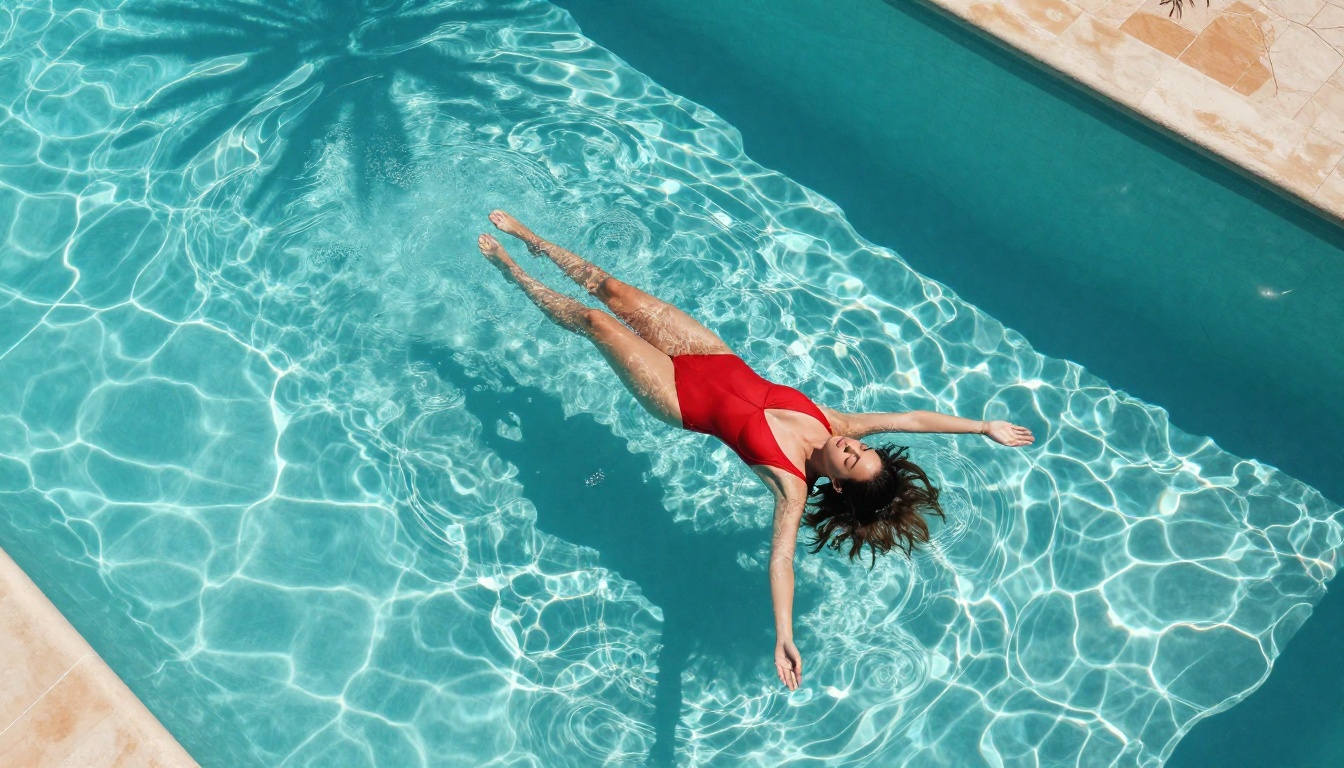
PicassoIA gives you access to 91+ text-to-image models in one interface, which means you can run the exact workflow described above without switching platforms or managing API keys.
Step 1: Pick the Right Model for Your Goal
Start with intent, not habit:
Step 2: Write Your Prompt in Layers
Follow the five-layer structure: Subject, Environment, Lighting, Camera, Style. Add negative prompts for quality control. Set your aspect ratio to 16:9 for landscape compositions or 9:16 for portrait and social formats.
Parameters to pay attention to:
- Guidance scale: Higher values (7-12) stick closer to your prompt; lower values (3-6) allow more creative interpretation
- Steps: 25-30 for quality output; 8-12 for speed
- Aspect ratio: Match your intended output channel from the very first generation
Step 3: Iterate Systematically
Don't generate once and accept the result. The professional approach:
- Generate 4-6 variations with the same core prompt
- Identify the strongest composition
- Lock the seed
- Refine the prompt: adjust lighting descriptors, modify one environment detail, sharpen the subject description
- Run 2-3 more generations with the refined prompt
- Upscale your final pick using Super Resolution tools for print-ready output
Monetizing Your AI Adult Content
Creating high-quality AI content is only half the equation. The creators earning real income from this space have figured out distribution and pricing strategies that work at scale.
Where the Market Is
Adult content platforms that accept AI-generated images include subscription-based creator platforms, content licensing marketplaces, and direct-to-fan digital storefronts. The real differentiator for successful creators is volume consistency: subscribers expect regular new content, and AI removes the production bottleneck that would make that impossible for a solo creator.
Creators who combine these three things are building sustainable income streams that would be physically impossible with traditional photography workflows:
- Daily generation schedules (10-20 new images per day)
- Series-based content (consistent character identity, evolving scenarios)
- Multiple platform presence (don't rely on a single distribution channel)
Pricing Strategies That Work
| Tier | Content | Price Range |
|---|
| Free preview | Watermarked glamour shots | Free |
| Basic subscription | Weekly content drops | $5-15/month |
| Premium subscription | Daily content, custom requests | $20-50/month |
| Custom content | Personalized AI-generated scenes | $30-100/piece |
💡 Always comply with platform terms of service and applicable laws in your jurisdiction regarding AI-generated adult content. Age verification requirements vary by region and platform.
Building a Brand vs. One-Off Sales
The highest-earning AI adult content creators aren't selling individual images. They're selling a character: a consistent, recognizable AI persona with a backstory, aesthetic, and personality. This is now achievable without complex technical setups because tools like Flux Kontext Pro allow character consistency across generations through text-based editing rather than LoRA training.
A recognizable AI character with consistent visual identity commands significantly higher subscription rates than a random collection of attractive images.
Beyond Images: What Else Is Possible
Text-to-image is only the beginning of what's available for adult content creators on a platform like PicassoIA.
Face Swap for Consistency
PicassoIA's Face Swap AI capability lets you transfer facial features across generated images, solving the identity consistency problem that trips up creators trying to maintain a single character across a large image library. Generate the body, pose, and environment you want, then apply consistent facial identity in post.
Super Resolution for Print-Ready Output
AI-generated images at standard resolution are fine for screen. For premium content sales, merchandise, or print products, running your best outputs through Super Resolution tools produces 4x upscaled images with sharp, fine detail that hold up at large sizes. This also opens physical product revenue streams (prints, photobooks) that pure digital creators miss.
Inpainting for Perfect Details
Inpainting lets you isolate and regenerate specific areas of an image without touching the rest. If the lighting on a face is perfect but the background needs work, or if you want to swap an outfit detail, inpainting handles it without forcing a full regeneration. It's the editing workflow that bridges AI generation and professional finishing.
Start Creating Today
The technical barrier to professional-quality AI adult content has never been lower. The models are powerful, the platforms are accessible, and the market for this content is real and growing. What separates the creators who succeed from those who don't is simply the willingness to start, iterate, and build a consistent practice.
PicassoIA puts 91+ text-to-image models in one place, including the full Flux lineup, Stable Diffusion family, photorealistic specialists, and post-generation editing tools, all accessible without any local setup or GPU requirement. You open a browser and start generating.
Pick a model. Write a layered prompt. Generate. Iterate. The first output won't be your best, but the tenth will be something worth publishing, and the hundredth will be something worth charging for.
The tools are ready. The only question is what you'll create.


