Typing "adult AI free" into a search bar gets you a mess: sketchy sites that watermark every picture, "unlimited" tools that stop after three renders, and generators that quietly block half of what you ask for. This article sorts that out. You will see which image models are worth your time, what free video actually delivers, how to write prompts that produce glamour, swimwear and boudoir style portraits, and where each tool runs into its limits.
One note on scope. Everything here is about suggestive, non-explicit content: bikinis, lingerie-style fashion, sunlit glamour, moody portraits. That is where the best free tools perform well, and it is also where the results look most like real photography.
What "Adult AI Free" Really Means
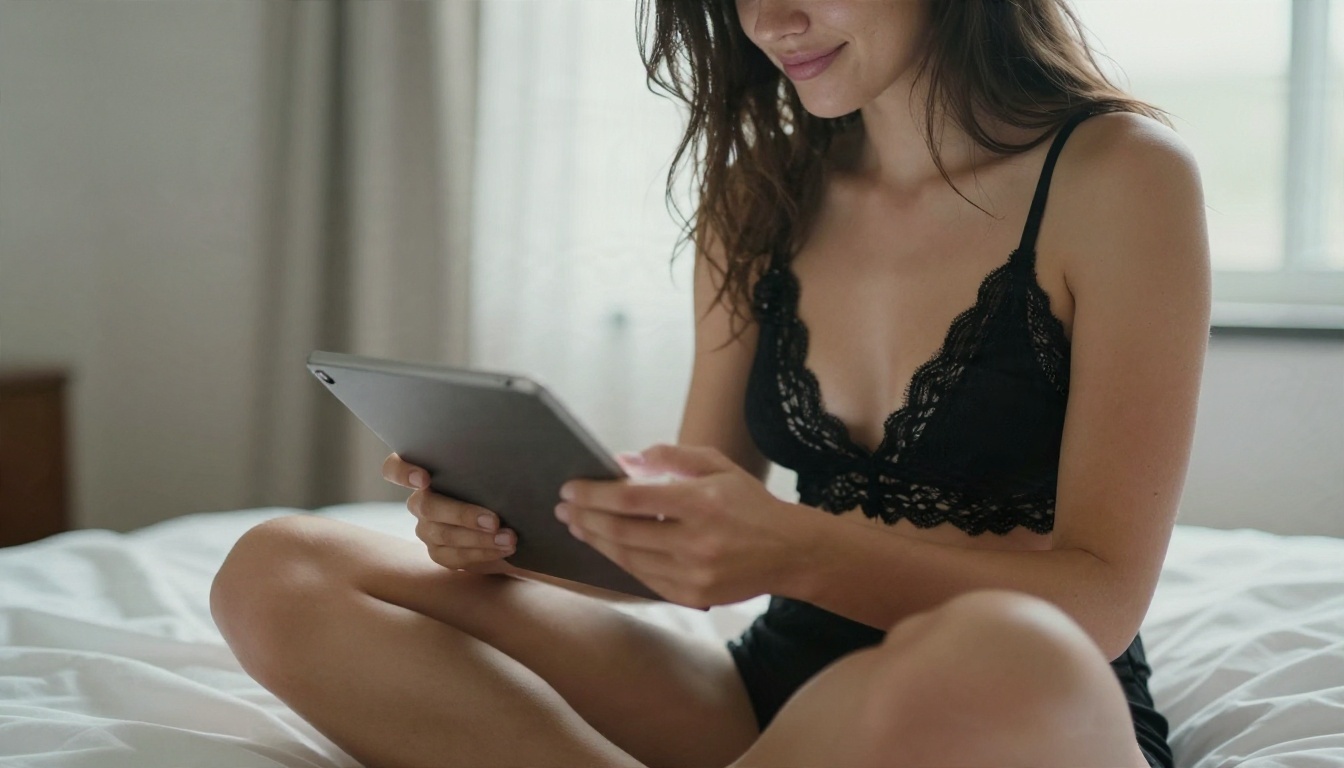
The word "free" covers at least four different deals, and mixing them up is the most common reason people feel scammed. Before you pick a tool, work out which kind of free you are being offered.
Free Versus Unlimited
A free trial gives you a fixed number of credits. A free tier refills daily or monthly. Unlimited means no counter at all, though speed may vary with demand. And "free to try" often means you can preview a result but not download it.
| Offer type | What you get | Typical catch |
|---|
| Free trial | A handful of credits | Runs out in one session |
| Daily free tier | A few generations per day | Slow queue, lower resolution |
| Unlimited plan or model | No generation counter | Fair-use speed limits |
| Watermarked preview | See the result only | Clean download is paid |
💡 Quick test: generate five images in a row. If the sixth request asks for payment, you were on a trial, not an unlimited tool.
Where Free Tiers Stop
Most free tiers cut you off in the same few places:
- Resolution: previews at 512 or 768 pixels, with sharp 2K or 4K output saved for paying users.
- Video length: clips of two to three seconds with a visible watermark.
- Queue priority: free requests wait behind paid ones, sometimes for minutes.
- Content filters: the strictest filters often sit on the free tier, so harmless swimwear prompts get rejected.
- Commercial use: many free plans forbid selling or publishing the output.
Keep this list in mind. Each section below shows how the tools on PicassoIA deal with these points.
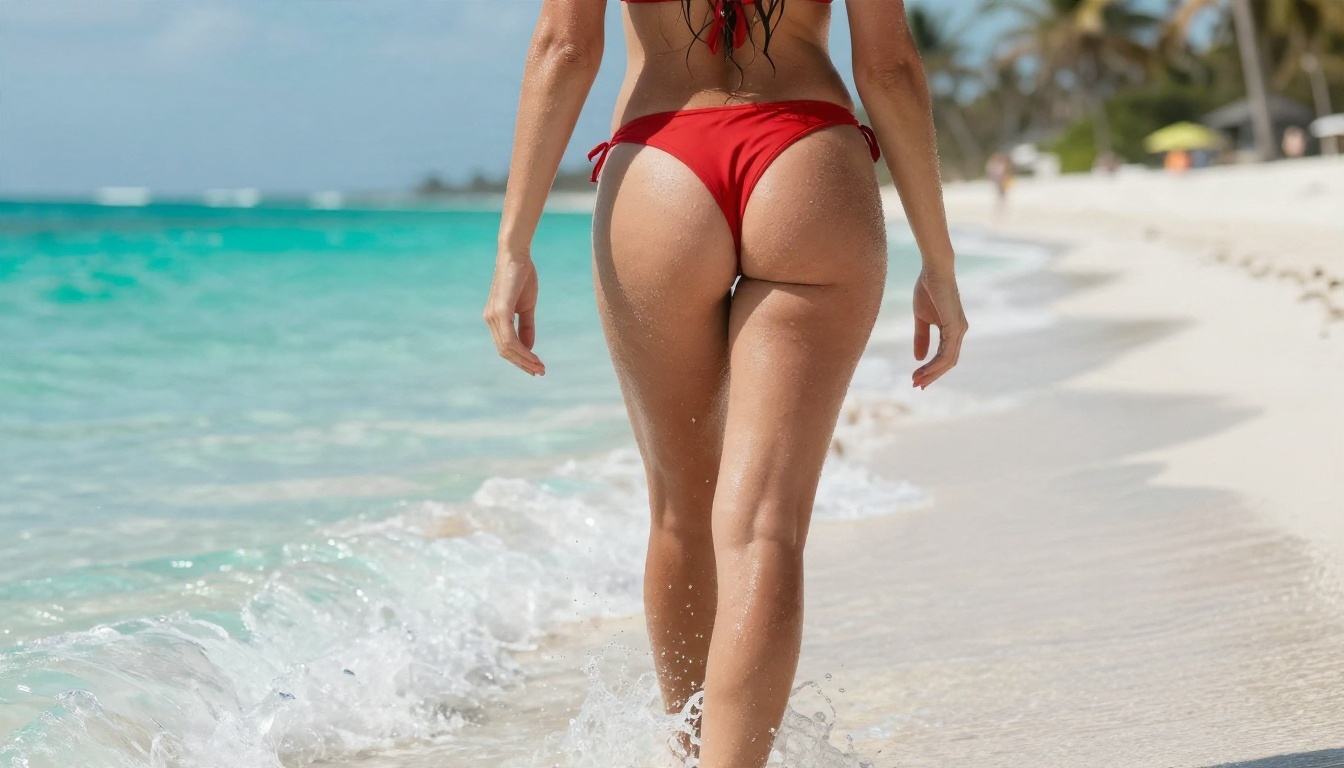
Image generation is where free adult AI works best. The models are fast, cheap to run, and good enough that skin, fabric and light look like a real photo shoot.
Seedream 4.5 First
Seedream 4.5 is the model to try first for glamour and swimwear work. It handles skin texture without the waxy look that gives AI portraits away, it follows long prompts closely, and it outputs up to 4K. It reads lighting instructions well. Ask for "low golden sun from camera left" and you get a rim light on the shoulder, not a flat wash.
What it does best:
- Natural skin: pores, freckles and small flyaway hairs show up when you ask for them.
- Fabric: satin, lace, knit and linen each get a believable sheen and fold pattern.
- Composition: it respects instructions like "rule of thirds" or "low-angle, 35mm".
- Consistency: the same prompt with a new seed gives variations of the same mood.
Image Editor Pro for Unlimited Runs
If your main worry is the counter, PicassoIA Image Editor Pro is the one to open. It offers unlimited generations, which changes how you work. You stop treating each render as precious and start iterating: change the outfit, move the camera, soften the light, run it again.
It also works as an editor. Upload a picture you generated, then ask for a different background, a new color for the swimsuit, or a cleaner skin tone. Because there is no credit meter, small fixes cost you nothing.
Other Free-Friendly Image Models
Different models suit different jobs. These are the ones worth keeping in your rotation:
A good routine: draft quickly with Z Image Turbo, pick the best composition, then rebuild it in Seedream 4.5 for the final render. Finish with small fixes in PicassoIA Image Editor Pro.
Video Options Without a Paywall
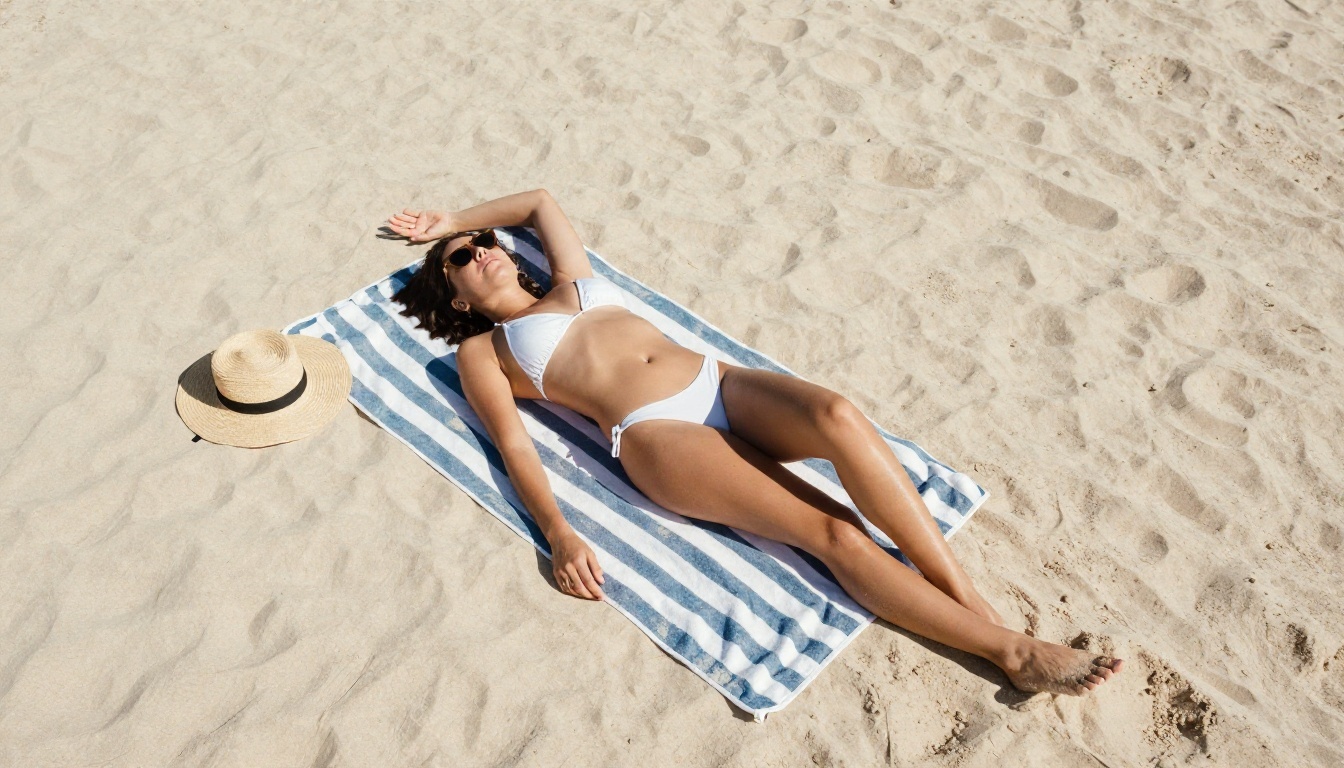
Video is harder than images, and "free" is less generous. Rendering motion takes far more computing power, so most services limit clip length, resolution or the number of runs. Still, a few options are worth knowing.
Seedance 2.5 Lite
Seedance 2.5 Lite is listed as a free and unlimited video generator with clips up to 10 seconds. That is long enough for a slow pan across a beach scene, a hair-in-the-breeze portrait, or a camera drifting toward a subject by a window. For suggestive, non-explicit material such as swimwear shoots and glamour portraits, it is a practical starting point.
If you want more length, Seedance 2.5 pushes clips to 30 seconds, and Seedance 2.0 Mini adds native audio at a lighter cost.
Kling and Wan for Motion
When you already have a good still, image-to-video usually beats text-to-video. You keep the face, outfit and lighting you chose, and the model only adds motion.
- Wan 2.6 I2V turns a single photo into a short clip with natural camera movement.
- Wan 2.6 I2V Flash is the quicker option when you are testing several images.
- Kling v3 Video gives cinematic movement and smooth cloth and hair physics.
💡 Motion prompt tip: describe only what moves. "Slow dolly-in, hair lifts in a light breeze, water ripples in the background" works better than repeating the whole scene.
Prompts That Stay Tasteful and Sharp
Prompt writing separates a generic AI face from a photograph that feels shot on location. The recipe is the same across most models, and it matters even more when filters are watching for sensitive wording.
The Five-Part Prompt Formula
Build every prompt from these pieces, in this order:
- Subject and pose: who is in frame and what they are doing.
- Wardrobe: "champagne silk bikini", "black satin slip dress", "burgundy velvet bodysuit".
- Setting: a villa terrace, a rain-streaked window, a sailboat deck.
- Light: direction and quality, such as "warm sunlight from camera left, soft rim light".
- Camera: lens and angle, such as "85mm f/1.8, shallow depth of field, low three-quarter angle".
Add a film reference like "Kodak Portra 400 tones, subtle grain" and a skin note like "visible pores, natural freckles". These two small additions remove most of the plastic look.
Sample Prompts to Copy
Paste these into Seedream 4.5 or PicassoIA Image Editor Pro and adjust the details:
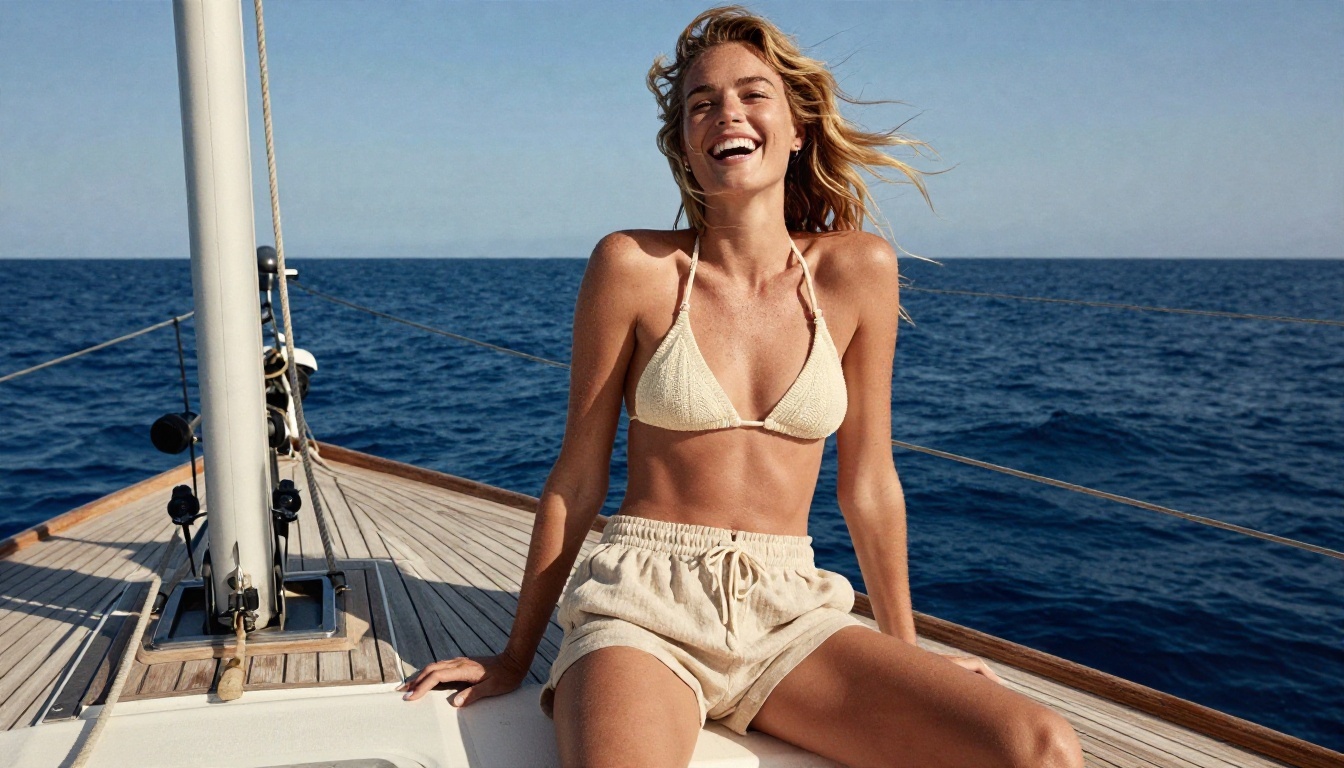
- Beach glamour: "Woman in a red one-piece swimsuit walking out of turquoise shallows, wet hair swept back, water droplets on tanned skin, midday sun behind her, 35mm f/2.8, Kodak Portra 400, non-explicit."
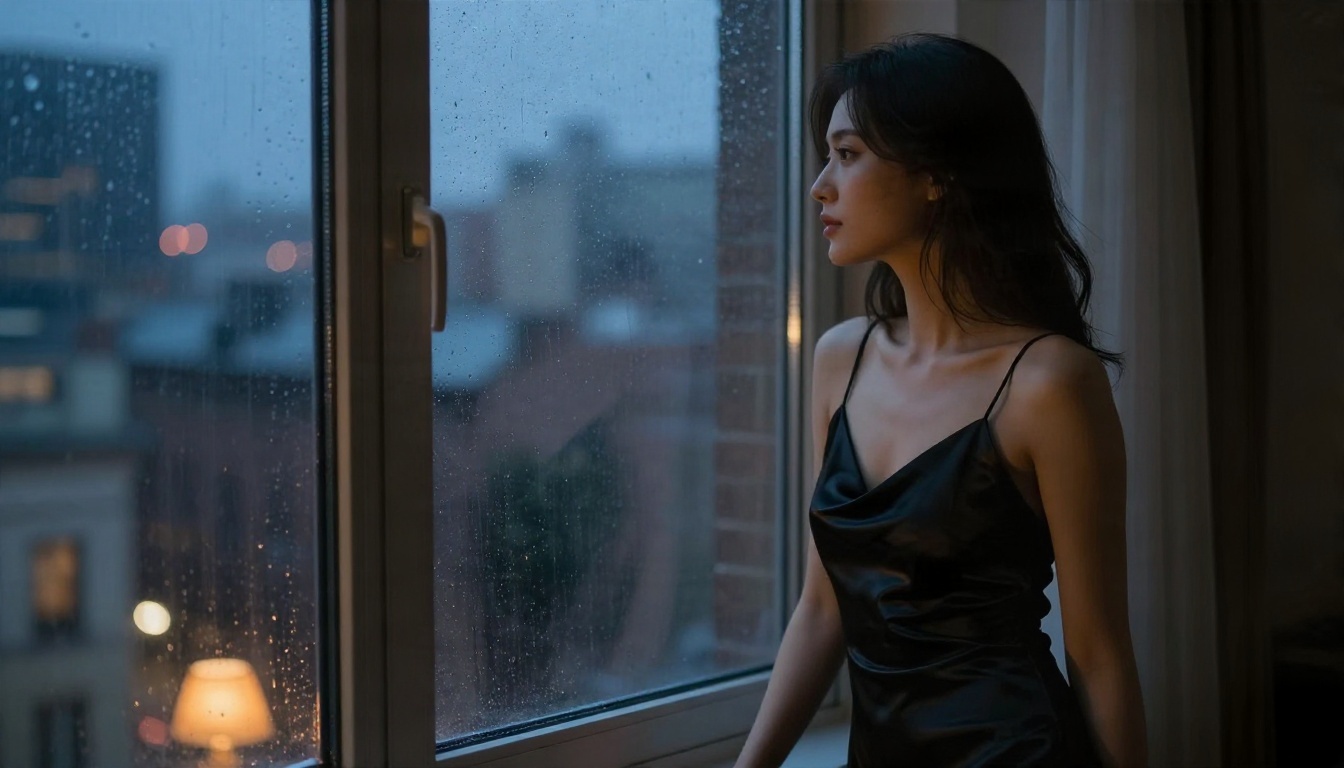
- Window portrait: "Medium shot of a woman in a black satin slip dress at a rain-streaked window at dusk, blue evening light mixed with amber lamp glow, 85mm f/1.4, visible fabric folds."
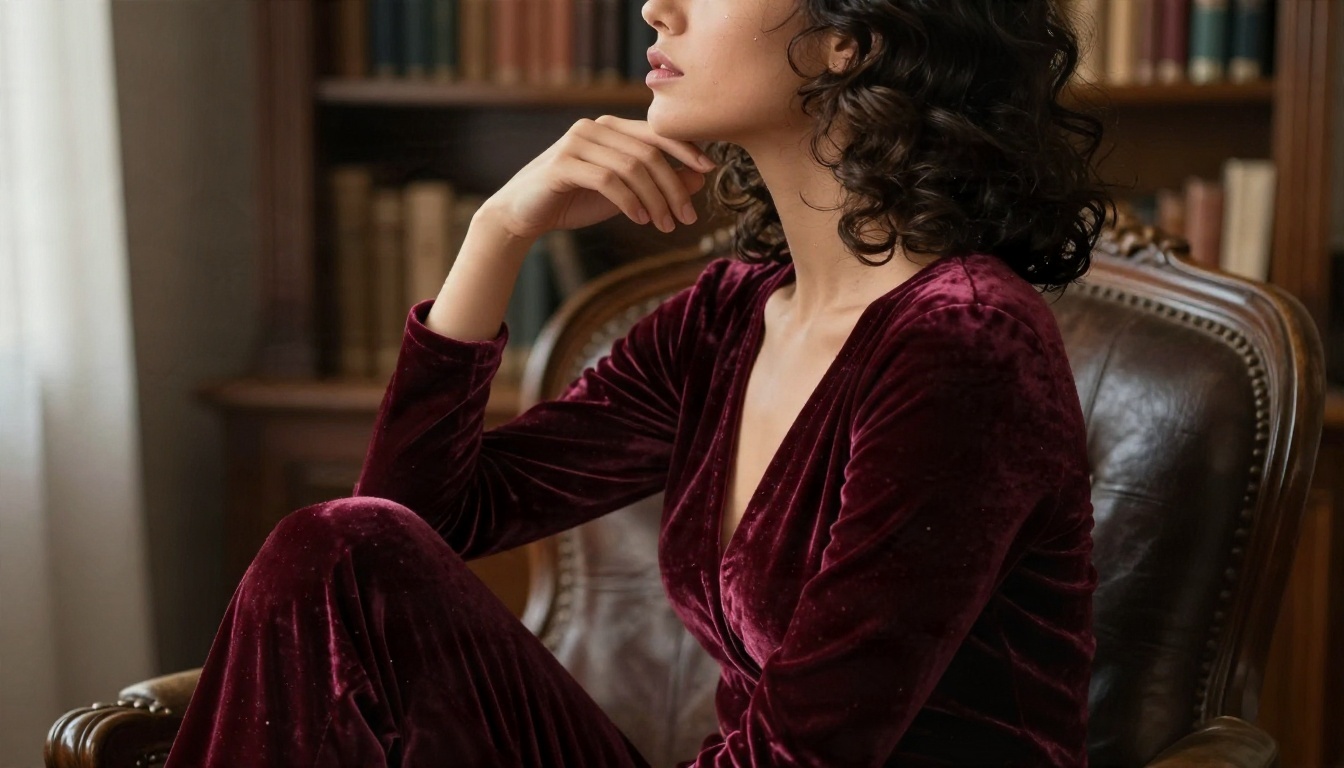
- Boudoir classic: "Side profile of a woman with dark curly hair in a burgundy velvet bodysuit on a leather armchair, warm window light from the left, 105mm f/2, fine skin detail."
Words That Trigger Blocks
Filters work on the whole prompt, not single words. A flirty outfit in a bedroom with a lying-down pose can trigger a block even when each word is harmless. When I tested prompts for this article, a pink lace set on a bed with a high camera angle was rejected, while the same energy moved to a balcony in a sundress went through straight away.
If a prompt is blocked, try this order:
- Change the setting first: terraces, pools and beaches pass more often than bedrooms.
- Swap the pose: standing, walking or seated poses read as fashion photography.
- Add editorial language: "swimwear campaign", "travel magazine", "fashion shoot".
- Shorten the prompt: remove adjectives that only add suggestion.
Limits You Will Hit
No tool is limitless in every direction. Knowing where the walls are saves you hours.
Filters, Resolution, Queue
| Limit | What happens | Workaround |
|---|
| Content filter | Prompt rejected with a policy message | Reword, change setting, keep it editorial |
| Resolution cap | Soft, small previews | Pick a 4K-capable model like Seedream 4.5 |
| Generation counter | Credits run out | Use PicassoIA Image Editor Pro for unlimited runs |
| Video length | Clips of 2 to 5 seconds | Use Seedance 2.5 Lite for up to 10 seconds |
| Hands and details | Extra fingers, odd jewelry | Regenerate or fix in the editor |
Realistic expectations help here. Even strong models produce the occasional odd hand or merged strap, so plan on generating several versions and picking the best.
Rules for Adults and Likeness
Some limits are not technical, and they matter more than any filter:
- Adults only. Every subject must be clearly an adult. Never write prompts that suggest otherwise.
- No real people. Do not recreate the likeness of a real person, whether a celebrity or someone you know, without their clear permission.
- No deception. Do not present generated images as real photos of real people.
- Check the plan. Look at commercial-use terms before you publish or sell images.
Generate invented characters and you avoid nearly every legal and personal problem.
How to Use Seedream 4.5 on PicassoIA
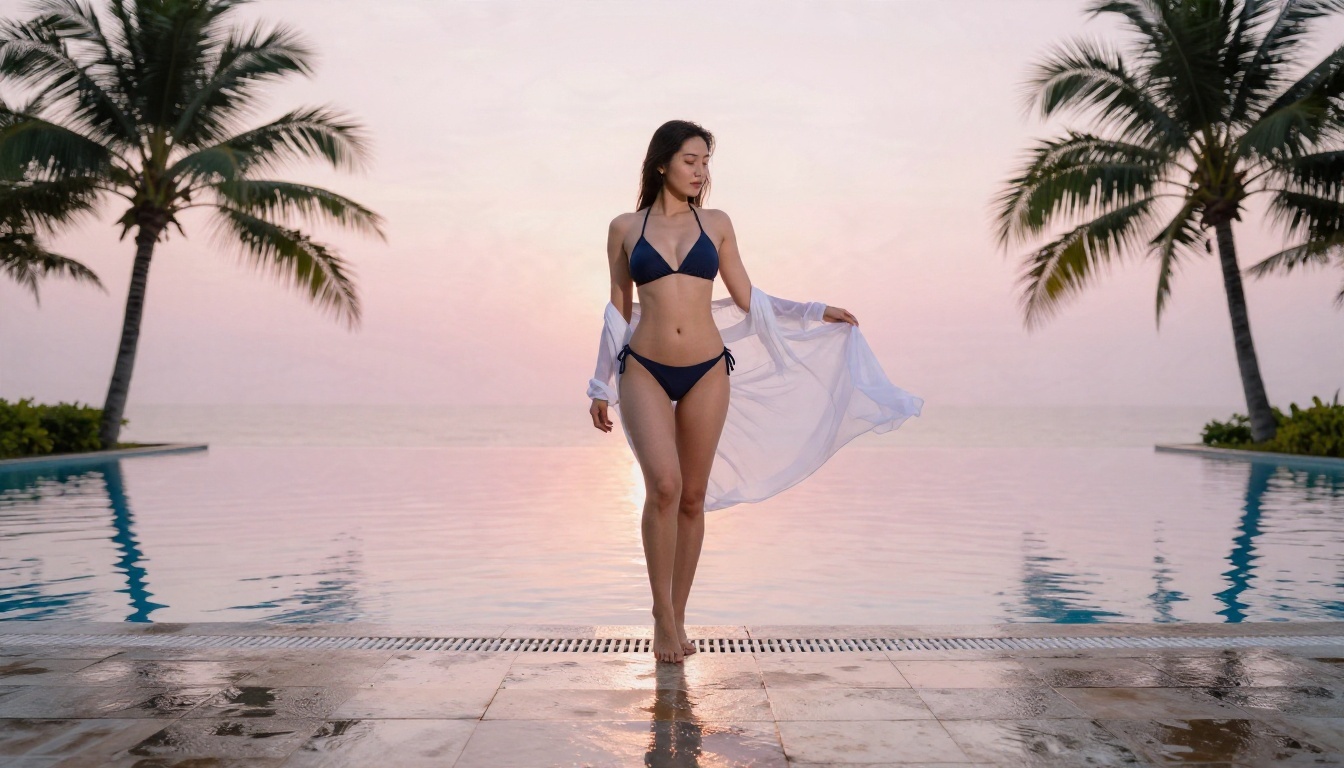
Seedream 4.5 is the strongest all-round pick for glamour and swimwear. Here is the quick route from blank prompt to final image.
Step-by-Step Workflow
- Open the Seedream 4.5 page on PicassoIA.
- Paste a prompt built with the five-part formula above.
- Set the aspect ratio. Pick 16:9 for wide scenic shots, 3:4 or 2:3 for portraits.
- Choose the highest resolution available for the final render.
- Generate, then compare two or three seeds before you decide.
- Send your favorite to PicassoIA Image Editor Pro for outfit changes, background swaps or small cleanups.
- Animate the best still with Wan 2.6 I2V or Seedance 2.5 Lite.
Parameter Tips
- Be specific about light. "Soft rim light from camera left" beats "nice lighting".
- Name the lens. 85mm for portraits, 35mm for full-body environment shots, 24mm for aerial views.
- Keep the negative side short. Say what you want, then add "no text, no watermark, natural hands".
- Change one thing at a time. If a result is close, adjust a single detail and keep the seed.
- Write 50 to 75 words. Short prompts are vague, and very long ones start to contradict themselves.
💡 If a model blocks adult-leaning prompts, do not fight it. Move to the models listed above that handle glamour and swimwear well, and keep the tone editorial.
Fixing Common Mistakes
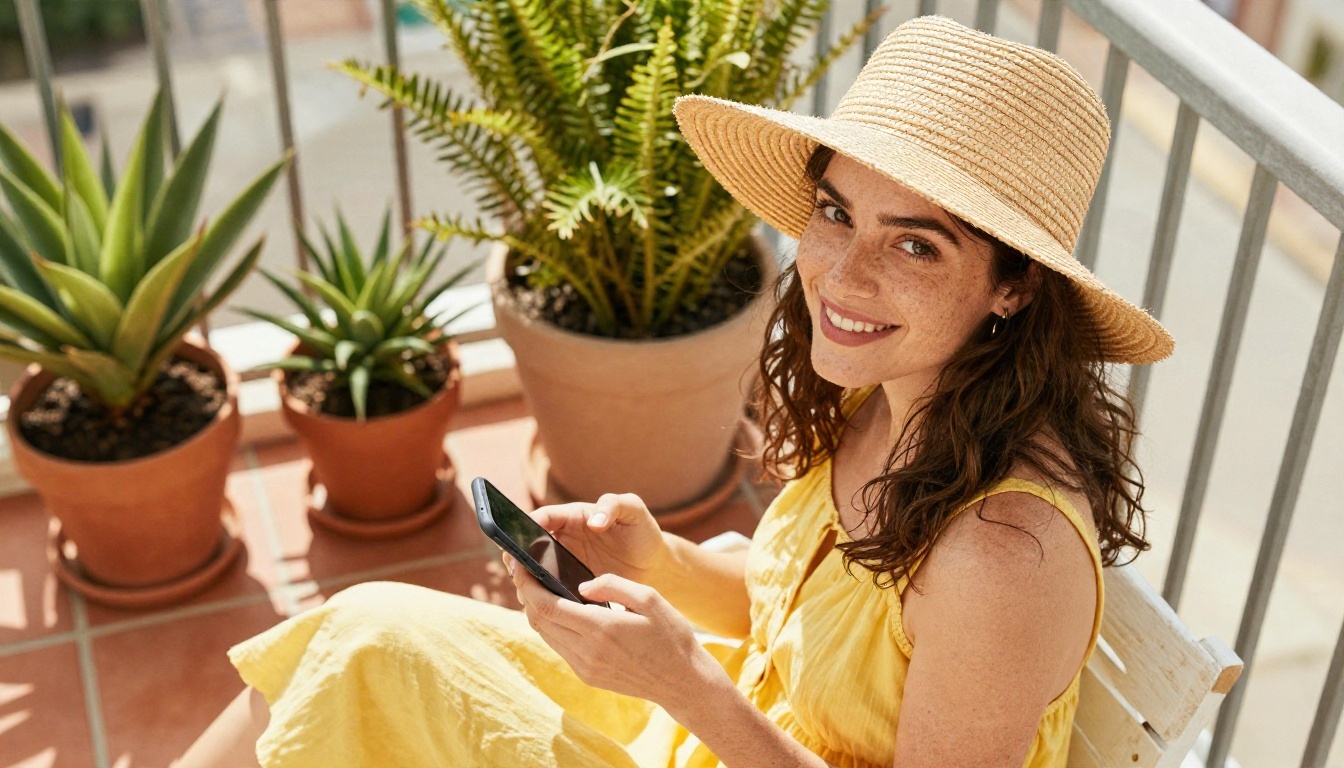
Most disappointing results come from five habits.
- Plastic skin. Add "visible pores, natural freckles, fine skin texture" and a film stock like Kodak Portra 400.
- Flat lighting. State the light direction and time of day. "Golden hour, low sun from the left" does more than any adjective.
- Same pose every time. Specify the camera angle: low-angle, overhead, side profile, over-the-shoulder.
- Warped hands. Place hands in simple positions, such as holding a glass or resting on a knee, or fix them afterward in the editor.
- Chasing free everywhere. Pick one unlimited tool for iteration and use paid or limited models only for the final render.
A final rule on workflow: save your best prompts. A good prompt works as a template, and swapping the outfit, location and light gives you a full series with a consistent look.
Try It Yourself Today
Free adult AI is worth using once you know where the limits sit. Start with Seedream 4.5 for the first render, keep PicassoIA Image Editor Pro open for unlimited tweaks, then bring the best frame to life with Seedance 2.5 Lite or Kling v3 Video.
Take one of the sample prompts above, change the outfit and location, and generate your first set tonight. Fast, uncensored-style freedom within sensible rules is the real payoff, and it costs you nothing to test. When you want more options, browse every model at picassoia.com/en/all-models and build your own routine.


