Search for an adult AI generator and you get a wall of tabs that all promise the same thing: no filters, no limits, no cost. Then you sign up, burn your three free credits on a blurry result, and hit a paywall. This article skips the promises. It compares what free options really give you, shows prompts that produce clean, photoreal, non-explicit glamour images, and spells out the limits that no landing page mentions.
Everything below stays on the tasteful side of the line: swimwear, boudoir, evening glamour and fashion editorial. That is where AI image models are strongest anyway, and it is where you get results worth keeping.
What Adult AI Generators Actually Are
Three Types You Will Meet
Almost every tool in this niche falls into one of three buckets:
- Hosted generators with a browser interface. You type a prompt, wait a few seconds, download a picture. Easy, but the operator controls the filters and the price.
- Local, self-hosted setups. Open-weight models running on your own graphics card. No external filter, but you need a powerful machine, patience and some technical comfort.
- Companion and chat apps with image features. Built around a character you talk to. Image quality is usually an afterthought.
Reviews published in 2026 broadly agree on one point: the only fully unrestricted option is running open models locally. Everything hosted applies some form of moderation, even when the marketing says otherwise.
What "Uncensored" Really Means
The word is slippery. On a hosted platform it usually means a looser filter than the mainstream assistants, not an absence of rules. Swimwear, lingerie-adjacent fashion and artistic glamour tend to pass. Explicit content, anything involving real people without consent, and anything involving minors gets blocked, and rightly so.
💡 Reality check: while preparing the images for this article, one boudoir prompt was rejected by a content filter. Rewriting it with a silk robe instead of lingerie solved it in one try. Expect this kind of friction on every hosted tool, and plan your prompts around it.
Free Options That Hold Up
Where Free Tiers Stop
Free is rarely free in the way you hope. Here is how the typical limits look across the market:
| Limit | What you usually get on a free tier | Why it matters |
|---|
| Daily credits | A handful of images per day | You cannot iterate on a prompt |
| Resolution | Capped at small sizes | Faces and fabric look soft |
| Queue speed | Slow lane at busy hours | A single image can take minutes |
| Watermarks | Visible on downloads | Unusable for most projects |
| Privacy | Prompts and outputs often stored | Policies on data retention are rarely published |
| Filters | Same or stricter than paid | "Uncensored" is often a label, not a feature |
Several 2026 roundups point out that free tiers cap daily usage or lock the best models behind payment, and that many of them do not state how long they keep your prompts. Treat any promise of "unlimited and anonymous" with suspicion.
Seedream 4.5 First
If your goal is photoreal glamour, start with Seedream 4.5. It handles skin texture, fabric behavior and natural light far better than most free-tier engines, and it follows long prompts without dropping details. Swimwear, silk, lace edges and wet hair come out with convincing physical detail rather than the waxy look older models produce.
It also respects composition instructions. If you ask for a low-angle shot with sun from the right, you get a low-angle shot with sun from the right. That matters when you generate a series and want variety.
Image Editor Pro for Volume
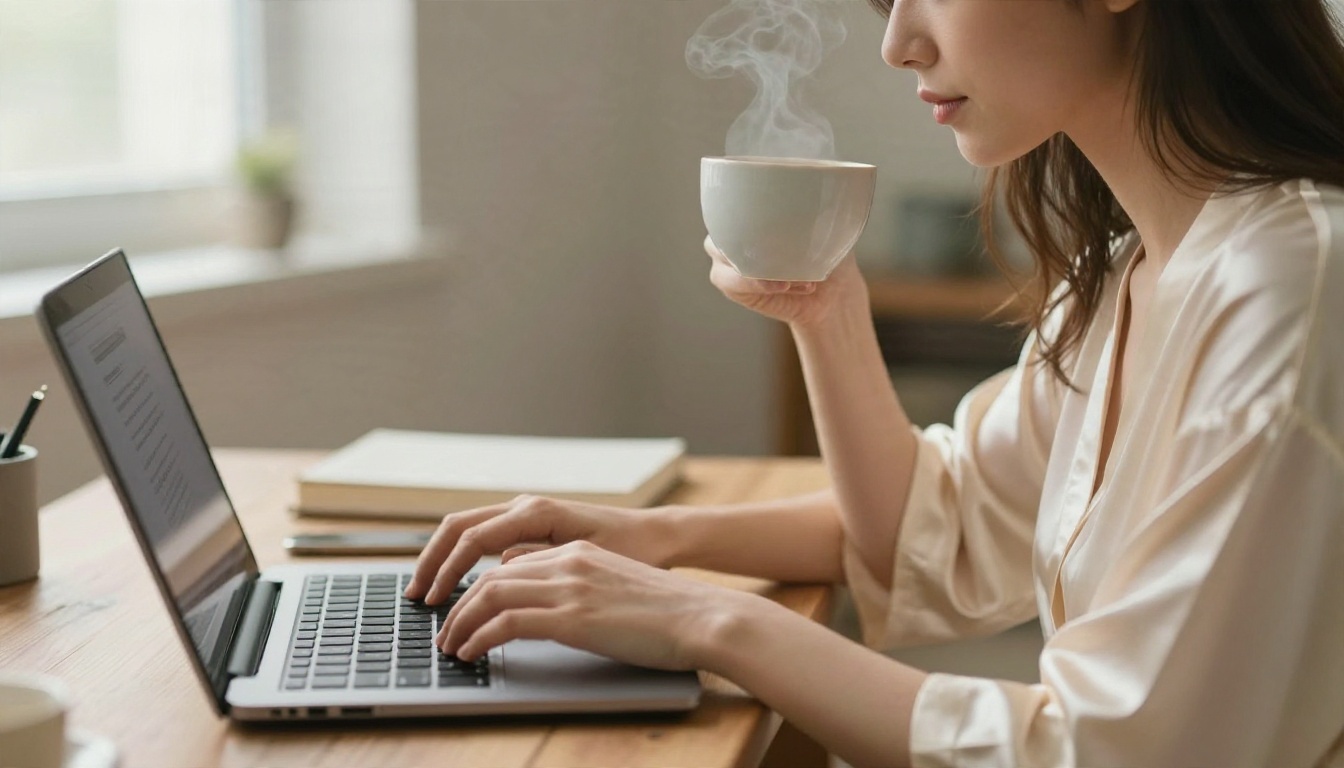
The second tool to keep open is PicassoIA Image Editor Pro. Its biggest advantage is simple: unlimited generations. No counting credits, no panic when a prompt needs six attempts. For anyone who iterates (and everybody should), that changes how you work. You can test a wording, change the lighting, swap the outfit, and keep going until the frame is right.
It also works as an editor, so you can adjust a result you almost like instead of starting from scratch.
Other Models Worth Trying
Once you have your base workflow, a few more models are worth keeping in the rotation. Each has a different strength.
Fast Drafts With Z Image Turbo
Z Image Turbo generates sharp images in seconds. Use it to test a concept before spending time on a final render. If the pose and mood work in a quick draft, move the same prompt to Seedream 4.5 for the finished version.
Lightweight Speed With Flux Schnell
Flux Schnell is built for speed. It is not the most detailed engine, but for brainstorming outfits, locations and color palettes it is hard to beat. Run ten variations in the time another tool finishes one.
Style Control With Flux 2 Klein
Flux 2 Klein 9B Base LoRA supports LoRA styling, which helps when you want a consistent look across many images, such as one fashion editorial palette. Its smaller sibling, Flux 2 Klein 4B Base LoRA, is lighter and quicker.
Classic Realism With Realistic Vision
Realistic Vision v5.1 remains a favorite for portrait-style output. It produces lifelike faces and skin with a slightly filmic quality, which suits boudoir and beach editorial scenes.
Quick Comparison
Prompts That Actually Work
The Five-Part Formula
Good glamour prompts are not poetic. They are specific. Build every one from five parts, in this order:
- Subject and pose: who, wearing what, doing what.
- Environment: the place, with two or three concrete objects.
- Light: direction, time of day, quality (hard, soft, diffused).
- Camera: angle, lens, depth of field.
- Texture and grain: skin, fabric, film stock.
Vague prompts like "sexy woman, beautiful, 8k" produce the same plastic face every time. Specific prompts produce something that looks photographed.
💡 Tip: name the light source and its side ("window light from the left"). It does more for realism than any quality keyword.
Copy-Ready Prompt Examples
Paste these into Seedream 4.5 or Image Editor Pro and adjust the details.
Beach editorial:
Aerial top-down photograph of a woman in a white string bikini lying on a striped towel on pale sand, a straw hat and paperback beside her, turquoise waves at the frame edge, hard midday sun, 24mm lens, sand grain texture, Kodak Portra 400 colors.
Evening glamour:
Side-angle photograph of a woman in a fitted emerald satin dress leaning on a rooftop railing at blue hour, warm string lights blurred behind her, 50mm f/1.4, silky fabric highlights, natural skin, fine grain.
Studio fashion:
Medium shot of a woman in a black bralette and high-waisted jeans against a textured plaster wall, soft softbox light from the left, 85mm f/2, subtle skin sheen, film grain.
Wording That Triggers Filters
Some words cause refusals even in harmless prompts. If a hosted tool blocks you, try these swaps:
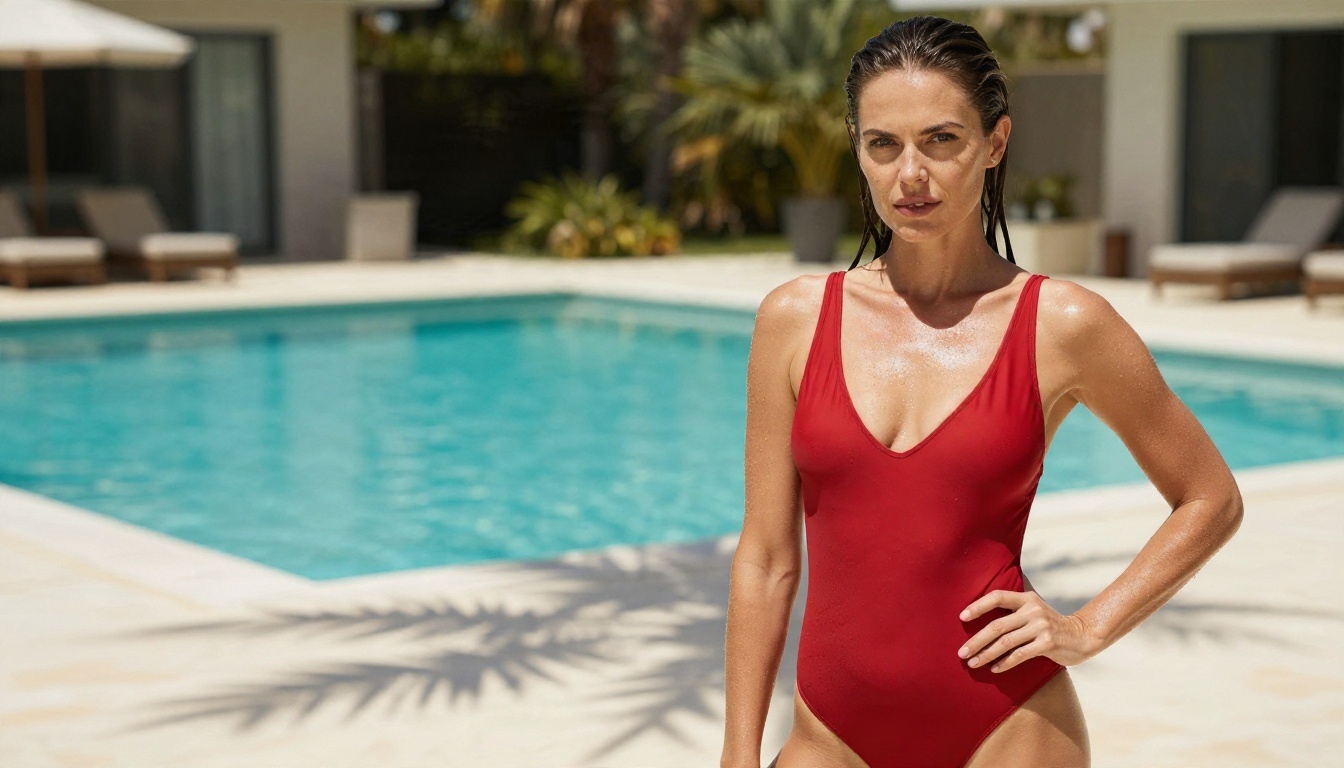
- Replace explicit anatomy terms with the garment or scene ("silk robe", "one-piece swimsuit").
- Describe the mood ("confident", "relaxed") instead of the act.
- Keep poses editorial: leaning, sitting, walking, looking at the camera.
- Avoid any reference to real, named people. Invent your subject.
Real Examples and What Made Them Work
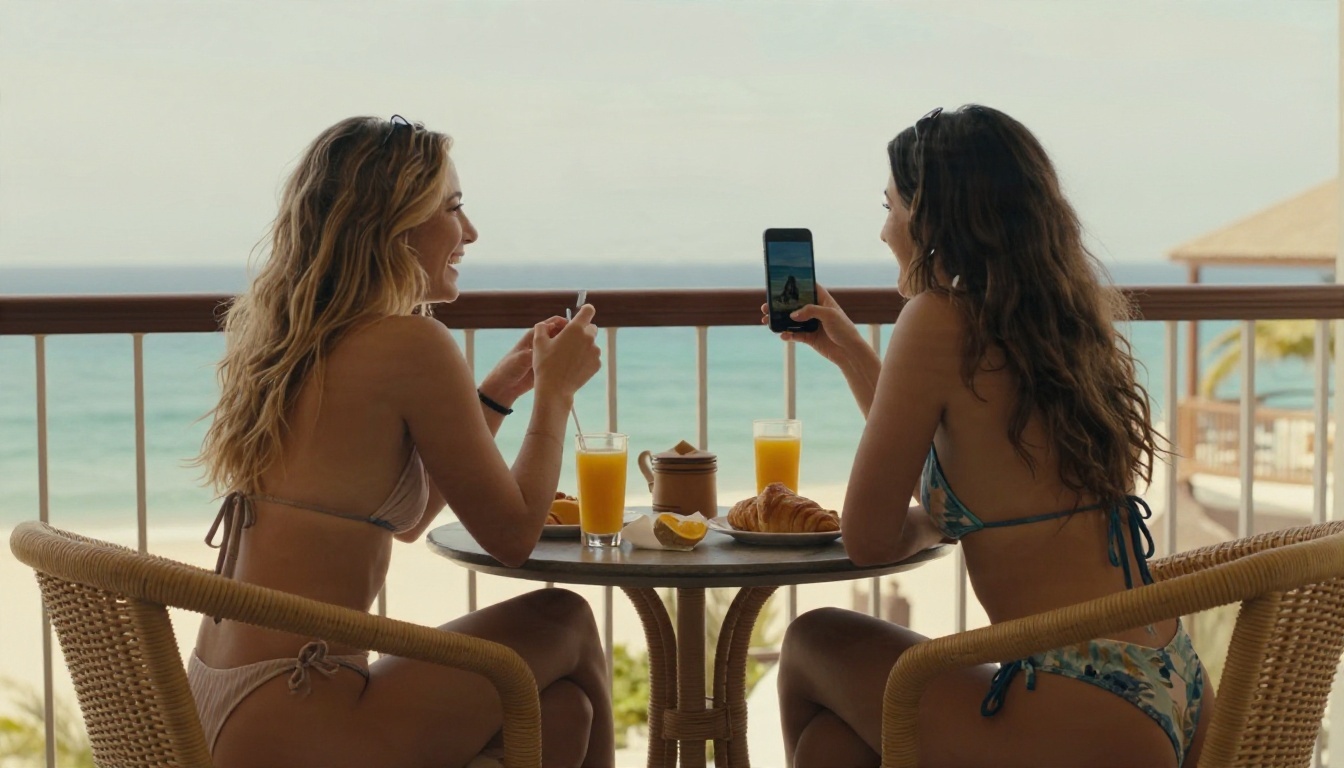
Prompts are easier to judge next to results. Here are the images from this article and the choices behind each one.
The Beach From Above
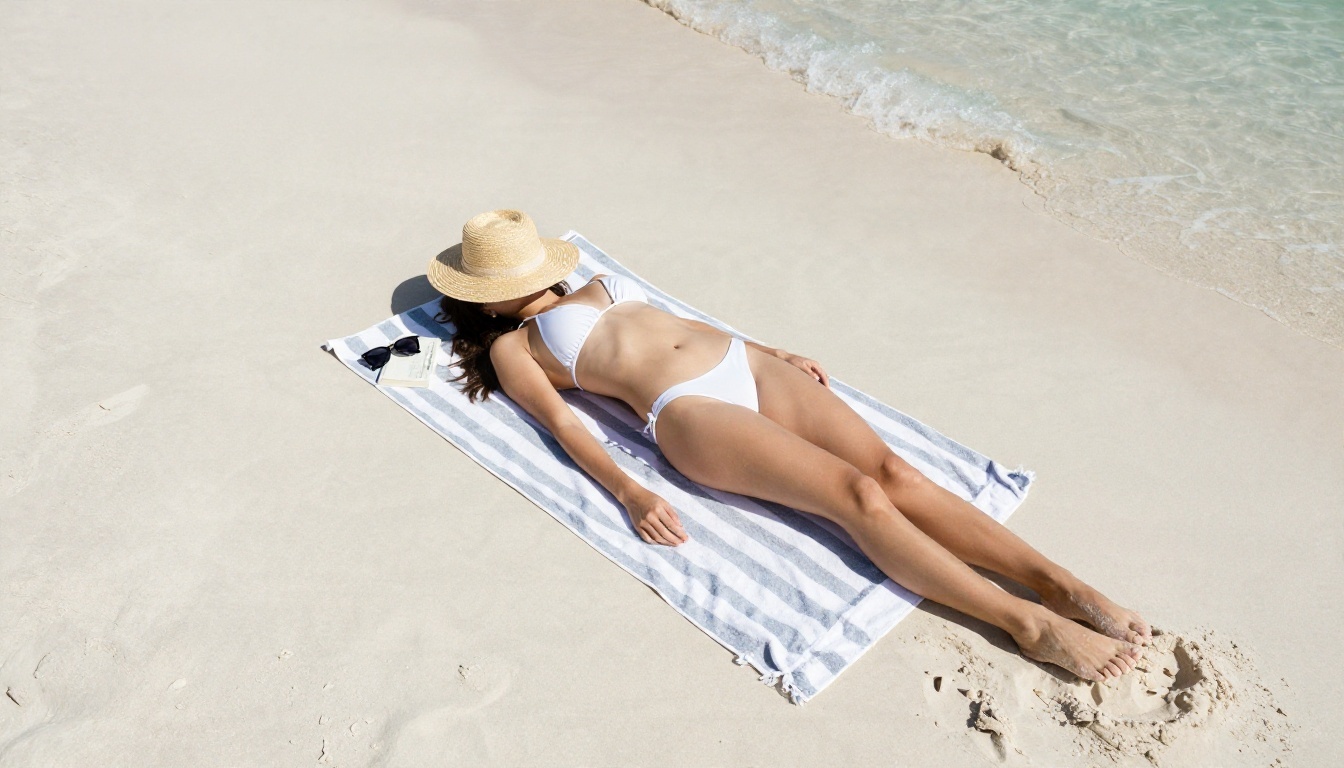
An aerial angle gives the scene a graphic, magazine feel and hides the weak spots of many models, such as awkward hands. The props (hat, book, towel) make it look like a real moment. Hard midday sun gives crisp shadows that anchor the subject to the sand.
The Skin Close-Up
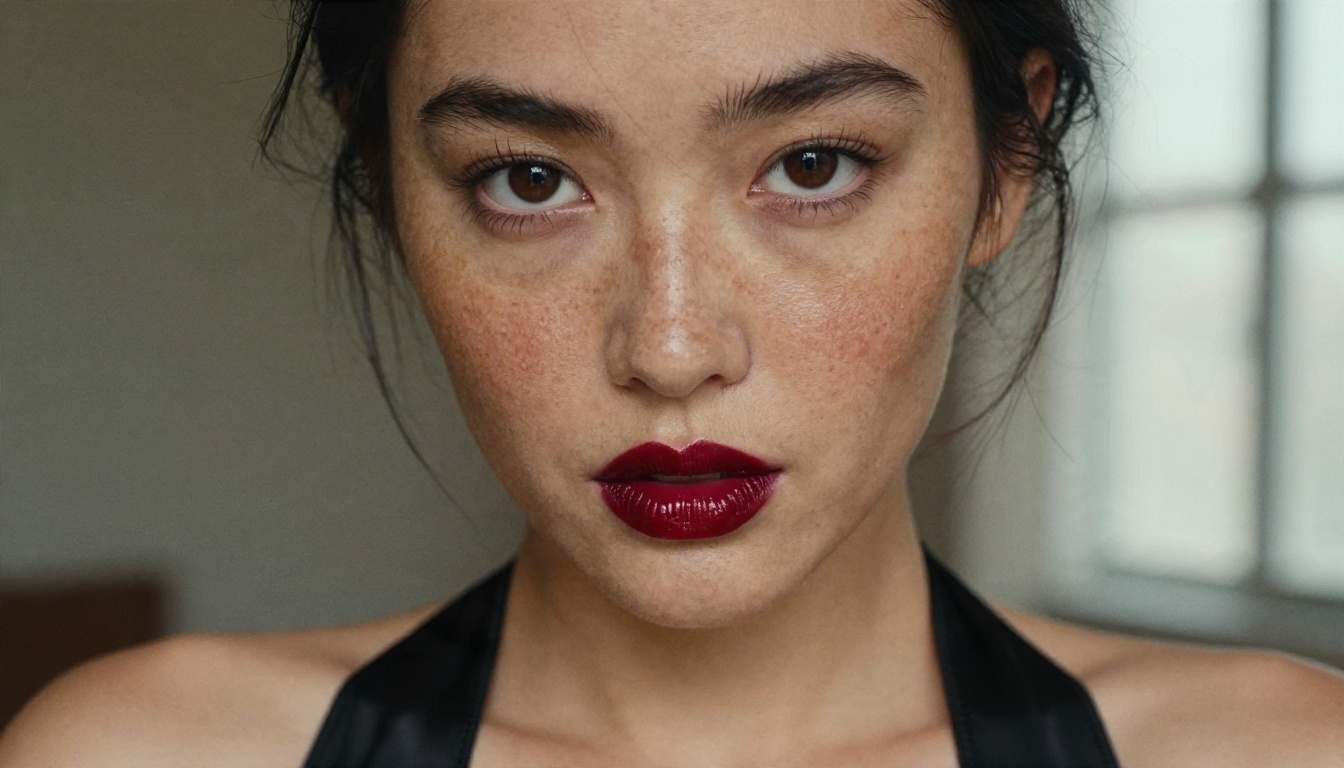
Close-ups are the toughest test. Look for pores, individual eyelashes and loose hairs. A portrait lens in the prompt (100mm, f/2) pushes the model toward natural compression and soft background falloff. Side window light adds shape to the cheek instead of flattening it.
The Rooftop at Blue Hour
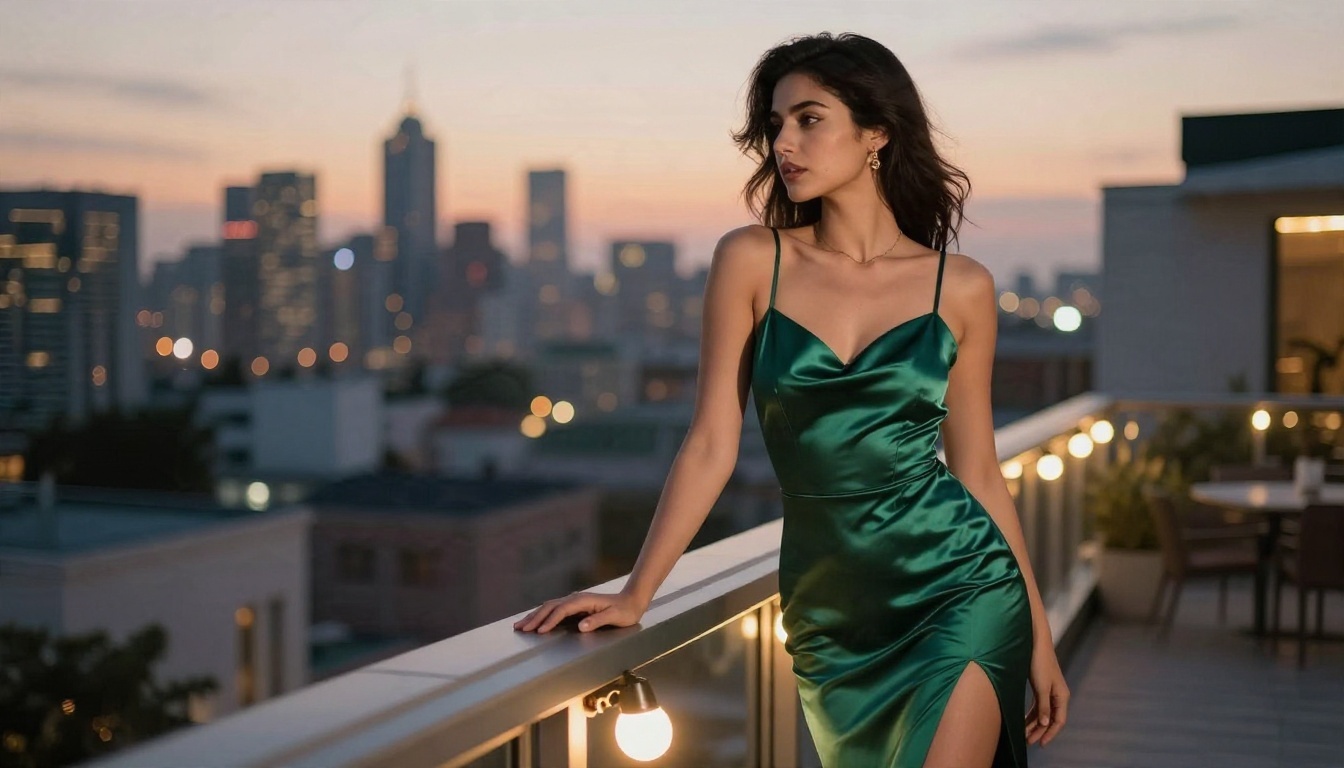
Mixed lighting is where realism lives. Cool twilight plus warm string lights gives the skin two color temperatures, just like a real evening shoot. Satin is a great fabric to test because it shows whether a model understands reflections.
The Soft Bedroom Light
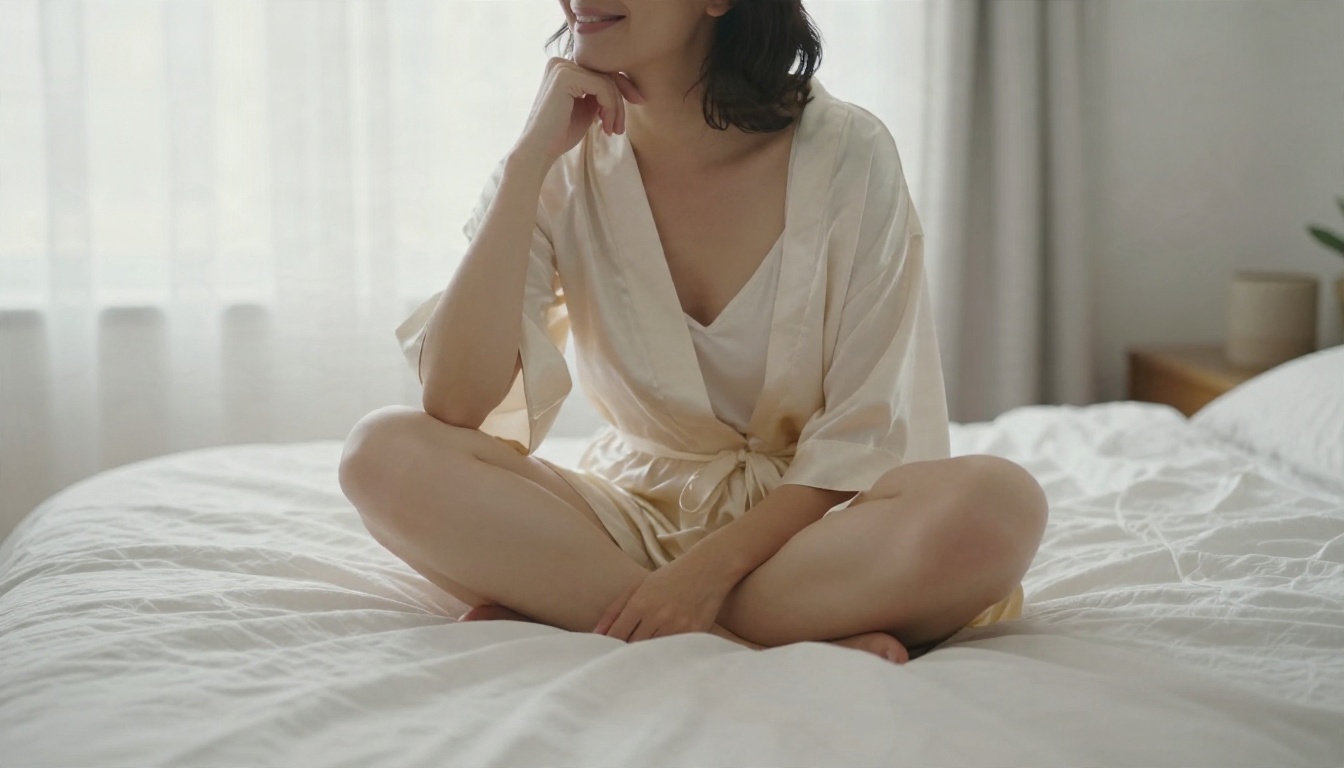
This is the version that passed the filter after the lingerie prompt was refused. It lost nothing: diffused daylight, rumpled linen and a relaxed expression carry the mood without needing anything more.
The Studio Look
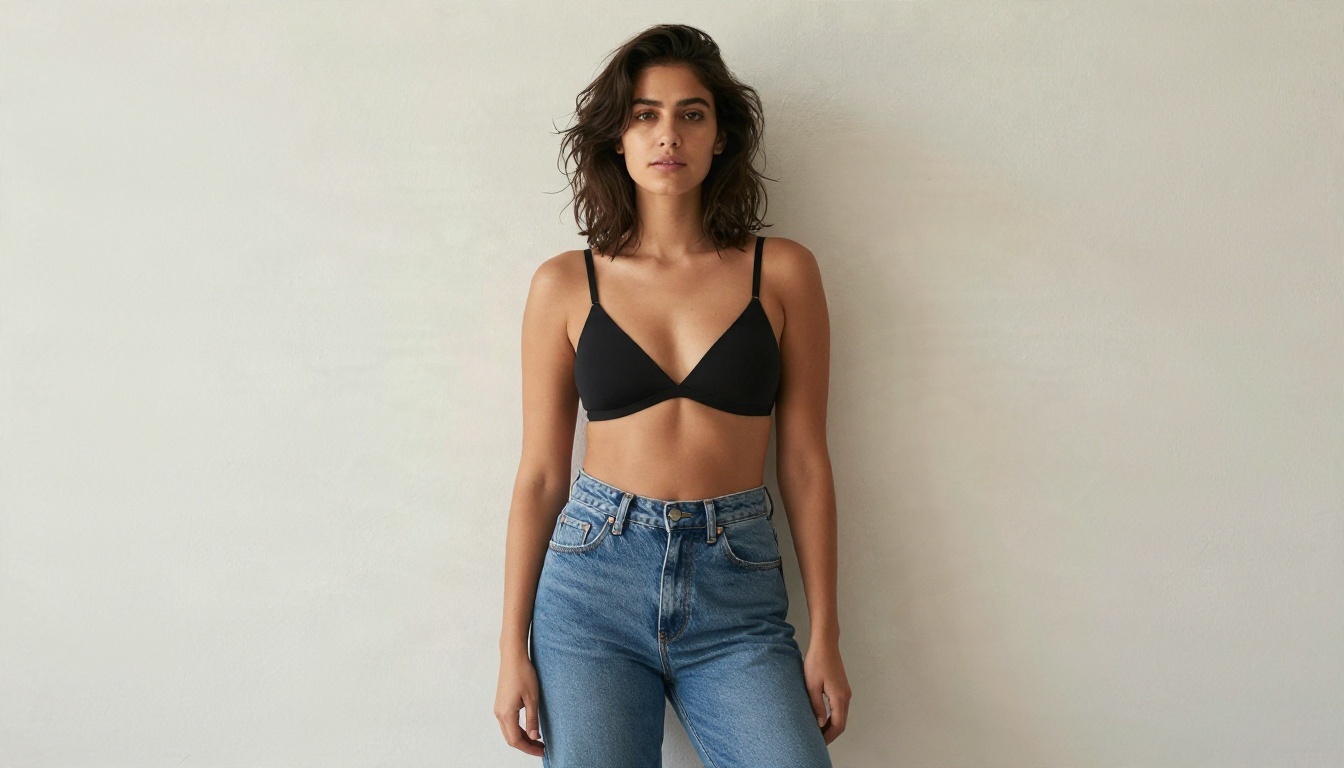
A plain wall removes distractions and forces the model to put its effort into the subject. This setup is perfect for testing how a generator handles denim texture, fabric edges and hair.
💡 Want motion? Once you have a still you like, an image-to-video model such as LTX 2.5 Fast can turn it into a short clip. Start from your best frame; weak stills produce weak clips.
Limits You Should Know
Platform Filters Are Real
Every hosted tool has a moderation layer. Some are strict, some are loose, none are absent. A blocked prompt is not a bug, and trying to trick the filter with odd spellings usually wastes credits. Reword the scene, as shown above, or move to a model with a looser policy.
Law and Consent Still Apply
An "uncensored" label removes platform filtering. It does not remove the law. Three lines are fixed no matter where you generate:
- No minors, ever. Not implied, not "youthful looking", not ambiguous. Describe adults and use adult cues.
- No real people without consent. Faces of celebrities, coworkers or exes are off limits. Invented subjects only.
- No deception. Do not present generated images as real photos of a real person.
Rules around AI-generated adult material are still changing in many countries, so check local law before you publish or sell anything.
Privacy on Free Platforms
Free services pay their bills somehow. Some store prompts, some use outputs to train models, many publish no retention policy at all. Before you type anything personal:
- Read the privacy page, if one exists.
- Use a separate email address.
- Never upload photos of yourself or other people to a tool you do not trust.
- Assume anything you generate on a free tier could be stored.
Quality Limits of AI Itself
Even the best models still stumble. Fingers, jewelry clasps, reflections in glass and background text are the usual failures. Generate several versions, pick the cleanest, and fix small flaws with an editor instead of regenerating forever. That is another reason unlimited tools matter.
Run Your First Prompt
Here is a simple workflow with Seedream 4.5 that takes about five minutes.
- Open the model page and choose a 16:9 ratio for landscape scenes or 3:4 for portraits.
- Write the five-part prompt. Start with one subject, one location, one light source.
- Add a film look. A phrase like "Kodak Portra 400, fine grain" brings warm, natural color.
- Generate two or three versions. Compare skin, fabric and background, not just the face.
- Change one thing at a time. Swap the lens, then the light, then the outfit. You will see exactly what each change does.
- Move to Image Editor Pro for volume. Use its unlimited generations to refine the winner and try new outfits or locations.
- Keep your best prompts in a note, with the version that worked.
💡 Parameter tip: if a result looks plasticky, remove words like "perfect", "flawless" and "ultra HD", and add concrete texture words such as "visible pores", "linen weave" and "film grain".
Try It Yourself Today
The gap between a forgettable AI image and a convincing one is mostly prompt detail and the right model. You now have a repeatable formula, working examples and a realistic picture of what free tiers will and will not give you.
Open Seedream 4.5 for your best-quality renders, then keep PicassoIA Image Editor Pro open for unlimited tries. Copy one of the prompts above, change the location to somewhere you like, and compare the results. When you want more options, browse every model at picassoia.com/en/all-models and build your own set. Picasso IA makes it fast to experiment, so run the first prompt today and see how far a few specific details can go.


