An adult AI girlfriend sounds simple: open a site, pick a face, start talking. In practice, the experience swings wildly depending on the app. Some give you a charming chat partner with a decent memory. Others hand you ten free messages, a blurred photo and a paywall. If you have ever typed a first message and hit a limit before the conversation got interesting, you already know the problem.
This article breaks down what these companions actually do, what "free" usually means, where the pictures come from, and how to build a more flexible setup with image tools when a chat app feels too restrictive. Everything here stays on the tasteful side: glamour, suggestive styling, and photorealism, with adults only.
💡 Quick take: Chat apps are good at conversation and weak at visuals. Image generators are the opposite. Combining both gives you far more control than any single app.
What an Adult AI Girlfriend Really Is
An adult AI girlfriend is a virtual companion built on a large language model, usually wrapped in a character with a name, a personality and a look. You talk, she answers in character, and the better apps remember details such as your job, your favorite music or the joke you made last Tuesday.
Chat Is Only Half of It
The conversation is the product most people think of, but the visual identity is what makes the character feel like a person instead of a text box. A consistent face, a recognizable style and a believable setting do a lot of work. That is why nearly every companion app sells photos, selfies or avatars alongside chat.

Free Versus Paid Reality
Almost every platform follows the same pattern. The free tier lets you try the personality. The paid tier removes limits on messages, photos, voice notes and memory. Neither is inherently bad, but you should know which parts are gated before you invest an evening building a character.
| Feature | Typical free tier | Typical paid tier |
|---|
| Daily messages | Capped, often 20 to 50 | Unlimited or very high |
| Memory of past chats | Short, resets often | Long term, editable |
| Pictures | Few, low resolution or blurred | Many, high resolution |
| Voice replies | Rare | Common |
| Character edits | Basic presets | Full backstory and traits |
Free Online Chat: What to Expect
Free chat is genuinely useful for testing whether a platform's writing style fits you. Just keep expectations realistic.
Message Limits and Memory
Limits reset daily on most services, and the context window is the quiet constraint. A companion that "forgets" you after a few hundred messages is not broken, it is running out of room. Writing a short character sheet, a paragraph covering her habits, humor and boundaries, and pasting it at the start of a session helps a lot.
Voice and Roleplay Features
Roleplay is where quality differences show. A weak model repeats itself, drifts out of character or goes flat after a few turns. A strong one keeps tone, remembers the setting and pushes the scene forward. If you want to write your own character prompts, models such as Gemini 3.5 Flash and Claude Sonnet 4.6 are good for drafting personas, backstories and consistent speech patterns that you can reuse as prompts anywhere.
💡 Tip: Write her personality in three layers: how she talks (playful, dry, warm), what she cares about (travel, music, late-night cooking) and what she avoids. Short, concrete lines beat long vague ones.
Pictures Are Where Most People Stay
Ask regular users which part keeps them coming back and many say the images. A companion with a face, an outfit and a place to be feels far more real than one described only in text.
Why Photorealism Matters
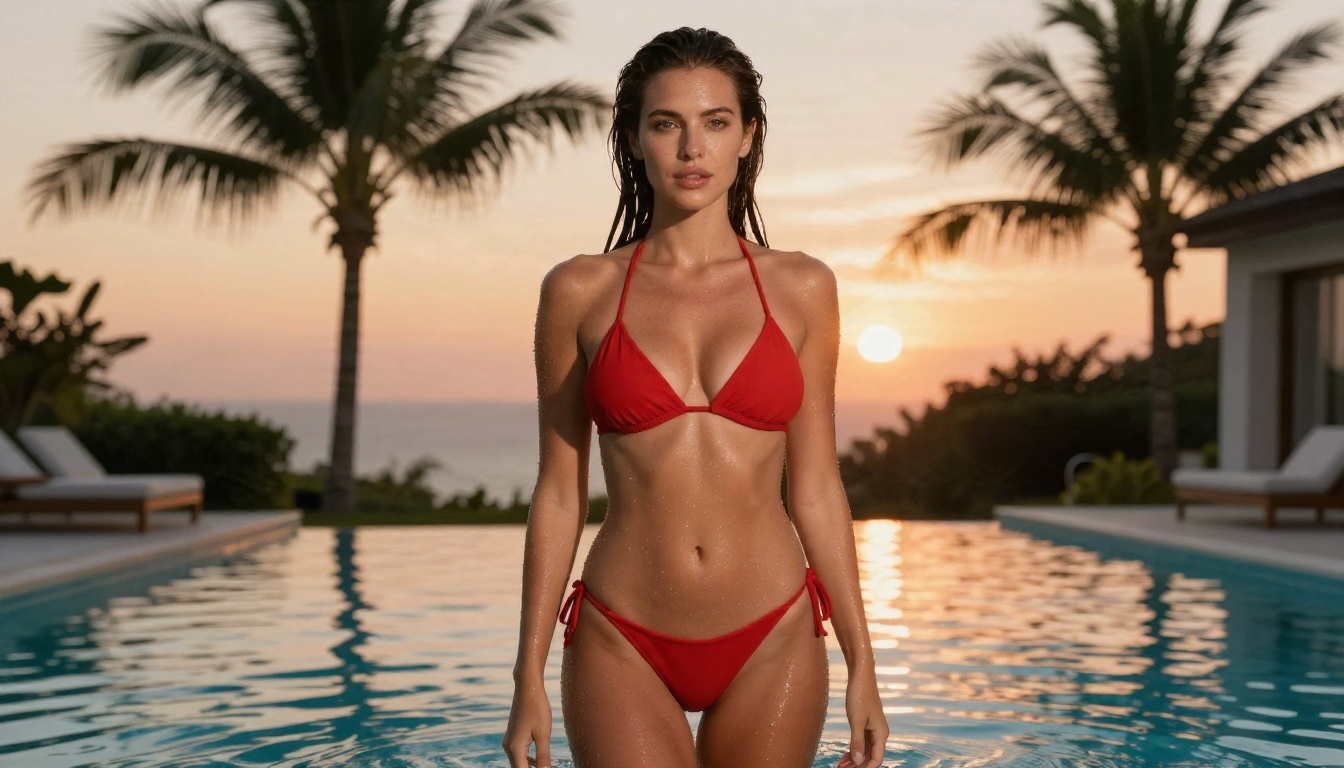
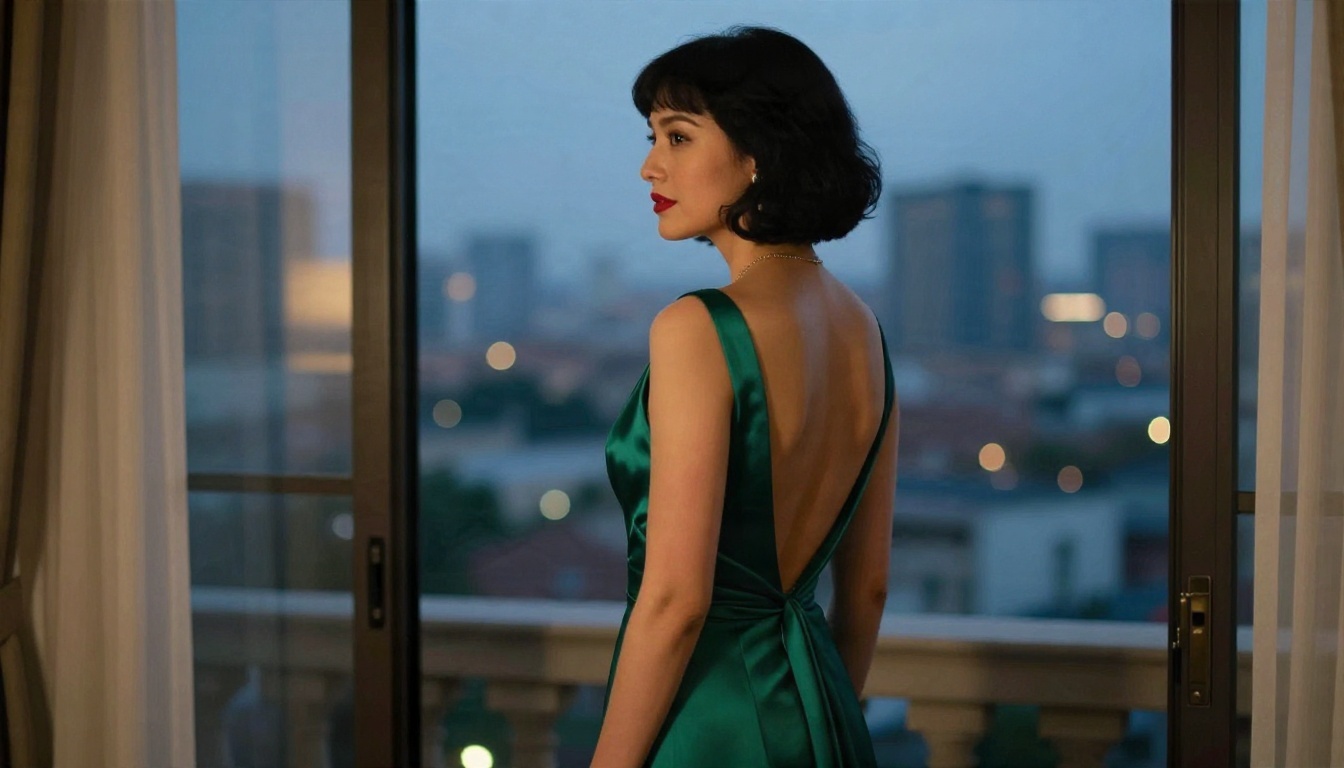
Stylized avatars are fine for some people, but photorealistic output creates a very different feeling. Skin texture, natural light, believable fabric and correct hands are the details that separate a convincing image from an obvious fake. Modern text to image models handle these well when the prompt describes light direction, lens and setting rather than just listing adjectives.
Keeping the Same Face
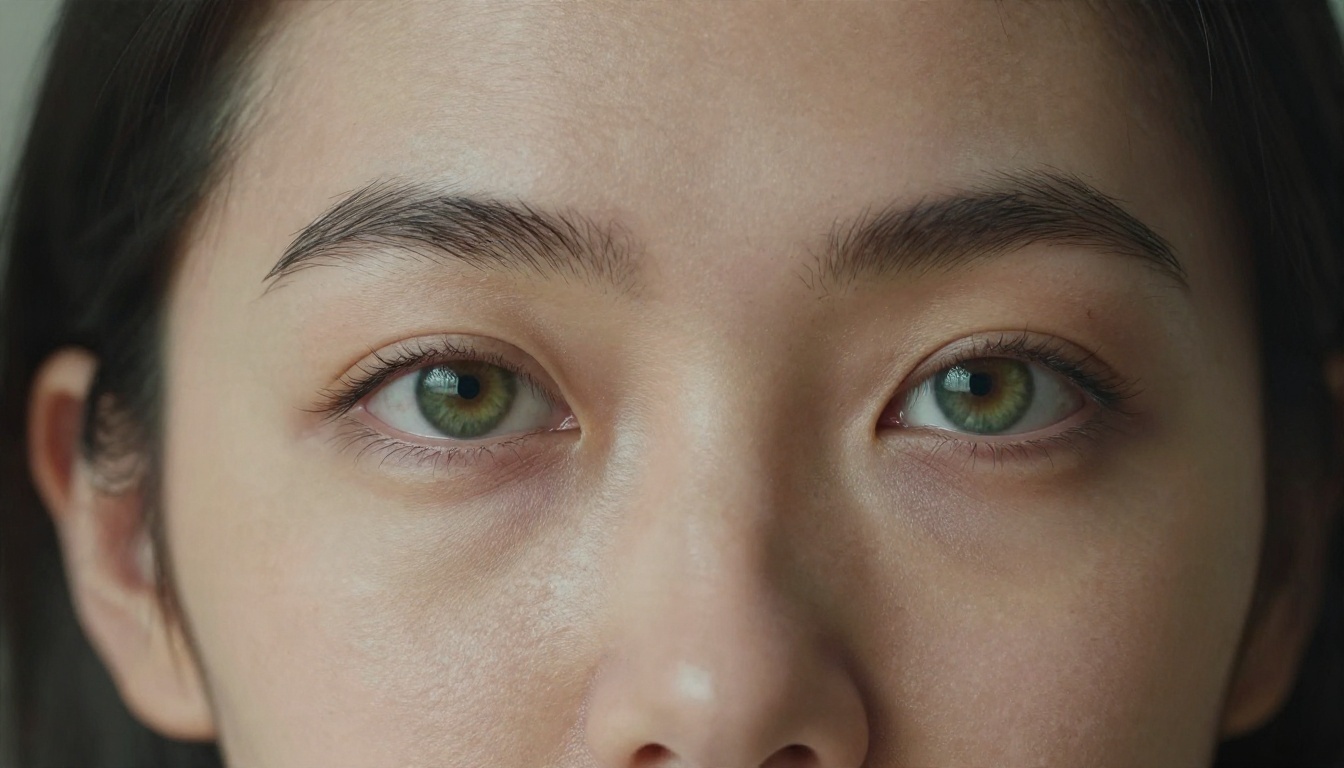
Consistency is the hardest part. Most chat apps keep one face by locking it to a character profile. If you generate images yourself, you have three practical options:
- Reuse a detailed face description in every prompt: eye color, hair length, freckles, face shape.
- Edit a reference image instead of starting from scratch, changing only the outfit or the room.
- Train a small LoRA on your own approved images so the look sticks. P Image Trainer is built for that, and Flux 2 Klein 9B Base LoRA can load the result for styled generations.
Customization That Actually Matters
Plenty of apps advertise dozens of sliders. Only a handful change how the character feels day to day.
Look and Personality
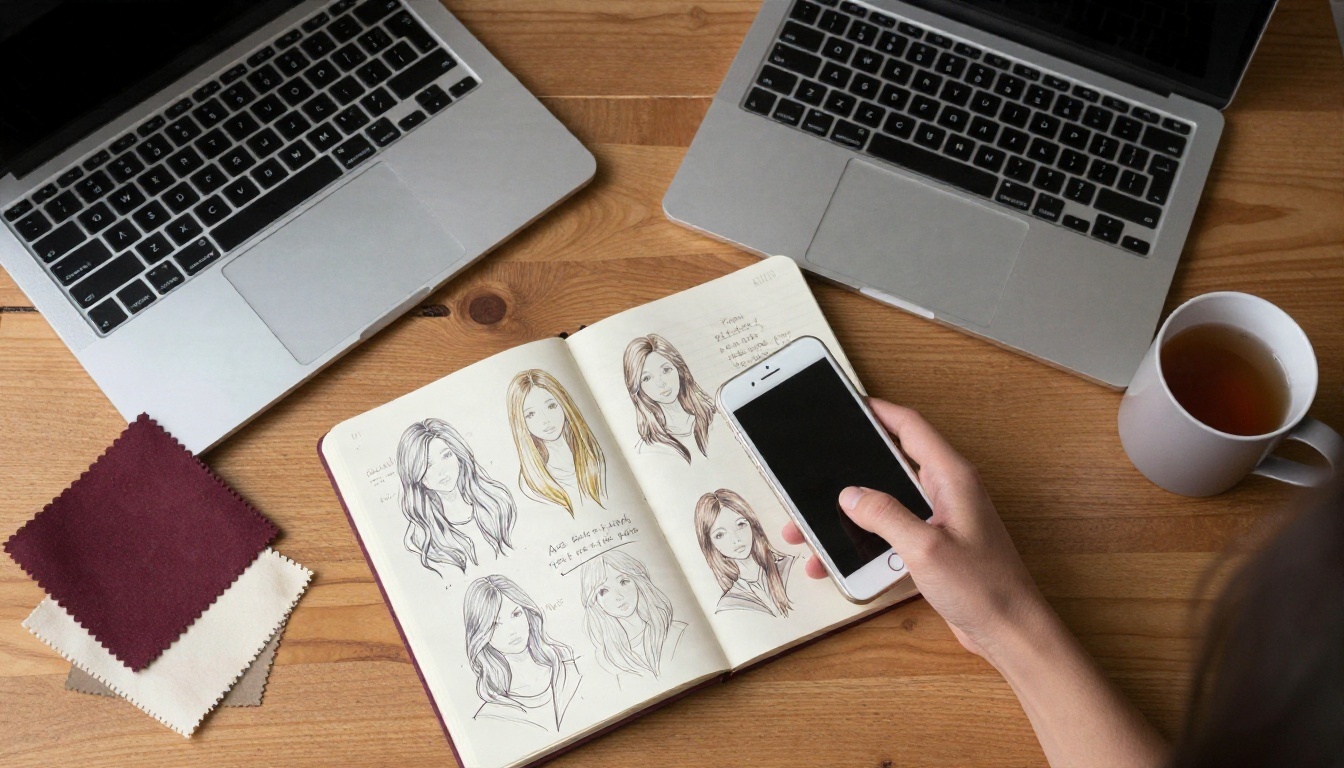
Start with the face and the voice of the writing. Pick hair color and length, skin tone, build and age range (always an adult), then give her a temperament. A shy bookworm and a confident traveler need different vocabulary, different pacing and different photo settings.
Here is a short checklist that works across nearly every platform:
- Name and age: an adult, stated clearly in the profile.
- Look: hair, eyes, build, one signature detail such as freckles or a tattoo.
- Voice: playful, calm, sarcastic or affectionate.
- Interests: three concrete hobbies she can bring up on her own.
- Boundaries: topics she steers away from.
Outfit and Setting
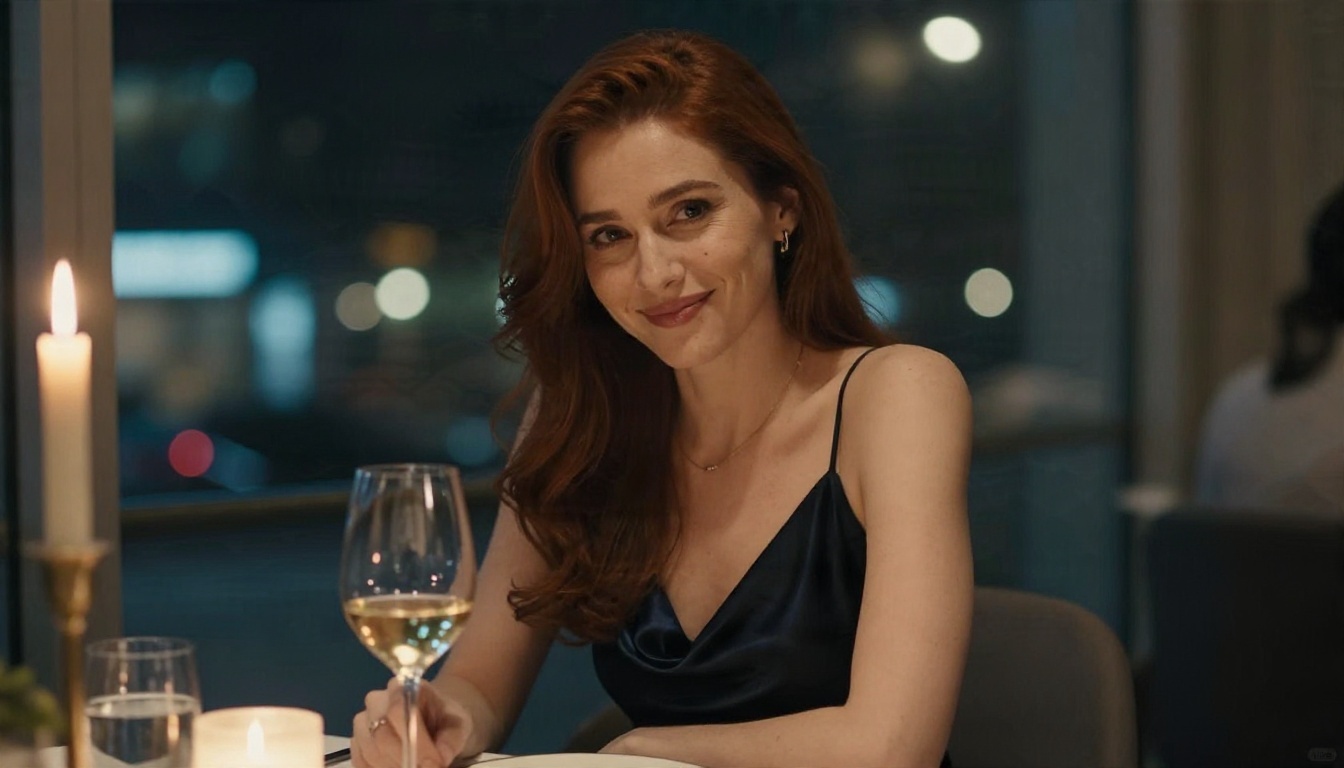
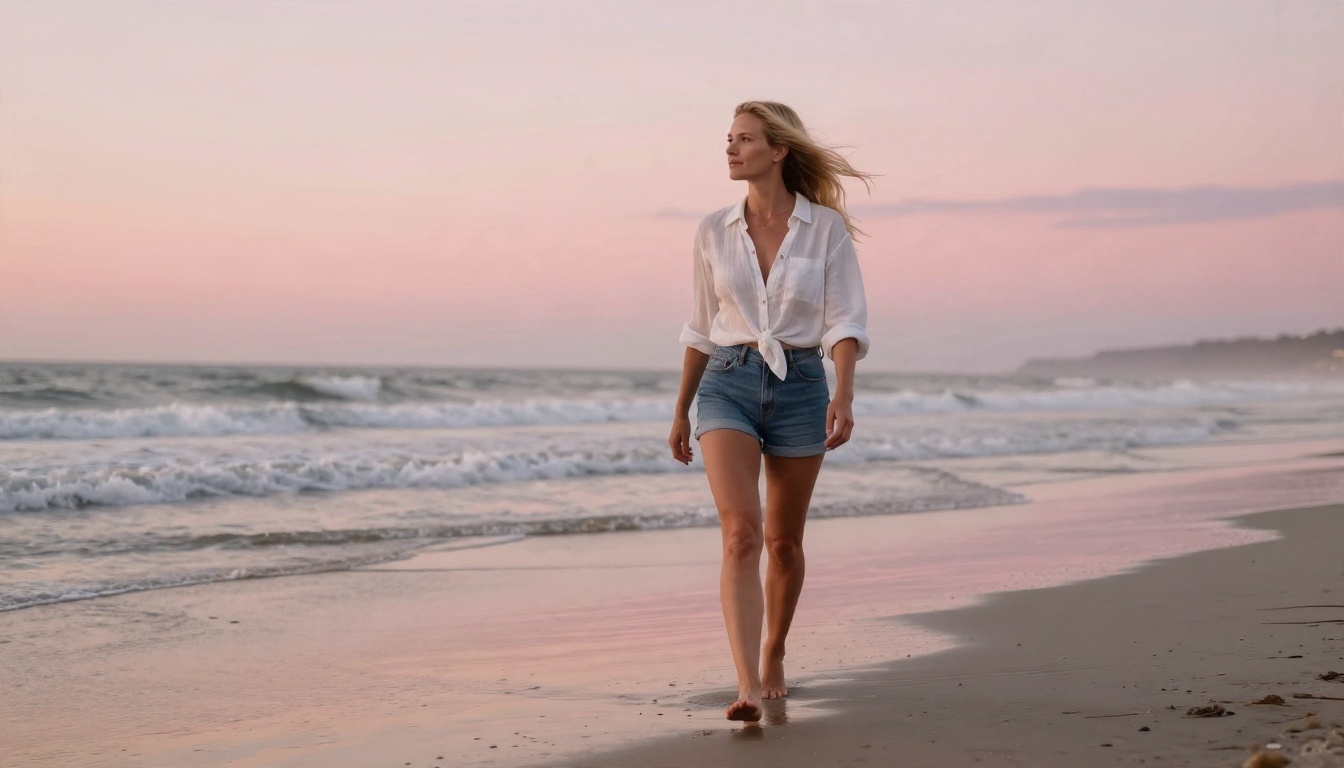
Context sells realism. A woman in a satin slip dress at a candlelit table tells a story that a blank studio background never will. Plan a small set of recurring places, such as an apartment, a beach, a restaurant and a gym, and reuse them so the character feels like she lives somewhere.
Alternatives to Chat Apps
Dedicated companion apps are not your only route. Many people now split the job: one tool for conversation, another for pictures. The reason is simple. Image models improve fast, and standalone generators are usually less restrictive and less expensive per image than a bundled subscription.

Image Generators Worth Trying
For tasteful adult glamour imagery, these are the models to start with, in the order I would try them:
When a Chat App Still Wins
If what you want is a voice, constant messaging and a character that texts you first, a dedicated app is still the better fit. Image tools do not replace real-time conversation. They give you better pictures and more freedom, and many people pair them with whichever chat service they already like.
💡 Rule of thumb: Use a chat app for talking. Use an image generator for looks. Use an LLM to write the persona that ties them together.
How to Use Seedream 4.5 on PicassoIA
Seedream 4.5 is the model I would lead with for photorealistic adult glamour. It handles skin texture, fabric and lighting convincingly, and it follows long prompts well. Here is the workflow.
Step by Step
- Open the Seedream 4.5 page on PicassoIA.
- Write your prompt in this order: subject and pose, environment, lighting, camera and lens, texture details.
- Set the aspect ratio. Use 16:9 for wide scenes and 3:4 or 2:3 for portraits.
- Generate, review, then adjust one thing at a time. Changing the outfit and the location together makes it hard to see what worked.
- Send the best result to PicassoIA Image Editor Pro for outfit swaps, background changes or small fixes. Its unlimited generations make it easy to iterate without watching a counter.
Prompt Tips That Work
- Name the light. "Warm golden light from the left" beats "nice lighting."
- Name the lens. "85mm f/1.8, shallow depth of field" gives a portrait feel. "35mm f/2.8" gives a wider lifestyle look.
- Describe skin honestly. Words like "visible pores, faint freckles, natural sheen" push away the plastic look.
- Add a film reference. "Kodak Portra 400, fine grain" gives warm, believable color.
- Keep it tasteful. Bikinis, silk, lace and evening wear read as glamour and work well. Suggestive styling is enough; you do not need anything explicit to get an attractive result.
💡 Tip: Keep a text file of your best prompts. When you find a look you like, only swap the setting and outfit lines and leave the face description untouched.
Fixing Common Problems
| Problem | Likely cause | Fix |
|---|
| Waxy, flat skin | No texture words | Add "visible pores, natural skin texture" |
| Face changes between images | Loose description | Reuse one exact face paragraph |
| Odd hands | Complex pose | Simplify the pose or crop the hands out |
| Harsh, flat light | No light direction | State direction, time of day and softness |
Privacy and Safety Rules
Intimate chat and personal images deserve some basic care. This part is dull, and skipping it is the mistake people regret.
Age, Consent and Likeness
Only create adult characters, and never base a companion on a real person without their permission. Do not use photos of real people you know, coworkers, exes or public figures. A fictional adult character is the clean, simple approach and it keeps you out of trouble on every platform.
Data and Spending
Before you sign up for anything, check three things: how long chats are stored, whether you can delete your account and data, and how billing works. Free trials that quietly convert to yearly plans are common. Use a separate email address, skip linking real social accounts, and set a monthly budget you will not exceed.
A quick comparison of where your data typically lives:
| Setup | Where chats live | Where images live | Control level |
|---|
| All in one companion app | App servers | App servers | Low |
| Chat app plus image generator | Chat service | Your own folder | Medium |
| LLM persona plus image generator | Session only | Your own folder | High |
Build Your Own Companion Images
You do not have to accept whatever a companion app gives you. A good persona, a few consistent prompts and the right image model will produce pictures that look like a real photo shoot: sunlit mornings, candlelit dinners, beach walks and evening glamour, all with the same face and the same personality.
Here is a simple plan for your first session:
- Draft a short character sheet with an LLM such as Gemini 3.5 Flash.
- Generate her portrait with Seedream 4.5.
- Refine outfits and scenes in PicassoIA Image Editor Pro.
- Try quick variations with Z Image Turbo.
- Lock the look with a LoRA through P Image Trainer once you have a set you like.
Open PicassoIA, pick a model and start experimenting with your own prompts. For the full list of image tools, editors and language models, browse picassoia.com/en/all-models and see which combination suits the character you have in mind.


