Adult AI Image Generator 18+: Complete Guide to Unrestricted AI Creation
Master adult-focused AI image generation with this comprehensive guide. Learn prompt engineering, understand technical parameters, explore ethical considerations, and discover how to use PicassoIA's Wan 2.2 Image model for professional creative work without content restrictions.
The landscape of AI-powered content creation has evolved dramatically, opening entirely new possibilities for creative professionals, artists, and content creators. Adult AI image generation represents a significant frontier in this space, offering tools specifically designed without restrictive filters that limit creative expression.
What is Adult AI Image Generation?
Adult AI image generation refers to artificial intelligence systems that create images without the content restrictions commonly found in mainstream platforms. These tools allow creators to explore visual content across the full spectrum of human expression, including mature themes, without artificial limitations imposed by safety filters.
Unlike consumer-facing platforms that restrict certain content categories, adult-focused AI generators prioritize creative freedom while maintaining ethical boundaries through user responsibility. This approach appeals to professionals in industries such as:
Entertainment and gaming - Designers creating characters and environments
Adult entertainment - Professional producers and studios
Art and illustration - Artists exploring mature themes
Educational content - Institutions creating educational materials with adult context
Creative writing - Authors developing visual accompaniments to narratives
Why Choose Uncensored AI Generation?
The primary advantage of adult-focused AI image generators is creative autonomy. Rather than fighting against algorithmic restrictions, creators can focus entirely on their artistic vision.
Several compelling reasons drive adoption:
No artificial content restrictions - Generate images across the full range of human themes
Professional-grade quality - Enterprise-level output without compromise
Faster workflow - No need to work around limitations or use workarounds
Diverse use cases - From adult entertainment to serious artistic exploration
Privacy-focused - Many adult generators prioritize user data protection
Important Note: Responsible use remains essential. These tools are intended for adult users creating content for adult audiences, respecting legal frameworks and consent principles.
Key Features of Modern Adult AI Generators
Advanced adult AI image generators share several essential characteristics that distinguish them from general-purpose alternatives:
Feature
Description
Benefit
Unrestricted prompts
Accept descriptive language without filtering
Full creative expression
High resolution output
2-4 megapixel images standard
Professional publication quality
Fast generation
Produce images in 3-4 seconds
Rapid iteration and exploration
Flexible customization
Adjust aspect ratios, quality, and formats
Versatile application options
Seed control
Reproducible results for consistency
Reliable production workflows
Batch processing
Generate multiple variations efficiently
Cost-effective production
Understanding Prompt Engineering for Adult Content
Creating compelling adult-focused AI images requires understanding how to write effective prompts. The quality of your output directly correlates with the specificity and clarity of your input.
Essential Prompt Components
Setting the scene provides context for the generation. Rather than generic descriptions, specify:
Character description should include relevant details:
Body type and physical characteristics
Clothing or lack thereof
Pose and positioning
Facial expression and emotion
Ethnicity and distinctive features
Technical quality modifiers ensure professional output:
"Cinematic lighting, photorealistic"
"8k resolution, high detail"
"Professional photography, shallow depth of field"
"Trending on artstation, museum quality"
Example Effective Prompts
A sensual portrait of a confident woman in soft golden hour lighting,
vintage bedroom setting with silky sheets, natural makeup, genuine smile,
cinematic composition, photorealistic 8k, shallow depth of field,
professional photography, Trending on Artstation
Rather than vague descriptions, detailed prompts yielding higher quality results. The specificity of your language directly impacts the AI's ability to understand your creative vision.
Common Use Cases for Adult AI Generators
The applications extend far beyond simple aesthetic exploration:
Entertainment Industry: Game developers and concept artists use adult AI generators to rapidly prototype characters, environments, and scenes. The ability to generate variations quickly accelerates the creative development process significantly.
Content Creation: Professional producers and studios leverage these tools for cover art, promotional materials, and production assets. The unrestricted nature allows authentic visual representation.
Artistic Expression: Fine artists and illustrators use adult AI generation as part of mixed-media projects, exploring themes traditionally underrepresented in mainstream AI tools.
Educational Applications: Universities and educational institutions use these platforms for anatomy study, artistic education, and exploring human form in artistic context.
Marketing and Advertising: Certain industries require adult-oriented marketing materials, and AI generation provides rapid, cost-effective production capabilities.
Technical Considerations and Quality Optimization
Achieving professional-quality output requires understanding technical parameters available in modern adult AI generators.
Resolution and Megapixels: Most advanced systems support 2-megapixel generation, producing images suitable for print, digital publication, and web use. Higher resolution settings increase processing time but yield superior detail.
Aspect Ratio Selection: Different projects require different proportions:
1:1 (Square) - Social media, avatars, profile images
9:16 (Portrait) - Mobile displays, vertical compositions
4:3 or 3:4 - Traditional photography formats
Output Format Optimization: Choose between JPEG for web efficiency, PNG for transparency support, or WEBP for modern compression. Quality settings (0-100) balance file size with visual fidelity.
Seed Control: Using specific seed values allows reproduction of successful results. This proves invaluable when refining variations of particularly successful generations.
Ethical Considerations and Responsible Use
The existence of unrestricted tools demands thoughtful consideration of ethical implications. Adult AI generators occupy a unique space requiring responsible stewardship.
Legal Compliance: Ensure all use complies with local laws regarding adult content. Age verification and appropriate distribution channels remain the responsibility of the user.
Consent and Representation: Never use AI-generated images to impersonate real individuals or create non-consensual intimate content. This violates ethical principles and may violate laws in many jurisdictions.
Attribution and Authenticity: Clearly disclose when images are AI-generated, particularly in contexts where authenticity matters (journalism, education, research).
Personal Privacy: These platforms should never be used to create fake intimate images of real people. Respect personal boundaries and dignity.
Commercial Ethics: If using generated images commercially, ensure they align with your audience expectations and platform policies.
Comparing Different Platforms and Tools
While multiple options exist in the adult AI generation space, each brings distinct capabilities. Key differentiation factors include processing speed, output quality, pricing models, and feature sets.
Performance Metrics:
Generation speed ranges from 2-5 seconds typically
Maximum resolution varies from 1-4 megapixels
Customization options differ significantly between platforms
API availability impacts integration possibilities
Cost Structures typically operate on credit-based systems rather than subscription models, allowing flexible usage patterns that suit intermittent creators alongside heavy producers.
User Experience varies considerably. Some platforms emphasize simplicity while others expose advanced parameters for fine-tuned control.
The best platform depends on your specific needs, budget constraints, and required feature set. Evaluate based on your primary use case rather than assuming one solution fits all scenarios.
Getting Started with Unrestricted AI Image Generation
Beginning your journey with adult AI image generation involves several foundational steps to ensure quality results and efficient workflows.
Step 1: Select Your Platform
Identify which generator aligns with your needs. Consider processing speed, output quality, customization options, and cost structure. Most platforms offer free trial credits allowing experimentation before committing financially.
Step 2: Understand Core Parameters
Familiarize yourself with essential settings:
Prompt structure and effective language
Resolution and megapixel settings
Aspect ratio options for your intended use
Output format selection (JPEG, PNG, WEBP)
Quality settings and their impact on results
Step 3: Start with Simple Prompts
Begin with straightforward descriptions and progressively add detail. This iterative approach helps you understand how the AI interprets language and responds to specificity.
Step 4: Experiment with Variations
Use seed values to generate variations on successful results. This systematic exploration builds understanding of what prompts produce desired outcomes.
Step 5: Refine Your Technique
Track successful prompts and parameters. Over time, you'll develop intuition for crafting descriptions that reliably produce quality results matching your creative vision.
How to Use Wan 2.2 Image on PicassoIA
PicassoIA provides access to powerful adult-friendly AI image generation through the Wan 2.2 Image model. This enterprise-grade tool offers the flexibility and quality required by serious creators.
What is Wan 2.2 Image?
Wan 2.2 Image generates stunning 2-megapixel cinematic images in 3-4 seconds. The model accepts detailed text prompts and produces photorealistic output without restrictive content filtering. Key capabilities include:
Beautiful, cinematic image generation with advanced optimization
Support for multiple aspect ratios (1:1, 16:9, 9:16, 4:3, 3:4, 21:9)
Flexible output formats (JPG, PNG, WEBP)
Customizable quality settings from 0-100
Seed control for reproducible generation
"Juiced mode" for accelerated inference
Easy-to-use prompt-based image creation
Optimized for cinematic, visually striking results
Step 1: Access the Wan 2.2 Image Model Page
Navigate to the Wan 2.2 Image model page on PicassoIA. You'll find the interface ready for generating your first image.
Step 2: Enter Your Detailed Prompt
The prompt field is where you describe your desired image in detail. This is the most critical parameter. Include:
Physical setting and environment
Character descriptions and positioning
Clothing details (or absence thereof)
Lighting conditions and mood
Technical quality specifications (cinematic, photorealistic, 8k, high detail)
Artistic style references
Example: "A sensual portrait of a confident woman with long dark hair in soft golden hour lighting, lounging on velvet cushions, wearing silky robe, genuine intimate expression, cinematic composition, photorealistic 8k, shallow depth of field, professional photography, trending on Artstation"
Step 3: Configure Optional Advanced Parameters
While your prompt is required, several optional parameters enhance control:
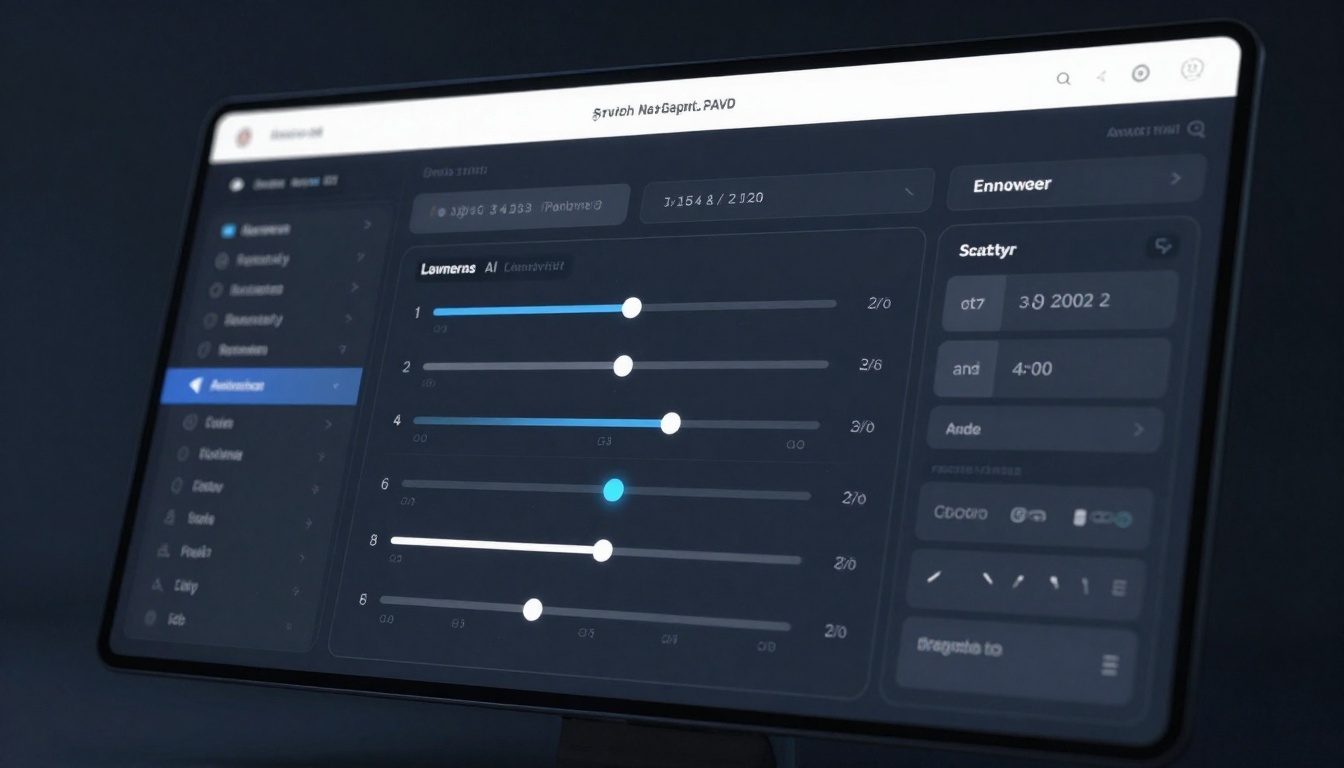
Aspect Ratio: Select the dimensions for your image. Choose based on your intended use:
Square (1:1) for social media and balanced compositions
Widescreen (16:9) for cinematic, panoramic results
Portrait (9:16) for vertical layouts
Traditional formats (4:3, 3:4) for classic photography proportions
Megapixels: Select between 1 or 2 megapixels. Higher resolution yields more detail but requires more processing time. For most professional use, 2 megapixels is recommended.
Output Format: Choose your file format:
PNG for transparency and lossless quality
JPEG for web optimization and smaller file sizes
WEBP for modern compression with excellent quality
Output Quality: Set quality from 0-100 (default 80). Higher values produce better quality but larger file sizes. For professional work, 85-95 is recommended.
Seed (Optional): Enter a specific seed value to reproduce previous results, or leave blank for random generation.
Juiced Mode (Optional): Enable for faster inference with optimizations, useful when generating multiple variations quickly.
Step 4: Generate Your Image
Click the Generate button to begin processing. Depending on settings, generation typically completes in 3-4 seconds. You'll see progress indication during processing.
Step 5: Download and Use Your Generated Image
Once complete, your image displays in full quality. Download the result in your preferred format and resolution. The image is now ready for:
Include quality modifiers like "cinematic," "photorealistic," "8k"
Experiment with variations using the same prompt
Use seed values to refine successful results
Test aspect ratios to find ideal framing for your vision
Adjust quality settings based on intended use
Advanced Techniques and Creative Strategies
Experienced users develop sophisticated approaches to maximize output quality and creative potential.
Prompt iteration: Start with a detailed base prompt, then systematically adjust elements. Document successful variations for reference.
Reference images: While direct image input may vary by platform, referencing artistic styles and compositions in text strengthens results. Mention specific artists, photographers, or visual styles.
Negative prompts: Some platforms support specifying what you don't want in images, helping avoid common generation artifacts.
Batch generation: Generate multiple variations with identical or slightly modified prompts to select the strongest result.
Post-processing: Using generated images as bases for additional editing in professional software extends creative possibilities significantly.
Quality Assurance and Workflow Integration
Professional creators integrate AI generation into broader creative workflows, treating generated images as starting points rather than finished products.
Combine multiple generations into composite pieces
Scale or crop for specific applications
Color grade for consistency across projects
The Future of Adult AI Image Generation
The trajectory of this technology indicates several emerging trends worth monitoring:
Quality improvements: Models continue advancing toward photorealistic indistinguishability from traditional photography in many contexts.
Faster processing: Generation speeds decrease while maintaining or improving output quality.
Enhanced customization: More granular control over output characteristics, from clothing details to anatomical specifics.
Integration capabilities: API access expanding, enabling seamless integration into creative applications and workflows.
Community development: Open-source model variations allowing specialized adaptations for specific use cases.
Ethical frameworks: Continued dialogue around responsible development and deployment, balancing innovation with ethical considerations.
Addressing Common Questions
How long do images take to generate?
Most modern systems complete generation in 3-4 seconds, with variations depending on resolution and system load.
Can I use generated images commercially?
Yes, provided you comply with platform terms of service and applicable laws. Commercial licensing varies by platform.
What's the difference between 1 and 2 megapixels?
Higher megapixels provide more detail and sharper images, suitable for print and professional use. Lower megapixels process faster and suit web applications.
How do I improve prompt quality?
Be specific, include technical quality modifiers, and experiment with variations. Document successful prompts for future reference.
Are there privacy concerns?
Reputable platforms implement privacy protections. Verify data handling policies before use, particularly when handling generated adult content.
Conclusion
Adult AI image generation represents a powerful tool for creative professionals seeking unrestricted creative expression. From entertainment industry producers to fine artists exploring mature themes, these platforms democratize sophisticated image creation previously requiring extensive technical skill.
Success with adult AI generators depends on understanding core concepts—prompt engineering, parameter optimization, and responsible use—combined with iterative experimentation. By approaching these tools professionally and ethically, creators unlock unprecedented creative possibilities.
The technology continues evolving rapidly, with improvements in quality, speed, and customization happening continuously. Those who develop proficiency now position themselves ahead of the curve as these tools become increasingly central to professional creative workflows.
Key Takeaways
Choose uncensored generators when creative freedom is essential to your work
Master prompt engineering through detailed, specific descriptions
Understand technical parameters to optimize output for your needs
Maintain ethical standards in all use cases
Integrate into broader workflows treating outputs as professional resources
Stay current with platform developments and model improvements
Experiment consistently to develop intuition and refine your technique
Ready to create without limitations? Explore professional adult AI image generation on PicassoIA's Wan 2.2 Image tool today and experience the difference unrestricted, high-quality generation brings to your creative work.