Type "adult AI video creator" into a search bar and you get a wall of near-identical promises: instant clips, zero limits, free forever. Then you click, hit a paywall on the second render, and wonder what you were paying for. This article sorts the noise from the useful. You will see how these apps actually charge, what a free plan really gives you, which warning signs point to a sketchy site, and which alternatives let you build glamour, swimwear and boudoir style video without the headaches.
One note on scope. Everything here is about tasteful, non-explicit content: suggestive, attractive, aesthetic. Think bikini shoots, editorial lingerie looks and resort glamour, not pornography. That boundary is also what keeps your accounts, your payments and your audience safe.
What an Adult AI Video Creator Does
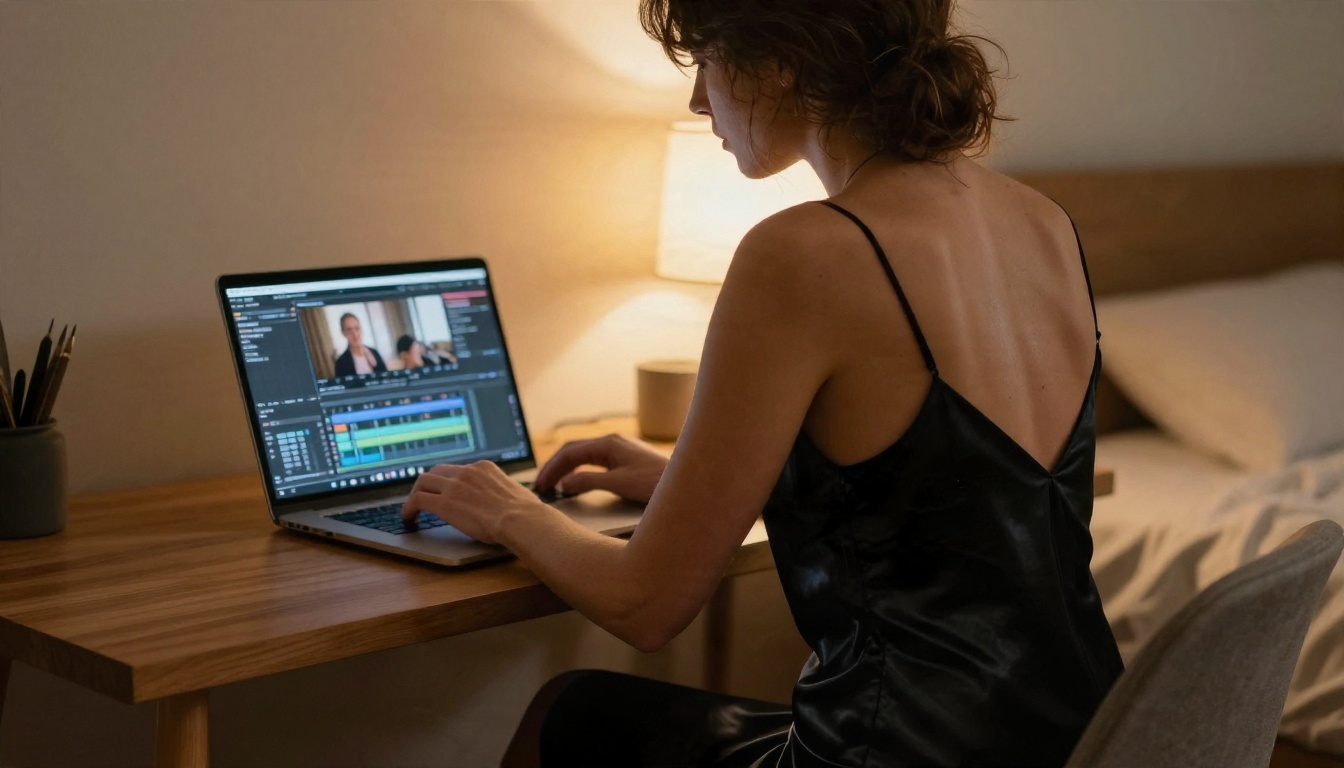
An adult AI video creator is a generator that turns a prompt or a still picture into a short moving clip with a glamour or sensual theme. Most clips last 5 to 10 seconds. Some tools reach 30 seconds. They add motion such as hair drifting in wind, a slow head turn, water running down a shoulder, or a camera that glides around the subject.
Image to Video vs Text to Video
There are two routes, and the difference matters for both quality and cost.
- Text to video: you write a scene and the model invents everything. Fast, but faces and outfits can shift from one render to the next.
- Image to video: you start from a still photo you already like and the model animates it. The look stays consistent because the first frame is locked.
For anyone building a recurring character or a themed set, image to video wins nearly every time. You pick the perfect still, then spend credits only on motion.
Where the Clips Come From
Behind every app sits a video model. Some apps run their own, many simply resell access to models from large labs and add a filter layer on top. That is why two apps with different branding can look almost the same. When you compare tools, ask which model is underneath, because that decides motion quality, audio and clip length.
💡 Tip: A flashy interface says nothing about output quality. Judge a tool by a single test clip of a swimwear scene, not by its landing page.
Online App or Local Install?
Browser Apps: Fast but Rule-Bound
An online app needs no hardware. You open a tab, upload a photo, press generate. Rendering happens on the provider's servers, so even a thin laptop works. The trade-offs are usage caps, moderation filters and a monthly bill.
Local Setups: Control With a Hardware Bill
Running open models on your own machine removes the per-clip fee and the filters. It also demands a strong graphics card, a lot of storage, patience with installation errors and some technical comfort. For most people producing swimwear or glamour content a few times per week, the time spent on setup costs more than a subscription would.
| Factor | Online app | Local install |
|---|
| Setup time | Minutes | Hours to days |
| Hardware needed | Any device | Strong GPU, big drive |
| Per-clip cost | Credits or subscription | Electricity only |
| Speed | Seconds to a few minutes | Depends on your GPU |
| Maintenance | None | Updates, drivers, fixes |
The Real Cost of Pricing

I could not find reliable, current price lists for most adult-focused video tools. Free tiers and plans change often and differ by region, account and promotion, so any exact figure printed in a blog post goes stale quickly. What stays stable is the structure of how these services charge.
Credits, Subscriptions and Add-Ons
- Monthly subscription: a flat fee for a fixed pool of generations. Cheap per clip if you use the whole pool, wasteful if you do not.
- Credit packs: you buy a bundle and each clip burns a set number. Longer clips and higher resolution burn more.
- Pay per render: simple, but the bill climbs quickly when you retry a scene five times to get one good take.
- Add-ons: extra fees for 1080p export, watermark removal, faster queues or longer duration.
Hidden Costs Nobody Mentions
Failed renders still cost credits on many platforms. Upscaling is often billed separately. Annual plans look cheaper but lock you in, and cancellation can be buried several screens deep. Always check whether a retry is charged before you commit.
💡 Tip: Divide the monthly price by the number of clips you realistically keep, not the number you generate. That is your true cost per usable clip.
Free Options That Actually Work
What Free Tiers Really Limit
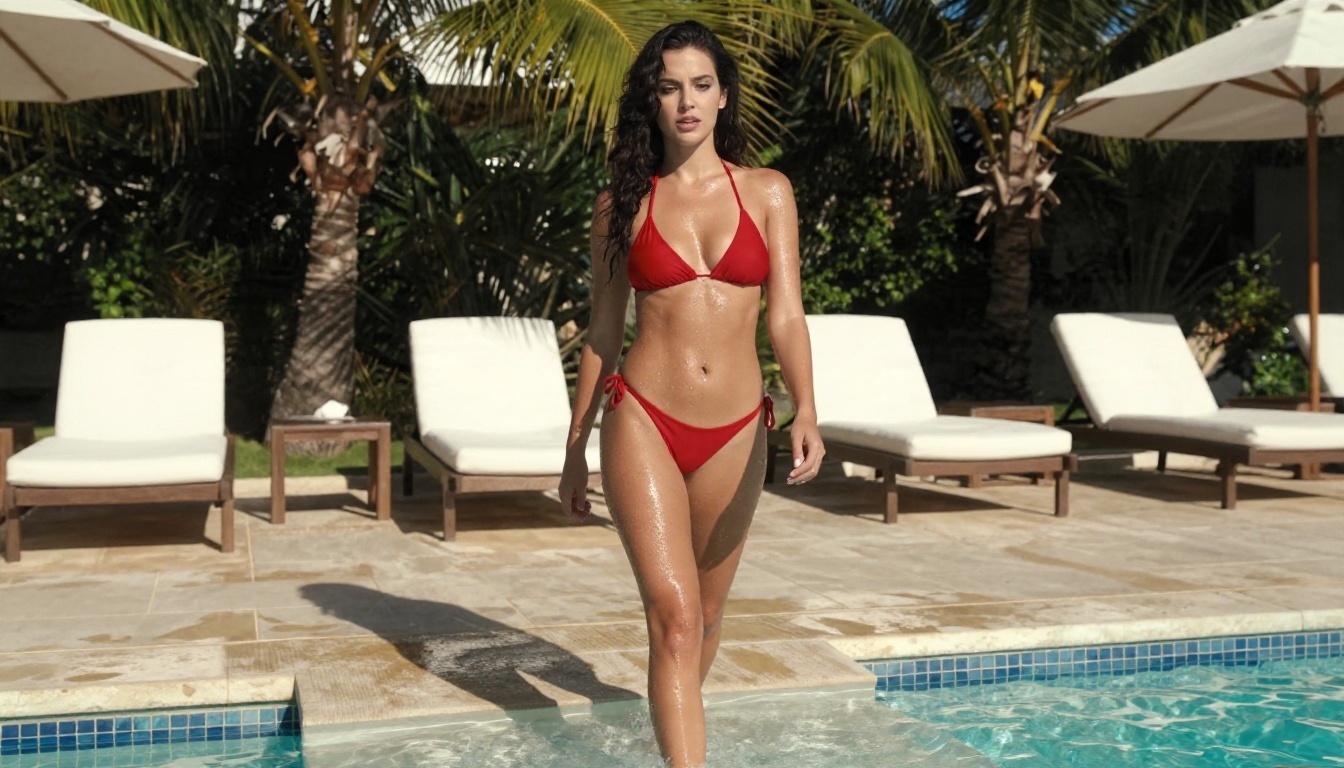
Free plans exist, but they come with strings. Expect some mix of these:
- A small daily or monthly credit allowance.
- Visible watermarks on every export.
- Lower resolution, often 480p or 512p.
- Slow queues during busy hours.
- Short clip length, often 3 to 5 seconds.
Free is fine for testing a concept. It is rarely enough for a steady content schedule.
Red Flags on "Free" Sites
Searching for free adult generators surfaces plenty of risky pages. Be wary of any site that:
- asks for no account yet promises unlimited output,
- demands you disable security software or install a browser extension,
- hosts a prompt box but no terms, privacy page or company details,
- pushes you to upload photos of real people.
Some of these sites harvest uploaded images or distribute malware. "Free" and "uncensored" are marketing words, not permission to create anything you like. Illegal or non-consensual material is off limits everywhere, no matter what a landing page claims.
Best Alternatives on PicassoIA
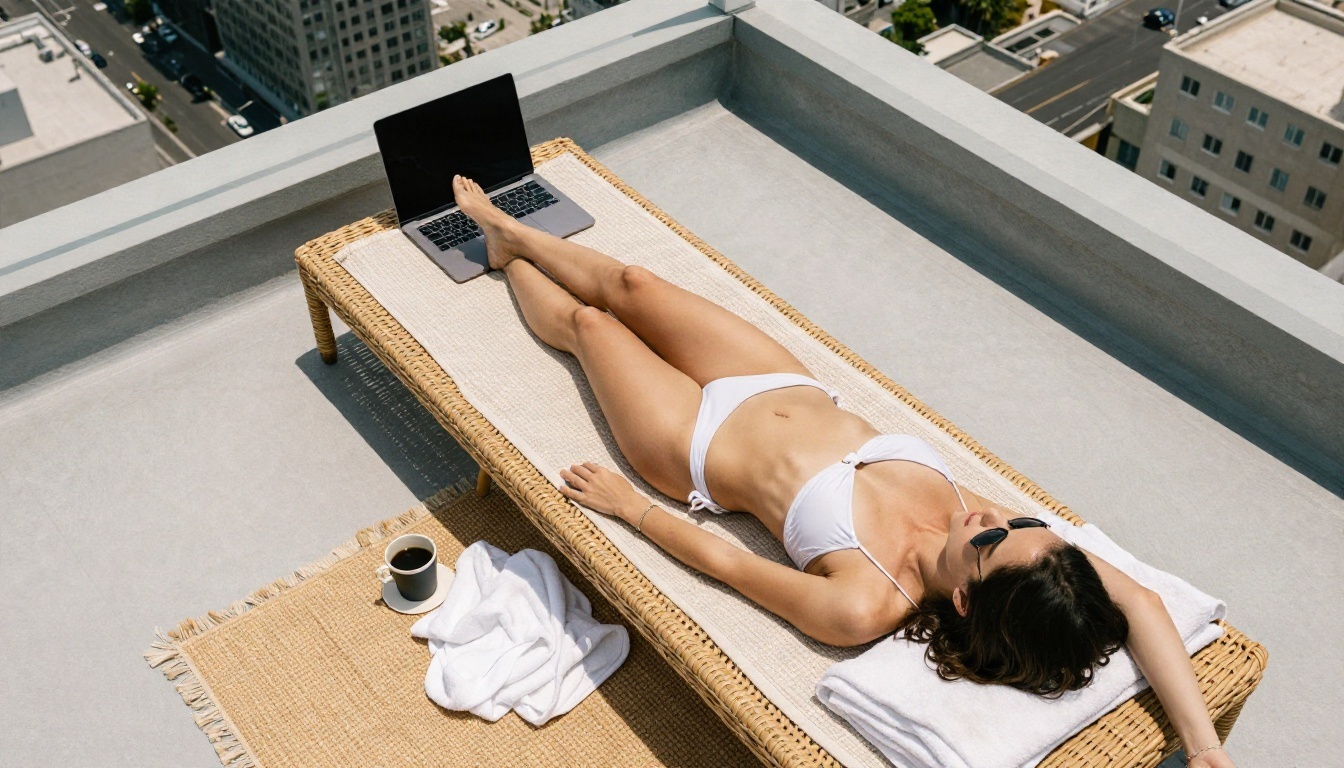
If you want a single place where you can generate the still and then animate it, PicassoIA covers both steps. The stack below follows the order that works best for glamour and swimwear video.
Seedream 4.5 for the First Frame
Seedream 4.5 is the strongest starting point for photorealistic glamour stills. It handles skin texture, fabric, wet surfaces and golden-hour light very well, and it outputs sharp images up to 4K. A clean first frame is half the battle in image to video work.
PicassoIA Image Editor Pro for Unlimited Edits
PicassoIA Image Editor Pro gives you unlimited generations, which removes the credit anxiety that makes people hesitate to experiment. Use it to adjust outfits, change a background, fix a hand or swap a pose before you commit to animation. Fast iteration here saves expensive video retries later.
Video Models Worth Trying
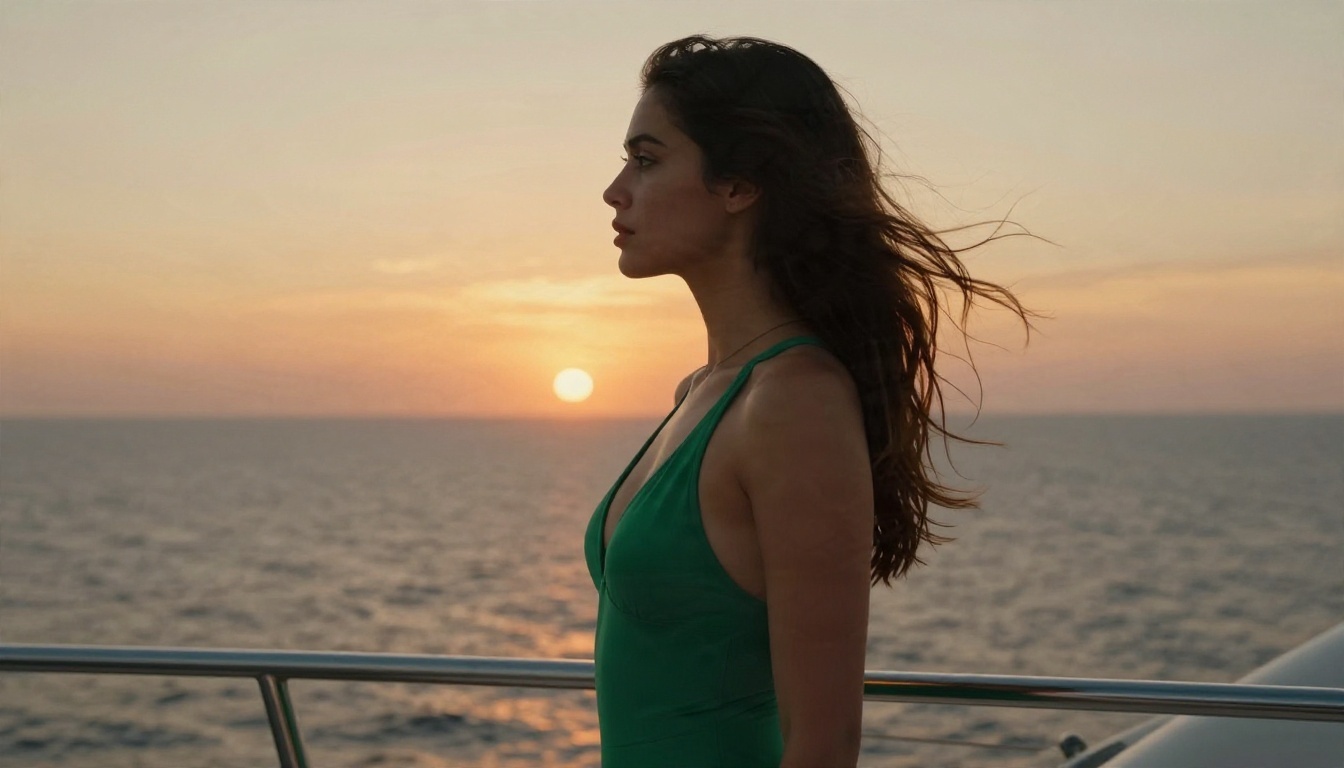
Once your still is ready, pick a video model by what you need most.
The free angle is worth underlining: Seedance 2.5 Lite lets you run test after test without watching a meter. Prototype there, then move your best still to a higher tier model for the final render.
💡 Tip: Keep tasteful glamour prompts on Seedream 4.5 and the Image Editor Pro. Skip Seedream 5 Lite for this kind of work, since it blocks adult-themed content.
How to Use Seedream 4.5 on PicassoIA
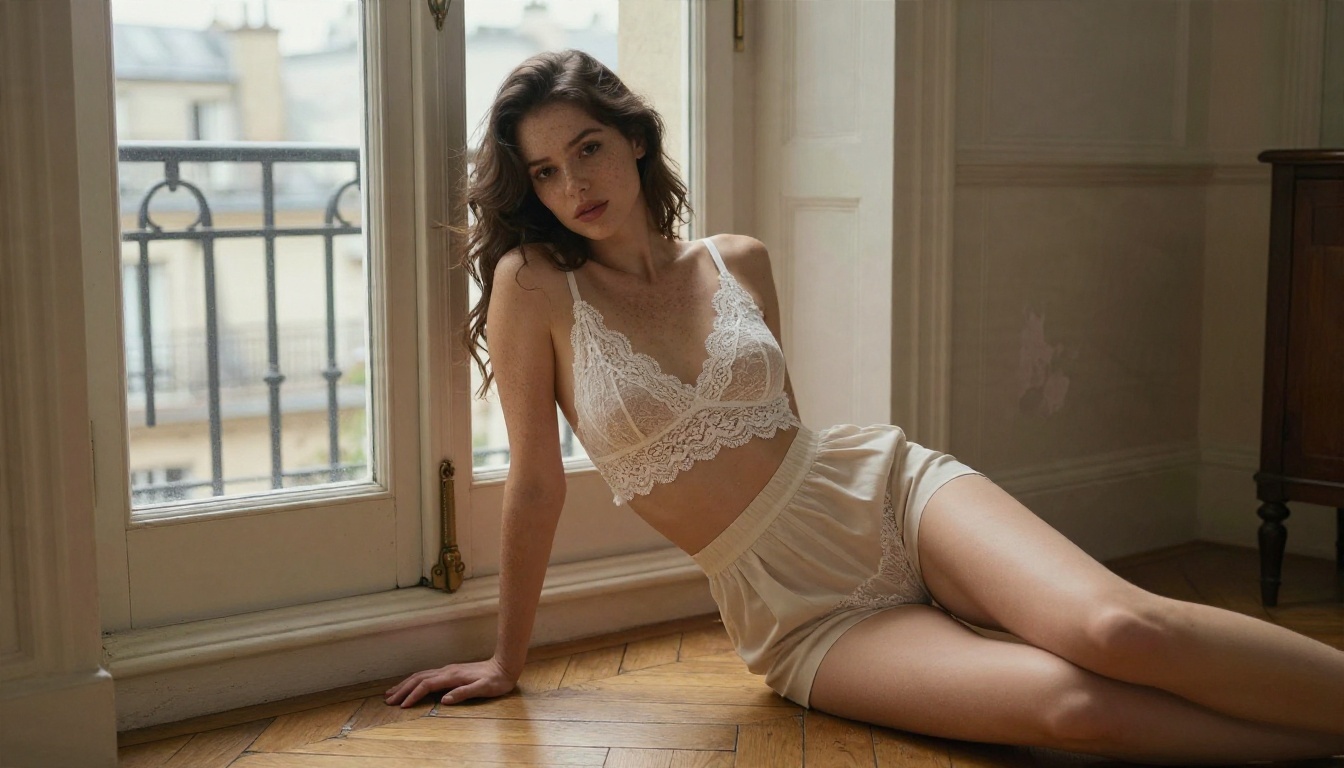
Here is the full workflow, from blank prompt to moving clip.
Step by Step
- Open the Seedream 4.5 page on PicassoIA.
- Write a prompt that names the subject, outfit, setting, light direction and lens. Example: "woman in a white bikini on a sunlit rooftop, hard morning light from the left, 85mm lens, shallow depth of field, film grain."
- Choose a 16:9 ratio if the clip will play on a screen, or 9:16 for vertical platforms.
- Generate several variations and pick the one with the cleanest hands, face and fabric edges.
- Open PicassoIA Image Editor Pro if you want to tweak the outfit, background or pose.
- Send the finished still to Seedance 2.5 Lite as the first frame.
- Describe the motion in plain sentences, then render and review.
- Move your best result to a higher quality model such as Wan 3 Prime for a final export.
Prompts That Keep Clips Tasteful
Motion prompts work best when they read like a director's note. Describe one subject action and one camera move.
- "She turns her head slowly toward the sea and smiles, the camera drifts in a few inches, warm sunset light."
- "Water drips from her hair as she steps from the pool, a low-angle shot rises gently."
- "Linen curtains lift in a soft breeze while she stands by the window, the lens pulls back slowly."
Common Mistakes to Avoid
- Overloaded prompts. Five actions in five seconds produce warped limbs.
- Weak first frames. A blurry or cropped still creates a blurry clip.
- Ignoring lighting. Name the light source in both the still and the motion prompt so the clip stays consistent.
- Skipping the test render. Use the free tier for drafts and pay only for finals.
Consent and Safety Rules
Adult-themed creation has real boundaries, and following them protects you.
Never Use Real People Without Consent
Do not upload photos of a real person who has not agreed to it. This includes celebrities, coworkers, exes and strangers. Non-consensual deepfakes are harmful and illegal in many places. Build original characters from scratch instead. That also gives you a consistent, ownable look.
Keep Content Non-Explicit
Stay with swimwear, lingerie style editorials, boudoir and resort glamour. Explicit material gets accounts banned, payment processors cut off and posts removed. Tasteful content also reaches a wider audience on mainstream social platforms.
Protect Your Data
Check what any service does with your uploads. A real provider lists its terms, a privacy page and a way to delete your content. If a site hides all three, close the tab. Use a unique password and, where possible, a payment method you can freeze quickly.
💡 Tip: Label AI-generated clips as such when you publish. Audiences and platforms increasingly expect it, and it protects your reputation.
Make Your First Clip Today
You now have the full picture. Adult-themed AI video tools charge through subscriptions, credits and add-ons. Free tiers are fine for testing and poor for volume. Anonymous "free" sites carry real risk. The smartest route is to build a great still first, then animate it with a model suited to your goal.
Open PicassoIA, start with Seedream 4.5, refine the result in PicassoIA Image Editor Pro, and bring it to life with Seedance 2.5 Lite. Try three different outfits, two lighting setups and a couple of camera moves, and see which combination feels like your style. When you want to compare more options, browse every model at picassoia.com/en/all-models and pick the one that fits your next project.


