Type a sentence, wait a few seconds, and a photograph appears that no camera ever took. That is adult artificial intelligence in 2027: a set of image, video and chat models that produce suggestive, glamour and boudoir style content on demand. Most people searching for it want the same four things. They want free tools, prompts that work, real examples to judge quality, and apps that do not bury the good features behind a paywall or a heavy filter. This article gives you all four, with honest notes on what each tool does well and where it falls short.
One boundary before we start. Everything here is about non-explicit, suggestive imagery: swimwear, lingerie, evening glamour, boudoir lighting. It is about adults, invented people and content you have the right to make. The pictures in this article follow the same rule, and every one of them was generated with AI.
What Adult AI Really Means Today
The phrase covers three different kinds of technology, and mixing them up is the fastest way to waste an afternoon on the wrong tool.
Image generators
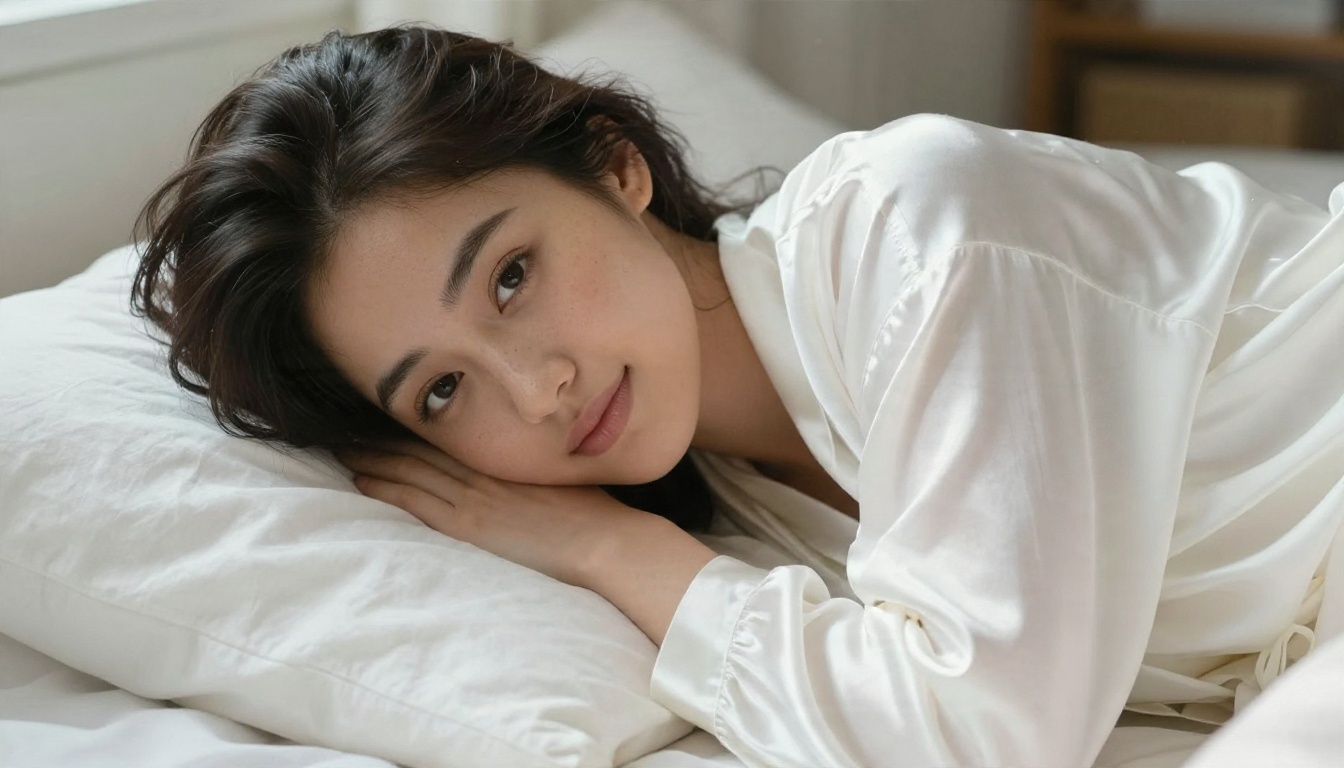
These turn a written prompt into a still photograph. Modern ones produce skin with visible pores, believable fabric folds, and lighting that looks like it came from a real window. For glamour work this is the core tool, because a good still is also the starting frame for everything else.
Video generators
Video models take a prompt, or better, a still image, and add motion: hair moving in a breeze, a slow camera push, a glance toward the lens. Clips are short, usually five to ten seconds, but they are enough for a loop, a teaser or a social post.
Chat and writing models
Large language models do not draw anything. They write. In an adult workflow they act as a prompt assistant: you describe a mood, and the model expands it into a detailed photographic prompt with lens, light and texture. That saves a lot of trial and error.
💡 Quick rule: pick the image model first, then the video model that animates its output, then a language model to speed up your prompt writing. In that order, the pieces fit.
Free is a loose word online. Some tools give you three images and a login wall. Others are genuinely unlimited. Here is how the options on PicassoIA break down for suggestive, photorealistic work.
Seedream 4.5 leads the list
Seedream 4.5 is the model I would open before any other for this kind of content. It handles skin texture, fabric and natural light with a calm realism that does not look airbrushed, and it follows long prompts closely. Output goes up to 4K, which matters when you plan to crop or upscale later. It also accepts swimwear, lingerie and boudoir wording without the constant refusals that frustrate people on mainstream tools.
Image Editor Pro for unlimited edits
PicassoIA Image Editor Pro is the second stop, and its big selling point is simple: unlimited generations. You can regenerate a pose twenty times, change an outfit colour, fix a hand, or move the scene from a bedroom to a beach without counting credits. For anyone who iterates heavily, that freedom is worth more than a slightly sharper single image.
Fast and flexible alternatives
When speed or a different look matters, these are worth trying in this order:
A practical workflow: draft with Z Image Turbo until the composition feels right, then send the final prompt to Seedream 4.5 for the finished frame.
How to Use Seedream 4.5 on PicassoIA
This is the exact routine I use, and it takes about two minutes the first time.
Step by step
- Open the Seedream 4.5 page on PicassoIA.
- Paste your prompt into the text box. Write it as one flowing description, not a list of tags.
- Set the aspect ratio. Use 16:9 for wide scenes, 3:4 or 2:3 for portraits.
- Choose your output size. Start small while testing, then go to the highest setting for the final render.
- Generate, review, and change one detail at a time in the prompt before the next run.
Parameter tips that matter
- Be specific about light. "Soft window light from the left" beats "good lighting" every time.
- Name the lens. "85mm f/1.8" nudges the model toward flattering portrait compression and a blurred background.
- Describe texture. Words like "visible pores," "linen weave" and "water droplets" are what separate a photo from a plastic render.
- Keep one subject. Crowded scenes raise the chance of anatomy errors, especially in hands.
- Avoid contradictory instructions. Do not ask for "harsh midday sun" and "soft candlelight" in the same sentence.
💡 If a result looks too smooth, add "natural skin texture, fine film grain" and cut any word that sounds like retouching.
Prompts You Can Copy Today
Prompts are the real product here. A tool is only as good as the sentence you give it. Each pattern below follows the same structure: subject, setting, light, lens, texture. Swap the nouns and keep the skeleton.
Beach and swimwear
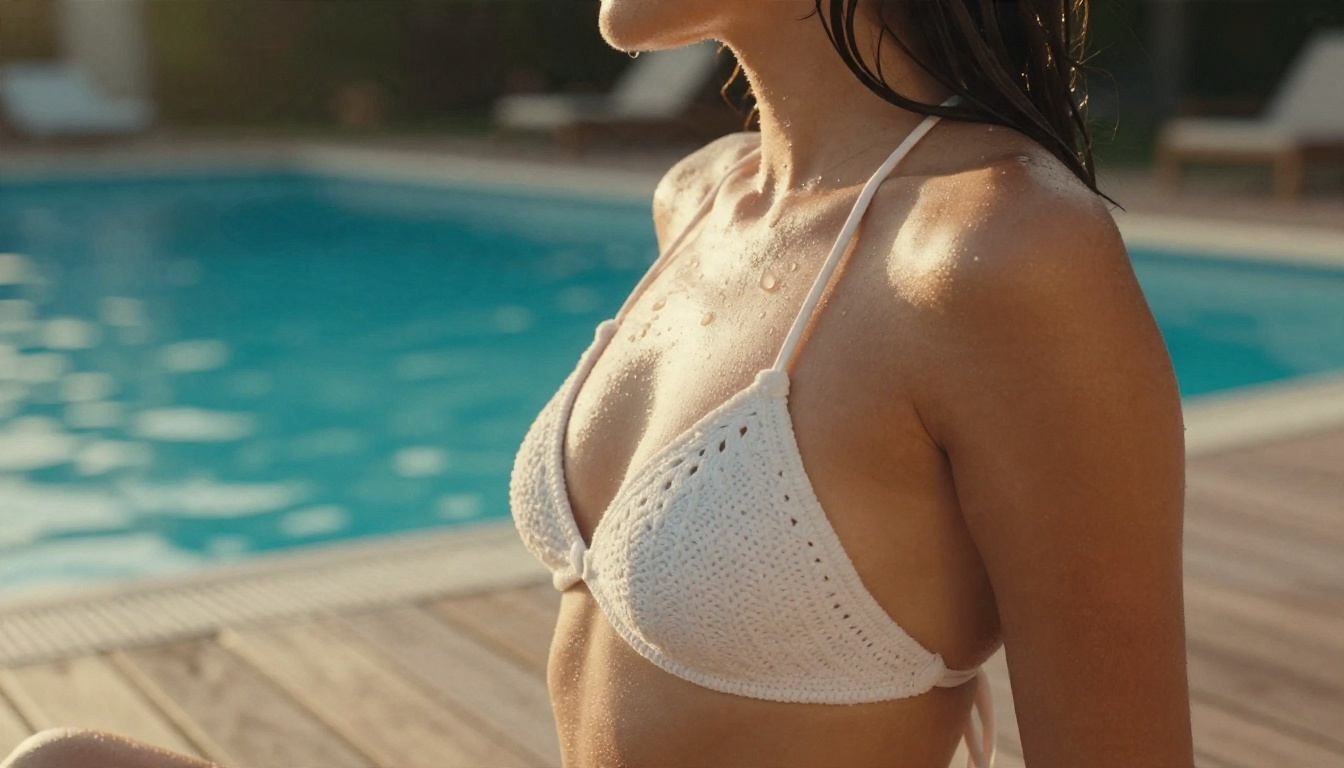
A woman in a white crochet bikini top on a wooden pool deck at golden hour, wet hair slicked back, water droplets on her shoulders, blurred turquoise pool behind, warm backlight from the left, 100mm f/2 lens, skin texture in sharp detail, Kodak Portra 400 film grain, raw photograph.
That prompt produced the image below. Notice how little it asks for. The glamour comes from the light and the texture, not from piling on adjectives.
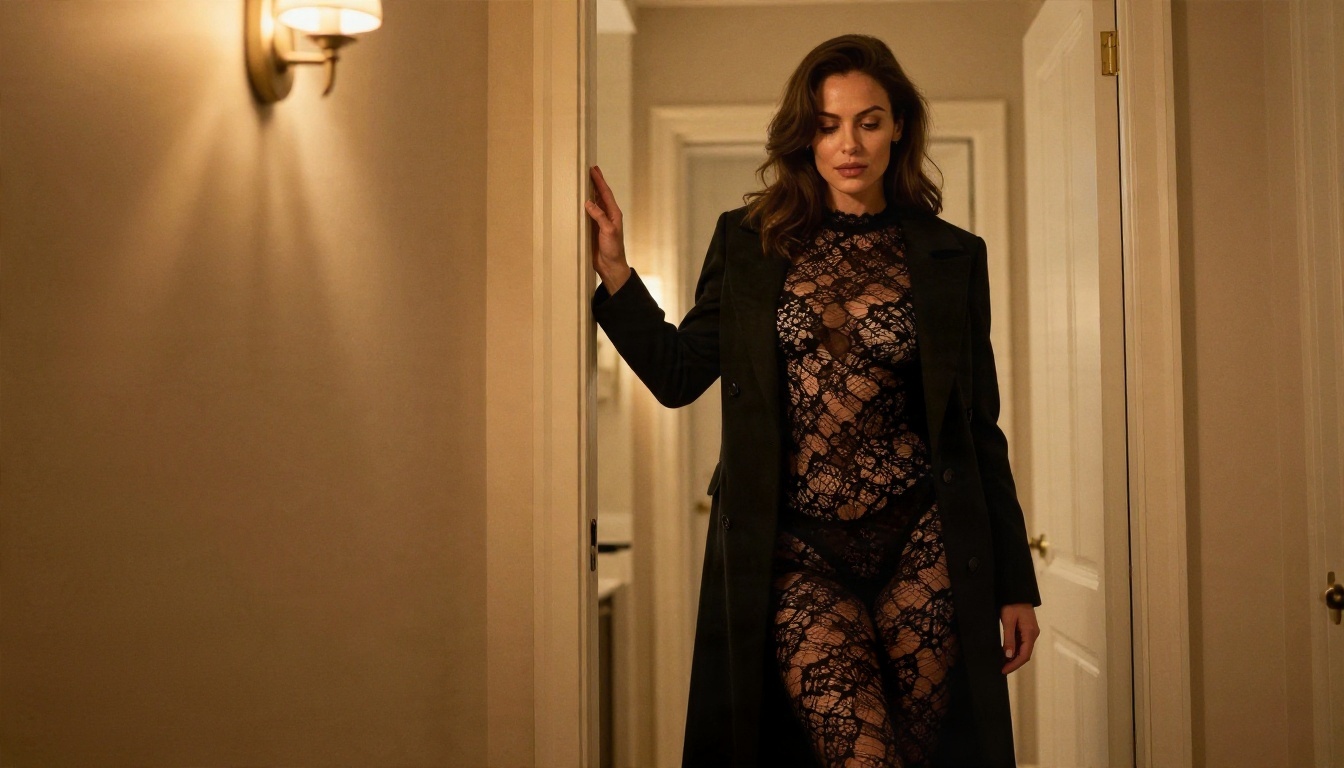
Boudoir and lingerie
A confident woman in a black lace bodysuit and long tailored coat standing in a dim apartment hallway with warm wall sconces, one hand on the door frame, low camera angle, 50mm f/1.4 lens, lace texture and soft skin highlights, light from the left, film grain.
Boudoir works best when the setting tells a story. A hallway, a doorway, a hotel room: these give the viewer context, which feels more intimate than a blank backdrop.
Evening glamour
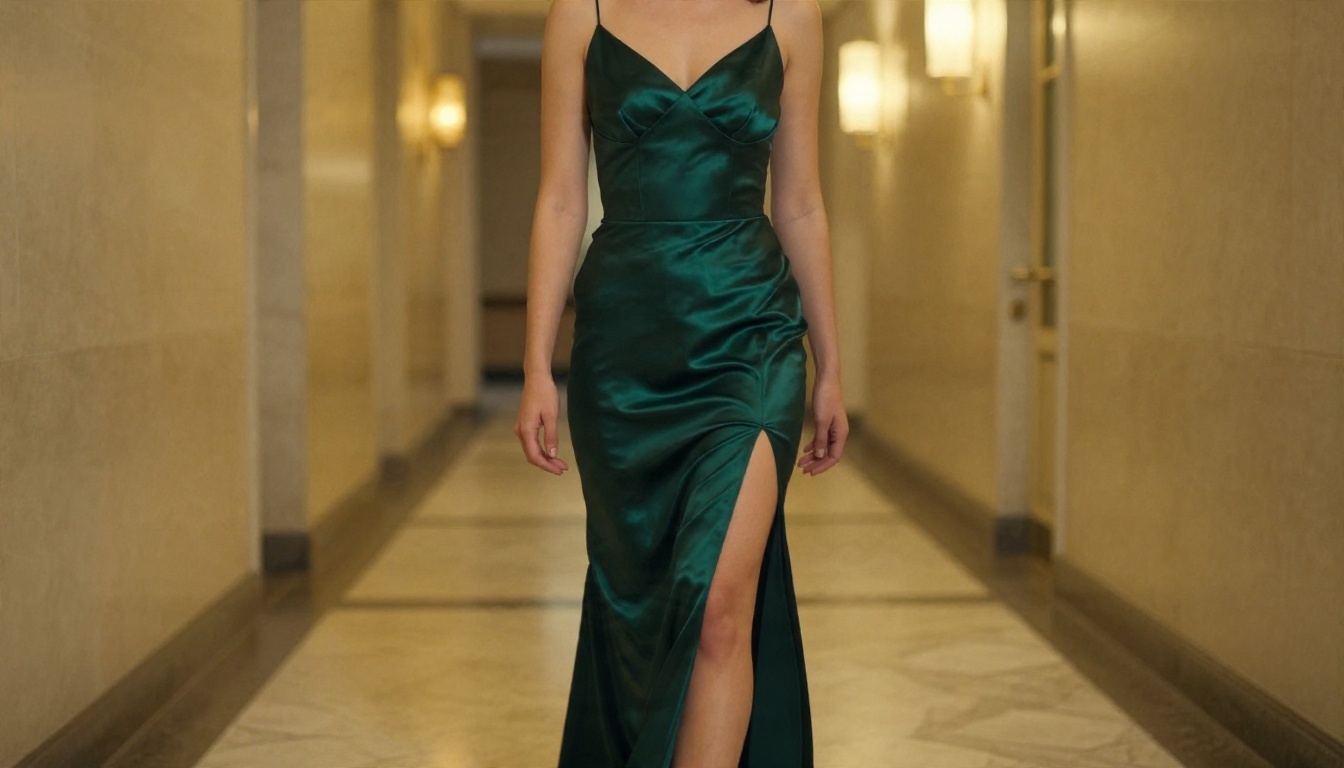
A woman in a deep emerald satin gown with a high leg slit and open back, walking away along a candlelit marble corridor, looking back over her shoulder, golden practical lights, 70mm f/2 lens, fabric folds with specular sheen, polished marble reflections.
Three prompt mistakes to avoid
- Tag soup. Strings of comma separated keywords from older models confuse newer ones. Write sentences.
- Vague style words. "Beautiful, stunning, perfect" add nothing the model can use.
- Missing camera language. Without a lens and a light direction, results drift toward generic stock photo looks.
Real Examples and Why They Work
Look closely at the images in this article and you will see the same four habits in each one.
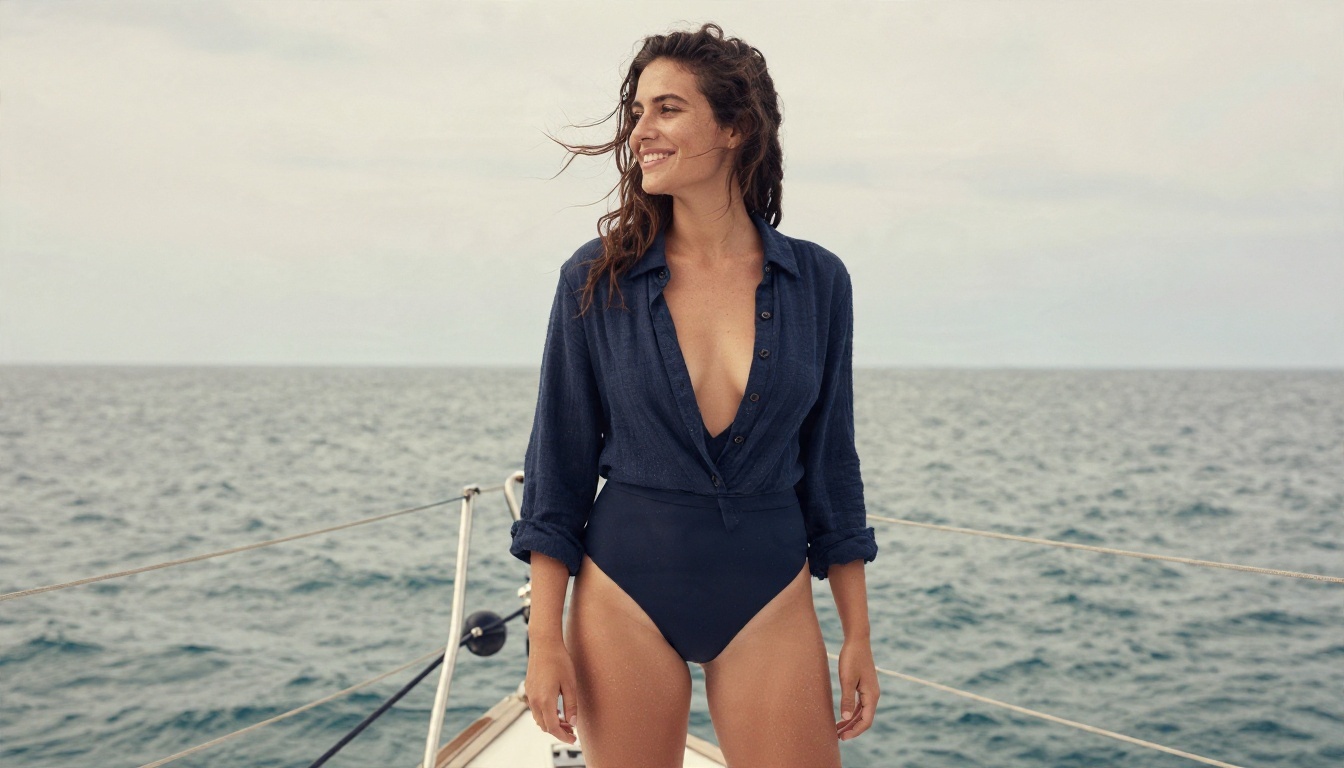
Natural light. Every frame has a clear source: a window, a golden sun, a bedside lamp. Real photographers think about light first, and the prompts do too.
Imperfect skin. Freckles, tiny highlights, water droplets and a slight sheen make a face believable. Perfect skin is the single biggest giveaway of an AI image.
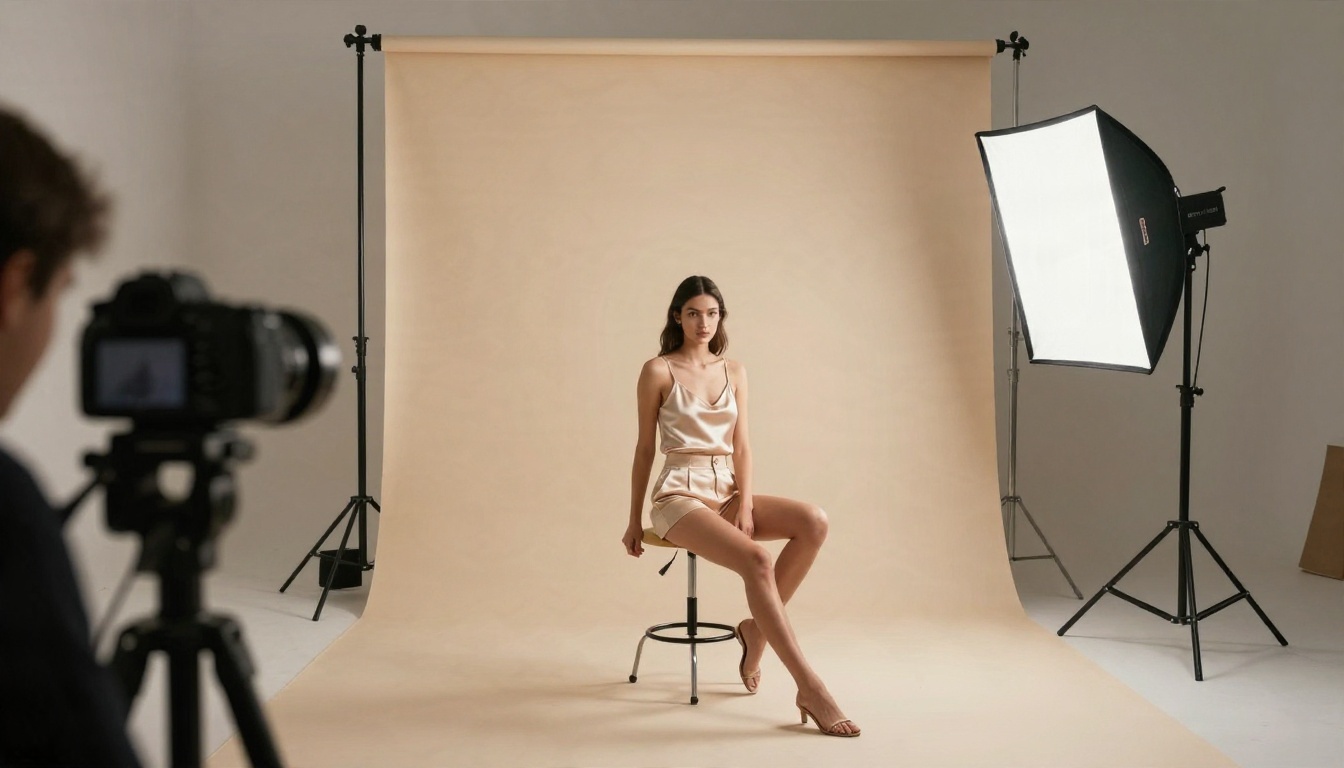
Believable settings. A sailboat deck with rope and teak, a studio with a softbox in the corner, a cosy bedroom with a wine glass on the nightstand. Props anchor the picture in the real world.
Restraint. None of these images needs to show more to be effective. Suggestion is what makes glamour photography work, and it is also what keeps the content on the right side of every platform's rules.
A still image is only the beginning. Most creators now push their best frames into motion and use chat models to keep the pipeline moving.
Animate your stills
Image to video is the natural second step. You upload the finished still, describe a small movement, and the model brings it to life.
- Seedance 2.5 Lite is a free and unlimited option that produces clips up to 10 seconds.
- PicassoIA Video is another free, unlimited generator that works from text or an image.
- Wan 2.5 I2V Fast animates a photo quickly when you are testing several frames.
- P Video Animate turns a single photo into a short clip with very little setup.
For motion prompts, keep them small and physical. "Hair moves gently in a breeze, slow push in, soft smile" works. "She does a dramatic dance" does not, because short clips cannot hold big actions.
Chat models as prompt writers
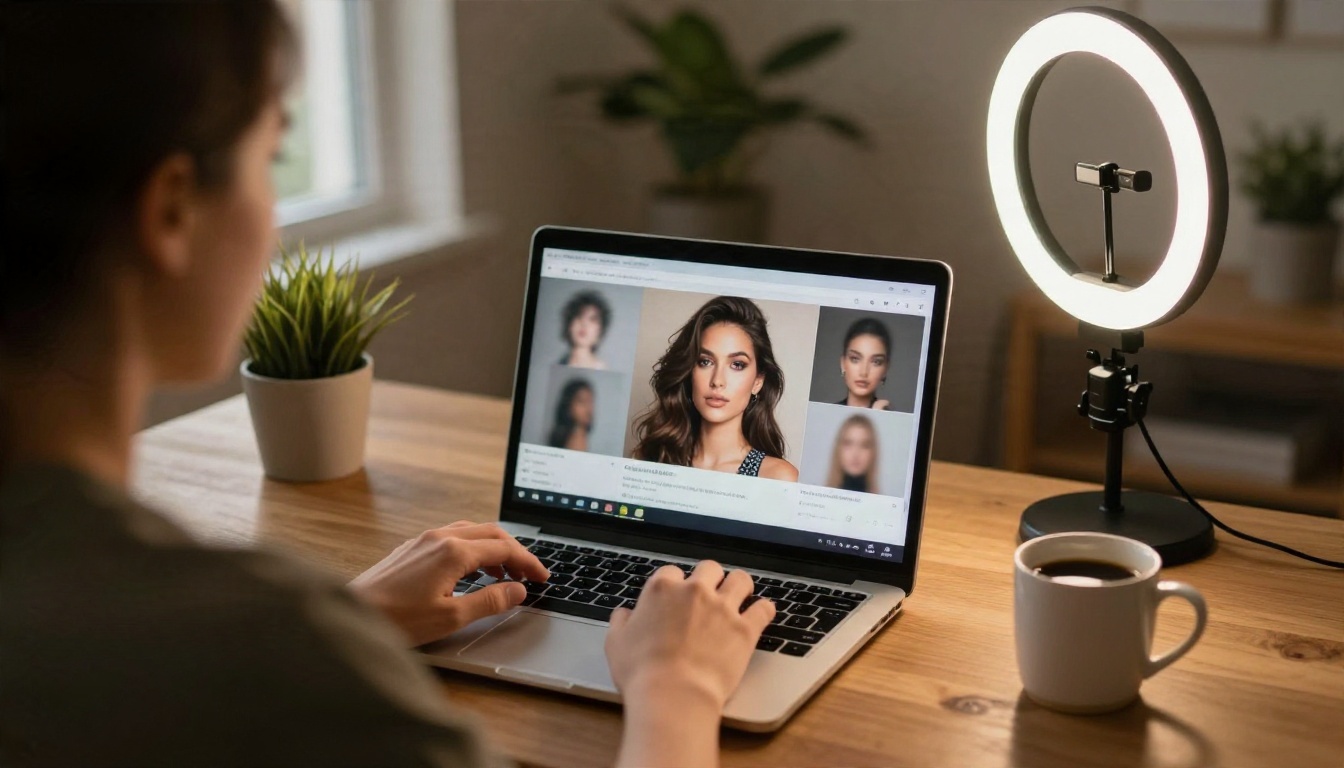
A language model can turn a rough idea into a polished photographic prompt in seconds. Try giving it a sentence like "boudoir portrait, hotel room, morning light" and ask it to expand it with lens, light direction and fabric texture. These models on PicassoIA are good at it:
Language models apply their own rules, so ask for non-explicit, photographic descriptions and you will get usable text. Then you paste the result into your image model.
Companion style chat
Some people use adult AI for conversation rather than pictures: roleplay, flirtation, story writing. Chat models can do the writing side, and you can pair a character description with a generated portrait so the persona has a face. Keep the portrait consistent by reusing the same descriptive block, such as hair colour, age range and signature outfit, in every prompt.
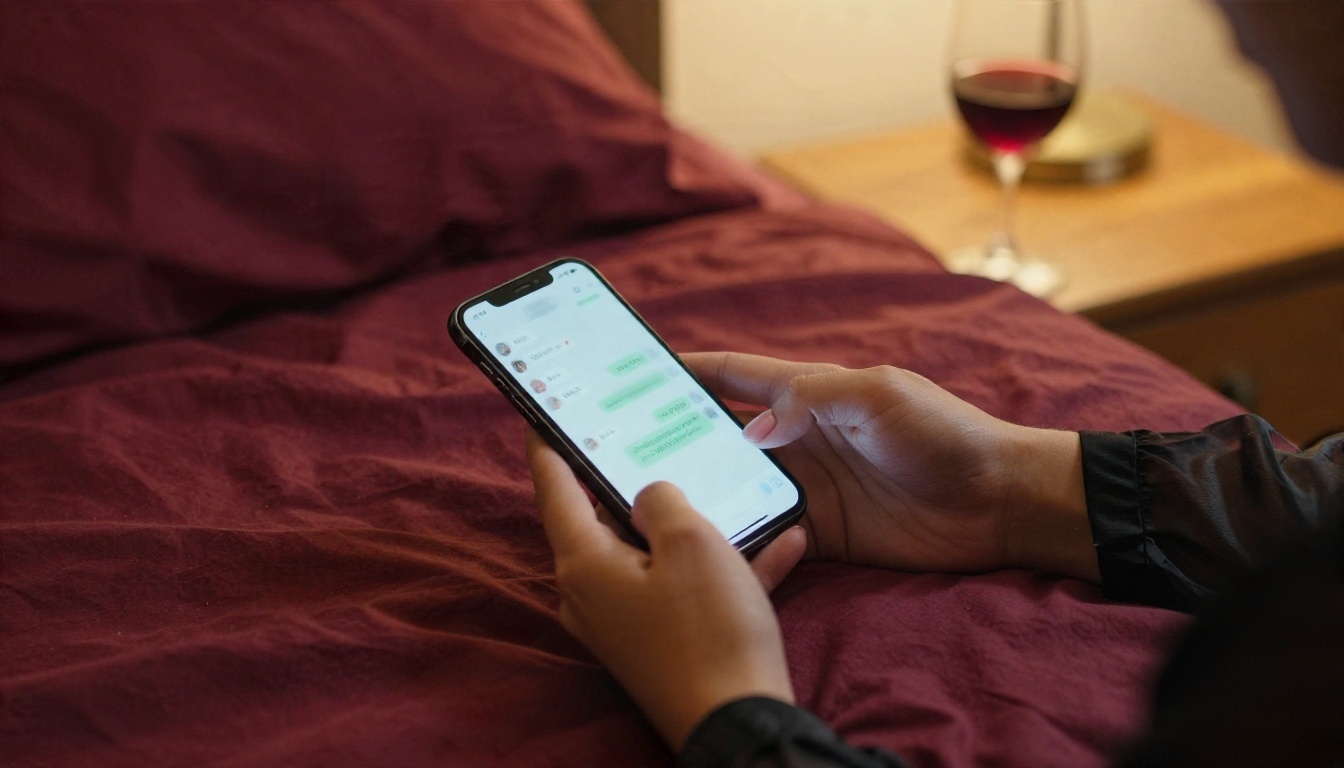
Staying Safe and Legal
Adult content made with AI has real rules, and breaking them can hurt real people.
Only create invented people. Never use the face of a real person without their clear consent. That includes celebrities, coworkers, exes and classmates. Fake imagery of a real person is harmful, and in a growing number of countries it is illegal.
Adults only, always. Every character must be clearly an adult. Do not describe ages near the line, school settings or youthful features. This is absolute.
Keep it non-explicit. Suggestive work is accepted on far more platforms than explicit work, and it is easier to share, sell and stand behind.
Label your output. When you post AI images, say they are AI generated. It builds trust and often it is required by the platform.
Check where you publish. Each social network and storefront has its own policy on adult content. Read it before you upload, not after your account is flagged.
💡 Running a community or a site? Llama Guard 4 12B is a free moderation model that can screen text for content that crosses your own lines.
Make Your Own Today
You now have a tool order, a prompt skeleton and a safety checklist. The only missing piece is your own idea. Open Seedream 4.5 on PicassoIA, paste one of the prompts above, and change a single detail: the outfit colour, the window, the lens. Then open PicassoIA Image Editor Pro and run the same scene twenty more times with no limit on generations. When a frame feels right, send it to a free video model and watch it move.
PicassoIA hosts hundreds of image, video and language models, so you can mix and match until your style is unmistakably yours. Browse the full list at picassoia.com/en/all-models and start with the one that matches the look in your head.


