You type a sentence, wait a few seconds, and a magazine-grade glamour portrait appears. That is what a good adult content maker does today, and the gap between a muddy, plastic-looking result and a convincing one comes down to three things: which tool you pick, how many free runs you get before the wall appears, and how you write the prompt. This article walks through all three, with real examples, copy-ready prompts and honest notes on what free plans tend to limit.
Everything shown here is non-explicit: lingerie, swimwear, boudoir lighting, suggestive but tasteful. That is the zone where AI image tools perform best, where results look like professional photography, and where you stay on the right side of every platform rule.
What an Adult Content Maker Does
An adult content maker is any online tool that turns a text description (or a reference photo) into mature-themed visuals: glamour portraits, swimwear shoots, lingerie campaigns, boudoir scenes. Some tools only produce stills. Others animate those stills into short clips with motion and sound.
The word "adult" here means for adult audiences and adult subjects, not explicit. Think of the style of a fashion catalog, a perfume advert or a swimwear lookbook.
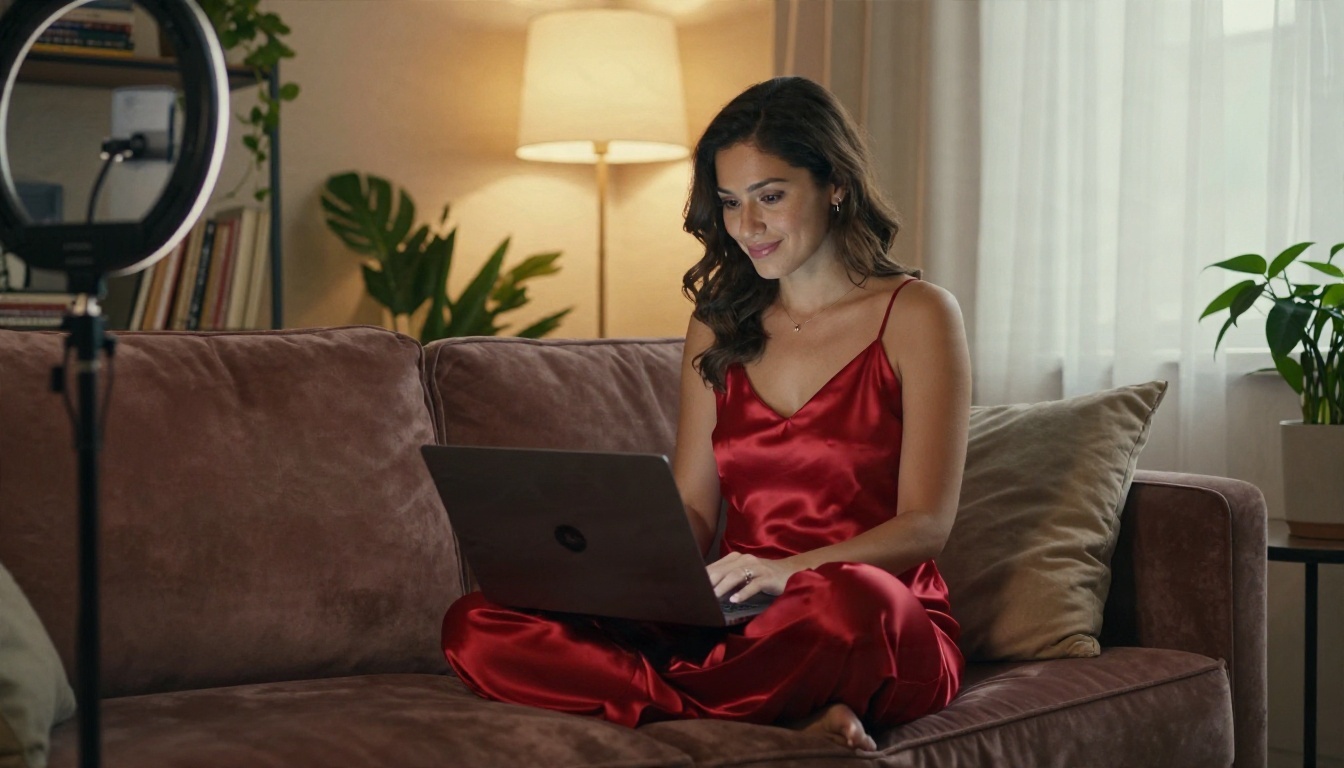
Still Images vs Short Clips
Stills are the foundation. A strong still gives you control over pose, outfit, light and setting. Once you have one you like, you can feed it to an image-to-video model and add a slow camera move, drifting curtains or a hair flip.
Starting with video from text alone is possible, but it is less predictable. Most creators build the still first, then animate.
Who Actually Uses These Tools
- Content creators building consistent visual sets for subscription pages and social feeds.
- Photographers sketching concepts before a real shoot.
- Brand designers mocking up swimwear and lingerie campaigns.
- Writers and game designers who need character portraits with a mature mood.
- Hobbyists who simply enjoy making beautiful pictures.
💡 Tip: If you plan to publish anywhere, check that platform's rules on AI-generated mature content first. Some require a label, some require age gating.
Not every model handles mature themes the same way. Some refuse anything with swimwear. Others generate fine but produce waxy skin. The ones below are the models worth testing, in the order I would try them.
Seedream 4.5 Comes First
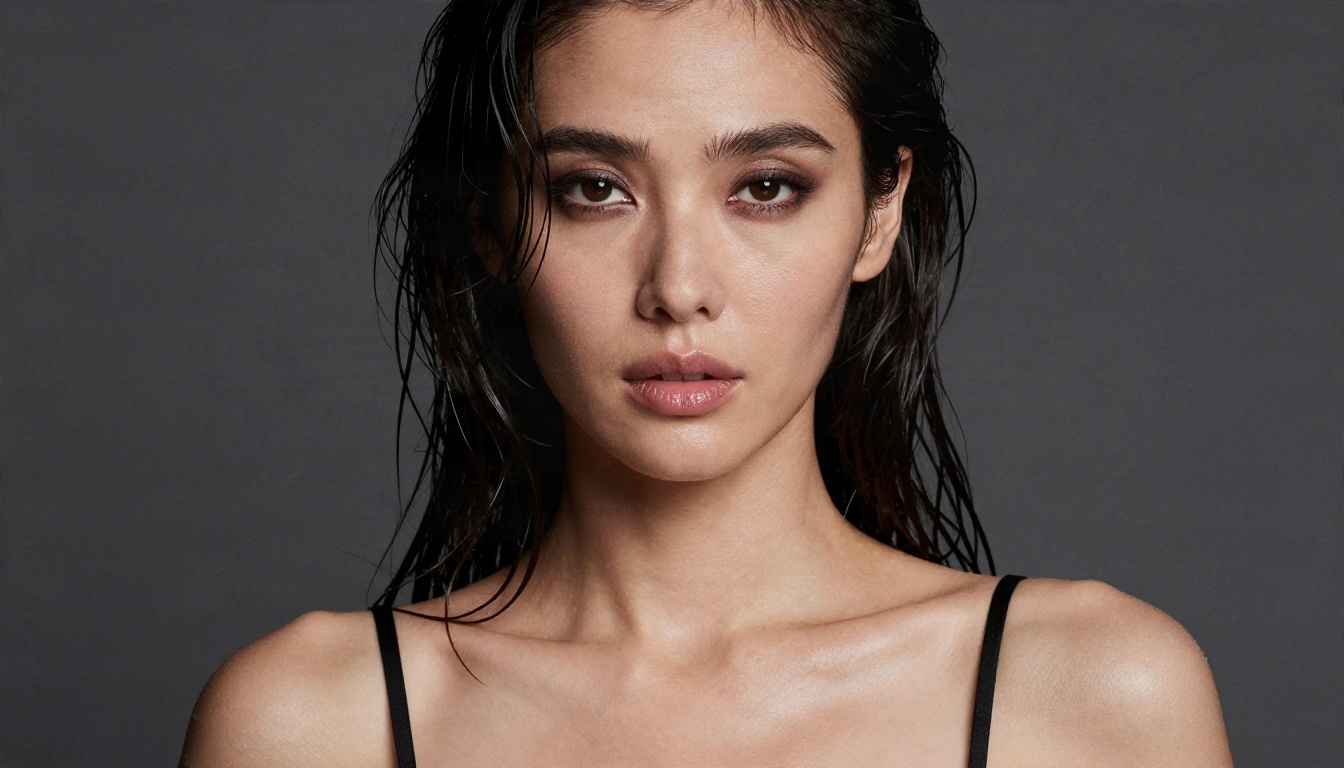
Seedream 4.5 is the strongest starting point for glamour work. It renders skin with believable pores and fine hair, handles satin and lace without smearing the pattern, and follows long, detailed prompts closely. It also does not shut down at the first mention of lingerie or a bikini the way more restrictive models do, which saves a lot of wasted attempts.
Strengths worth noting:
- Sharp 4K-class output with natural skin texture.
- Strong prompt adherence on pose, outfit and lighting.
- Good hands and faces, which is where weaker models fall apart.
- Fast enough to iterate ten or fifteen times in a session.
Image Editor Pro for Unlimited Runs
PicassoIA Image Editor Pro is the one to open when you are iterating heavily. Generations are unlimited, which changes how you work: you stop rationing attempts and start testing small prompt variations to see exactly what moves the result. It also edits existing images, so you can change an outfit color, swap a background or fix a detail without starting over.
Other Models Worth Testing
| Model | Best for | Speed | Notes |
|---|
| Seedream 4.5 | Glamour portraits, lingerie, swimwear | Fast | First choice for skin realism |
| PicassoIA Image Editor Pro | Heavy iteration and edits | Fast | Unlimited generations |
| Seedream 4 | Clean 4K stills, bright scenes | Fast | Good fallback with a similar look |
| Z Image Turbo | Quick drafts and prompt testing | Very fast | Great for checking an idea in seconds |
| Flux 2 Klein 9B Base LoRA | Styled looks with LoRA control | Medium | Useful for a consistent visual identity |
| Nano Banana Pro | Edits and clean compositions | Medium | Best for polished, safe-leaning scenes |
💡 Tip: Draft in a fast model like Z Image Turbo, then rebuild the winning prompt in Seedream 4.5 for the final render. You get speed and quality.
Animating Your Stills
When a still is ready, Wan 2.5 I2V Fast animates it into a short clip. Describe only the motion: "slow dolly-in, curtains drifting, her hair moving in the breeze." Do not re-describe the whole scene, because the image already holds that information. If you prefer to start from text, Wan 2.5 T2V generates clips directly, and LTX 2.5 Fast is a quick option when you want several takes.
Free Limits: What to Expect
"Free" means different things on different sites. Before you invest time in a tool, find out which of these walls it puts up.
Credits, Queues and Watermarks
Most free plans use one or more of these limits:
- Daily credits. A handful of generations per day, then you wait or pay.
- Watermarks. Free images carry a logo, which makes them unusable for publishing.
- Resolution caps. Free output is capped at 1K or lower, with 4K behind a paywall.
- Slow queues. Free users wait behind paying users, sometimes minutes per image.
- Content filters. The strictest hurdle for mature themes: a prompt with "bikini" or "lingerie" gets blocked outright.
That last one is the real deciding factor for this topic. A tool with generous credits is useless if it rejects every glamour prompt. Test with one realistic prompt before committing.
How to Stretch a Free Plan
- Draft small, finish big. Use a fast model to confirm composition, then spend your best credits on one final render.
- Change one thing at a time. If you rewrite the whole prompt each run, you never learn which word did what.
- Save your best prompts. Keep a text file of wording that worked, sorted by theme.
- Use an unlimited tool for iteration. Image Editor Pro lets you experiment without watching a counter.
- Fix, do not regenerate. If an image is 90 percent right, edit the 10 percent instead of rolling the dice again.
Prompts That Work
Vague prompts produce generic faces and flat light. Specific prompts produce photographs. The difference is how much you tell the model about the camera, the light and the surfaces.
The Five-Part Prompt Formula
Write each prompt in this order:
- Subject and pose. Who, doing what, with what expression.
- Outfit and fabric. Name the material: satin, lace, linen, silk. Fabric words give texture.
- Setting. A specific place with two or three objects in it.
- Light. Direction, time of day and quality: "soft golden light from the left."
- Camera. Lens, angle and film look: "85mm f/1.8, Kodak Portra 400 grain."
💡 Tip: Always state that the subject is an adult woman or adult man. It keeps the output clearly in the intended category and avoids ambiguity in how the model reads your prompt.
Ready-to-Copy Prompt Examples
Boudoir morning:
Adult woman in a black silk robe over a lace bralette, seated on a rumpled white linen bed, sheer curtains moving in a light breeze, soft golden morning light from the left, 85mm f/1.8, shallow depth of field, Kodak Portra 400 grain, natural skin texture.
Beach golden hour:
Adult woman in a white string bikini walking along the shoreline at sunset, wet sand reflecting the sky, warm backlight rim on her hair, low-angle wide shot, 35mm f/2, water droplets on tanned skin, film grain.
Loft lounge:
Adult woman in an emerald satin camisole and shorts on a cream bouclé armchair, holding a ceramic cup, minimalist concrete loft, soft daylight from large windows on the right, 85mm f/1.8, glossy fabric folds.
Pool from above:
Aerial top-down photograph of an adult woman in a navy one-piece on a striped towel beside a turquoise pool, straw hat and lemonade nearby, hard midday sun with crisp shadows, 24mm lens, visible tile and towel texture.
Words That Cause Trouble
- "Perfect," "flawless," "ultra smooth." These push models toward waxy, fake skin. Ask for "natural skin texture, visible pores" instead.
- "Sexy" on its own. It is vague. Describe the outfit, the pose and the light, and the mood follows.
- Long lists of adjectives. Three precise details beat fifteen vague ones.
- Mixed styles. Do not combine "photograph" with "painting" or "anime." Pick one and stay with it.
- Real names. Never use a real person's name or likeness. More on that below.
Examples and Visual Styles
The images in this article were all made from prompts built on the formula above. Each one targets a different mood so you can see how setting and light change the result.
Beach and Pool Scenes
Outdoor swimwear works well because natural light is forgiving. The sun does the heavy lifting, and the model only has to render skin, water and fabric.
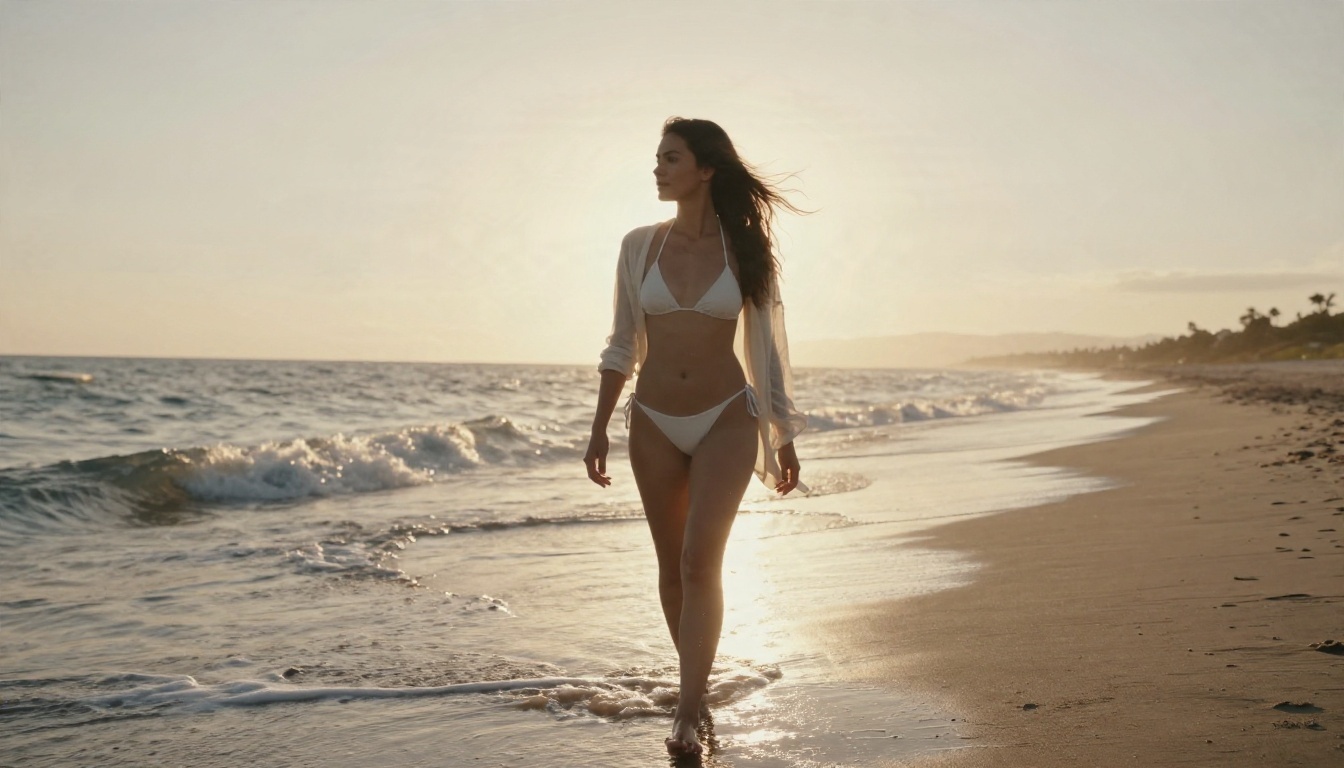
Backlight from a low sun gives a soft rim on the hair and shoulders. A low camera angle lengthens the figure and gives the horizon room to breathe. For beach prompts, always mention the water: "foam around her ankles," "wet sand reflecting the sky." Those details make the scene feel real.
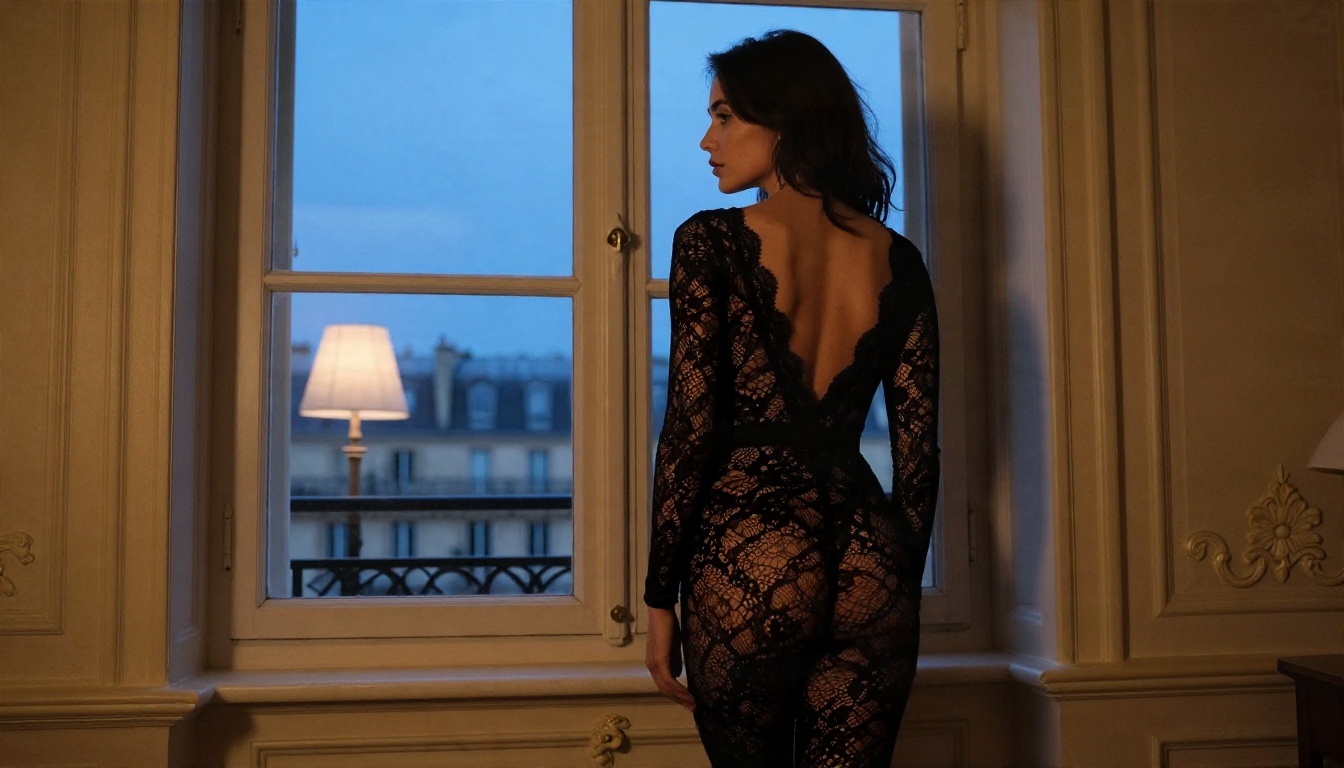
Note: the image above shows the dusk apartment style, covered next under boudoir work.
Boudoir and Lingerie
Indoor scenes need more care with light. Window light from one side, with a warm lamp as fill, gives depth without harsh shadows.
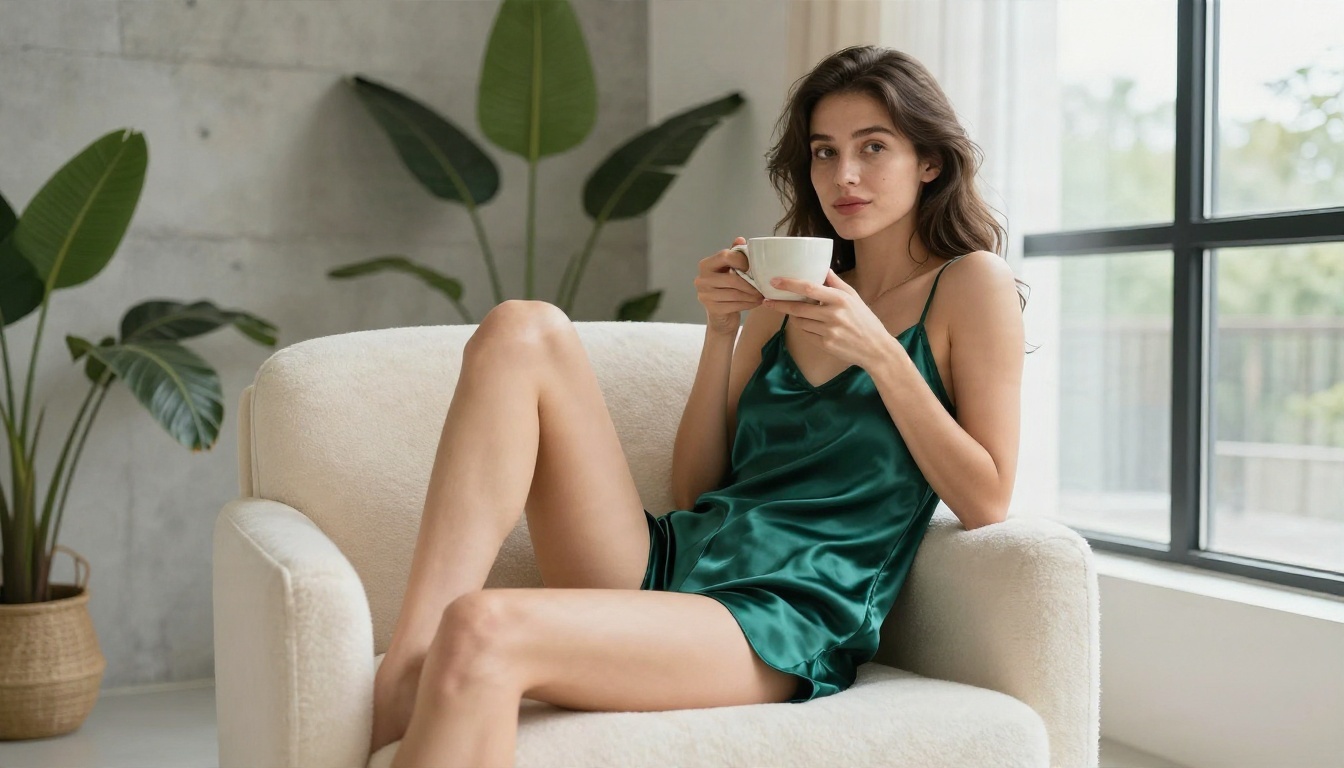
Satin is a great test of a model. Look at the folds: if the highlights follow the fabric like real silk, the model is handling materials well. Lace is the harder test, since the pattern has to stay consistent across the garment.
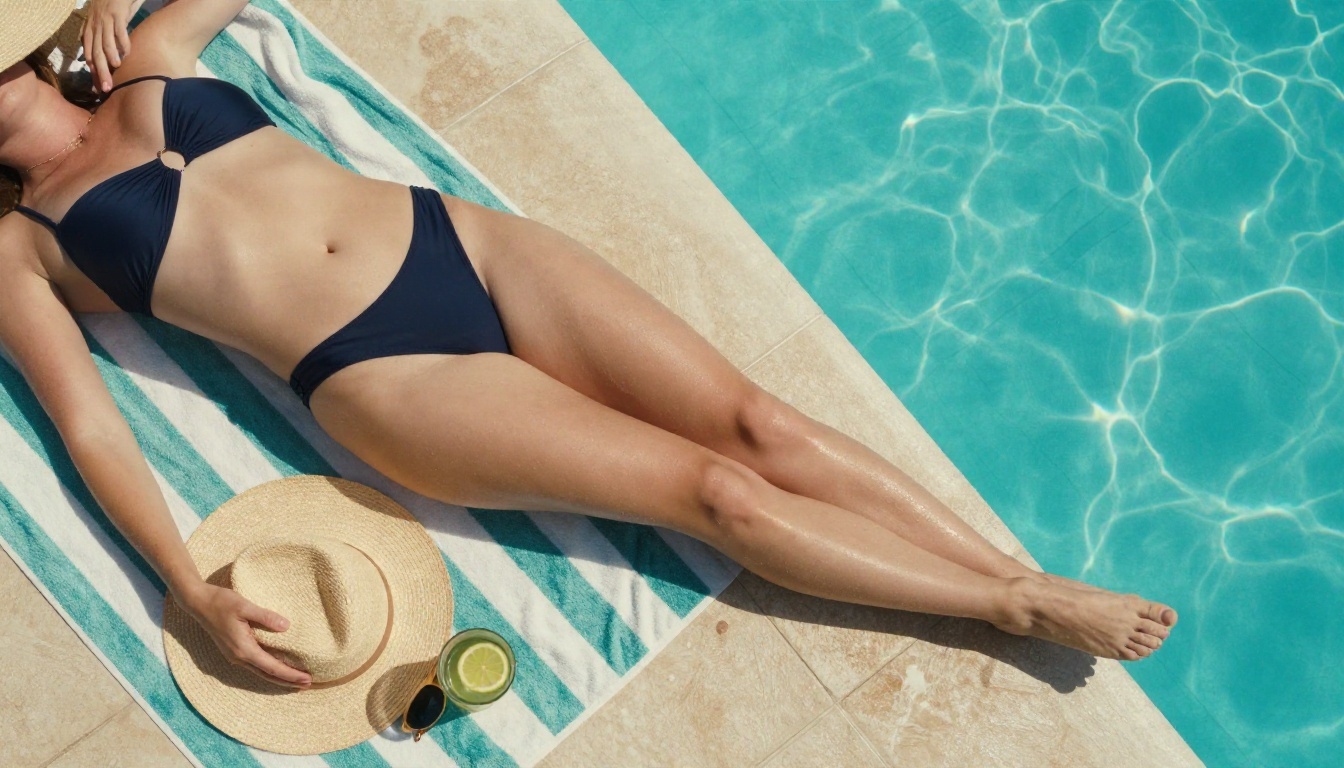
An overhead angle is unusual and eye-catching. It turns a simple pool scene into a graphic composition, with the towel stripes and tile lines acting as design elements.
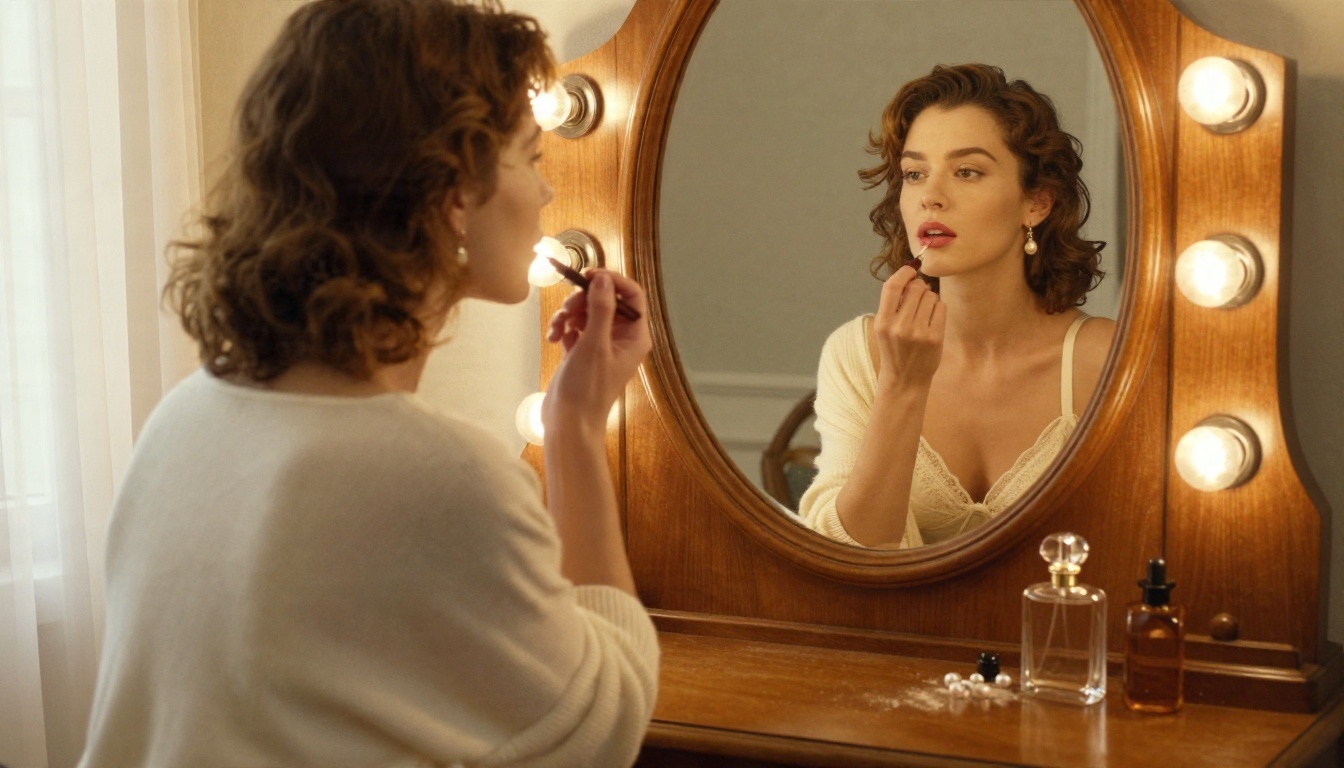
Mirrors and reflections reveal weak models quickly. When the reflection matches the subject's pose and the glass catches light correctly, you know the render is solid. Warm bulb lights around a vanity mirror are a classic glamour setup, and they translate well into prompts.
Editing and Polishing
Raw output is rarely final. A quick pass to fix a hand, adjust color or clean up a background lifts a good image into a publishable one.
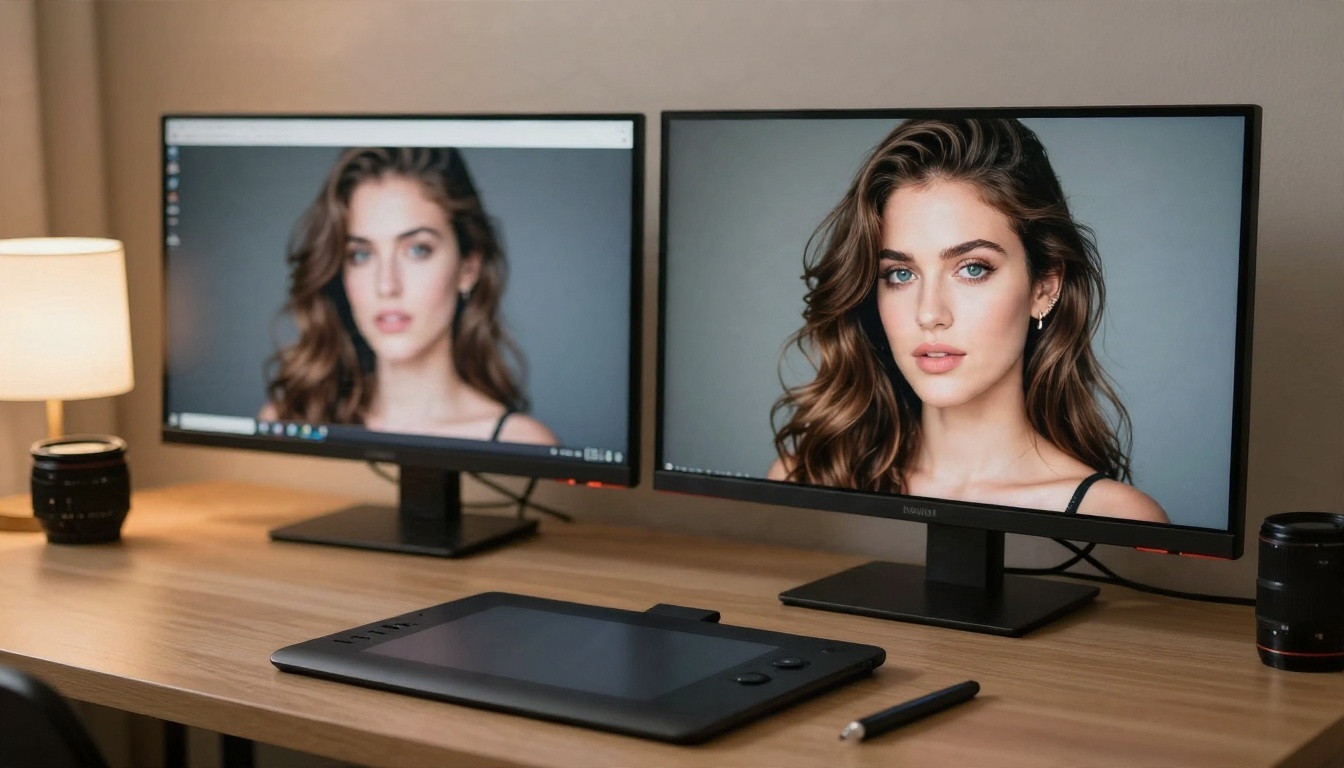
Use Image Editor Pro for these touch-ups, since you can run as many edits as you need. For upscaling a favorite render, a super resolution model adds sharpness without changing the face.
How to Use Seedream 4.5 on PicassoIA
Seedream 4.5 is the model I would open first for this kind of work. Here is the workflow.
- Open the model page. Go to the Seedream 4.5 page on PicassoIA.
- Paste your prompt. Use the five-part formula. Aim for 50 to 100 words. Shorter prompts leave too much to chance.
- Set the aspect ratio. Choose 16:9 for scenes and landscapes, 3:4 or 2:3 for full-length portraits, 1:1 for profile pictures.
- Pick the resolution. Use the highest option for final renders. Lower for drafts.
- Generate and review. Check hands, eyes, fabric edges and background objects.
- Change one detail. If the light feels flat, edit only the light sentence and run it again.
- Send the winner to Image Editor Pro. Fix small flaws there, with unlimited edits.
- Optionally animate. Take the final still into Wan 2.5 I2V Fast for a five-second clip.
Parameter tips:
- Keep the lens and film wording the same between runs so the look stays consistent.
- If skin looks too smooth, add "visible pores, fine facial hair, natural imperfections."
- If the background is cluttered, name only two or three objects and say "minimal."
- For a consistent set, reuse the same outfit and setting wording and change only the pose and angle.
Stay Inside the Lines
Adult-themed AI work comes with real responsibilities. These are not optional.
- Adults only. Every subject must be clearly an adult. State it in the prompt.
- No real people. Never generate the likeness of a real person without their explicit consent. That includes celebrities, coworkers and exes.
- Keep it non-explicit. Glamour, lingerie and swimwear are fine. Explicit content violates the rules of most platforms and many legal systems.
- Label AI work. Many platforms now require disclosure for AI-generated images. Do it even where it is optional, because it builds trust.
- Respect platform rules. Each site has its own policy on mature content. Read it before you post.
💡 Tip: Treat consent as a hard line. If a prompt involves a real person, do not run it.
Make Your First Set Today
You now have the tool list, the limits to watch for and a prompt formula that works. The fastest way to improve is to run it.
Open Seedream 4.5, paste one of the prompts above and change a single detail: the outfit color, the time of day, the lens. Do that ten times and you will have a feel for how each word shapes the picture. Then switch to PicassoIA Image Editor Pro for unlimited edits, and animate your favorite result with Wan 2.5 I2V Fast.
If you want to try other options, every model is listed at picassoia.com/en/all-models. Pick two, run the same prompt through both and compare. Your own eye is the best judge, and a Picasso IA session costs you nothing to start.


