4K fantasy art is not a marketing label anymore. It is a specific output resolution that changes what you can do with a finished image: print it large, crop sections without loss, or zoom into a character's face and still see individual eyelashes clearly defined. Nano Banana Pro sits at the intersection of that resolution ceiling and a safety filter system that gives creators genuine control over adult and NSFW fantasy content.
This article covers what the model actually produces at 4K, how its adjustable content filter affects adult output, the right way to build prompts for photorealistic fantasy characters, and which upscalers on PicassoIA are worth running afterward.
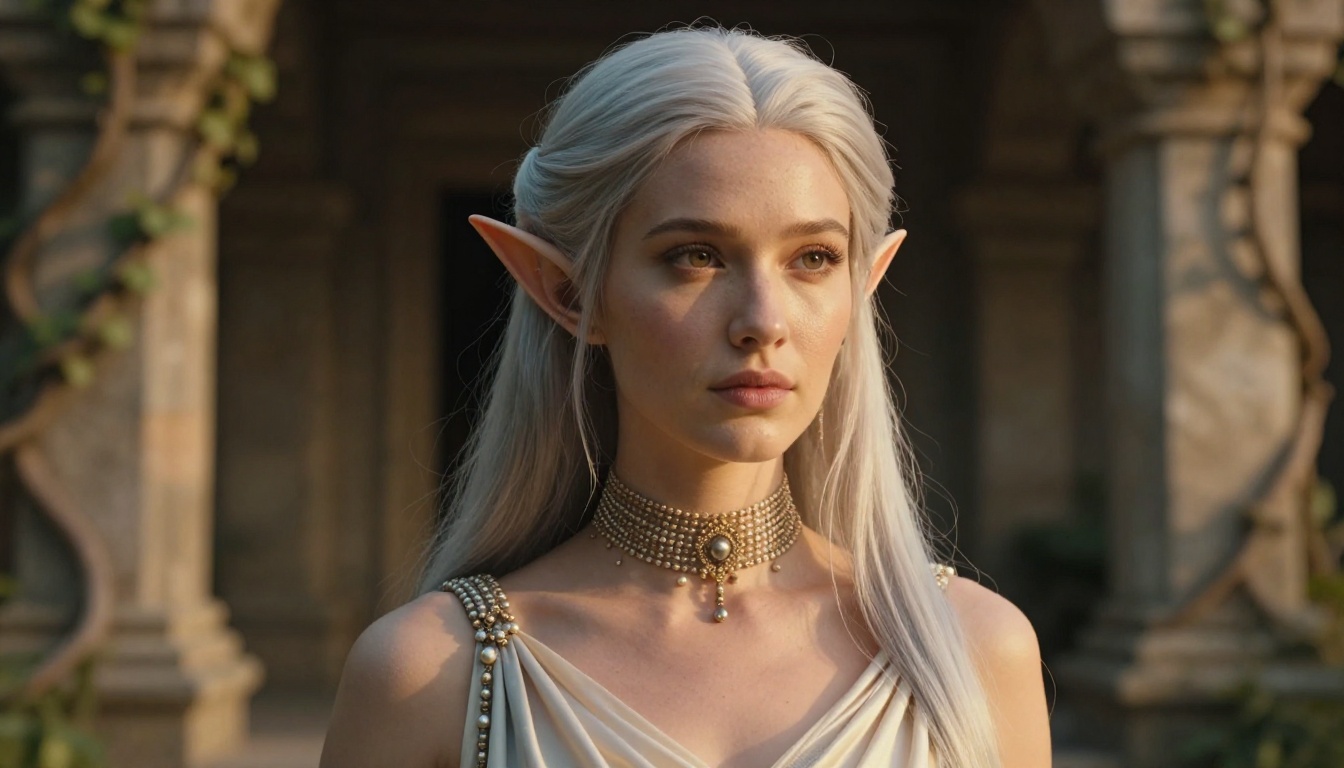
What 4K Means in Practice
The Resolution Gap
Most free AI image generators top out at 1024 x 576 pixels for 16:9 output. That is adequate for social media previews and adequate for nothing else. It is not adequate for anything that needs to be cropped, printed, or viewed at full scale on a 4K monitor.
Nano Banana Pro offers 1K, 2K, and 4K resolution options. At 4K, a 16:9 image is roughly 3840 x 2160 pixels — four times the pixel count of a standard 1080p image. In practice for fantasy art, this delivers:
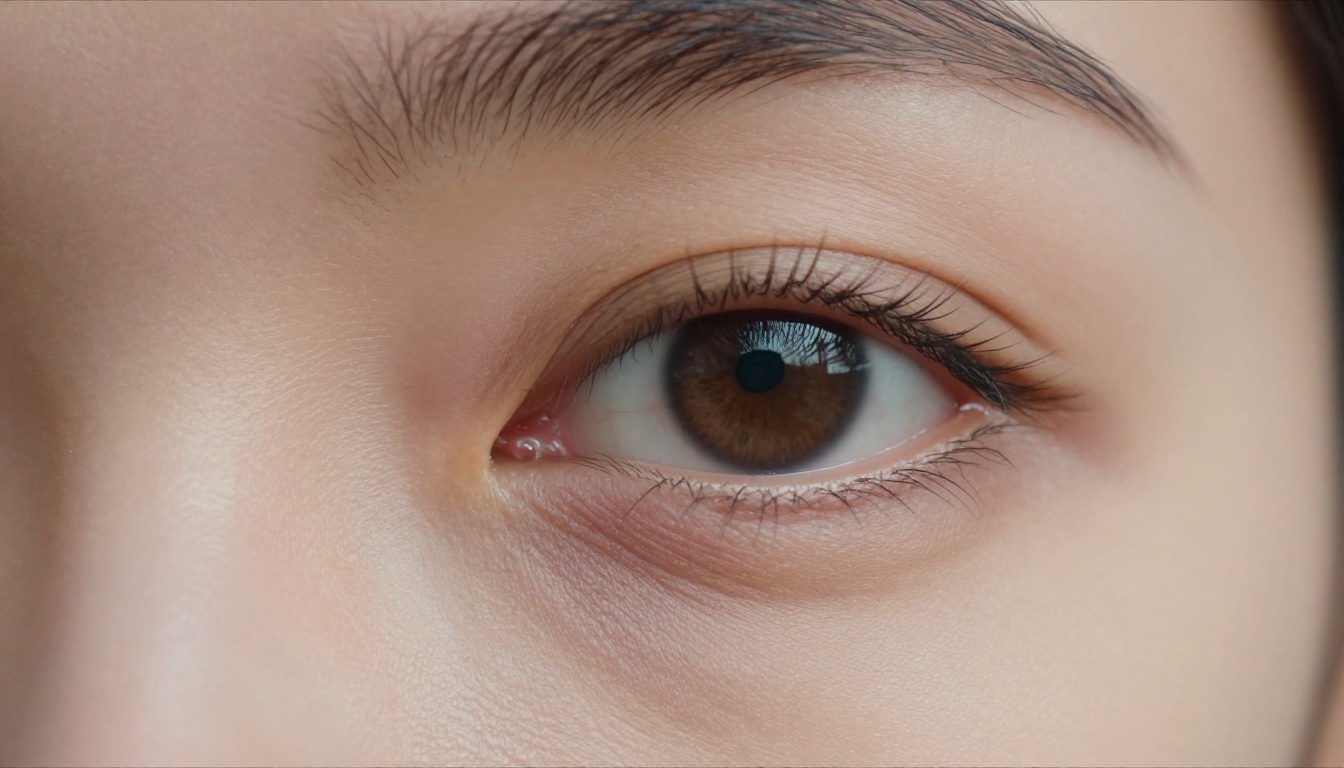
- Facial detail: skin pores, individual lashes, fine hair texture rendered without smoothing artifacts
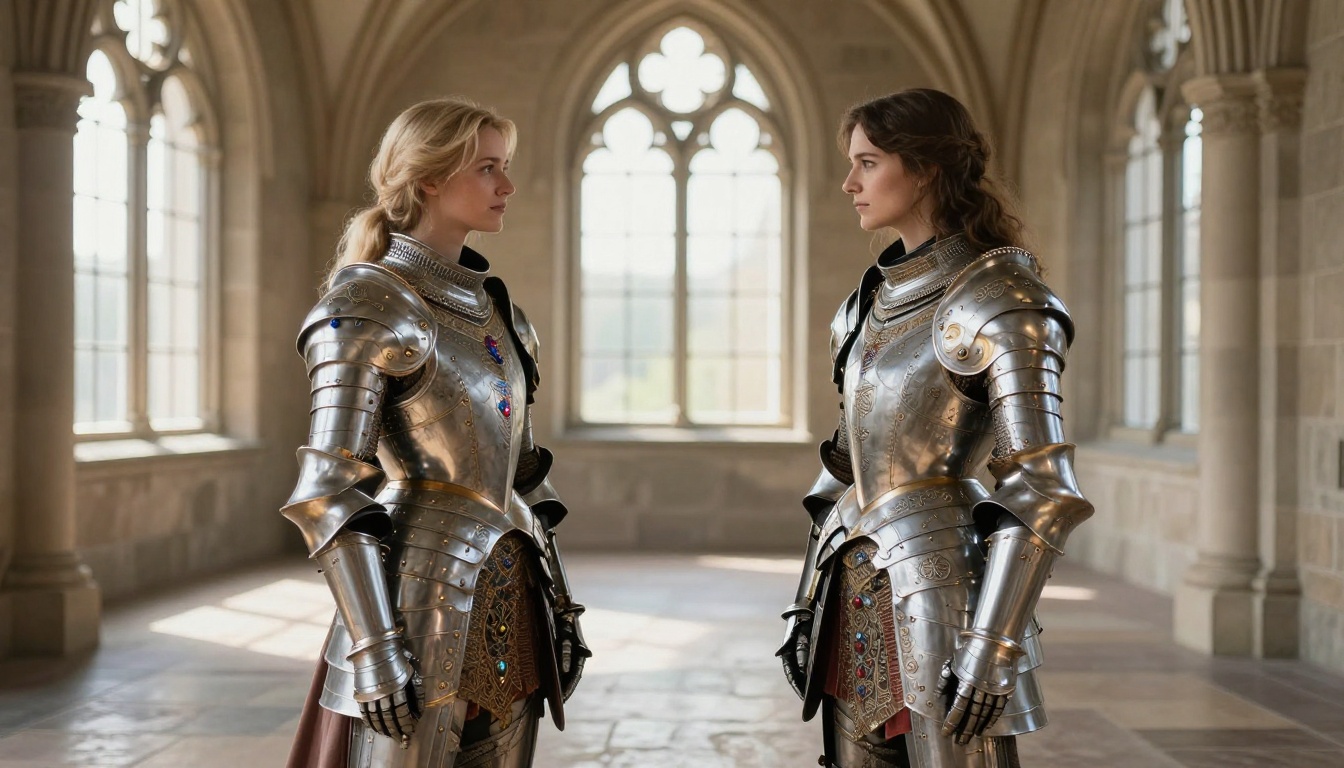
- Costume and armor: fabric weave, metal engravings, jewel facets and stone settings clearly defined
- Background complexity: stone walls, forest canopies, and distant architecture that holds detail instead of collapsing into muddy noise
- Cropping room: pull a face from a wide shot and still have a usable portrait without upscaling afterward
Why It Matters for Fantasy Characters
Fantasy art depends on specificity. A warrior's armor should have visible rivets and leather stitching. An elf's face should show elfin bone structure rather than softening into a generic face. At 1K or 2K, these details often collapse into texture noise or get smoothed away in post-processing. At 4K, Nano Banana Pro renders them as the prompt describes them, not as approximations.
💡 Tip: Use 1K resolution during prompt iteration to save generation time. Only switch to 4K when you have a direction you want to finalize. The quality difference at 4K versus 1K is significant enough to justify the wait.
Nano Banana Pro: The Model Breakdown
What It Accepts and Outputs
The model is text-to-image, but it also accepts up to 14 reference images alongside your prompt. That combination opens workflows that pure text-to-image cannot support, particularly for anyone building an adult fantasy character across multiple scenes:
| Feature | What It Enables |
|---|
| Up to 14 reference images | Carry a character's face, costume, and aesthetic across multiple scenes |
| Flexible aspect ratios | 16:9 for banners, 9:16 for mobile stories, 1:1 for avatars |
| JPG or PNG output | Clean files with no watermarks for immediate publishing |
| 1K, 2K, or 4K resolution | Scale the output to exactly what the project requires |
| Adjustable safety filter | Three levels of content permissiveness for different creative needs |
The Safety Filter Setting That Matters
This is the setting most adult fantasy art creators overlook. Nano Banana Pro has a safety_filter_level parameter with three positions:
- block_low_and_above: Strictest setting. Blocks anything that reads as remotely adult in content.
- block_medium_and_above: Middle ground. Allows some suggestive content but blocks most NSFW.
- block_only_high: Most permissive. Blocks only explicitly pornographic content. This is the setting for adult fantasy art.
With block_only_high, the model renders suggestive, glamorous, and artistically nude fantasy characters without triggering refusals, provided the content stays out of fully explicit territory. The creative range this opens up covers artistic nudity, elegant lingerie, revealing fantasy costumes, and sensual portrait work that prioritizes aesthetics over explicitness.
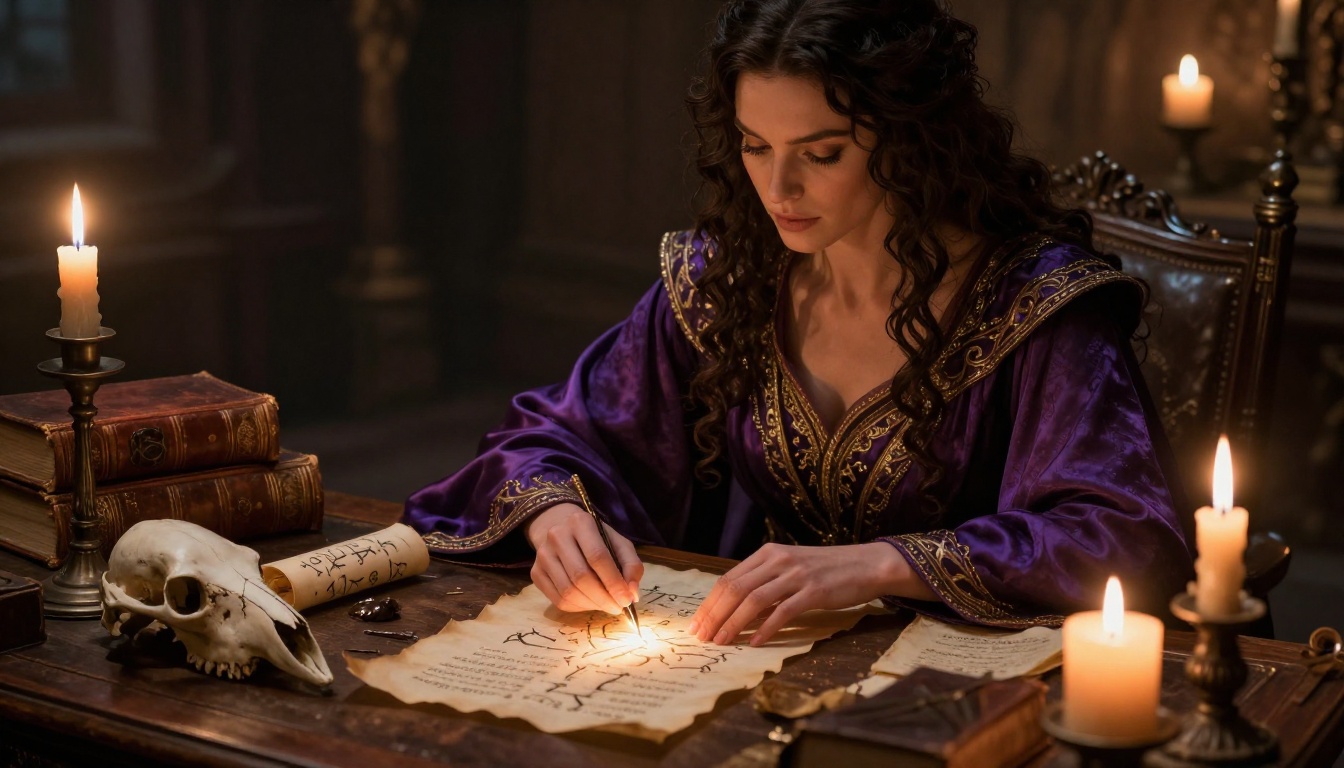
Reference Images: Character Consistency at Scale
If you are building an adult fantasy character across multiple scenes, the reference image system is what makes Nano Banana Pro particularly useful. Feed it a portrait of your character, describe a new setting in the prompt, and the model uses the reference to carry the face, build, and general aesthetic into the new composition.
With up to 14 reference images, you can provide multiple costume shots, face angles from different lighting conditions, and a setting reference all at once. This level of visual context control is not available in most free AI generation tools and makes Nano Banana Pro well suited to creators building character series rather than one-off images.
How to Use Nano Banana Pro on PicassoIA
Open Nano Banana Pro on PicassoIA and follow these steps.
Step 1: Write a Specific Prompt
Vague prompts produce soft, generic results at any resolution. Specific prompts give the model something to actually render at 4K. Structure every prompt using this pattern:
Subject + Detailed Costume + Pose + Environment + Lighting Direction + Camera Lens + Film Stock
Weak prompt: "beautiful fantasy woman in revealing armor"
Strong prompt: "A photorealistic fantasy warrior woman with sharp green eyes and wavy dark auburn hair wearing lightweight bronze scale-mail that fits close to her body with leather straps and silver clasps, standing on an ancient stone parapet at sunset, warm amber light from the right side at 45 degrees, cool blue-grey fill from the left, rim lighting separating her from the sky behind, 85mm f/1.8 portrait lens, Kodak Portra 400 film grain"
The difference is not just quality. It is the model having a real target for each detail rather than averaging across its training patterns. Every word in the stronger prompt instructs something specific.
Step 2: Set Resolution to 4K
Set resolution to 4K in the model settings. Expect 30 to 90 seconds per generation depending on scene complexity. The detail difference between 1K and 4K in fantasy art is not marginal. Skin texture, fabric weave, and metal surfaces are categorically different at 4K, and that difference is visible at normal viewing distance on any modern screen.
Step 3: Choose Your Aspect Ratio
- 16:9: Blog article covers, YouTube thumbnails, wide scene compositions
- 9:16: Instagram Stories, TikTok vertical, mobile wallpapers
- 1:1: Social avatars, profile pictures, icon-size portraits
- 21:9: Ultra-wide landscape scenes, cinematic banner images
For most adult fantasy portrait work, 16:9 gives the best balance of character space and atmospheric background without either element feeling compressed.
Step 4: Set the Safety Filter
For adult content, select block_only_high. Without this setting active, even costumes that are only slightly revealing will be blocked. With it set, the model has the latitude to render adult fantasy content within its intended creative range.
Prompt Strategies for Adult Fantasy Art
Character and Costume Description
The more precisely you describe what a character is wearing and how it fits, the more the model follows that specific direction rather than defaulting to generic output. Replace vague descriptors with material, color, fit, and detail:
Weak: "revealing fantasy armor"
Strong: "Lightweight bronze scale-mail bikini with leather shoulder straps and engraved silver clasps, fitting closely to the torso, with a flowing deep crimson silk skirt attached at the left hip, partially sheer silk showing the outline of the hip"
Every word in the second version gives the model a specific instruction. Scale-mail instead of "armor" tells it a texture. "Closely fitting" tells it silhouette. "Deep crimson" tells it the exact color. "Engraved silver clasps" tells it material and decorative detail. The model renders what you specify rather than what seems most common in its training data.
Lighting for Photorealistic Skin
Flat lighting ruins photorealistic skin at any resolution. Proper lighting descriptions in the prompt create the skin texture complexity that makes 4K output look photographed rather than generated:
- A key light with direction and color: "warm orange firelight from the left at 45 degrees"
- A rim light for subject separation: "cool moonlight rim lighting from behind-right"
- Fill light to avoid crushed shadows: "diffuse blue-grey ambient fill from the right"
Specify the light source type (fire, sunlight, moon, candles), color temperature (warm amber, cool blue-white), and direction from camera position. This structure consistently produces the skin tone variation that separates photorealistic output from flat generated imagery.
Camera and Lens Specifications
Add these to the end of every adult fantasy portrait prompt:
| Lens | Best Use Case |
|---|
| 85mm f/1.8 | Portrait, face, bust-up shots with soft background separation |
| 35mm f/2.0 | Full-body shots, wider angle with less distortion |
| 100mm macro | Extreme close-ups, detail shots, fine texture portraits |
| 50mm f/1.4 | Neutral perspective, group compositions, balanced scenes |
Add Kodak Portra 400 as a film stock reference in every prompt. It is the single most consistent film reference for warm, natural skin tones in AI image generation. Other film stock references tend to produce cooler, more clinical results that flatten the photorealistic effect you are building toward.
💡 Avoid in every prompt: "digital art," "3D render," "illustration," "hyperrealistic CGI," "painterly." These phrases shift the output away from photorealistic territory regardless of everything else you specify.
Seedream 4 vs Nano Banana Pro
Seedream 4 is the other primary 4K generation model on PicassoIA and a direct comparison matters for adult fantasy creators choosing between the two.
Where to Start for NSFW Fantasy Art
For adult fantasy art, begin with Seedream 4. It handles suggestive and adult artistic content with strong consistency, produces sharp 4K output, and supports sequential generation of up to 15 related images in a single session. That sequential feature is particularly powerful for adult fantasy series work where you need a consistent character across multiple scenes or costumes.
⚠️ Important: Do not use Seedream 5 Lite for adult fantasy art. It blocks adult content at the model level regardless of any settings.
| Nano Banana Pro | Seedream 4 |
|---|
| Max resolution | 4K | 4K |
| Reference images | Up to 14 | Up to 10 |
| Sequential generation | No | Yes, up to 15 images |
| Best for | Single scenes, costume detail | Series work, character consistency |
| NSFW support | Yes (block_only_high) | Yes |
Quality at 4K
Both models produce high-quality output at 4K. The practical difference is where each one performs best. Nano Banana Pro tends to render fine fabric textures and metallic surfaces such as armor plating, jewelry, and chain mail with slightly higher definition per-image. Seedream 4 handles facial variation across a series more naturally, making it the stronger choice when character consistency across multiple outputs matters more than per-image material detail.
For a single standout adult fantasy portrait where every detail of the costume and setting needs to be sharp: Nano Banana Pro. For a twelve-image adult fantasy character series: Seedream 4.
Upscaling Fantasy Art Past 4K
When Super-Resolution Adds Real Value
Even at native 4K from Nano Banana Pro, there are cases where a super-resolution pass adds meaningful value: printing at large format such as A2 or larger, cropping a face section for a separate portrait use, or pulling a close-up detail that the base generation did not render at its maximum possible fidelity.
PicassoIA has a full suite of upscalers. Here are the ones that perform best with adult fantasy portrait output.
Best Upscalers for Fantasy Art
Clarity Pro Upscaler is the best general starting point for photorealistic adult fantasy portraits. It adds fine skin texture detail, sharpens edges at the micro level, and preserves the warm color grading from the original generation without over-processing. It handles the kind of surface detail that matters most in adult fantasy portraits: skin, hair, fabric, and metallic costume elements.
Crystal Upscaler is tuned specifically for portrait work and handles facial skin tones more accurately than the general-purpose options. For close-up adult fantasy portraits where the face is the primary subject, Crystal Upscaler preserves natural skin tones better than broader upscalers. This is the pick for portrait-priority work.
Topaz Image Upscale is the choice for large-format print needs. It goes up to 6x, which no other option on the platform matches. If the output is going to a physical print at A1 or A0 size, this is the only upscaler with sufficient range. Quality at 6x is clean for photorealistic portrait content.
Real ESRGAN offers free 4x upscaling with fast processing. It works well on environment elements such as stone architecture, forest canopies, and atmospheric backgrounds. For extreme close-up faces it can over-sharpen, so it performs better on wide fantasy scenes than portrait close-ups.
Bria Increase Resolution at up to 4x is a reliable middle option for general-purpose passes when you want consistent results without the processing overhead of Clarity Pro.
💡 Recommended workflow: Generate at 4K with Nano Banana Pro, then run through Clarity Pro Upscaler for any image where face or skin texture needs a final pass. For close-up adult portrait work specifically, use Crystal Upscaler instead.

Fantasy Scene Settings That Work
Environments for Atmospheric Adult Fantasy Art
The setting carries equal weight with the character in making adult fantasy art feel real rather than staged. The strongest environments for photorealistic adult fantasy output with Nano Banana Pro:
Stone architecture: Castle halls, cliff-top ruins, underground throne rooms. Stone surfaces give the model concrete texture to render and create strong shadow contrast that makes lighting effects land visually.
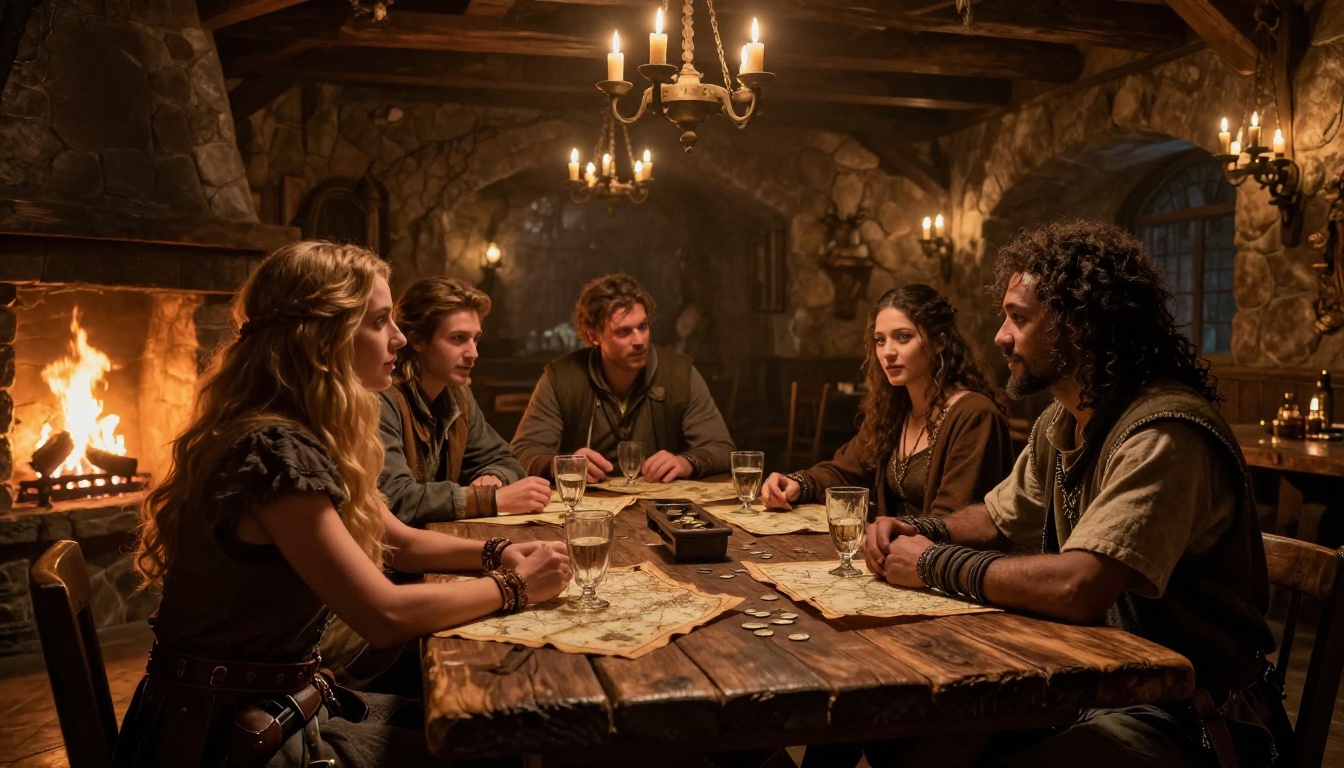
Natural outdoor settings: Dense forests with dappled sunlight, coastal cliffs with ocean and storm light, mountain meadows at golden hour. These environments produce strong backlight and rim light opportunities that separate characters from backgrounds naturally.
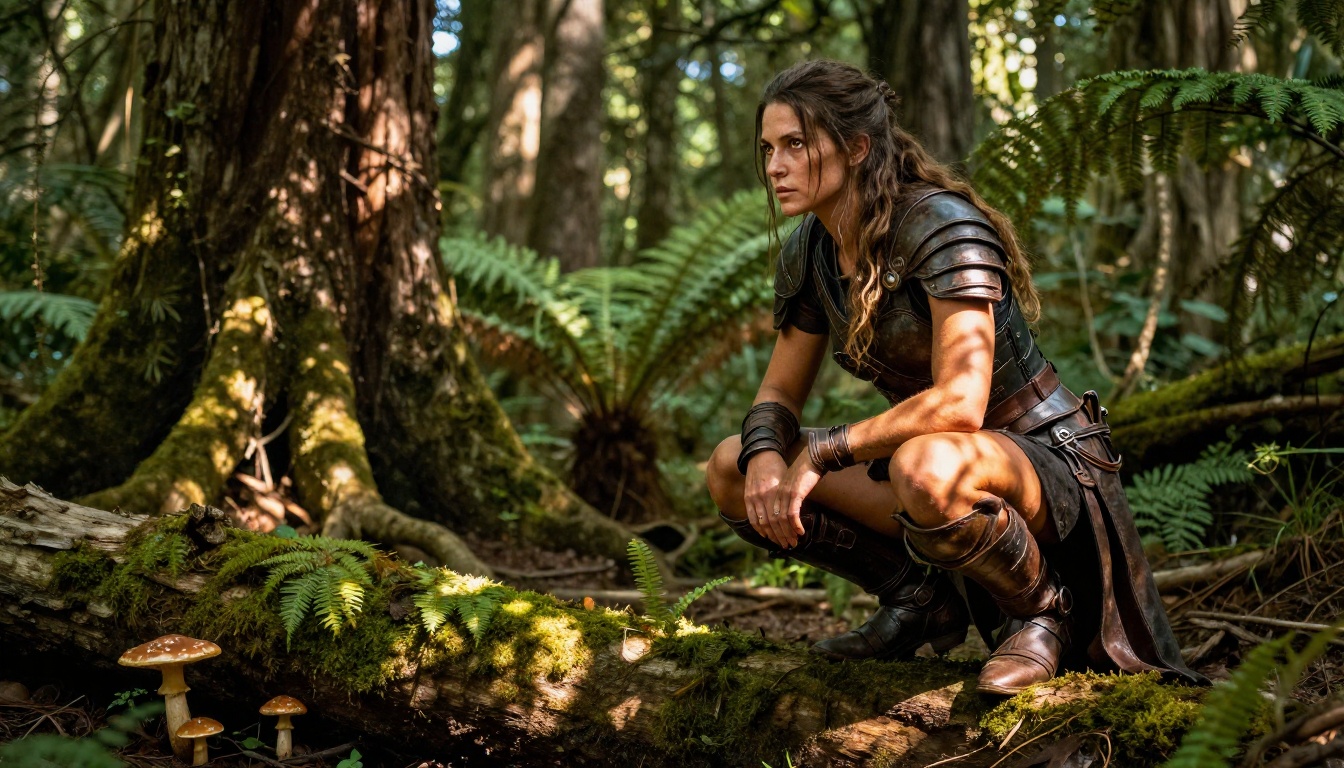
Interior candlelit scenes: Arcane libraries, alchemist workshops, candlelit bedchambers. Interior settings give you precise control over light source direction and color temperature, which produces more consistently dramatic and intimate adult fantasy portraits.
Character Archetypes That Render Consistently
Some fantasy character types produce notably reliable results with Nano Banana Pro at 4K:
- Warrior and Knight: Metal armor, leather strapping, weapons, and battle-worn surfaces all render with strong detail consistency
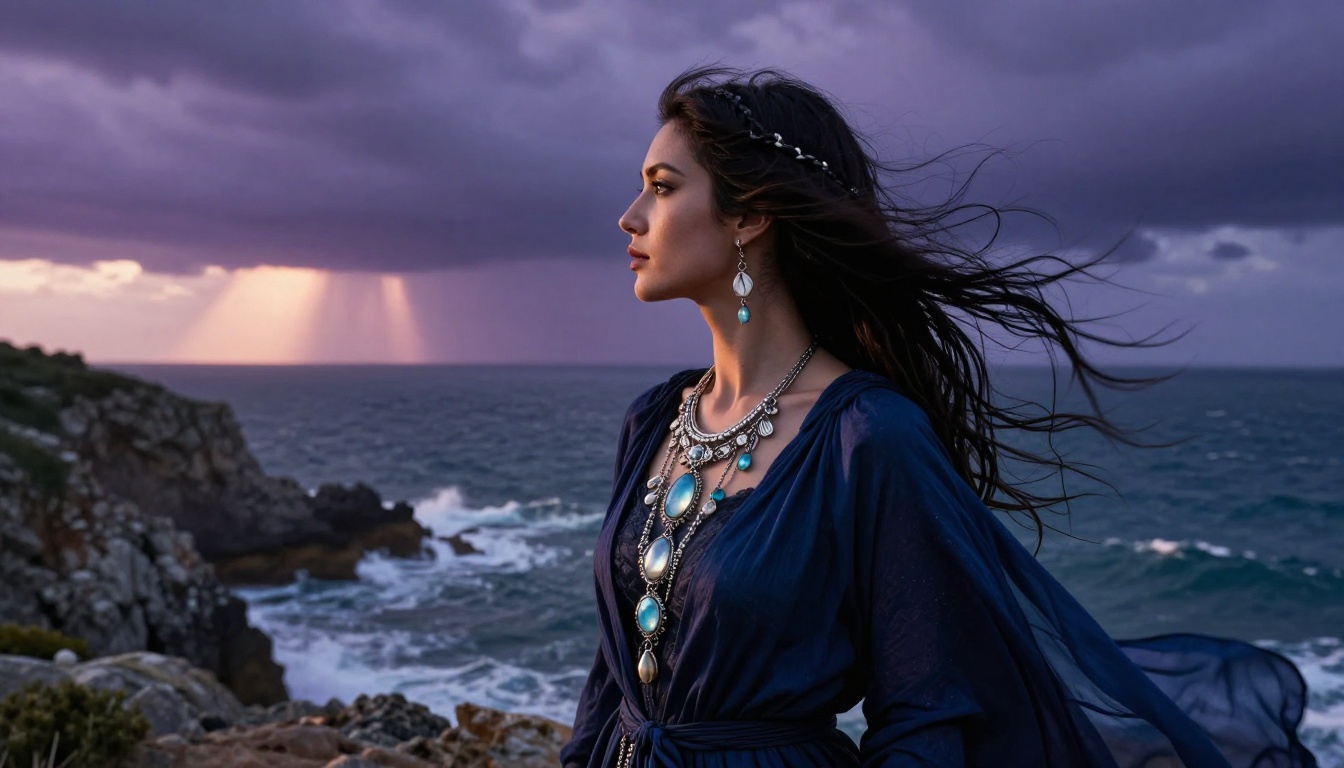
- Sorceress and Mage: Flowing silk robes, arcane accessories, and subtle luminous elements photograph naturally at the photorealistic setting
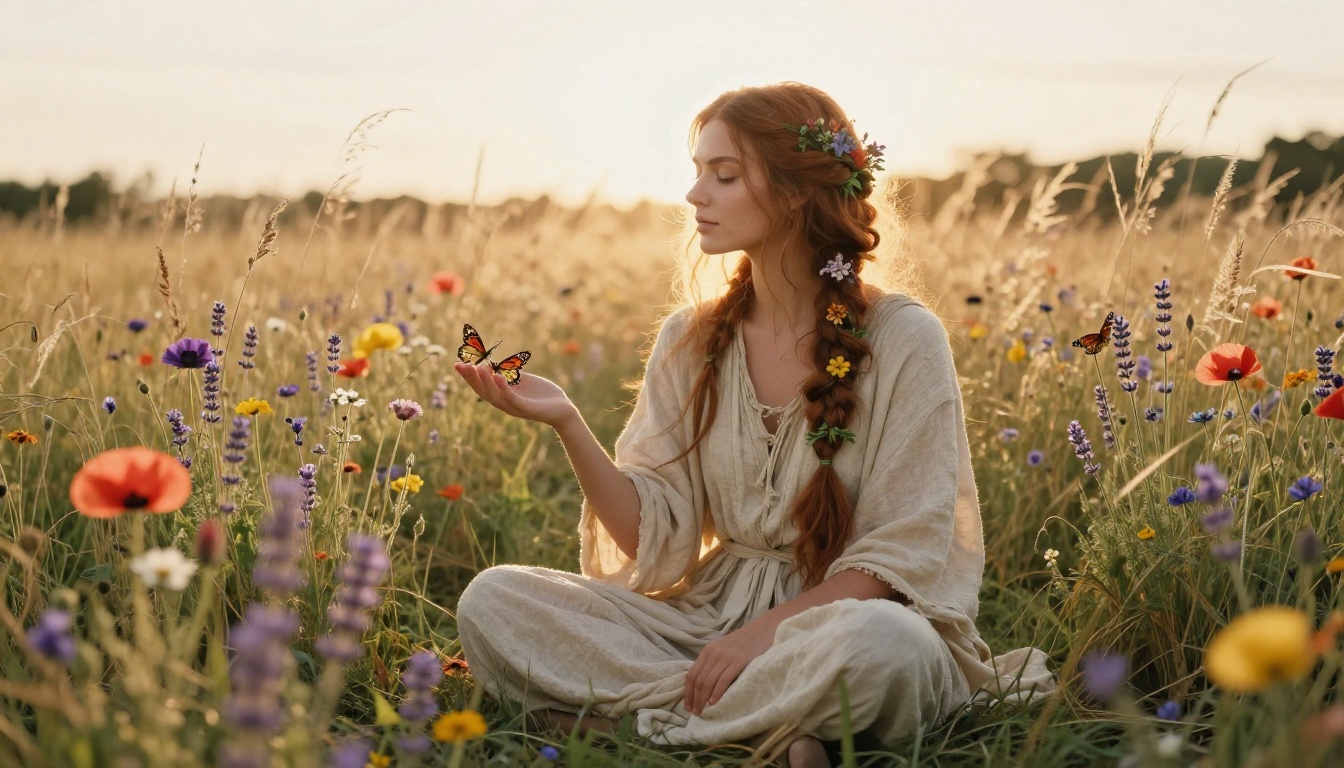
- Druid and Nature Witch: Organic materials, floral accents, and earth tones work particularly well with natural outdoor lighting prompts
- Sea Witch and Water Elemental: Coastal environments with dramatic storm light produce striking atmospheric compositions that the model handles with strong consistency
What the Model Does Not Generate
Nano Banana Pro does not produce explicitly pornographic content even at block_only_high. The most permissive filter setting still blocks fully explicit sexual content. The creative territory it covers is artistic nudity, suggestive and glamorous fantasy aesthetics, and revealing costumes where the focus remains on artistry and aesthetics rather than explicit depiction.
Illustrated, anime-style, or 3D-rendered adult content is also outside this model's output style. Nano Banana Pro is a photorealistic photography-style model. Different model types on PicassoIA cover those art styles. The full model library at picassoia.com/en/all-models lists all available options by category, including models suited to illustration-style and non-photorealistic adult content approaches.
Create Your Own Adult Fantasy Art Now
Nano Banana Pro is available on PicassoIA right now. Open the model, write a specific prompt using the structure above, set resolution to 4K, choose block_only_high for the safety filter, and add reference images if you are working with an established character.
For series work where character consistency across multiple images matters most, pair Nano Banana Pro's single-scene output quality with Seedream 4's sequential generation capability. After generation, run priority outputs through Clarity Pro Upscaler or Crystal Upscaler for the final layer of skin and fabric detail that separates a good image from a print-ready one.
The complete range of what PicassoIA offers for adult fantasy art and beyond is at picassoia.com/en/all-models.


