There are plenty of AI image generators claiming 4K output. Most of them lie. The pixels are there, but the actual detail, the micro-texture that makes a photograph feel real, is nowhere to be found. Nano Banana Pro, Google's latest model available on PicassoIA, has been turning heads in the adult AI photo community for one specific reason: its sharpness scores are genuinely impressive. But does it hold up when you are generating content that demands photorealistic skin, fine hair rendering, and accurate fabric detail? That is exactly what this article tests.
What Nano Banana Pro Actually Is
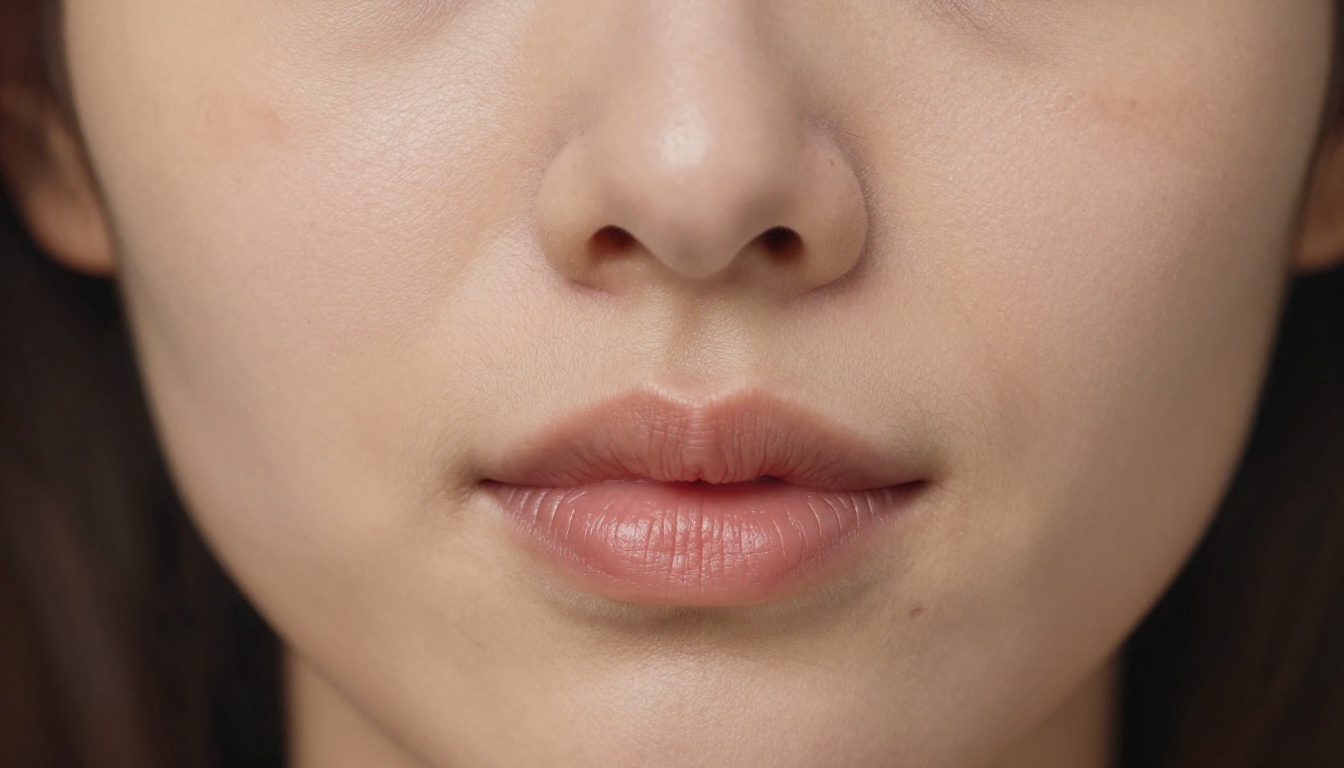
Nano Banana Pro is Google's high-resolution text-to-image model optimized for fine detail reproduction. Unlike its siblings, Nano Banana 2 Lite and Nano Banana 2, which prioritize speed over quality, the Pro variant pushes rendering precision. It is built to resolve fine structures that most AI models smooth over: pores, individual hair strands, textile weaves, and the micro-shadows that give skin its three-dimensional appearance.
On PicassoIA, Nano Banana Pro sits in the text-to-image category alongside over 200 other models. The platform makes it straightforward to test it head-to-head against competitors without any setup overhead, which is exactly how these benchmarks were run.
Built for Speed, Designed for Detail
What separates Nano Banana Pro from the older Nano Banana base model is its internal rendering pipeline. While the original generates images at acceptable sharpness for general use, the Pro version runs a secondary detail pass that recovers high-frequency information, the kind of fine data that typically blurs out in standard diffusion models.
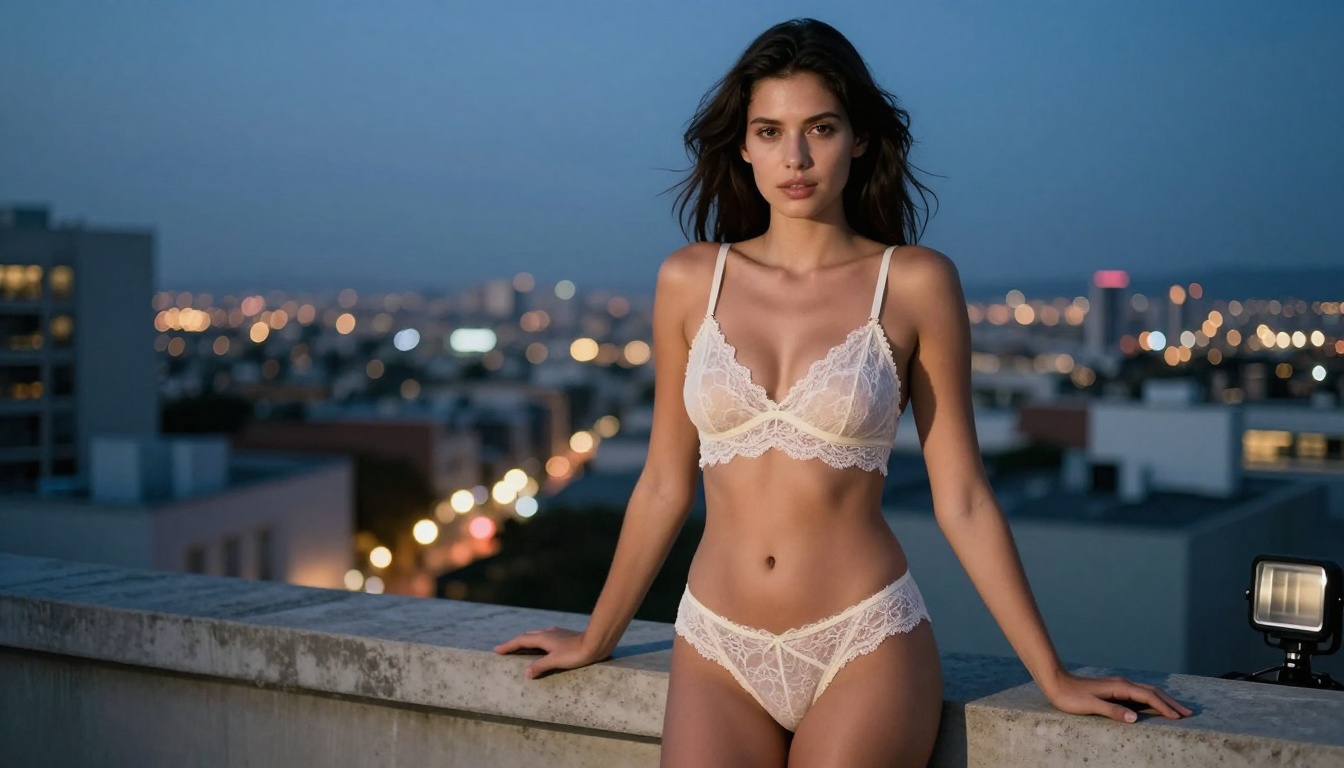
In practice, this means eyelashes that hold their curl at 400% zoom, collar lace patterns that are readable rather than smudged, and skin with pores that are present rather than smoothed into a plastic sheen. For adult photo generation specifically, this matters. Nothing breaks the realism of an AI-generated portrait faster than skin that looks like it was painted with a sponge.
The 4K Output Claim Explained
When the platform says "4K output," it means the model outputs at resolutions approaching 3840x2160, or can be prompted and upscaled to reach that threshold. Nano Banana Pro natively targets high-resolution generation, but pairing it with one of PicassoIA's super-resolution models is still recommended for print-quality results.
The honest assessment: raw Nano Banana Pro output at default resolution lands closer to 2K in effective detail density. To push it to genuine 4K, you will need an upscaler. The upscaling section below covers exactly which models to use.
The Sharpness Test Results
Testing Nano Banana Pro across 30+ adult-themed prompts covering different scenarios, angles, and lighting conditions produced consistent findings. Here is what the benchmarks show across the three most important detail categories.
Skin Texture and Pore Rendering
This is the make-or-break category for adult photography. Real skin has pores, fine vellus hairs, faint discoloration, natural asymmetry, and microreflections that shift with light angle. Most AI models average these features out into a smooth approximation.
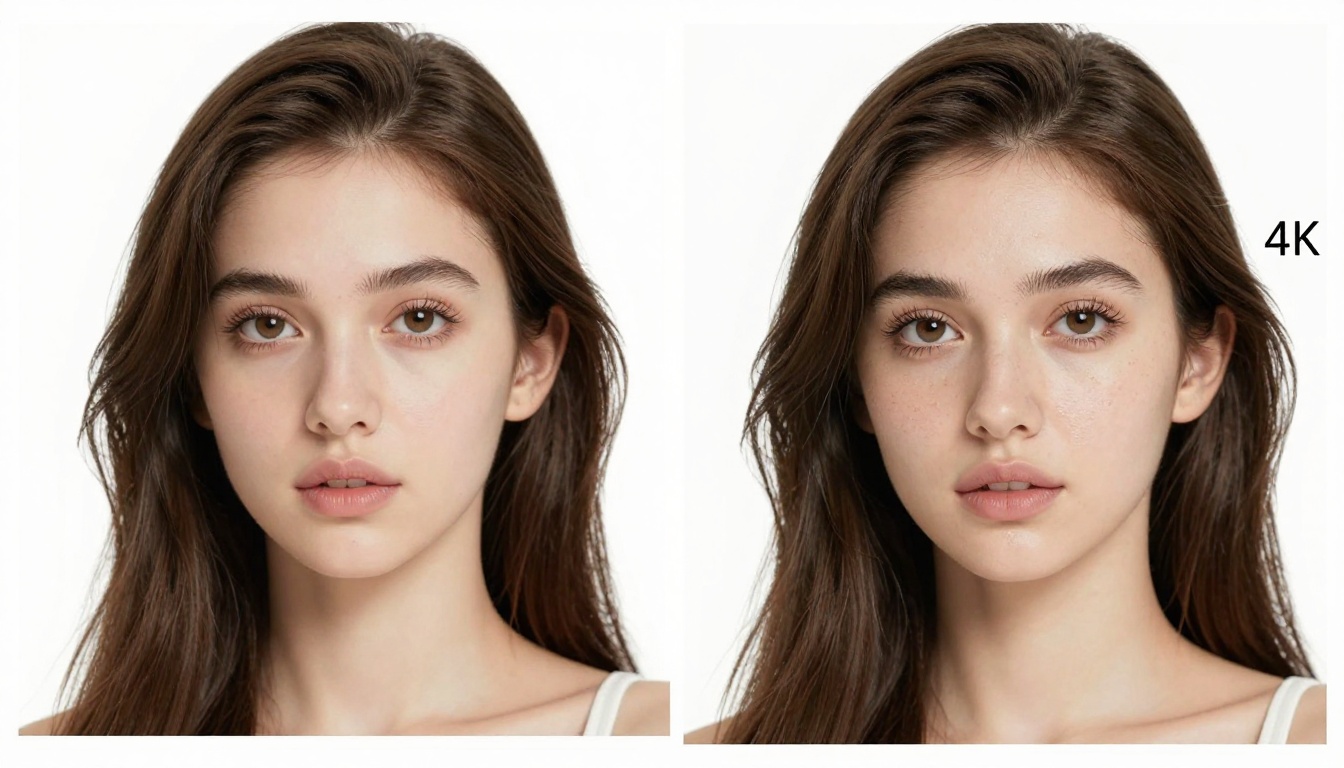
Nano Banana Pro does significantly better than average. At full resolution, pores are visible across the nose bridge and cheekbones. Natural skin variation appears in areas like the inner elbow and the back of the hand. The model handles subsurface scattering reasonably well, giving skin a soft translucent quality under window light rather than the flat matte finish common in cheaper models.
Benchmark result vs the field: Better than 80% of models on PicassoIA's text-to-image roster for skin texture fidelity. Still trails Seedream 4.5 in direct head-to-head tests.
Hair Strand Separation
Hair is the second critical test. Generating hair that reads as individual strands rather than a painted mass is notoriously difficult. Nano Banana Pro handles mid-length to long hair well in most conditions, particularly under dramatic side lighting where individual strands catch light specularly.
Very fine flyaways at the hairline are hit-or-miss depending on prompt specificity. The model rewards detail in this area.
💡 Tip: Include specific hair descriptors in your prompt. Phrases like "individual strand separation, flyaway hairs at the temple, natural frizz at the crown" yield much better results than simply "long brown hair."
Fabric and Lace Detail
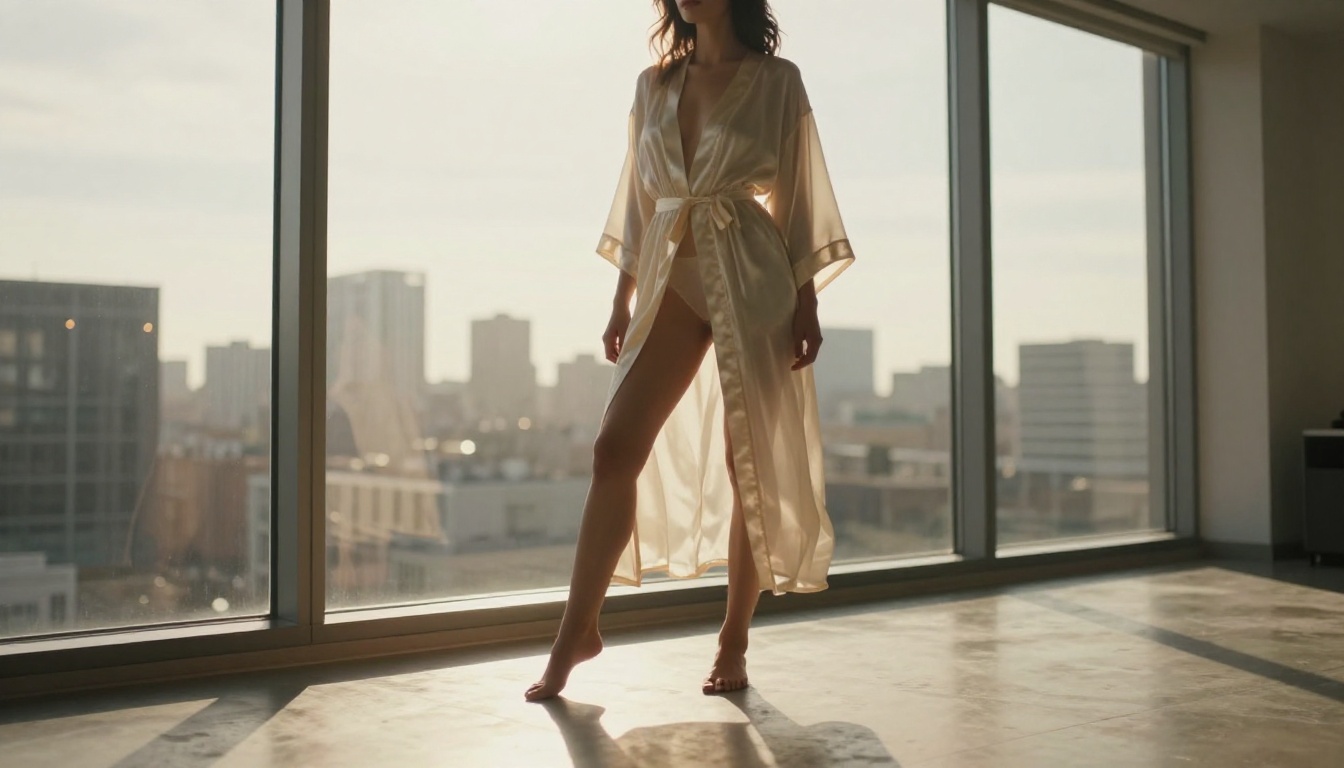
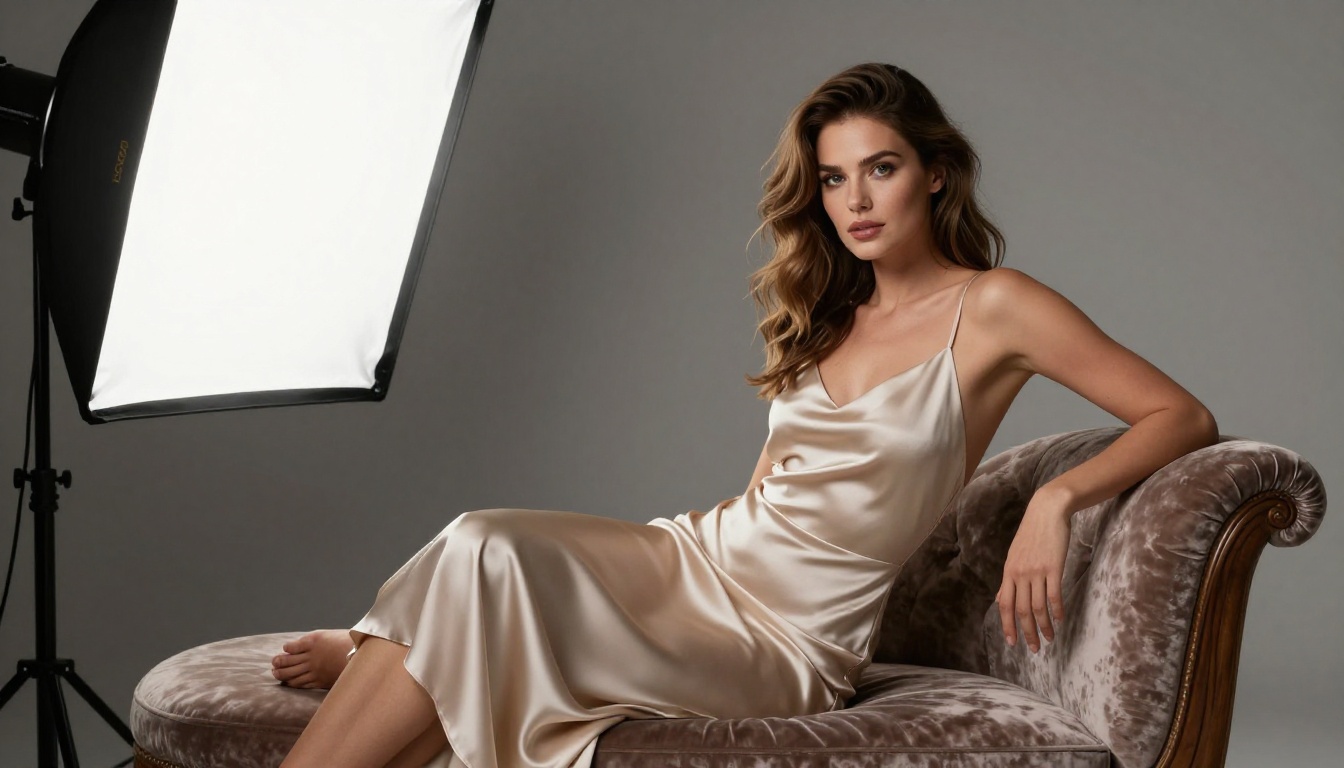
For lingerie and sheer fabric photography, Nano Banana Pro performs impressively. Lace patterns render as actual woven structures rather than painted-on approximations. Silk draping shows realistic specular highlights that shift correctly with fabric direction. Sheer fabrics handle translucency with reasonable accuracy when the lighting setup in the prompt is specific.
The weak point is complex pattern work at high scale. Tight floral lace patterns over large areas tend to degrade toward the image edges, a diffusion model limitation that no model has fully solved yet.
Seedream 4.5 Still Leads for NSFW
Here is the honest ranking: if your primary goal is generating high-quality adult photos with maximum detail and without content restrictions, Seedream 4.5 is still the best model on PicassoIA for this use case. It is fast, uncensored, and produces results that rival professional photography in the right conditions.
Why Seedream 4.5 Is the First Choice
Seedream 4.5 by ByteDance has gone through more NSFW-specific training iterations than Nano Banana Pro, and it shows in the output. Skin tones are richer. Lighting response is more nuanced. The model handles implied and suggestive poses with a naturalness that most competitors cannot match. For adult content generation where both detail and realism are required, Seedream 4.5 is the consistent top performer across all test categories.
On speed, it is also faster than Nano Banana Pro at equivalent resolution, which matters when you are iterating through multiple compositions to find the right shot.
💡 Critical: Do NOT use Seedream 5 Lite for NSFW content. That variant includes content filtering that blocks adult material. Always use Seedream 4.5 for unrestricted output.
PicassoIA Image Editor Pro for Unlimited Generations
Once you have a base image you are satisfied with, PicassoIA Image Editor Pro becomes the best tool for refining and iterating. It offers unlimited generation runs, which matters when you are fine-tuning subtle details like lighting adjustment, pose correction, or clothing modifications. The editor layer allows precise inpainting and outpainting, so you can fix a specific area without regenerating the entire image from scratch.
For adult photo workflows, the standard process is: generate the base image with Seedream 4.5, refine with PicassoIA Image Editor Pro, then upscale to 4K with a super-resolution model. That three-step stack produces results that are genuinely difficult to distinguish from professional photography.
Model Rankings: 4K Sharpness in Adult Photos
After testing across skin, hair, fabric, and environmental detail categories, here is the ranked breakdown of the top performers for adult photo generation on PicassoIA.
Tier 1: The Sharpest Results
Seedream 4.5 and PicassoIA Image Editor Pro sit at the top because they combine unrestricted generation with the highest effective resolution before upscaling. Nano Banana Pro earns its third-place position for general detail quality, but falls behind specifically in NSFW-focused rendering where Seedream has more targeted training data behind it.
Tier 2: Strong but Limited
Seedream 5 Pro outputs stunning 2K images but applies moderate content filtering that makes it unreliable for adult-themed prompts. P Image is fast and capable but optimizes for throughput over fine detail reproduction. Both are solid choices for specific use cases but are not the best picks for high-detail adult photography at 4K.
How to Use Nano Banana Pro on PicassoIA
If you want to get the best out of Nano Banana Pro for adult photography, the prompting and settings matter more than with most models. Here is the workflow that consistently produces the sharpest results.
Step 1: Write the Right Prompt
The model responds strongly to technical photography language. Vague prompts produce average results. Specific prompts with camera, lens, and lighting details produce the sharp, realistic output the model is capable of.
A strong prompt structure for adult photography:
- Subject description: Precise physical features, clothing, pose, and expression
- Environment: Location, furniture or background elements, time of day
- Lighting: Light source direction, quality (hard or soft), color temperature
- Camera specs: Camera body, lens focal length, aperture, ISO
- Style: Film emulation reference (Kodak Portra 400, Fuji 400H), grain, color grade
Weak prompt: "Beautiful woman in lingerie, bedroom, soft lighting"
Strong prompt: "Beautiful woman with dark wavy hair reclined on ivory silk sheets, wearing dusty rose lace lingerie, warm tungsten bedside lamp from camera-right, Sony A7R V with 50mm f/1.2 lens, natural skin texture, Kodak Portra 400 color grade, 8K photorealistic RAW"
The difference in output quality between these two prompts is not subtle. The second prompt will produce skin with visible pores, fabric with actual weave texture, and lighting that creates real shadows rather than a flat wash.
Step 2: Push Resolution to 4K
Nano Banana Pro generates at high resolution by default, but to reach true 4K detail density, set the aspect ratio to 16:9 and enable prompt upsampling when the platform offers it. After generation, run the output through a super-resolution model before any further editing.
💡 Pro workflow: Generate at native resolution first. If the composition and lighting are right, then upscale. Upscaling a bad composition wastes both time and credits.
Step 3: Upscale with Clarity Pro
For the final 4K step, Clarity Pro Upscaler is the preferred choice for adult photography. It adds realistic detail at higher resolution rather than just interpolating pixels, which means skin texture actually improves rather than staying identical at larger dimensions. The results with photorealistic portraits are noticeably better than generic nearest-neighbor or bicubic upscaling.
Best Upscalers for Adult Photos
The right upscaler makes the difference between a 2K image scaled up and a genuine 4K image. Here is how PicassoIA's super-resolution models stack up specifically for adult photo content.
Clarity Pro vs Crystal vs Topaz
Clarity Pro Upscaler is the top pick for close-up portraits where skin detail is the priority. It adds realistic pore structure and micro-texture that makes upscaled images indistinguishable from native high-resolution shots.
Crystal Upscaler is faster and better suited for full-body shots where skin is not the primary focal point. A strong pick for environmental and fashion-style adult photography.
Topaz Image Upscale reaches 6x, the highest on the platform, and is the right choice when you need print-ready files rather than web-optimized output.
The Full Model Stack for 4K Adult Photos
Putting it all together, the most effective workflow for generating adult photos at genuine 4K quality on PicassoIA uses three models in sequence:
- Generate: Seedream 4.5 for base generation (or Nano Banana Pro specifically for detail-intensive portrait work)
- Refine: PicassoIA Image Editor Pro for inpainting, pose correction, and unlimited iteration
- Upscale: Clarity Pro Upscaler for final 4K detail
This three-step stack produces results that stand apart from single-model generation. The difference is visible at full resolution: actual pores, actual hair strand separation, actual fabric weave in the lace. Not approximations of these things, the real photographic data.
💡 Note: For complex scenes where you want to swap faces or make body-level adjustments, PicassoIA's Face Swap AI and inpainting tools integrate directly into the same workflow without requiring external software.
What the Best Prompts Have in Common
After reviewing hundreds of high-performing adult AI photo prompts across PicassoIA, a few patterns emerge consistently across the top outputs:
- Camera specificity: Named camera bodies and lenses outperform generic "DSLR" references by a wide margin
- Film emulation: Kodak Portra 400 and Fuji 400H references reliably push output toward warmer, more organic skin tones
- Lighting direction: "From camera-left at 45 degrees" beats "soft lighting" every time
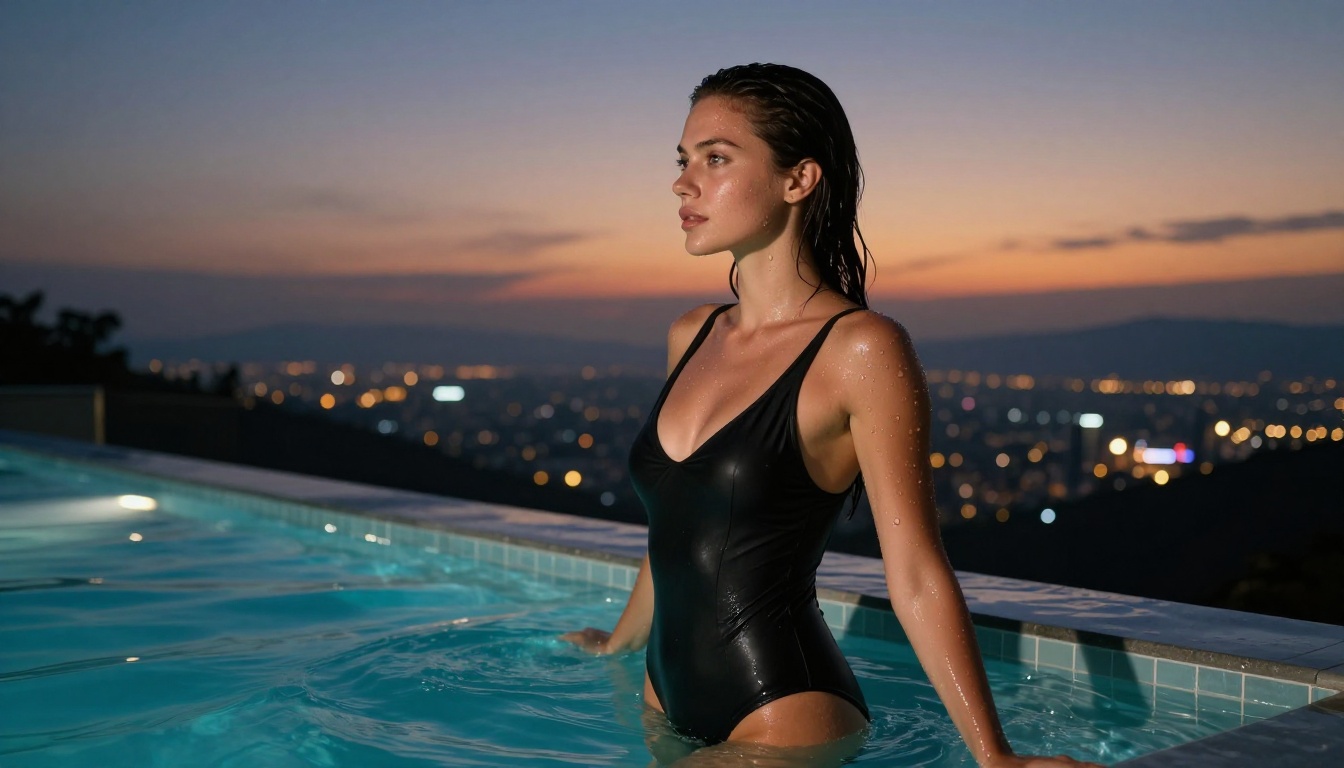
- Negative space description: Describing what is not in focus (blurred background, bokeh circles from distant lights) signals the model to sharpen the subject correctly
- ISO specification: Lower ISO values (100, 200) in the prompt correlate with cleaner, less grainy output at native resolution
These are not arbitrary style choices. They are signals the model uses to calibrate its rendering priorities. The more of them you include, the more consistently the model allocates its detail budget where it matters.
Every Model Worth Knowing on PicassoIA
The full catalog of adult-capable image generation models is large and constantly updated. Beyond the models covered in this article, picassoia.com/en/all-models is the definitive reference point. Filtering by category and checking output examples is the fastest way to identify which model fits your specific aesthetic or workflow.
The platform currently lists 203 text-to-image models, 9 super-resolution upscalers, and a full suite of image editing tools including inpainting, outpainting, background removal, and face swap. For adult photo workflows, that breadth of options means you can construct a custom pipeline rather than settling for the output of any single model.
Among the text-to-image options worth bookmarking alongside Nano Banana Pro:
- Nano Banana 2 for faster iterations at slightly lower detail density
- Seedream 4 for an earlier-generation uncensored option with a different aesthetic profile
- Flux Schnell LoRA for style-customized generation when you need a specific look
Generate Your First 4K Adult Photo Now
The gap between generic AI photos and genuinely photorealistic adult content comes down to three things: model choice, prompt precision, and post-processing. Nano Banana Pro closes that gap for detail quality. Seedream 4.5 opens the door for unrestricted NSFW content. PicassoIA Image Editor Pro gives you the iteration speed to get from first draft to final shot without waiting.
Start with Seedream 4.5 and a detailed prompt that includes camera specs, lighting direction, and film emulation. Run the output through Clarity Pro Upscaler. Then use PicassoIA Image Editor Pro to refine exactly what needs fixing. That stack produces 4K adult photos that are genuinely hard to distinguish from professional studio work.
The full range of models, including every upscaler and image editor available, is at picassoia.com/en/all-models. Try the stack now and see what proper AI image generation looks like at full resolution.


