Typing "adult video generator 18+" into a search bar usually ends one of two ways: a wall of sketchy sites with hidden subscriptions, or a tool that blocks your prompt after three words. Neither is helpful. This article sorts out what these tools really do, which free options hold up, how to write prompts that produce sensual, glamorous, non-explicit clips, and where the hard limits sit. Everything here is aimed at adults making tasteful content about adult fictional subjects: swimwear shoots, boudoir moods, evening glamour, fashion-style motion.
💡 Quick answer: the most reliable route is image first, video second. Build a strong still with Seedream 4.5, refine it in PicassoIA Image Editor Pro, then animate it with an image-to-video model.
What an 18+ Video Generator Does
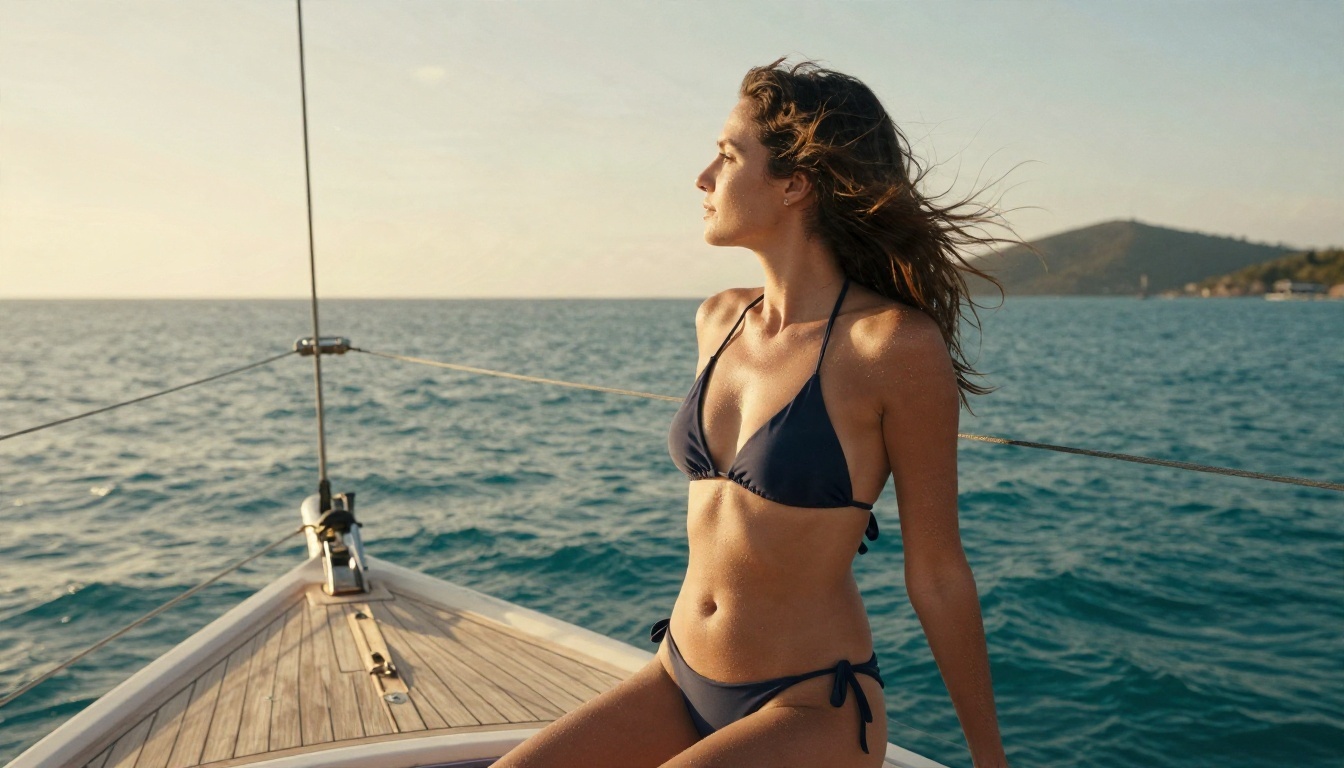
An adult video generator is an AI model, or a website wrapping one, that turns a text prompt or a still photo into a short moving clip with adult-oriented styling. Think of a woman in a satin robe turning toward a window, a bikini shot on a boat deck with wind in her hair, or a slow tracking move down a hotel corridor in an evening gown.
The word "adult" covers a wide range. At one end you have glamour and boudoir photography, which has existed for a century. At the other end sits explicit material, which most mainstream platforms refuse to host and which this article does not cover.
Adult content versus explicit content
This distinction decides almost everything about which tools you can use. Suggestive, non-explicit content (swimwear, lingerie fashion, implied intimacy, sensual lighting) is accepted by a lot of generators, with varying strictness. Explicit content is blocked by nearly every large model and by most payment processors.
Working inside the non-explicit lane gives you three advantages:
- Far fewer blocked generations and wasted credits
- Clips you can actually publish on social platforms without a ban
- Results that look polished and editorial rather than crude
Who searches for this
The search intent is mostly practical. Creators building a glamour or swimwear brand, photographers who want to animate a portfolio set, marketers working on fashion and lingerie campaigns, writers who want a cinematic mood reel for a romance story, and plain curious adults who want to see what the tech can do. Almost none of them want a pornographic generator. They want a tool that does not treat the word "bikini" like a threat.
"Free" is the most abused word in this niche. Before you spend an evening on a tool, check what the free tier really gives you.
| Tool type | What you get free | Typical catch |
|---|
| Small standalone 18+ sites | A few credits per day | Watermarks, 3 to 5 second clips, long queues |
| Big-lab video apps | Daily or monthly credits | Strict filters, swimwear sometimes flagged |
| Open weights run locally | Unlimited, offline | Needs a strong GPU and setup time |
| Multi-model platforms | Free or unlimited models in the lineup | Choose the right model for the job |
| Telegram and Discord bots | Trial generations | Unclear data handling, unstable quality |
What "free" really means
There are three kinds of free. Free to try means a handful of credits that vanish in ten minutes. Free with limits means unlimited use but with watermarks, low resolution or slow queues. Free and unlimited is rare, and when a model offers it you should pay attention. The Seedance 2.5 Lite model on PicassoIA, for example, is listed as a free and unlimited generator for clips up to 10 seconds, which is enough for most social posts.
Watermarks and queues
Watermarks are the cheapest way for a tool to advertise itself on your content. If you plan to publish, a watermark on a glamour clip looks amateurish and can get the clip flagged by platform moderators as spam. Queues are the other hidden cost. A "free" tool that makes you wait 40 minutes per 4-second clip costs you more than a paid one.
💡 Tip: run the same test prompt on every tool you consider. Measure wait time, watermark, resolution and whether the motion looks natural. Five minutes of testing saves hours.
Best Models for 18+ Glamour Clips
No single model wins at everything. The practical stack is a strong image model plus a motion model, and you pick based on what the scene needs.
Step one: the still image
Seedream 4.5 is the first model to try. It produces sharp images with realistic skin, accurate fabric folds and natural lighting, and it handles swimwear, lingerie fashion and boudoir scenes without choking on the vocabulary. After that, PicassoIA Image Editor Pro is the tool for corrections: fix a hand, change an outfit color, swap a background, or adjust the lighting. It offers unlimited generations, so you can iterate as many times as you need without watching a credit counter.
If you want alternative looks, Qwen Image 3 Pro delivers a clean photographic style, and Seedream 5 Pro gives sharp 2K output.
Step two: the motion
Once the still looks right, you animate it. Here are the strongest options available:
- Seedance 2.5 Lite: free and unlimited, up to 10 seconds. The best place to experiment.
- Seedance 2.5: longer clips, up to 30 seconds, for mood reels.
- Wan 2.6 I2V: animates a photo faithfully, keeps the face and outfit stable.
- Wan 2.6 I2V Flash: the quicker version for drafts.
- Kling v3 Video: cinematic camera moves and convincing cloth and hair motion.
- Hailuo 2.3 Fast: quick photo-to-video conversions with smooth body movement.
- Veo 3.1: 1080p output with native audio when you want ambient sound.
💡 Browse the full lineup at picassoia.com/en/all-models to compare models by category and speed.
Image First, Then Animate
Text-to-video is tempting because it is one step. For adult-styled glamour it is also the least predictable route. The face drifts, the outfit changes between frames, and you burn generations hunting for a usable take.
Why a still anchors the result
When you start from a finished photo, the model does not have to invent the subject. It only has to decide how things move. That is why image-to-video clips look more consistent: the outfit, hair, skin tone and room are already locked in by the first frame.
The four-step workflow
- Generate the still in Seedream 4.5 with a detailed photographic prompt.
- Fix details in Image Editor Pro: hands, straps, background clutter, light balance.
- Animate with Seedance 2.5 Lite or Wan 2.6 I2V using a short motion prompt.
- Pick the best take, then re-run with a second model if the motion looks stiff.
Prompts That Actually Work
Most failed generations come from vague prompts. "Hot girl on beach" gives you a generic stock image. A prompt with camera, light and texture gives you something that looks shot, not generated.
The still image formula
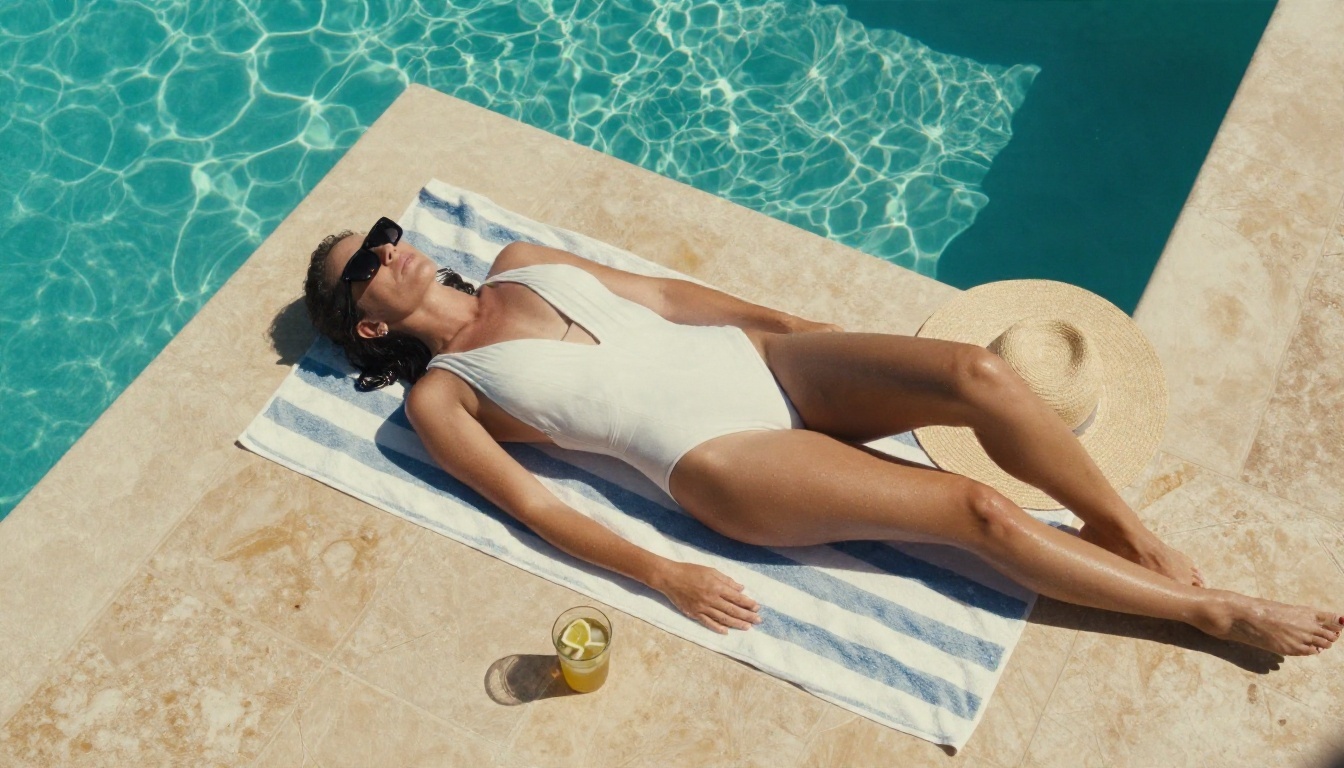
Use this order: subject and pose, environment, lighting direction, lens and angle, texture details, mood. Keep every subject clearly adult and mention it ("adult woman in her late twenties"). Keep the wording about the outfit factual: "navy bikini," "black lace bodysuit," "satin robe."
Copy-ready examples
Here are three starting points you can paste and adapt:
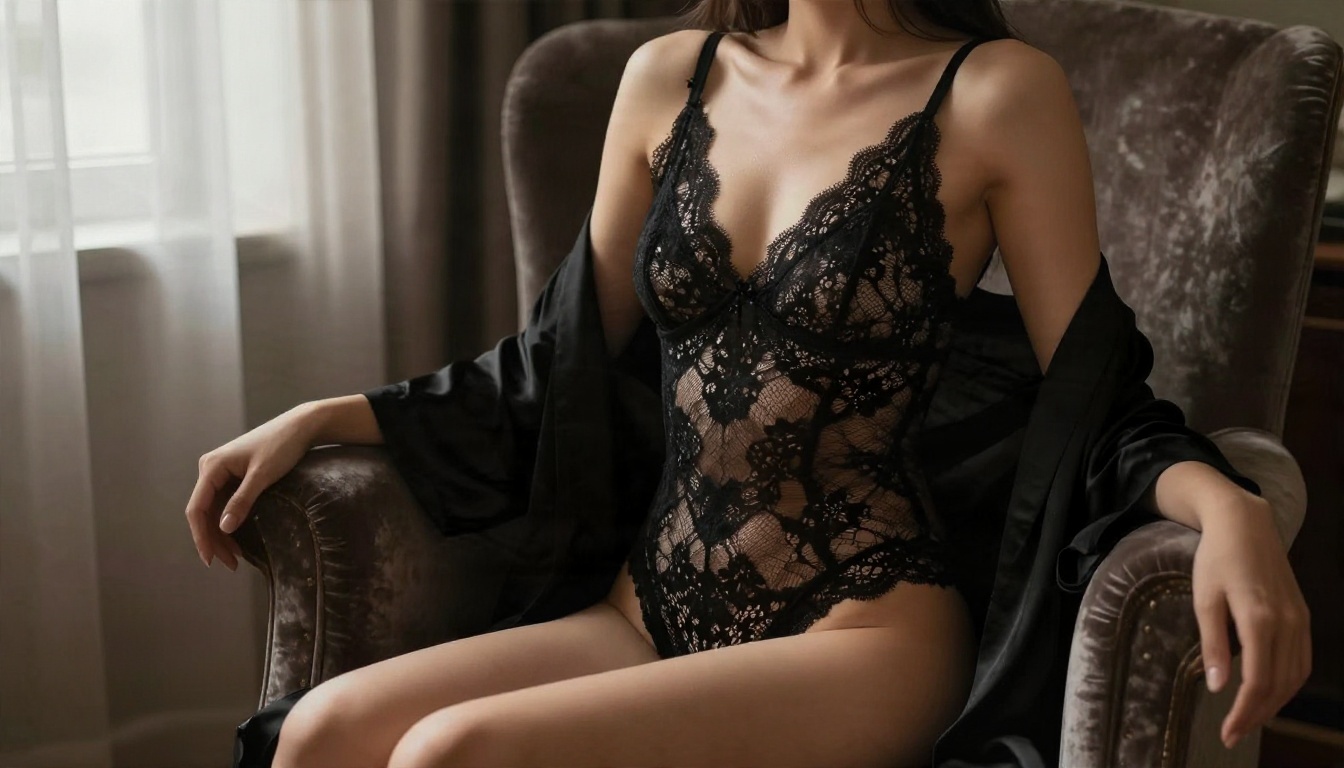
- Boudoir: "Adult woman in her late twenties in a black lace bodysuit and silk robe, seated on a velvet armchair in a dim bedroom, soft window light from the left, 85mm f/1.8, visible fabric texture, natural skin sheen, Kodak Portra 400 grain."
- Swimwear: "Adult woman in a navy bikini on a sailboat deck at golden hour, low angle, 24mm lens, warm rim light, wind in her hair, turquoise sea behind."
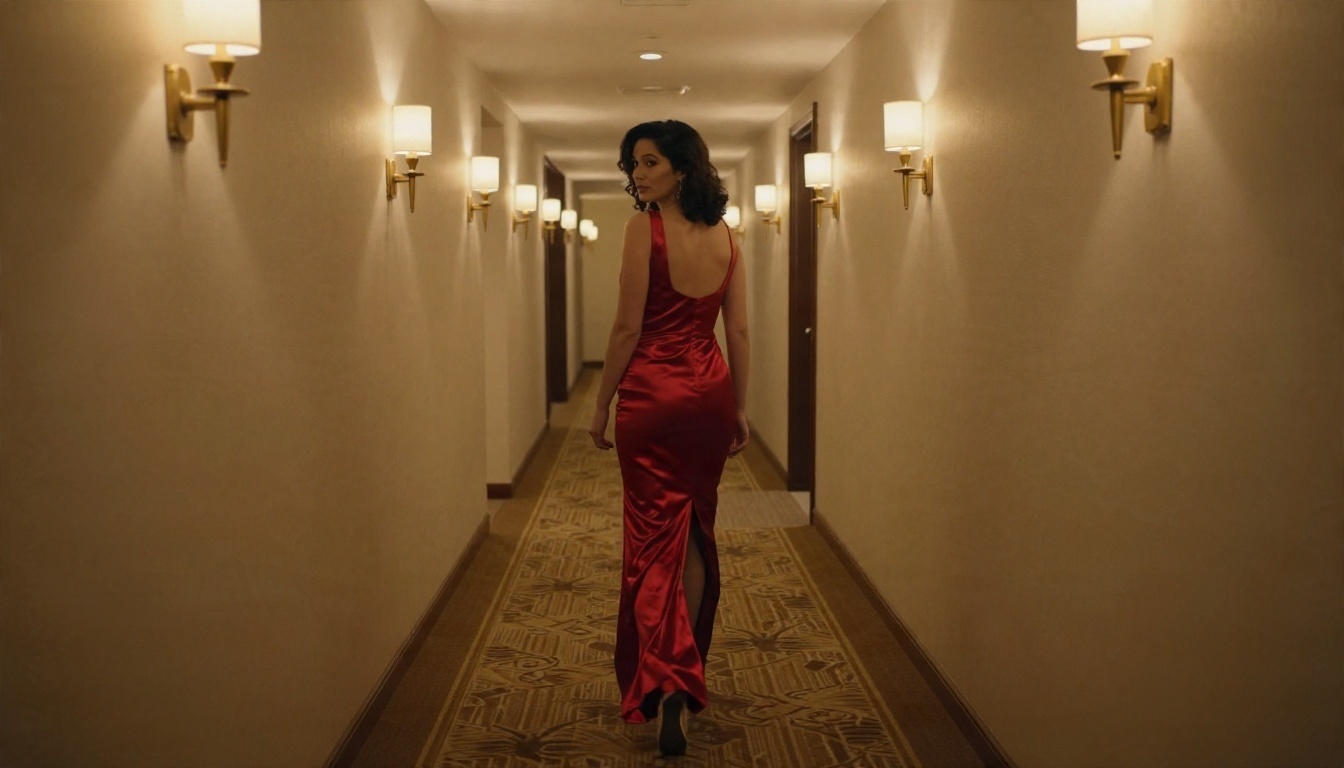
- Evening glamour: "Adult woman in a red satin gown walking down a hotel corridor, looking back over her shoulder, warm sconce light, 35mm lens, one-point perspective."
Motion prompts for the clip
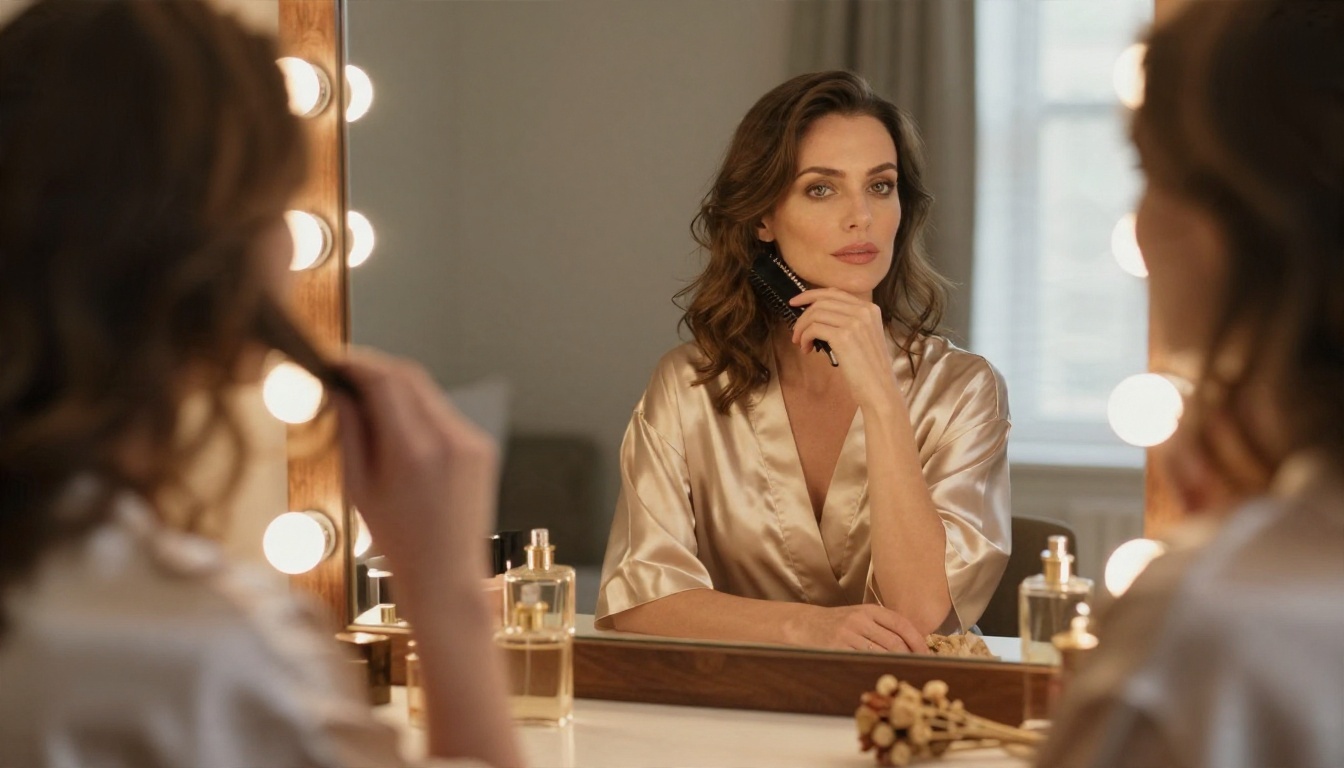
Motion prompts should be short and chronological. Describe what moves, then the camera, then the light. For example: "She turns her head slowly toward the window, the silk robe shifts on her shoulder, slow dolly-in, morning light brightens gently." Do not stack five actions in a five second clip. One clear movement beats a busy one.
| Motion goal | Prompt phrase that helps |
|---|
| Soft, sensual mood | "slow, subtle movement, gentle breathing, hair drifting" |
| Fashion energy | "confident stride, fabric flowing, tracking shot" |
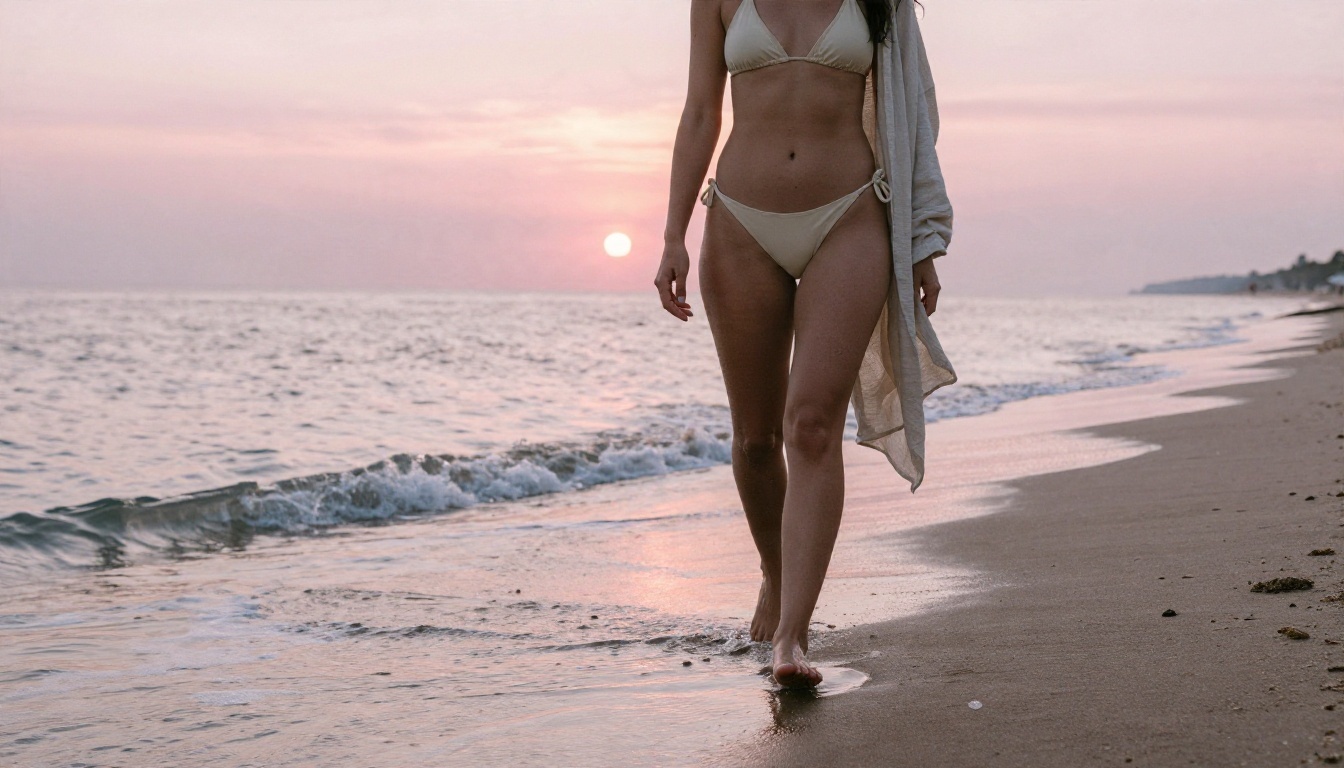
| Beach or pool | "light breeze, small waves, sun glints on water" |
| Cinematic feel | "slow dolly-in, shallow depth of field, warm light" |
💡 Tip: add what you do not want in plain words, such as "no warping, no extra fingers, no sudden outfit change." It sounds basic, and it reduces glitches.
The Limits You Will Hit
Every tool in this space has walls. Knowing them in advance saves you from rage-quitting.
Content filters
Filters run on the prompt, on the image you upload, and sometimes on the finished output. Prompts with explicit vocabulary get blocked almost everywhere. Even tasteful prompts occasionally trip a filter because of one word, so rephrase calmly: "swimsuit" instead of a slang term, "silk robe" instead of anything suggestive in tone. The more editorial and photographic your wording, the better your pass rate.
Duration and resolution
Most clips are 5 to 10 seconds. Some models reach 30 seconds, such as Seedance 2.5. Resolution ranges from 480p drafts to 1080p finals. For social posts, 720p is plenty. For a portfolio or an ad, go to 1080p with Kling v3 Video or Veo 3.1.
Legal and consent lines
These are not optional, and no tool setting changes them:
- Adults only. Every subject must be clearly an adult. No exceptions, no ambiguity.
- No real people without consent. Never animate a photo of a real person, whether a celebrity, an ex or a coworker, without their clear permission. Many countries now treat non-consensual synthetic intimate content as a criminal offense.
- Fictional subjects are the safe lane. Generate your own invented models and keep your content tasteful.
- Check local laws and platform rules before publishing anywhere, because age-gating requirements differ by country and platform.
How to Use Seedream 4.5 on PicassoIA
Seedream 4.5 is the strongest starting point for the still frame, so here is the exact process.
Setup steps
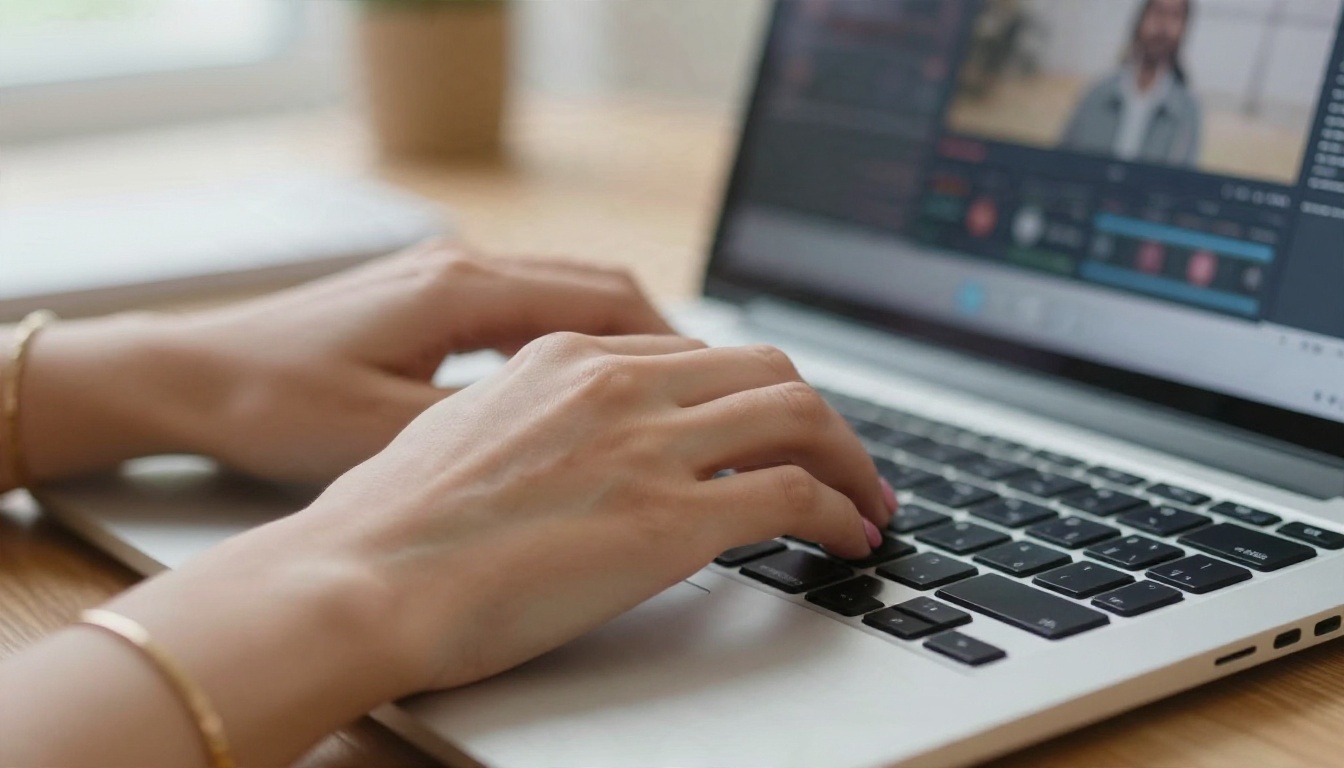
- Open the Seedream 4.5 page and sign in.
- Paste your still image prompt using the formula above.
- Set the aspect ratio to 16:9 for video-ready frames. Use 9:16 for vertical social clips.
- Pick the highest resolution offered. The extra detail gives the video model more to work with.
- Generate two or three variations and choose the one with the cleanest hands and face.
Parameter tips
- Keep prompts between 60 and 120 words. Shorter prompts leave too much to chance.
- Mention a lens and light direction every time. "85mm f/1.8, light from the left" does more than ten adjectives.
- Add texture words: "fine skin pores," "silk sheen," "lace detail."
- If a hand or strap looks wrong, do not regenerate from scratch. Send it to PicassoIA Image Editor Pro for a targeted fix.
Move to video
Take the finished still to Seedance 2.5 Lite for a free, unlimited first pass. Upload the image as the first frame, add one short motion prompt, and generate. If the movement is stiff, test Wan 2.6 I2V or Hailuo 2.3 Fast on the same image and compare.
Common Mistakes to Avoid
A few errors show up again and again.
Skipping the still
Going straight from text to video feels faster and rarely is. You end up regenerating five times to get one usable clip.
Overloading the motion prompt
"She dances, spins, laughs, walks and the camera orbits" produces mush. Choose one movement and one camera move.
Ignoring hands and fabric
Hands, straps and thin fabric are where AI fails first. Check the still at full size before animating, because motion magnifies every flaw.
Trusting unknown sites
Sites that promise "unlimited, no filter, no signup" often collect your uploads, bury recurring charges in the fine print, or serve malware. Prefer a known platform with clear terms, and never upload a photo of a real person to a service you cannot vet.
💡 Tip: keep a notes file of prompts that passed filters. Reusing proven wording is the fastest way to a consistent style.
Make Your Own Clip Today
You now have the full workflow: a strong still from Seedream 4.5, polish in PicassoIA Image Editor Pro, and motion from a free model like Seedance 2.5 Lite. Start with one scene, a satin robe by a window or a bikini on a boat deck, and run it through the four steps.
Test the same still across two video models and keep the better take. Once you find a prompt style that works, reuse it for a whole series. When you want to compare more options, open picassoia.com/en/all-models and try a different model on the same image. A few experiments will tell you more than any list of tools ever could, so open PicassoIA and create your first 18+ glamour clip today.


