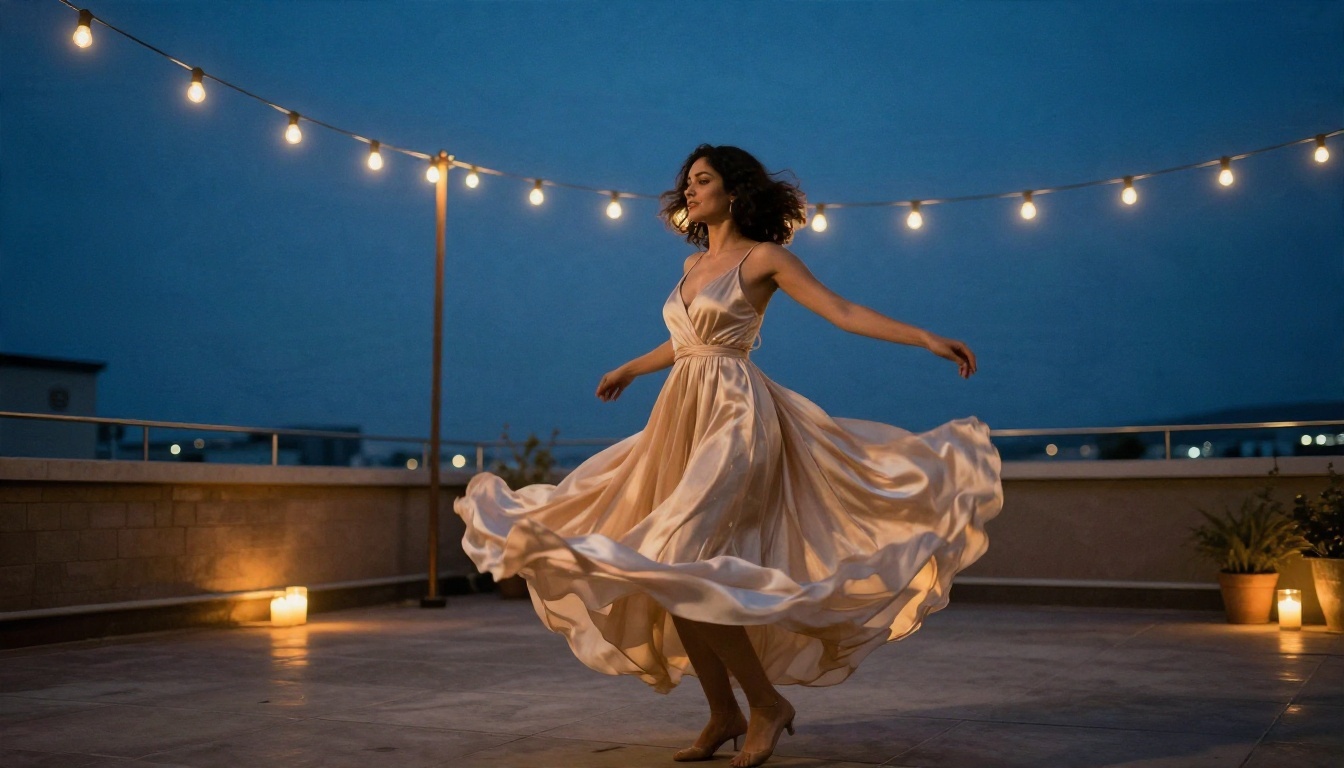
Most people who search for an adult video generator hit the same wall within ten minutes: a free trial that ends after two clips, a watermark across the frame, or a filter that refuses a harmless request for a woman in a silk robe. The good news is that the workflow behind a convincing glamour or boudoir clip is simple, and the best version of it costs far less than the subscription pages suggest. This article lays out the cheapest path, the prompts that actually work, what the output looks like and where your money goes.
A quick note on scope. Everything here is about tasteful, non-explicit, adult-themed video: glamour, boudoir, swimwear, lingerie-style editorial and sensual mood clips involving fictional adult characters. Nothing here involves real people without their consent, and nothing here is pornographic.
What an Adult Video Generator Really Is
An adult video generator is any AI video tool you use to produce sensual or glamour footage from text or from a still photo. In practice, nearly all of them work in one of two ways.
Text to video. You write a scene description and the model invents everything: the person, the room, the light, the movement. It is fast, but the character changes every time you run it.
Image to video. You supply a still photo and the model animates it. The face, outfit and setting stay locked, and the model only adds motion. This is the method professionals prefer because it gives consistency.
💡 Rule of thumb: if you want the same woman across five clips, start every clip from the same still image. Text to video cannot promise that.
The split matters for cost too. A still image costs a fraction of a video, so you can iterate on the look cheaply, then spend your video credits only on the frame you already like.

Free Options That Actually Work
"Free" is the most abused word in this niche. Here is how to tell the honest offers from the bait.
Genuinely free versus free trial
A real free option lets you generate repeatedly without hitting a wall in the first session. A trial gives you a handful of credits, watermarks the output and then asks for a card. Always check three things before you invest time: watermark, daily limit and whether the model refuses mild glamour prompts.
The two free paths worth your time
- Unlimited image editing and generation. PicassoIA Image Editor Pro offers unlimited generations, which means you can burn through thirty variations of a pose, outfit or location without watching a credit counter. That is the cheapest way to build the first frame of a clip.
- A free and unlimited video model. Seedance 2.5 Lite is listed as a free and unlimited AI video generator with clips up to 10 seconds. For a social teaser or a mood loop, that length is plenty.
Why filters matter more than price
A tool that costs nothing but rejects a swimsuit prompt is not free, because you pay in wasted time. The platform side of this workflow is built for adult aesthetics: fewer arbitrary refusals on glamour, swimwear and boudoir styling, and fast generation so you are not waiting minutes per attempt. Explicit content is still off the table, and that is the right line for a public blog, a portfolio or a brand account.
The Workflow in Four Steps
Here is the process that produces the best results with the least spending.
| Step | What you do | Tool type | Cost impact |
|---|
| 1 | Generate the still frame | Text to image | Very low |
| 2 | Fix details (hands, outfit, background) | Image editor | Very low |
| 3 | Animate the frame for 5 to 10 seconds | Image to video | Medium |
| 4 | Upscale or enhance the best clip | Video enhancer | Low |
Step 1: Build the still frame
Start with Seedream 4.5. It handles skin texture, fabric and window light better than most image models, and it follows long prompts without drifting. Describe the subject, the outfit, the room, the light direction and the lens.
Step 2: Clean it up
Open the frame in PicassoIA Image Editor Pro and fix anything odd: a ring on the wrong finger, a strap that merges with the skin, a lamp growing out of a head. Because generations are unlimited there, you can retry as often as you need.
Step 3: Animate
Pick a video model based on the motion you want. A slow, breathing portrait needs a different model from a walking shot. The model comparison below shows where each one fits.
Step 4: Polish
If the clip looks soft, run it through a video enhancer from the AI video enhancement category before posting.
Prompts You Can Copy Today
Good prompts read like a photographer's brief. They name the subject, the light, the lens and the motion. Vague prompts such as "sexy woman" give generic, plastic results.
Still image prompts
Use these in Seedream 4.5 or Image Editor Pro.
Hotel morning:
A woman in her late twenties with chestnut waves sits on rumpled linen sheets wearing an ivory silk robe, soft golden window light from the left, 85mm f/1.8, shallow depth of field, visible skin pores, Kodak Portra 400 film grain, tasteful boudoir, photorealistic.
Golden hour balcony:
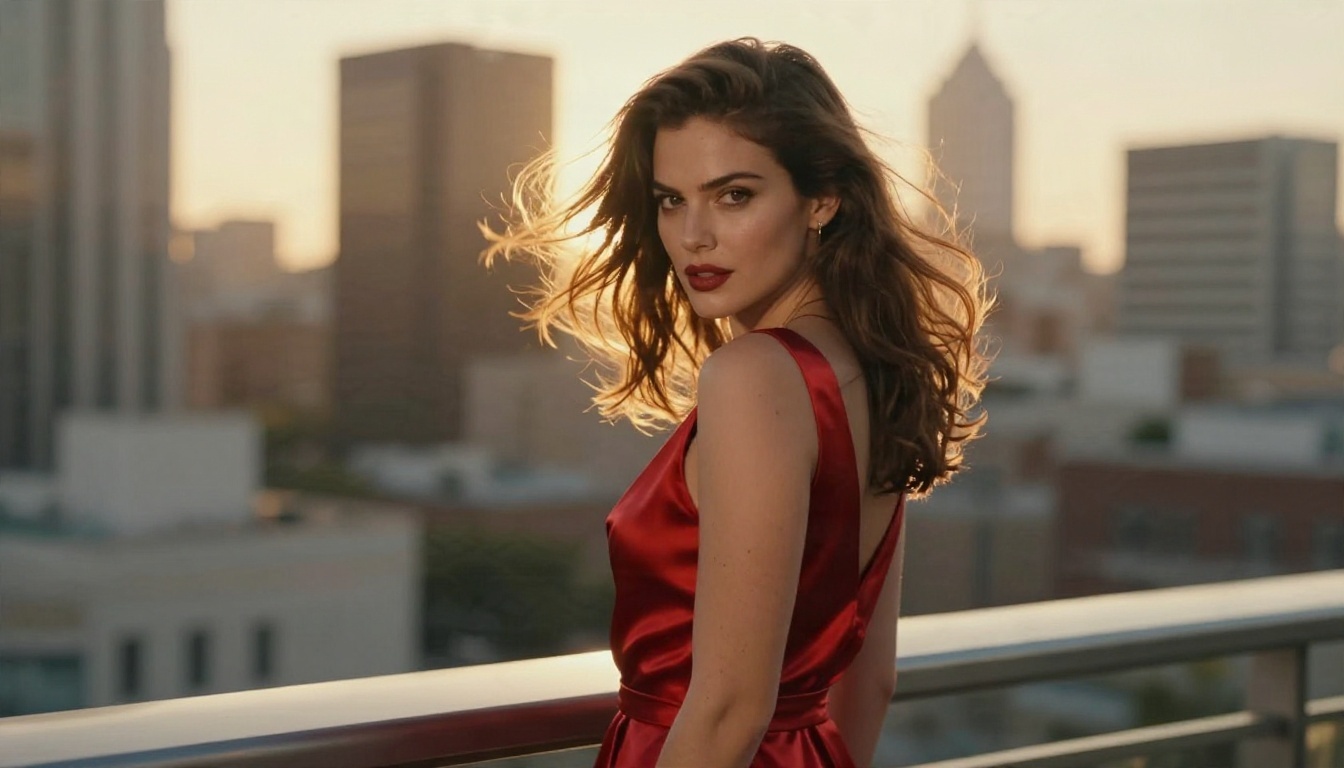
An elegant woman in a red satin dress on a hotel balcony at sunset, wind moving her hair, warm backlight creating a rim glow, city rooftops blurred behind, 85mm f/1.4, photorealistic glamour.
Pool villa:
A woman in a black one-piece swimsuit and sheer sarong walking along a Mediterranean pool edge, hard midday sun, water droplets on skin, 35mm lens, realistic tan texture.
Motion prompts for the video step
Motion prompts should be chronological and short. Describe what moves, how the camera moves and how the light behaves.
- She slowly turns her head toward the camera and smiles, a gentle dolly-in, curtains move in the breeze, light shifts across her shoulder.
- Wind lifts her hair and the hem of the dress, the camera drifts left to right, city lights soften in the background.
- She walks toward the camera along the pool edge, water ripples in the foreground, slow handheld sway.
💡 Prompt tip: put the camera move last. Models weigh the start of a prompt most heavily, so describe the subject and action first.
Words that help and words that hurt
| Use | Avoid |
|---|
| "soft window light from the left" | "beautiful lighting" |
| "85mm f/1.8, shallow depth of field" | "high quality, 8k, best" |
| "slow dolly-in" | "cinematic camera movement" |
| "silk fabric folds, linen weave" | "nice clothes" |
| "tasteful boudoir, editorial" | stacks of ten adjectives |
Real Examples and What Made Them Work
These stills are the kind of first frames you would feed into an image to video model. Each one shows a different lesson.
The balcony frame
The red dress against a warm sky works because of contrast and backlight. The rim glow on the hair gives the video model a clear edge to track, so the hair motion looks natural instead of smeared. If you animate this frame, ask for wind and a slow camera drift.
The close portrait
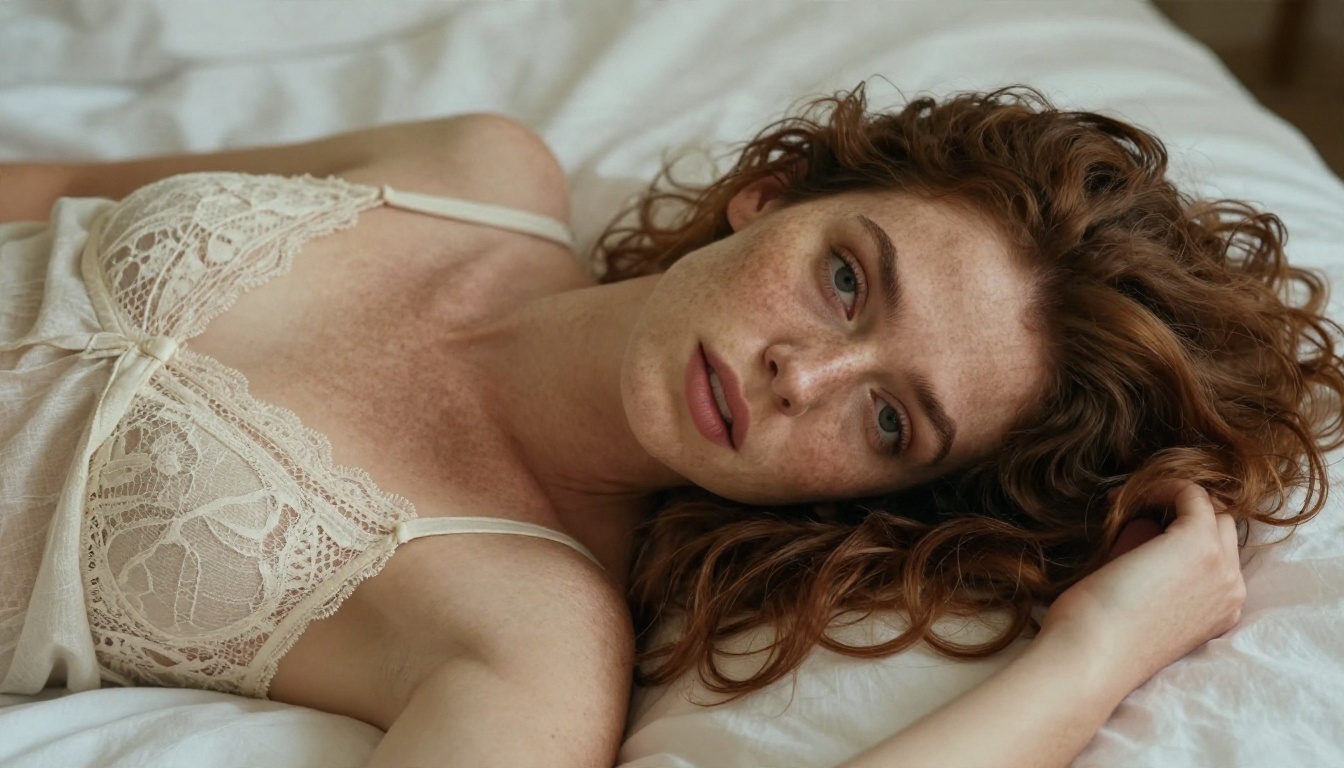
Close portraits are the safest bet for beginners. Little body motion means fewer artifacts, and tiny movements such as a blink, a breath or a shift of the eyes make the clip feel alive. Keep the prompt to micro motion: she blinks slowly, her chest rises with a breath, a loose strand of hair moves.
The pool walk
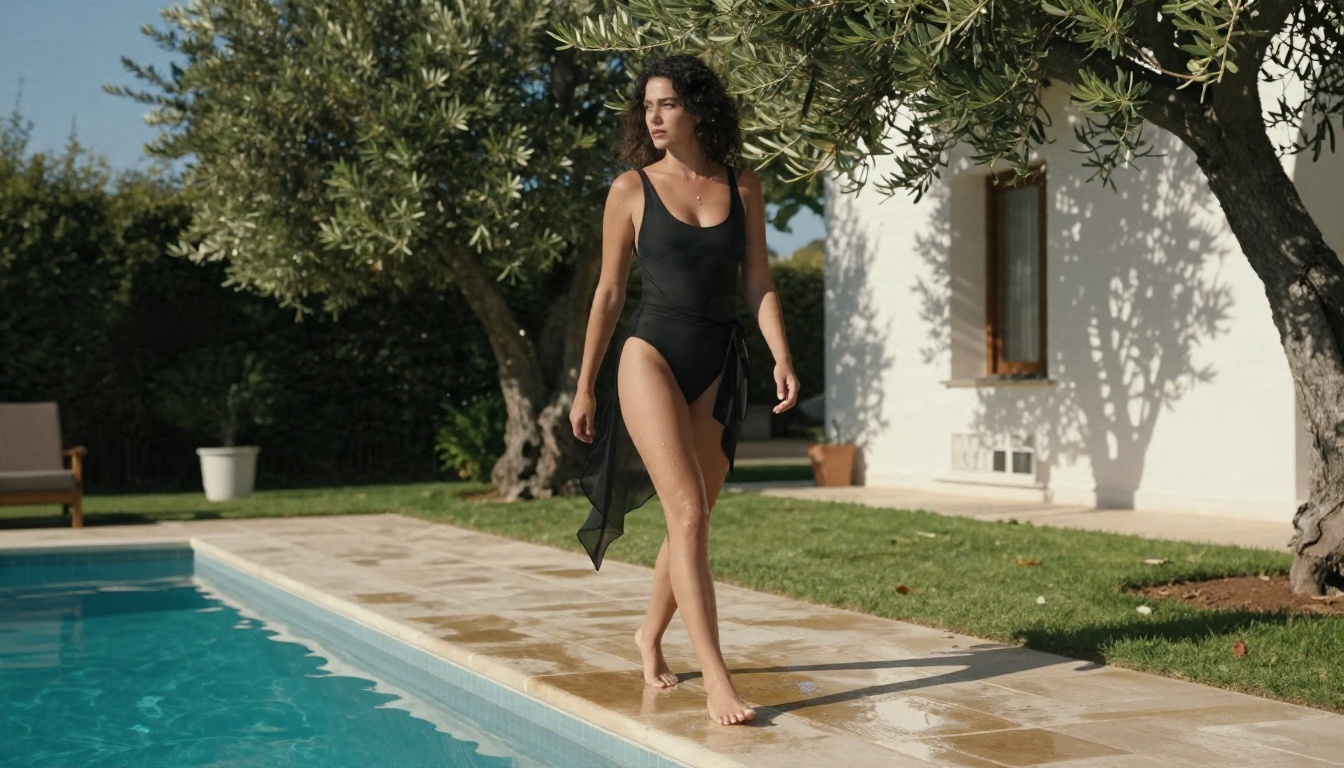
Full-body walking shots are harder. Legs and feet cross each other, and weaker models blur them. Hard midday light helps because crisp shadows give the model more structure to follow. If your first try wobbles, shorten the clip to 5 seconds and reduce the movement in the prompt to a slow step.
Which Video Model Fits Which Clip
No single model wins everywhere. This table maps each clip type to a PicassoIA model so you can stop guessing.
| Clip type | Model | Why it fits |
|---|
| Free mood loops up to 10 seconds | Seedance 2.5 Lite | Free and unlimited, ideal for testing |
| Longer, polished scenes | Seedance 2.5 | Clips up to 30 seconds |
| Fast photo animation | Wan 2.5 I2V Fast | Quick turnaround from a still |
| Smooth body and cloth motion | Hailuo 02 | Strong 1080p motion quality |
| Clips with built-in sound | Veo 3.1 Fast | Native audio, such as ambient room tone |
| Quick low-cost drafts | Hailuo 2.3 Fast | Animates photos at speed |
| Fine control of existing footage | Kling o1 | Rewrites a video with text |
A practical order: draft in Seedance 2.5 Lite, lock the motion you like, then rerun the best frame in a paid model only if you need higher resolution or longer duration.
The Real Cost of Adult AI Video
Pricing is where this niche gets murky. Instead of quoting numbers that change monthly, here is how the cost structure works so you can judge any offer.
What you actually pay for
- Still images: cheap or free. Unlimited tools remove the cost entirely.
- Video seconds: the expensive part. Longer clips and higher resolution multiply the price.
- Failed generations: the hidden cost. If one in three attempts is unusable, your real price per good clip is 50 percent higher than the sticker price.
- Audio: some models add native sound, others do not. Separate audio tools add a second step.

Three budget tiers
| Tier | Monthly spend | What you get |
|---|
| Zero budget | Free | Unlimited stills plus free 10-second clips for tests and teasers |
| Hobby | Low | Paid credits for 1080p clips and a few longer scenes |
| Creator | Higher | Daily output, longer durations, audio and upscaling |
Start at the zero tier. Most people never need to leave it for social posts, because a polished 5 second loop does the job.
💡 Money saver: always preview on a fast, cheap model first. Rerunning the same prompt on an expensive model only after the motion is confirmed cuts wasted credits sharply.
How to Use Seedream 4.5 on PicassoIA
Seedream 4.5 is the strongest first step in this workflow, so here is how to run it.
- Open the model page and choose the 16:9 aspect ratio for video-ready frames.
- Paste a long prompt in the structure subject, setting, light, lens, texture.
- Generate several variations and pick the one with the cleanest hands and face.
- Send the winner to PicassoIA Image Editor Pro to fix small details.
- Download the final frame and open it in Seedance 2.5 Lite or Wan 2.5 I2V Fast.
- Paste a short motion prompt and generate.
Parameter tips:
- Keep the prompt between 50 and 80 words. Longer is fine for stills, but shorter is better for motion.
- Name one light source and its direction.
- Name the lens, such as 85mm f/1.8, to get natural background blur.
- Say "non-explicit, tasteful editorial" to steer the mood toward glamour.
Mistakes That Waste Credits
Asking for too much motion
A five second clip cannot hold a dance, a costume change and a camera orbit. Pick one subject action and one camera move.
Changing the face between clips
If you rerun text to video, the character changes. Always reuse the same still frame as the starting point.
Ignoring the first frame
If the image has a bad hand, the video will animate that bad hand. Fix it in the editor first.
Using real people's likenesses
Never use a photo of a real person without clear consent. It is a legal risk and a platform violation. Create fictional characters or use photos of models who have agreed to AI use.
Skipping the review step
Look at the first and last second of every clip. Most flaws, such as a warped hand or a flickering strap, appear at the edges of the clip.
Quality Checks Before You Post
Run through this short list for every clip.
- Hands: five fingers, natural pose.
- Fabric: straps and hems stay attached to the same place.
- Background: no objects that melt or shift.
- Skin: pores and soft shadows, not a waxy sheen.
- Light: the same direction in the first and last frame.
- Audio: if the model added sound, check it matches the scene.
If a clip fails two of these, regenerate it rather than patching it. It is cheaper than trying to rescue a flawed output.
Start Creating Your Own Clips
You now have the full pipeline: a still image from Seedream 4.5, cleanup in Image Editor Pro, motion from a free model such as Seedance 2.5 Lite, and a clear sense of where the money goes. The fastest way to see how it works is to run one test. Pick one of the prompts above, generate three stills, animate the best one for five seconds and compare it with your expectations.
PicassoIA gives you fast generation, unlimited image editing and fewer arbitrary refusals on glamour and boudoir styling, all in one place. Browse the full lineup of image, video and audio tools at picassoia.com/en/all-models, then create your first adult-themed clip today.