Generate imagesVisual EffectsLarge Language Models
AI Action Figure Generator: Free Prompt for ChatGPT and Gemini
Turn one photo into a collectible toy in a blister pack with a free AI action figure generator prompt. Get ready copy and paste versions for ChatGPT and Gemini, settings for GPT Image 2 and Nano Banana Pro, and fixes for wrong faces and garbled card text.
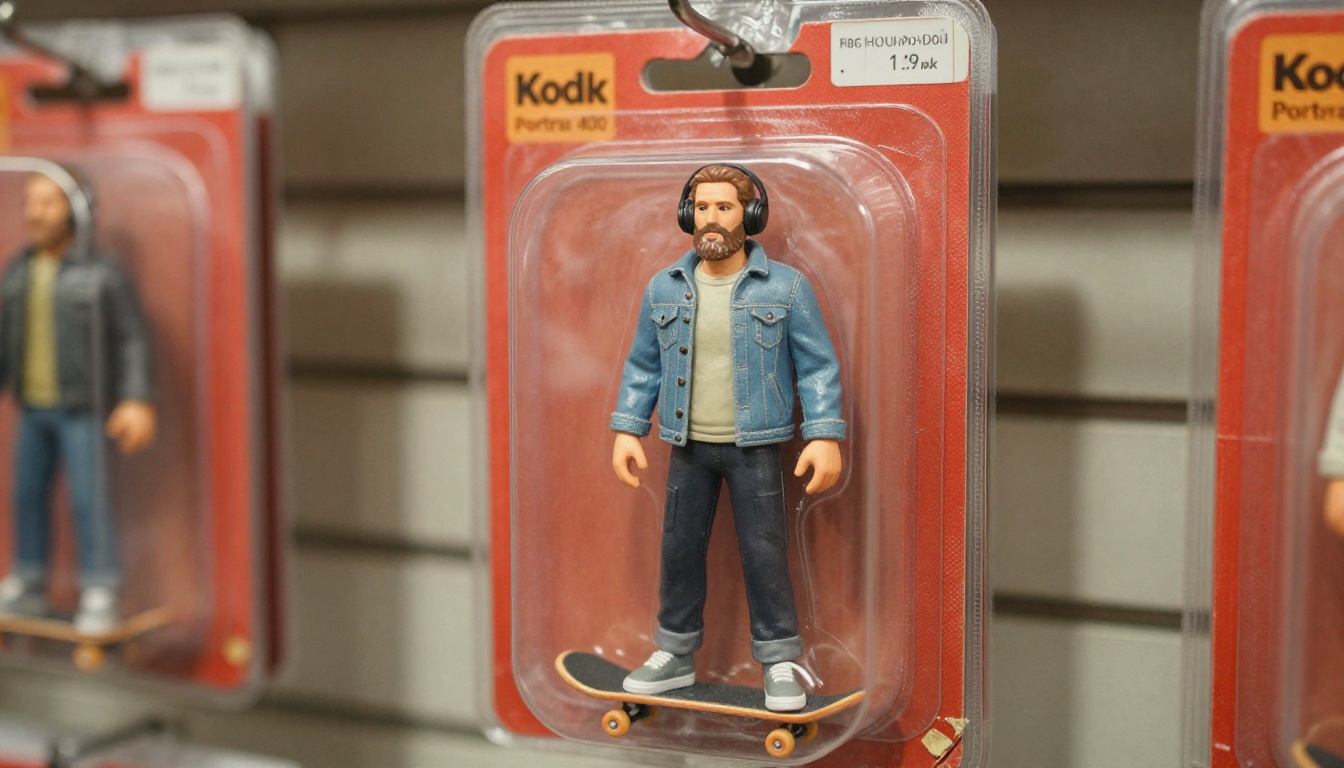
You have probably scrolled past a few of them already: a tiny plastic version of a coworker or a cousin, sealed inside a red cardboard blister pack, surrounded by a miniature coffee mug, a laptop, and a camera. That is the AI action figure trend, and the whole thing runs on one well-built prompt. An AI action figure generator is not a separate app you have to hunt for. It is a prompt that tells an image model to turn your photo into a collectible toy, packaging included. This article gives you the free prompt for ChatGPT, the adjusted version for Gemini, and the settings that make either one work on the first try.
Every prompt below is written to be copied, pasted, and edited in about two minutes. You will also see how to run the same idea on PicassoIA with GPT Image 2 and Nano Banana Pro, plus a table showing what each tool does well and where it struggles.
What the Action Figure Trend Is
The trend is simple. You upload a photo of yourself, a friend, or a pet, and an image model returns a product photograph of a toy that looks like that person. The toy sits in a plastic bubble on a printed card, with a name across the top and a handful of tiny objects that say something about who they are. A nurse gets a stethoscope. A gardener gets a trowel and a watering can. A developer gets a laptop and an oversized mug.
Why Blister Packs Went Viral
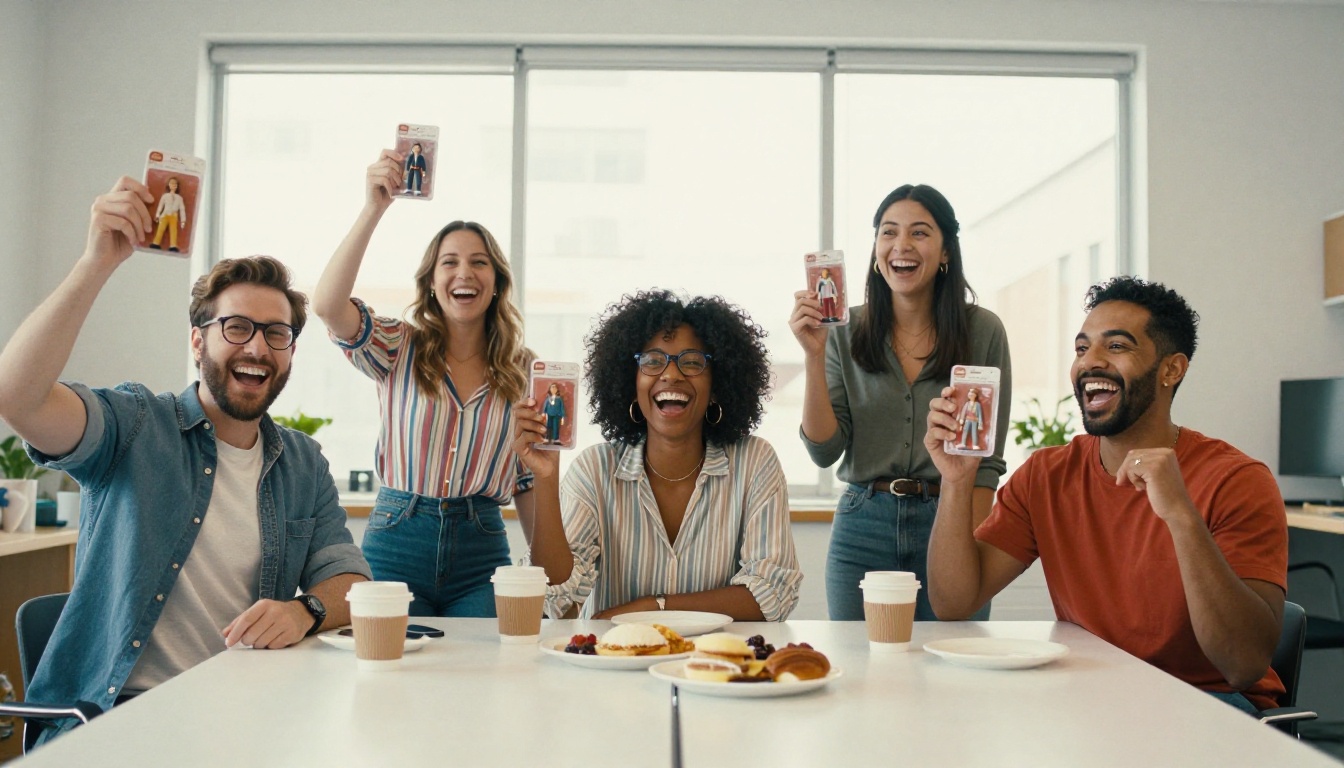
The format borrows from the toy aisle, and everyone recognizes it instantly. A familiar shape (the bubble, the card, the hook hole at the top) makes the joke land in half a second, and the personal details make it feel like a compliment. The trend spread through LinkedIn, Instagram, and group chats in 2025, and it keeps coming back for birthdays, retirements, and team events because the format is easy to customize and the results are fun to share.
What You Actually Get
A good output has four parts, and your prompt should name each one:
The figure: a stylized but recognizable likeness, with the face, hair, and outfit taken from your photo.
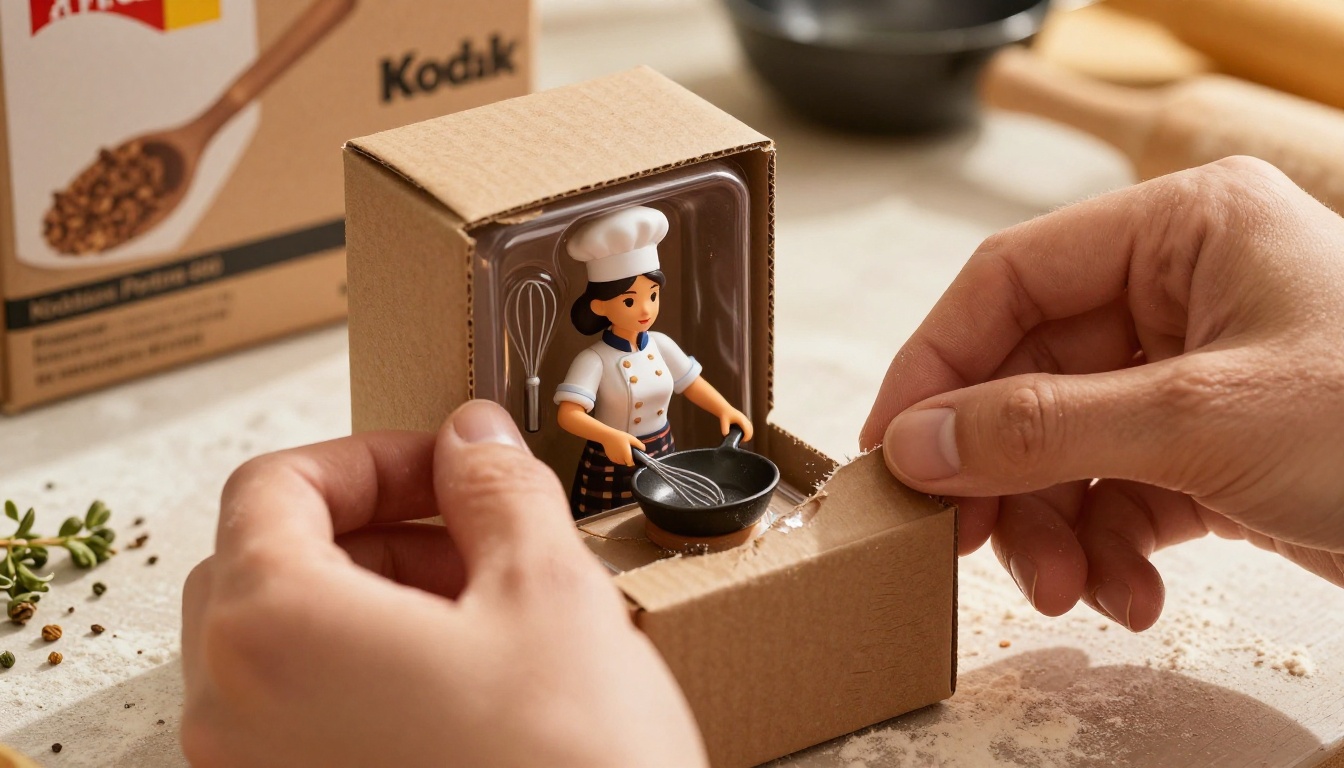
The packaging: a colored card backing, a clear plastic bubble, and a molded tray.
The accessories: three to five miniature objects that match a job, a hobby, or an inside joke.
The header text: a name and a short title, printed on the card.
If you leave one of these out, the model fills the gap with a guess, and the guess is usually generic. A figure with no accessories looks like a doll. A card with no header looks like a blank box.
💡 Tip: Text on the card is the first thing to break. Keep it to a name and a title of three words or fewer, and put both inside quotation marks in the prompt.
The Free Prompt for ChatGPT
ChatGPT handles this task well because you can upload a photo and then talk the result into shape over several messages. Free accounts have a daily image limit that changes over time, so if the chat says you have hit it, wait for the reset or run the same prompt on PicassoIA, described further down.
The Copy and Paste Prompt
Upload one clear photo, then paste this:
Create a photorealistic collectible action figure of the person in the uploaded photo, sealed in a retail blister pack. Keep the face, hairstyle, skin tone, and glasses exactly as they appear in the photo. The figure wears [OUTFIT]. The cardboard backing is [COLOR] with a clear plastic bubble and a molded tray. Place these accessories inside the tray: [ACCESSORY 1], [ACCESSORY 2], [ACCESSORY 3], [ACCESSORY 4]. Print the name "[NAME]" in bold block letters across the top of the card and the title "[TITLE]" in smaller letters below it. Photograph the package as a product shot on a neutral desk, soft window light, shallow depth of field, realistic plastic reflections. Tall 2:3 format.
Replace everything in square brackets before you send it. Each sentence has a job. The first one sets the output type, the second protects the likeness, the middle ones define packaging and props, and the last two control the camera. If you delete the camera sentences, ChatGPT often drifts toward a flat illustration, which is the opposite of what makes the trend work.
Here is what to put in each bracket:
Field
What to write
Example
[OUTFIT]
Clothing you actually wear
grey hoodie and dark jeans
[COLOR]
One flat card color
red and white
[ACCESSORY 1 to 4]
Short object names, 2 to 3 words
mini laptop, coffee mug, headphones, sketchbook
[NAME]
First name or nickname
"MAYA"
[TITLE]
A job, hobby, or joke, 1 to 3 words
"DESIGN LEAD"
Short names beat long ones. "Espresso cup" gets you a clean tiny cup. "A cup of espresso with latte art in a ceramic saucer" gets you a crowded tray where nothing is readable.
Photo Tips Before You Upload
The photo you choose decides about half of the result. These rules save a lot of retries:
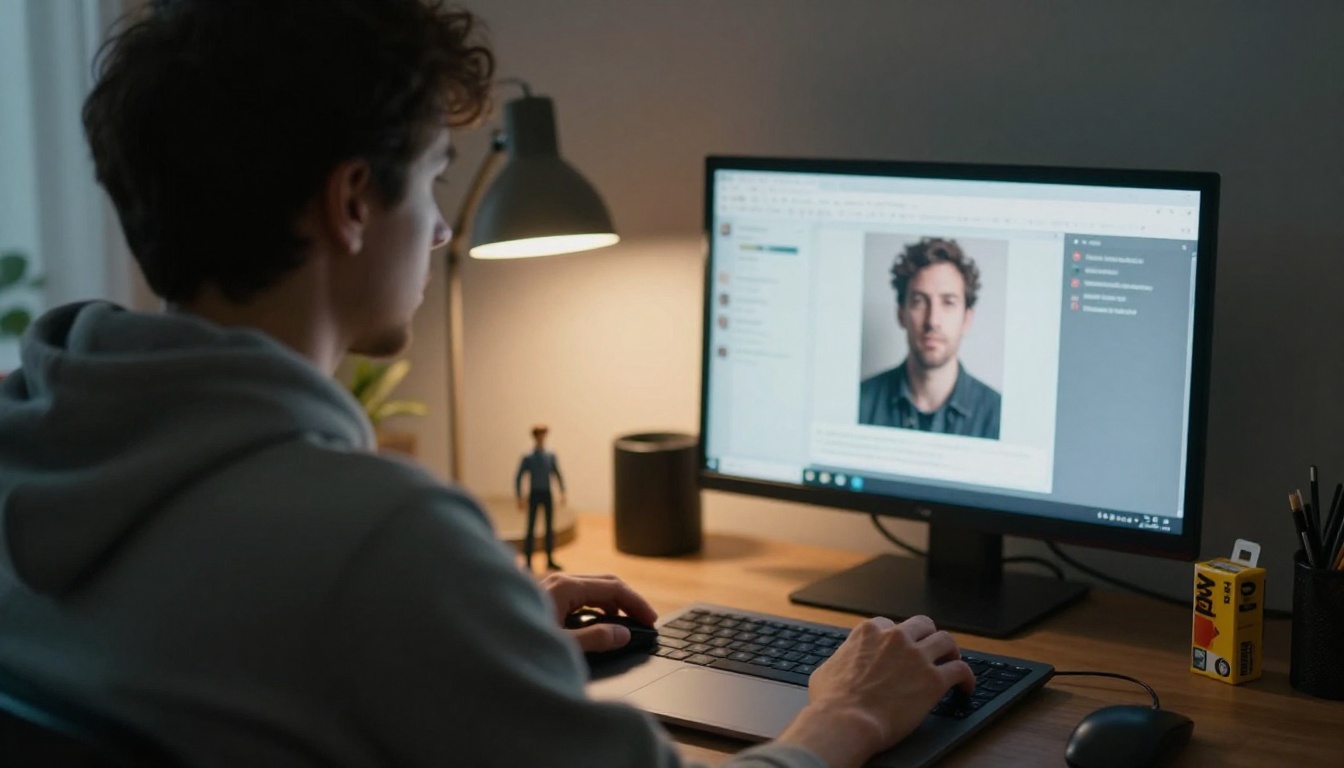
Use a front-facing photo with the whole face visible and no hair across the eyes.
Pick soft, even light. Harsh shadows turn into dark patches on the plastic face.
Choose a waist-up or full-body shot if you want the outfit to carry over.
Avoid heavy filters, since the model copies them into the skin tone.
Stick to one person per photo for the first attempt.
💡 Tip: Only upload photos of people who would be happy to see themselves as a toy. For friends, family, and coworkers, ask first, and think twice before uploading photos of children to any online tool.
The Free Prompt for Gemini
Gemini's image generation runs on the Nano Banana family of models, and it responds well to plain, scene-style wording. It tends to keep a likeness well when you describe the photo as an identity reference. It can also be very literal, so a vague prompt gets a vague toy.
Gemini Prompt Version
Attach your photo, choose the image creation option, and send:
Use the attached photo as the identity reference. Generate one photorealistic product photograph of a collectible action figure of this person, sealed in a retail blister pack on a [COLOR] card. The figure keeps the same face, hair, and skin tone as the photo and wears [OUTFIT]. Inside the clear plastic bubble, include [ACCESSORY 1], [ACCESSORY 2], and [ACCESSORY 3] in a molded tray. The only text on the package is the name "[NAME]" at the top and the title "[TITLE]" below it. Real plastic, real cardboard, soft daylight, shallow depth of field. Not an illustration, not a cartoon. Return one image only, portrait orientation.
Notice the two differences from the ChatGPT version. The reference is named as an identity reference, and the text rule says "the only text on the package", which stops Gemini from inventing slogans.
Fixing Common Gemini Quirks
It returns a cartoon: add "photorealistic product photograph, not an illustration" near the start, not only at the end.
The figure is huge: say "the figure fills about 60 percent of the card height".
It adds extra words: repeat the "only text" sentence and list the exact words again.
It gives four images instead of one: end with "Return one image only."
How to Use GPT Image 2 on PicassoIA
If you hit a daily limit elsewhere, or you want to produce several versions in one run, GPT Image 2 on PicassoIA is a practical alternative. It follows long prompts closely, renders short text on packaging well, accepts reference images, and can return up to 10 images in one request.
Paste the ChatGPT prompt from above into the Prompt box, with the brackets filled in.
Set aspect_ratio to 2:3 for a tall box or 3:2 for a wide one. 1:1 works for profile pictures.
Set quality to high when the card has text, and low or medium for fast drafts.
Set Number Of Images to 4, so you can pick the best likeness.
Choose output_formatpng for crisp lettering, or webp for smaller files.
Generate, then compare the four results at full size before picking one.
Each run gives slightly different faces and props, so four variations cost you less time than four rewrites of the prompt.
Using Nano Banana Pro Instead
Nano Banana Pro is the better pick when the package needs more than one person. It accepts up to 14 reference images, so you can upload a couple, a family, or a pet next to its owner and ask for a two-figure set. Set resolution to 2K for drafts and 4K when you plan to print the card. The aspect ratio list includes 2:3, 3:2, and 4:5, which fits both tall boxes and social posts.
For a lighter and faster option, Nano Banana 2 is also available, and Seedream 4.5 is worth a try when you want sharp 4K output with strong material texture on the plastic.
Prompt Variations That Work
Once the base prompt works, small edits create very different results. Change one thing at a time so you can tell which edit helped.
Collector Edition Box
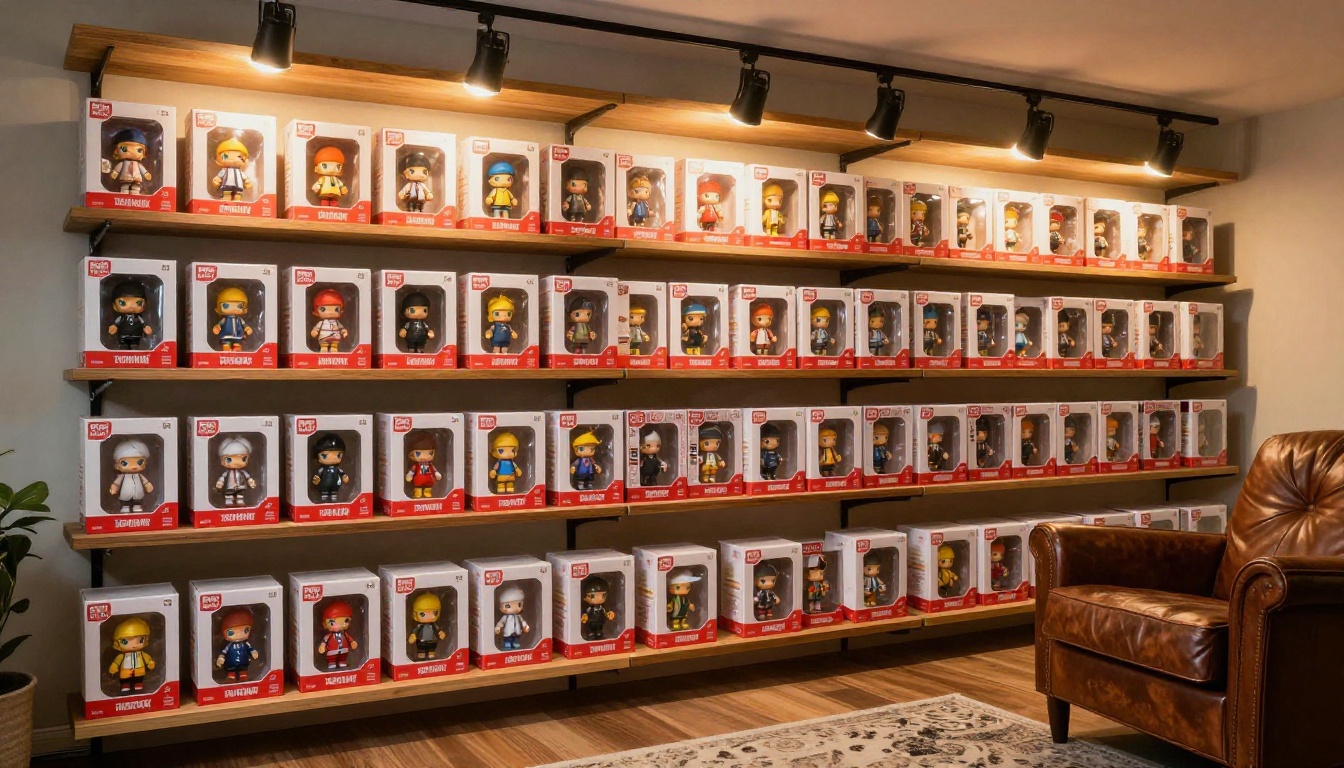
Swap the blister pack for a window box. Replace the packaging sentence with: "sealed in a premium collector box with a large clear window, a numbered edition sticker, and a velvet-textured inner tray." Add "limited edition" as the title. This version looks like a shelf piece and works well for a series. If you plan to make several, keep the card color, the font style, and the lighting sentence identical across prompts, and number the editions in the title so the set feels like a real product line.
Pets, Couples, and Teams
For a pet, upload a clear face shot and add "a small treat bag and a chew toy" as accessories. For a couple, upload both photos and write "two figures in one double-wide package, standing side by side". For a team, generate each person separately and use the same card color and fonts, so the set looks like one product line.
Birthday and Retirement Gifts
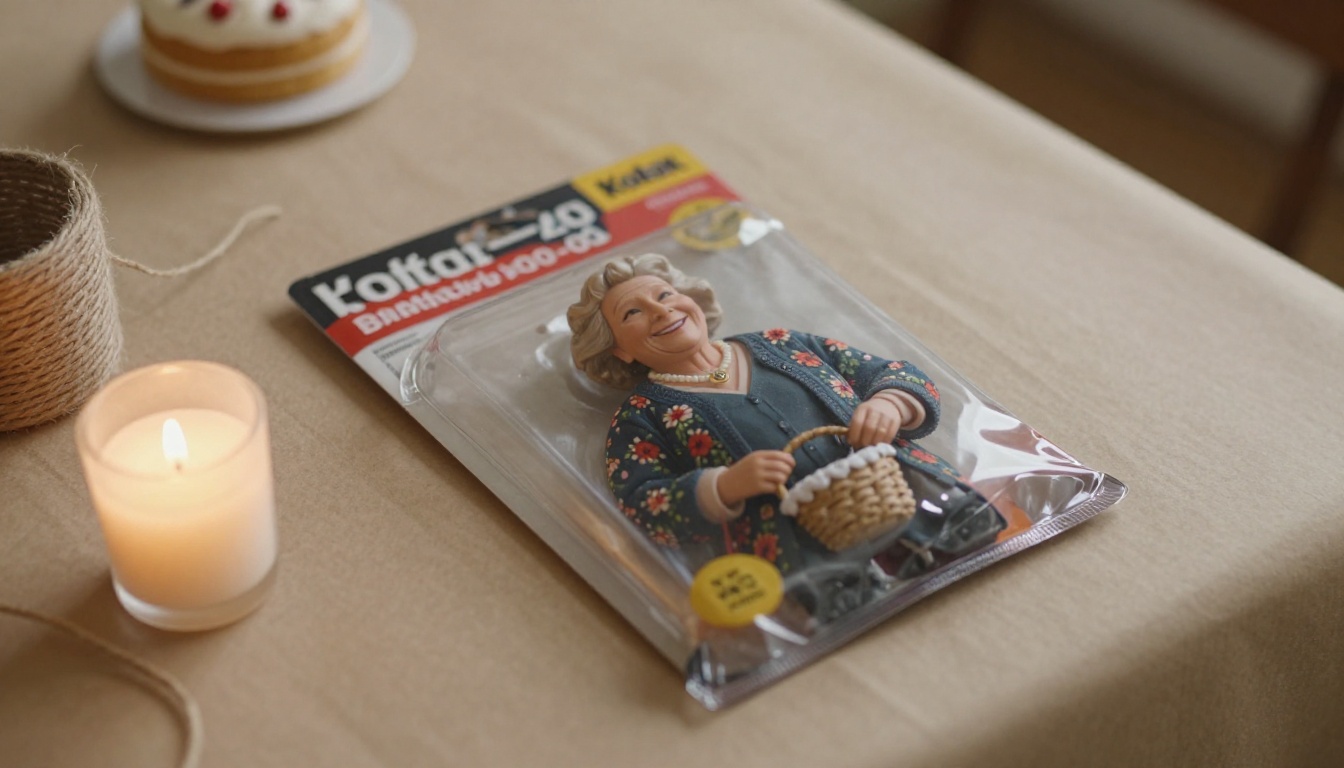
The strongest gifts use a real detail. A grandmother who knits gets a tiny yarn basket and the title "KNIT QUEEN". A retiring manager gets a miniature fishing rod and the title "OFF DUTY". Print the image on a card, frame it, or send it as a digital greeting. The joke lands harder when the accessories show something only the family knows.
Let an LLM Pick Accessories
If you are stuck on props, ask a language model. On PicassoIA you can use Gemini 3.5 Flash for quick brainstorming or GPT 5.4 for longer prompt rewriting. Try this:
Suggest 8 miniature accessories for a [JOB] who loves [HOBBY]. Each item must be 2 or 3 words, easy to recognize at toy size, and photographable in plastic. Then write a 2-word card title.
Pick four from the list and drop them into the image prompt.
Fixing Bad Results
Most failed outputs come from the same three problems. Each one has a quick fix.
The Face Looks Wrong
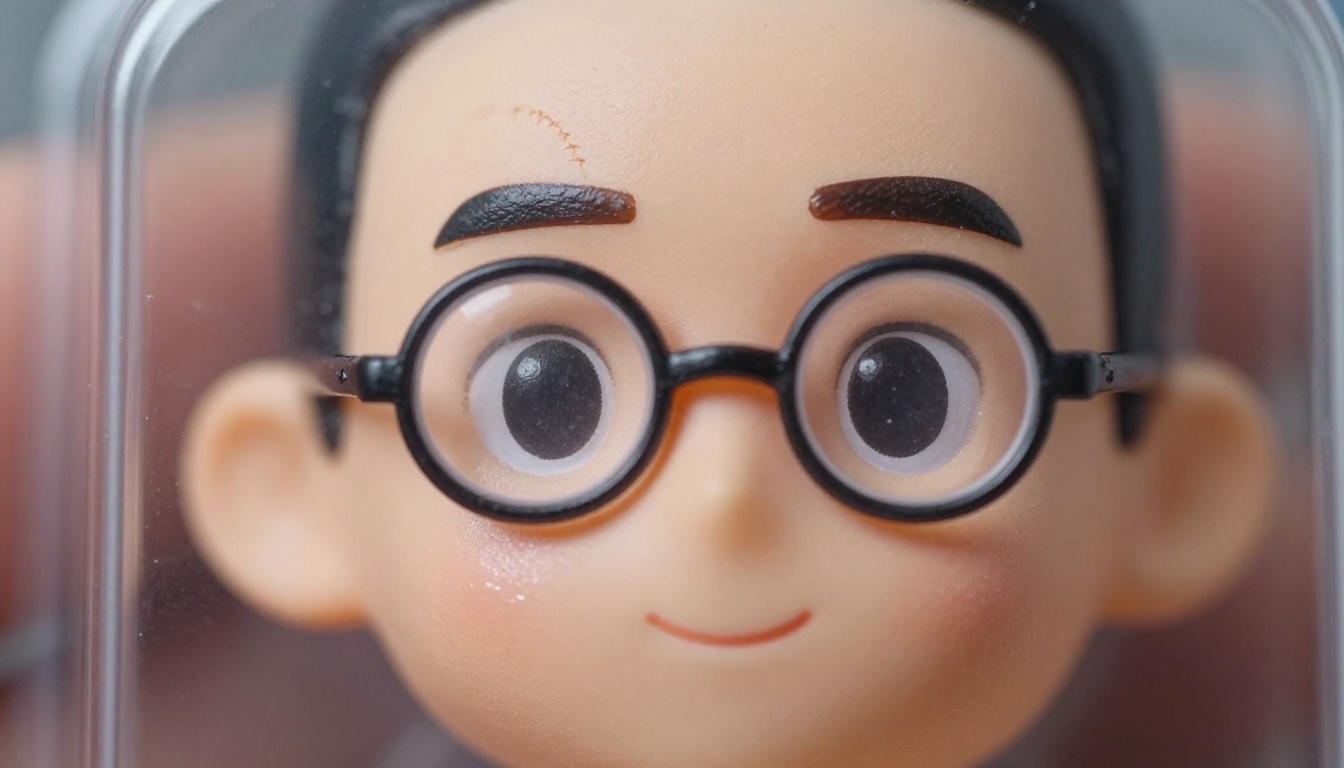
Add the sentence "preserve the exact facial structure, eye shape, and hairline from the reference photo" and upload a sharper, better-lit picture. If the model keeps drifting, ask for a "three-quarter view" instead of a straight-on pose, since angled faces hide small proportion errors.
Garbled Text on the Box
Shorten the text. Use one name and one title, both in capital letters, and nothing else. When it still fails, generate the card with no text at all, then ask for a second pass: "add the name "MAYA" in bold white letters at the top of the card, change nothing else."
The Plastic Looks Too Smooth
Add material words: "visible mold seams, slight paint wear on the edges, glossy plastic bubble with window reflections, scuffed cardboard corners". Real toy photos have small flaws, and those flaws make the image believable. A perfectly clean render reads as a render, while a tiny scuff on the bubble reads as a photograph of something you could hold.
Problem
Fast fix
Cartoon look
Add "photorealistic product photograph" at the start
Wrong outfit
Describe the outfit in the prompt, with colors
Tiny unreadable props
Cut the accessory list to three items
Crowded card
Add "plenty of empty space around the figure"
Extra fingers or limbs
Request a simple standing pose, arms at sides
Which Tool Fits You?
All of these tools can make the figure. The right one depends on how many people are in the photo, how much text you need, and how many versions you want in one go.
A good routine: draft in the free chat tool you already use, then move to PicassoIA when you need multiple people, higher resolution, or a batch of variations.
Make Your Own Figure Today
You now have two working prompts, a settings list for GPT Image 2, and a fix for every common failure. The fastest way to see the trend for yourself is to pick one photo, fill in four accessories, and generate. Then change one detail, such as the card color or the title, and compare the results side by side.
Try it on Picasso IA: open GPT Image 2 or Nano Banana Pro, upload your photo, paste the prompt, and generate four versions in one run. Make one for yourself, one for a friend, and one for the person at work who deserves a toy with a tiny coffee mug. Share the best one, and see how long it takes someone to ask where they can get their own.