What is an AI Adult Art Generator?
An AI adult art generator is a specialized tool that creates NSFW (Not Safe for Work) images from text prompts or reference images. Unlike mainstream AI image generators that restrict adult content, these platforms use open-source models trained on diverse datasets to produce everything from tasteful boudoir photography to fantasy erotica and anime-style illustrations.
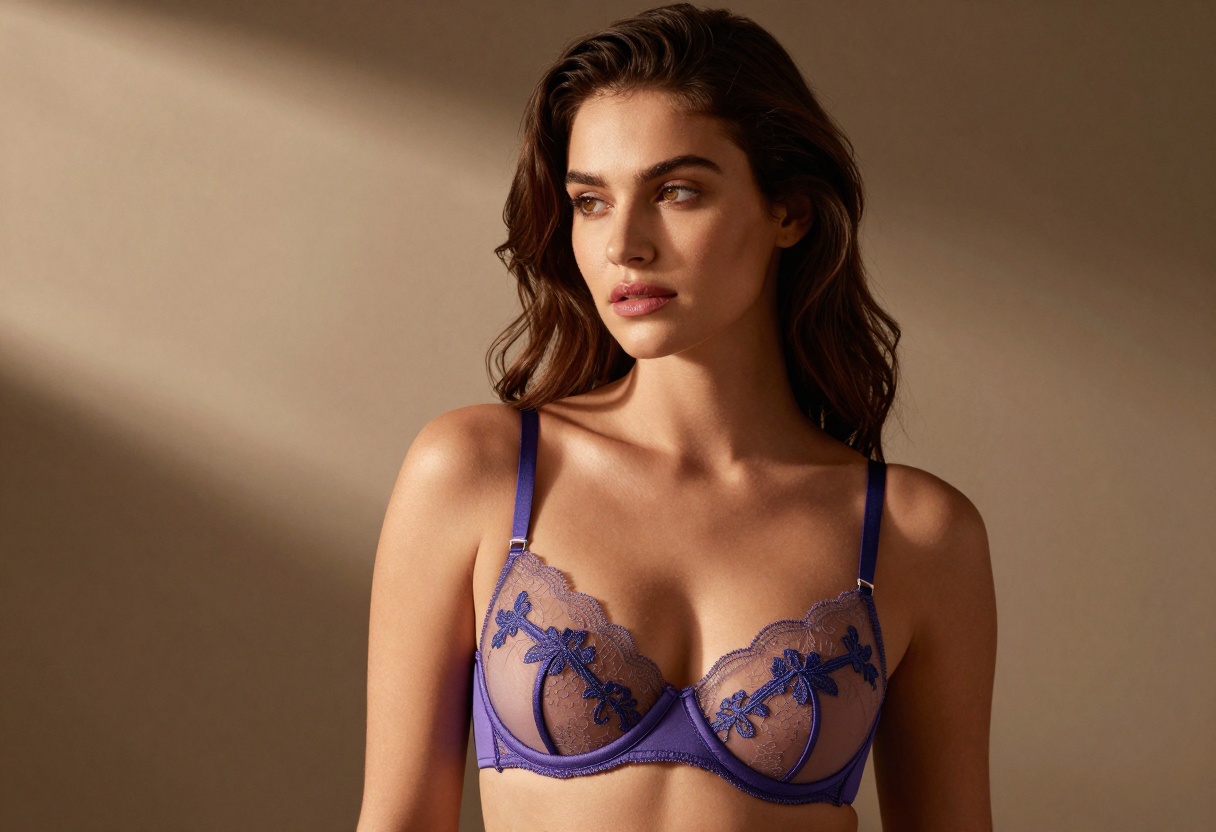
The technology behind these generators relies on advanced diffusion models that understand complex visual concepts, lighting, anatomy, and artistic styles. By providing detailed text descriptions, you can generate custom visuals in seconds without needing traditional artistic skills or hiring professional illustrators.
Why Choose an AI NSFW Generator?
Traditional methods of creating adult-themed artwork are expensive and time-consuming. Stock photos lack originality, while commissioned artwork can cost hundreds or thousands of dollars per piece. AI adult art generators solve these problems by offering:
- Creative freedom to explore themes restricted by mainstream platforms
- Speed and efficiency with images generated in seconds rather than hours
- Privacy and anonymity for creating personal content
- Cost-effectiveness compared to hiring artists or purchasing stock imagery
- Complete customization to match your exact vision
- Royalty-free ownership of everything you generate
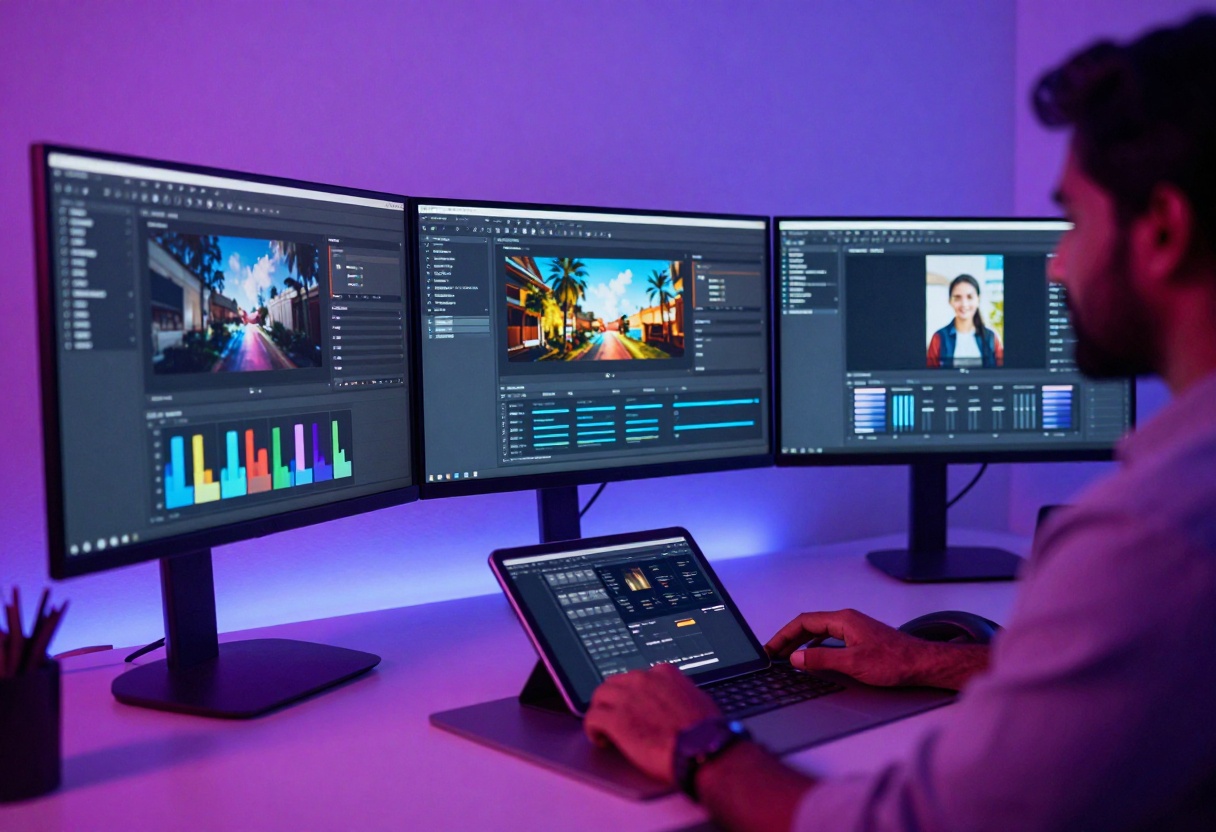
For adult content creators, game developers, fantasy writers, and digital artists, these tools provide an unprecedented level of control over your creative output. You're no longer limited by what exists in stock libraries or what you can afford to commission.
Styles and Artistic Options
AI adult art generators support multiple artistic styles to match your creative vision:
Photorealistic Style
This style creates hyper-detailed images that look like professional photography. It's perfect for:
- Boudoir and glamour photography
- Realistic character portraits
- Fashion and lingerie content
- Lifestyle and intimate scenes
The photorealistic models excel at natural lighting, skin textures, and authentic-looking environments. They can mimic various photography styles, from soft-focus romantic shots to dramatic high-contrast compositions.
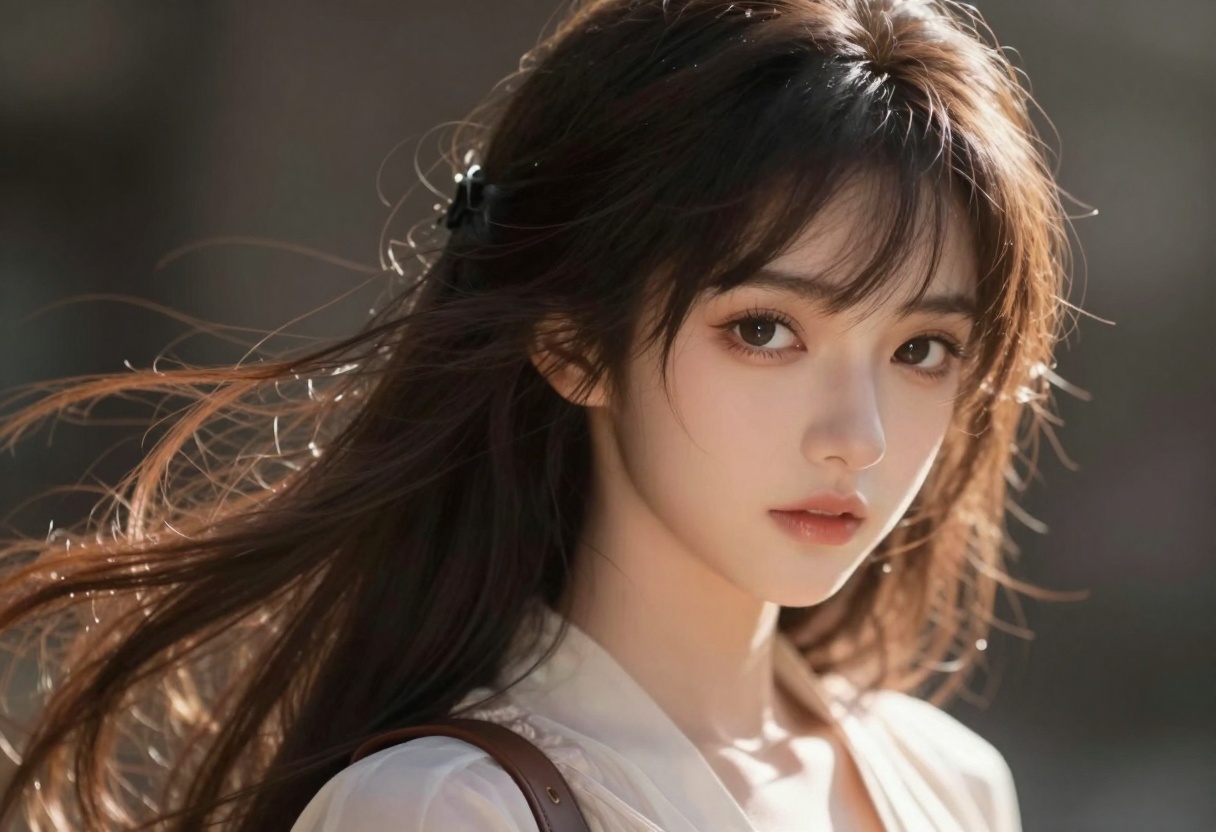
Anime and Manga Style
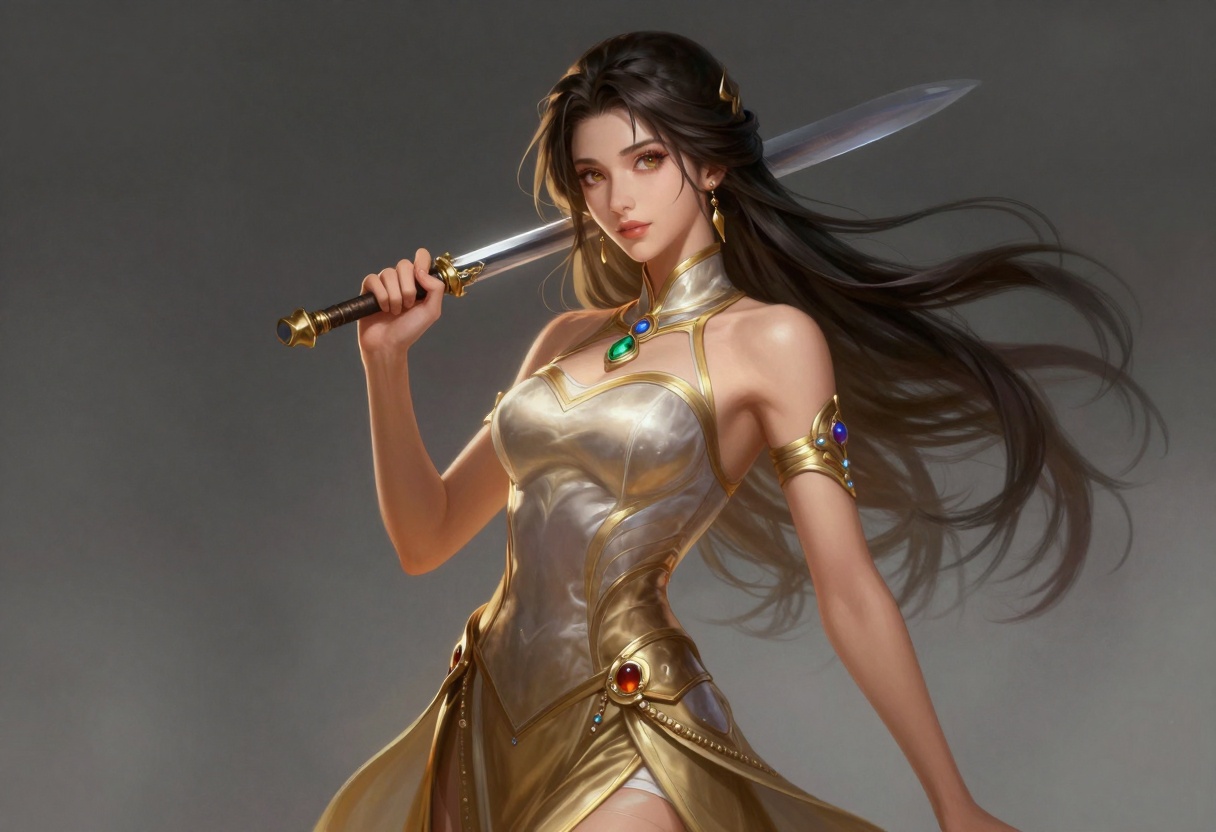
Popular among fantasy creators and fans of Japanese art, anime-style generators produce:
- Vibrant, colorful characters with expressive features
- Fantasy scenarios and imaginative worlds
- Traditional manga aesthetics
- Modern anime art with dynamic compositions
These models understand anime conventions like cel shading, large expressive eyes, and stylized proportions, making them ideal for creating unique characters and storytelling visuals.
Fantasy and 3D Rendering
For game developers and concept artists, fantasy-style generators create:
- 3D-rendered characters and scenes
- Fantasy creatures and mythical beings
- Sci-fi and futuristic environments
- Abstract and surreal compositions
Writing Effective Prompts for Adult Content
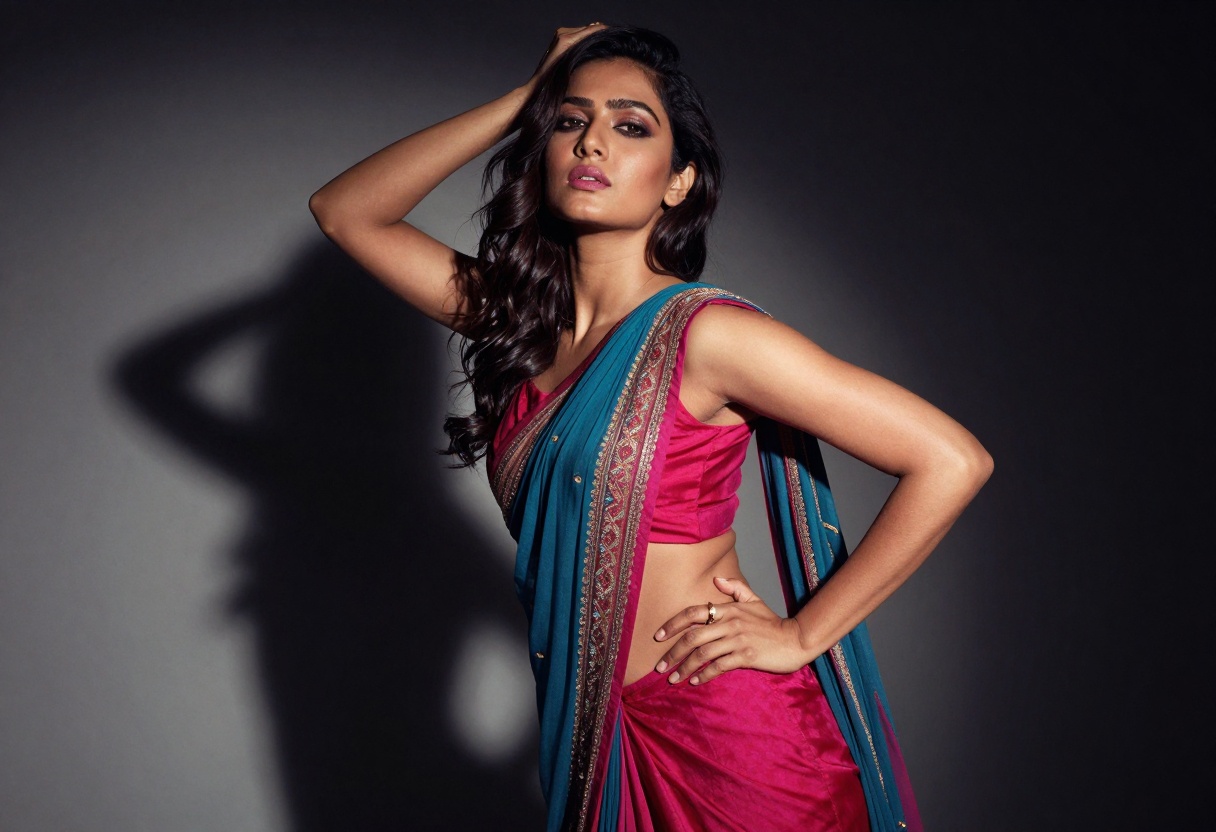
The quality of your generated images depends heavily on your prompts. Good prompts are specific, detailed, and structured to guide the AI effectively.
Basic Prompt Structure
A professional NSFW prompt follows this pattern:
Quality tags + Subject description + Physical details + Pose/action + Setting + Style modifiers
For example:
"Professional photography, beautiful woman with flowing brown hair, elegant black lingerie, sitting on velvet sofa, soft window lighting, cinematic composition, 8k resolution, photorealistic"
Essential Prompt Elements
When crafting prompts for adult content, include these key elements:
Subject details: Describe the person, character, or scene clearly. Be specific about physical attributes, clothing, and expressions.
Lighting and atmosphere: Specify the lighting style such as "soft golden hour light," "dramatic shadows," "neon ambient glow," or "natural window light." Lighting dramatically changes the mood.
Style and quality keywords: Always include quality modifiers like "professional photography," "cinematic composition," "8k resolution," "high detail," or "photorealistic" to ensure high-quality outputs.
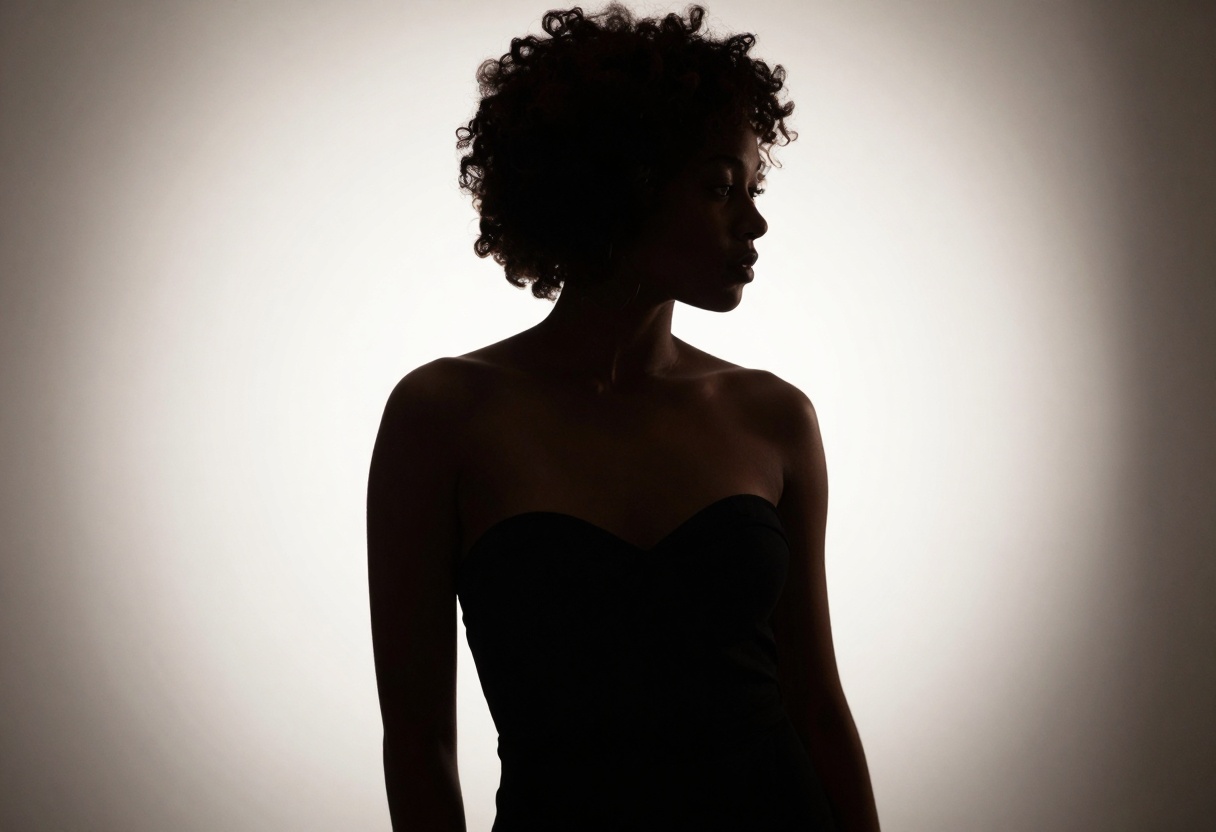
Pose and composition: Describe the pose, camera angle, and framing. Examples include "sitting pose," "lying down," "standing profile view," or "close-up portrait."
Setting and environment: Add context with backgrounds like "luxury bedroom," "outdoor beach sunset," "modern studio," or "fantasy forest environment."
Advanced Prompting Techniques
To achieve professional results, use these advanced strategies:
Layering details: Start with broad concepts and add specific refinements. Build your prompt from general to specific.
Negative prompts: Specify what you don't want in the image. Common negative prompts include "distorted anatomy," "extra limbs," "blurry," "low quality," or "deformed features."
Aspect ratio selection: Choose the right dimensions for your purpose. Vertical (9:16) works well for portraits, horizontal (16:9) for cinematic scenes, and square (1:1) for social media.
Seed values for consistency: If you want to generate variations of the same character or maintain consistency across multiple images, use the same seed number.
Best Open-Source Models for NSFW Content
Most commercial AI platforms restrict adult content creation. However, several open-source models support unrestricted NSFW generation. These models are available on platforms like PicassoIA that don't impose content filters.
Recommended Models on PicassoIA
| Model | Best For | Key Features |
|---|
| p-image-edit | Image editing and transformation | Sub-second processing, multiple reference images, flexible aspect ratios, safety checker can be disabled |
| wan-2.2-image | Photorealistic cinematic images | 2-megapixel output, 3-4 second generation, multiple aspect ratios, cinematic quality |
| Flux models | High-quality text-to-image | Advanced composition understanding, excellent prompt following, professional results |
These models offer the creative freedom needed for adult content while maintaining professional quality and fast generation speeds.
Privacy and Safety Considerations
When creating adult content with AI, privacy matters. Here's what you need to know:
Data ownership: On platforms like PicassoIA, you own 100% of what you generate. Your creations remain private unless you choose to share them.
Content storage: Reputable platforms don't store your generated images without consent. Always verify the privacy policy before using a new tool.
Legal compliance: Ensure you're following local laws regarding adult content creation and distribution. Never create illegal content, including anything involving minors or non-consensual imagery.
Ethical usage: Use AI responsibly. Avoid creating content that could harm others, violate someone's privacy, or spread misinformation.
Common Use Cases for AI Adult Art
AI adult art generators serve various creative and professional purposes:
Adult content creators: Rapidly produce unique visuals for platforms without the expense of photoshoots or commissioned artwork.
Game developers: Create character designs, concept art, and promotional materials for adult-themed games.
Fantasy writers and worldbuilders: Visualize characters and scenes from stories and novels.
Digital artists: Generate reference images or starting points for further artistic refinement.
Personal exploration: Create custom content that matches specific preferences and fantasies in a private, safe environment.
Marketing and branding: Develop visual assets for adult entertainment businesses, from website banners to promotional graphics.
Tips for Professional Results
To achieve the best possible outputs from your AI adult art generator:
-
Start simple, then refine: Begin with basic prompts and progressively add detail based on initial results. This iterative approach helps you understand how the model interprets your requests.
-
Study successful examples: Look at galleries of AI-generated adult art to understand what prompts and styles work well. Many platforms allow you to see the prompts used for public images.
-
Experiment with parameters: Adjust settings like guidance scale, steps, and sampling methods to fine-tune the balance between creativity and prompt adherence.
-
Use reference images: Many models support image-to-image generation, where you can provide a reference photo or sketch as a starting point for the AI.
-
Consider composition rules: Apply traditional photography and art principles like the rule of thirds, leading lines, and proper framing for more professional-looking results.
-
Batch generate variations: Create multiple versions with slight prompt variations to find the perfect output. Most platforms allow generating several images at once.
Using p-image-edit on PicassoIA for Adult Content
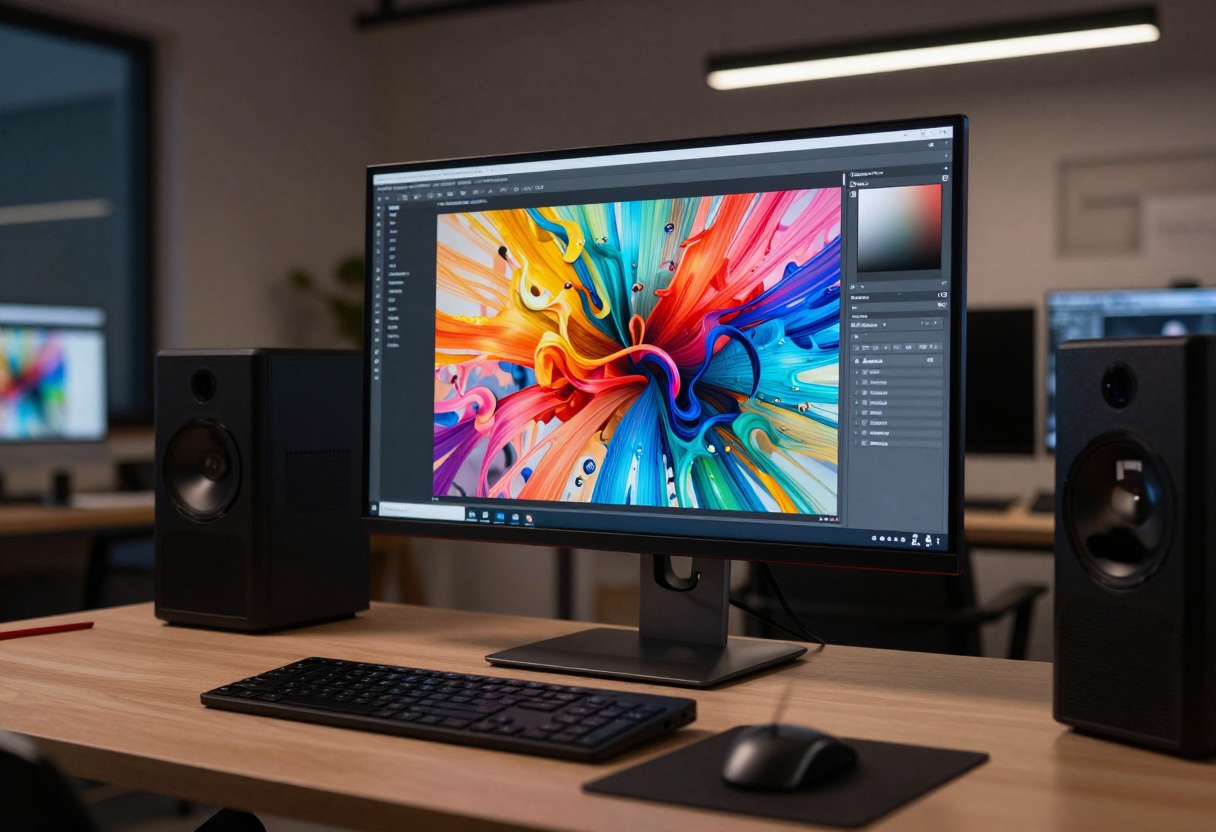
For creators looking to edit and refine adult-themed images, p-image-edit on PicassoIA offers a powerful solution with unrestricted content support. This model specializes in fast, precise image editing and transformation.
Why Choose p-image-edit?
This model stands out for several reasons:
- Sub-second processing speed means you can iterate quickly
- Supports multiple reference images for complex editing tasks
- Flexible aspect ratio control from 1:1 to 21:9
- Safety checker can be disabled for unrestricted adult content creation
- Turbo mode for even faster generation
- Reproducible results using seed values for consistency
Step-by-Step Tutorial
Step 1: Access the Model
Navigate to p-image-edit on PicassoIA. The clean interface makes it easy to get started immediately.
Step 2: Upload Your Reference Image
Click the image upload area and select your base image. For editing tasks, this should be the main image you want to transform. You can upload multiple images if you want the model to reference different elements.
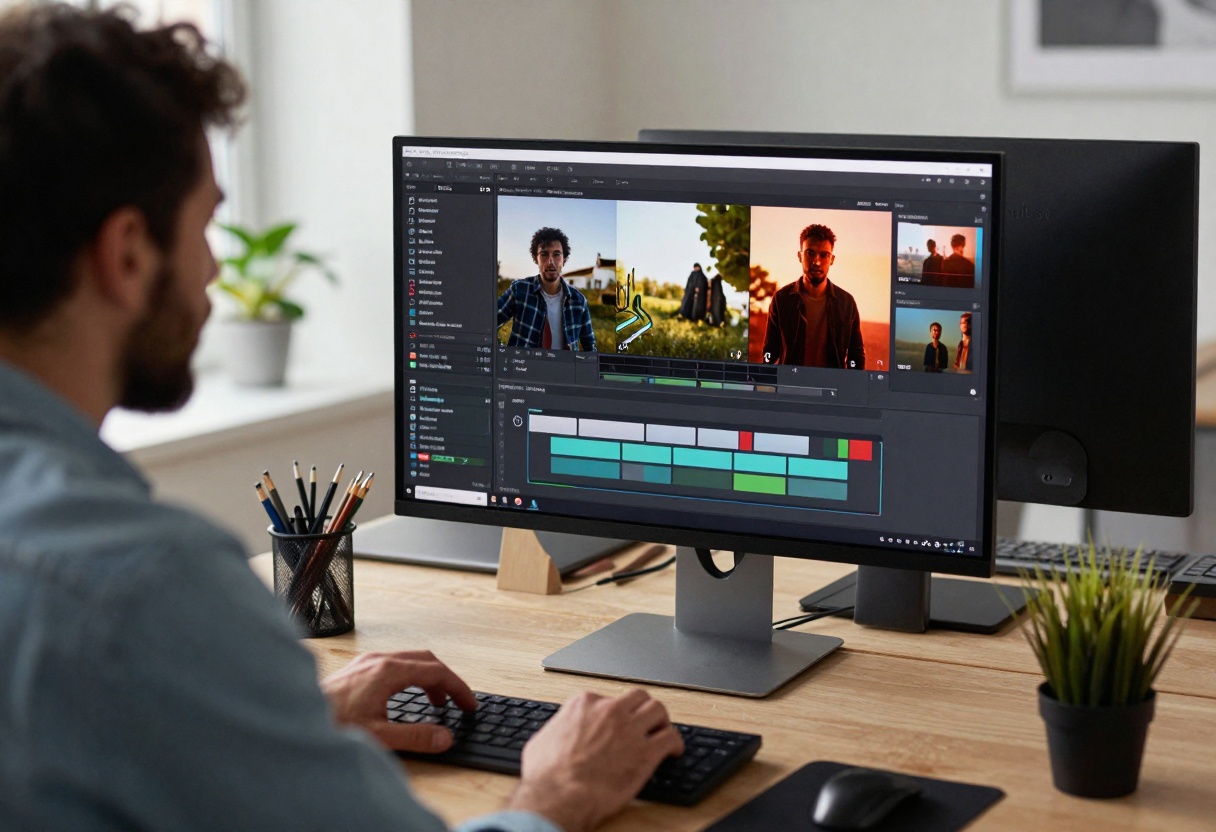
Step 3: Write Your Editing Prompt
In the prompt field, clearly describe the edits you want. Be specific about what should change. You can reference uploaded images as "image 1," "image 2," etc.
Example prompt: "Transform image 1 into a sultry boudoir setting, add soft purple neon lighting in the background, enhance the dramatic shadows, cinematic composition, 8k quality"
Step 4: Configure Settings
- Aspect Ratio: Choose from 1:1, 16:9, 9:16, 4:3, 3:4, 3:2, or 2:3. Select "match_input_image" to preserve the original dimensions.
- Turbo Mode: Leave enabled for faster results, or disable for complex edits that need more processing time.
- Disable Safety Checker: For adult content, you'll want to disable the safety checker to ensure your images aren't filtered or blocked.
- Seed (optional): Set a seed number if you want reproducible results across multiple generations.
Step 5: Generate and Download
Click the generate button. The model processes in under a second for most tasks. Once complete, review the result and download your edited image in high resolution.
Best Practices for p-image-edit
For complex transformations: Disable turbo mode to give the model more computational time for intricate edits.
For style transfers: Provide a second reference image showing the desired style or mood.
For consistent characters: Use the same seed value across multiple edits to maintain character consistency in series or comic projects.
For batch editing: Process multiple similar images with nearly identical prompts, only changing the specific image reference.
The Future of AI Adult Art Generation
The field of AI-generated adult content continues to evolve rapidly. Recent advances include:
Higher resolution outputs with models now capable of generating 4K and even 8K images with exceptional detail.
Better anatomy understanding as models are trained on more diverse datasets, reducing common issues like distorted hands or unrealistic proportions.
Video generation capabilities with emerging models that can create short adult-themed video clips from text or image prompts.
Style consistency tools that allow maintaining the same character appearance across multiple generations, crucial for storytelling and series creation.
Real-time generation with optimization techniques that bring generation times down to mere seconds, enabling interactive creative workflows.
As open-source models become more sophisticated and accessible, creators have unprecedented tools for bringing their adult-themed visions to life with quality that rivals professional photography and illustration.
Conclusion
AI adult art generators represent a significant shift in how adult content is created and consumed. They democratize creative expression by removing barriers like cost, artistic skill, and access to professional equipment. Whether you're a content creator, game developer, fantasy artist, or simply exploring personal creativity, these tools offer unprecedented freedom and capability.
The key to success lies in understanding prompt engineering, choosing the right models for your style, and iterating on your creations. Platforms like PicassoIA provide access to powerful, unrestricted models like p-image-edit and wan-2.2-image that support adult content creation with professional results.
As you experiment with these tools, remember to use them responsibly and ethically. The creative possibilities are limitless, but they come with the responsibility to respect privacy, consent, and legal boundaries. With practice and experimentation, you'll develop your own techniques for generating stunning, personalized adult artwork that perfectly matches your creative vision.


