The Rise of Free AI Adult Image Generation
The landscape of digital art creation has transformed dramatically over the past few years. What once required expensive software, professional training, or countless hours of manual work can now be accomplished with a simple text prompt and an AI image generator. The barrier to entry for creating high-quality artistic content has never been lower, democratizing the creative process for everyone from hobbyists to professional artists.
Free AI image generators have become an essential tool for content creators, artists, and developers who want to explore the possibilities of artificial intelligence without breaking the bank. These platforms empower users to generate original artwork, experiment with different artistic styles, and bring their creative visions to life instantly.

Why Free AI Image Generators Matter
The availability of free, high-quality AI image generation tools has opened unprecedented opportunities for creative professionals. Artists can now use these tools to accelerate their workflow, while content creators can produce engaging visuals without expensive licensing fees or stock photo subscriptions.
Understanding AI Image Generation Basics
Before diving into advanced techniques, it's important to understand how modern AI image generators work. These tools use deep learning models trained on millions of images to understand the relationship between text descriptions and visual content. When you provide a prompt, the model interprets your words and generates an image that matches your description.
The key to getting great results lies in understanding how these models process information and what kind of prompts produce the best outputs.
The Anatomy of a Good Prompt
Effective prompts are specific, detailed, and well-structured. Rather than simply saying "a woman," you'd say "a confident woman with auburn hair wearing professional business attire, natural lighting, warm smile, studio photography style."
The difference in results can be dramatic. Here's why specificity matters:
- Subject matter - Clear identification of what you want to generate
- Style indicators - Artistic direction (photorealistic, oil painting, anime, etc.)
- Lighting and atmosphere - Sets the mood and visual quality
- Technical details - Resolution, aspect ratio, and quality modifiers
Prompt Engineering Essentials
Prompt engineering is both an art and a science. The goal is to communicate your vision to the AI model in a way that produces the desired results. Here are the fundamental principles:
- Be descriptive - Use adjectives and specific nouns rather than vague terms
- Consider composition - Describe camera angle, framing, and perspective
- Specify quality settings - Include terms like "8k resolution," "photorealistic," "high detail"
- Use style keywords - Reference artistic movements, photography styles, or visual aesthetics
- Add emotional tone - Words like "dramatic," "serene," or "energetic" influence the final output
Best Practices for Adult Content Generation
When creating artistic adult content with AI, there are specific considerations that elevate the quality and professionalism of your results.
Artistic Direction and Aesthetic Choices
The difference between amateur and professional-looking AI-generated art comes down to intentional creative decisions. Consider these aspects:
Composition Elements
- Golden ratio framing for balanced, aesthetically pleasing layouts
- Leading lines that draw the viewer's eye through the image
- Depth of field effects that create dimensionality
- Background context that enhances the subject
Lighting Techniques
- Soft, diffused lighting for flattering results
- Golden hour or warm lighting for intimate atmospheres
- Three-point lighting setups for dimensional, professional appearance
- Rim lighting to separate subjects from backgrounds
Color Theory
- Complementary color palettes for visual harmony
- Warm tones for inviting, intimate settings
- Cool tones for dramatic or artistic presentations
- Color grading consistency across generated collections
Creating Consistent Visual Styles
One of the advantages of AI generation is the ability to create multiple images with a cohesive visual style. This is valuable for building recognizable brands or collections. Here's how to maintain consistency:
| Element | Technique | Example |
|---|
| Pose Language | Use similar positioning and angles | Seated compositions with consistent framing |
| Color Palettes | Reference specific colors in prompts | "Warm bronze and cream tones" |
| Lighting Setup | Describe identical lighting conditions | "Golden hour, side-lit, soft shadows" |
| Background Style | Maintain consistent environment descriptions | "Minimalist white studio backdrop" |
| Artistic Medium | Specify the same visual style | "Oil painting style, classical renaissance" |
Advanced Generation Techniques
Negative Prompts and Exclusions
Most modern AI image generators support negative prompts—specifications of what you explicitly don't want in the image. This is surprisingly powerful for controlling output quality.
Common negative prompts for quality images include:
- Anatomical issues - "no distorted hands, no anatomical errors"
- Quality problems - "no blurry, no low resolution"
- Unwanted elements - "no watermarks, no text, no logos"
- Artistic direction - "no cartoonish, no anime"
- Technical artifacts - "no compression artifacts, no noise"
Pro Tip: Negative prompts are just as important as positive ones. Spend time refining what you don't want, and the model will produce better results.
Iterative Refinement Process
The journey from initial concept to final artwork rarely happens in one generation. Instead, embrace an iterative approach:
- Generate initial variations - Create multiple images with your first prompt
- Analyze results - Identify which elements work and which need adjustment
- Refine the prompt - Add specificity based on what you learned
- Generate new variations - Test the updated prompt
- Combine best elements - Use the strongest outputs as reference points
This process typically results in outputs that exceed what you'd get from a single attempt.
Seed Control and Reproducibility
Advanced users take advantage of seed control—the ability to use the same random seed to generate variations of an image. This is useful when you want to test different prompts on the same "foundation."
By fixing the seed and only changing your prompt, you can isolate the effect of specific words and phrases on the final output. This technique accelerates the learning process and helps you understand how the model responds to different inputs.
How to Use PicassoIA for Adult Image Generation
PicassoIA offers a powerful, user-friendly platform for generating high-quality artistic content with multiple AI models. The platform provides access to cutting-edge AI technology optimized for creating detailed, professional results.
Getting Started on PicassoIA
The process is straightforward and intuitive:
Step 1: Access the Platform
Visit PicassoIA and navigate to the text-to-image section. You'll find multiple powerful models available, each with different strengths and capabilities.
Step 2: Choose Your Model
Select the model that best suits your needs. PicassoIA hosts several options optimized for different use cases. Wan-2.2-image is an excellent choice for fast, cinematic results.
Step 3: Enter Your Prompt
Write your detailed prompt in the input field. Remember to include specifics about composition, lighting, style, and artistic direction.
Step 4: Configure Settings
Adjust optional parameters like:
- Aspect ratio - Choose from multiple formats (1:1, 16:9, 9:16, etc.)
- Output quality - Set quality level for optimal results (0-100)
- Megapixels - Select between 1MP and 2MP for different needs
- Output format - Choose between JPG, PNG, or WEBP
Step 5: Generate and Download
Click the generate button and wait for your image. Most models complete in just a few seconds. Download the result and use it for your project.
Why PicassoIA Stands Out
Unrestricted Content Creation - Unlike many competitors, PicassoIA provides access to open-source models without restrictive filters, allowing artists to create diverse artistic content freely.
Fast Generation Speeds - Most models generate high-quality 2-megapixel images in 3-4 seconds, enabling rapid iteration and experimentation.
Multiple Model Options - Access various cutting-edge models from different creators, each with unique strengths and characteristics.
Flexible Configuration - Customize aspect ratios, quality settings, and output formats to match your exact needs.
Privacy-Focused - Generate content without concerns about data collection or algorithmic filtering.
Using Wan-2.2-Image on PicassoIA
Wan-2.2-image is one of PicassoIA's most powerful models, specifically optimized for creating cinematic, high-quality artwork in seconds.
Model Overview
Wan-2.2-image generates stunning 2-megapixel cinematic images with exceptional quality. The model excels at:
- Creating photorealistic, detailed artwork
- Fast inference (3-4 seconds per image)
- Maintaining artistic consistency
- Handling complex prompts with multiple elements
- Producing vibrant, well-composed results
Step-by-Step Tutorial
Step 1: Navigate to Wan-2.2-Image
Visit the Wan-2.2-Image model page on PicassoIA.
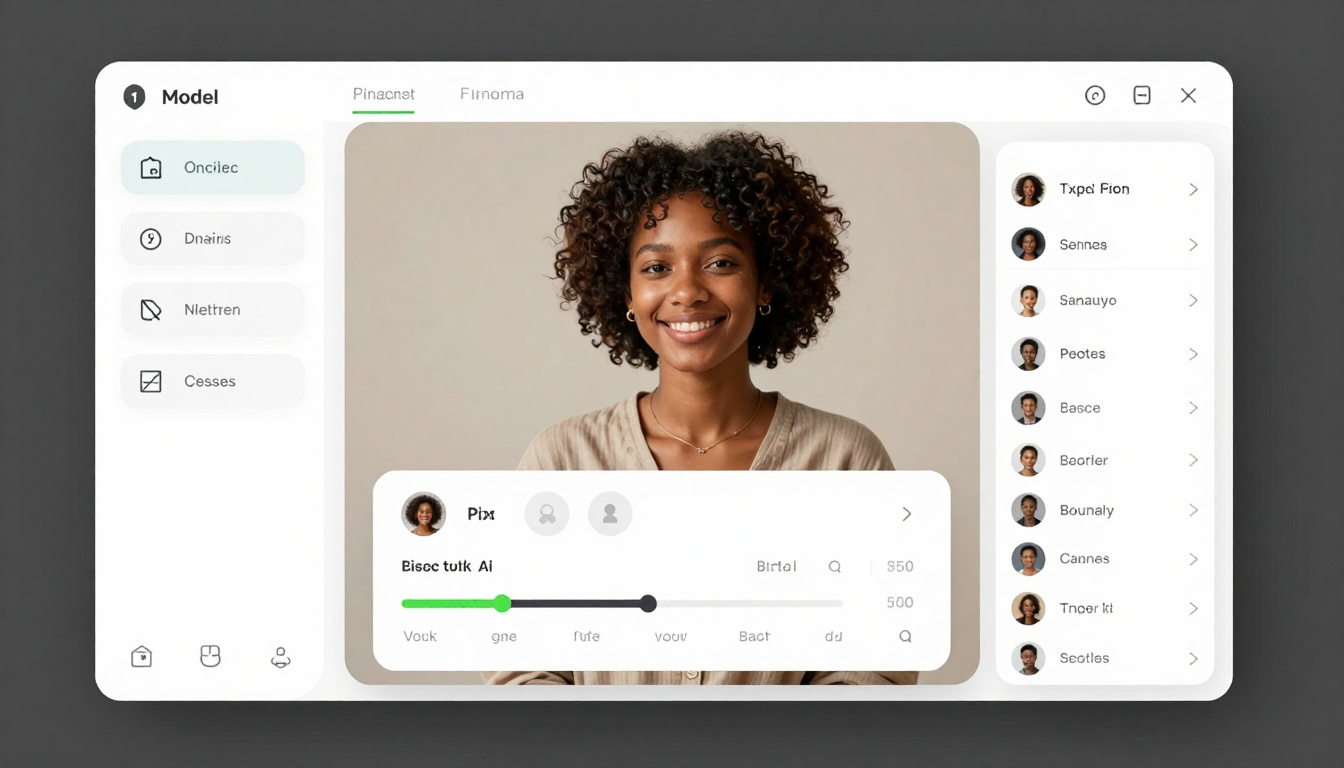
Step 2: Write Your Prompt
In the prompt field, enter your detailed description. For example:
"A confident woman with long flowing auburn hair in a classical studio setting, wearing elegant silk clothing, soft golden lighting, photorealistic, 8k resolution, professional photography, artistic pose, elegant composition, warm atmospheric lighting, shallow depth of field"
Step 3: Configure Your Settings
- Aspect Ratio: Select based on your needs (16:9 for widescreen, 1:1 for square, etc.)
- Output Quality: Set to 80-100 for best results
- Megapixels: Choose 2 for maximum detail
- Seed: Leave blank for random variation, or set for reproducibility
Step 4: Generate Your Image
Click the generate button. The model processes your prompt and creates the image in just a few seconds.
Step 5: Download and Use
Once complete, download your image in your preferred format (JPG for file size, PNG for quality, WEBP for modern browsers).
Parameter Explanation
Required Parameters:
- Prompt - Your text description of the desired image
Optional Parameters:
- Seed (integer) - Random seed for reproducible results. Leave blank for random variation
- Juiced (boolean) - Enable faster inference with additional optimizations (default: false)
- Megapixels (1-2) - Approximate output resolution. Choose 2 for maximum detail
- Aspect Ratio - Output dimensions (1:1, 16:9, 9:16, 4:3, 3:4, 21:9)
- Output Format - File format (PNG, JPG, WEBP)
- Output Quality (0-100) - Quality level. Higher values produce better results but larger files
Pro Tips for Wan-2.2-Image
- Use specific descriptors - "woman with auburn hair wearing silk" produces better results than vague terms
- Include lighting details - "soft golden lighting" or "dramatic rim lighting" dramatically improves output
- Combine multiple styles - "photorealistic oil painting style" blends concepts effectively
- Test aspect ratios - Different compositions work better with different formats
- Leverage the juiced mode - Use it for rapid iterations when testing prompts
- Quality vs speed trade-off - Reduce quality settings for faster generation during iteration, increase for final results
Common Challenges and Solutions
Getting Anatomically Correct Results
One of the most common issues with AI image generation is anatomical errors, particularly with hands and proportions. Here's how to minimize these issues:
- Explicitly mention anatomy - "anatomically correct hands with proper proportions"
- Hide problem areas - Position hands in pockets or use camera angles that obscure them
- Reference artistic styles - Classical art styles often handle anatomy better
- Use high-detail prompts - More specificity leads to better results
- Negative prompts are your friend - Explicitly exclude what you don't want
Achieving Consistent Character Features
If you're creating a series with the same character, maintaining consistent features across generations is challenging but achievable:
- Detailed appearance descriptions - The more specific, the better
- Reference photography - Mention photographers or artistic references
- Style consistency - Use the same artistic direction and lighting setup
- Seed variations - Use the same seed with subtle prompt variations
- Post-processing - Use image editing tools to ensure consistency
Managing Generation Costs
While PicassoIA offers free access to powerful models, managing your generation workflow efficiently is wise:
- Batch test prompts - Write and refine multiple prompts before generating
- Start with lower quality - Test prompts at lower quality settings first
- Use similar aspect ratios - Reduces time needed to test different compositions
- Create prompt templates - Reusable prompt structures speed up the process
- Document what works - Build a library of successful prompt structures
The Business of AI-Generated Content
Many creators are building profitable businesses around AI-generated content. Understanding the economics and best practices can help you maximize your success.
Monetization Strategies
Content Subscription Services - Create exclusive content available only to subscribers on platforms like Patreon or OnlyFans.
Digital Product Sales - Sell high-resolution images, presets, or prompt packs directly to other creators.
Licensing Arrangements - License your generated artwork to publications, agencies, or businesses.
Affiliate Marketing - Build content that drives traffic to tools and services, earning commissions on referrals.
Custom Commissions - Offer personalized generation services to clients who want specific content.
Ethical Considerations
As you build your presence in this space, ethical considerations matter:
- Respect platform terms of service - Understand where you can and cannot publish your work
- Be transparent - Disclose when content is AI-generated if required
- Respect copyright - Don't use names or likenesses of real people without permission
- Privacy protection - Never share personal customer information or requests
- Community standards - Understand the norms of each platform where you share content
Looking Forward: The Future of AI Art
The field of AI image generation is evolving rapidly. Models are becoming more sophisticated, generating faster, and offering better quality with each iteration. The barrier to entry for creating professional-quality artwork continues to drop.
For content creators specifically, the future looks bright. As technology improves and more creators adopt these tools, there's an expanding market for high-quality, uniquely generated content. Those who master prompt engineering and understand the nuances of working with these models will be best positioned to succeed.
Key Takeaways
- Free AI image generators democratize content creation, eliminating cost barriers for artists and creators
- Effective prompts are specific, detailed, and include lighting, composition, and style information
- PicassoIA provides unrestricted, fast, high-quality image generation with diverse artistic capabilities
- Iterative refinement beats single attempts—testing and adjusting prompts consistently yields better results
- Negative prompts are powerful tools for controlling output quality and excluding unwanted elements
- Seed control enables reproducibility and helps you understand how the model responds to different prompts
- Consistency comes from detailed descriptions and maintaining similar parameters across generations
- The business potential is real—many creators build profitable ventures around AI-generated content
Ready to Start Creating?
The world of AI image generation is open and accessible. Whether you're a professional artist exploring new tools, a content creator building an audience, or simply someone curious about what's possible, PicassoIA provides everything you need.
Start with straightforward prompts describing what you want to see. Experiment with different lighting descriptions, artistic styles, and composition techniques. Refine based on the results you get. Before long, you'll develop an intuition for what works and how to get exceptional results consistently.
Begin your creative journey today on PicassoIA. The tools are free, the models are powerful, and the possibilities are limitless.


