Upload a selfie, wait a few seconds, and a stranger with your eyes looks back at you: gray hair, deep lines, a softer jaw. The first reaction is almost always the same. It looks real. The second reaction, a few minutes later, is usually more doubtful: is that actually what I will look like, or is it just what an algorithm thinks an old person looks like? That gap between convincing and correct is exactly what this article is about. AI age progression has become visually impressive, but visual realism and predictive accuracy are two different things, and mixing them up leads to wrong expectations.
Below you will find a straight breakdown of what current models do well, where they fail in predictable ways, how to test a result yourself, and how to produce a more believable aged portrait on PicassoIA.
What Age Progression Actually Does
Prediction, Not a Time Machine
Age progression takes a photo of a person and produces a version of that face at an older age. Forensic artists have done this by hand for decades to estimate how missing persons might look years later. AI tools automate the same idea, but they do it by pattern matching rather than biology.
A model trained on millions of faces has seen what typical seventy-year-olds look like. When you ask it to age your photo, it blends your identity (eye shape, nose width, face proportions) with the statistical average of aging features: thinner skin, deeper folds, lower brow position, gray or white hair. It does not simulate your genes, your sun exposure or your sleep habits. It guesses a plausible path.
💡 Plausible is not the same as probable. An aged face can pass as a real photograph and still be wrong about you specifically.
The Models Behind the Edit
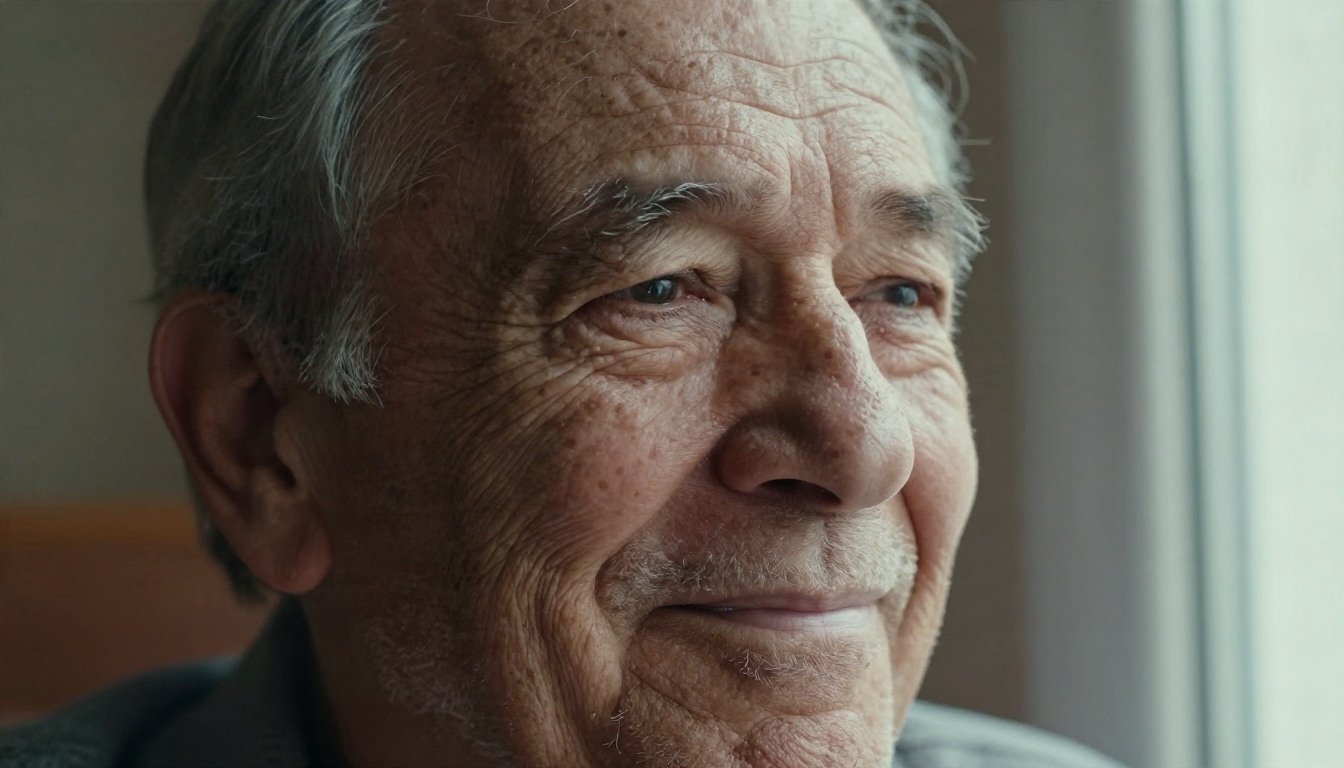
Most modern results come from image editing models that accept a source photo plus a text instruction such as "same person, aged 40 years." On PicassoIA, tools like Nano Banana, Nano Banana Pro, Flux Kontext Fast and Seedream 4.5 can all handle this kind of identity-preserving edit.
Older apps relied on GAN-based pipelines that mapped a face into a latent space and pushed it along an "age" direction. Newer editing models work from the whole image and a language instruction, which gives them far better control over lighting, hair and background. That is why recent results look less like a filter and more like a real photograph.
How Realistic It Looks Today
Skin Texture and Wrinkles
Skin is where current models shine. They reproduce fine lines around the eyes, nasolabial folds, forehead creases, uneven pigmentation and age spots with convincing micro-texture. At normal viewing size, most people cannot tell a well-made aged portrait from a photograph of a real older adult.
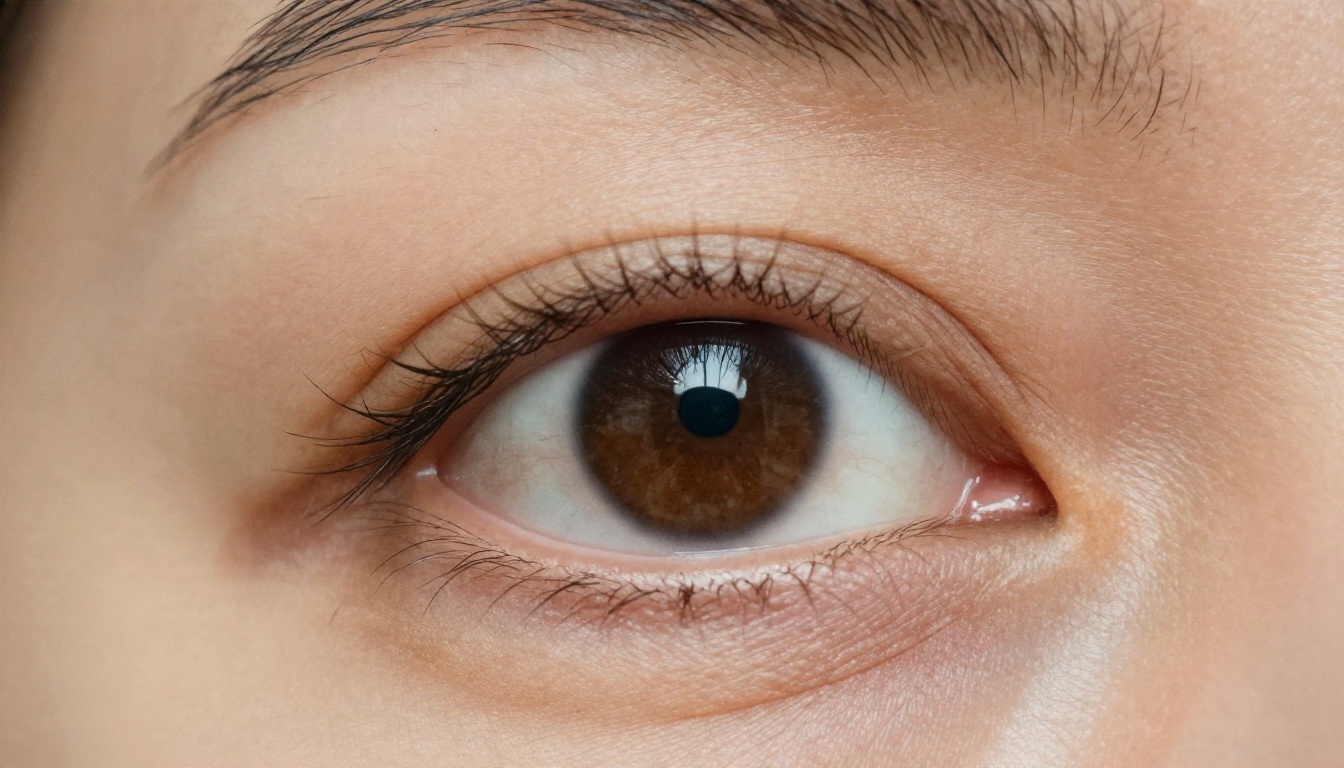
What makes this work is that wrinkle placement follows facial muscle movement. Models have seen enough faces to know that crow's feet radiate from the outer eye corner and that frown lines sit between the brows. The result feels anatomically right even when the exact depth is invented.
Hair, Color and Tone
Hair is the easiest change to fake. Graying, thinning at the temples and a receding hairline are common patterns, and models apply them with believable strand detail. Skin tone also shifts subtly: slightly more redness around the nose and cheeks, paler lips, a duller overall complexion.
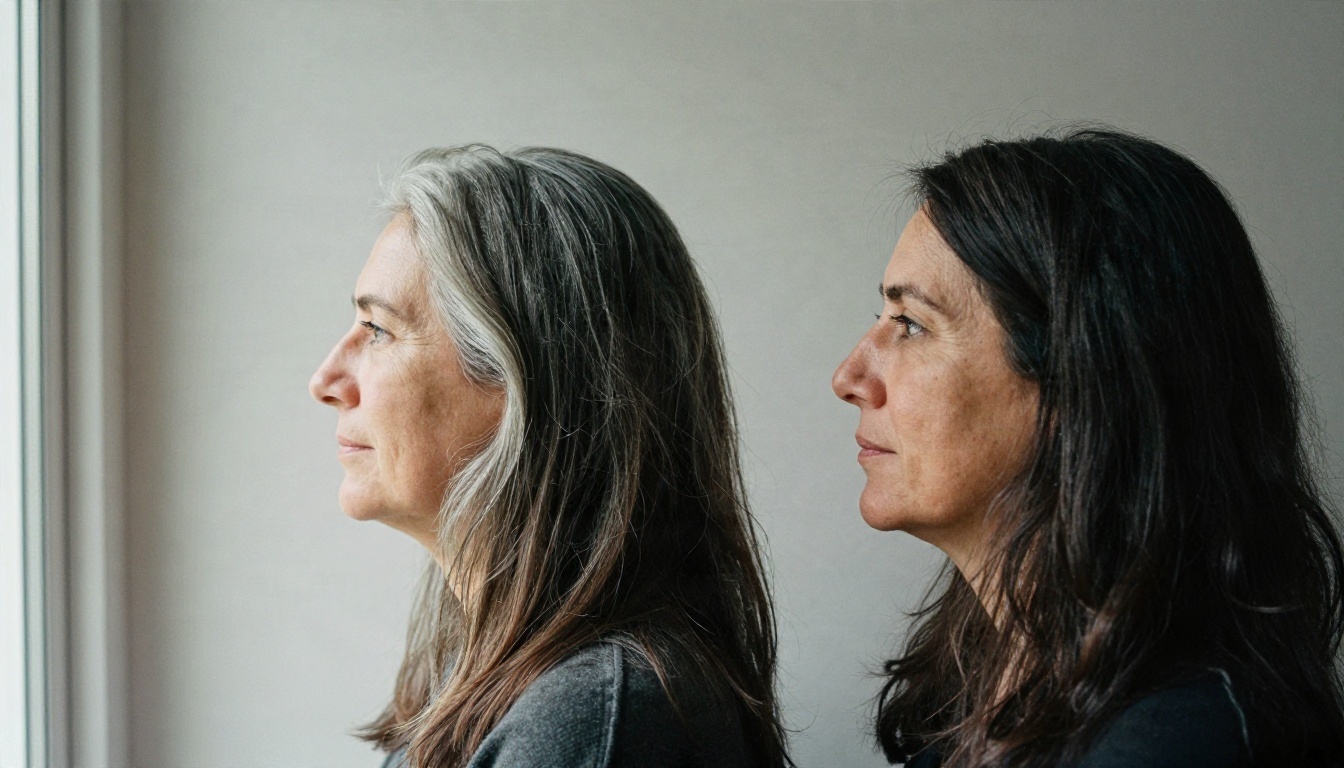
The catch is that hair behavior is individual. Some people go fully white by fifty, others keep dark hair into their seventies, and many men keep a full head of hair while others lose it by thirty. The model picks the statistically common outcome, not yours.
Lighting and Consistency
Because modern editors keep the original lighting, background and clothing, the aged face sits naturally in the frame. Shadows fall in the right places, and the new skin reflects light the way the old skin did. This consistency is the biggest reason current outputs feel more believable than the app filters from a few years back.
Where It Fails
Realism ends where biology begins. These are the failure patterns that show up again and again.
Bone Structure Drift
Faces change with age in ways that go beyond wrinkles. The skull slowly remodels, fat pads shift downward, the nose tip droops, and the jaw can lose definition. Models know the average direction of these changes but not how they apply to your bone structure.
The typical symptom: the aged face keeps your eyes and mouth but quietly adopts a "generic elder" nose and jawline. If you compare it against photos of your parents at that age, the match is often weaker than the surface realism suggests.
Lifestyle Is Invisible
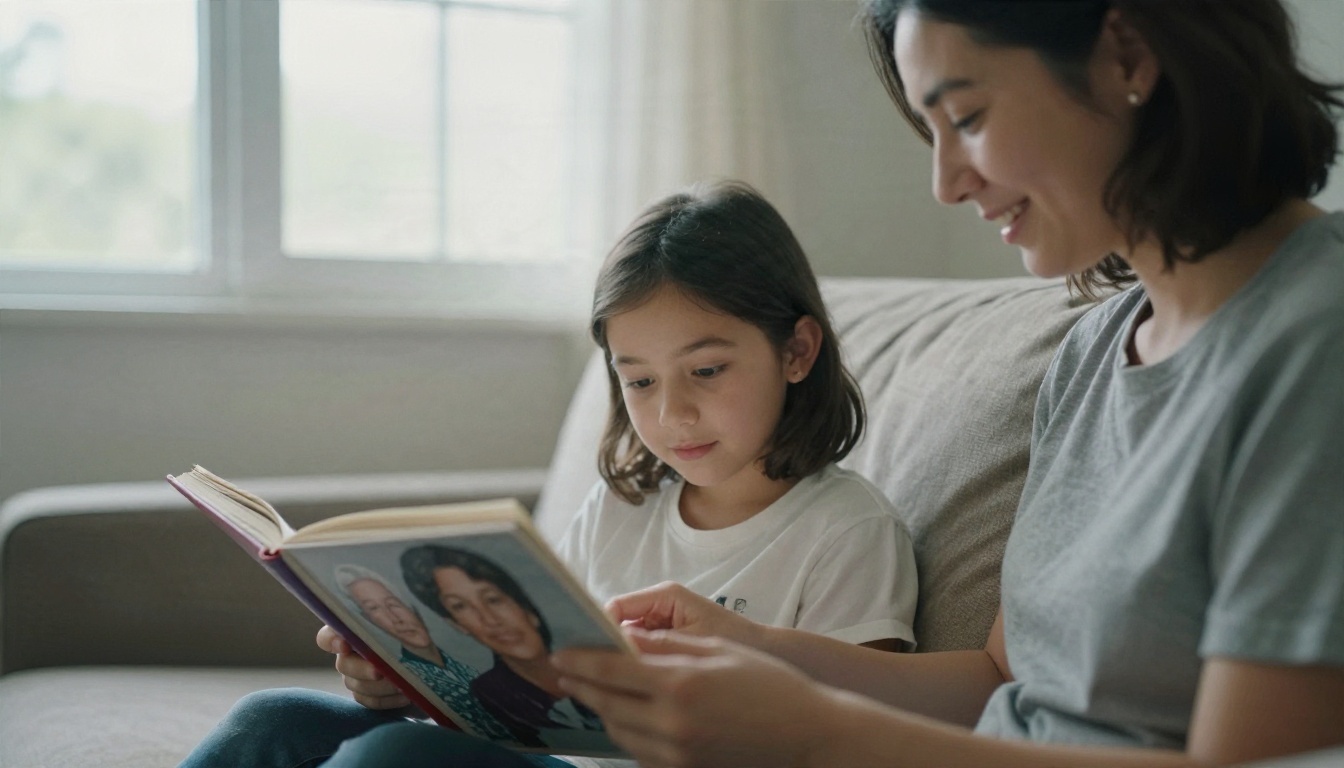
Two twins can look ten years apart by sixty because of smoking, sun exposure, weight changes, stress and sleep. A model sees none of that. It cannot know that you spend weekends hiking in strong sun, or that you have never touched a cigarette. The output reflects an average lifestyle, which makes it systematically less accurate for anyone far from average.
Children and Long Jumps
Accuracy drops sharply when the age gap is large or when the starting face is young. A six-year-old's face has not settled yet. Cheekbones, nose bridge and jaw all develop dramatically through adolescence, so aging a child photo by thirty years is mostly guesswork layered over a face that has not finished forming.
Long jumps, such as twenty to eighty in one step, also tend to lose identity. The more change you request, the more the model leans on its average old face and the less it leans on you.
Identity Loss and Over-Smoothing
Two opposite errors appear depending on the settings and prompt:
- Over-aging: deep wrinkles, sunken cheeks and hollow eyes applied far too aggressively, producing a face that looks ninety when you asked for sixty.
- Under-aging with smoothing: skin that stays too polished, with soft retouched texture that looks like a beauty filter on an older face.
Both are signs that the model is following the prompt words more than the facial evidence.
Accuracy by Scenario
Not every use case deserves the same trust. Here is a practical way to think about it.
| Scenario | Visual realism | Likeness to real future | Typical failure |
|---|
| Adult, 10 to 20 years ahead | Very high | Moderate to good | Hair pattern and nose shape |
| Adult, 40 or more years ahead | High | Low to moderate | Generic elder face |
| Teen aged to adult | High | Low | Bone structure not yet settled |
| Child aged to adult | Moderate | Very low | Almost invented from scratch |
| Rejuvenation (older to younger) | High | Moderate | Skin too smooth, expression lost |
| Old family photo aged forward | Moderate | Low | Source quality limits detail |
The short version: short jumps from adult photos are the most reliable. Everything else is closer to illustration than prediction.
How to Test the Result Yourself
You do not need special software to judge how trustworthy an aged portrait is. A few quick checks go a long way.
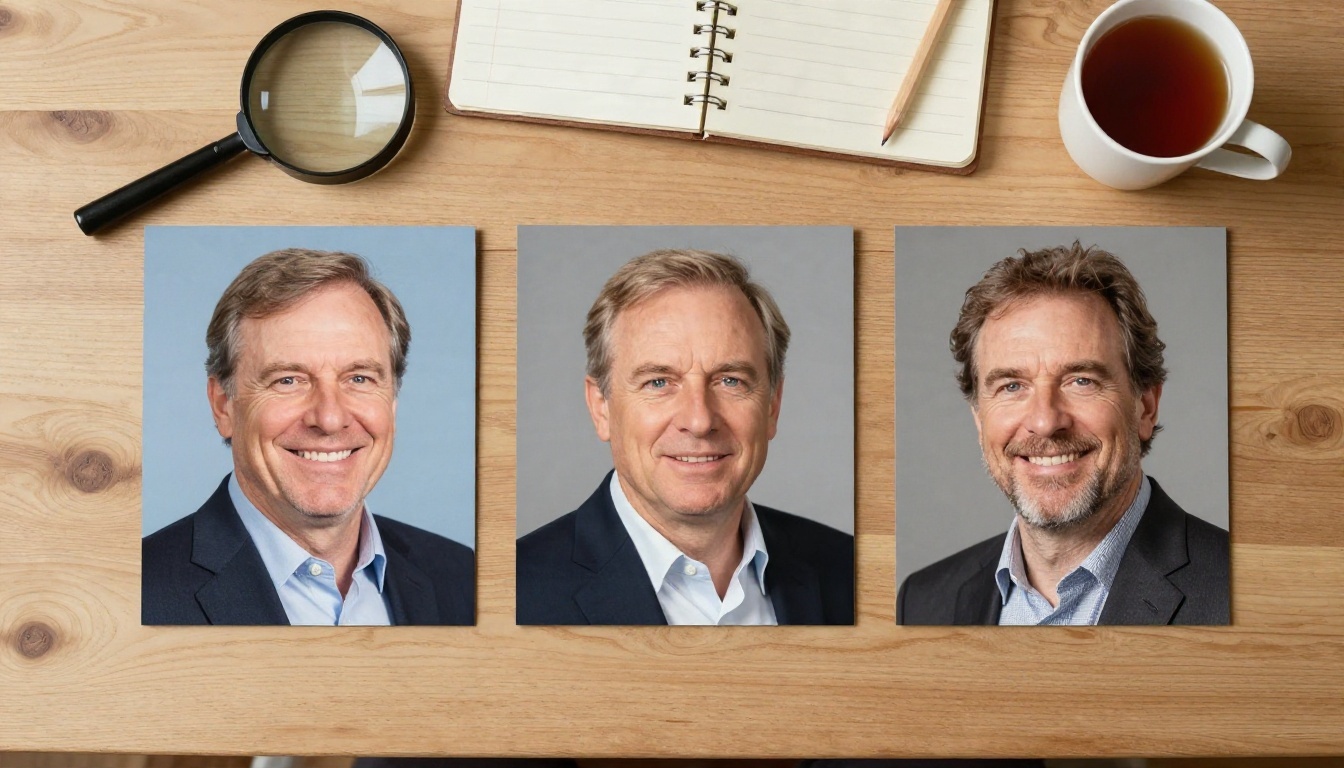
- Compare with relatives. Place the result next to photos of your parents or grandparents at that age. Shared features like nose shape, jawline and brow weight tend to run in families, and they are more predictive than any model average.
- Run two different prompts. Generate once with a small jump (plus 15 years) and once with a large one (plus 40). If the 15-year version looks like you and the 40-year version looks like a stranger, trust the shorter one.
- Check the ears and hairline. Ears keep growing slowly and their shape is highly personal. If the model changed them noticeably, identity drift is likely.
- Look at the teeth and eyes. Teeth that are too perfect or eyes that look too bright give away over-processing.
- Try several seeds or variations. If five generations produce five noticeably different noses, none of them is a prediction.
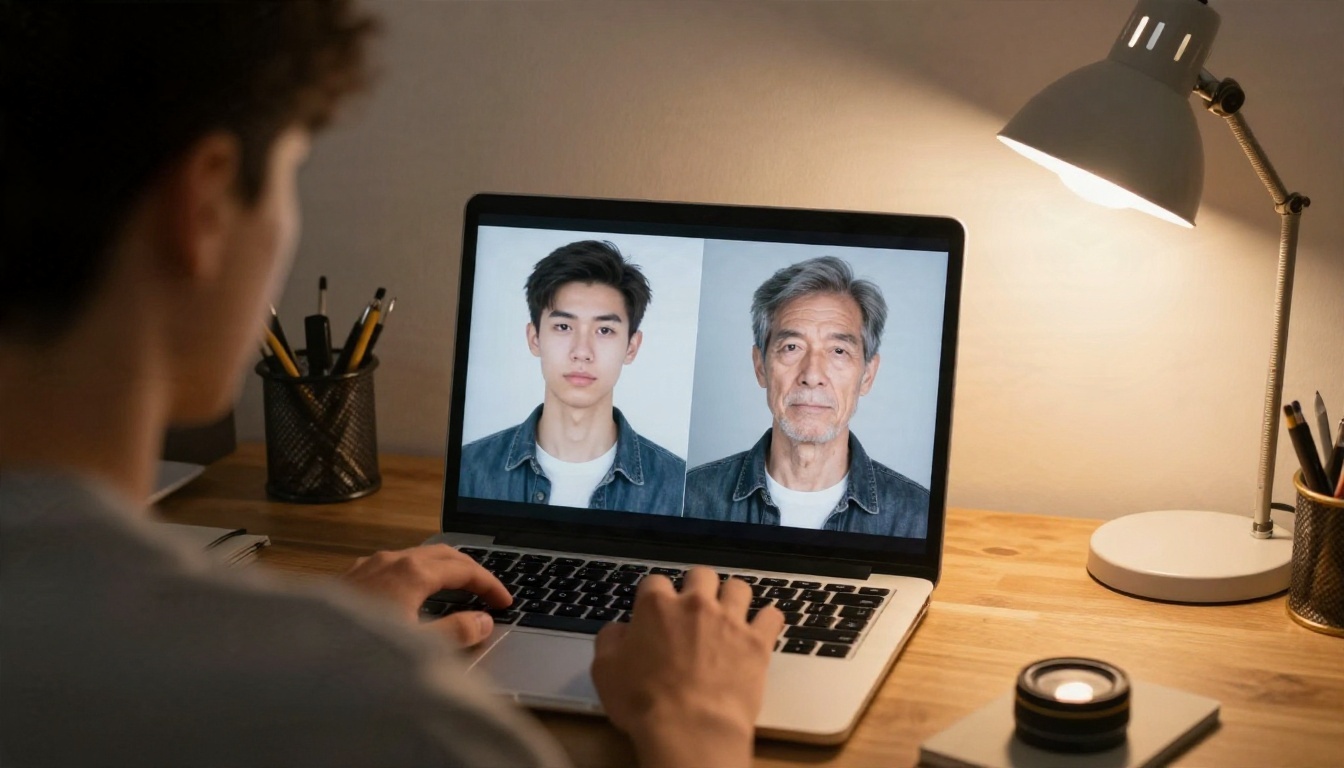
💡 Quick rule: if your family members cannot tell who the aged portrait is without being told, the likeness is weak, no matter how sharp the pores look.
How to Age a Photo on PicassoIA
If you want to try this yourself, an image editing model with a reference input is the right tool. Nano Banana is a good place to start because it edits an existing photo while holding the face steady. For comparison, Seedream 4.5 and Flux Kontext Fast give different interpretations of the same instruction, which is useful for spotting where models disagree.
Pick the Right Source Photo
The input matters more than the prompt. Use a photo that is:
- Front-facing or slight three-quarter angle
- Evenly lit, with no harsh shadows across the face
- Sharp, with the eyes in focus
- Free of sunglasses, heavy filters or strong makeup
- High resolution, since low-quality inputs force the model to invent detail
If your original is blurry or small, run it through a super resolution tool first so the model has real facial detail to work with.
Write a Specific Prompt
Vague prompts like "make me old" invite generic elders. Be concrete and tell the model what to keep:
Keep the same person, same face shape, same eyes and nose, same lighting and background. Age the person by 20 years: natural gray streaks, realistic fine lines, mild skin laxity. Photographic, no smoothing, no retouching.
A few settings and habits that help:
| Choice | Better option | Why |
|---|
| Age jump | 10 to 25 years per step | Keeps identity intact |
| Wording | "natural," "subtle," "realistic" | Prevents caricature |
| Preservation | State what must stay the same | Reduces face drift |
| Iteration | Chain small steps | More faithful than one big jump |
Check and Refine
Generate several variations, pick the one closest to your family resemblance, then refine it with a second edit pass. If the hair is wrong, ask only for a hair change. If the skin looks waxy, ask for "visible pores and natural skin texture." Small targeted edits beat a full re-roll.
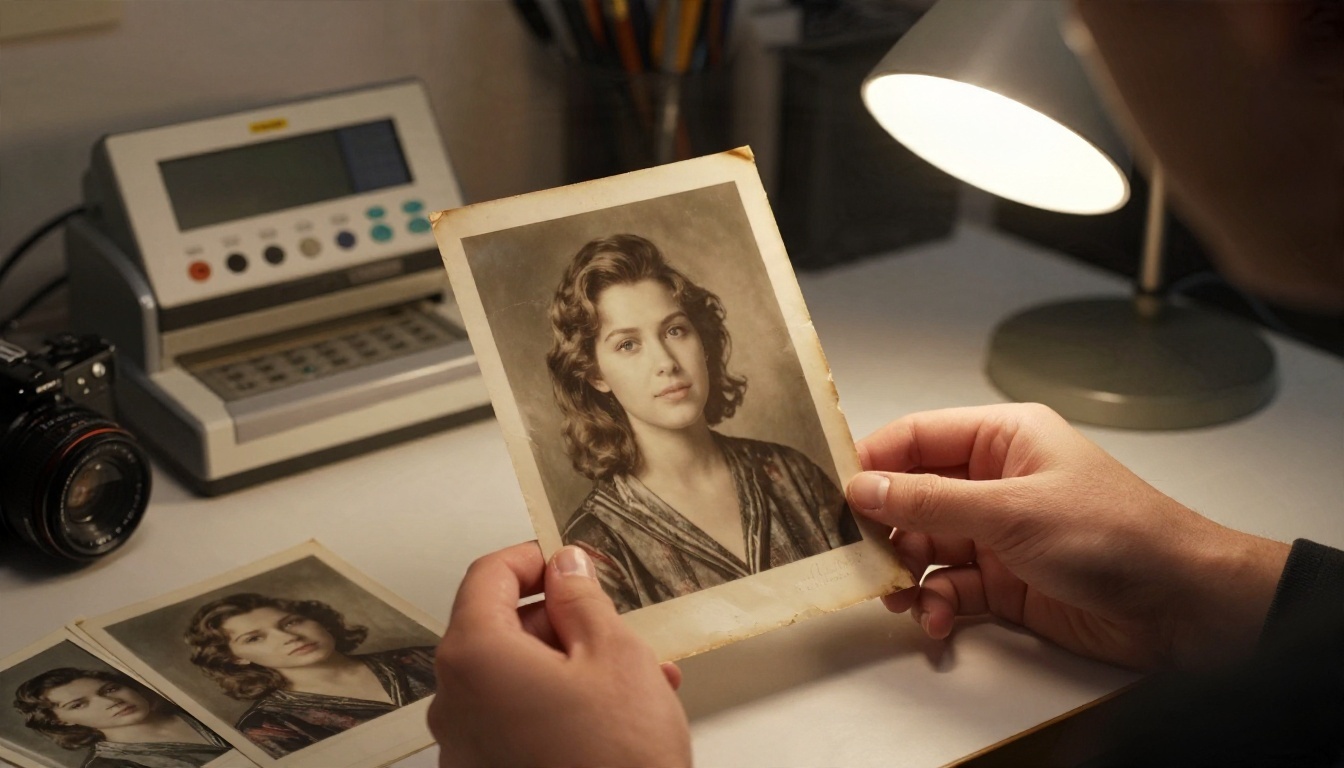
For old scanned photos, restore first (fix noise, scratches and blur), then age. Doing it in the other order bakes the damage into the aged result.
Spotting a Bad Result Fast
Even when a portrait looks great at a glance, certain details expose it. Watch for these:
- Waxy or plastic skin with no pores, especially on the forehead and cheeks
- Symmetry that is too perfect, since real faces age asymmetrically
- Wrinkles that do not match expressions, like deep smile lines on a neutral face
- Teeth and gums that look pasted on or unnaturally even
- Neck and hands that stay young while the face is old, a common mismatch when only the face is edited
- Ears and jewelry that change shape between source and result
Neck and hands deserve special attention. A seventy-year-old face on a thirty-year-old neck breaks the illusion immediately, and the fix is to include the neck and hands in the edit instruction.
What the Results Are Good For
Treat AI age progression as a creative and illustrative tool, not a forecast. It works well for:
- Fun comparisons between family members at different stages of life
- Visualizing a character for fiction, film or game projects
- Estimating how a long-lost acquaintance might look, as a rough starting point only
- Portrait concepts and mood boards for photographers and designers
- Personal curiosity and conversation starters
It is a poor fit for anything that needs real accuracy, such as identification or medical judgment. Forensic age progression still relies on trained specialists who combine software with family photos and anatomical knowledge, and even they treat results as approximations.
💡 Privacy note: when you edit photos of other people, make sure you have their permission, and avoid uploading images of children you do not have the right to use.
Try It on Your Own Photos
The best way to judge accuracy is to test it against something you can verify. Pick a clear portrait, age it by a modest 15 years with Nano Banana, then run the same photo through Seedream 4.5 and Flux Kontext Fast. Line the results up next to photos of your relatives. Notice where all three agree and where they split, because the disagreements show exactly where the models are guessing.
PicassoIA puts image editing, super resolution and restoration tools in one place, so you can clean up an old scan, age it, and refine details without switching apps. Browse the full model list at picassoia.com/en/all-models, upload a photo, and see how believable your own aged portrait can get.


