You finish the last mix, you open an image generator, and twenty minutes later you have a stunning square picture that looks like it belongs on a vinyl sleeve. Then the doubts arrive. Will Spotify accept it? Will your distributor reject it? Can anyone steal it, or can you even own it? The short answer is that AI album art is not banned on Spotify, but a handful of rules, a few legal gaps, and a lot of public opinion sit between you and a clean release. This article walks through each of them in plain language so you can decide with your eyes open.
💡 Quick answer: Spotify itself does not forbid AI-generated artwork. Your distributor is the first gatekeeper, copyright protection for fully AI-made images is weak in the United States, and artwork that imitates real people or real artists is where most takedowns start.
Why the Debate Got Loud
What Triggered the Backlash
For years, album art was one of the last creative steps that still felt handmade: a photographer, an illustrator, a friend with a camera. When image generators became good enough to produce sleeves in seconds, the market flooded. Some of that flood was harmless, like a bedroom producer who could not afford a designer. Some of it was not. Catalogs of hundreds of near-identical releases appeared with similar generated art, and fake albums were attributed to real artists, which pushed streaming services and distributors to tighten their screening.
That is the root of the controversy. It is rarely about one musician using one generated image. It is about volume, deception, and credit.
Where Real Artists Stand
Opinions inside the music community fall into three camps:
- Supporters see generated images as an affordable tool, no different from stock photography or a template.
- Critics say it takes paid work away from illustrators and photographers, and that models were trained on their portfolios without permission.
- Pragmatists use AI for drafts and mood boards, then hire or collaborate with a designer for the final piece.
None of these camps is wrong about the feelings involved. But feelings are not policy, so let's look at what the platforms actually enforce.
What Spotify Actually Says
Spotify Does Not Ban AI Art
Spotify's public rules are aimed at abuse, not at a particular tool. Its 2025 policy update went after spam, impersonation, and undisclosed AI use. There is no rule that says "a generated image cannot be your album artwork." If your picture is original, does not mislead listeners, and meets the technical specs, the platform has no reason to care how it was made.
The Impersonation and Spam Lines
Where artwork gets into trouble is when it supports deception. Examples that regularly trigger removals:
- Artwork that shows a realistic person who does not exist presented as a real artist, which can attract an AI persona style label according to industry summaries.
- Art that copies another artist's sleeve closely enough to confuse listeners.
- Mass-produced releases that reuse near-identical generated images to game recommendations.
- Using a real artist's name, face, or logo to make a release look official.
💡 Tip: If your release stands on its own, with a distinct title, a clear artist identity, and artwork that does not mimic anyone, you are far from the territory these rules target.
Labels and Disclosure
Spotify has adopted a credits standard that lets creators flag AI involvement in a release. The strongest focus is on audio, such as AI vocals and AI-composed parts, but the direction of travel is clear: the industry wants honest labeling. Being upfront about how your artwork was made costs you nothing and protects you if someone raises questions later.
| Rule area | What it targets | Does AI artwork alone trigger it? |
|---|
| Spam filter | Mass uploads, duplicate content | No, unless you upload in bulk |
| Impersonation policy | Fake artists, cloned voices, copied identities | Only if the art imitates someone |
| Disclosure credits | Honest labeling of AI use | No, but good practice |
| Technical specs | Size, format, no blurry or text-heavy art | Same as any artwork |
Distributors Decide First
The Upload Gate
Here is the part many artists miss: you do not upload directly to Spotify. You go through a distributor, and the distributor sets its own rules, which are often stricter than Spotify's. Your artwork passes through their review before it ever reaches a streaming service. Rejections at this stage usually come with a short, vague message, so it helps to know the patterns.
Comparing Common Distributor Stances
Policies change often, and I could not find a single public rule written only for AI artwork at each company, so treat this table as a pattern, not a promise.
| Situation | Typical outcome |
|---|
| Original AI image, no real people, no logos | Usually accepted |
| AI image with readable text, watermarks or stock marks | Often rejected for quality |
| Photoreal face presented as a real artist | Flagged for review |
| Artwork closely copying a famous sleeve | Rejected or removed later |
| Catalogs of hundreds of similar generated releases | Often refused outright |
| Releases with fully AI-generated audio | Policy varies a lot by company |
Some distributors accept AI artwork when it meets their quality specifications but reject fully autonomous or mass-generated catalogs. Others are tougher on AI music overall. Read the current terms of the service you plan to use before you pay for a release.
💡 Tip: Keep the original prompt, the generation date, and any edit files. If a distributor asks how the artwork was made, you can answer in one email.
Who Owns AI Album Art?
What US Courts Have Said
This is the legal core of the controversy. In the United States, copyright protection depends on human authorship. A federal appeals court backed that view in 2025, and in March 2026 the Supreme Court declined to hear the Thaler case, leaving that ruling in place. The Copyright Office's 2025 report says that outputs produced purely in response to a text prompt do not have enough human authorship to be protected.
In plain terms: if you type a sentence and accept the first image, you probably cannot claim copyright over that image in the US. Someone else could, in theory, reuse it, and you would have limited legal ground to stop them.
How Human Input Changes Things
The picture is not entirely bleak. The Copyright Office treats human contributions case by case. Work that a person selects, arranges, edits, or paints over can earn protection for that human part. Registrations have been granted where the applicant claimed only the human-created elements and excluded the AI-generated material. A case involving an AI tool and a human artist (Allen and Midjourney) is still being argued, so the boundaries keep moving.
Practical ways to add real human authorship:
- Composite several generated images and hand-paint transitions.
- Retouch faces, hands, lighting, and color by hand.
- Add original photography, drawing, or typography.
- Keep a record of each editing step.
Rules Outside the US
Countries treat this differently. Some require a human creator, others have debated special rules for computer-generated works, and the legal status of training data is being fought in courts around the world. If you release music globally, assume that protection for purely generated images is uncertain and plan around it rather than counting on it.
💡 Not legal advice: If your release has real money behind it, a short consultation with a music or IP lawyer is cheap insurance.
Risks Beyond Copyright
Lookalikes, Real People, Trademarks
Even when you own nothing, you can still be responsible for what the picture shows. Three common traps:
- A real person's likeness. A generated face that resembles a celebrity can create right-of-publicity problems.
- Trademarks and logos. A guitar brand, a clothing label, or a fake record label mark can get a release pulled.
- Style imitation of a living artist. Prompting for "in the style of" a named illustrator may not be illegal everywhere, but it is the fastest way to trigger public backlash.
Training Data Questions
Many generators were trained on large image collections, and lawsuits over that practice are ongoing. For you as a musician, the practical question is simple: does the tool you use state clearly that you may use outputs commercially? Read the license of whichever model you choose and keep a copy of the terms at the time you generated the image.
How to Make Safer Album Art on PicassoIA
If you decide AI is the right tool, the goal is artwork that is original, clean, and defensible. PicassoIA gives you several models that suit different looks, and each model page lists its details.
| Need | Model | Why it fits |
|---|
| Rich photographic scenes at high resolution | Seedream 4.5 | Strong detail and lighting for moody sleeve imagery |
| Editing and refining an image you already have | Nano Banana Pro | Handy for iterating on composition and details |
| Clean, realistic images fast | Imagen 4 | Natural lighting and realistic textures |
| Artwork that includes a short title or word | Ideogram v4 Quality | Handles lettering better than most models |
| Sharpening for print and 3000 pixel specs | Real ESRGAN | Upscales images up to 4x |
Step by Step With Seedream 4.5
- Open the model page. Go to Seedream 4.5 on PicassoIA.
- Write a specific prompt. Describe subject, setting, light, and camera look. For example: "a lone hiker on a salt flat at blue hour, wide lens, soft haze, film grain, muted colors."
- Choose a square or near-square ratio. Streaming artwork displays square, so compose with the center in mind.
- Generate several versions. Pick the one with the strongest mood and the fewest oddities in hands, text, and edges.
- Avoid names and logos. Do not prompt with a real artist, brand, or celebrity.
- Upscale if needed. Run the final through Real ESRGAN to meet the pixel size your distributor wants.
- Add your own touch. Retouch, crop, add a typeface you chose, or blend your own photography.
💡 Tip: Keep text on the artwork to one or two short words. Tiny text turns to mush at thumbnail size and is a common reason for quality rejections.
Match the Artwork to the Music
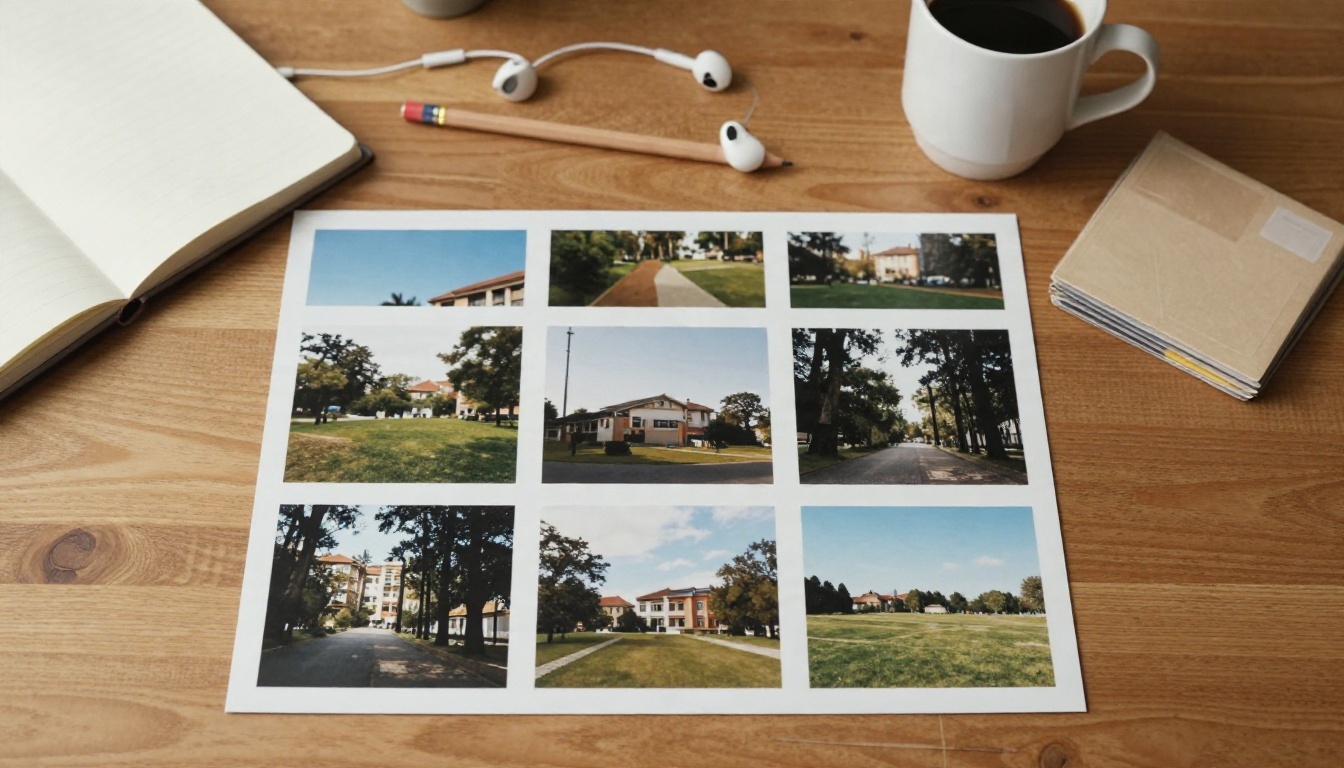
The best sleeves feel specific to the record. A quiet folk EP asks for natural light and open space. A club single can handle high contrast and bold crops. Before you generate anything, write three words that describe the sound, then build the prompt around those words rather than around a trend. That one habit makes the result look intentional, and intentional artwork is much less likely to be mistaken for mass-produced filler.
A Pre-Upload Checklist
Run through this list before you submit your next release.
| Check | Why it matters |
|---|
| Artwork is original and not a copy of an existing sleeve | Avoids takedowns and backlash |
| No real person's face, no brand logos | Avoids likeness and trademark claims |
| Meets size and format specs, square, sharp, no blur | Passes automated review |
| Little or no text | Stays readable as a thumbnail |
| Prompt, date and edit files saved | Proof of process if questioned |
| Tool license allows commercial use | Protects your release |
| Distributor terms read this month | Policies change often |
| AI involvement disclosed where credits allow it | Honest and safe |
When to Hire a Human Instead
AI is not always the right call. Consider a designer or photographer when your release has a big marketing budget, when you want a visual identity that you can legally protect, or when your fan base values handmade work. Many artists land in the middle: generate options, then hire a designer to rebuild the winning idea with original elements. That route gives you speed and a clear chain of authorship.
Questions Artists Ask
Will Spotify Remove My Release for AI Artwork?
Not for that reason alone. Removals follow deception, impersonation, spam, or copied content. A distinct, original image is not the problem.
Can I Copyright My AI-Generated Sleeve?
In the US, a purely prompted image has weak or no protection. Heavy human editing can protect the human-made parts. Other countries differ, so check where you plan to release.
Do I Have to Say the Artwork Is AI-Made?
There is no universal rule for artwork today, but credits standards are moving toward labeling. Disclosing is the safest habit, especially if your art shows a realistic person.
Can Someone Else Reuse My AI Image?
If the image has no copyright protection, others may be free to copy it in some places. That is why adding human work matters if you care about exclusivity.
Is It Safe to Prompt in an Artist's Style?
It may not be illegal everywhere, but it is risky for your reputation and may trigger complaints. Describe the look in your own words: light, color, mood, texture.
Make Your Own Artwork Today
The controversy will keep evolving, but the practical path is already clear: use AI openly, keep it original, avoid real people and logos, add human work where you can, and read your distributor's terms before you upload. Do that, and your release has very little to fear from the rules.
Ready to try it? Open Seedream 4.5 on PicassoIA, write a prompt that matches your song, and generate a handful of versions. Refine your favorite with Nano Banana Pro, upscale it with Real ESRGAN, and keep your notes. You can browse every available model at picassoia.com/en/all-models and find the look that fits your sound.


