You type a line like "Welcome back, senpai! I made tea for you," press a button, and a bright, bubbly voice reads it back with the exact bounce you imagined. That is what an AI anime voice generator does, and in 2027 you can try it free online without a microphone, a studio or a voice actor on speed dial. Whether you are dubbing a fan animation, building a game character or just recording a goofy greeting for a friend, the tools are finally good enough to sound expressive instead of robotic.
This article walks through how these generators work, which cute voice styles are worth trying, how voice cloning fits in, and what to type to get convincing results. You will also find script examples you can paste straight into a text box, plus a step by step walkthrough using a real model on PicassoIA.
What an Anime Voice Generator Does
An anime voice generator is a text to speech system tuned, or prompted, to produce the exaggerated, emotive delivery you hear in animated series. Think high pitched cheer, breathy whispers, dramatic shouts and the sudden drop into a deadpan line. Most tools combine three things: a speech model, a set of voices or a way to design one, and controls for emotion and pacing.

Text to Speech With Attitude
Standard text to speech reads words. Anime style speech performs them. The difference comes down to prosody: how pitch rises at the end of a question, how a syllable stretches when a character is embarrassed, how a pause lands before a punchline. Modern models such as Gemini 3.1 Flash TTS accept natural language direction, so you can write the style into the prompt instead of hunting through sliders.
Voice Cloning Versus Voice Design
These are two different routes, and mixing them up wastes time.
- Voice cloning copies the timbre of a real voice from a short audio sample. You supply the recording, the model supplies new sentences in that voice.
- Voice design builds a brand new voice from a written description, such as "young, light, slightly nasal, always sounds excited."
For anime work, design is usually the faster path to a cute, stylized sound. Cloning is better when you want consistency with a specific performer who has agreed to it.
💡 Tip: If you want a stylized character that does not belong to any real person, start with voice design. You avoid consent questions and you can iterate the description as many times as you like.
Cute Voice Styles That Work
Not every "cute" voice is the same. Anime has a vocabulary of archetypes, and each one responds to different prompt wording. Here are the most reliable ones.
Soft and Shy
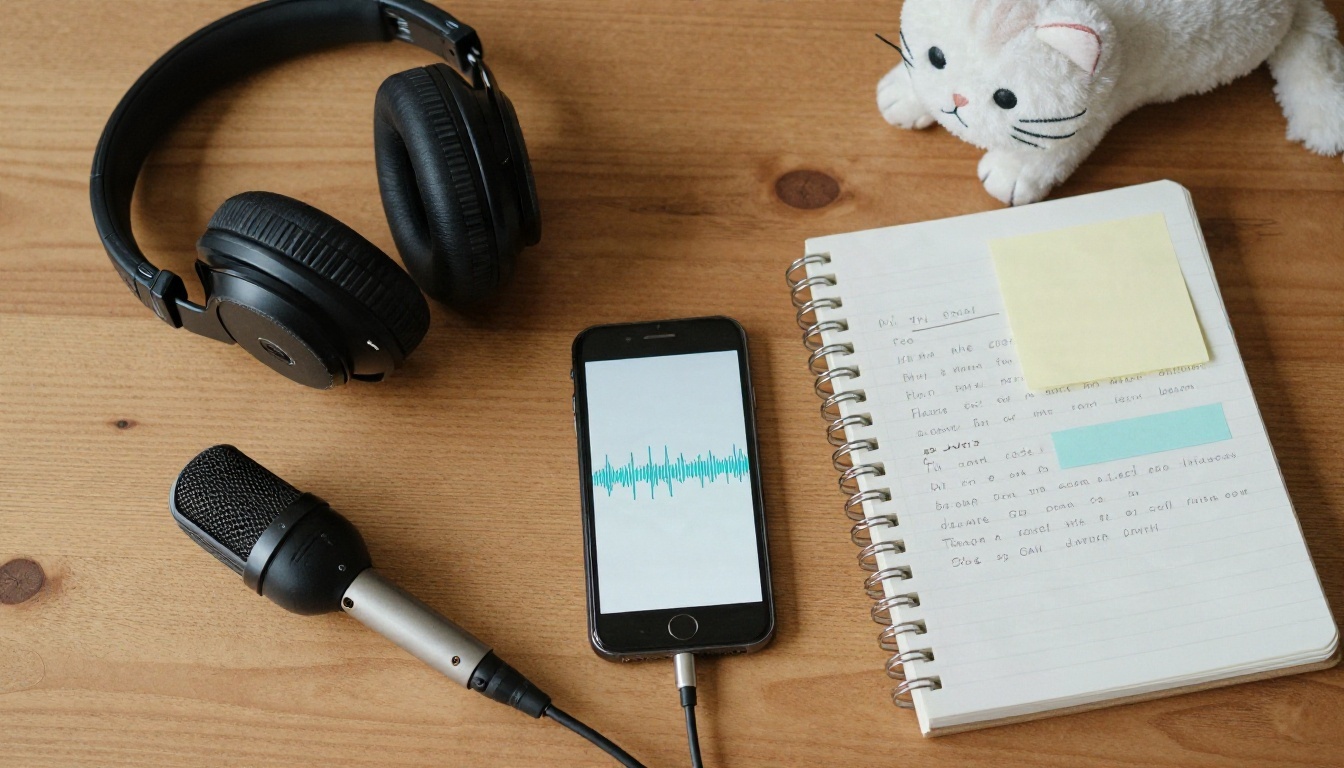
Quiet volume, slow pace, small hesitations. Prompt words that help: whispery, gentle, hesitant, slightly trembling. Add ellipses in your text ("U-um... I think I like it...") because most models treat them as natural pauses.
Bright and Bubbly
Fast tempo, high pitch, rising endings. Use short sentences and exclamation marks. Prompt words: cheerful, energetic, smiling while speaking. Avoid long paragraphs, because the energy fades after two or three sentences.
Calm Narrator
A steady, warm tone for opening monologues and recap scenes. Prompt words: soft, measured, thoughtful, close to the microphone.
Heroic and Dramatic
Lower pitch, strong emphasis, longer breaths before big lines. This is the voice for "I will protect everyone!" moments. Capital letters on a single word often add punch.
| Style | Pitch | Pace | Prompt words to try | Best use |
|---|
| Soft and shy | Medium high | Slow | whispery, hesitant, gentle | Romance scenes, ASMR style clips |
| Bright and bubbly | High | Fast | cheerful, smiling, energetic | Greetings, mascots, social posts |
| Calm narrator | Medium | Steady | warm, measured, thoughtful | Story intros, recaps |
| Heroic and dramatic | Low to medium | Varied | bold, intense, determined | Game bosses, trailers |
| Playful teasing | Medium high | Bouncy | mischievous, sing-song, smirking | Comedy skits |
Free Online: What to Expect
"Free" in this space usually means you can generate short clips without paying up front, with limits on length, volume or quality. The honest approach is to treat free access as a testing ground. Check the current limits on each model page, because they change.
Short Lines Come First
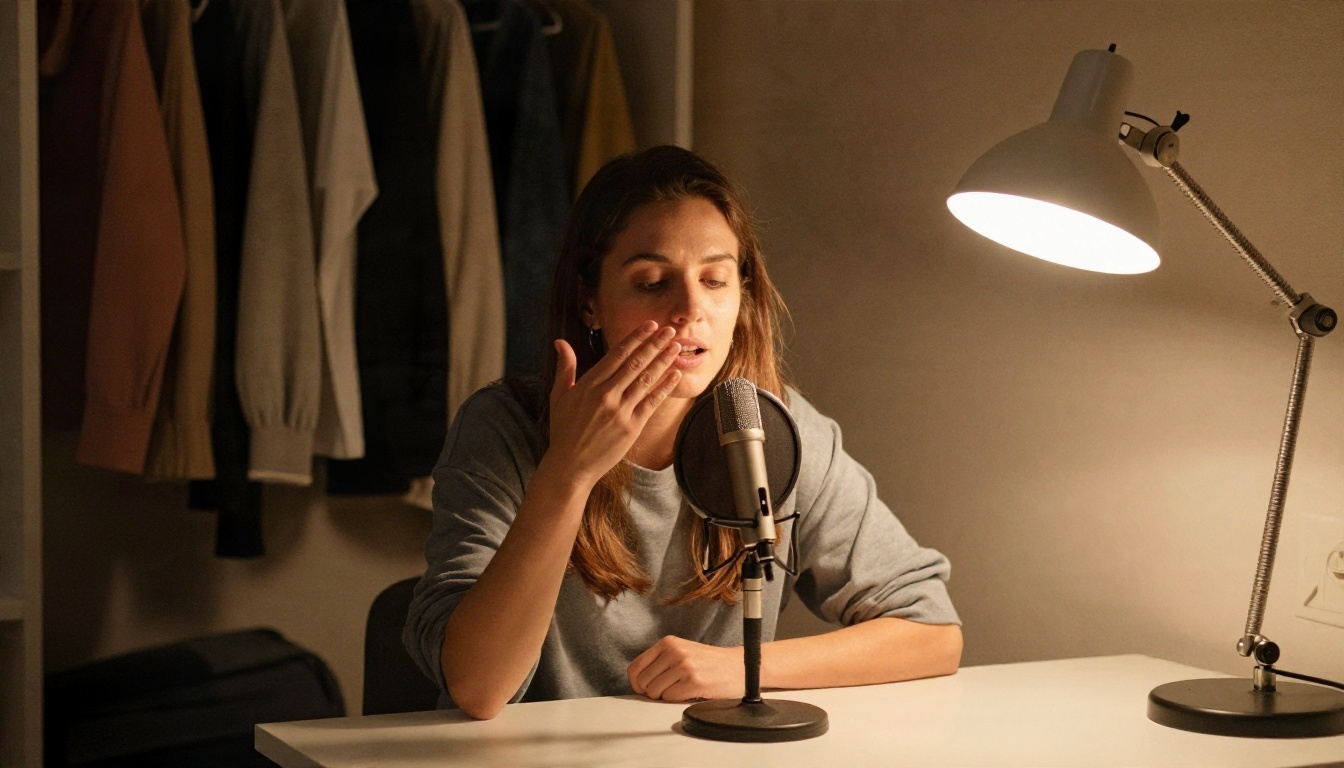
Start with one or two sentences. Short clips load fast, cost little, and tell you immediately whether the voice suits the character. Once a voice sounds right, extend the script.
Which Model for Which Job
PicassoIA hosts a long list of speech models, so you can compare them on the same line. A few that fit anime style work:
💡 Tip: Run the same sentence through three models before you commit. A line that sounds flat in one often sounds alive in another, and the comparison takes about a minute.
How to Use Qwen3 TTS on PicassoIA
Qwen3 TTS is a strong first stop because it covers both routes: it can clone a voice from a reference or design one from a description. That makes it a good fit for anime characters.
Step by Step
- Open the Qwen3 TTS page on PicassoIA.
- Paste your line into the text field. Keep it to one or two sentences for the first test.
- Choose your route: describe a voice in words, or upload a short reference clip if you have permission to clone it.
- Write the voice description with age, pitch, mood and pacing, for example "young girl, light and airy, cheerful, quick tempo."
- Run the generation and listen with headphones. Small flaws, such as a swallowed syllable, are easy to hear that way.
- Adjust one thing at a time, either the text or the description, and generate again.
- Download the audio file once the delivery matches your idea.
Parameter Tips
- Punctuation is a control knob. Commas shorten pauses, ellipses lengthen them, and exclamation marks raise energy.
- Spell sounds the way they should be heard. Write "Ehhh?!" or "Hmph" if you want that reaction, since models read what you type.
- Keep one emotion per clip. Mixed emotions in a single sentence tend to average out into a neutral read.
- Fix names with phonetic spelling. If a character name is mispronounced, write it the way it sounds, such as "Sah-koo-rah."
Voice Cloning From a Short Sample
Cloning is the part most people find surprising: a clip of a few seconds to under a minute can be enough for a model to reproduce the tone of a voice. Quality depends almost entirely on the recording you feed it.
Record a Clean Sample
Good input beats clever settings every time. Follow these habits:
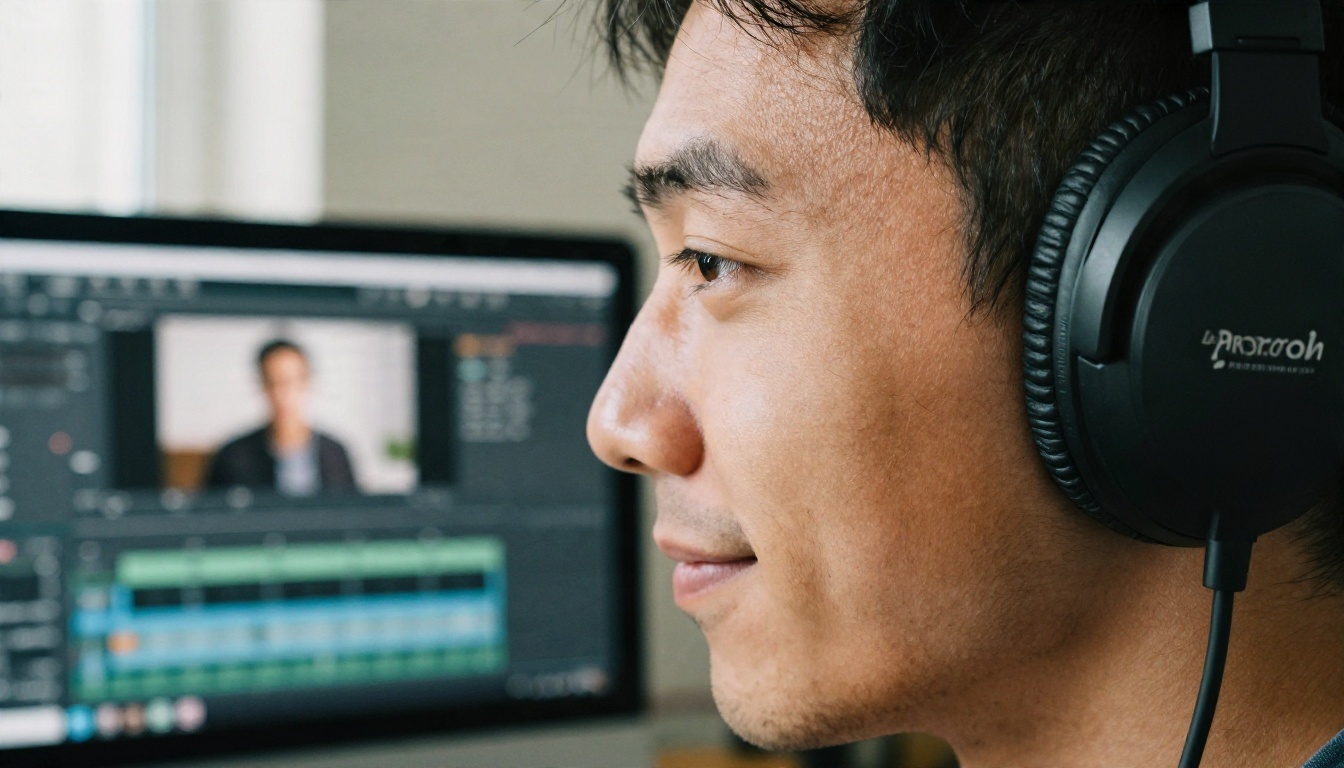
- Record in a small, soft room. A closet full of clothes works well because fabric soaks up echo.
- Keep the microphone about a hand's width from your mouth, slightly off to the side to reduce harsh "p" sounds.
- Speak in the style you want back. A sleepy sample will not produce an energetic clone.
- Avoid background music, fans and notification sounds.
- Leave a second of silence at the start and end.
Clone With Chatterbox
Chatterbox is built for cloning with emotion control, which suits anime lines where mood shifts quickly. Upload your sample, enter new text, and adjust the expressiveness until the delivery feels right. If you need a quicker draft, Chatterbox Pro is another option in the same family.
Build a Reusable Voice
When you want the same character to speak across a whole series, Voice Cloning lets you create a custom voice from a sample and then reuse it with the Speech 2.8 HD model for studio quality results. Consistency matters more than perfection, because audiences notice when a character sounds different from one episode to the next.
💡 Tip: Save your best sample and your best prompt in a notes file. Reusing both is the quickest way to keep a character sounding the same across months of projects.
Script Examples to Copy
Reading about styles helps, but nothing beats real lines. Paste these in, then tweak.

Greeting and Mascot Lines
Style: bright and bubbly, fast, smiling.
"Hi hi! Welcome to the shop! Today's special is strawberry cream, and it's super, super good!"
Style: soft and shy, slow, whispery.
"U-um... thank you for waiting. I hope you like it... I tried my best."
Game Character Lines
Style: heroic, determined, low pitch.
"This is not over. As long as I'm standing, nobody gets past me!"
Style: playful teasing, bouncy, smirking.
"Oh? You lost again? Don't worry, I'll go easy on you. Maybe."
Narration and Recap
Style: calm narrator, warm, measured.
"The festival lights were just starting to glow when she finally made her choice. Nothing would be the same after tonight."
Quick Reaction Clips
Short reactions are the secret weapon for comedy edits. Try "Eeeh?!", "Hmph!", "Yatta!" and "Mou... baka." as single line generations, then stack them on a timeline.
Put the Voice on a Face
Audio alone is fine for podcasts, but most anime voice projects end up on screen. Once you have your line, you can match it to a character with a lip sync model such as Lipsync 2, which syncs a voice track to video. Generate the voice first, lock the timing, then animate the mouth, because changing the audio later means redoing the sync.
If your voice track is for a translated release, ElevenLabs Dubbing handles video dubbing into 90+ languages, which is useful when your fan project reaches viewers outside your home language.
Fix Common Voice Problems
Even good models stumble. Most issues have a quick fix.
- The voice sounds flat. Add direction to the prompt ("excited, bouncing") and use exclamation marks sparingly but deliberately.
- Words run together. Break the line into two shorter sentences or add commas.
- Pitch sounds too mature. Add words like "youthful" and "light" to the description, or switch to a model with a brighter voice list.
- Cloned voice sounds metallic. Re-record the sample in a quieter room and trim long silences.
- Name is mispronounced. Respell it phonetically in the text.
- Emotion changes mid-clip. Split the script into one clip per emotion and join them in an editor.
Use It Responsibly
Voice tools are fun, and they carry real responsibility. A few ground rules keep your projects safe and your audience trusting you.
Get Consent for Cloning
Only clone a voice if the person agreed, ideally in writing. That includes friends, streamers and voice actors. Copying a professional performer without permission can cause legal and personal trouble, and it is simply unfair to them.
Label AI Voices When It Matters
If a clip could be mistaken for a real person's statement, say that it is AI generated. For a clearly fictional anime character, a short note in the description is enough. Honest labeling protects you and your viewers.
Try Your Own Anime Voice Today
You now have the full workflow: choose a style, write a short line, test it on two or three models, clone or design the voice, and attach it to a face if you want video. The fastest way to get comfortable is to make something small right now. Open Qwen3 TTS, paste one of the example lines above, and change a single word in the prompt to hear how the personality shifts.
When you are ready for more voices, languages and quality levels, browse everything PicassoIA offers at picassoia.com/en/all-models. Pick a character, give it a voice, and see how far a few sentences can go.


