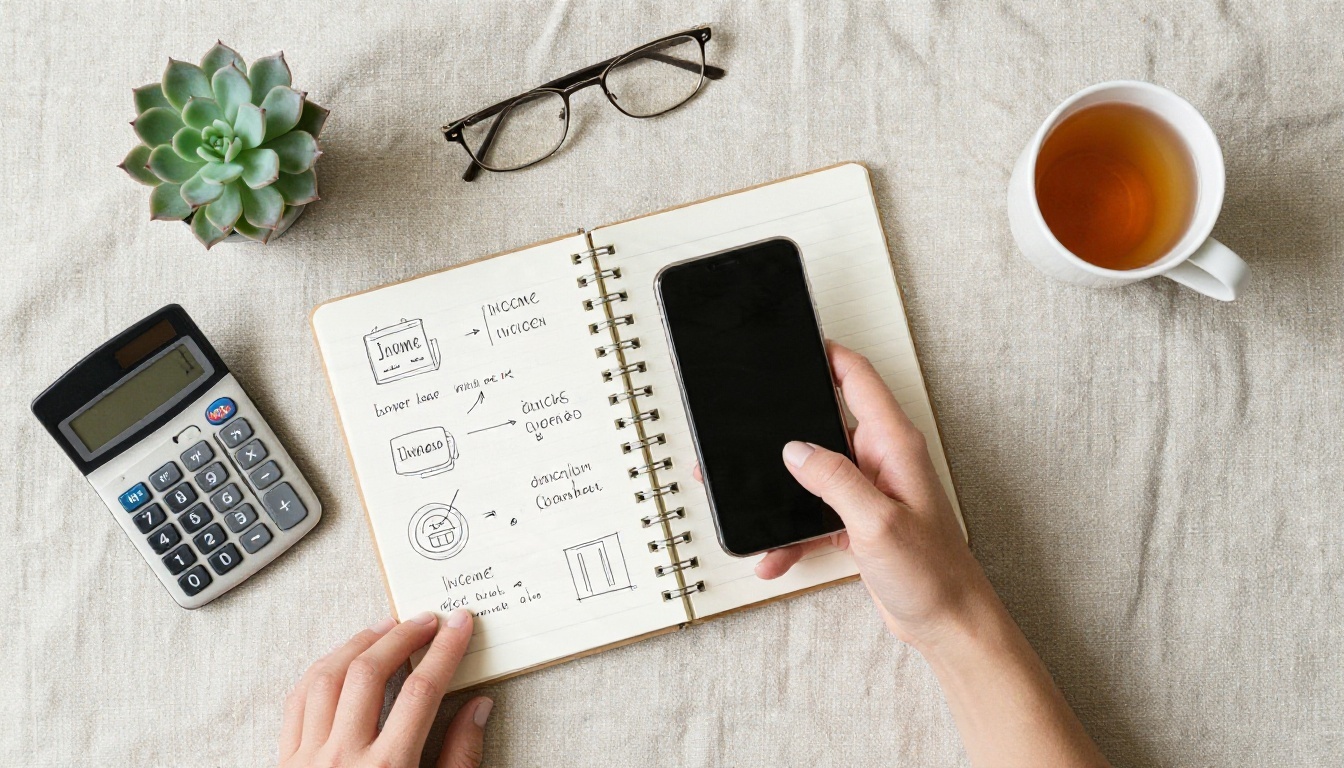
Most people who search for AI apps to make money want one thing: a clear answer about what actually pays. The honest answer is less glamorous than the YouTube thumbnails suggest. No app prints money on its own. What works is simple: you use a free AI app to produce something a small business or a creator would normally pay a person to make, you deliver it fast, and you charge a fair price. That is it. The apps just shrink the hours between "I have an idea" and "here is your finished file."
This article lists the free apps worth opening first, ten side income ideas that beginners really sell, realistic earnings ranges, and a 30 day plan you can follow even if you have never sold anything online.
What Actually Pays for Beginners
Before the app list, a reality check. If you read a dozen "make money with AI" posts, you will notice most of them are written by people selling a course or collecting affiliate commissions. None of them show verified payout data, and the earnings claims rarely come with proof. So treat every number you read, including mine below, as a range and not a promise.

The Honest Earnings Picture
Beginners who stick with one service for a couple of months usually land somewhere between a few dollars and a few hundred dollars a month. Some reach more, mostly those who pick a narrow niche and talk to customers directly. The ones who earn nothing tend to switch ideas every week, or they publish hundreds of generic files nobody asked for.
💡 Rule of thumb: AI lowers your production cost, not your need for customers. Your first hour should go to finding a buyer, not to testing another app.
Three Rules Before You Start
- Pick one service and one buyer type. "Product photos for candle shops" beats "AI content for everyone."
- Check the license of every tool. Free plans often restrict commercial use. Read the terms before you sell anything made with them.
- Be open with clients. Tell them AI is part of your process. Most do not mind when the result is good and the price is fair.
Free AI Apps Worth Opening Today
You do not need twenty subscriptions. You need roughly one tool per format: images, text, voice, and video. Here is a quick comparison of what each category does for a side income.
| Format | What you make | Typical buyers | Free option to try |
|---|
| Images | Product photos, logos, social posts, print designs | Small shops, Etsy sellers | Nano Banana Pro |
| Text | Product descriptions, newsletters, scripts | Agencies, solo founders | ChatGPT, Claude (free tiers) |
| Voice | Voiceovers, audio versions, translations | Course makers, YouTubers | ElevenLabs v2 Multilingual |
| Video | Short ads, social clips, animated product shots | Local brands, creators | Kling v3 Video |
| Cleanup | Background removal, upscaling | Marketplace sellers | Remove Background |
Free tiers change often, so check what you get on the day you sign up. Credits, resolution caps and commercial rights are the three things that shift most.
Image Apps
Images are the easiest entry point because the result is instantly visible and buyers can judge it in two seconds. Strong picks on PicassoIA include Nano Banana Pro for sharp, detailed output, Seedream 4.5 for clean 4K results, and GPT Image 2 when you need text rendered inside an image, like a short label or poster headline.
For polish, add two small tools: Remove Background for clean cutouts, and Clarity Pro Upscaler to turn a decent file into one that holds up in print.
Writing and Research Apps
Text tools like ChatGPT and Claude are best used as assistants, not authors. Let them draft a product description, a shop bio, or ten caption variations, then edit in your own voice. A human edit is what separates a paid deliverable from the generic text clients can already get for free.
Voice and Music Apps
ElevenLabs v2 Multilingual creates natural voiceovers in over 30 languages, and Dubbing translates existing videos into other languages. For background tracks, Music composes songs from a text prompt, which is handy for short ads and course intros.
Ten Ideas You Can Sell
Here is where most beginners get stuck: they have the apps but no offer. These are services and products with real demand, ordered roughly from easiest to slowest to pay.
AI Product Photos for Small Shops
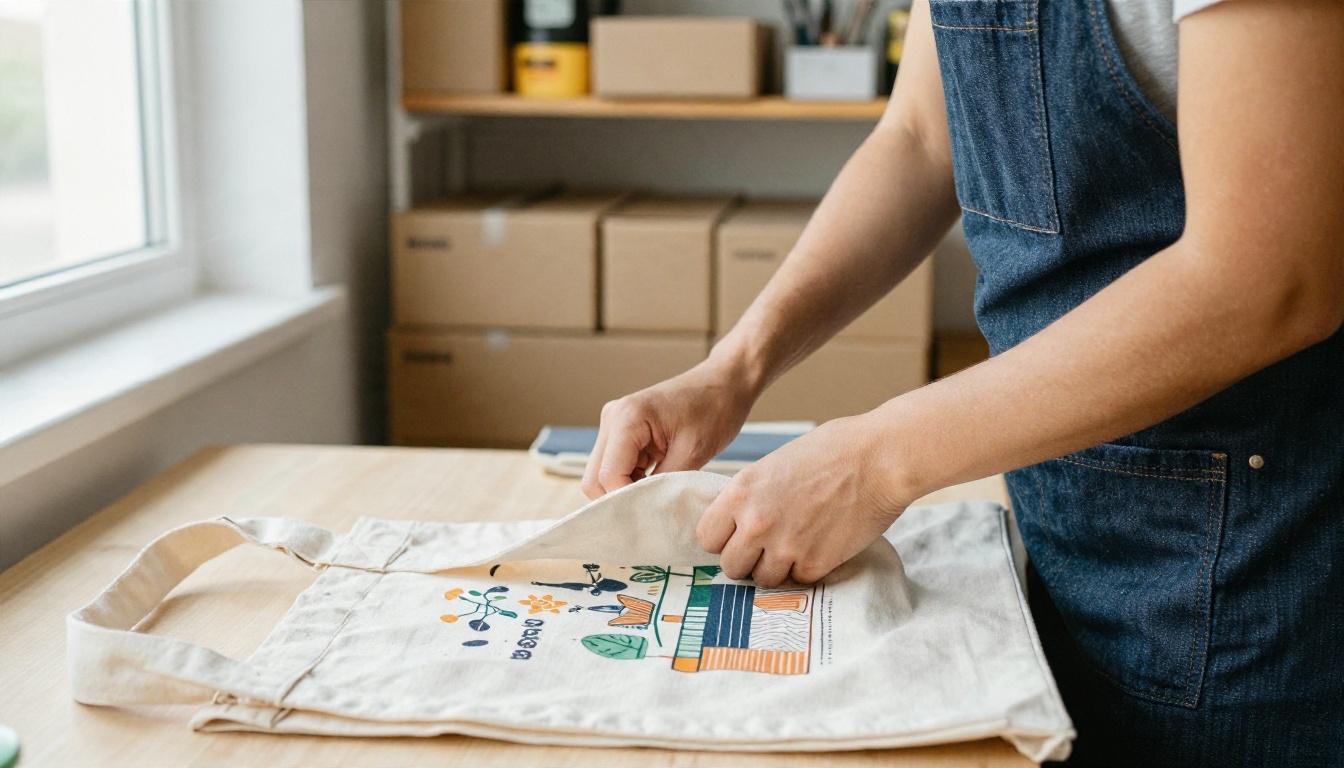
Many tiny sellers photograph products on a kitchen table, and it shows. You can create clean lifestyle scenes: a mug on a marble counter, a candle by a window, a tote bag on a park bench. Start with a real photo of the product, remove the background, then place it in a generated scene. Charge per image or per pack of ten.

💡 Tip: Keep the real product accurate. If the AI scene changes the color or shape, the buyer will get returns and you will get angry messages.
Print on Demand Designs
With services like Printify or Redbubble, you upload a design and the platform prints and ships it when someone orders. You never hold stock. Generate original patterns, quote graphics or simple illustrations, then check each one for anything that resembles a trademarked character or brand. This path is slow, because new listings take weeks to gain traction, but the upside is that one good design can sell repeatedly.
Short Video Clips for Brands
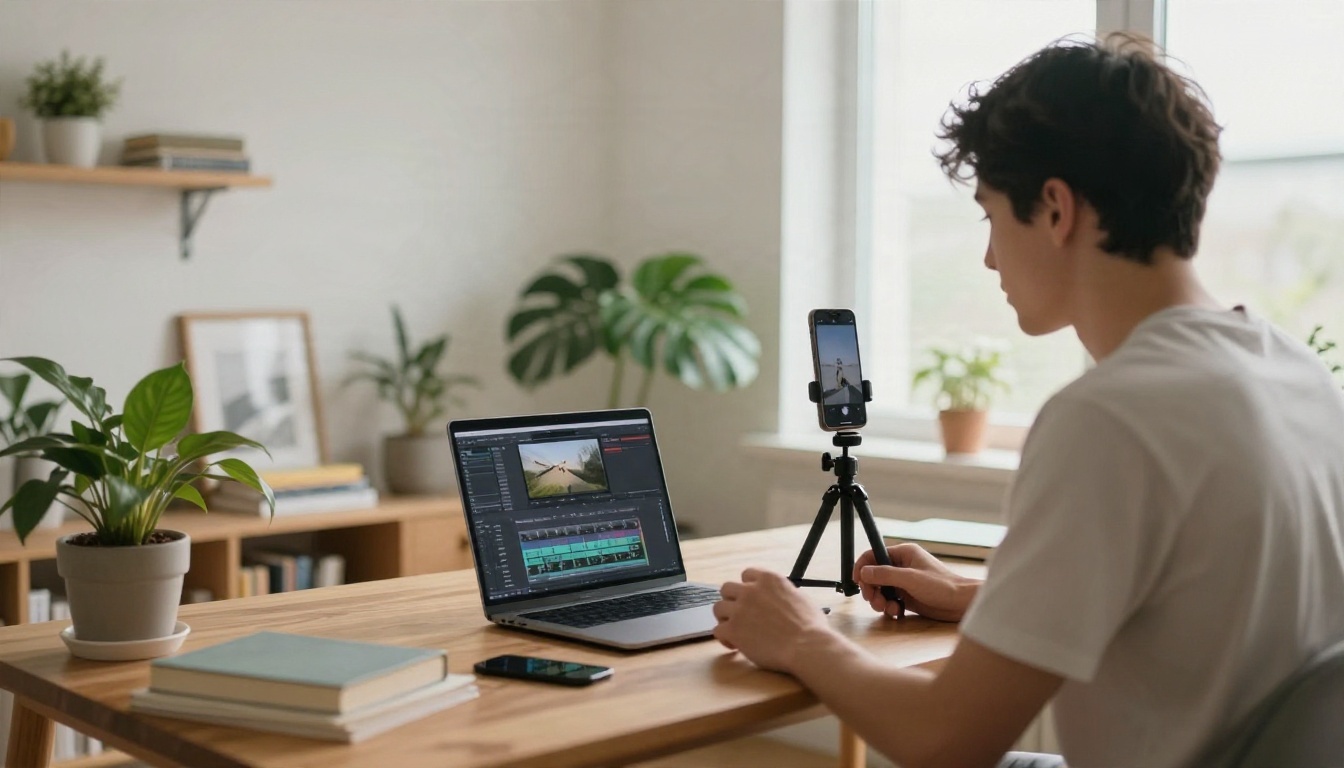
Local businesses know they should post video and almost none have time. Offer five short clips a month: an animated product shot, a seasonal promotion, a testimonial background. Tools like Veo 3.1 Fast generate video with native audio from a text prompt, and Kling v3 Video is a strong option for cinematic movement.
Voiceovers and Dubbing
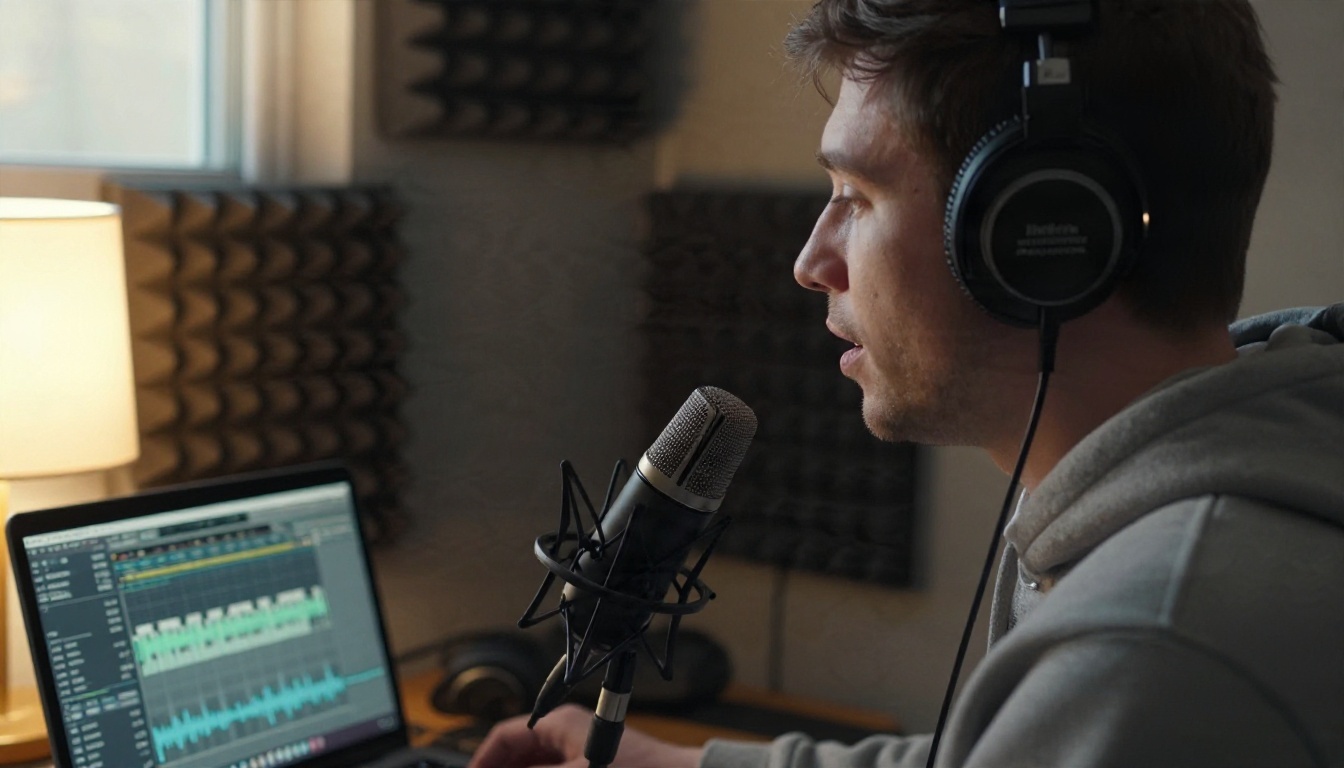
Course creators, podcasters and YouTubers regularly need narration. A fast route is to convert an existing script into audio with ElevenLabs v2 Multilingual. Then offer translated versions through Dubbing. If the video shows a speaker, Lipsync Speed can match the mouth movement to the new audio.
Low-Content Digital Products
Planners, habit trackers, coloring pages, flashcards and printable wall art all fall in this group. They cost nothing to store and sell on marketplaces like Etsy. The catch is competition: thousands of people upload the same generic planner. Pick a narrow audience, such as "meal planner for night-shift nurses," and your listing stands out.
Five More Ideas Worth a Test
- Social media captions and calendars for local shops.
- Logo and brand mood boards for new freelancers.
- Restoring old family photos, which people pay for happily.
- Thumbnail design for small YouTube channels.
- Real estate listing images, such as furnished room previews, clearly labeled as illustrative.
Where the Money Comes From
An app produces files. A platform produces buyers. You need both.
Freelance Marketplaces
Fiverr and Upwork are the usual starting points. Both are crowded, and your first listing will sit quietly for a while. Help it along: write a plain title ("I will create five product photos for your shop"), show three before and after samples, and set a low introductory price for the first few orders so you collect reviews. Reviews matter more than price after that.

Your Own Shop
Etsy, a Shopify store, or a simple Instagram page give you more control but demand more work. A good compromise is to start on a marketplace to get your first orders, then move repeat customers to your own channel. Direct outreach also works better than most beginners expect: send ten polite messages a day to small local businesses with a sample made for them. Reply rates are low, but one yes can turn into a monthly client.
What You Can Realistically Earn
Here are conservative, illustrative ranges for beginners in their first three months. They are not guarantees and not verified figures, just the kind of numbers that match how small-scale work tends to go.
| Idea | Effort per week | Likely first 3 months | Speed to first sale |
|---|
| Product photo packs | 5 to 8 hours | $50 to $400 per month | 1 to 3 weeks |
| Voiceovers and dubbing | 4 to 6 hours | $30 to $300 per month | 2 to 4 weeks |
| Short video clips | 6 to 10 hours | $100 to $600 per month | 3 to 6 weeks |
| Print on demand | 4 to 8 hours | $0 to $150 per month | 4 to 10 weeks |
| Digital printables | 3 to 6 hours | $0 to $100 per month | 4 to 12 weeks |
Notice the pattern. Services where a person pays you directly start earning sooner than passive products. Passive products can grow larger, but they test your patience first. A sensible plan is to run one service for cash flow and one product in the background.
💡 A note on cashback and micro-investing apps: some lists mix these in with AI income tools. They can return small amounts, but they are not a side business and they have nothing to do with AI. Keep them separate in your head and in your budget.
A 30 Day Plan for Your First Sale
This plan assumes about one hour on weekdays and two on weekends. Adjust it to your schedule.
Week 1: Choose and practice. Pick one idea from the list. Use one image app and one text assistant. Make ten sample pieces for an imaginary client in your niche. Delete the weak ones. Keep the best three.
Week 2: Package the offer. Write down exactly what a buyer gets: number of files, formats, turnaround time, number of revisions. Build a one page portfolio with a free site builder or even a shared folder. Create one marketplace listing.
Week 3: Reach out. Message twenty potential buyers with a sample made specifically for their business. Keep the message under 80 words. Offer the first small order at a discount in exchange for an honest review.
Week 4: Deliver and improve. Whether or not you have a sale yet, review what worked. Which sample got replies? Which prompt gave the best output? Save those prompts in a document. They become your repeatable process.
💡 Prompt habit: keep a running note of every prompt that produced a result you would show a client. A tested prompt library is the closest thing to an asset that a beginner can build quickly.
Mistakes That Cost Beginners Money
Selling generic output. If a client can type the same prompt themselves in thirty seconds, they will. Your value is taste, editing, speed and reliability.
Ignoring rights and licenses. Using a character, logo or celebrity likeness in a design can get a listing removed and an account closed. Stay away from them.
Paying for ten subscriptions. Free tiers are enough until you have paying work. Upgrade one tool when a specific limit slows an actual client project.
Overpromising on turnaround. AI is fast, but you still need to review, fix and format. Quote a day longer than you think you need.
Chasing the newest app every week. New models arrive constantly. Switch only when a new one clearly improves your current service, such as sharper text rendering or more consistent faces across a set.

Try It Yourself This Week
You do not have to decide everything today. Pick the format that already feels natural. If you like visuals, open Nano Banana Pro or Seedream 4.5 on PicassoIA and generate five product scenes for a business you know, such as a neighbor's bakery or a friend's Etsy shop. Clean them up with Remove Background, upscale the best ones, and send them over as a free sample.
If you prefer motion and sound, try a short clip with Veo 3.1 Fast and add a voiceover with ElevenLabs v2 Multilingual. Either way, the goal for this week is small: create one sample, show it to one real person, and ask what they would pay for it. That conversation will teach you more than another list of apps.
Want to see everything available in one place? Browse the full catalog at picassoia.com/en/all-models, pick a model, and start creating your first sample today.


