Most AI art tools greet adults with a wall of refusals. You type a simple request for a woman in a bikini on a beach, and the app lectures you about its content policy. That is exhausting, and it is the reason so many people search for AI art with no limits. The good news: in 2027 there are free generators that treat grown-ups like grown-ups, produce photorealistic glamour, boudoir and swimwear images, and finish in seconds. This article shows which ones to use, the prompts that work, and real examples of what you can expect.
Everything below stays on the tasteful side of the line: suggestive, attractive and artistic, never pornographic. That is also where the best results live. Sharp lighting, believable skin and a confident pose beat anything crude.
What "No Limits" Really Means
The phrase gets thrown around loosely, so let's pin it down before comparing tools.
Free Versus Unlimited
Free means you can generate without paying upfront. Unlimited means there is no daily cap or per-image counter that stops your session after five tries. These are different things. Plenty of free tools give you a handful of credits and then ask for a card. An unlimited tool lets you iterate fifty times on one pose until the hand looks right.
If you care about quality, unlimited matters more than free. Good adult-themed portraits rarely come out perfect on the first run. You adjust the lighting, swap the outfit, tweak the lens, and try again.
Adult Themes Versus Explicit Content
"No limits" does not have to mean explicit. Most people searching for this want things like:
- Swimwear and beach photography
- Boudoir portraits with lingerie, silk and soft light
- Fine art figure studies with implied nudity
- Fashion and glamour editorials
- Romantic, moody, cinematic portraits
Mainstream generators often block all of this, even the fully clothed versions. A tool built for adults simply lets you get on with it. The images in this article show exactly this range, and none of them cross into explicit territory.
💡 Tip: A "no limits" generator is not a license to ignore common sense. Stick to adult subjects, fictional people, and consent. More on that near the end.
Best Free Generators for Adult Art
I tested a spread of text-to-image models on the same set of prompts: a beach shot, a boudoir portrait, a fine art study and a casual lifestyle scene. Here is how they ranked for adult glamour work.
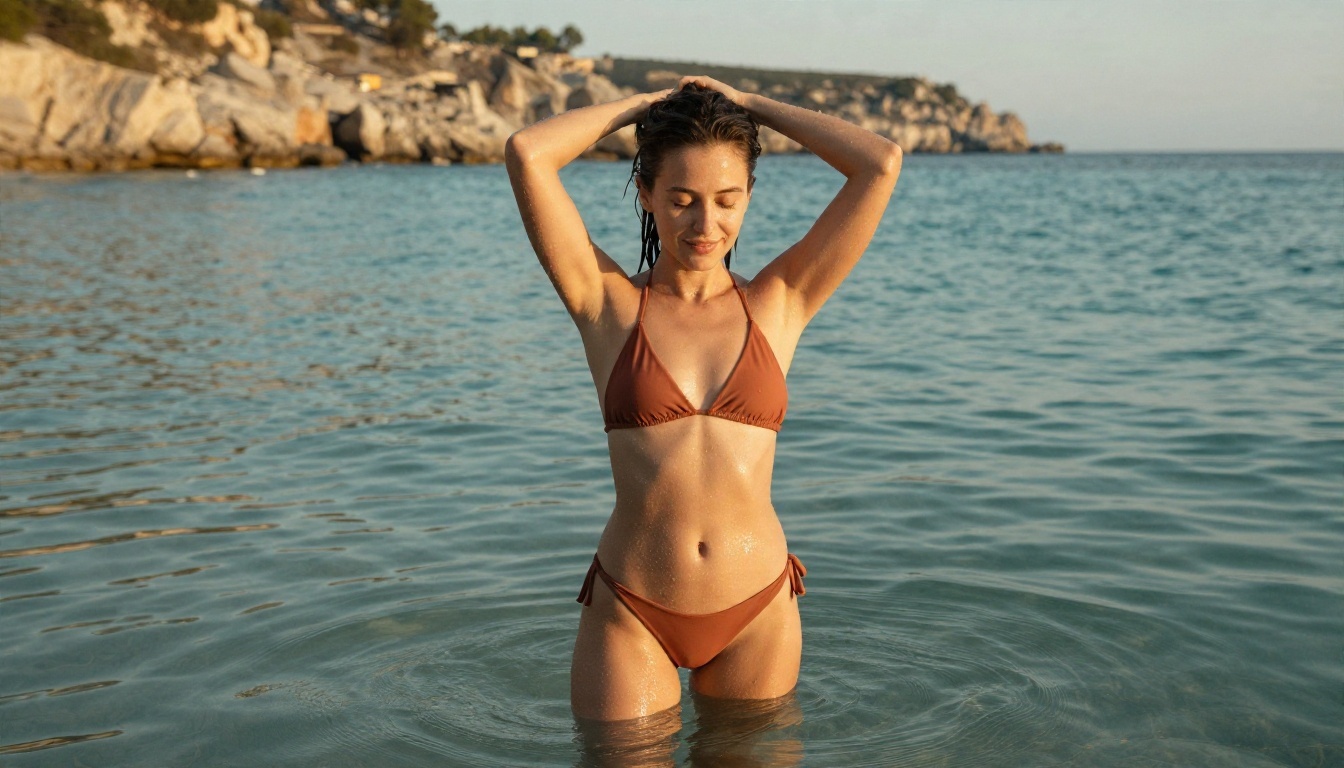
Golden hour swimwear, the kind of scene a good generator should produce without pushback.
Seedream 4.5 Comes First
Seedream 4.5 is the model I reach for first. It outputs sharp 2K and 4K images, follows long prompts closely, and handles skin texture, fabric and light far better than most free options. It also supports multi-image batches of up to 15 images in a single run, which is great for exploring one outfit across several poses.
What stands out for adult-themed work is how it treats the safety setting. Seedream 4.5 includes a disable_safety_checker option that relaxes input moderation so only illegal content is blocked. That is the difference between a tool that second-guesses every swimsuit prompt and one that simply renders it.
PicassoIA Image Editor Pro for Edits
PicassoIA Image Editor Pro is the second tool to keep open. It is built for editing with plain text, and it is unlimited: no per-edit cap and no daily quota. Edits usually finish in a few seconds, and you can supply up to three reference images and mention each by name in your prompt.
Use it after Seedream 4.5 to change an outfit, swap a background, adjust the color of a bikini, or fix a small detail without regenerating the whole picture. Because it has no counter ticking down, you can try twenty variations of one image in a sitting.
Other Models Worth a Test
After those two, these models are worth keeping in your rotation. Their filters and styles differ, so run a short test prompt before committing.
💡 Tip: For a full list of what is available, browse picassoia.com/en/all-models.
How to Use Seedream 4.5 on PicassoIA
Here is the exact workflow I use for adult glamour images. It takes about two minutes.
Good prompts are written, not guessed. Take your time on the description.
Step by Step
- Open the Seedream 4.5 page on PicassoIA.
- Paste your prompt into the Prompt box (it accepts up to 4,000 characters, so be generous).
- Set size to 2K for drafts or 4K for the final version.
- Choose an aspect ratio. 16:9 suits landscape scenes, 3:4 or 2:3 suits portraits, and 9:16 suits phone wallpapers.
- Decide whether to use the safety checker setting. If your adult-themed prompt keeps getting blocked, the
disable_safety_checker option relaxes moderation to block only illegal content. Use it responsibly.
- Click generate, review, and adjust the prompt.
- Send the best result to PicassoIA Image Editor Pro for outfit, color or background changes.
Parameter Tips
| Setting | Recommended value | Why |
|---|
| size | 2K while testing, 4K to finish | Saves time on drafts |
| aspect_ratio | 16:9 or 3:4 | Matches the scene |
| sequential_image_generation | auto | Lets the model produce related variations |
| max_images | 4 to 8 | Enough options without clutter |
| image_input | 1 to 3 references | Keeps outfits and faces consistent |
💡 Tip: Turn on batch mode with sequential_image_generation set to auto and max_images at 6 when you want one outfit shown from several angles.
Prompts That Actually Work
The biggest difference between a plastic-looking image and a believable one is the prompt. Vague prompts such as "sexy woman, beautiful, 4k" give you generic faces and airbrushed skin. Photographic language gives you realism.
The Prompt Formula
Use this order and keep each part specific:
Subject and pose + outfit + setting + light direction + camera and lens + skin and fabric texture + film look
Here is a sample that follows the formula:
Adult woman in her late twenties, olive skin, chestnut waves, black satin slip dress with lace trim, sitting on the edge of a rumpled linen bed, golden morning light from a tall window on the left, 85mm f/1.8, shallow depth of field, visible pores and fine freckles, Kodak Portra 400 grain.
Notice what it includes: an age cue, a real lens, a light source with a direction and a texture detail. Those four things do most of the work.
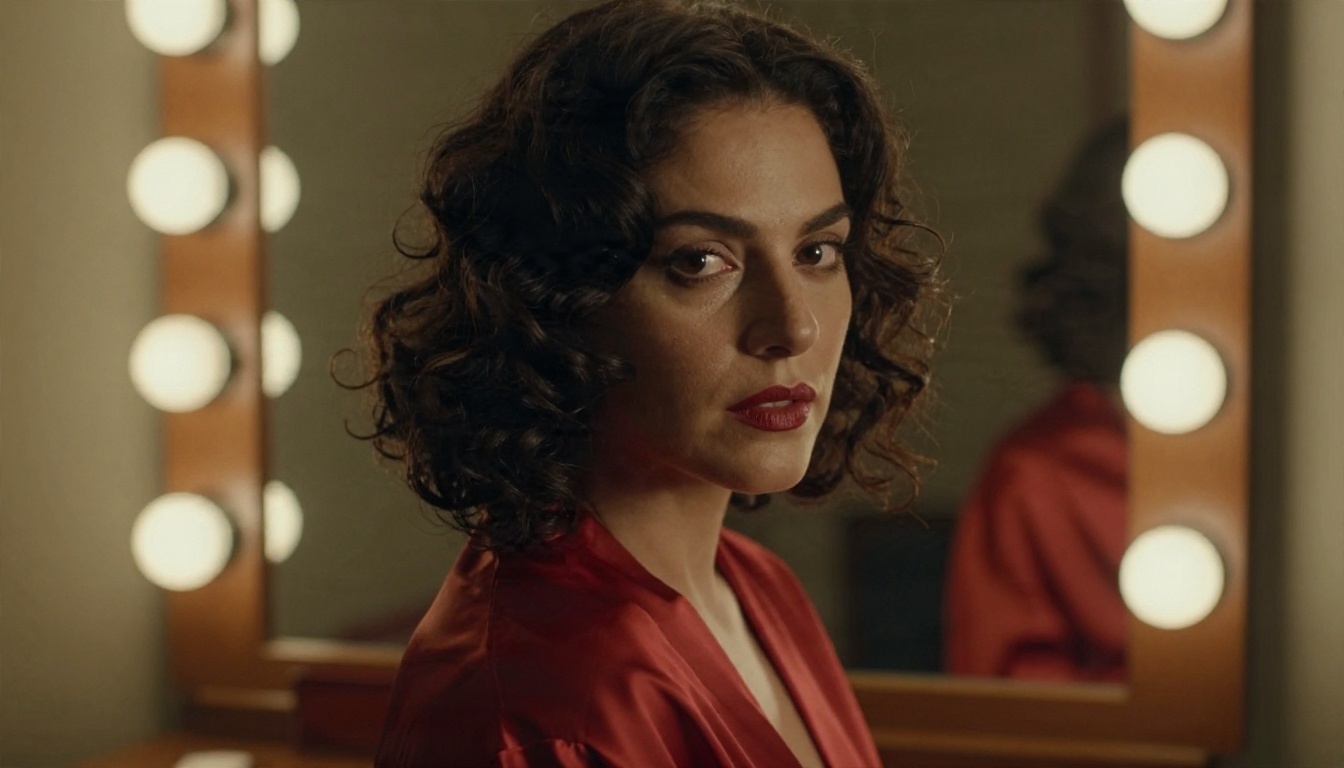
Warm tungsten bulbs, silk and a shallow depth of field give boudoir shots their mood.
Words That Add Realism
Keep a short list you can paste into any prompt:
- Skin: visible pores, fine peach fuzz, natural freckles, subtle sheen, no airbrushing
- Light: golden hour backlight, soft window light, warm tungsten, single softbox
- Lens: 35mm f/2, 50mm f/1.8, 85mm f/1.8, 105mm f/1.4
- Film: Kodak Portra 400, fine grain, lifted shadows, natural color
- Fabric: satin folds, lace thread detail, linen wrinkles, wet cotton
Words to Avoid
Skip "perfect," "flawless," "ultra smooth" and "masterpiece." They push the model toward waxy skin. Skip "neon," "glowing" and "futuristic" if you want the photographic look. Describe what a real camera would see, and the image follows.
💡 Tip: If a prompt keeps producing the same face, change the age cue, hair color and lens. Small changes in these three reshuffle the whole result.
Examples by Style
Here are five looks that work well, each with the prompt idea behind it.
Pool and Resort Glamour
Think emerald one-piece swimsuits, white stone, palm trees and hard midday sun. The high-angle composition below adds drama and keeps the whole scene in focus.
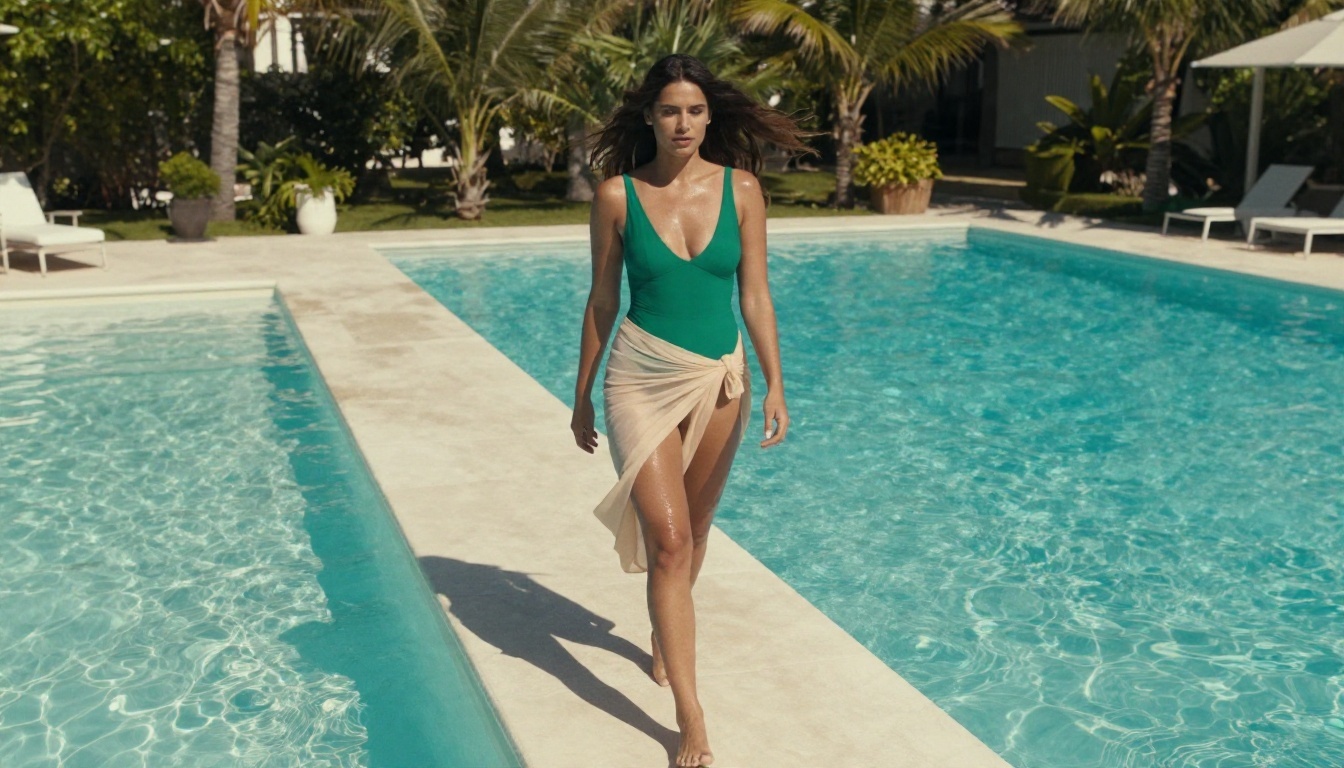
Prompt idea: "emerald one piece swimsuit, sheer beige sarong, luxury villa pool, high angle, hard midday sun, 24mm f/4."
Fine Art Figure Studies
A single softbox, a plain plaster wall and a sheer ivory fabric draped across the body. This style is about shape and shadow, so the result is implied rather than explicit. It reads as art, not as adult content for its own sake.
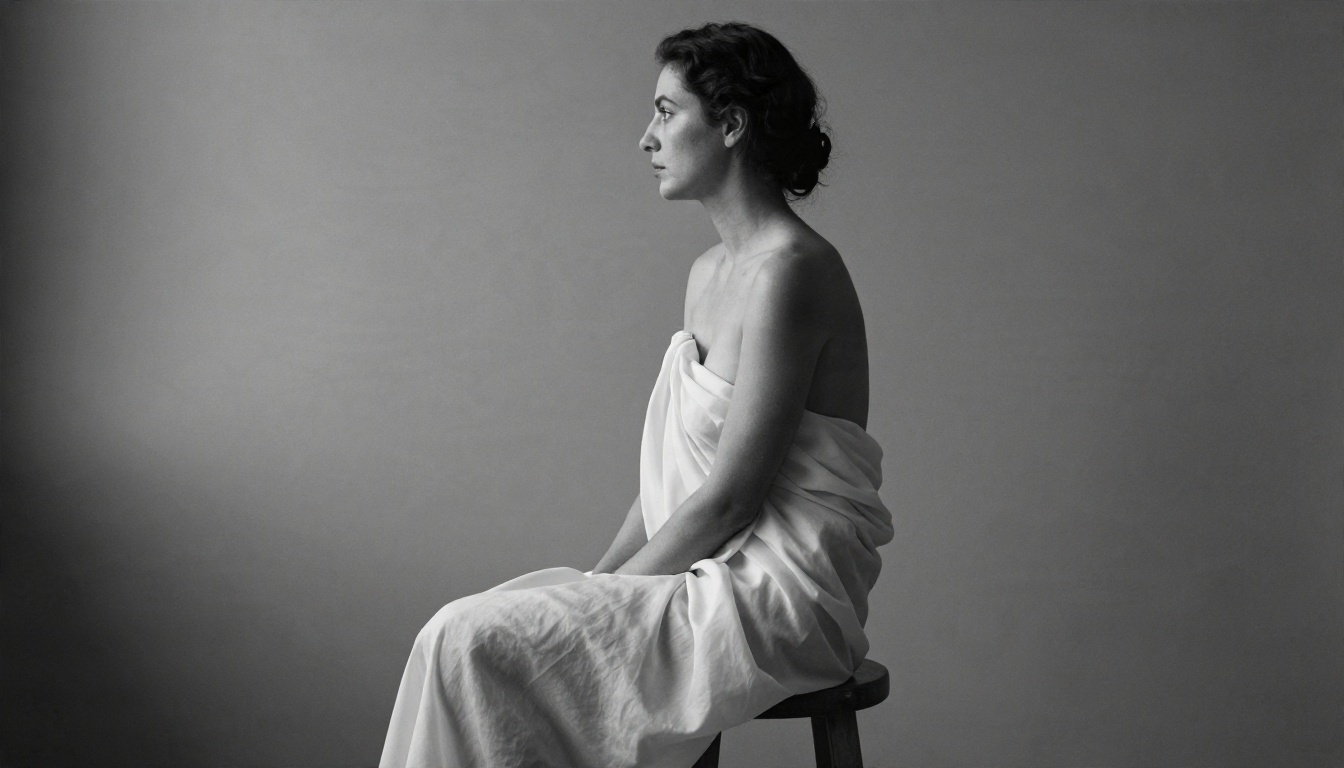
Prompt idea: "profile, bare shoulders, sheer ivory drape, softbox from the left, grey plaster wall, 85mm f/2, fine grain."
Cozy Lifestyle Scenes
Not every adult image needs to be dramatic. A lace bodysuit under an oversized cardigan in a brick loft looks intimate and relaxed, and models tend to render fabric and feet convincingly in this kind of pose.
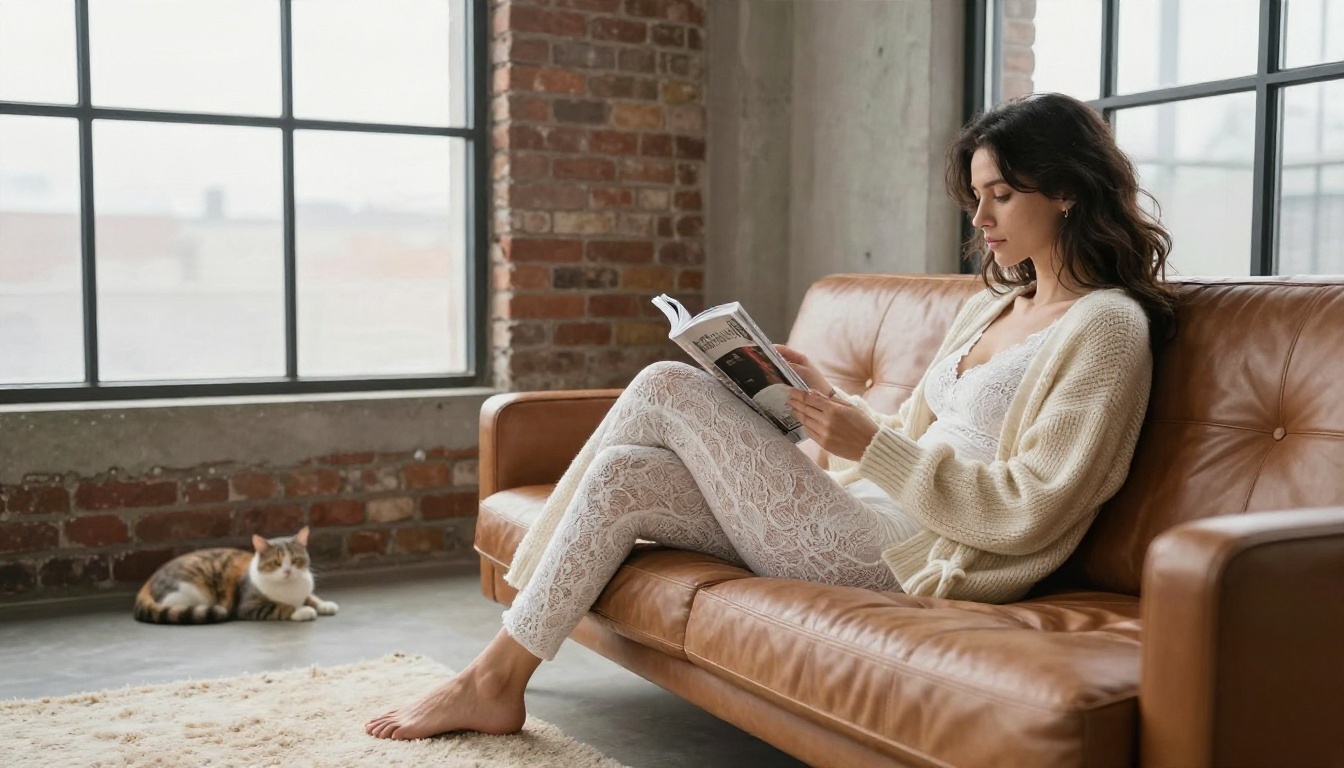
Prompt idea: "white lace bodysuit, cream knit cardigan, leather sofa, exposed brick, overcast window light, 35mm f/2.8."
Retro Road Trip Glamour
A platinum bob, a black halter bikini top, denim shorts and a turquoise convertible at sunset. The backlight and dust give the shot a film-still look.
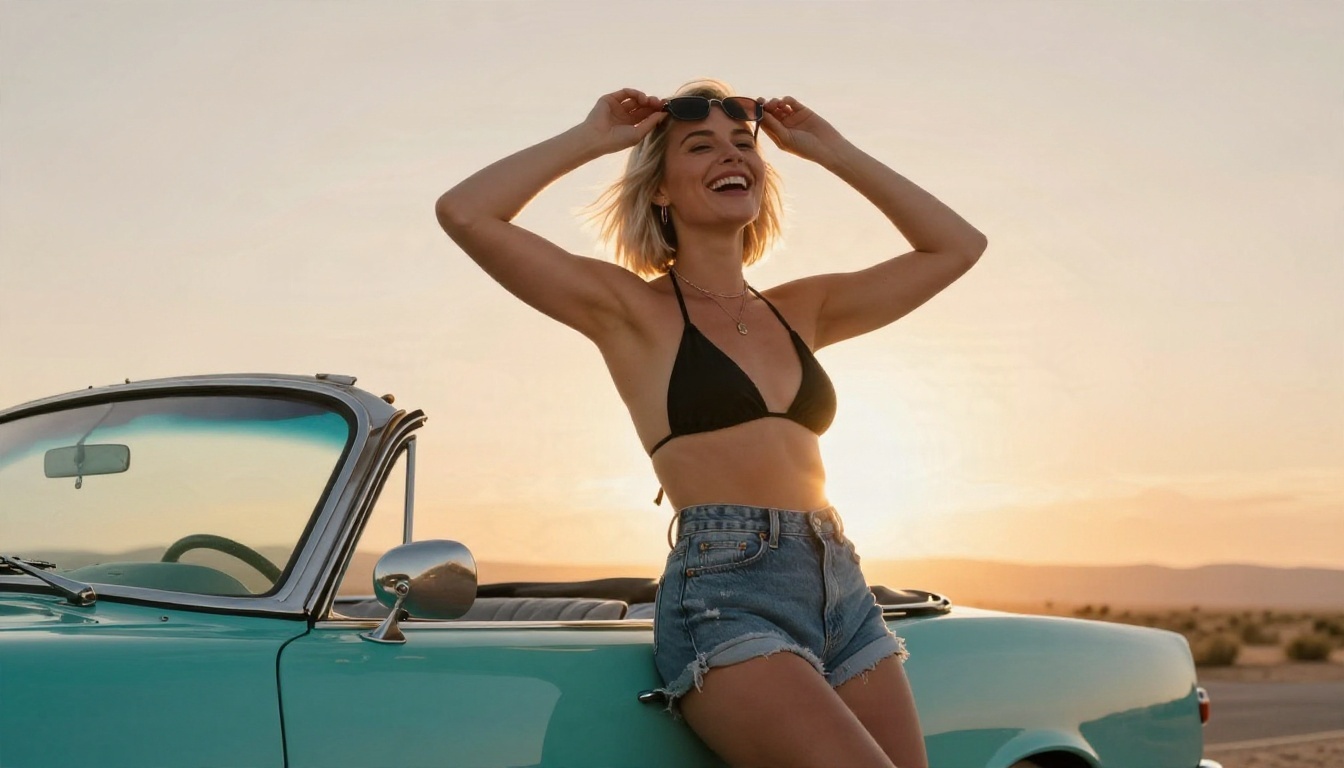
Prompt idea: "platinum bob, halter bikini top, denim shorts, vintage convertible, desert sunset, low angle, 50mm f/1.8."
Intimate Close-Ups
Close portraits expose weak models quickly, since you can see every pore. Water droplets, freckles and soft steam are a good stress test. If a generator handles this well, it will handle almost anything.
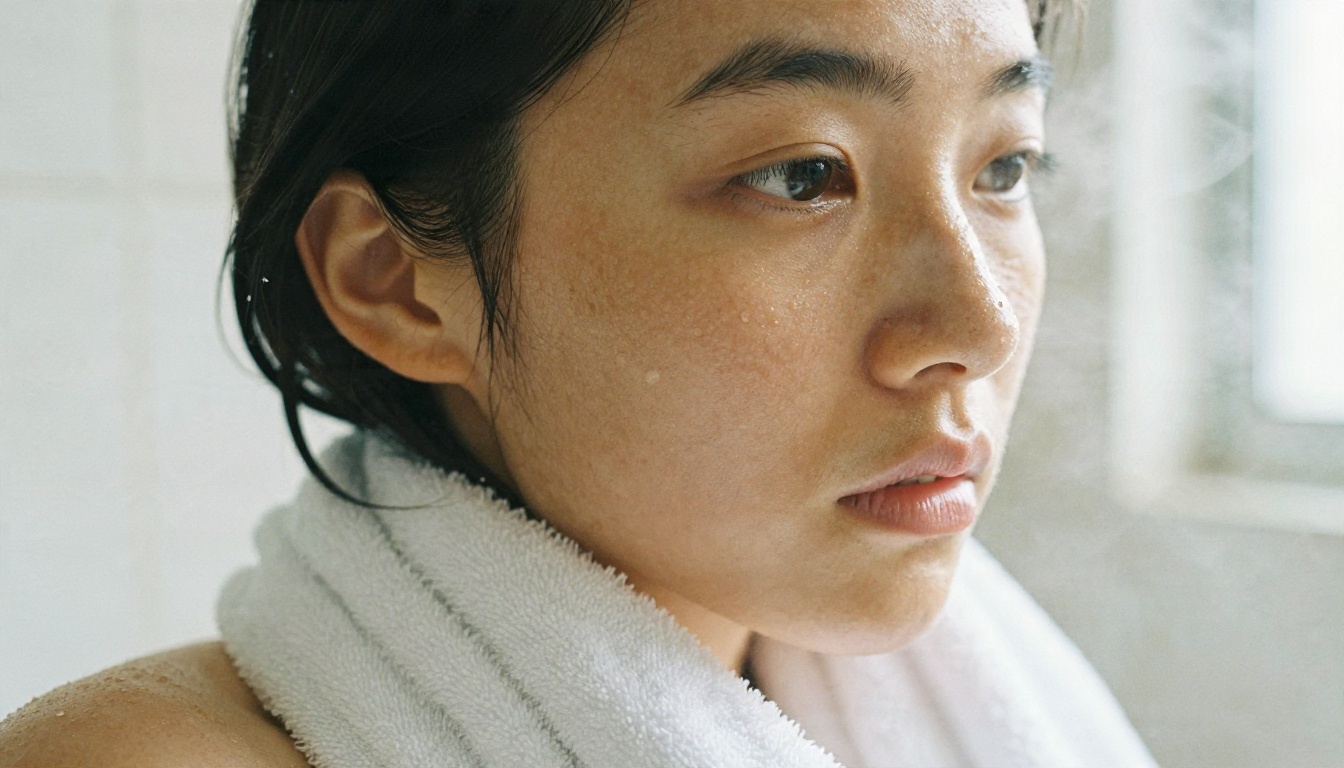
Prompt idea: "freckles, wet hair, water droplets, white towel, window light from the right, 100mm macro f/2.8."
Fixing Common Problems
Even strong models slip. Here is how to repair the usual issues.
Plastic or Waxy Skin
Add "visible pores, fine peach fuzz, natural skin texture" and remove words like "flawless." Raise the size to 4K, since extra pixels give the model room to render detail. If you still see smoothing, run the image through PicassoIA Image Editor Pro with a prompt such as "restore natural skin texture with visible pores."
Hands and Fingers
Hands are still the weak spot of most generators. Three fixes help:
- Put the hands in a simple position, such as touching hair or resting on a knee
- Avoid prompts that ask for fingers interlaced or holding small objects
- Generate a batch with Seedream 4.5 and pick the cleanest one
Blocked Prompts
If a tool refuses a harmless swimsuit prompt, the problem is usually the filter, not your wording. Try a different model from the table above before rewriting your prompt ten times. Seedream 4.5 and the other models with relaxed moderation spare you most of that trouble.
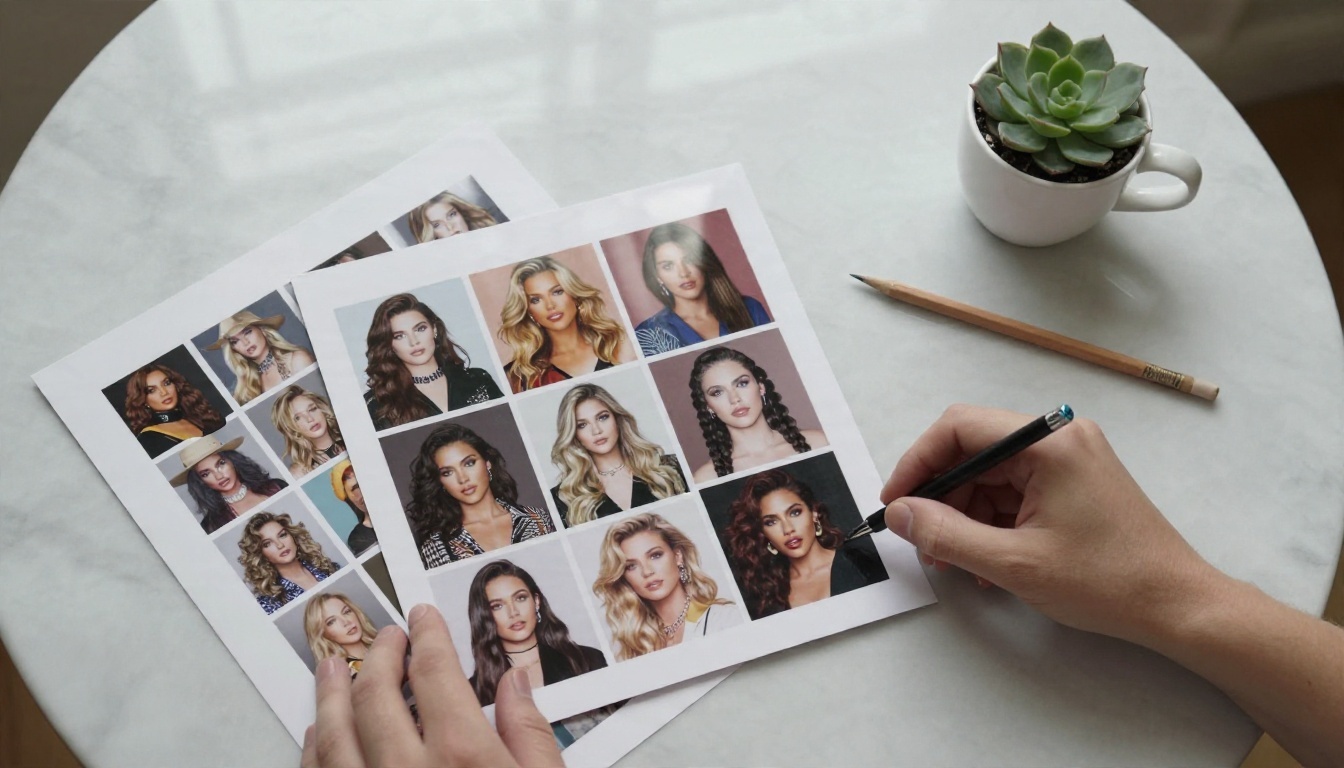
Review your batch like a photographer reviews a contact sheet: pick the best frame, then refine it.
Rules Worth Following
Freedom works best when you set a few boundaries for yourself.
Adults Only, Always
Every subject should be clearly an adult. Write an adult age cue in the prompt ("woman in her late twenties") and delete any result that looks otherwise. This is not negotiable, and the platform blocks illegal content regardless of settings.
Fictional People Only
Do not generate images that imitate real, identifiable people, and never put someone's likeness into adult scenes without their consent. Invent your subjects. A made-up face gives you total creative freedom and no harm to anyone.
Keep It Tasteful
Suggestive images with good light and composition beat explicit ones in almost every way. They are easier to share, easier to print and far more striking. The examples in this article show how much you can say with a satin dress, window light and a confident look.
Start Making Your Own
You now have what you need: a first-choice generator, an unlimited editor, a prompt formula and a set of examples to copy. The fastest way to improve is to make images and compare them.
Here is a simple plan for your first session:
- Open Seedream 4.5 and paste the satin dress prompt from above.
- Generate a batch of four at 2K.
- Pick your favorite and send it to PicassoIA Image Editor Pro to change the outfit color or background.
- Try the same prompt in Z Image Turbo or Realistic Vision v5.1 and compare the look.
- Finish the winner at 4K.
Picasso IA puts all of these models in one place, so you can switch between them without juggling accounts. Pick a scene from this article, change the outfit, the light and the lens, and see what comes out. To browse every option, head to picassoia.com/en/all-models and start creating.


