Somebody on your street needs forty product photos by Friday, and they cannot afford a photographer. A solo developer two time zones away needs sixty item icons for a game that ships next month. A boutique owner wants a fresh set of ad visuals every week. That is the market behind an AI asset generator business: you turn briefs into finished images, quickly and cheaply, and you charge for the result rather than the hours. This article walks through the free options worth using, the prompts that produce sellable work, the pricing that keeps you profitable, and examples from real niches.
What an AI Asset Generator Business Is
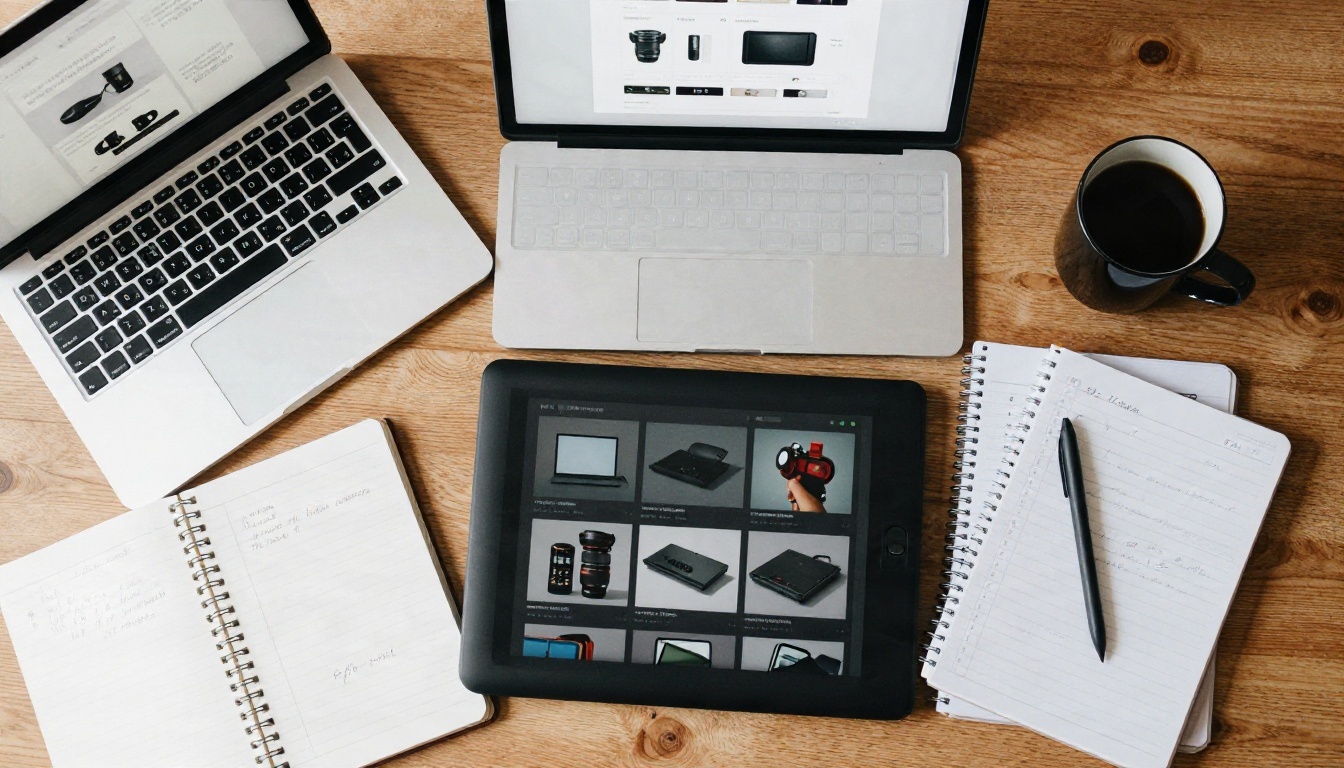
An AI asset generator business sells ready to use visual assets created with image models. The client does not care which model you used. They care that the sneaker looks real, the sword icon fits their inventory grid, and the banner arrives before the campaign starts.
Assets Clients Actually Pay For
Not every image is worth money. The assets that sell repeatedly share one trait: the buyer needs many of them, in a consistent style, on a deadline.
- Product photos: clean studio shots, lifestyle scenes, packaging mockups.
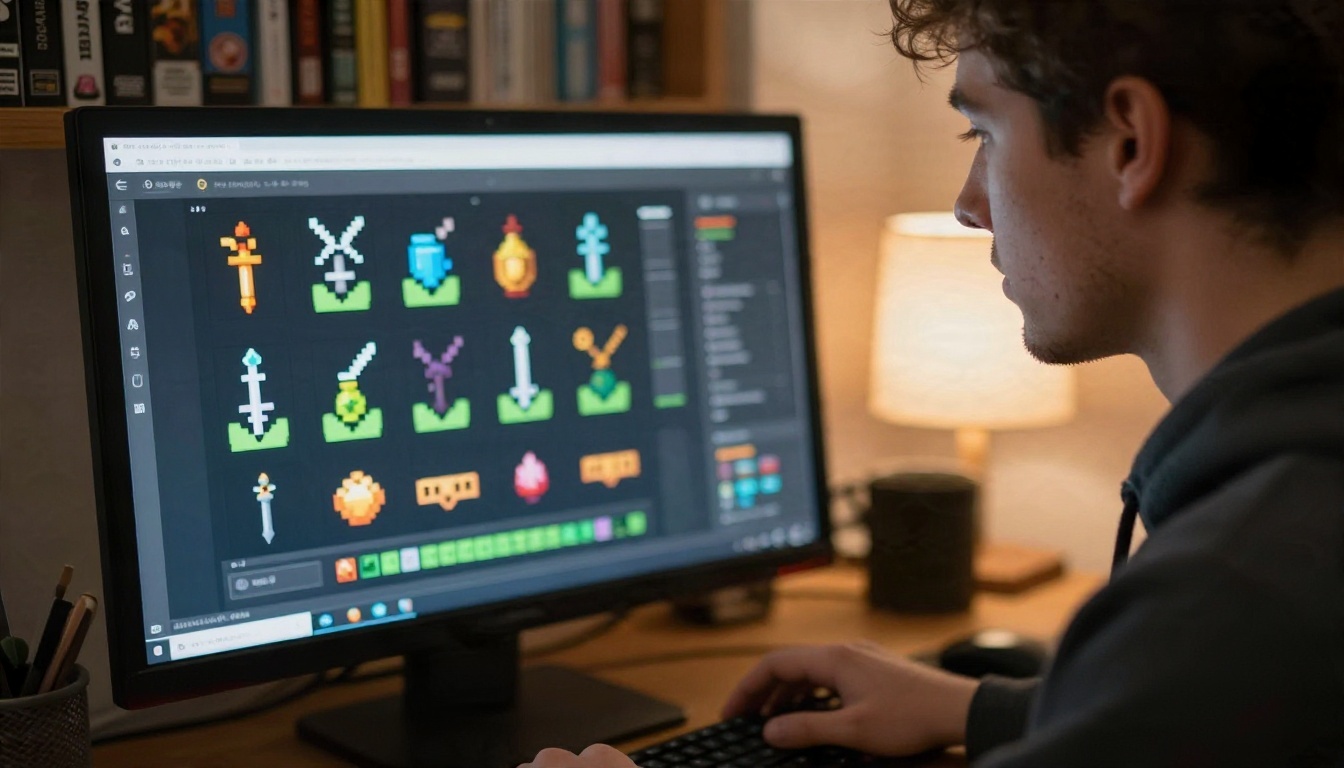
- Game assets: item icons, environment concept art, character sheets, UI backgrounds.
- Marketing visuals: social posts, ad creatives, email headers, blog illustrations.
- Brand extras: textures, patterns, vector style logos and icon sets.
- Print on demand art: posters, mugs, phone cases, greeting cards.
💡 Tip: Pick one asset type first. A studio known for "product photos for candle brands" gets referrals. A studio that "does images" gets price shopped.
Who Buys and Why
Buyers fall into three groups, and each one reacts to a different pitch.
| Buyer | What they need | What they hate |
|---|
| Small online shops | Photos for every new product | Paying per shot |
| Indie game developers | Large asset batches, consistent look | Mismatched styles |
| Agencies and marketers | Fast variations for testing ads | Waiting days for revisions |
The common thread is volume. When a client needs dozens of images, a per image price of a few dollars looks wonderful to them and still leaves you a healthy margin.
Free Options That Actually Work
You can start with a budget of zero. The trick is knowing what free gets you and where it stops.
Free Tiers on PicassoIA
PicassoIA lists many text to image models, and several are suited to commercial style work. For quick drafts and batches, Flux Schnell is built for speed, which matters when you are testing twenty prompt variations before showing a client. For photographic realism, Imagen 4 and its faster sibling Imagen 4 Fast handle product surfaces, skin and glass well. When you need sharper detail at higher resolution, Seedream 4.5 and Nano Banana Pro are strong picks, and Nano Banana is useful when you want to edit an existing photo instead of starting from nothing.
A practical free workflow looks like this:
- Draft the concept with a fast model such as Flux Schnell.
- Pick the best composition.
- Re-render it with a higher fidelity model for the final file.
- Upscale or crop for the client's required size.
Where Free Stops Working
Free tiers on most platforms share the same limits, and roundups of the market keep repeating them: a daily or monthly credit cap, watermarks on some outputs, public galleries by default, and unclear commercial terms. Tools such as Leonardo.ai, Adobe Firefly and Meshy all offer a free level with monthly credits, but the numbers change often, so check the current terms before you promise anything to a client.
| Limit on free plans | Why it matters for a business | What to do |
|---|
| Daily credit cap | You cannot finish a 60 image order in one session | Plan delivery over several days |
| Watermarks | Client cannot use the file | Confirm output is clean before quoting |
| Public images by default | Confidential client work leaks | Use private generation for paid jobs |
| Unclear commercial terms | Legal risk on both sides | Read the license, keep a copy |
💡 Rule of thumb: use free credits for experiments and your own portfolio. Move paid client work to a plan whose license you have actually read.
Prompts That Produce Sellable Assets
A prompt is your production spec. Vague prompts create random pictures. Structured prompts create assets a client accepts on the first try.
The Product Photo Formula
Use this order: subject, surface, lighting, lens, texture, mood.
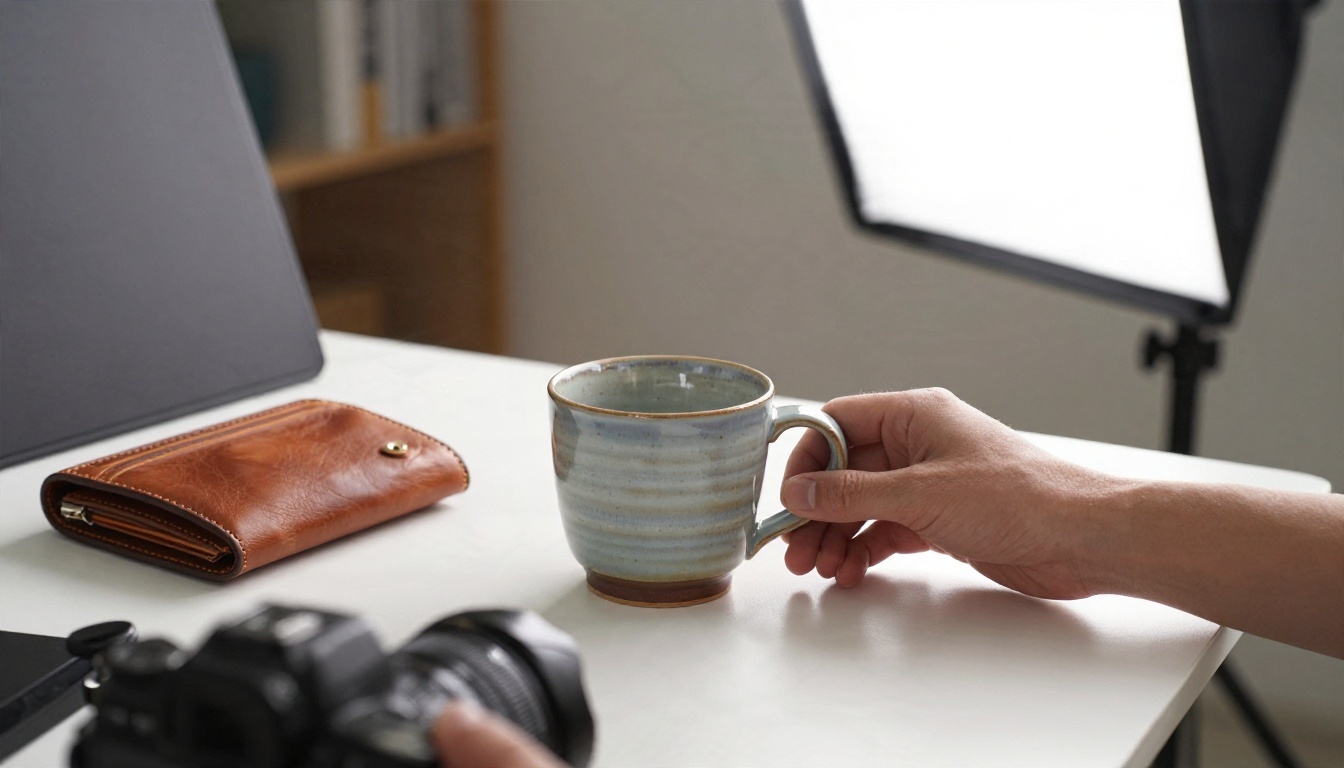
A matte black ceramic coffee mug on a pale oak table, soft window light from the left, 50mm lens at f/2.8, visible glaze texture and tiny reflections, shallow depth of field, calm morning mood, photorealistic.
Swap only the subject and surface, keep the rest, and you get a consistent set. That consistency is what you are really selling.
Three small additions raise quality fast:
- Name the light direction. "Soft light from the right" beats "good lighting".
- Name a material. "Brushed steel", "waxed canvas", "stitched leather".
- Name the lens. It sets the depth of field and the feel of the shot.
Game Asset Prompts
Game buyers need sets, so write one style anchor and reuse it word for word.
Style anchor: hand painted fantasy item icon, centered on a plain dark background, soft top light, thick clean outline, muted earthy palette.
Item: iron longsword with a worn leather grip.
Change only the item line across the whole batch. For environment art, describe time of day, weather, camera height and mood. For vector style icons and logos, Recraft v4.1 SVG produces scalable files, and Recraft v4.1 Pro suits print ready images at 2K.
Ad and Social Prompts
Marketers want variations. Keep the scene and change one variable per image: background color, camera angle, season, or prop. If the visual needs readable words, P Image Ideogram is a good option for precise text rendering. Keep any text to one or two words, since long strings still go wrong on most models.

💡 Negative habits to drop: stacking twenty adjectives, mixing three art styles in one prompt, and asking for "perfect" anything. Specific nouns beat flattering adjectives every time.
Pricing: What to Charge and Spend
Pricing is where most new studios guess, then regret. Start from your costs and your time, not from what a competitor posts.
Your Real Costs
An image business has fewer costs than a photo studio, but they are not zero.
- Generation credits or subscription: the main variable cost.
- Upscaling and cleanup: time, and sometimes extra credits.
- Editing software: many free options exist, but your time is not free.
- Revisions: budget two rounds per order.
- Storage and delivery: a cloud folder is enough at the start.

Pricing Your Packs
Sell packs, not hours. A pack has a fixed number of finished images, a stated style, a deadline and a revision limit. The numbers below are starting points, not rules. Adjust them to your market and your quality.
| Pack | Contents | Starting price range | Typical turnaround |
|---|
| Starter product set | 10 product photos, one scene | $40 to $90 | 1 to 2 days |
| Shop catalog | 40 product photos, two scenes | $150 to $300 | 3 to 5 days |
| Game icon pack | 50 item icons, one style | $100 to $250 | 3 to 5 days |
| Environment set | 6 concept scenes, two variations each | $120 to $300 | 4 to 6 days |
| Monthly ad retainer | 20 ad visuals per month | $200 to $500 per month | Weekly drops |
A simple check: price = (your hourly rate × hours) + credits + a revision buffer of 20 percent. If the number looks high next to the client's budget, cut the scope instead of the rate. Ten images at a fair price beat forty at a loss.
💡 Retainers win. One client paying every month is worth more than five one off jobs, because you stop spending hours hunting for the next order.
Real Examples by Niche
Theory is cheap. Here is how the same toolset changes shape across three kinds of buyers.
Indie Game Studios
A solo developer building a dungeon crawler needs an item set, a handful of environments and a character sheet. The winning approach is a style bible: one paragraph describing palette, line weight, lighting and mood, pasted into every prompt. Generate, shortlist, and deliver in a folder structure the developer can drop into an engine.
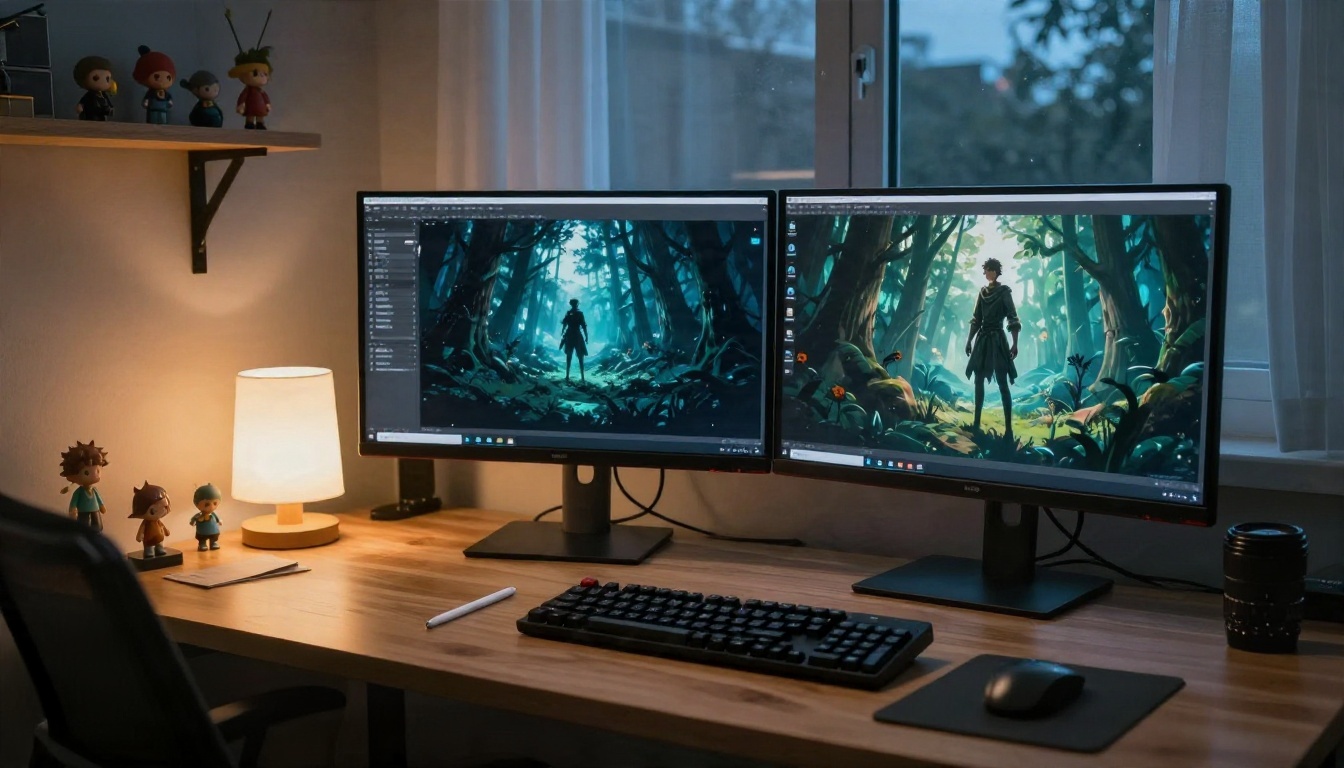
For environment concepts, Seedream 5 Pro gives sharp 2K results that read well on a game pitch deck. If you want a model tuned to a custom look, P Image Trainer lets you train a LoRA from a small set of reference images, and Flux Schnell LoRA can then apply that kind of custom style quickly.
Small Shops and Boutiques
A boutique owner does not want a lecture about models. They want a rack of clothing that looks inviting on a product page. Show them a before and after, using their own item, and the sale closes itself.

For clothing, P Image Try On shows garments on a person without a photoshoot. That alone can be a paid service: "your whole catalog, worn, in two days".
A few niches where I would start, because buyers there reorder:
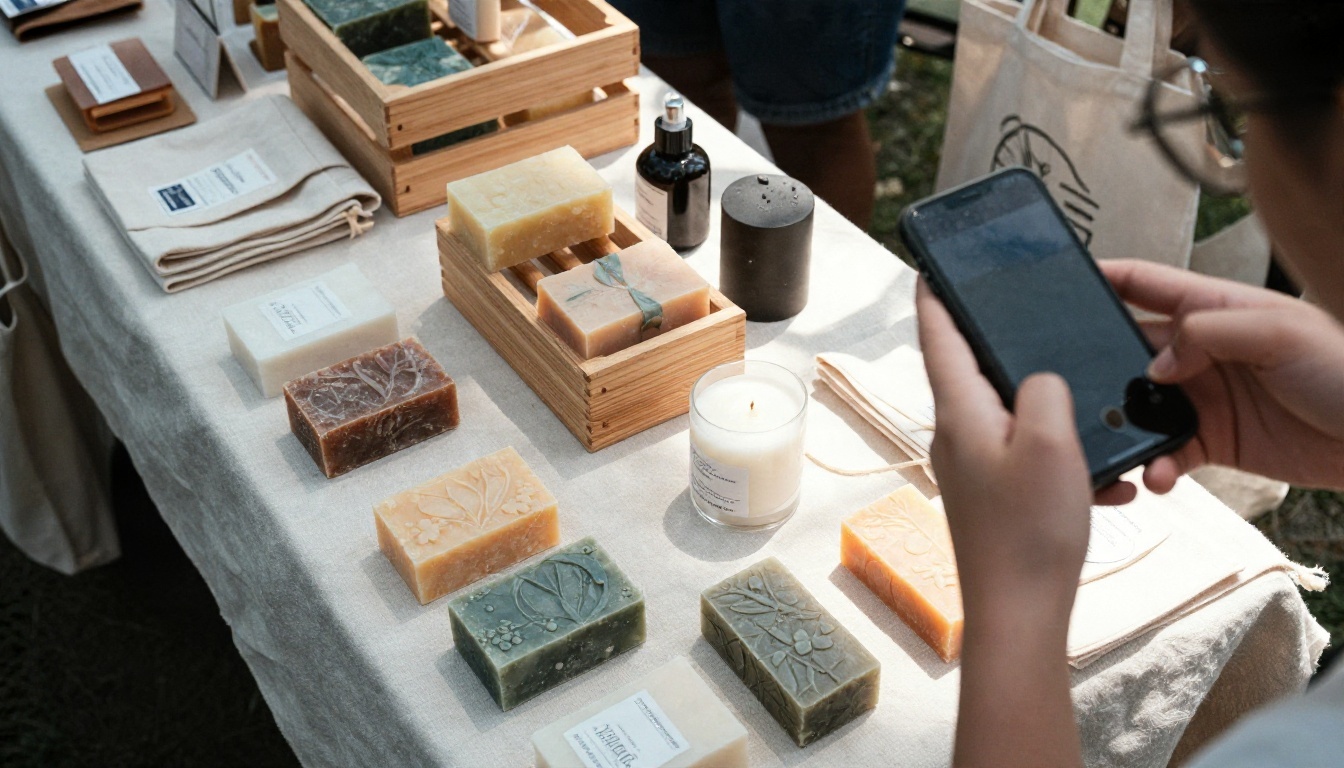
- Candles, soaps and skincare: simple objects, easy to prompt, high repeat orders.
- Jewelry and accessories: macro detail sells, and models handle metal and gemstones well.
- Print on demand sellers: they need constant new designs.
- Local restaurants: menu photos and seasonal social posts.
Workflow: From Brief to Delivery
A repeatable process is what lets one person run an image business without burning out.
Intake the Brief
Ask five questions before you touch a model: what is the asset for, what size and format, which style references, how many pieces, and what is the deadline. Get references as images, not adjectives. "Warm and modern" means a hundred things. Three photos mean one thing.
Batch for Consistency
Generate in batches. Lock your style anchor, change one variable, and run a dozen variations. Use a fast model for the exploration, then regenerate the winners with a higher fidelity one. Keep seeds and prompts in a simple spreadsheet so you can recreate any image when a client says "same thing, but in blue".
Quality Check Before Sending
Run every image through this list:
- Hands, fingers and faces: zoom in and look for oddities.
- Text: any letters that are not intentional are a defect.
- Edges and shadows: objects should sit believably on surfaces.
- Brand risk: no accidental logos or look alike trademarks.
- File specs: correct size, format and naming.

💡 Send a small preview first. Show three images from the batch and wait for approval. It saves you from regenerating forty images in the wrong direction.
Mistakes That Sink New Studios
Most failures come from a small set of habits. Avoid these and you are already ahead of many newcomers.
- Selling "AI" instead of the outcome. Clients buy fewer headaches, not a technology.
- Underpricing to win the first job. Cheap clients stay cheap and ask for the most revisions.
- Skipping the license check. If a platform bans commercial use on its free level, delivering that image to a client creates a problem for both of you.
- Ignoring disclosure. Some clients and marketplaces want to know when images are generated. Say it up front in your terms.
- No portfolio focus. Ten great images in one niche beat a hundred random ones.
- Using real people's likeness. Do not generate images that imitate a real person without permission.
- Overpromising realism on tricky subjects. Complex hands, intricate machinery and long text still need checking and sometimes a re-run.
💡 Keep a "never again" file. Every time a client rejects an image, write down why and add a line to your style anchor to prevent it.
Start Your First Batch Today
You do not need a studio, a loan or a big budget. You need one niche, a style anchor, a handful of sample images and the nerve to send ten emails. Build a mini portfolio of eight to ten images, price one clear pack, and offer it to three small businesses you already know.
Picasso IA puts a wide range of image models in one place, so you can draft with a fast one, finish with a sharper one, and edit or upscale without switching tools. Try the same prompt across Seedream 4.5, Imagen 4 and Nano Banana 2 Lite and keep the one your clients would pick. Then browse everything else on picassoia.com/en/all-models, pick a product near you, and generate your first ten images. Your first paid pack may be only a few prompts away.


