You upload two photos, wait a few seconds, and a smiling baby appears on screen with your partner's dimples and your stubborn chin. It feels like a peek into the nursery. Then the real baby arrives with a completely different nose, a head full of dark hair when you both have light brown, and eyes that change color three times in the first year. So how much of that preview was ever real?
The short answer: an AI baby generator is a portrait tool, not a prediction engine. It produces a believable baby face based on patterns in the photos you give it, and it has no access to your DNA. This article breaks down what these tools really do, how close they get on specific features, and why the results differ so much from what actually happens in a delivery room.
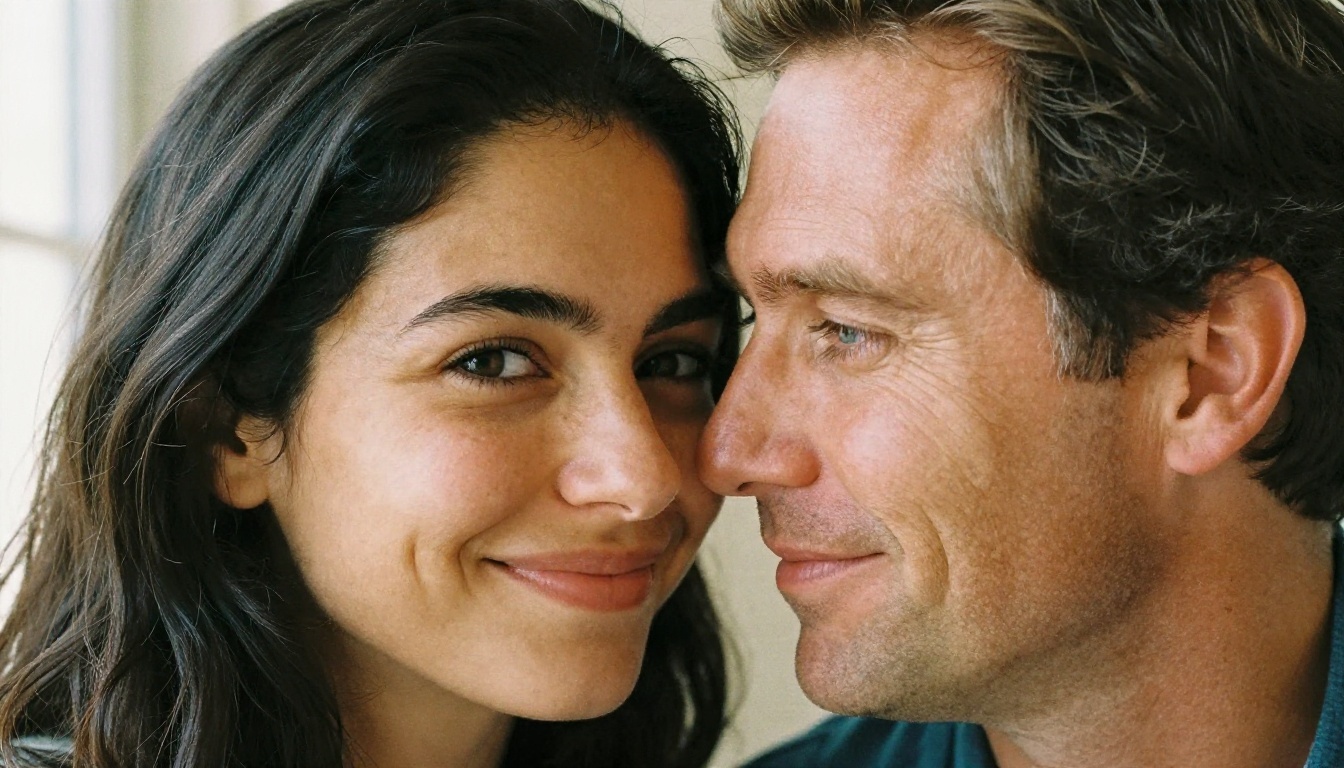
What an AI Baby Generator Does
Most people assume the software "calculates" a baby. It doesn't. There is no genetic model running behind the screen, and nothing in the process knows whether you carry a recessive trait for red hair or whether your grandmother had a cleft chin.
It Blends, It Doesn't Predict
When you upload two portraits, the system reads facial landmarks and overall appearance: face width, eye spacing, skin tone, hair color, jaw outline. It then merges those signals into a new face and renders it with a younger, rounder look. Think of it as a very sophisticated face morph with a baby filter applied on top.
That is a different job from forecasting. A morph says "here is a plausible average of these two faces." A prediction would say "here is the most probable outcome given these two genomes." The first is something software can do in seconds. The second is something that nobody, including a geneticist with your full sequence in hand, can do for a face.
💡 Quick test: upload the same two photos in a different order, or swap in a different picture of the same person. If the baby changes dramatically, the tool is reacting to lighting and angle, not to inheritance.
The Photos You Feed It
Input quality shapes everything. A flattering selfie with a heavy beauty filter, a side profile, sunglasses pushed up on the head, or a photo taken under warm yellow bulbs will all skew the output. The generator treats a warm color cast as skin tone and a smoothing filter as real skin texture.
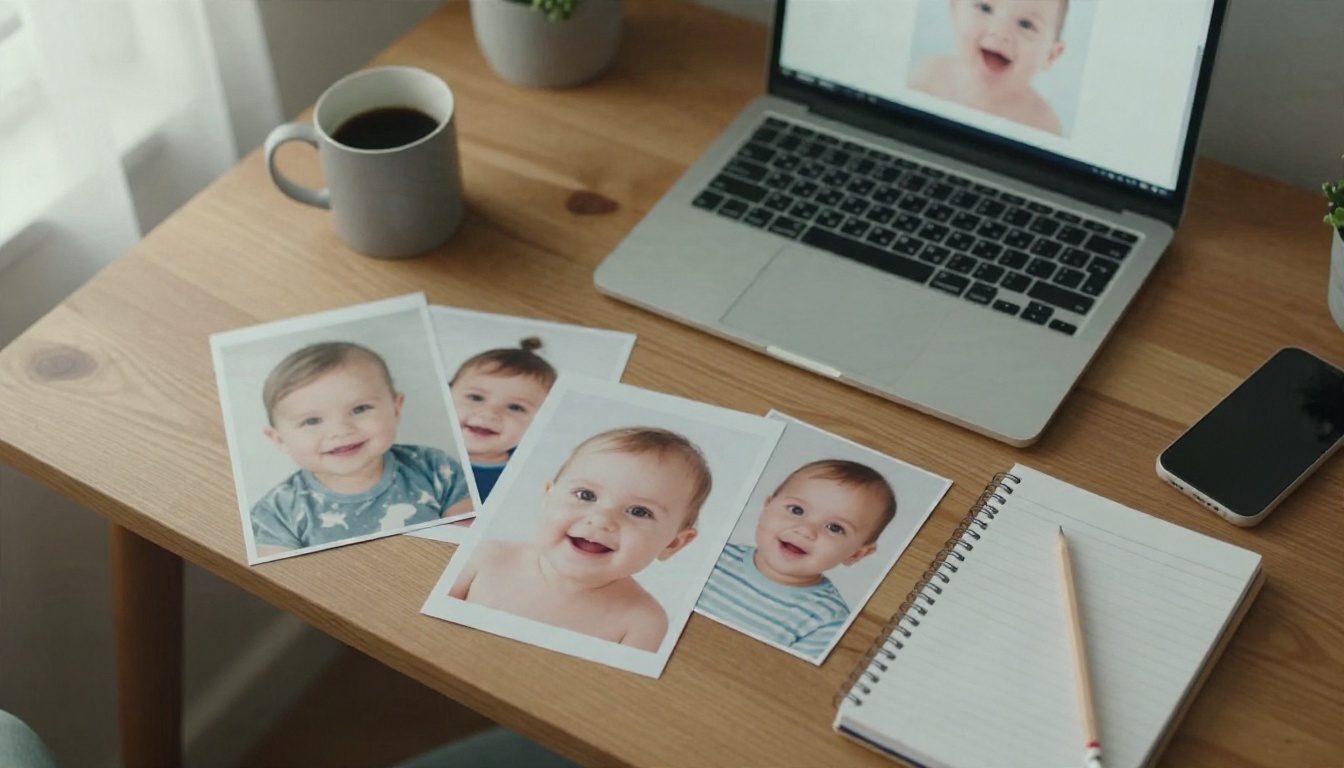
For the cleanest blend, use front-facing photos, even daylight, no filters, a neutral expression, and similar framing for both parents. Even then, you are giving the tool two snapshots of how you look on one particular afternoon, and that is a thin foundation for forecasting a human being.
How Accurate Is It, Really?
Accuracy depends on which feature you measure. Some things are decently easy to match with a blended portrait. Others are close to a coin flip, and a few are simply unknowable from a photo.
Eye and Hair Color Odds
Eye color is the feature people care about most, and it is a good example of why photo-based tools struggle. Eye color is shaped by several genes working together, so two brown-eyed parents can have a blue-eyed child, and two light-eyed parents occasionally have a child with darker eyes. A generator will almost always pick a color close to one of the parents or a mix between them, because that is what a blend does.
Hair color follows a similar pattern. A newborn's hair can be dark and fall out within weeks, then grow back in an entirely different shade. A generator shows hair as if it were permanent, and it picks the shade that sits between the parents in the photos.
| Feature | How a generator handles it | How reliable it is |
|---|
| Skin tone | Averages the two parents | Reasonable starting point |
| Eye color | Picks a parent color or a blend | Often wrong, many genes involved |
| Hair color | Mixes parent shades | Unreliable, changes after birth |
| Face shape | Blends width and jawline | Loose guess |
| Nose and lips | Merges outlines | Varies a lot as the baby grows |
| Expression | Chosen by the tool, not inherited | Not a real trait |
Face Shape and Smile
Overall face shape is where the tools look most convincing, mainly because baby faces are round and soft by default. A baby generator can't really go wrong with chubby cheeks and a small nose. That roundness makes almost any output look cute and plausible, which creates a false sense of accuracy.
The smile deserves a special mention. Newborns do not smile socially for several weeks, and the "dimple from Dad" you see in the render is partly an artifact of the smile the tool decided to paint. Real dimples, cleft chins, and ear shapes are inherited in patterns that a single photograph can't reveal.
The Honest Accuracy Score
No independent benchmark has shown that these tools predict a real child's face with meaningful reliability. If you want a number, a fair way to think about it is this: the output is right about broad coloring and general vibe more often than chance, and unreliable on every specific detail that you would use to say "that looks exactly like our baby."
Why Results Differ From Reality
The gap between preview and baby comes from three separate sources: biology, time, and software. Each one on its own would be enough to make the render wrong. Together they guarantee it.
Genetics Is a Lottery
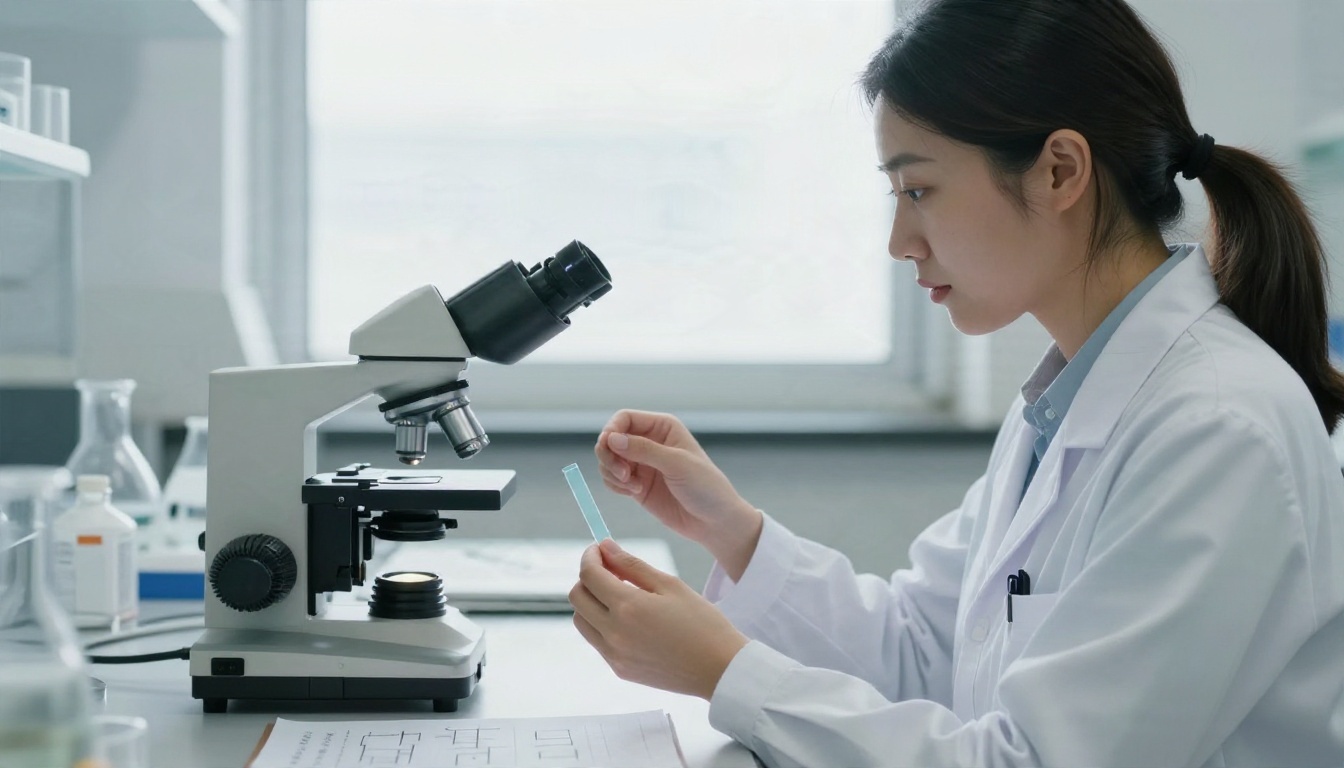
Each parent passes on roughly half of their genetic material, but which half is random. Two full siblings share about half of their variants on average, which is why one child can look like Mom, another like Dad, and a third like an uncle nobody expected. The generator sees only the faces of the two parents, so it cannot represent the hidden variants a grandparent contributed.
Many facial traits also come from the interaction of dozens or hundreds of small genetic effects, not a single switch. That makes face prediction hard even with lab data, and photo morphing doesn't come close.
Babies Keep Changing
Even if a generator got your newborn exactly right, it would stop being right within weeks. Eye color often settles somewhere around the first year. Hair thickens, thins, and changes shade. The nose bridge rises, the jaw lengthens, and baby fat disappears. Many parents say their child looked like one relative at birth, another at six months, and a third at age four.
So a render labeled "your baby" is really a snapshot of a hypothetical baby at a single made-up moment. Comparing it with the actual child at a different age is comparing two different things.
The Model Fills Gaps With Averages
Image models are trained on huge numbers of photographs, and when the input is vague, they fall back on the most statistically common version of a baby face. This is why many generated babies look oddly similar to each other: smooth skin, large eyes, symmetrical features, perfect lighting.
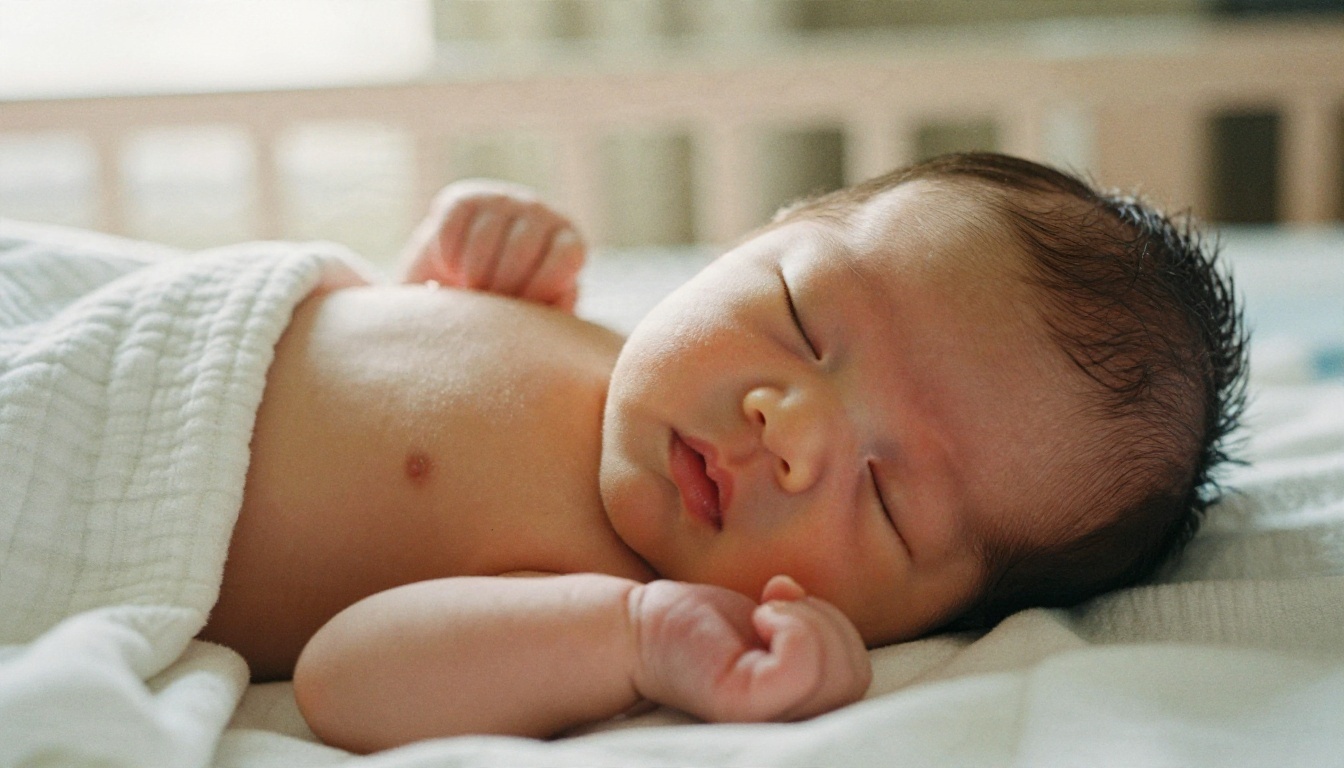
Real newborns are messier. They have flattened noses from the birth canal, puffy eyelids, blotchy skin, and cone-shaped heads that round out in days. The generator skips all of that because it wasn't asked to show it and because polished images are what people expect.
💡 Reality check: if the generated baby looks like a professional newborn photoshoot, that is the training data speaking. Real babies on day one almost never look like that.
Why Two Generators Disagree
Run the same parent photos through three different apps and you will often get three different babies. That alone should tell you the results are not coming from a shared "truth."
Different Models, Different Habits
Each tool uses its own image model, its own training data, and its own settings. One may favor lighter skin and softer features. Another may exaggerate the eyes. A third may lean heavily on the mother's face because of how it weights the inputs. None of these choices has anything to do with inheritance.
Prompts and Seeds Change Everything
Modern image models start from random noise, and a number called the seed decides which noise pattern you begin with. Change the seed and you get a different baby from identical inputs. If a tool hides the seed from you, you only ever see one roll of the dice and mistake it for a verdict.
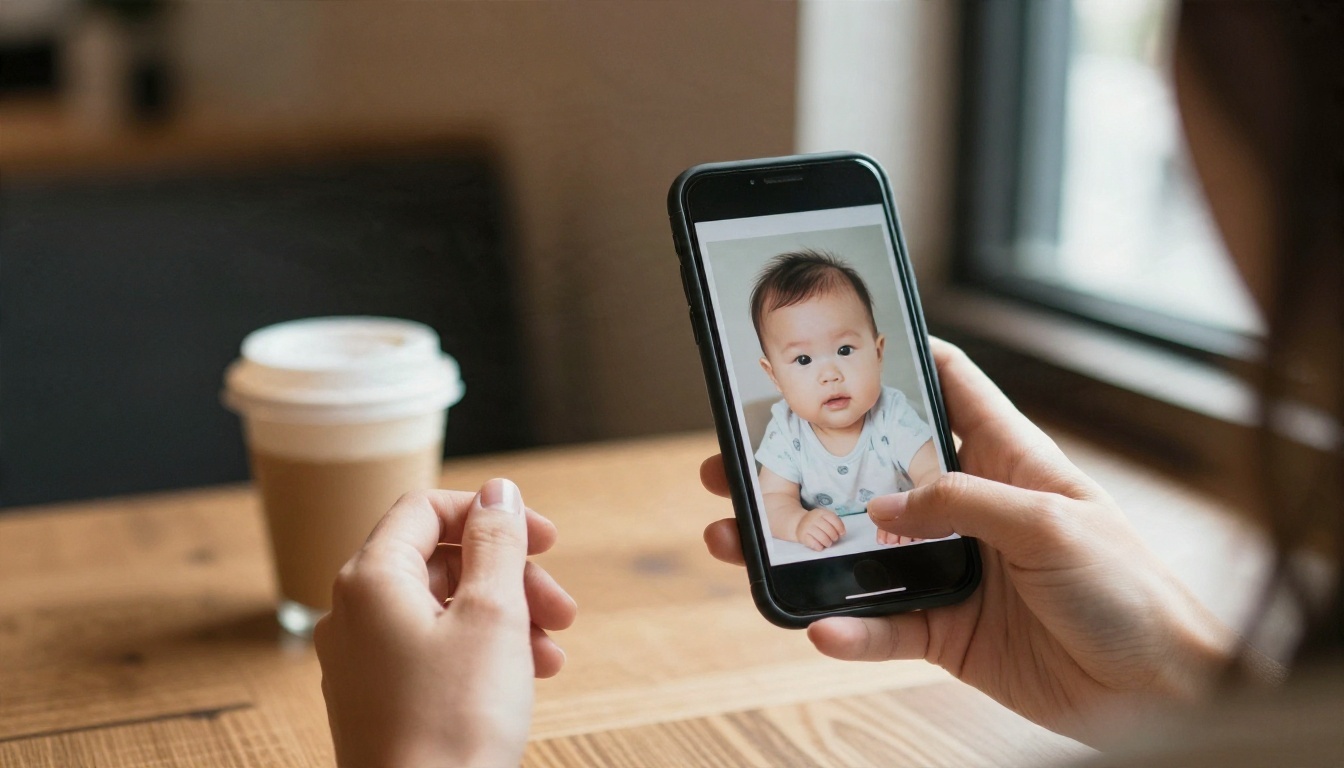
A fun way to see this for yourself is to compare the generated baby with your own baby photos. Parents often find that the render matches their childhood pictures more than it matches the child they eventually have, which says a lot about how these tools lean on the surface of the inputs.
What Families Actually Resemble
If a generator can't predict a baby, what does a baby actually inherit? The answer is a patchwork, and it often skips a generation or two.
Grandparents Matter More Than You Think
Traits can arrive from relatives who are not in your upload at all. A grandfather's ears, a great aunt's eyebrows, a cousin's smile. A tool that sees only two faces can never include them, while an old family album is full of clues that a photo morph will never read.
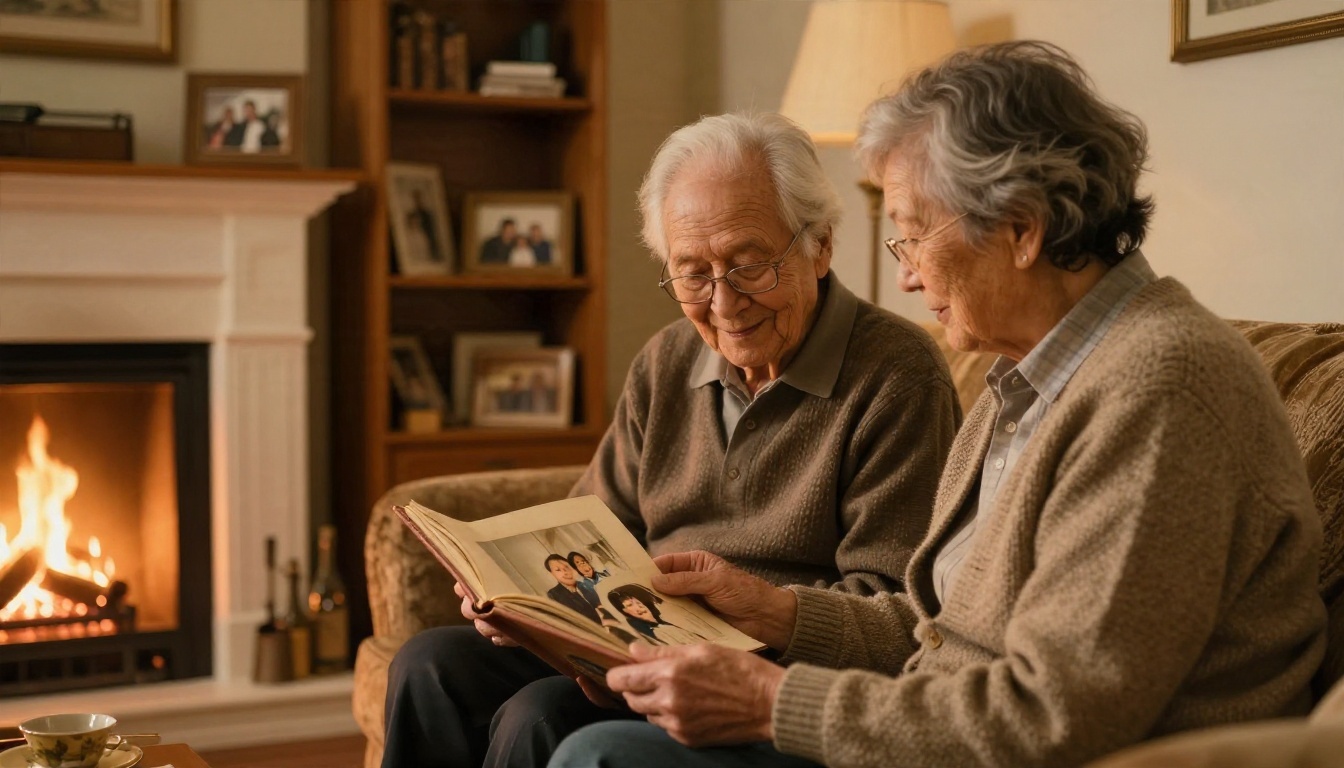
For a more honest preview, spend an evening with the album. Look at baby photos of both sides of the family, and note which features repeat across generations. That gives you a better sense of the possible range than any single generated portrait.
Resemblance Is Partly Perception
People also see what they expect to see. Relatives look at a newborn and announce a match to the father within minutes, and studies of this habit suggest it has as much to do with social expectation as with actual facial structure. A generated baby benefits from the same effect: if you are told it's your child, you search for the resemblance and find it.
How to Use Seedream 4.5 on PicassoIA
If you want a baby portrait for fun, a nursery mood board, or a creative project, you can generate a realistic one directly from a description instead of relying on a morphing app. Seedream 4.5 is a strong choice for photorealistic faces and natural skin texture.
Step by Step
- Open the Seedream 4.5 page on PicassoIA.
- Write a prompt that names the traits you want, such as eye color, hair color, skin tone, age in months, lighting, and camera style.
- Set the aspect ratio. Use 16:9 for wide scenes and 1:1 or 3:4 for portraits.
- Generate several versions rather than one, and keep the ones that feel closest to what you imagined.
- Use an editor to adjust small details like hair or background, then upscale the final image if you want to print it.
Here is a sample prompt to adapt: "Close-up portrait of a three-month-old baby with soft light brown hair and hazel eyes, round cheeks, natural skin with faint peach fuzz, resting on a cream muslin blanket, soft window light from the left, 85mm lens, shallow depth of field, Kodak Portra 400 film grain."
Parameter Tips
- Be specific about age. "Newborn," "three months," and "toddler" give very different faces.
- Describe lighting. Window light and film grain push the result toward real photography instead of a glossy studio look.
- Avoid stacking contradictions. Asking for "pale skin, deep tan, dark hair, blond hair" confuses the model.
- Keep a log of seeds and prompts that work so you can reproduce a good result later.
💡 For quick tweaks to an existing image, Nano Banana and the PicassoIA Image Editor Pro are practical for changing hair, outfit, or background without starting over. Change Haircut is handy when you want to test a different hair style or color on the same face.
Tips for Closer Results
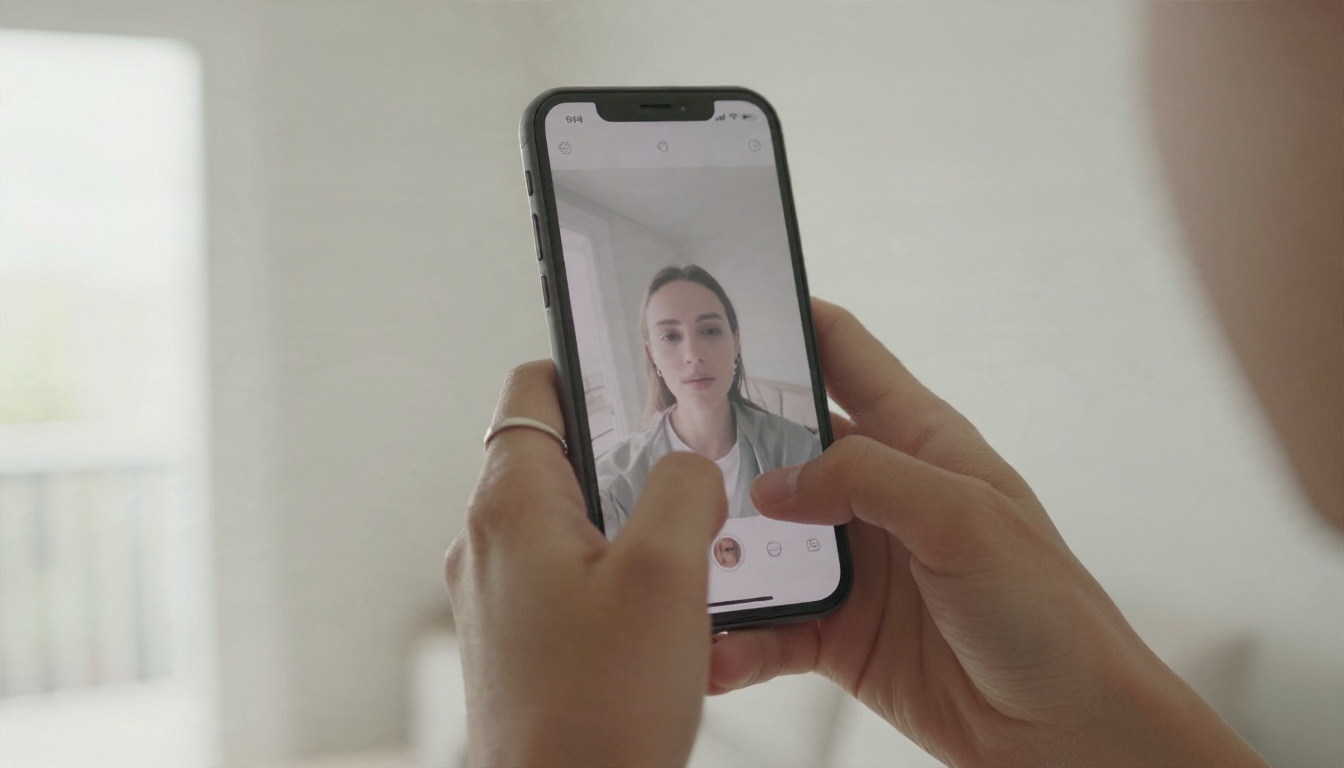
You can't make a generator predict genetics, but you can make it produce a portrait that feels more like your family. A few habits help.
Describe, Don't Just Upload
A written description gives you control that an automatic blend doesn't. If you know that your family has curly hair, freckles, and green eyes in the background, say so in the prompt. Models such as Flux 2 Klein and Qwen Image 3 respond well to detailed descriptions of faces and lighting, so you can compare how each one interprets the same text.
Generate Several, Then Compare
Treat the output as a set of options, not a forecast. Make six or eight variations, then lay them next to your own baby photos and those of your partner. You will probably find one that clicks, and the others will show you how wide the real range could be. That spread is the most honest takeaway: the future baby could look like any of them, or none.
Sharpen the Final Pick
If you want to print the winner for a frame or a shower invitation, run it through Real ESRGAN to upscale it and clean up fine detail such as eyelashes and baby hair.
| Goal | Best approach |
|---|
| Fun preview for friends | Photo blend app, expect a rough guess |
| Realistic nursery art | Text prompt with Seedream 4.5 |
| Change small details | Nano Banana or Image Editor Pro |
| Print quality | Real ESRGAN upscale |
What to Expect on Delivery Day
The most useful way to treat an AI baby preview is as entertainment with a decent sense of style. It can start a conversation, give you something to share, and help you imagine a nursery. It cannot tell you whether your child will have your eyes, your partner's chin, or neither.
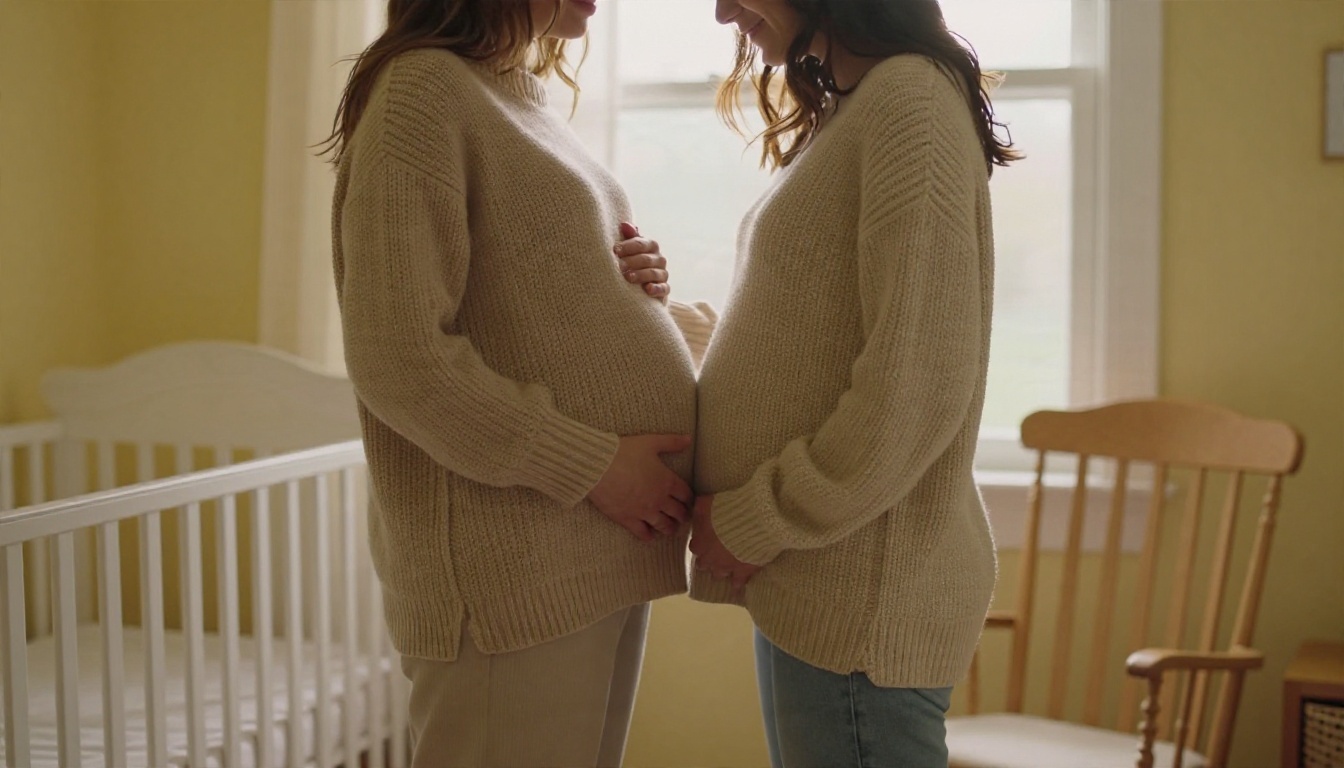
Here is a simple way to keep expectations healthy:
- Enjoy the render as a creative portrait, not as a medical or genetic result.
- Expect surprises. Eye color, hair, and face shape all shift after birth.
- Look at family albums if you want a better sense of the real range.
- Remember that every baby is a new combination that no photo can fully show.
Make Your Own Baby Portrait Today
If the idea of a photorealistic baby portrait appeals to you, even knowing it's a creative image and not a forecast, PicassoIA is a good place to experiment. Write a prompt, try Seedream 4.5, adjust the details with Nano Banana, and generate as many versions as you like until one feels right. Try a newborn by window light, a toddler in a sunny kitchen, or a sleepy infant on a muslin blanket, and see how small changes in your description change the face.
You can browse every available image model at picassoia.com/en/all-models and pick the one that suits your style. The more you experiment, the better you will get at telling a good portrait from a real prediction, and the more fun the process becomes.


